Customer Ratings & Reviews
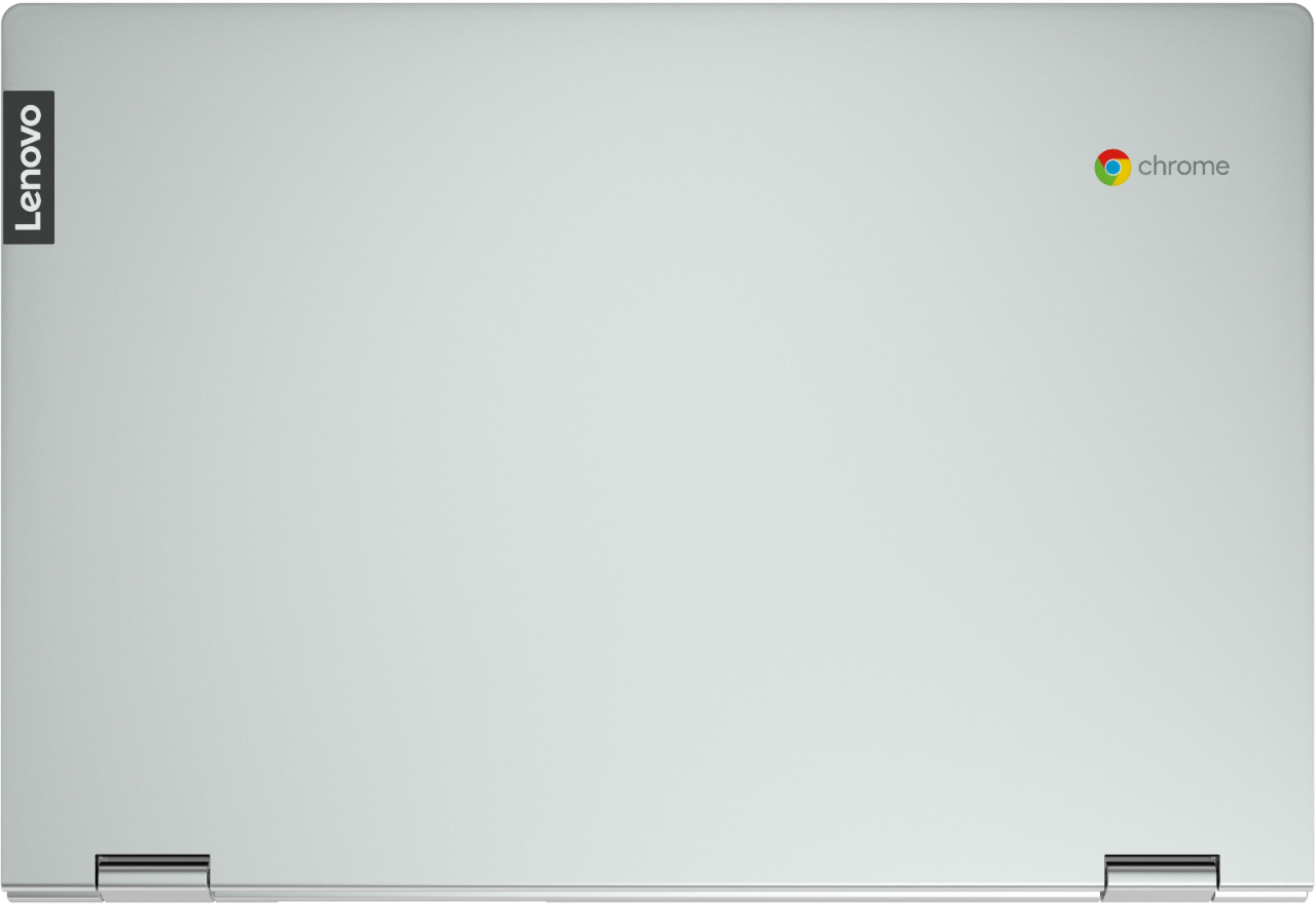
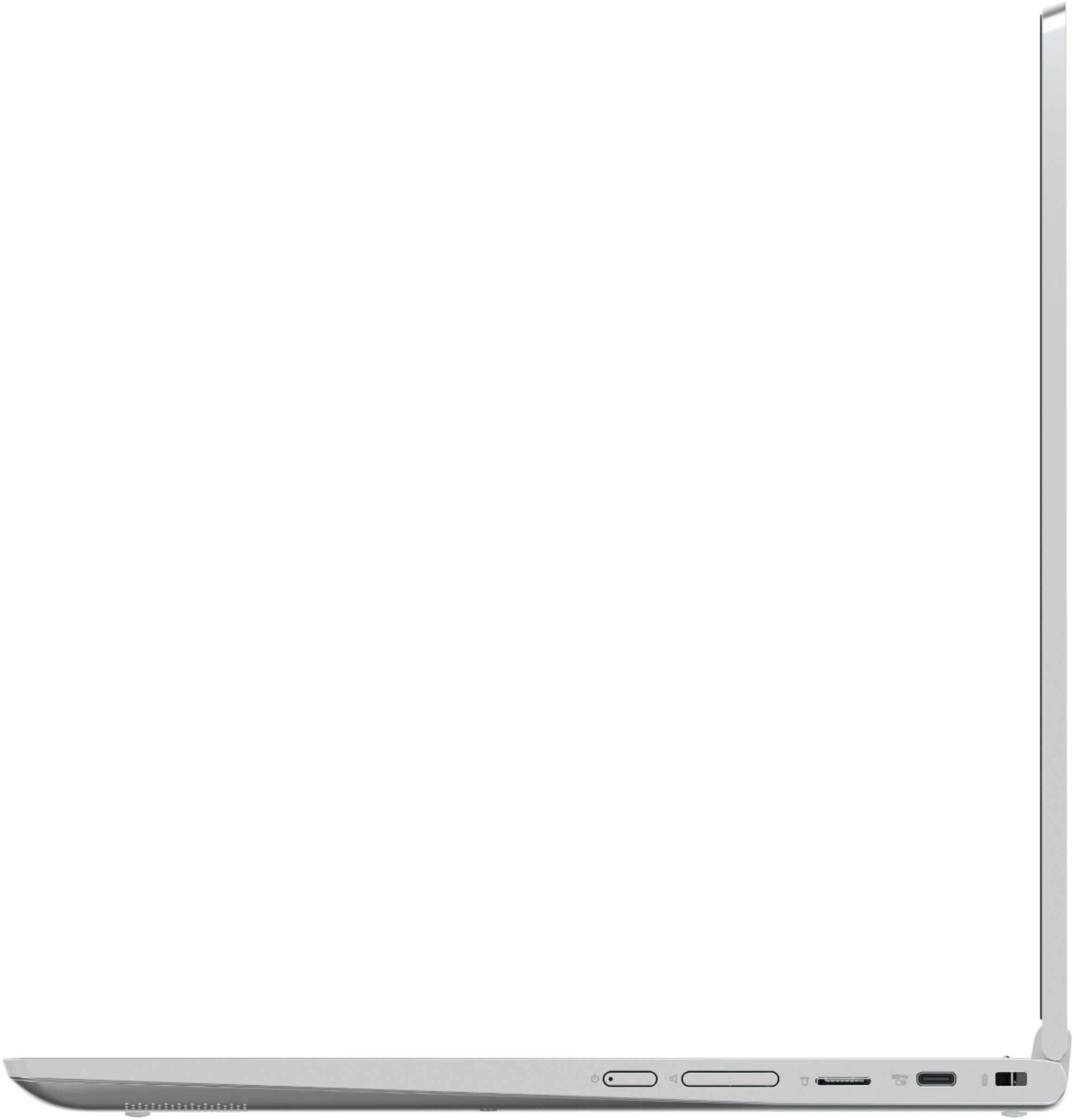
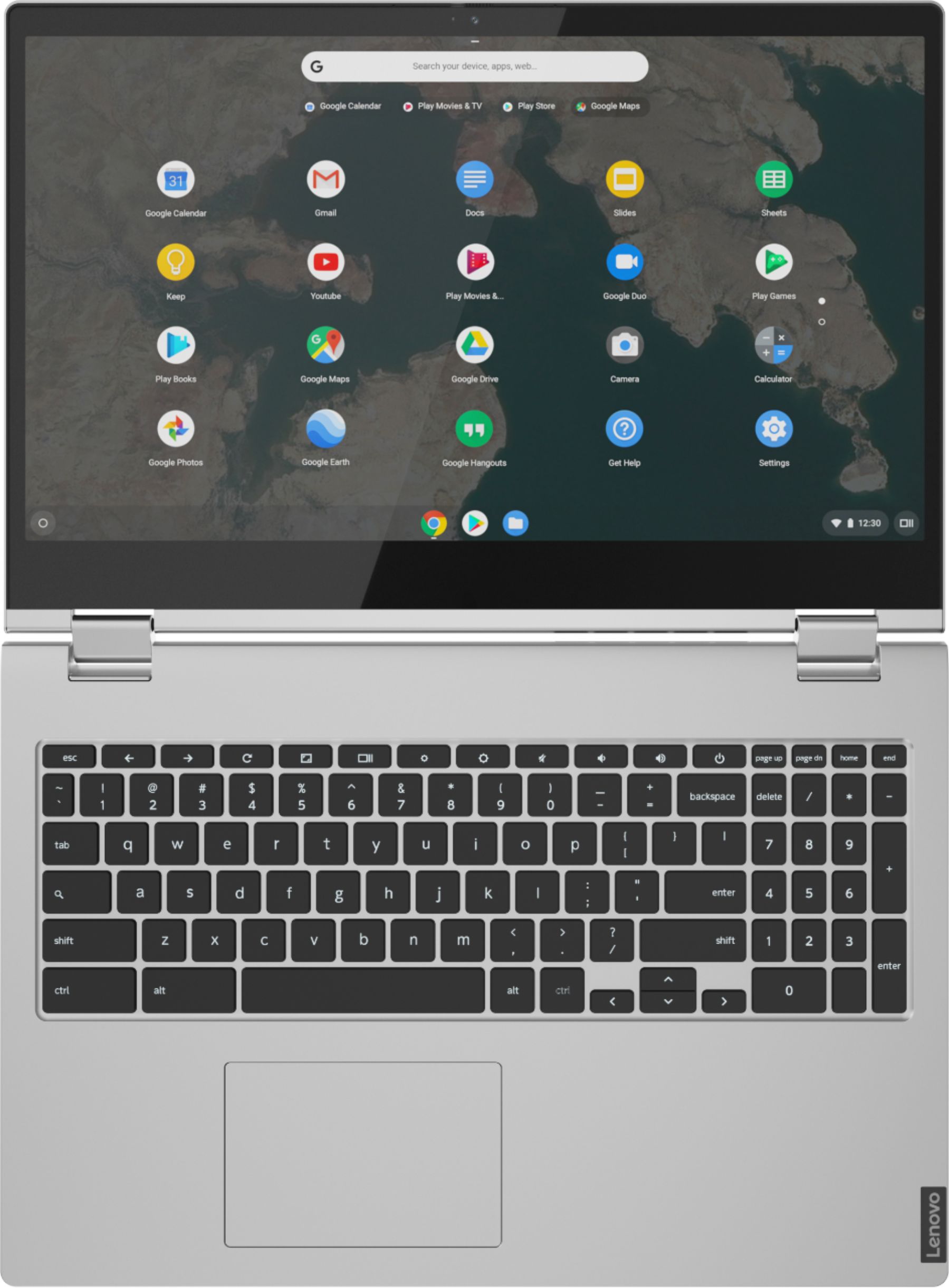
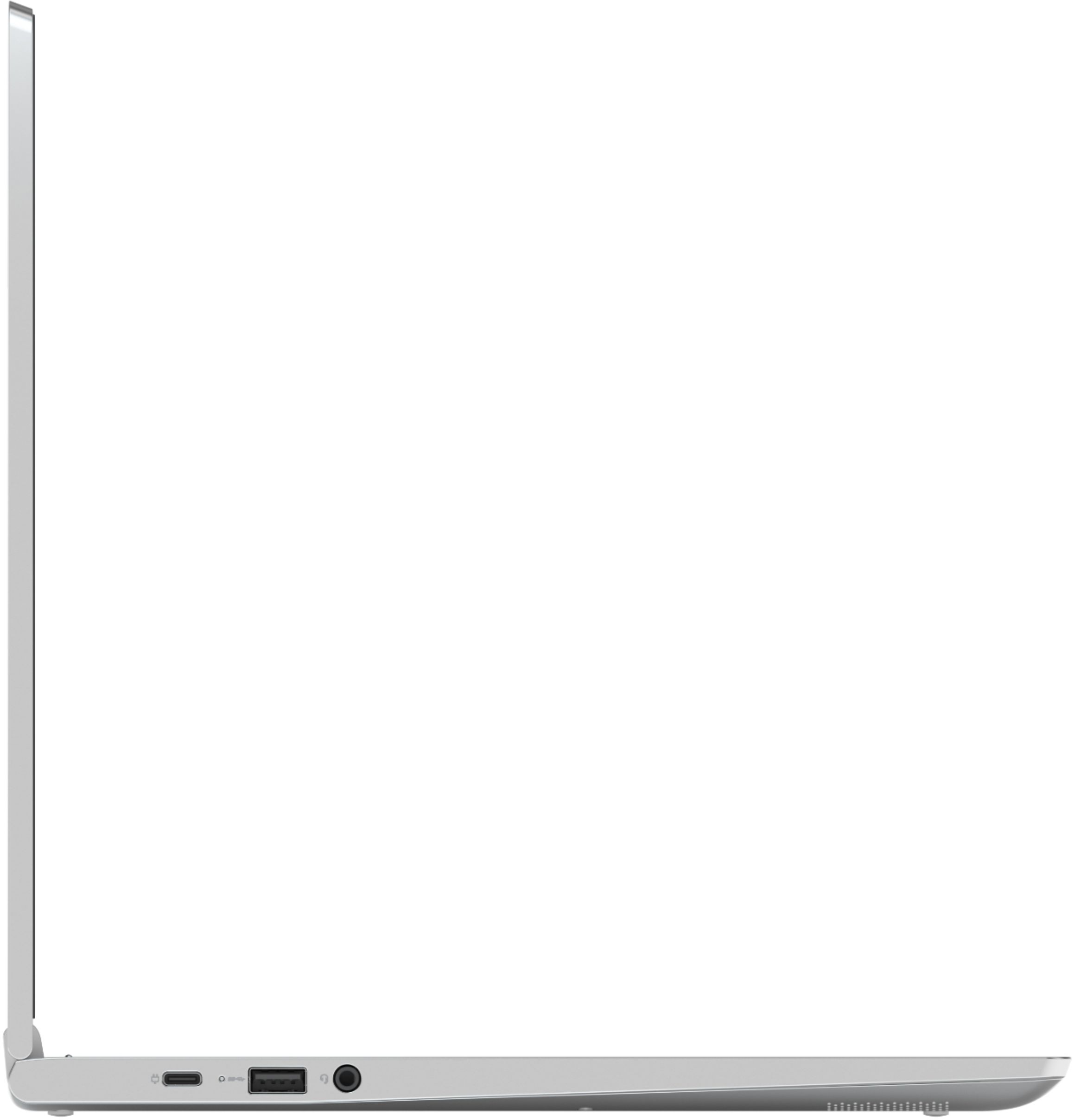
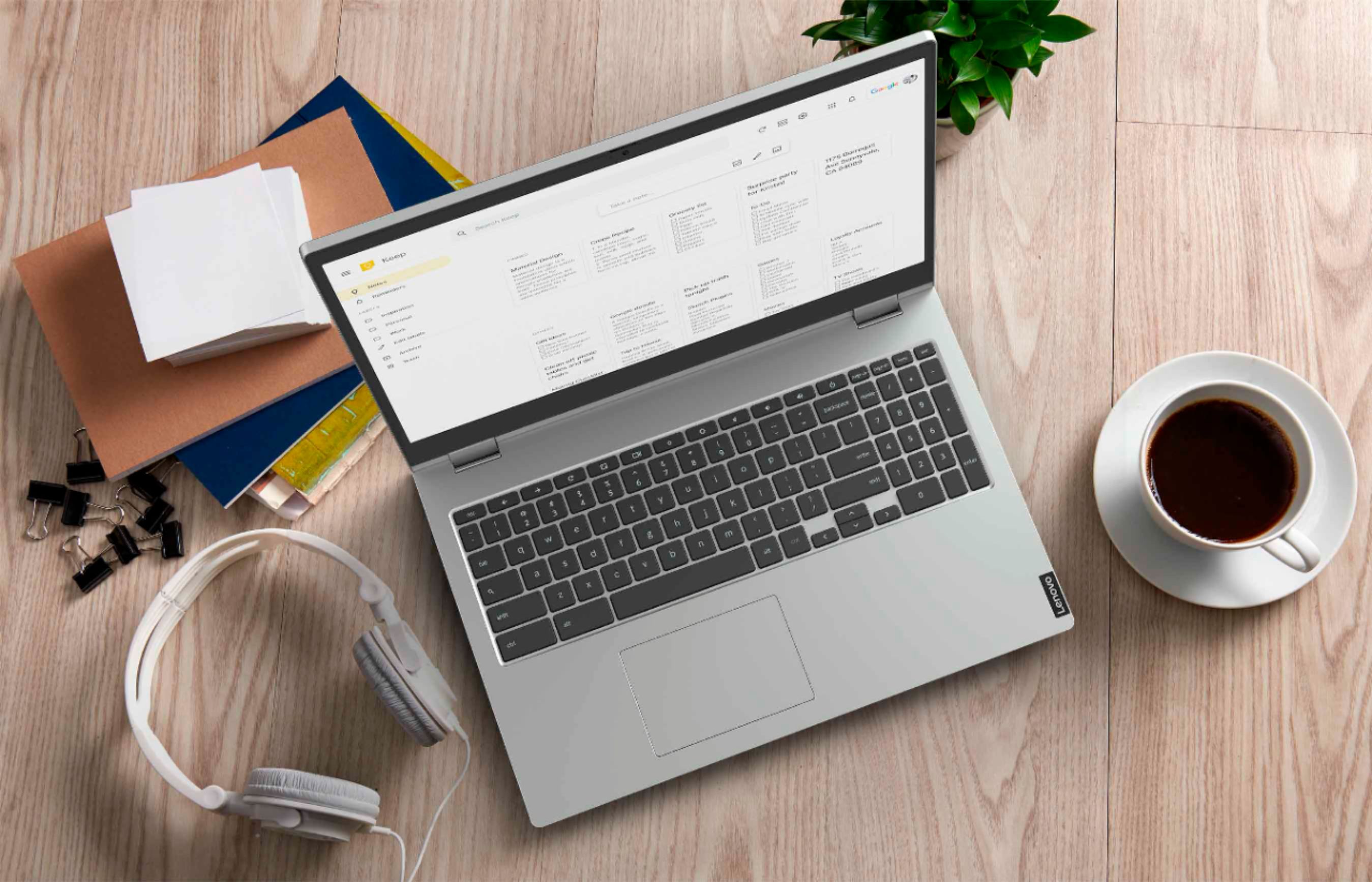
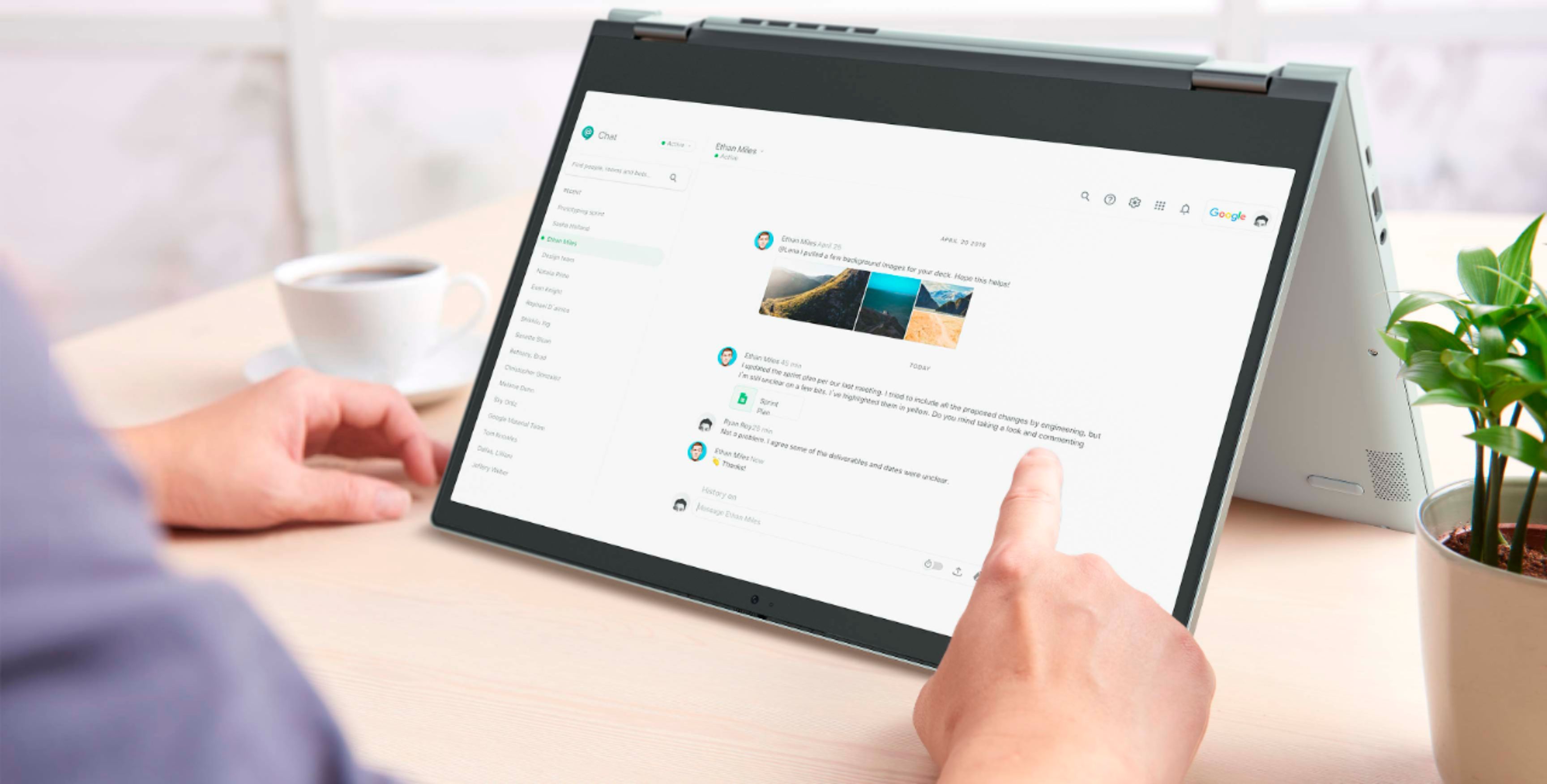
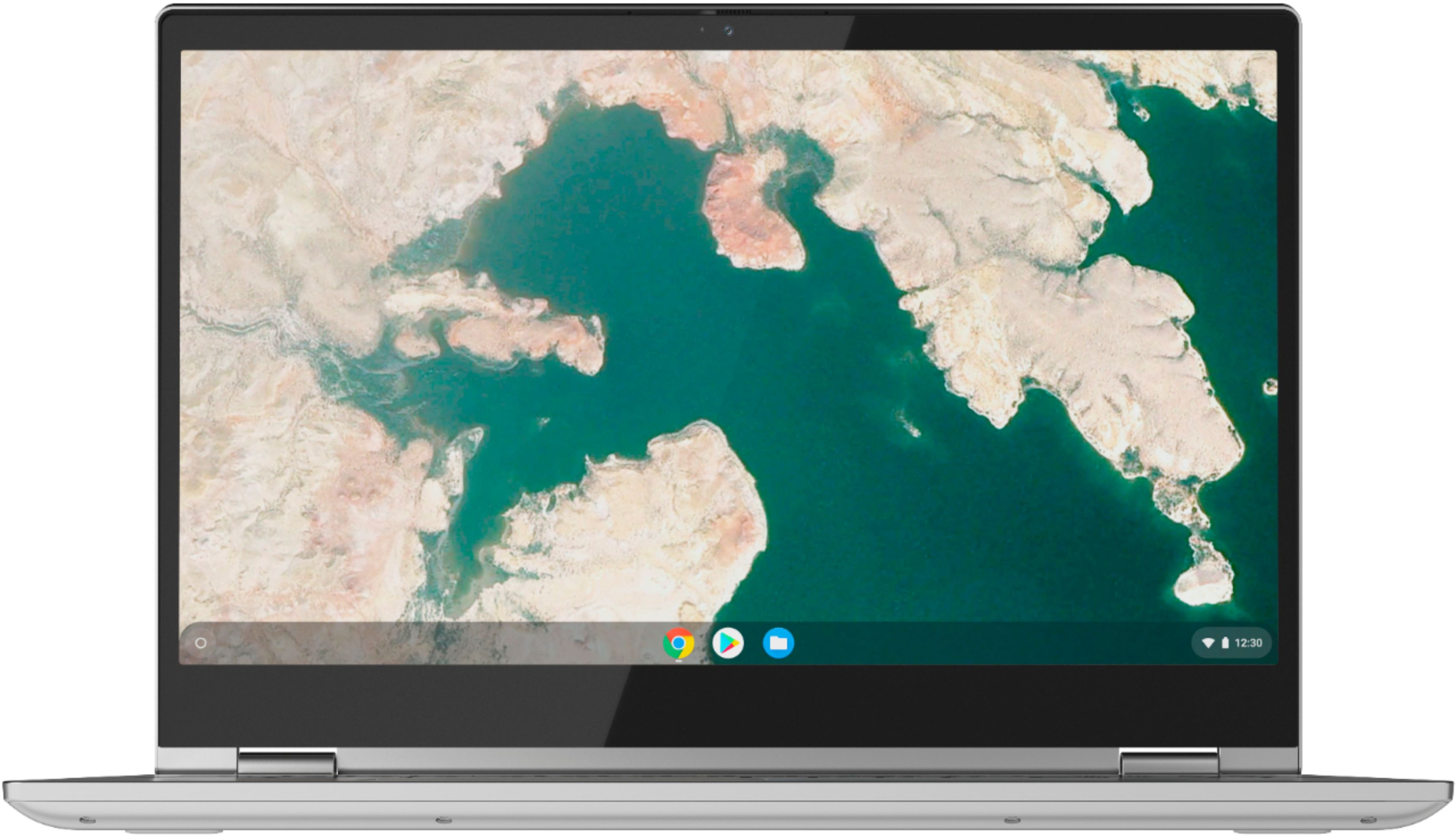
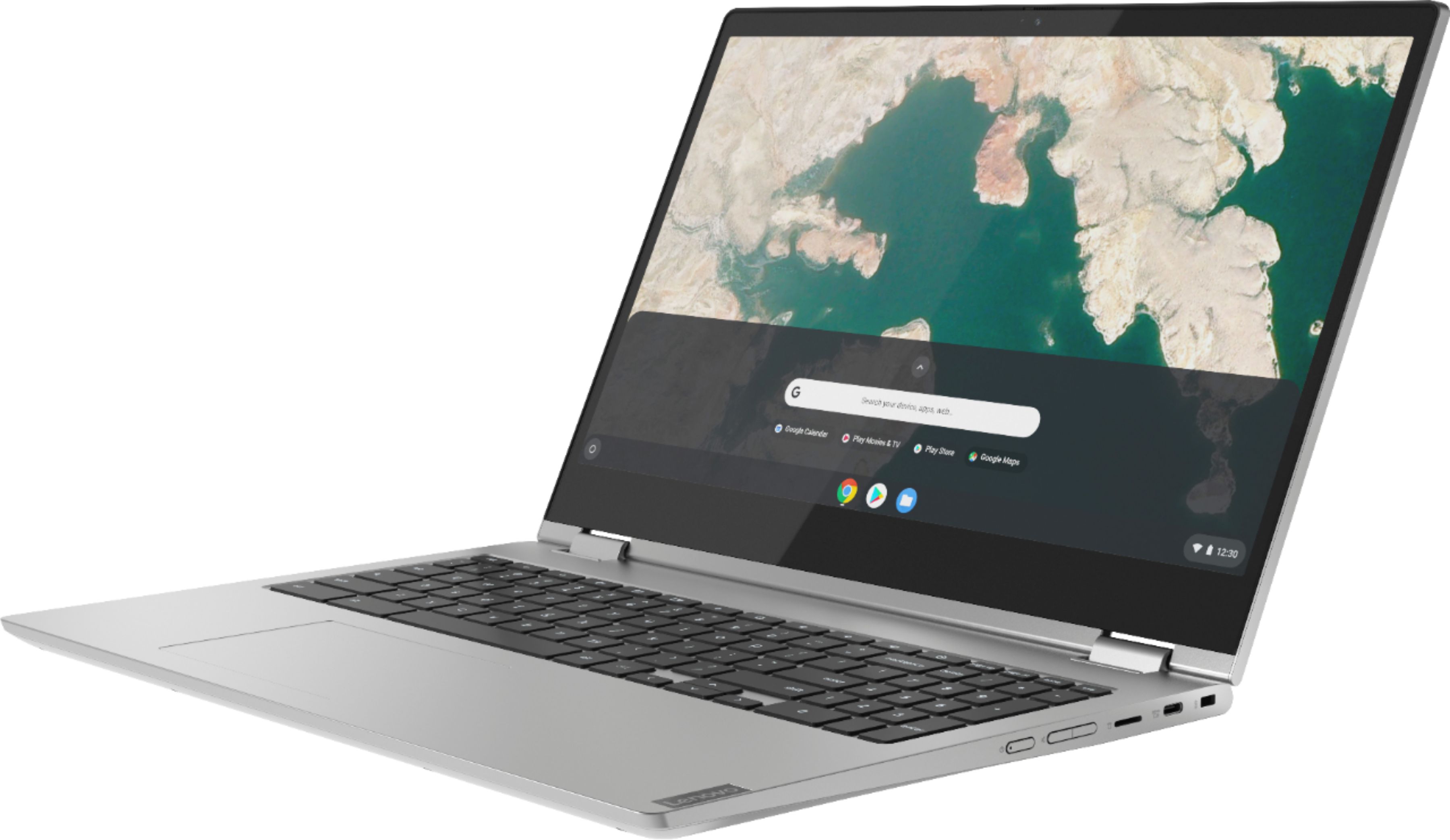

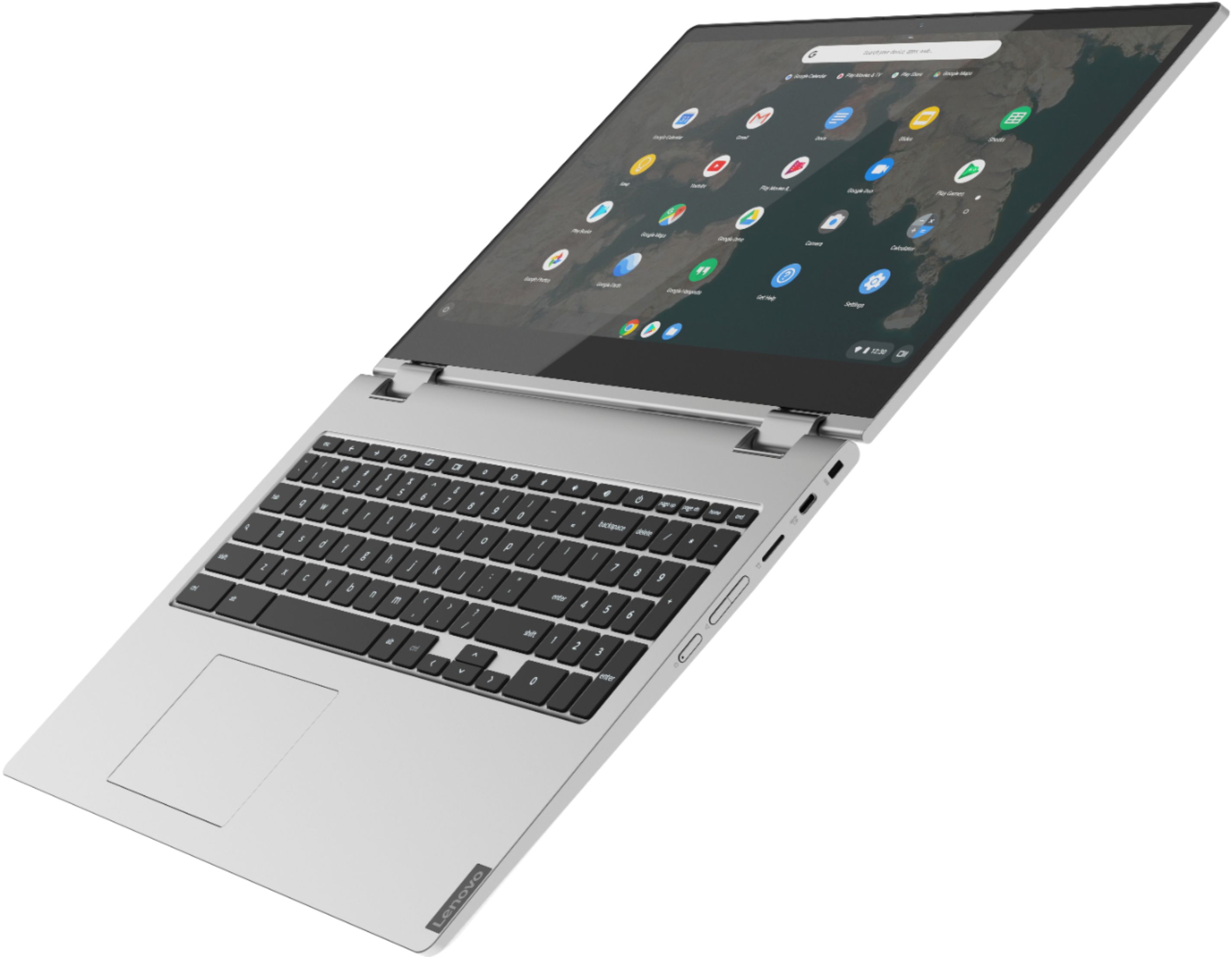

- Model:
- 81T9000VUS
- SKU:
- 6411998
Rating by feature
- Battery Life
Rating 4.5 out of 5 stars
- Speed
Rating 4.5 out of 5 stars
- Display
Rating 4.5 out of 5 stars
Customers are saying
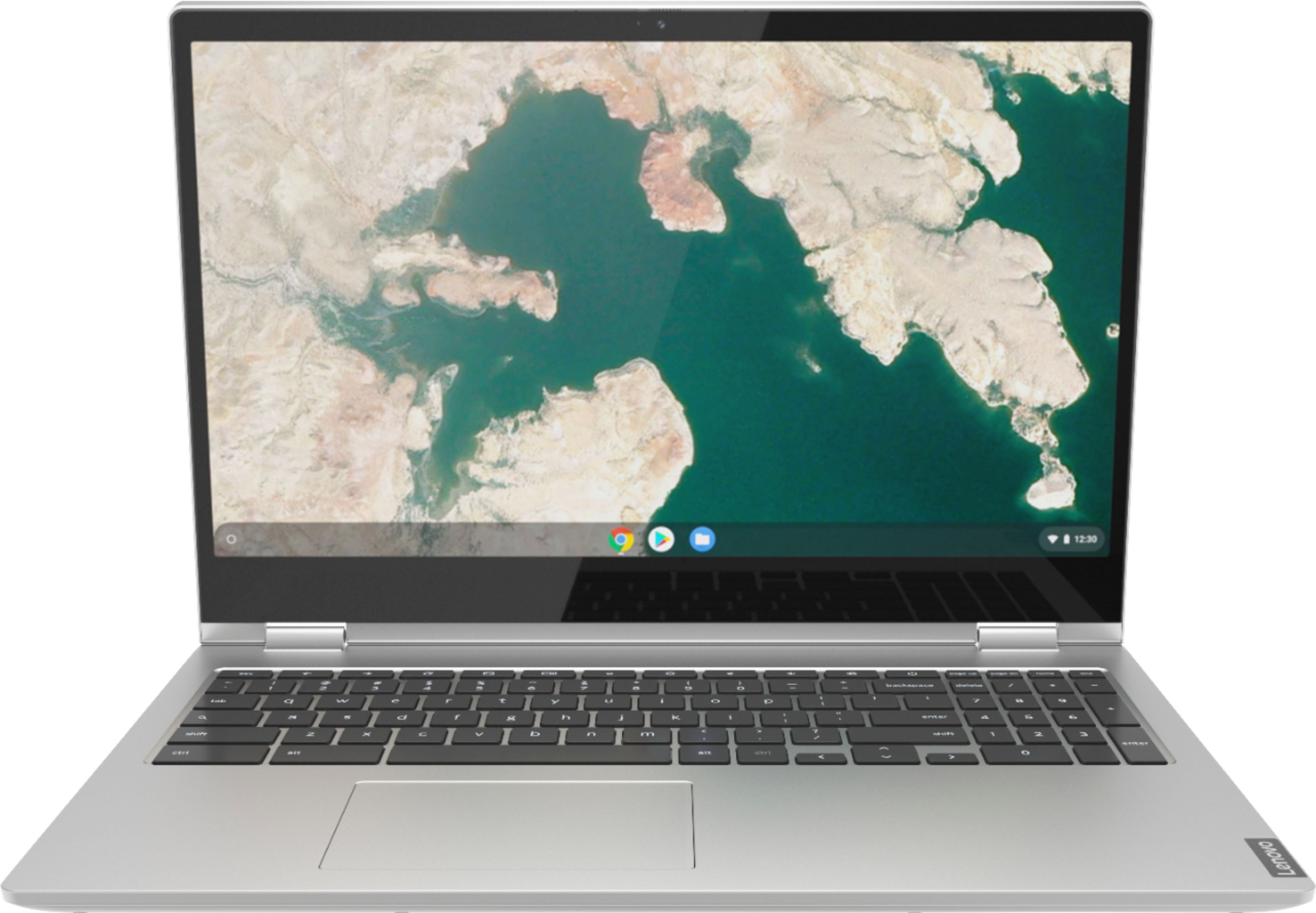
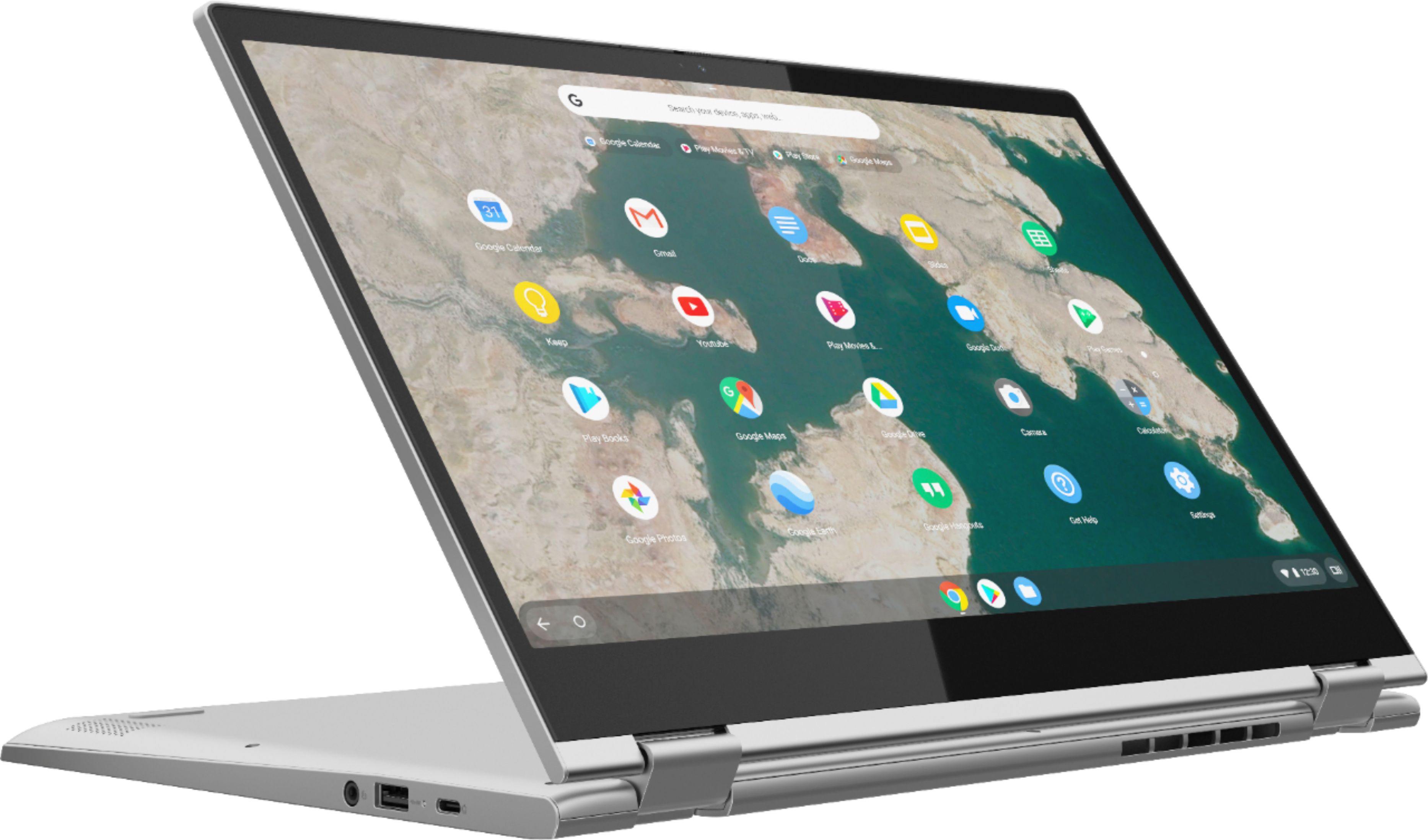
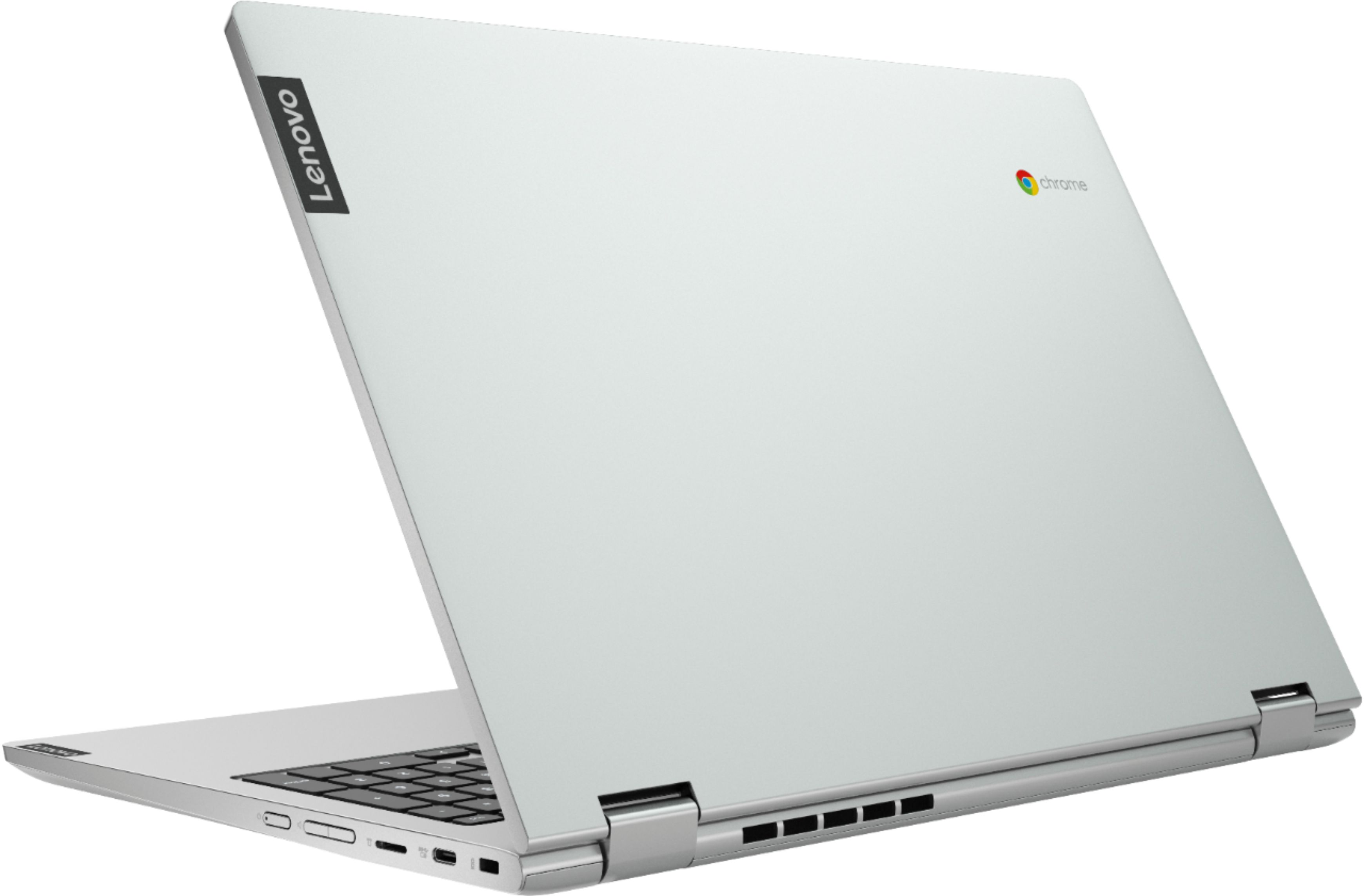
Customers are impressed with the C340-15 Chromebook's large screen size and ease of use. Many also praise its affordability and the convenient touchscreen functionality. While some users experienced compatibility issues with certain printers and found the single USB port limiting, the positive feedback on performance, battery life, and lightweight design outweighs these concerns.
This summary was generated by AI based on customer reviews.
Lenovo Chromebook
||Posted . Owned for 2 months when reviewed.This reviewer received promo considerations or sweepstakes entry for writing a review.My device malfunctioned 2-weeks into use. My keyboard stopped working {and} buttons went missing!
No, I would not recommend this to a friendTerrible
||Posted . Owned for 1 week when reviewed.This reviewer received promo considerations or sweepstakes entry for writing a review.You can’t install any software. It’s like an iPad but not simple or intuitive. Returned the next day.
No, I would not recommend this to a friendBrand response from Lenovo Product Expert
Posted .The Lenovo C340-15 Chromebook ships with the Chrome Operating System and is compatible with Google Play Store APPs. Just sign in with your existing Google Account to sync your data or setup a new account. Here is a link to easy setup instructions: https://www.androidcentral.com/how-set-new-chromebook

Wrong purchase
||Posted . Owned for 1 month when reviewed.This reviewer received promo considerations or sweepstakes entry for writing a review.I returned this Lenovo next day. It wasn’t compatible with my iPad or iPhone.
No, I would not recommend this to a friendBrand response from Lenovo Product Expert
Posted .The Lenovo C340-15 Chromebook can be easily synced to an iPhone. Here is a link to instructions for Syncing your iPhone to a Chromebook: https://beebom.com/how-connect-iphone-to-chromebook-transfer-photos/#:~:text=Sync%20iPhone%20and%20Chromebook%20Like%20a%20Pro&text=As%20we%20can%20see%2C%20Chrome,use%20a%20third%2Dparty%20app.
Didn't Last A Year
||Posted . Owned for 11 months when reviewed.This reviewer received promo considerations or sweepstakes entry for writing a review.Screen froze then went black after a Google update
No, I would not recommend this to a friendTerrible
||Posted . Owned for 9 months when reviewed.This reviewer received promo considerations or sweepstakes entry for writing a review.Terrible purchase already messed up and bought it in March 2021.
No, I would not recommend this to a friendBrand response from Lenovo Product Expert
Posted .We are sorry to hear that you are having issues with your Lenovo C340 15 Chromebook. Try resetting your Chromebook back to original factory settings. Here is a link to instructions for doing this: https://support.google.com/chromebook/answer/183084?hl=en. If the issue continues, we recommend you contact Lenovo Tech Support for Chromebooks at: 800-426-7378.
Defective Merchandise
||Posted . Owned for 3 weeks when reviewed.This reviewer received promo considerations or sweepstakes entry for writing a review.Broken D key Geek Squad Awesome Service Department Awesome Product JUNK
No, I would not recommend this to a friendBrand response from Lenovo Product Expert
Posted .We are sorry to hear that you are having issues with the D key on your Lenovo C340-15 Chromebook. Try resetting your Chromebook back to original factory settings to clear the issue with the D key. Here is a link to instructions for resetting your Chromebook: https://support.google.com/chromebook/answer/183084?hl=en. If the issue continues, we recommend you contact Lenovo Tech Support for Chromebooks at: 800-426-7378.
Does not fully support office
||Posted .This reviewer received promo considerations or sweepstakes entry for writing a review.I returned this and got a different laptop because this one does not fully support office
No, I would not recommend this to a friendBrand response from Lenovo Product Expert
Posted .This is a Chromebook. It uses Google Docs for office type programs. Google Docs is completely compatible with Microsoft Office Programs and this is a free service through the Google Server. If you must have the actual Microsoft Office Programs, you can purchase Microsoft Office 365 for this Chromebook at the Google Play Store.
returned
||Posted . Owned for 3 weeks when reviewed.This reviewer received promo considerations or sweepstakes entry for writing a review.returned because it was not what my daughter wanted. purchased an Hp pavilion
No, I would not recommend this to a friendCrap
||Posted . Owned for 3 weeks when reviewed.This reviewer received promo considerations or sweepstakes entry for writing a review.Kept freezing and not workjng. Had to constantly reload stuff
No, I would not recommend this to a friendBrand response from Lenovo Product Expert
Posted .We are sorry to hear that you are having issues with your Lenovo C340 15 Chromebook. Try resetting your Chromebook hardware: https://support.google.com/chromebook/answer/3227606?hl=en. If the issue continues, try resetting your Chromebook back to original factory settings: https://support.google.com/chromebook/answer/183084?hl=en&ref_topic=3417251. If the issue continues, we recommend you contact Lenovo Tech Support for Chromebooks at: 800-426-7378.
Damon
||Posted .This reviewer received promo considerations or sweepstakes entry for writing a review.out of date cant use the calander only goes to 2020 and bought it in 2021
No, I would not recommend this to a friendBrand response from Lenovo Product Expert
Posted .We are sorry to hear that you are having issues setting up your calendar on your Lenovo C340-15 Chromebook. Here is a link to instructions for changing the calendar settings on your Chromebook: https://support.google.com/calendar/answer/6084644?co=GENIE.Platform%3DDesktop&hl=en. If the issue continues, we recommend you contact Lenovo Tech Support for Chromebooks at: 800-426-7378.
Hate this laptop and best buy
||Posted . Owned for 3 weeks when reviewed.This reviewer received promo considerations or sweepstakes entry for writing a review.I hate this computer and bestbuy. Stuck buying there due to stock
No, I would not recommend this to a friendBrand response from Lenovo Product Expert
Posted .We are sorry to hear that the Lenovo C340-15 Chromebook does not meet your computing needs. Here is a link to some tips for getting started with a new Chromebook: https://www.google.com/intl/en_us/chromebook/howto/get-started/. If you continue to have issues, we recommend you contact Lenovo Tech Support for Chromebooks for additional help at: 800-426-7378.
Open box is a fraud
||Posted . Owned for 1 month when reviewed.This reviewer received promo considerations or sweepstakes entry for writing a review.Every thing I have purchased from Best Buy has a problem with it.
No, I would not recommend this to a friendPiece of junk
||Posted . Owned for 2 weeks when reviewed.This reviewer received promo considerations or sweepstakes entry for writing a review.Piece of junk and waste of money. Camera no longer works.
No, I would not recommend this to a friendBrand response from Lenovo Product Expert
Posted .We are sorry to hear that you are having issues with the webcam on your Lenovo C340-15 Chromebook. Here is a link to some troubleshooting tips for fixing a Chromebook webcam: https://chromeready.com/2288/chromebook-camera-not-working/. If the issue continues, we recommend you contact Lenovo Tech Support for Chromebooks at: 800-426-7378.
- Pros mentioned:Touchscreen
Great design
Posted .This reviewer received promo considerations or sweepstakes entry for writing a review.I use this Chromebook since 2021 and still my favorite, the design and display is perfect, easy to work on and touchscreen is excellent
I would recommend this to a friend I just got it today ... very nice!
Posted .This reviewer received promo considerations or sweepstakes entry for writing a review.My previous Chromebook 15.6" had a Celeron processor and having issues with overheating. I've also had issues with AMD processors overheating. Anyway this has an i3 processor so hopefully I won't be experiencing the same issues. Only time will tell but at least this Lenovo seems to be higher quality. Nice touch screen, keyboard has a good feel, exterior is good quality. Very quick browsing the internet, opening apps etc. It's fine with gaming apps and such but for high end games you'd probably want a different option. The sale is over already so my review is at that price point.
I would recommend this to a friendBrand response from Lenovo Product Expert
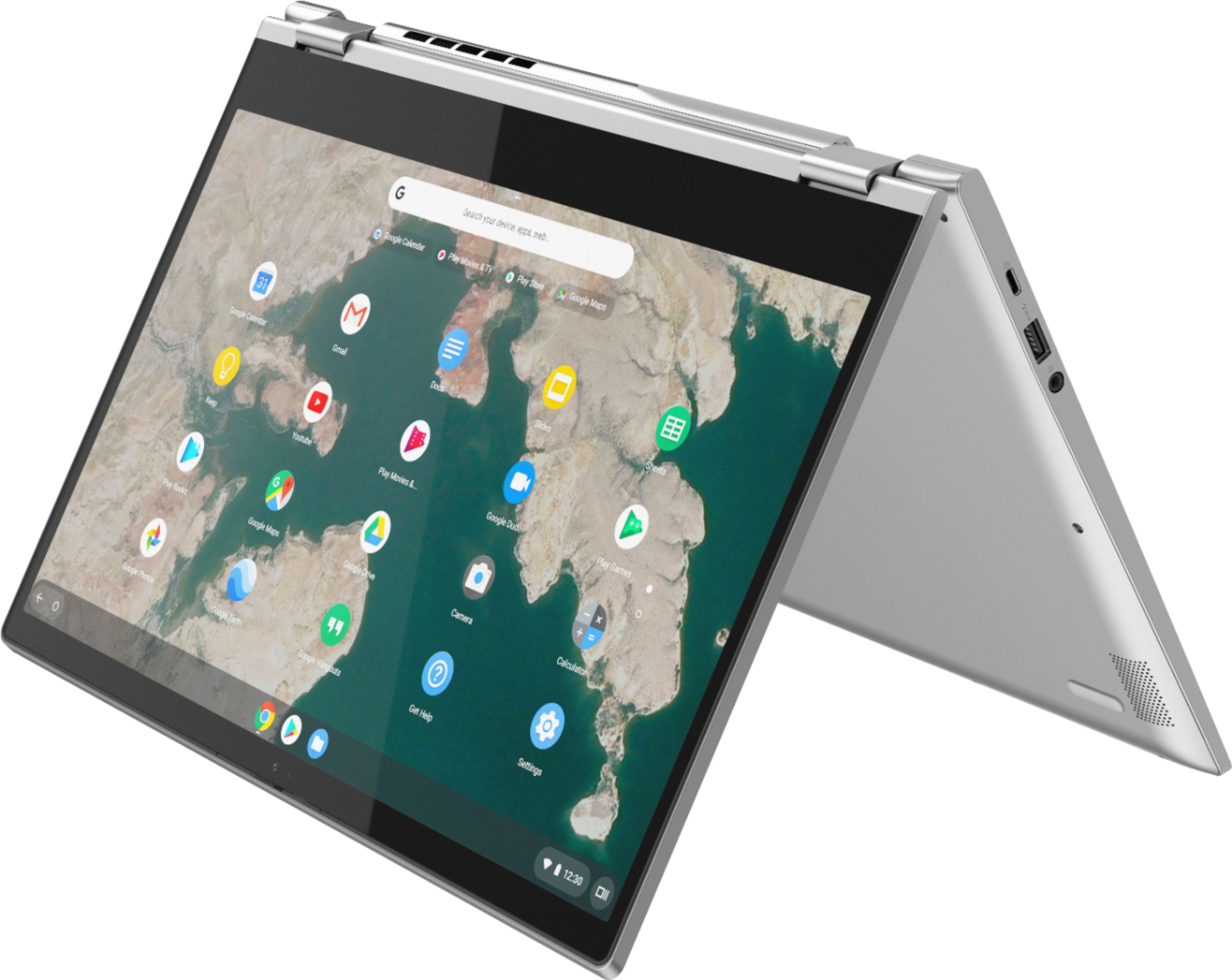
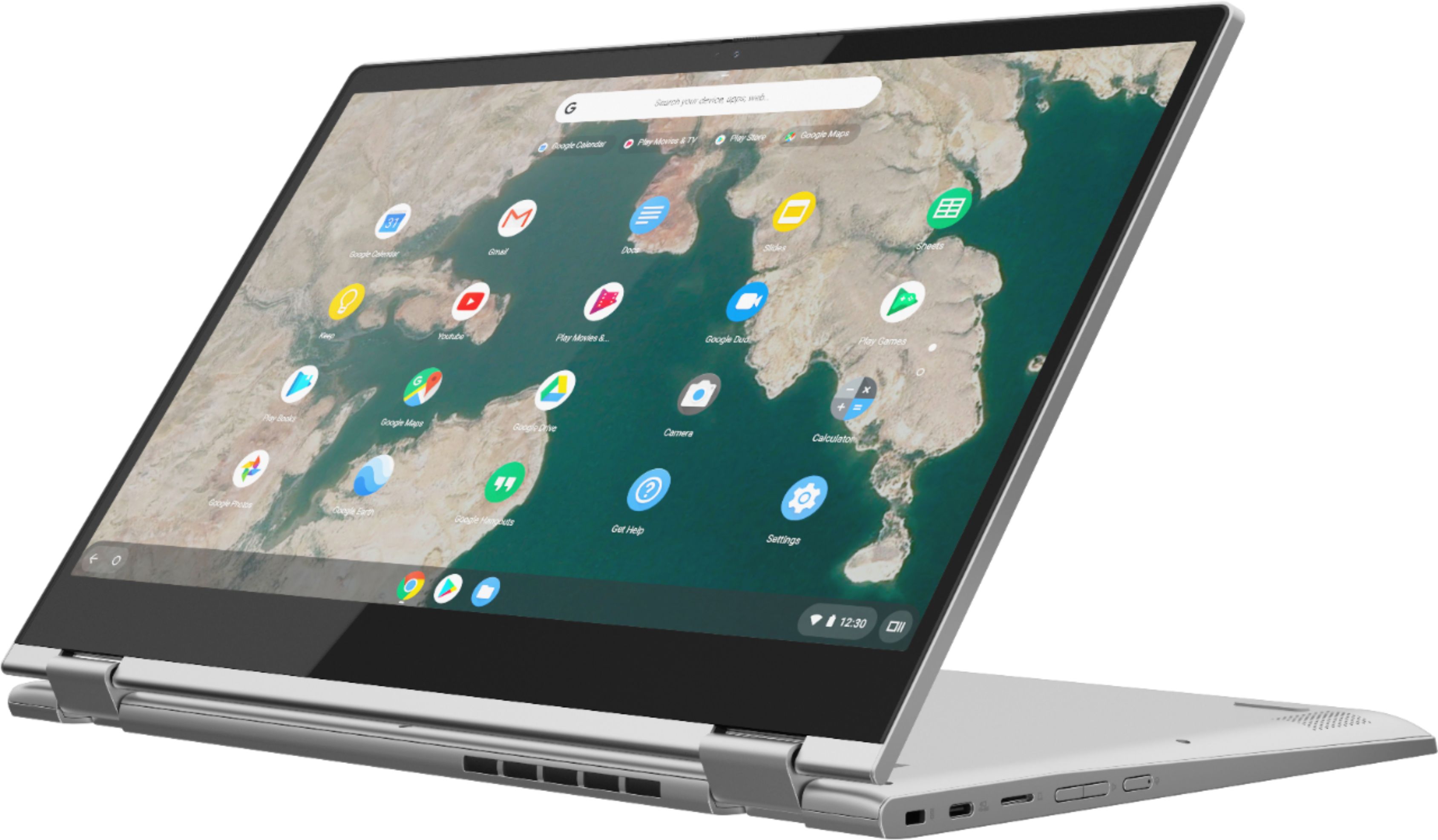
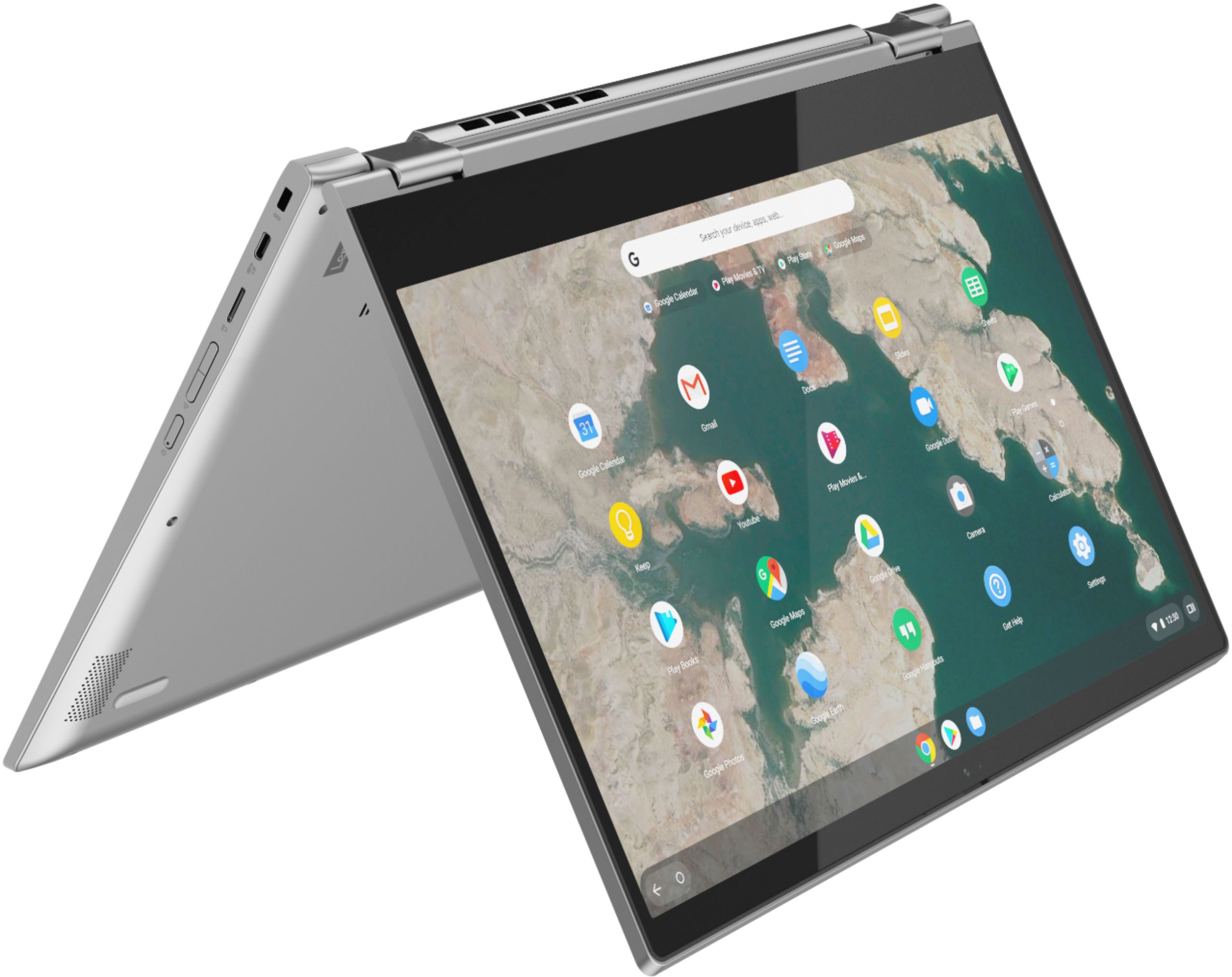
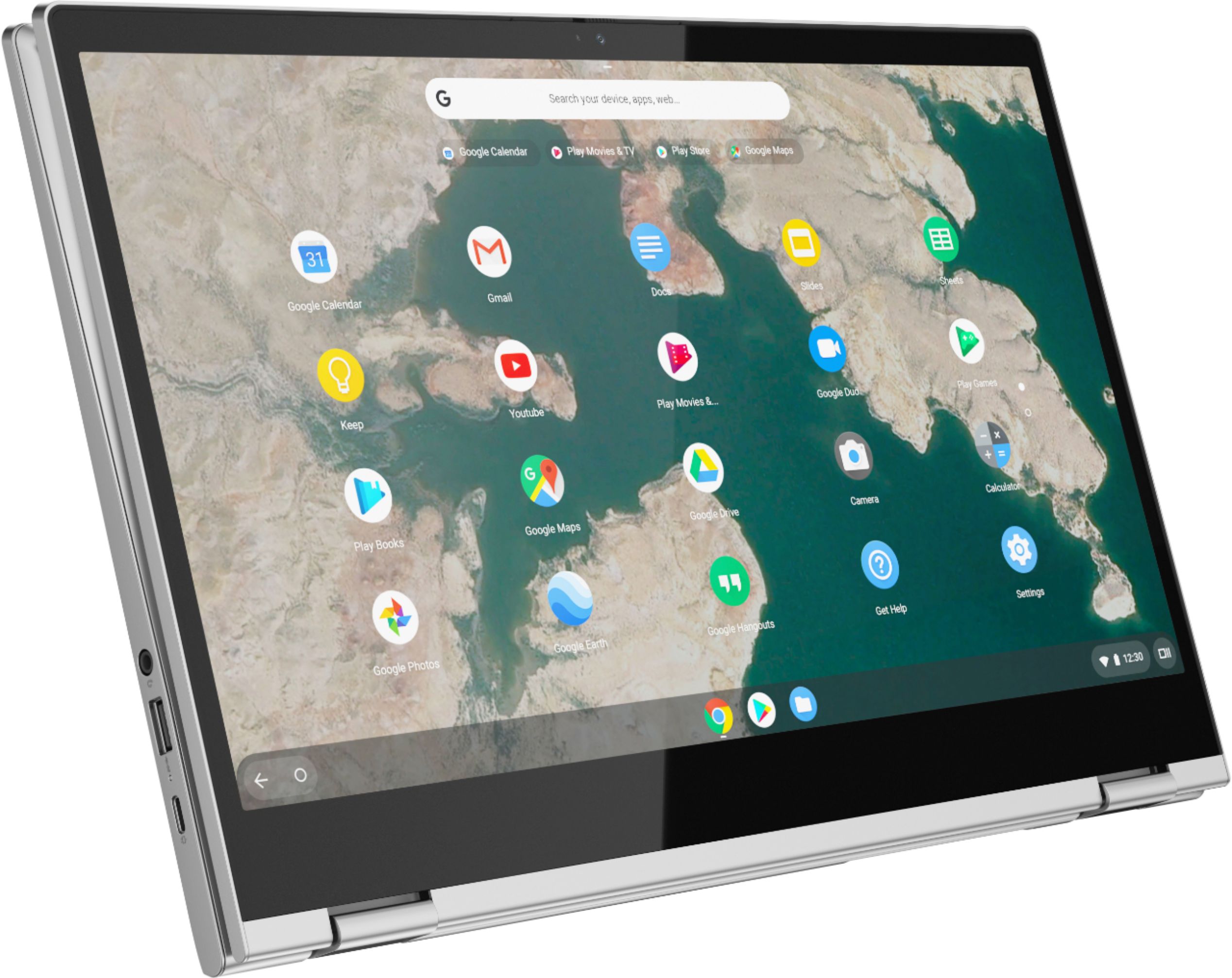
Posted .Thank you for choosing the Lenovo C340-15 Chromebook. We are pleased to hear that the performance of the C340-15 Chromebook meets your computing needs so well. The impressive Chromebook C340-15 boasts an ultraportable 360-degree convertible design, all day battery life and premium Intel processing. Offering laptop power, along with the speedy and easy-to-use Chrome OS, it also has a full keyboard with a numeric pad and spacious trackpad. No setup needed—just log in with your Google account to experience the safe, streamlined Chrome OS. Staying synced with Android phones and tablets is easy and you can log in anywhere. So, your stuff stays with you even when your laptop doesn’t—all while keeping email, maps, docs, and pics safely stored either locally or in the cloud.
Best laptop I’ve had
Posted .This reviewer received promo considerations or sweepstakes entry for writing a review.Love my computer. Have had it for a few years and it still works like new Battery life is amazing and lasts hours even when streaming :)
I would recommend this to a friend- Pros mentioned:Touchscreen
Very Impressed
Posted .This reviewer received promo considerations or sweepstakes entry for writing a review.This Lenovo Chromebook is a good buy especially for students. I thought we would spend a good hour setting them up like a laptop but was pleasantly surprised that in less than 10 minutes out of the box they were up and running. This Chromebook is very user friendly and the 15 inch touchscreen is a game changer. If you will have kids using this, get the protection plan for peace of mind. I am truly considering upgrading from my old laptop to one for myself, but will wait for a sale. Overall, we are satisfied.
I would recommend this to a friendBrand response from Lenovo Product Expert
Posted .Thank you for choosing the Lenovo C340-15 Chromebooks for your children. No setup needed—just log in with your Google account to experience the safe, streamlined Chrome OS. Staying synced with Android phones and tablets is easy and you can log in anywhere. So, your stuff stays with you even when your laptop doesn’t—all while keeping email, maps, docs, and pics safely stored either locally or in the cloud.
Ok for 2 years
Posted .This reviewer received promo considerations or sweepstakes entry for writing a review.Worked great for 2 years then it starts freezing and failing.
No, I would not recommend this to a friend- Cons mentioned:Compatibility
Good but not Good
Posted .This reviewer received promo considerations or sweepstakes entry for writing a review.Was goof but I needed I for cricut desktop use and was not compatible.
I would recommend this to a friend