Customer Ratings & Reviews
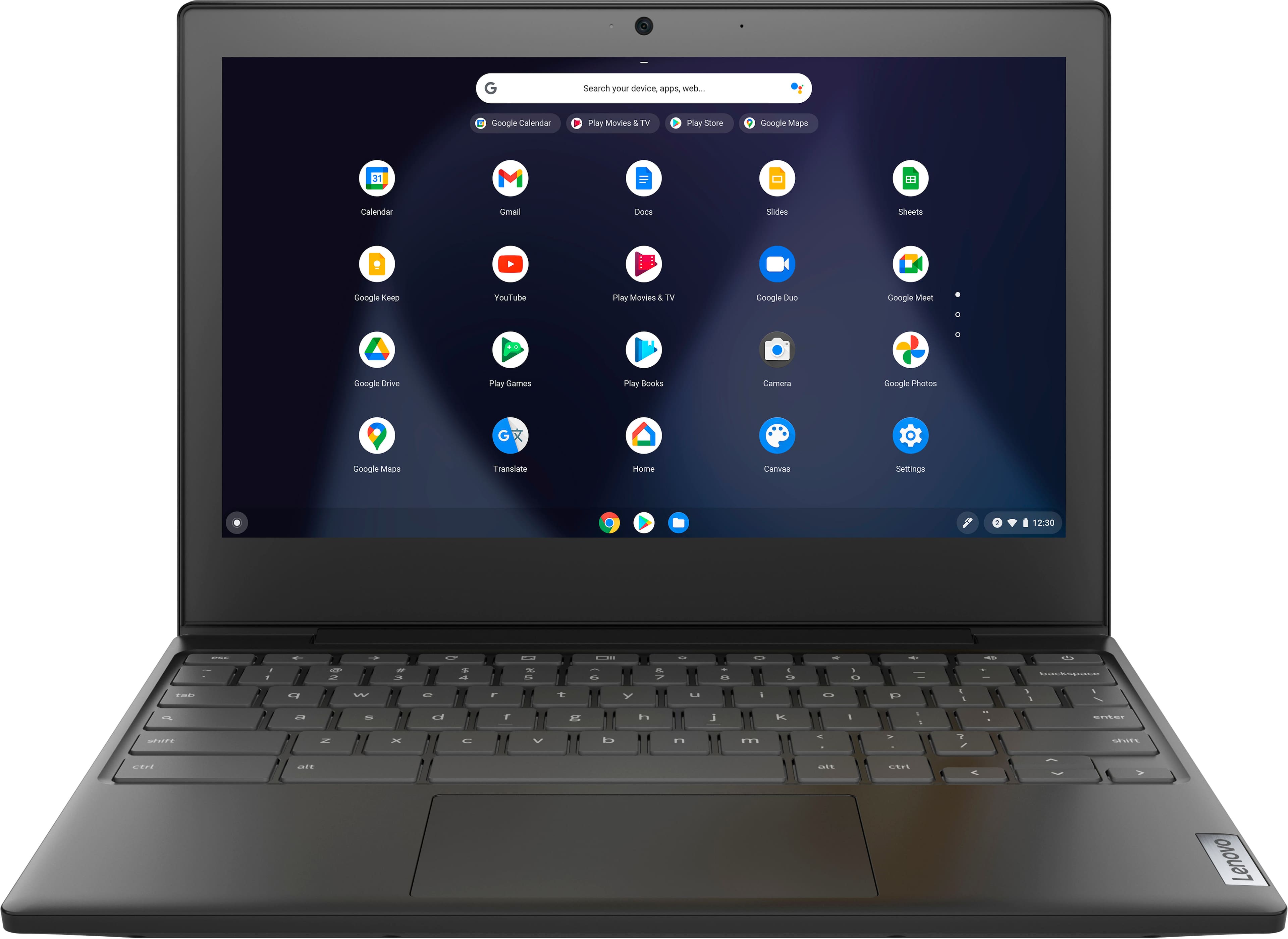
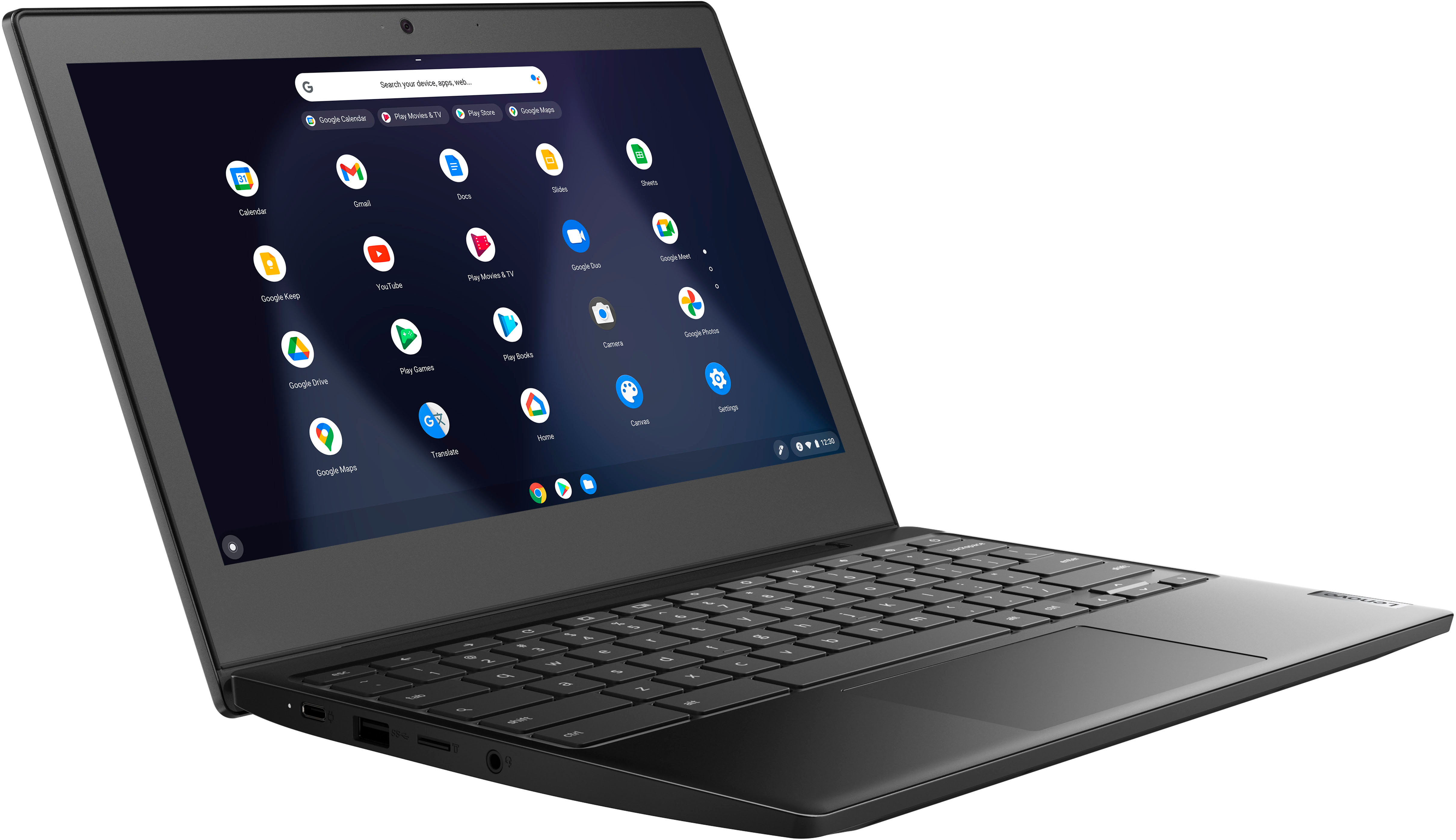
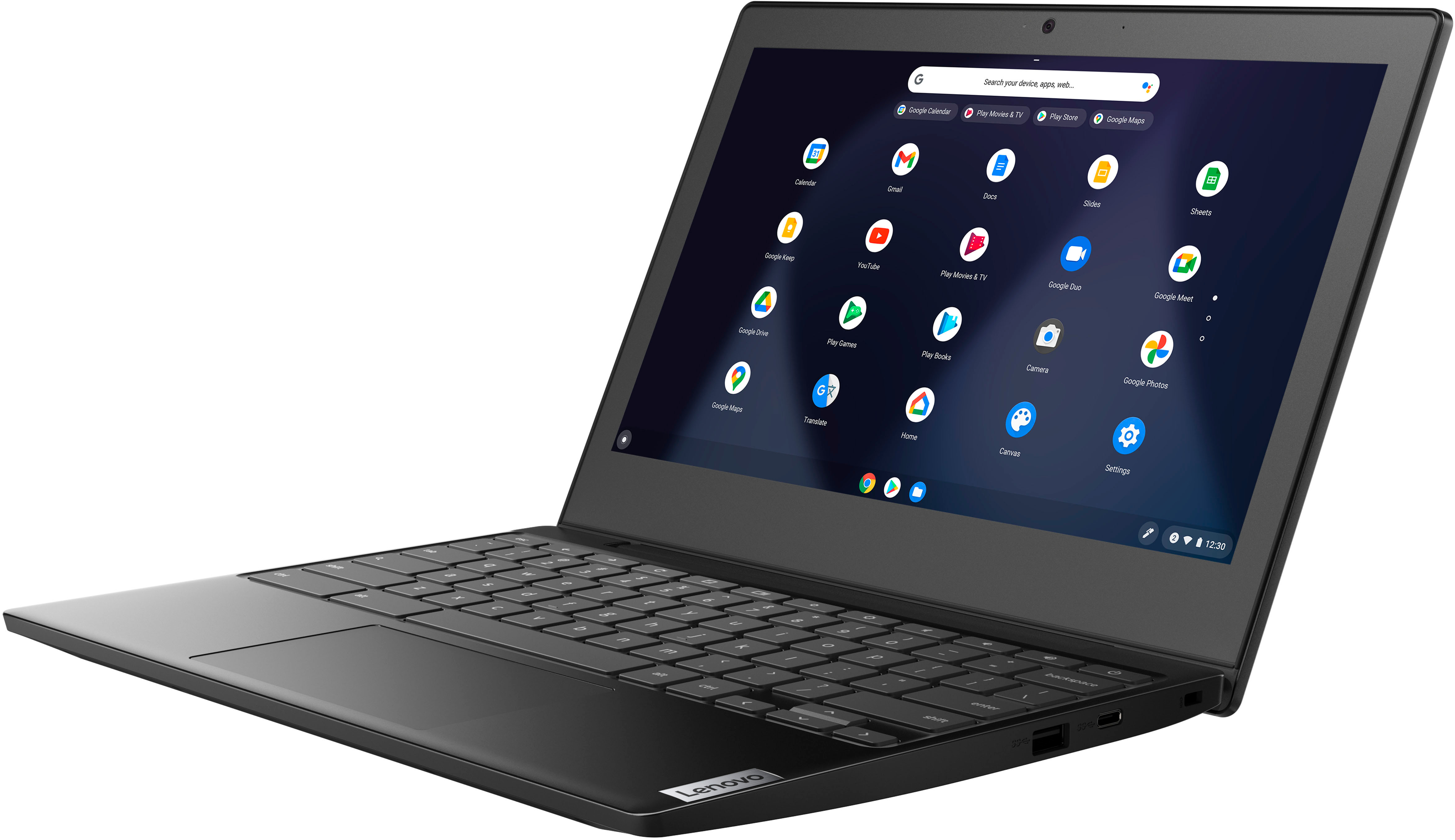
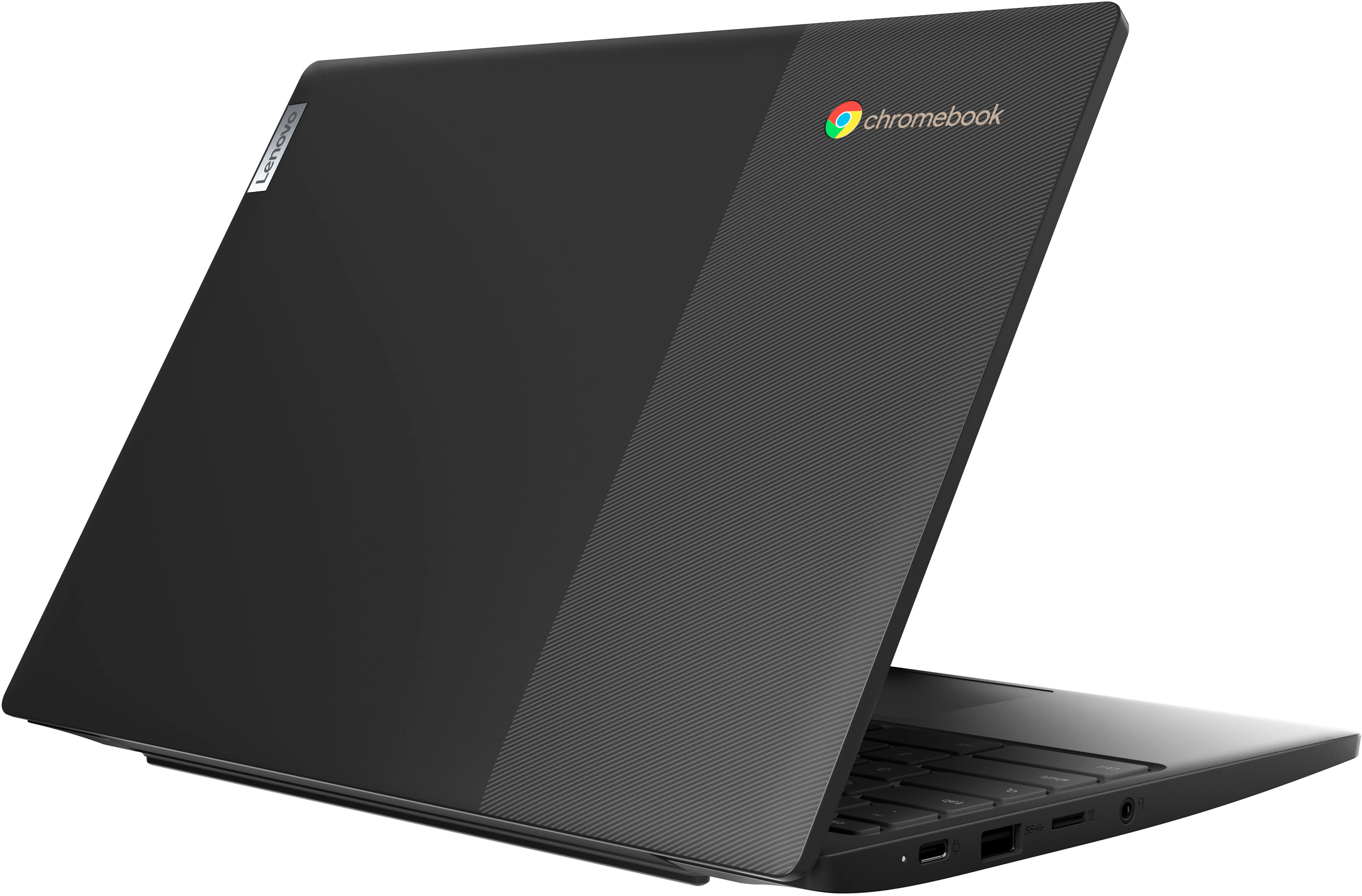
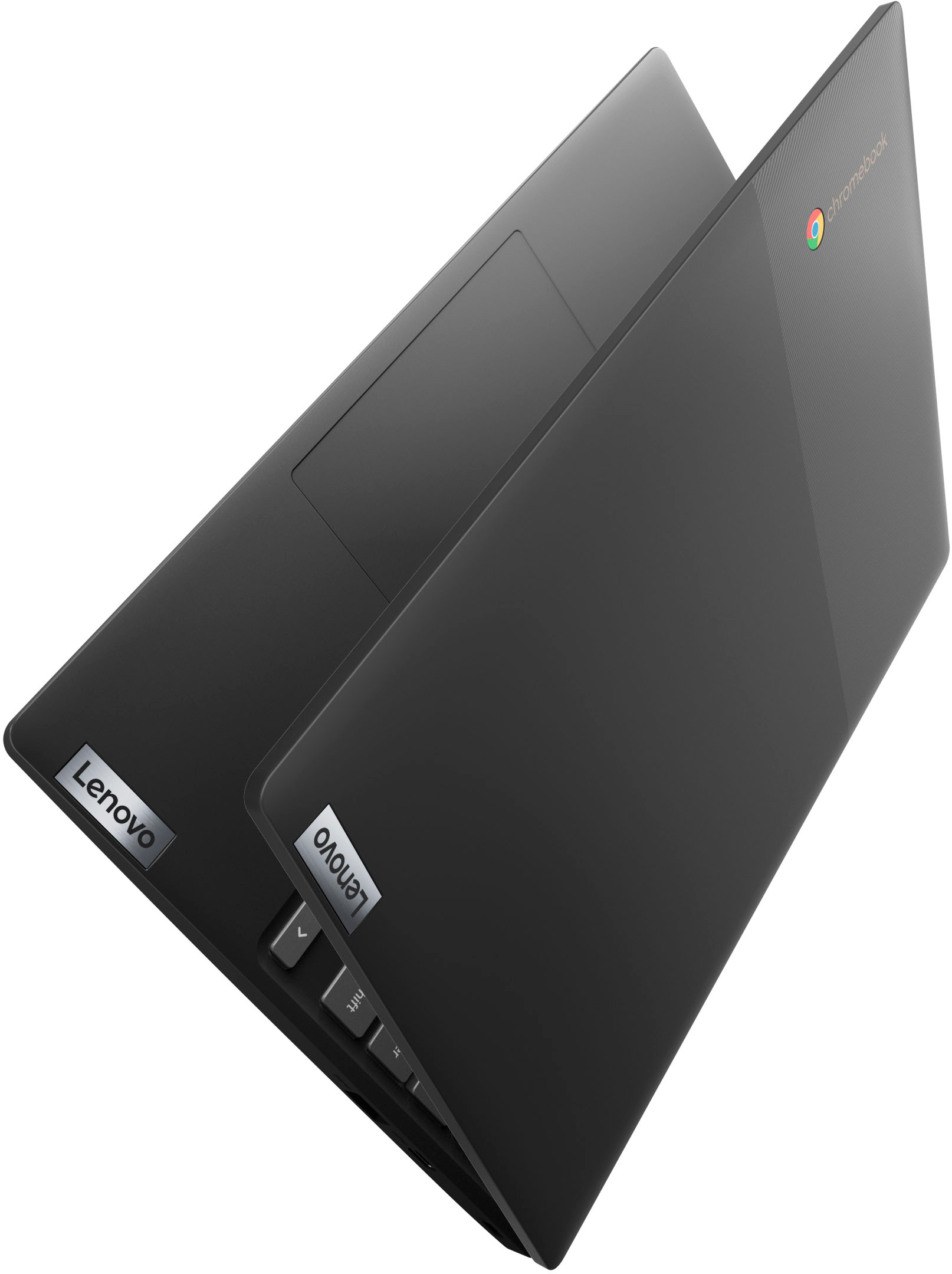
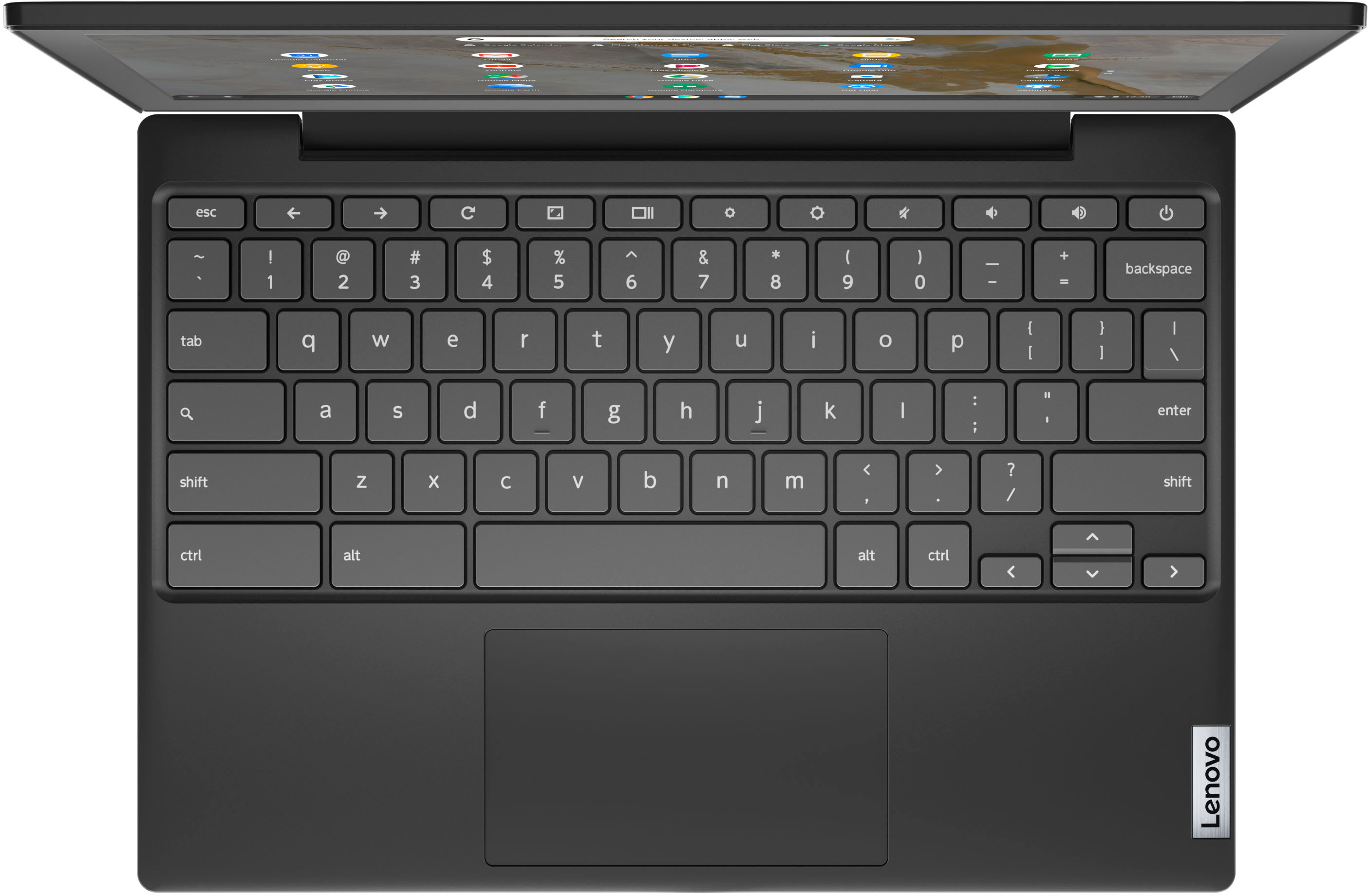
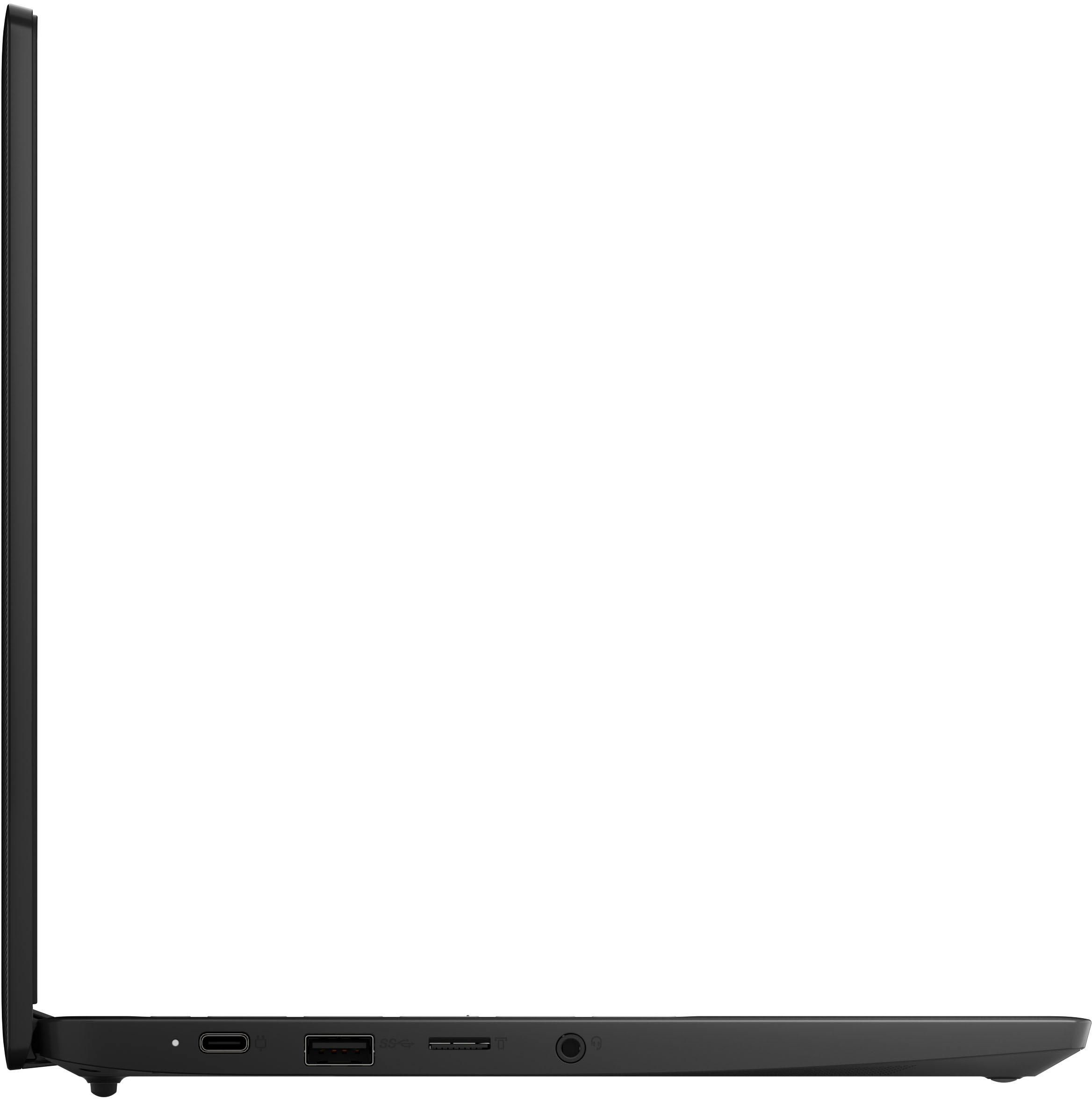
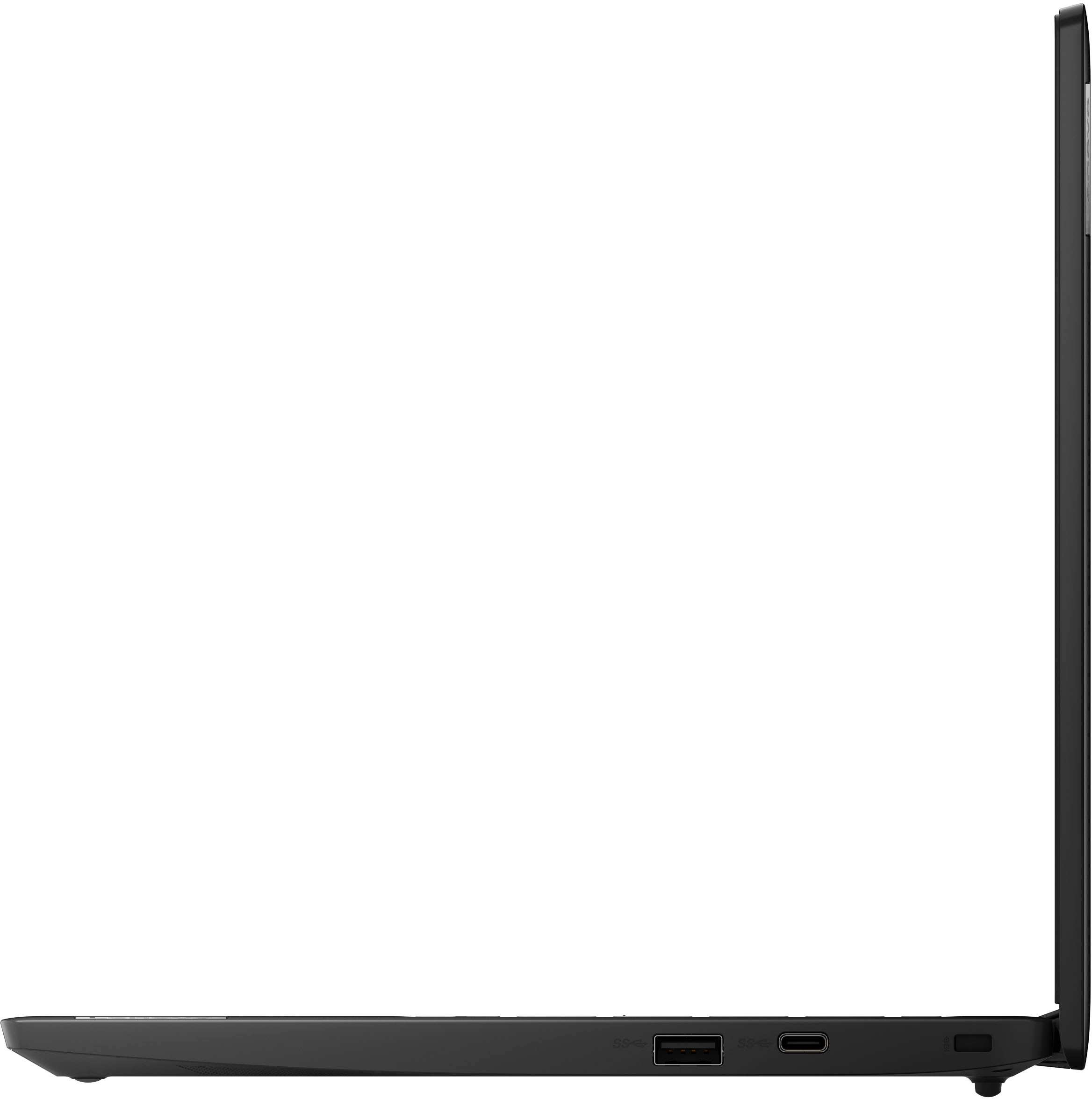
- Model:
- 82BA001FUS
- SKU:
- 6500335
Rating by feature
- Battery Life
Rating 4.6 out of 5 stars
- Speed
Rating 4.4 out of 5 stars
- Display
Rating 4.3 out of 5 stars
Customers are saying
Customers appreciate the Chromebook 3's ease of use, affordable price, and decent performance. Its compact size and lightweight design also receive positive feedback, making it portable and convenient. While some users wish for a better screen, the overall experience is considered positive for its intended use. The battery life is considered adequate by most users.
This summary was generated by AI based on customer reviews.
At 100
Posted .This reviewer received promo considerations or sweepstakes entry for writing a review.I luv them computers best buy an i need 1 of them brand new
No, I would not recommend this to a friendThumbs up
Posted .This reviewer received promo considerations or sweepstakes entry for writing a review.Great service with the order ahead. Friendly staff.
I would recommend this to a friend- Pros mentioned:Ease of use
Don’t waste your money
Posted .This reviewer received promo considerations or sweepstakes entry for writing a review.It’s basically good for kids or someone who doesn’t really do much on computers. You can’t add MS Word.
No, I would not recommend this to a friendBrand response from Lenovo Product Expert
Posted .This Lenovo Chromebook 3 11, model number 82BA001FUS, ships with the Chrome Operating System installed. It uses Google Workspace for office type programs. Google Workspace is completely compatible with Microsoft Office Programs and this is a free service through the Google Server. If you currently have a Microsoft Office 365 Account, you can access that existing account through a Chromebook. Here is a link to more information: https://support.microsoft.com/en-gb/office/how-to-access-microsoft-office-on-a-chromebook-32f14a23-2c1a-4579-b973-d4b1d78561ad#:~:text=Open%20the%20browser%20on%20your,with%20your%20Microsoft%20365%20subscription.

- Cons mentioned:Screen quality
Dissatisfied
Posted .This reviewer received promo considerations or sweepstakes entry for writing a review.I had my Chromebook for 3weeks and the screen went dark. Very disappointed. Best buy recommend I have Geek squad fix it at my expense. No manager at the store to ok exchange or return. I will not shop at best buy again
No, I would not recommend this to a friendBrand response from Lenovo Product Expert
Posted .We are sorry to hear that you are having issues with your Lenovo Chromebook 3 11, model number 82BA001FUS. Here is a link to tips for fixing a back screen issue on a Chromebook: https://helpdeskgeek.com/help-desk/is-your-chromebook-screen-black-8-fixes-to-try/. If the issue continues, your Lenovo Chromebook 3 11 has a 1-year limited manufacturer's warranty, covering OEM hardware issues, we recommend you contact Lenovo Tech Support for Chromebooks for more help with your issue and information about your manufacturer's warranty coverage. Call at: 800-426-7378.
- Cons mentioned:Screen quality
3wks, screen blackening, d fall off, files lost!
Posted .This reviewer received promo considerations or sweepstakes entry for writing a review.I have used this for 3 weeks. Screen is blacking out and d is falling off, the machine reset once and I lost all the files.
No, I would not recommend this to a friendBrand response from Lenovo Product Expert
Posted .We are sorry to hear that you are having issues with your Lenovo Chromebook 3 11, model number 82BA001FUS. Resetting the Chromebook back to original factory settings may correct the problem you are having. Resetting the Chromebook will wipe all stored files from the computer. If possible, we recommend you back up your stored files on a external hard drive before resetting the Chromebook. Here is a link to instructions for resetting a Chromebook: https://support.google.com/chromebook/answer/183084?hl=en. Regarding the keyboard keys falling off the Chromebook, we recommend you contact lenovo Tech Support for Chromebooks for more information at: 800-426-7378.
chrome book
Posted .This reviewer received promo considerations or sweepstakes entry for writing a review.Returned item because it did not include a cord as advertised.
No, I would not recommend this to a friendMissing order
Posted .This reviewer received promo considerations or sweepstakes entry for writing a review.I didn’t receive my order but it says it been delivered
No, I would not recommend this to a friend