Customer Ratings & Reviews
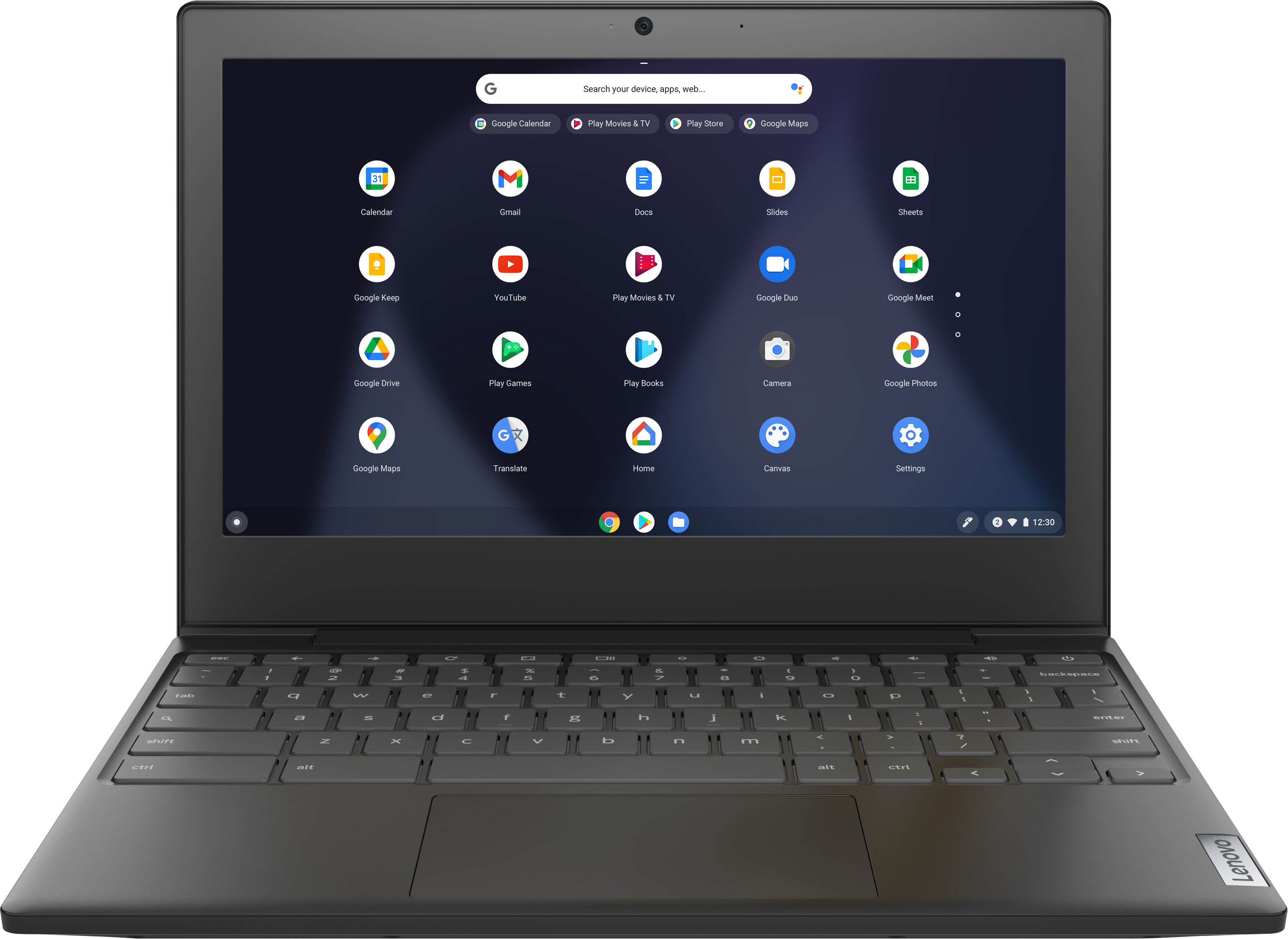
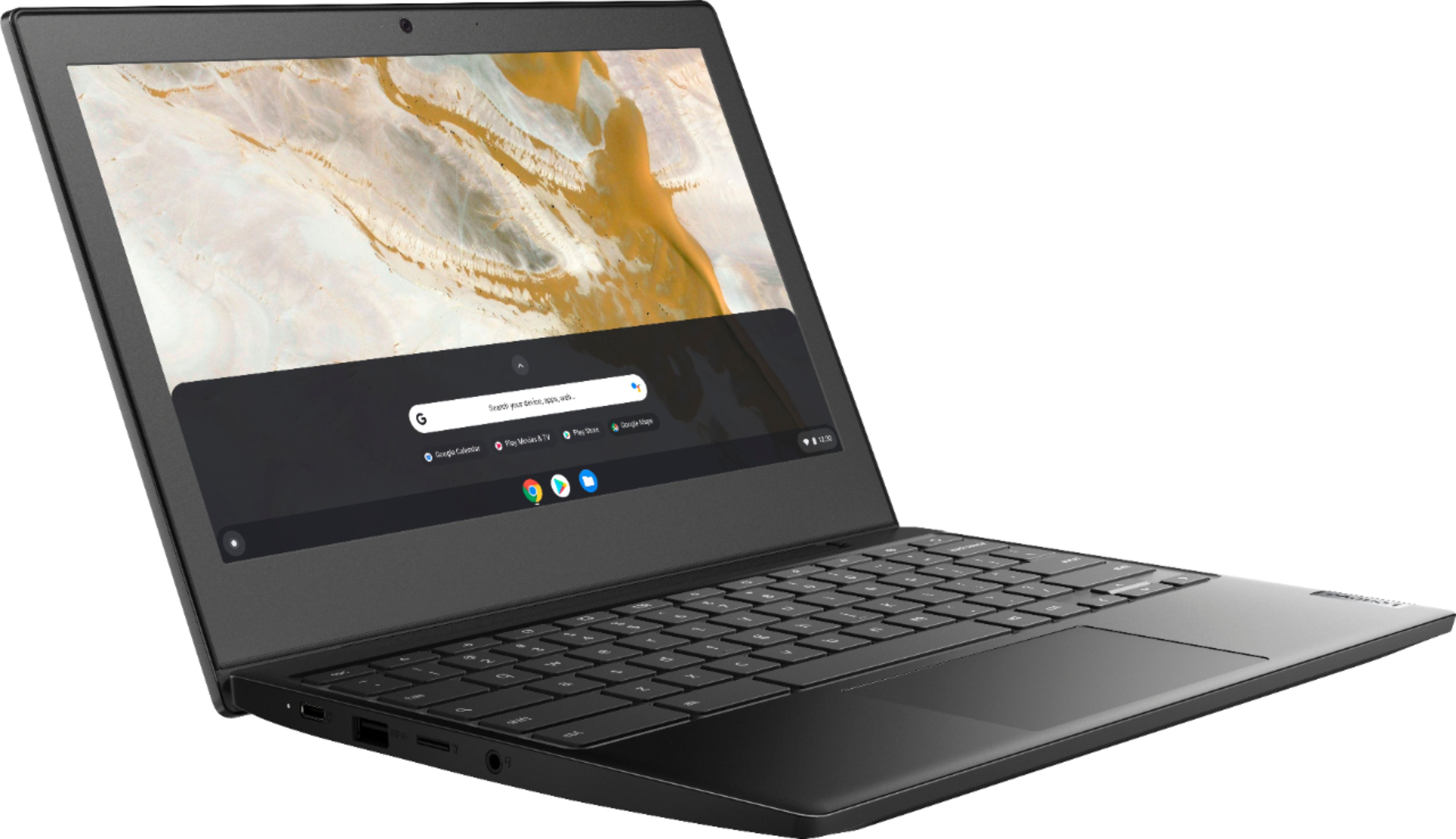
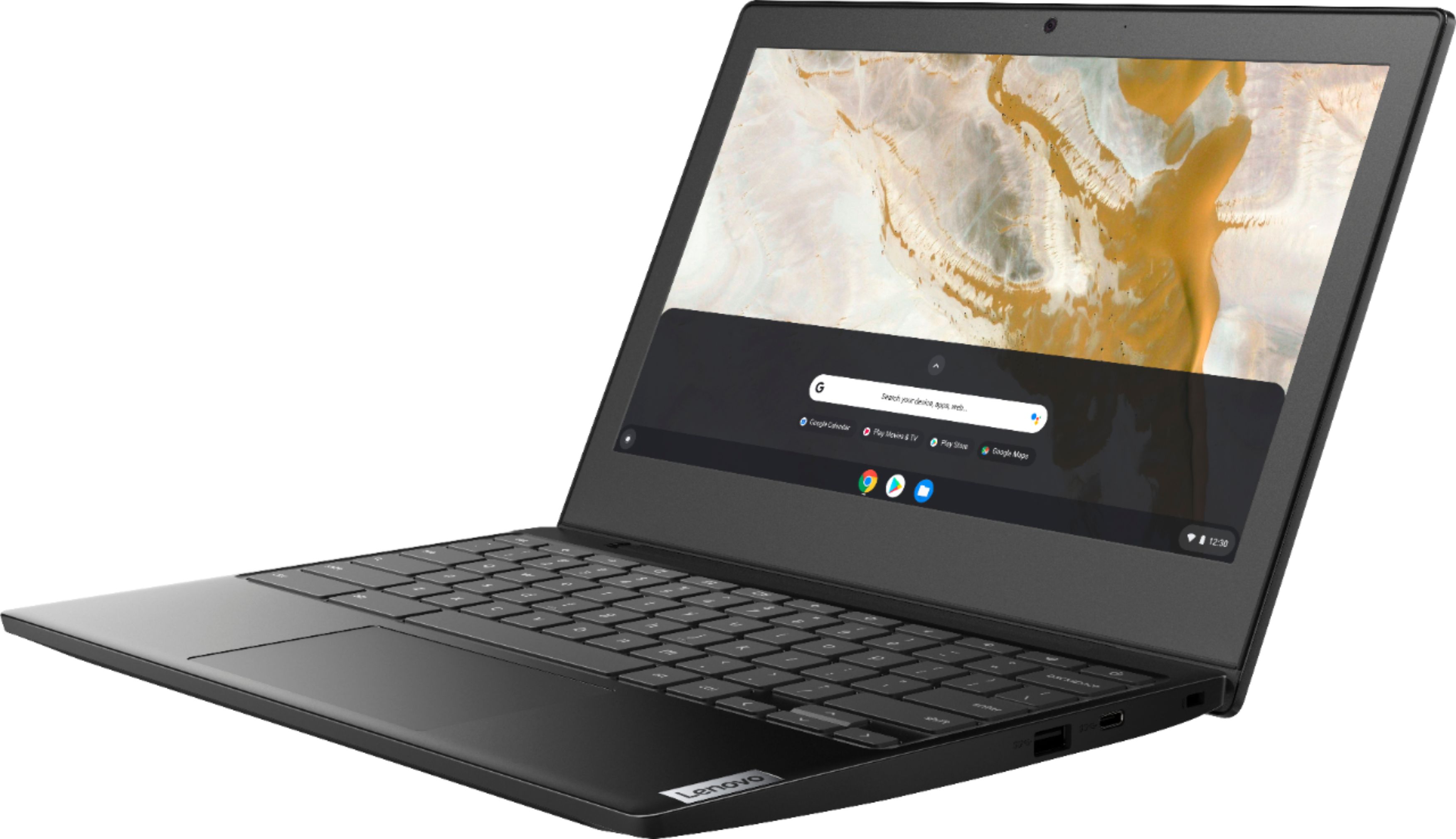
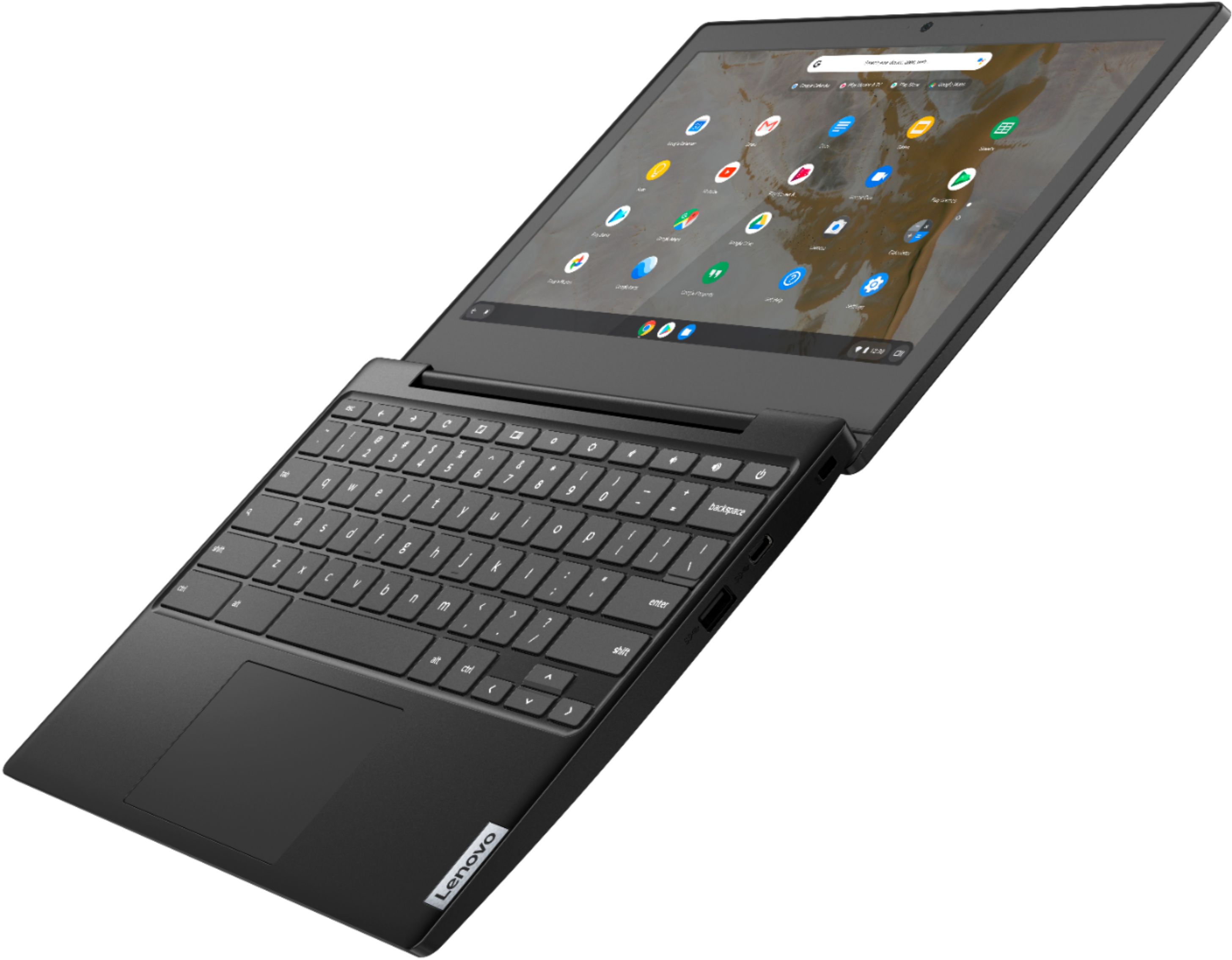

- Model:
- 82H40000US
- SKU:
- 6419029
Rating by feature
- Battery Life
Rating 4.5 out of 5 stars
- Speed
Rating 4.3 out of 5 stars
- Display
Rating 4.3 out of 5 stars
Customers are saying
Customers are pleased with the Chromebook 3 11" Chromebook's ease of use, competitive price, and compact size, finding it perfect for everyday tasks and travel. Positive feedback also highlights its performance and battery life, although some users mention limitations in screen quality and storage capacity. The lightweight design is frequently praised. While some users wish for more RAM and storage, many find the device meets their needs for web browsing and basic applications.
This summary was generated by AI based on customer reviews.
sent back
||Posted . Owned for 3 months when reviewed.This reviewer received promo considerations or sweepstakes entry for writing a review.I got this and it wasnt a good computer. it keep cutting off and sometimes froze. i had to send it back to the store
No, I would not recommend this to a friendLENOVO CHROMEBOOK
||Posted . Owned for 1 month when reviewed.This reviewer received promo considerations or sweepstakes entry for writing a review.MY 10 YEAR OLD WAS NOT IMPRESSED! THIS COMPUTER IS NOT COMPATABLE W/ THE APPS/ GAMES SHE WANTED TO PLAY SO WE HAD TO RETURN IT!
No, I would not recommend this to a friendBrand response from Lenovo Product Expert
Posted .We are sorry to hear that the Lenovo Chromebook 3 11 does not meet your child's computing needs. This Lenovo Chromebook 3 11 ships with the Chrome Operating System and is compatible with Google Play Store APPs. Not all of the Google Play Store APPs are Optimized for the Chrome Operating System. We recommend you check with the specific game's software publisher's web sites, of the specific games your child will want to play, for their compatibility with the Chrome operating system and the minimum/recommended hardware requirements (Is a Graphics card required, the processor speed and the minimum required system RAM and the minimum available hard drive space) to run their program, then compare those requirements to this system's configuration. We always recommend you check the requirements and compatibility of any software/games you will be installing on your new computer, before you invest in any computer. Be sure your new computer can support the software/games you will need to use.

Touch Pad
||Posted . Owned for 3 weeks when reviewed.This reviewer received promo considerations or sweepstakes entry for writing a review.The touch pad is too sensitive and I don't see a way to adjust it. Makes this Chromebook hard to use.
No, I would not recommend this to a friendBrand response from Lenovo Product Expert
Posted .Hello, we are sorry to hear you are having trouble adjusting this setting. According to the Google Chrome Support website to Change how your touchpad works
At the bottom right, select the time.
Select Settings .
In the "Device" section, select Touchpad (or Touchpad and mouse).
Change how your touchpad works: Turn tap-to-click on or off. Turn on tap dragging. Turn touchpad acceleration on or off. More detailed instructions can be found here.
https://support.google.com/chromebook/answer/1047367?hl=en
Additionally if you are still having this issue you can reach out to Lenovo Chrome Tech support at 800-426-7378
- Cons mentioned:Screen quality
Bad buy
||Posted . Owned for 1 month when reviewed.This reviewer received promo considerations or sweepstakes entry for writing a review.Blank screen in 3 weeks. Won't turn on. Warranty is only 15 days at BadBuy.
No, I would not recommend this to a friendBrand response from Lenovo Product Expert
Posted .We are sorry to hear that you are having issues with your lenovo Chromebook 3 11, model number 82H40000US. Resetting this Chromebook back to original factory settings may correct the issue you are having. Here is a link to instructions for resetting a Chromebook back to original factory settings: https://support.google.com/chromebook/answer/183084?hl=en. If the issue continues after this reset, we recommend you contact Lenovo Tech Support for Chromebooks for additional help at: 800-426-7378.
chromebook
||Posted . Owned for 1 month when reviewed.This reviewer received promo considerations or sweepstakes entry for writing a review.Perhaps I would rate higher if I was more familiar with Chrome Books. I perhaps should have gotten a laptop instead.
No, I would not recommend this to a friendBrand response from Lenovo Product Expert
Posted .We are sorry to hear that you are having issues getting started with your new Lenovo Chromebook 3 11. Here is a link to information about getting started with a new Chromebook: https://www.google.com/intl/en_us/chromebook/howto/get-started/
Not the best Chromebook for Roblox
||Posted . Owned for 2 weeks when reviewed.This reviewer received promo considerations or sweepstakes entry for writing a review.Beware, does not run Roblox smoothly for any parents thinking of getting this for the kids.
No, I would not recommend this to a friendBrand response from Lenovo Product Expert
Posted .The Lenovo Chromebook 3 11 ships with the Chrome Operating System and is compatible with Google Play Store APPs. Not all Google Play Store APPs are optimized for the Chrome Operating System. We recommend you check with the specific game's software publisher's web site, of the game you want to play, for their compatibility with the Chrome operating system and the minimum/recommended hardware requirements (Is a Graphics card required, the processor speed and the minimum required system RAM and the minimum available hard drive space) to run their program, then compare those requirements to this system's configuration.
Chromebook
||Posted . Owned for 3 weeks when reviewed.This reviewer received promo considerations or sweepstakes entry for writing a review.Not very good. Chrome is not what I expected. The chrome system has outlived its usefulness
No, I would not recommend this to a friendVery Disappointed
||Posted . Owned for 3 months when reviewed.This reviewer received promo considerations or sweepstakes entry for writing a review.This is just not working for me i gave it as a gift for online classes but it's not doing a good job. First time buying this brand.
No, I would not recommend this to a friendBrand response from Lenovo Product Expert
Posted .We are sorry to hear that the Lenovo Chromebook 3 11 is not meeting the needs of your recipient. This Chromebook 3 11 ships with the Chrome Operating System and is compatible with Google Play Store APPs. Here is a link to tips for getting started with a new Chromebook: https://www.google.com/intl/en_us/chromebook/howto/get-started/. If you have questions about your Chromebook we recommend you contact lenovo Tech Support for Chromebooks at: 800-426-7378.
- Cons mentioned:Screen quality
Poor
||Posted . Owned for 1 month when reviewed.This reviewer received promo considerations or sweepstakes entry for writing a review.Screen failed after 1 day! Would not recommend to anyone
No, I would not recommend this to a friendBrand response from Lenovo Product Expert
Posted .We are sorry to hear that you are having issues with your Lenovo Chromebook 3 11. Resetting your Chromebook back to original factory settings may correct the issue. Here is a link to instructions for resetting your Chromebook: https://support.google.com/chromebook/answer/183084?hl=en. If the issue continues, we recommend you contact Lenovo Tech Support for Chromebooks at: 800-426-7378.
Lenovo
||Posted . Owned for 6 months when reviewed.This reviewer received promo considerations or sweepstakes entry for writing a review.Had to return this item due to some school software not compatible.
I would recommend this to a friendOk laptop for the price
||Posted . Owned for 2 months when reviewed.This reviewer received promo considerations or sweepstakes entry for writing a review.Not a fast laptop but ok for a child in elementary school.
No, I would not recommend this to a friendBrand response from Lenovo Product Expert
Posted .We always recommend you check the requirements and compatibility of any software/games you will be installing on your new Chromebook, before you invest in any Chromebook. Be sure your new Chromebook can support the software you will need to use and your workload.
Slow
||Posted . Owned for less than 1 week when reviewed.This reviewer received promo considerations or sweepstakes entry for writing a review.Very slow loading Roblox. Which is a basic game with low demand.
No, I would not recommend this to a friendChrome os non removable
||Posted . Owned for 1 month when reviewed.This reviewer received promo considerations or sweepstakes entry for writing a review.Only problem with the product is the chrome o.s. Won't let you run full Linux o.s. Despite billing itself as being able to run dual o.s. Can't remove chrome o.s. As with previous models. Google should should simply make a better o.s. Rather then forcing the market of students on a budget to use their garbage
No, I would not recommend this to a friendNot work user friendly
||Posted . Owned for 3 weeks when reviewed.This reviewer received promo considerations or sweepstakes entry for writing a review.Not very user friendly I bought it for work and can’t download the zoom app have to constantly go through the internet instead of the app which in turn opens more windows
No, I would not recommend this to a friendBrand response from Lenovo Product Expert
Posted .We are sorry to hear that this Lenovo Chromebook 3 11 does not meet your computing needs. The Chromebook 3 11 ships with the Chrome Operating System and is compatible with Google Play Store APPs. We always recommend you check the requirements and compatibility of any software you will be installing on your new computer, before you invest in any computer. Be sure your new computer can support the software you will need to use.
Do not buy
||Posted .This reviewer received promo considerations or sweepstakes entry for writing a review.Below one. Knew it was cheap, but the battery gave it in 5 months and i used maybe 5 times. Best Buy wouldn't fix, said since the battery was bad it was going to cost 90 to replace... only responsible for software not hardware.
No, I would not recommend this to a friendBrand response from Lenovo Product Expert
Posted .We are sorry to hear that you are having issues with the battery within your Lenovo Chromebook 3 11. Resetting your Chromebook back to original factory settings may also reset the battery, fixing the issue you are having. Here is a link to instructions for resetting a Chromebook: https://support.google.com/chromebook/answer/183084?hl=en. If the issue continues after this reset, we recommend you contact Lenovo Tech Support for Chromebooks for additional help. Le the Lenovo Customer Service Specialist know the troubleshooting steps you have already taken. Call at: 800-426-7378.
Don't Buy
||Posted . Owned for less than 1 week when reviewed.This reviewer received promo considerations or sweepstakes entry for writing a review.Second day started getting error messages. Computer would restart automatically. I expect a new computer to work error free.
No, I would not recommend this to a friendBrand response from Lenovo Product Expert
Posted .We are very sorry to hear that you are having issues with your Lenovo Chromebook 3 11. We recommend that you perform a hard reset to the computer, to do so, please hold down the refresh key, and press down on the power button. If the issue persists, please check out this website for a detailed explanation of how to remove and reinstall the OS - https://support.google.com/chromebook/answer/1080595?hl=en. Should you have any other questions or if the problems continue, please contact Lenovo Chromebooks Tech Support: 800-426-7378.
Somewhat disappointing
||Posted . Owned for 2 weeks when reviewed.This reviewer received promo considerations or sweepstakes entry for writing a review.Came with a broken key right out of the box. Not impressed.
No, I would not recommend this to a friendNot worth the time and energy
||Posted .This reviewer received promo considerations or sweepstakes entry for writing a review.I received this laptop today and it refuses to connect to any network. I’ve tried multiple Wi-Fi’s and it constantly says “can’t connect to network”. I tried to exchange it for another one and the new one did the same thing. What a waste of time.
No, I would not recommend this to a friendBrand response from Lenovo Product Expert
Posted .We are sorry to hear that you are having issues with your Lenovo Chromebook 3 11 connecting to your WiFi network. Here is a link to some troubleshooting tips for fixing WiFi connectivity issue with a Chromebook: https://support.google.com/chromebook/answer/6318213?hl=en. If the issue continues, we recommend you contact Lenovo Tech Support for Chromebooks at: 800-426-7378.
Don’t buy this!
||Posted . Owned for 1.5 years when reviewed.This reviewer received promo considerations or sweepstakes entry for writing a review.I wish I could give This a 0. It’s like a computer from the early 2000s. The feel is cheap, the system itself is terrible and the thing locks you out at random. It’s glitchy and so small it’s useless.
No, I would not recommend this to a friendBrand response from Lenovo Product Expert
Posted .The Lenovo Chromebook 3 11 ships with the Chrome Operating System and is compatible with Google Play Store APPs. Not all APPs at the Google Play Store are optimized for the Chrome OS. We always recommend you check the requirements and compatibility of any software/games you will be installing on your new Chromebook, before you invest in any Chromebook. Be sure your new Chromebook can support the software you will need to use and your workload. If you are locked out of your Chromebook, resetting the Chromebook back to original factory settings may fix the issue. Here is a link to instructions for resetting a Chromebook: https://support.google.com/chromebook/answer/183084?hl=en. If you have question about your Lenovo Chromebook 3 11, we recommend you contact lenovo Tech Support for Chromebooks for more information at: 800-426-7378.
Not recommended
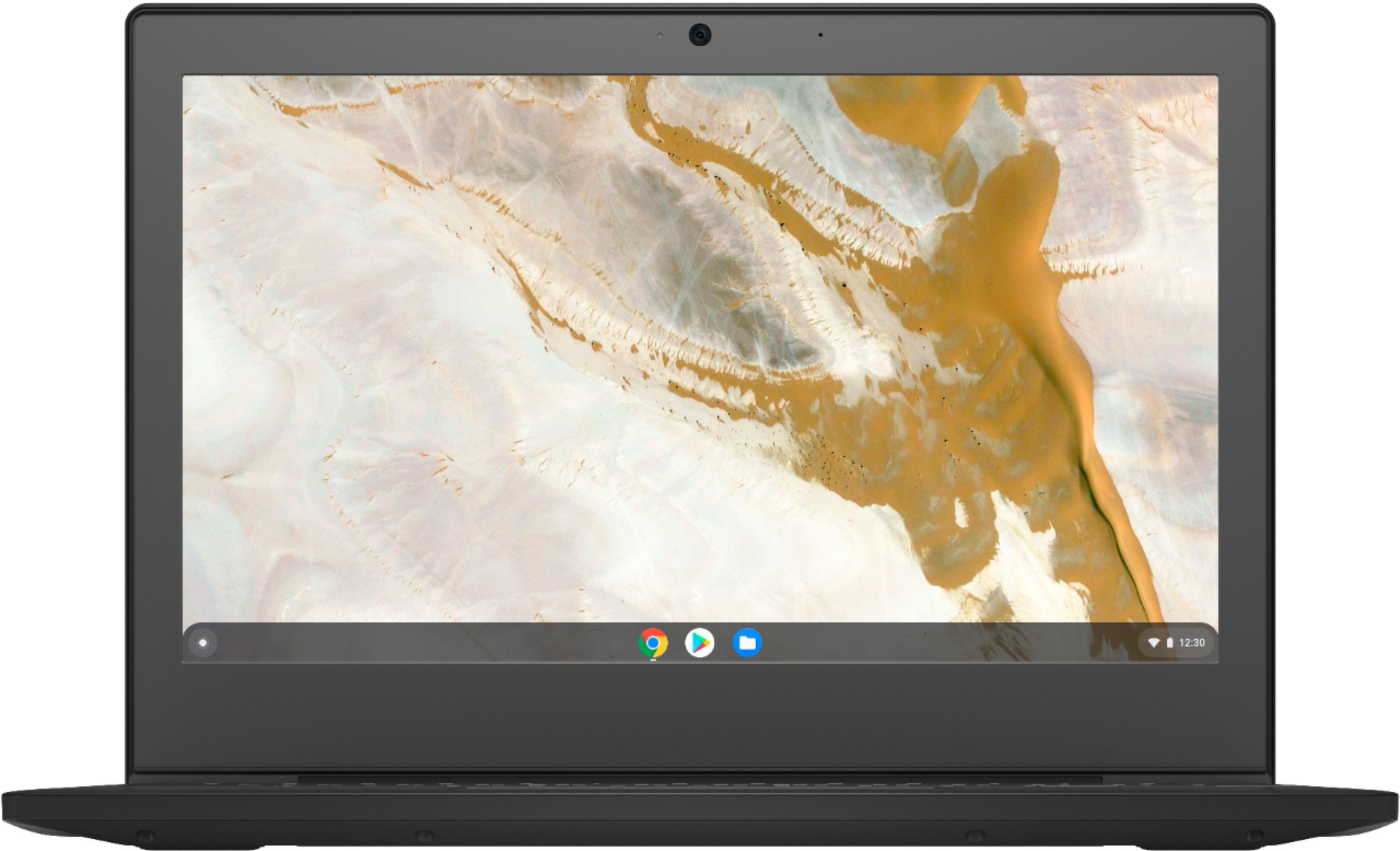
||Posted . Owned for 3 weeks when reviewed.This reviewer received promo considerations or sweepstakes entry for writing a review.I don't recommend if u want that for mean use perpos thats display looks like 90s computer with big notch... U can't tell in photo that bestbuy upload but when I first open N found out I was like what.. I must buy some tablet instead
No, I would not recommend this to a friend