Customer Ratings & Reviews
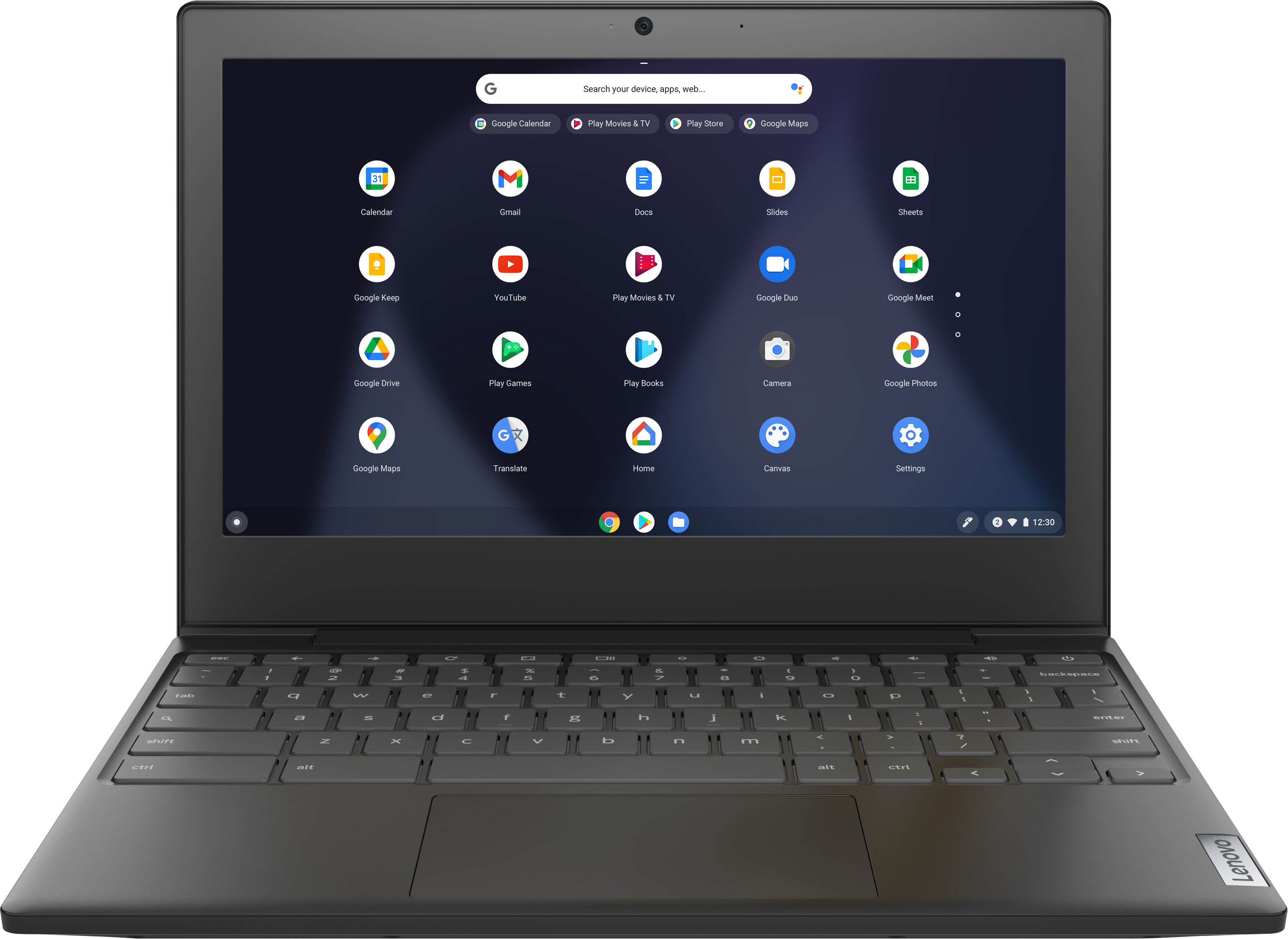
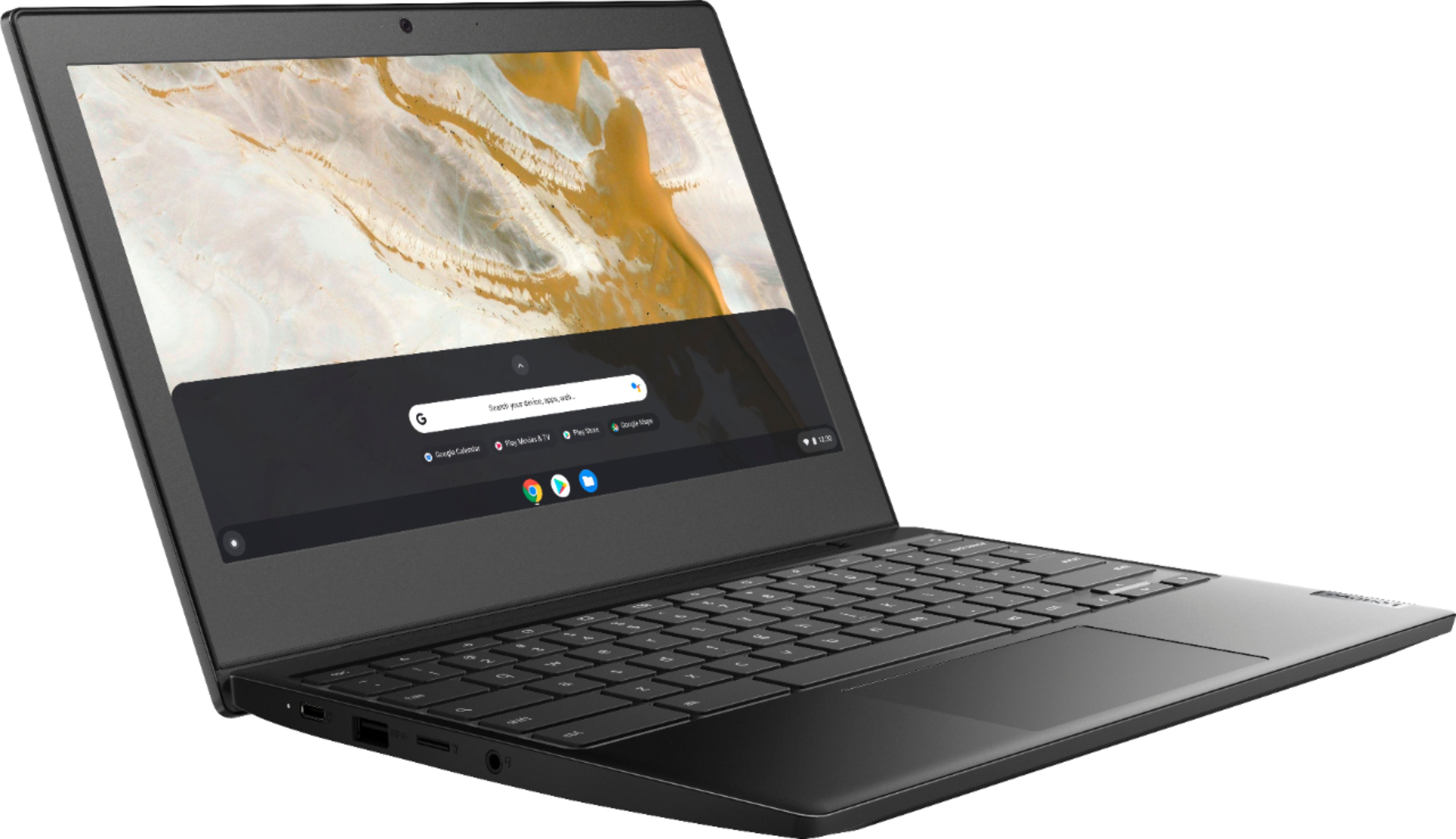
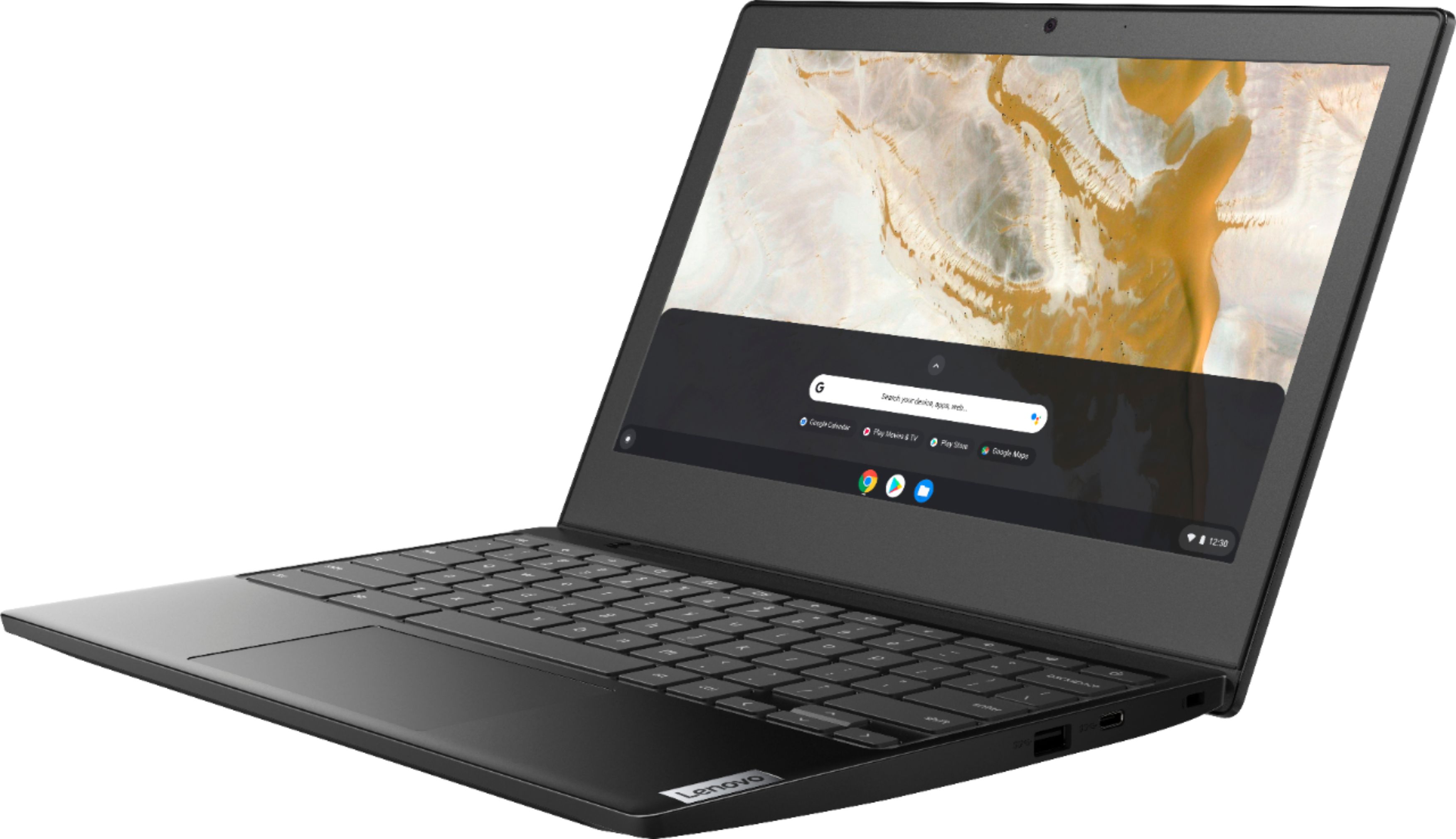
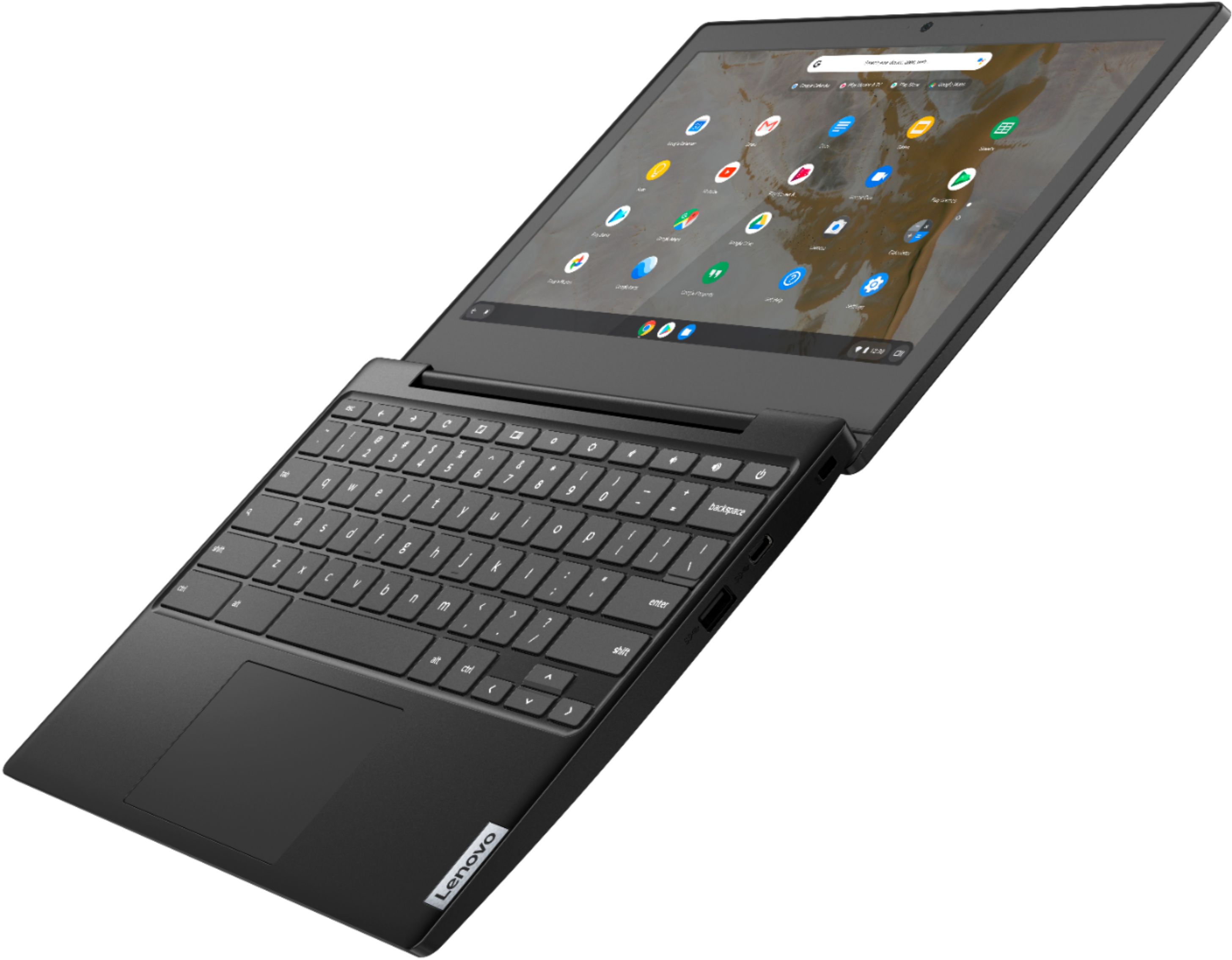

- Model:
- 82H40000US
- SKU:
- 6419029
Rating by feature
- Battery Life
Rating 4.5 out of 5 stars
- Speed
Rating 4.3 out of 5 stars
- Display
Rating 4.3 out of 5 stars
Customers are saying
Customers are pleased with the Chromebook 3 11" Chromebook's ease of use, competitive price, and compact size, finding it perfect for everyday tasks and travel. Positive feedback also highlights its performance and battery life, although some users mention limitations in screen quality and storage capacity. The lightweight design is frequently praised. While some users wish for more RAM and storage, many find the device meets their needs for web browsing and basic applications.
This summary was generated by AI based on customer reviews.
DO NOT BUY
||Posted . Owned for 2 months when reviewed.This reviewer received promo considerations or sweepstakes entry for writing a review.The SSD appears to have failed, after using it a little more than two months. I bought an open box, a model used for display and they say it is no longer returnable. What a farce. These Best Buy folks are fraudsters.
No, I would not recommend this to a friendBrand response from Lenovo Product Expert
Posted .We are sorry to hear that you are having issues with your Lenovo Chromebook 3 11, model number 82H40000US. Resetting your Chromebook back to original factory settings may correct the issue you are having. Here is a link to instructions for resetting a Chromebook: https://support.google.com/chromebook/answer/183084?hl=en. If the issue continues after the reset, we recommend you contact lenovo Tech Support for Chromebooks for additional help at: 800-426-7378.

Stopped working after 5 weeks (right after the 3…
||Posted . Owned for 1 month when reviewed.This reviewer received promo considerations or sweepstakes entry for writing a review.Second time it just died in the middle of using it. Was charged fine. Last time it was dead for 2 days and then just started to work. Again today it died. Ive only had it for 5 weeks!!!!!!!!
No, I would not recommend this to a friendBrand response from Lenovo Product Expert
Posted .We are sorry to hear that you are having issues with your Lenovo Chromebook 3 11. Resetting this Chromebook back to original factory settings may correct the issue you are having. Here is a link to instructions for resetting a Chromebook: https://support.google.com/chromebook/answer/183084?hl=en. If the issue continues after this reset, we recommend you contact Lenovo Tech Support for Chromebooks for additional help at: 800-426-7378.
Awful
||Posted . Owned for 1 week when reviewed.This reviewer received promo considerations or sweepstakes entry for writing a review.The processor is way too weak. If you’ve never had a computer, this is good enough. Not for anyone else, phones are faster than this. Bad OS, bad processor. Cannot play roblox, it cannot handle it.
No, I would not recommend this to a friendBrand response from Lenovo Product Expert
Posted .We always recommend you check the requirements and compatibility of any software/games you will be installing on your new computer, before you invest in any computer. Be sure your new computer can support the software/games you will need to use.
Lenovo = Not Worth It
||Posted . Owned for 1.5 years when reviewed.This reviewer received promo considerations or sweepstakes entry for writing a review.I’ve always been a loyal Lenovo customer, however, I am very disappointed at how the battery died after 9 months and it wasn’t used or abused.
No, I would not recommend this to a friendBrand response from Lenovo Product Expert
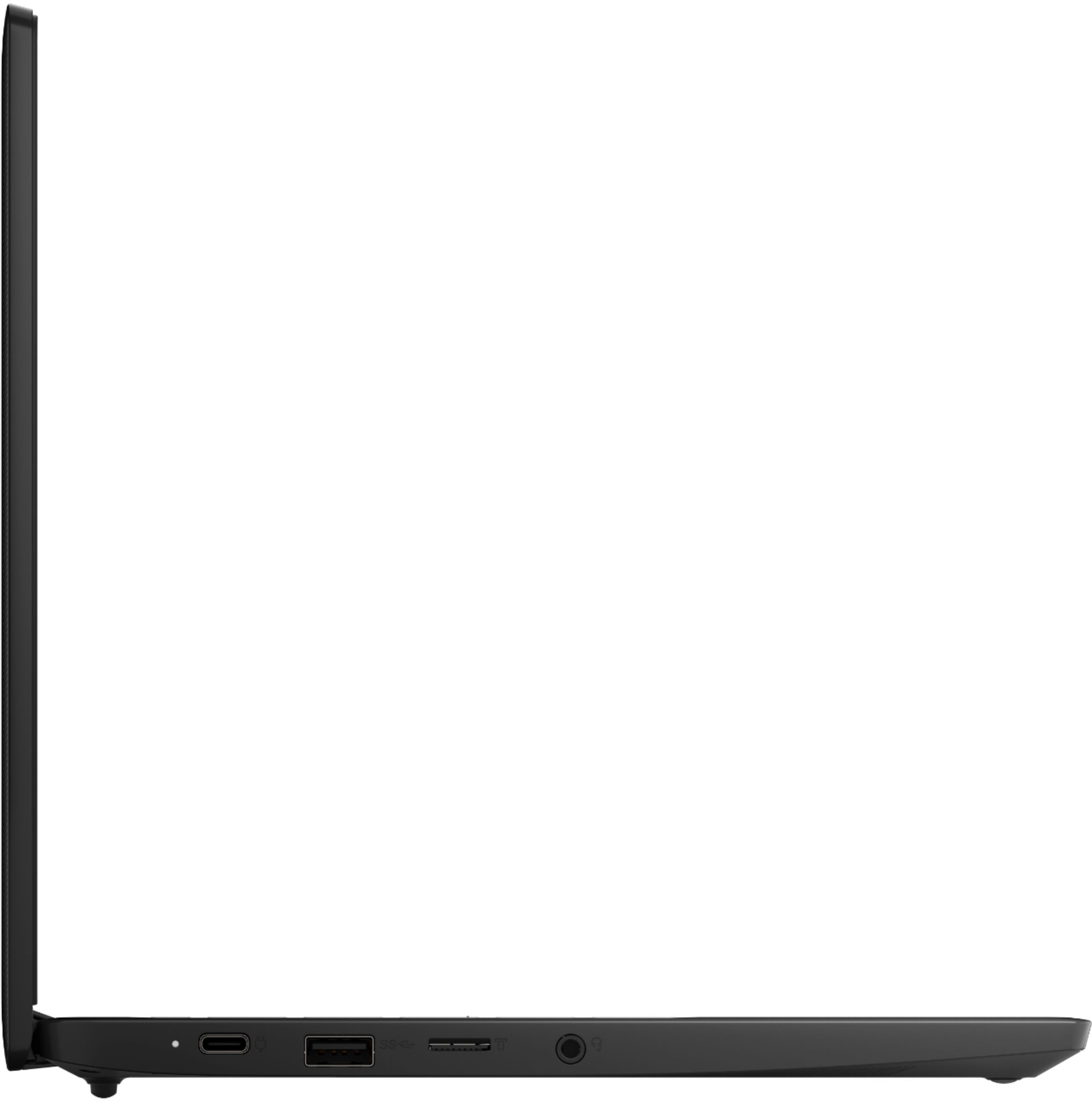
Posted .We are sorry to hear that you are having issues with the Integrated 47Wh, Lithium-Polymer Battery installed within your Lenovo Chromebook 3 11, model number 82H40000US. First, check to be sure the issue is not with the 45W USB-C (3-pin) AC adapter/charger that shipped with your Chromebook 3 11. Plug in the 45W USB-C (3-pin) AC adapter/charger. This Chromebook 3 11 has an LED Power Light next to the USB-c charging port on the left side of the Chromebook 3 11. It will indicate whether the computer is connected to ac power: • Solid red: Connected to ac power; battery capacity 1%-5%, • Solid orange: Connected to ac power; battery capacity 5%-97%, • Solid green: Connected to ac power; battery capacity 97%-100%, • Off: Not connected to ac power. If the LED Power light does not light up the issue may be with the AC adapter/charger itself. Resetting your Chromebook 3 11 back to original factory settings may also reset the battery, which may correct the charging issue. Here is a link to instructions for resetting a Chromebook. Once you have reset the Lenovo Chromebook 3 11, plug in the AC adapter/charger again and check the LED Power Light for an indication that the Chromebook 3 11 is charging normally again. Here is a link to the reset instructions: https://support.google.com/chromebook/answer/183084?hl=en. If the issue continues after the reset, we recommend you contact Lenovo Tech Support for Chromebooks for additional help at: 800-426-7378.
What happened to my order???
||Posted . Owned for 1 week when reviewed.This reviewer received promo considerations or sweepstakes entry for writing a review.Where is this computer? I should have received it November 20, 2021. What is the hold up? I contacted the shipping company LSO but they have failed to respond. Help!!!!!!
No, I would not recommend this to a friendDoes not work
||Posted . Owned for 1 month when reviewed.This reviewer received promo considerations or sweepstakes entry for writing a review.The computer will not power on. Happened after the 3rd time using it. Do not pay more than $1 for this machine.
No, I would not recommend this to a friendBrand response from Lenovo Product Expert
Posted .We are sorry to hear that you are having issues powering on your Lenovo Chromebook 3 11, model number 82H40000US. Resetting your Chromebook back to original factory settings may correct the issue you are having. Here is a link to instructions for resetting your Chromebook: https://support.google.com/chromebook/answer/183084 If the issue still continues, we recommend you contact Lenovo Tech Support for Chromebooks at: 800-426-7378.
Avoid
||Posted . Owned for 11 months when reviewed.This reviewer received promo considerations or sweepstakes entry for writing a review.Felt cheap from the start, didn't even last a year before issues began with colors flashing on websites.
No, I would not recommend this to a friendBrand response from Lenovo Product Expert
Posted .We are sorry to hear that you are having issues with your Lenovo Chromebook 3 11 model number 82H40000US. Try resetting your Chromebook back to original factory settings: https://support.google.com/chromebook/answer/183084?hl=en&ref_topic=3417251. If the issue continues, we recommend you contact Lenovo Tech Support for Chromebooks at: 800-426-7378.
Not enough memory
||Posted . Owned for 1 week when reviewed.This reviewer received promo considerations or sweepstakes entry for writing a review.Not enough memory to live stream, got for the church Facebook live on Sunday and would freeze up.
No, I would not recommend this to a friendBrand response from Lenovo Product Expert
Posted .We are sorry to hear that you are having issues with your Lenovo Chromebook 3 11 when streaming video. Try playing video from another source such as a YouTube video or a Podcast of a past church service. See it the freezing occurs with the second video source. If it does not check your WiFi Network connection, turn the WiFi router off, wait approximately 30-seconds then turn the router back on. Try the live streaming video, when available again, after the reset of your router. If the issue continues, reset the Chromebook hardware. Here is a link to instructions for doing this: https://support.google.com/chromebook/answer/3227606?hl=en. If the issue continues, now reset the Chromebook back to original factory settings: https://support.google.com/chromebook/answer/183084?hl=en&ref_topic=3417251. If the issue continues, we recommend that you contact Lenovo Tech Support for Chromebooks at: 800-426-7378.
Died after six months
||Posted . Owned for 6 months when reviewed.This reviewer received promo considerations or sweepstakes entry for writing a review.I know it's a bargain, but I've never had problems with a Chromebook until a year after purchase, usually later.
No, I would not recommend this to a friendBrand response from Lenovo Product Expert
Posted .We are sorry to hear that you are having issues with your Lenovo Chromebook 3 11, model number 82H40000US. Resetting your Chromebook back to original factory settings may fix the issues you are having. https://support.google.com/chromebook/answer/183084?hl=en. If the issue continues after this reset, we recommend you contact Lenovo Tech Support for Chromebooks for additional help at: 800-426-7378.
Lenovo Chromebook
||Posted . Owned for 1 month when reviewed.This reviewer received promo considerations or sweepstakes entry for writing a review.It is the in thing now to have a Lenovo Chromebook 3 11" Chromebook AMD AG 4GB Memory 32GB eMMC Flash Memory Onyx Black is excellent.
I would recommend this to a friendLenovo Chromebook
||Posted .This reviewer received promo considerations or sweepstakes entry for writing a review.Not very responsive, slow and basic. Not recommended for any basic work.
No, I would not recommend this to a friendWaste of money
||Posted . Owned for 2 months when reviewed.This reviewer received promo considerations or sweepstakes entry for writing a review.Trash. Highly disappointed. I can go online and that’s about it. No Hulu no Netflix no streaming.
No, I would not recommend this to a friendBrand response from Lenovo Product Expert
Posted .We are sorry to hear that the Lenovo Chromebook 3 11, model number 82H40000US, does not meet your computing needs. This Chromebook 3 11 ships with the Chrome Operating System installed and is compatible with Google Play Store APPs. Not all Google Play Store APPs are optimized for the Chrome OS. We recommend you check with the specific APPs software publisher's web sites, of the APPs you want to use, for their compatibility with the Chrome operating system and the minimum/recommended hardware requirements (Is a Graphics card required, the processor speed and the minimum required system RAM and the minimum available hard drive space) to run their program, then compare those requirements to this Chromebook's configuration.
- Pros mentioned:Speed
Back to school
Posted .This reviewer received promo considerations or sweepstakes entry for writing a review.Perfect laptop for school fast great for multitasking lightweight and convienent
I would recommend this to a friend DOA
||Posted . Owned for less than 1 week when reviewed.This reviewer received promo considerations or sweepstakes entry for writing a review.DOA. Press power button, nothing. Charge for an hour, nothing. Now have to hassle with return.
No, I would not recommend this to a friendBrand response from Lenovo Product Expert
Posted .We are sorry to hear that you are having issues with your Lenovo Chromebook 3 11. Here is a link to troubleshooting tips for fixing a Chromebook that will not power on: https://www.lifewire.com/fix-a-chromebook-that-wont-turn-on-4802489. If the issue continues, we recommend you contact Lenovo Tech Support for Chromebooks for additional help at: 800-426-7378.
I hate it
||Posted . Owned for 3 weeks when reviewed.This reviewer received promo considerations or sweepstakes entry for writing a review.I hate it but it’s too late to return it. I’ll give it to my eight year old niece to play with.
No, I would not recommend this to a friendBrand response from Lenovo Product Expert
Posted .We are sorry to hear that the Lenovo Chromebook 3 11 does not meet your computing needs. This Chromebook 3 11 ships with the Chrome Operating System and is compatible with Google Play Store APPs.
Defective 1st day ???
||Posted . Owned for less than 1 week when reviewed.This reviewer received promo considerations or sweepstakes entry for writing a review.Turned it on set up n all , 20 min later completely shut down and couldn't turn back on. 1st day
No, I would not recommend this to a friendBrand response from Lenovo Product Expert
Posted .We are sorry to hear that you are having issues with your Lenovo Chromebook 3 11. Be sure the Chromebook is fully charged. If the battery is fully charged, but the issue continues, try these troubleshooting tips: https://www.lifewire.com/fix-a-chromebook-that-wont-turn-on-4802489. If the issue continues, we recommend you contact Lenovo Tech Support for Chromebooks at: 800-426-7378.
Not very good
||Posted . Owned for 1 month when reviewed.This reviewer received promo considerations or sweepstakes entry for writing a review.Flimsy construction. Plastic is not durable. You get what you pay for. This is a cheap computer.
No, I would not recommend this to a friendIt might work for someone else
||Posted .This reviewer received promo considerations or sweepstakes entry for writing a review.I returned it bcz it wasn't working properly i don't have much to say
No, I would not recommend this to a friendBrand response from Lenovo Product Expert
Posted .We always recommend you check the requirements and compatibility of any software/games you will be installing on your new Chromebook, before you invest in any Chromebook. Be sure your new Chromebook can support the software you will need to use and your workload.
Notebook
||Posted . Owned for less than 1 week when reviewed.This reviewer received promo considerations or sweepstakes entry for writing a review.It looked like a great deal but wasn’t able to add any software to it.
No, I would not recommend this to a friendBrand response from Lenovo Product Expert
Posted .This Lenovo Chromebook 3 11 ships with the Chrome Operating System and is compatible with Google Play Store APPs. We always recommend you check the requirements and compatibility of any software you will be installing on your new computer, before you invest in any computer. Be sure your new computer can support the software you will need to use.
Buyer beware
||Posted . Owned for 2 months when reviewed.This reviewer received promo considerations or sweepstakes entry for writing a review.Stop working in less than two months. Do not recommend.
No, I would not recommend this to a friendBrand response from Lenovo Product Expert
Posted .We are sorry to hear that you are having issues with your Lenovo Chromebook 3 11. Resetting your Chromebook back to original factory settings may correct the issue. Here is a link to instructions for resetting your Chromebook: https://support.google.com/chromebook/answer/183084?hl=en. If the issue continues after this reset, we recommend you contact Lenovo Tech Support for Chromebooks for additional help at: 800-426-7378.