Customer Ratings & Reviews
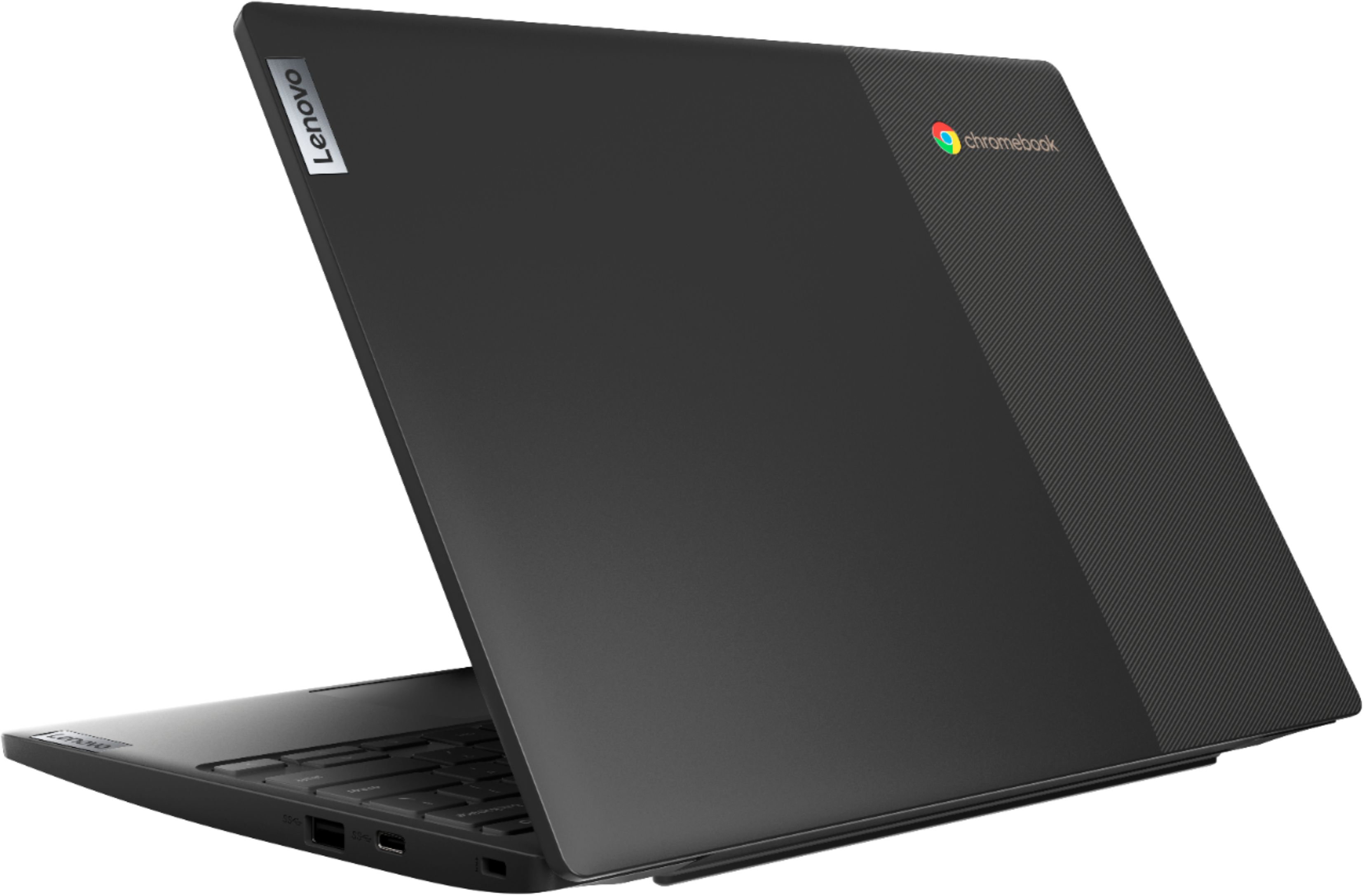
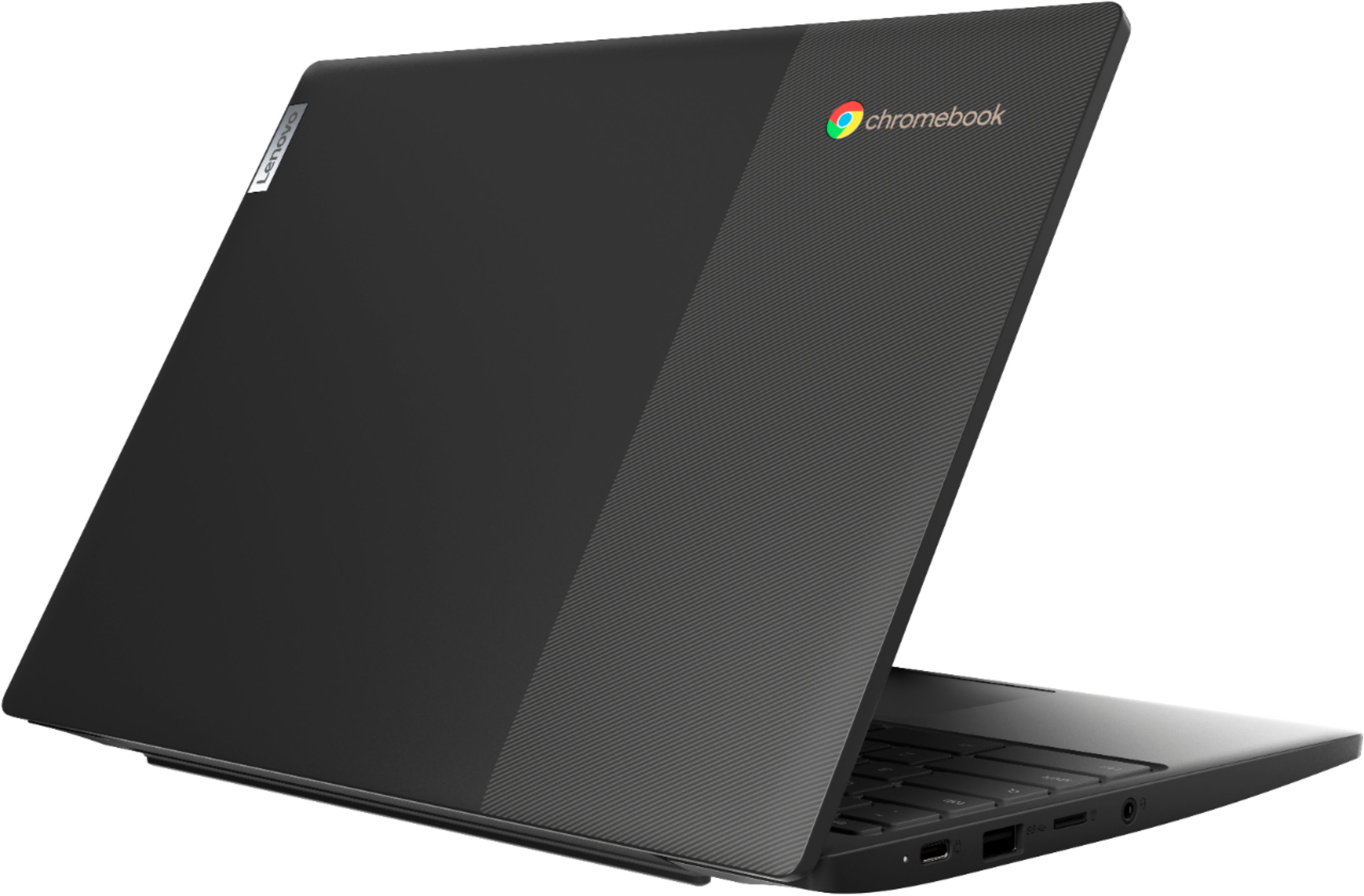
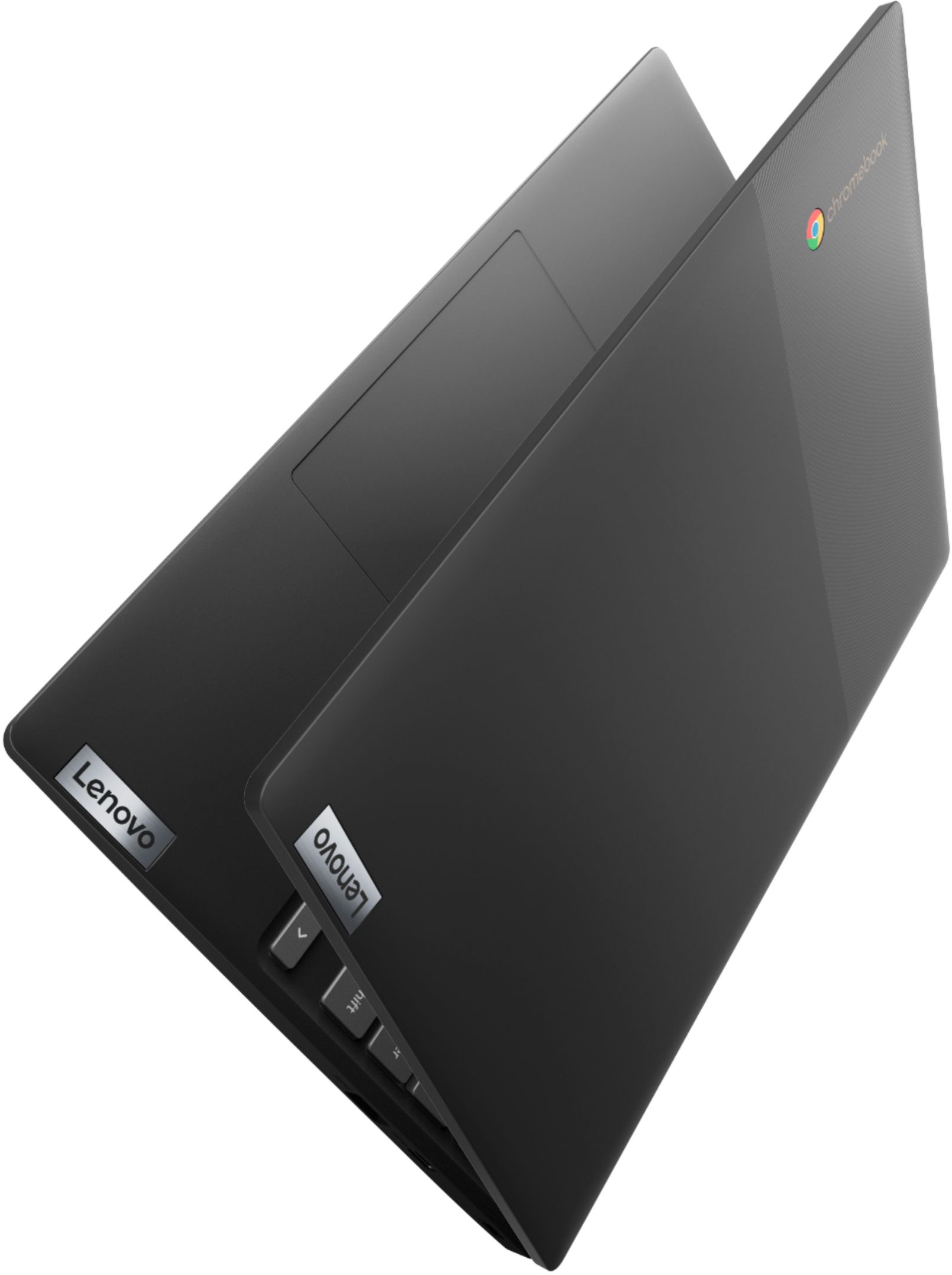
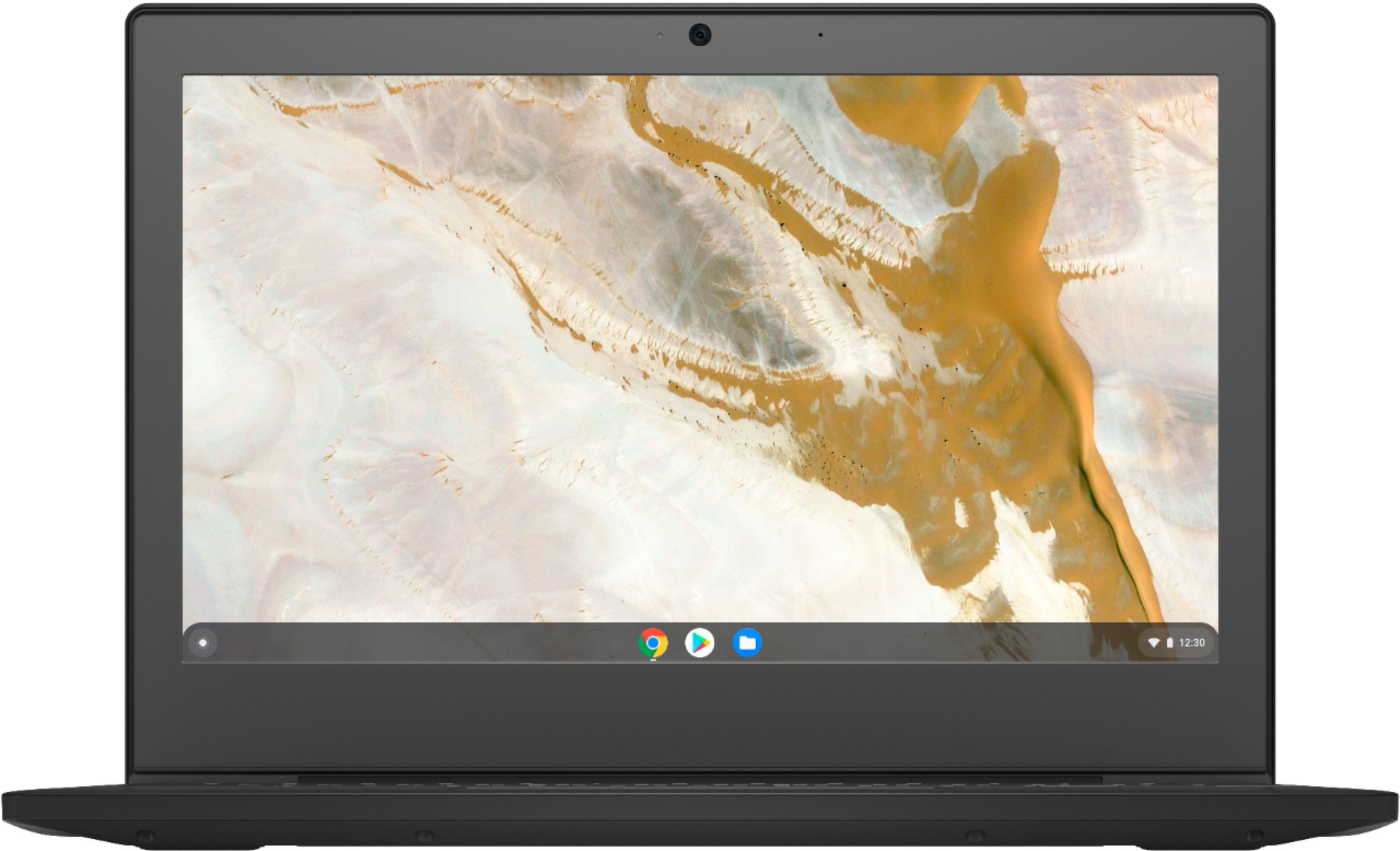

- Model:
- 82H40000US
- SKU:
- 6419029
Rating by feature
- Battery Life
Rating 4.5 out of 5 stars
- Speed
Rating 4.3 out of 5 stars
- Display
Rating 4.3 out of 5 stars
Customers are saying
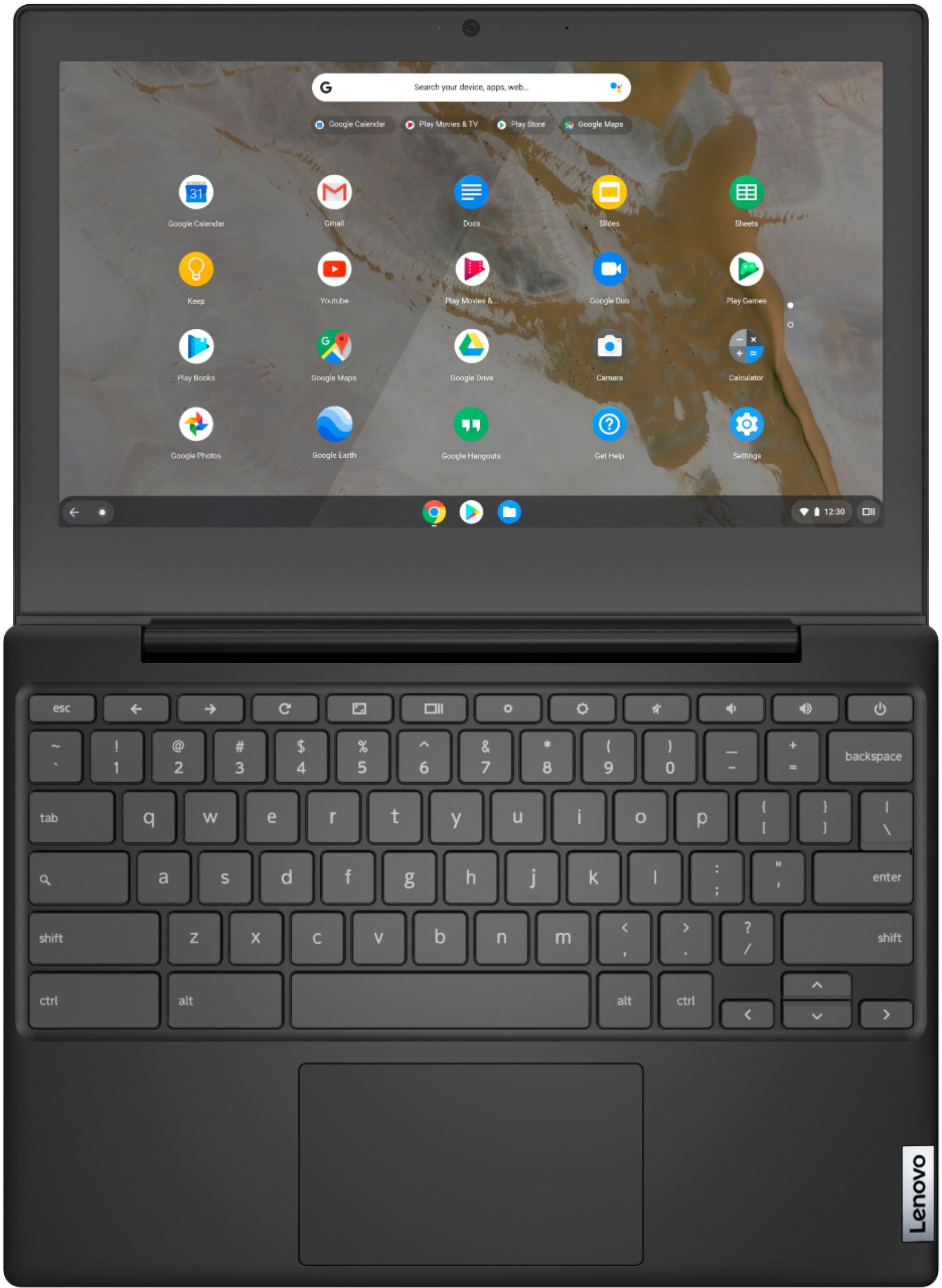
Customers are pleased with the Chromebook 3 11" Chromebook's ease of use, competitive price, and compact size, finding it perfect for everyday tasks and travel. Positive feedback also highlights its performance and battery life, although some users mention limitations in screen quality and storage capacity. The lightweight design is frequently praised. While some users wish for more RAM and storage, many find the device meets their needs for web browsing and basic applications.
This summary was generated by AI based on customer reviews.
200 wasted dollars...tax
||Posted . Owned for 1 month when reviewed.This reviewer received promo considerations or sweepstakes entry for writing a review.Less than a week after purchasing, I opened it to use it and it was broken! Crazy.
No, I would not recommend this to a friendNot a good buy
||Posted . Owned for less than 1 week when reviewed.This reviewer received promo considerations or sweepstakes entry for writing a review.Did not work for me. I couldn’t use all my apps or connect to my printer
No, I would not recommend this to a friendBrand response from Lenovo Product Expert
Posted .Hello we are sorry to hear you had this experience with the Lenovo Chromebook 3-11" model # 82H40000US Here is a link to a website with some helpful tips and tricks for printing with a Chromebook, https://www.theverge.com/2019/4/17/18312056/chromebook-printer-digital-pictures-how-to-connect-cloud . In regards to the applications this is a Chromebook and utilizes the Google Play Store. It is only compatible with APPS that are designed to run on the Chrome Operating System. We always recommend you check the requirements and compatibility of any software you will be installing on your new computer before you invest in any computer. Be sure your new computer can support the software you will need to use. If you need further assistance please don't hesitate to reach out to Lenovo Tech Support at 866-426-7378

Broke
||Posted .This reviewer received promo considerations or sweepstakes entry for writing a review.It was a gift it stopped working very disappointed.
No, I would not recommend this to a friendBrand response from Lenovo Product Expert
Posted .We are sorry to hear that you are having issues with your Lenovo Chromebook 3 11. Resetting your Chromebook may correct the issue you are having. Here is a link to instructions for resetting your Chromebook: https://support.google.com/chromebook/answer/183084?hl=en&ref_topic=3417251. If the issue continues, we recommend you contact Lenovo Tech Support for Chromebooks for additional help at: 800-426-7378.
Chrager
||Posted . Owned for 3 months when reviewed.This reviewer received promo considerations or sweepstakes entry for writing a review.Charger went out 1 month after returnable deadline
No, I would not recommend this to a friendBrand response from Lenovo Product Expert
Posted .We are sorry to hear that you are having issues with the included AC adapter/charger of the Lenovo Chromebook 3 11 model number 82H40000US. This Chromebook ships with a limited 1-year manufacturer's warranty that covers hardware OEM issues. We recommend you contact Lenovo Tech Support for Chromebooks for help at: 800-426-7378.
bad
||Posted . Owned for 1 week when reviewed.This reviewer received promo considerations or sweepstakes entry for writing a review.it was so bad everything was soo laggy like i cant explain
No, I would not recommend this to a friendBrand response from Lenovo Product Expert
Posted .We are sorry to hear that you are having issues with your Lenovo Chromebook 3 11, model number 82H40000US. It is possible that resetting your Chromebook 3 11 back to original factory settings will correct the issues you are having. Here is a link to information about resetting your Chromebook back to original factory settings: https://support.google.com/chromebook/answer/183084?hl=en
Functional lightweight chromebook
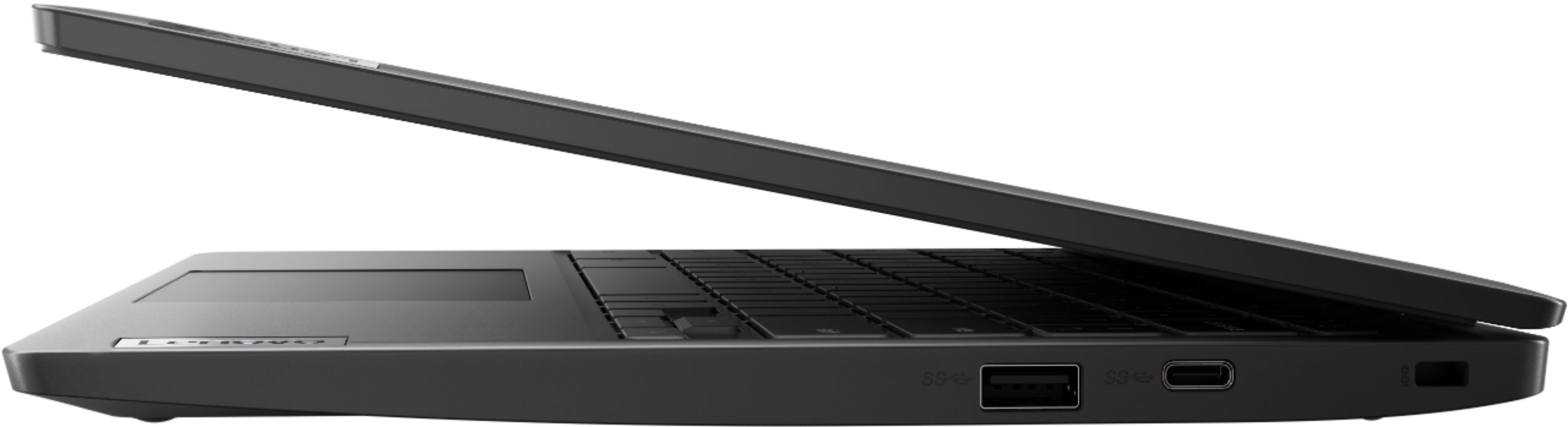
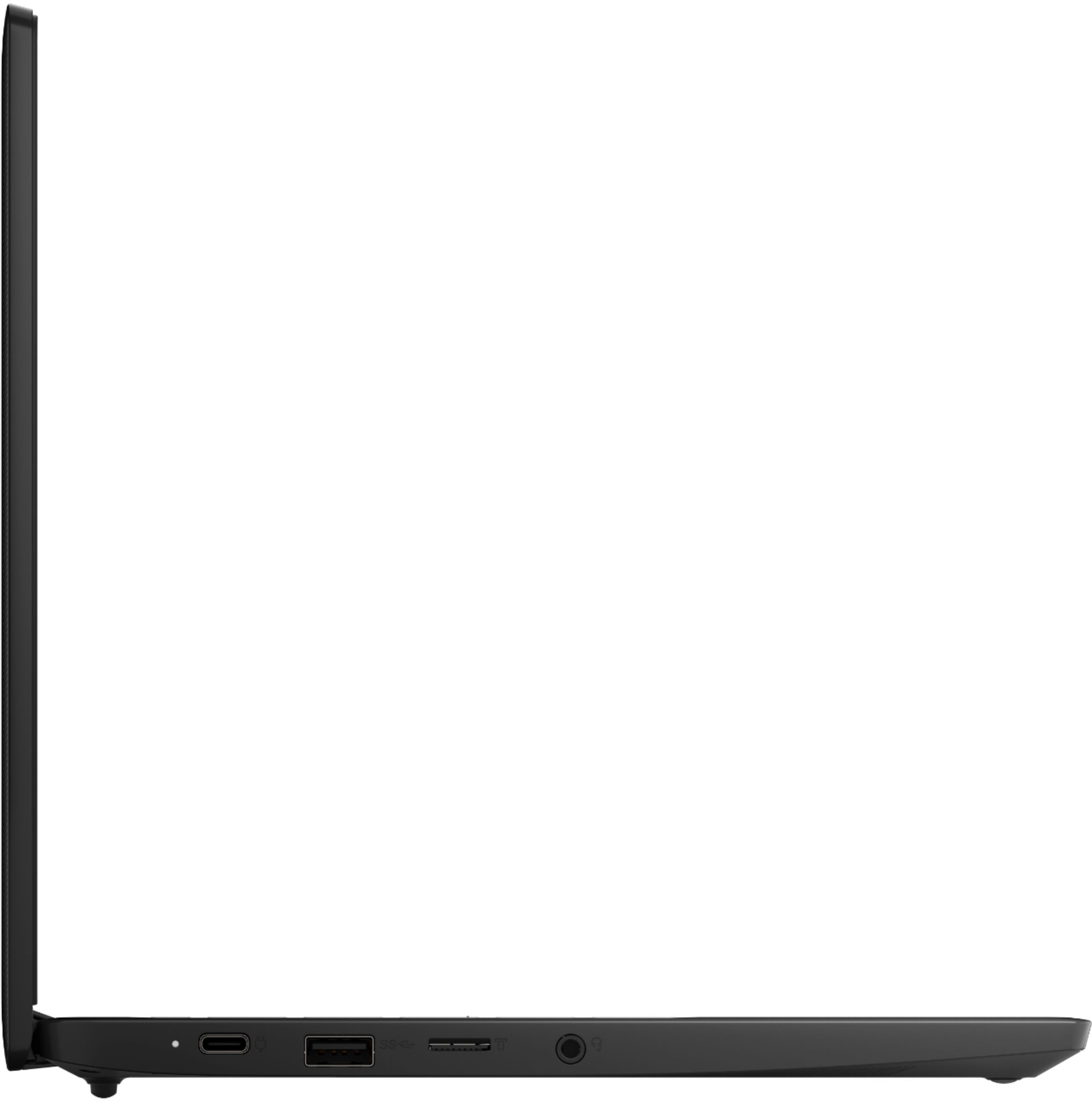
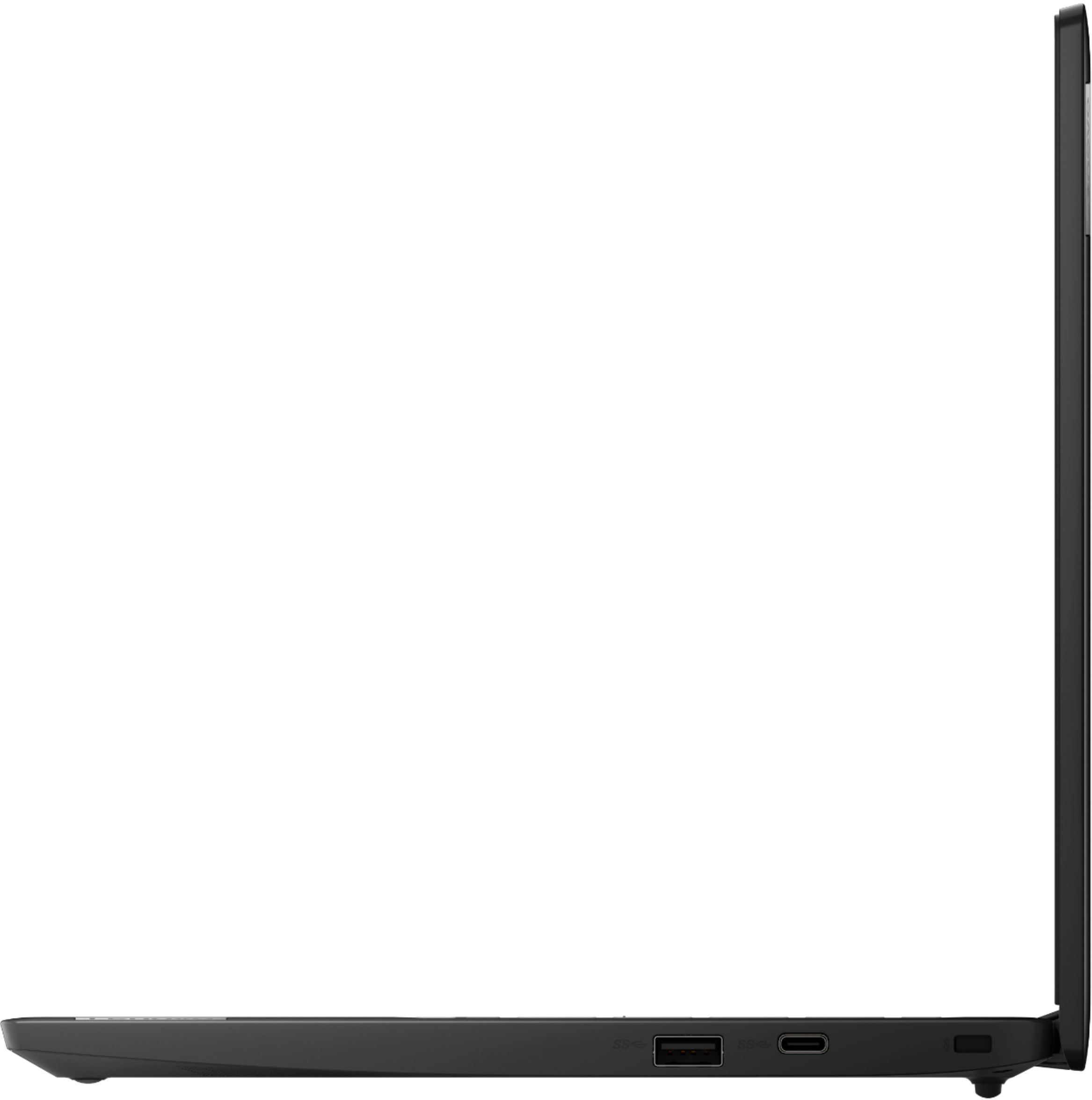
Posted .This reviewer received promo considerations or sweepstakes entry for writing a review.I've had this laptop for about a year now and only have great things to say for the price I paid and value I received. It has a sleek design and is lightweight which is perfect because I carry it around often. I use it for both work and personal use and it syncs with my Google Drive so storage is not an issue. I've never had internet connection issues and I think the screen works just fine. The only minor thing that it seems to lack is more USB ports (it only has one). I would like the option of two because I need one for my wireless mouse and one to connect my iphone to. Other than that I will definitely be repurchasing once this one stops working!
I would recommend this to a friendIt has replaced my Windows desktop and laptop
Posted .This reviewer received promo considerations or sweepstakes entry for writing a review.So my better half and I both have one of these, and they've pretty much replaced our other laptops and desktop PCs. I was honestly shocked at their quality and performance... She bought the pair without consulting me. She does a lot of pod casting, commentary posting, live streaming on various topics, and moderates on several channels. It's been perfect for her. I'm a gamer geek (I love Adventure Quest 3D, and it runs better on this Chromebook than any of my other computers - even found a DOS and Windows 3.1 emulator so I can play my favorite classics), graphic designer (I use Gimp), and coder. It's been perfect for me. And if we need something that we can only run in Windows? Oh... HEY! We can just remote into one of our Windows PCs!!! Got to love Chrome Remote Desktop! I've one complaint though.... We've a friend/roommate that's trapped out of the country at the moment due to COVID and other issues that we video call daily just to touch base and say "Hi!" to. These things heat up FAST during live video calls or while live streaming. Other than that... You get a surprising amount of bang for your buck with one of these babies. Battery life is great, good screen quality, reasonably decent graphics processor.... LOVE that it has Bluetooth, my better half and I both prefer Bluetooth mice to touch pads even when we're using desktop PCs, and I have mine synced to a Bluetooth speaker system (for listening to tunes while I work). Over all - Great product for the price.
I would recommend this to a friendBrand response from Lenovo Product Expert
Posted .Thank you for choosing the Lenovo Chromebook 3 11. When you are using heavy workload APPs like video conferencing APPs, if your Chromebook gets hot when you use it, that's normal. But what's not normal is excessive heat to the point that your system starts to freeze, stutter, or even overheat and shut down. If this happens, we recommend you contact Lenovo Tech Support for Chromebooks at: 800-426-7378.
- Pros mentioned:Size, Speed
Good purchase for moderate use.
Posted .This reviewer received promo considerations or sweepstakes entry for writing a review.I love this speedy little powerhouse! I especially appreciate that it is lightweight and on the small side so it easily slips into a work bag without making it too heavy.
I would recommend this to a friendBrand response from Lenovo Product Expert
Posted .Thank you for choosing the Lenovo Chromebook 3 11. We are pleased to hear that the features and performance of the Chromebook 3 14 meets your computing needs so well.
- Cons mentioned:Screen quality
good chromebook
Posted .This reviewer received promo considerations or sweepstakes entry for writing a review.I purchased this and it works fantastic it has all the the things you need. this is not the best screen but you could see every thing clear this has been my computer and it is easy use.
I would recommend this to a friendBrand response from Lenovo Product Expert
Posted .Hello there! Thanks for choosing The Lenovo Chromebook 3 11". We are so happy to hear the performance, design, and features of the Chromebook 3 is meeting your computing needs so well.
- Cons mentioned:Ram, Storage
Thank you
Posted .This reviewer received promo considerations or sweepstakes entry for writing a review.It was a Christmas gift for my husband and he loves it! He can connect excel on his phone and the Chromebook for his business!
I would recommend this to a friendBrand response from Lenovo Product Expert
Posted .Thank you for choosing the Lenovo Chromebook 3 11 for your husband. We are pleased to hear that the Chromebook 3 11 meets your husband's computing needs so well.
- Pros mentioned:PriceCons mentioned:Screen quality
Review
Posted .This reviewer received promo considerations or sweepstakes entry for writing a review.Its a good laptop for the price. Screen is small and not super bright, but gets the job done.
I would recommend this to a friendBrand response from Lenovo Product Expert
Posted .Thank you for choosing the Lenovo Chromebook 3 11, model number 82H40000US. This model ships with a 11.6 inch (screen size measured diagonally) TN - HD (1366x768) screen, with a brightness level of 250 nits and has an Anti-glare Coating. We are pleased to hear that the Chromebook 3 11 meets your computing needs.
- Pros mentioned:Ease of use
Screen doesn't act like a tablet or a computer
Posted .This reviewer received promo considerations or sweepstakes entry for writing a review.I thought this Chromebook would look like my tablet, allowing me to have icons on the opening page so I could click on what I wanted to open. It doesn't work that way so I don't like that at all. In fact I'm very disappointed! I bought this so I could place grocery orders and have zoom meetings. I hope it at least works for that!
No, I would not recommend this to a friendBrand response from Lenovo Product Expert
Posted .Thank you for choosing the Lenovo Chromebook 3 11. Chromebooks have a desktop. However, you can’t put any apps or icons on it. While you can’t technically add apps to your Chromebook desktop, you can pin them to the Shelf to access them quicker. The Shelf is a row of apps located at the bottom of the screen. Think of it as the equivalent of the Windows taskbar. Here is a link to more information about pinning shortcuts to your Chromebook Shelf: https://www.technipages.com/how-to-add-apps-to-desktop-on-chromebook
Basic
Posted .This reviewer received promo considerations or sweepstakes entry for writing a review.Fast boot. Used to surf web. Basic computing and the kiddo love to watch movies on.
I would recommend this to a friend- Pros mentioned:Ease of use
Williams
Posted .This reviewer received promo considerations or sweepstakes entry for writing a review.I bought the Lenovo chrome book 3 for my 13 yr old Thus far it has been doing everything as advertise ,easy for him to manage and I did not have tell show him how to operate the book.he read the manual and was on his way.I am happy with the product and of course the price.
I would recommend this to a friendBrand response from Lenovo Product Expert
Posted .Thank you for choosing the Lenovo Chromebook 3 11 for your child. We are pleased to hear that the easy setup and use as well as the performance of the Chromebook 3 11 meets your child's computing needs so well.
- Pros mentioned:Performance
Great little Chromebook.
Posted .This reviewer received promo considerations or sweepstakes entry for writing a review.I bought this Chromebook because I needed something in a hurry and didn't want to spend a lot of money. I thought the small screen might be a problem, but I adjusted to it very quickly. This little machine does everything I need it to flawlessly. Couldn't be happier.
I would recommend this to a friendBrand response from Lenovo Product Expert
Posted .Thank you for choosing the Lenovo Chromebook 3 11. We are pleased to hear that the Chromebook 3 11 is working out so well for you.
- Pros mentioned:Price
Good laptop
Posted .This reviewer received promo considerations or sweepstakes entry for writing a review.This the best price that I have found with my trade in and I would recommend it to anyone that is looking for a good laptop fo the price and i am very happy with the laptop and the service that I have gotten from the employee’s
I would recommend this to a friendBrand response from Lenovo Product Expert
Posted .Thank you for choosing the Lenovo Chromebook 3 11. We are pleased to hear that the Chromebook 3 11 meets your computing needs so well.
- Cons mentioned:Screen quality
bare bones, fuzzy screen, and a defective B key
Posted .This reviewer received promo considerations or sweepstakes entry for writing a review.I bought this to be, basically, a word processor for Google Docs. In other words, I got it to type on. A lot. Well, after I set it up and started working on a document, I quickly realized that the B key doesn't work unless you press it down DIRECTLY, STRAIGHT DOWN from above. Every other key you can kind of tap from the side a bit, and it registers--just like every other keyboard I've used in the past 35 or so years. But there's clearly a defect in the B key on this one, and it is so disruptive I finally just stopped working on the Chromebook and went back to my desktop Mac. The screen's anti-glare is really just a textured screen that scatters light. It's got a pretty cheap feel to it. I generally don't care since I really only want it for word processing, but if you expect crisp resolution, this isn't the product you're looking for. I'm going to either return this or exchange and hope the next one has a fully functional keyboard. But first impression on this isn't a good one.
No, I would not recommend this to a friendBrand response from Lenovo Product Expert
Posted .We are sorry to hear that you are having issues with your Lenovo Chromebook 3 11. Try using canned air to remove any debris that may be obstructing the key you are having difficulty with. The Lenovo Chromebook 3 11 ships with a 11.6-inch (screen size measured diagonally) TN, LCD w/LED Backlight (Anti-glare) screen, with a resolution of 1366 X 768 (HD) and a brightness level of 250 nits. If the issue continues with your keyboard, we recommend you call Lenovo Tech Support for Chromebooks at: 800-426-7378.
- Pros mentioned:Speed
Grandma
Posted .This reviewer received promo considerations or sweepstakes entry for writing a review.You couldn’t find a better price, with these specs. I gave it to my grandson for Christmas. He uses it for school, and it has enough speed and memory for it.
I would recommend this to a friendBrand response from Lenovo Product Expert
Posted .Thank you for choosing the Lenovo Chromebook 3 11 for your grandson. We are pleased to hear that the Chromebook 3 11 meets your grandson's computing needs so well.
- Pros mentioned:Ease of use
Exactly what I was looking for
Posted .This reviewer received promo considerations or sweepstakes entry for writing a review.I was just looking for a low cost device to check email, access Google drive and use zoom. This definitely fit the bill.
I would recommend this to a friendBrand response from Lenovo Product Expert
Posted .Thank you for choosing the Lenovo Chromebook 3 11. We are pleased to hear that the Chromebook 3 11 meets your computing needs so well.
- Pros mentioned:Speed
Lightwheight and Fast
Posted .This reviewer received promo considerations or sweepstakes entry for writing a review.This is a really great device its very lightweight and also its very fast to use.
I would recommend this to a friend