Customer Ratings & Reviews
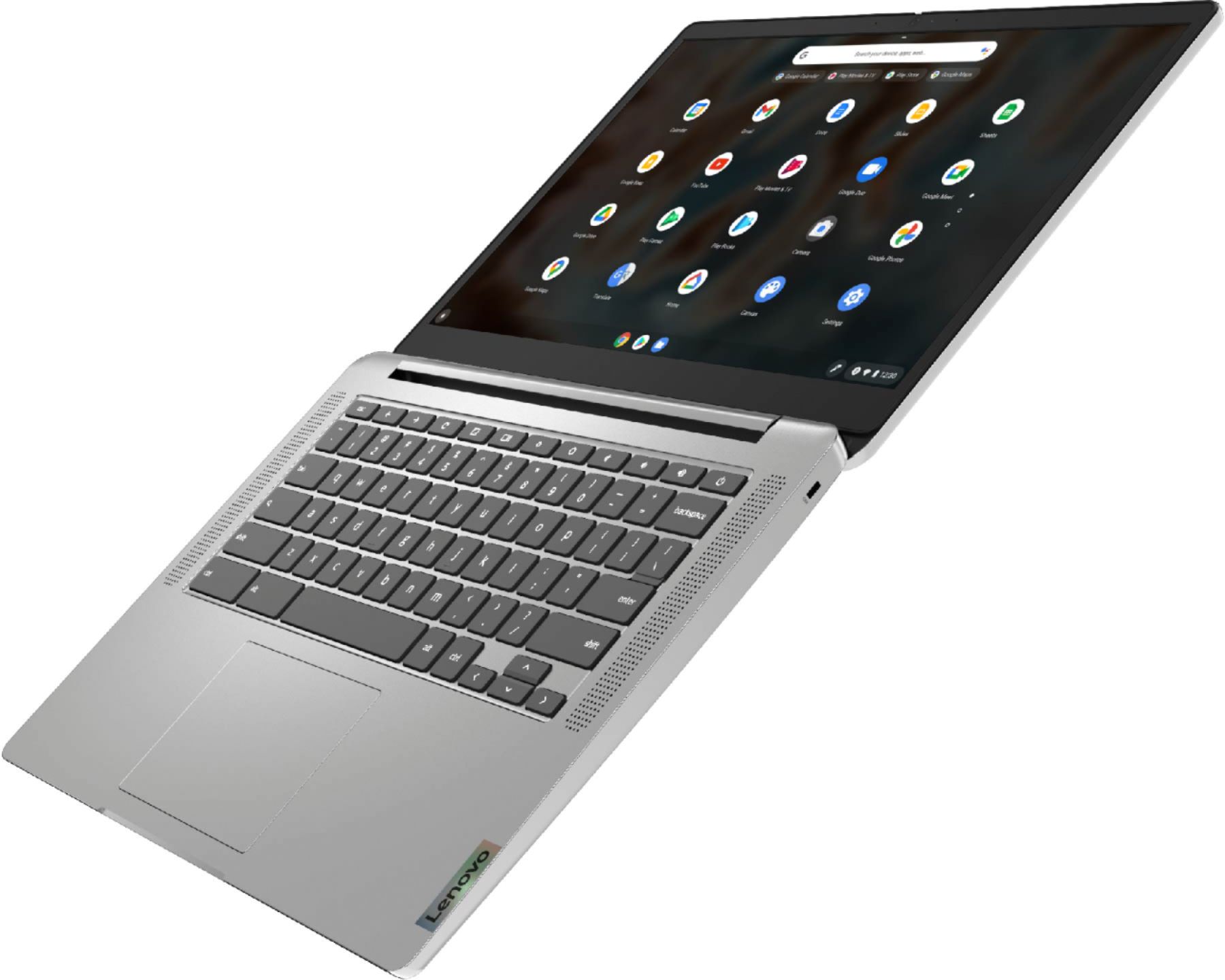
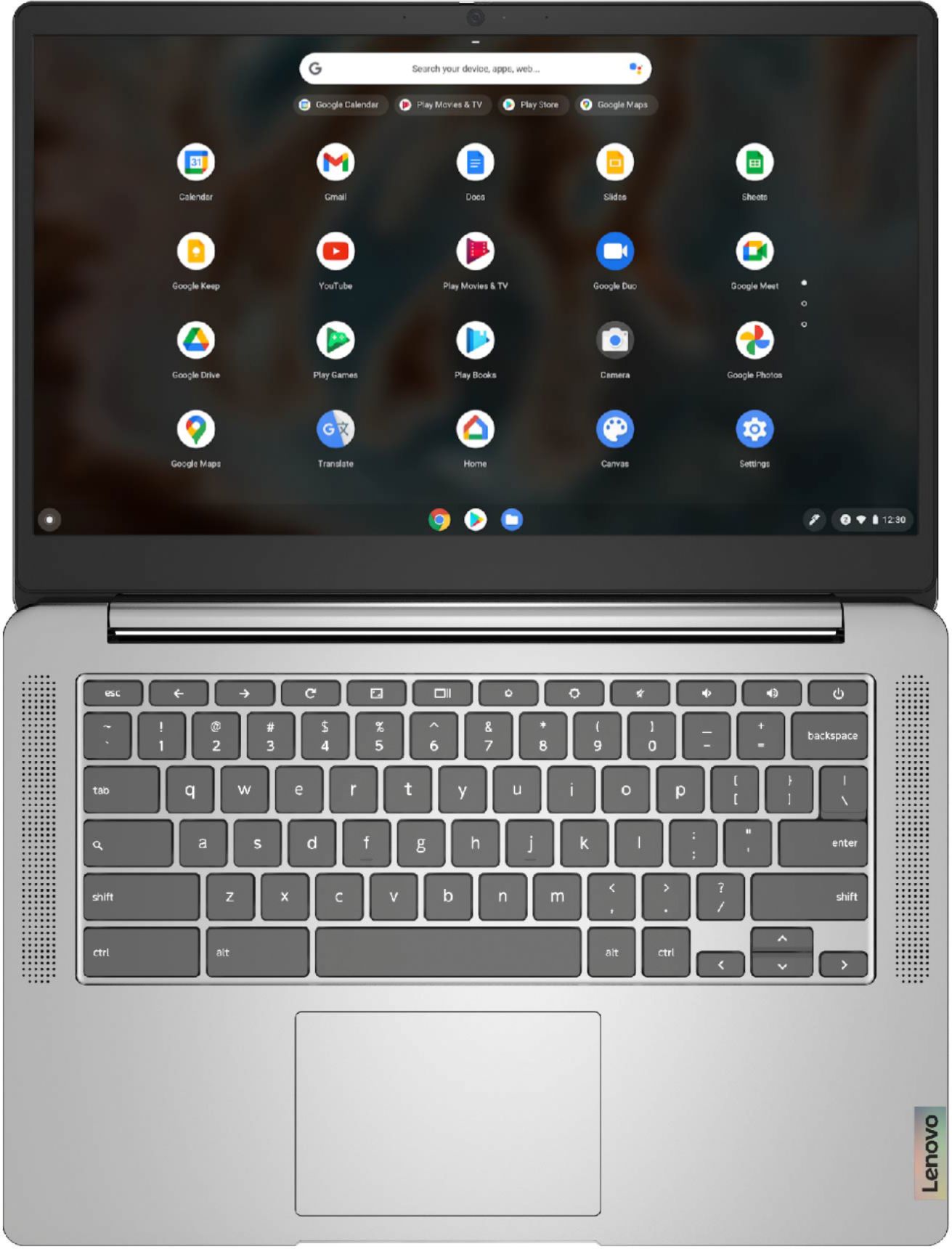
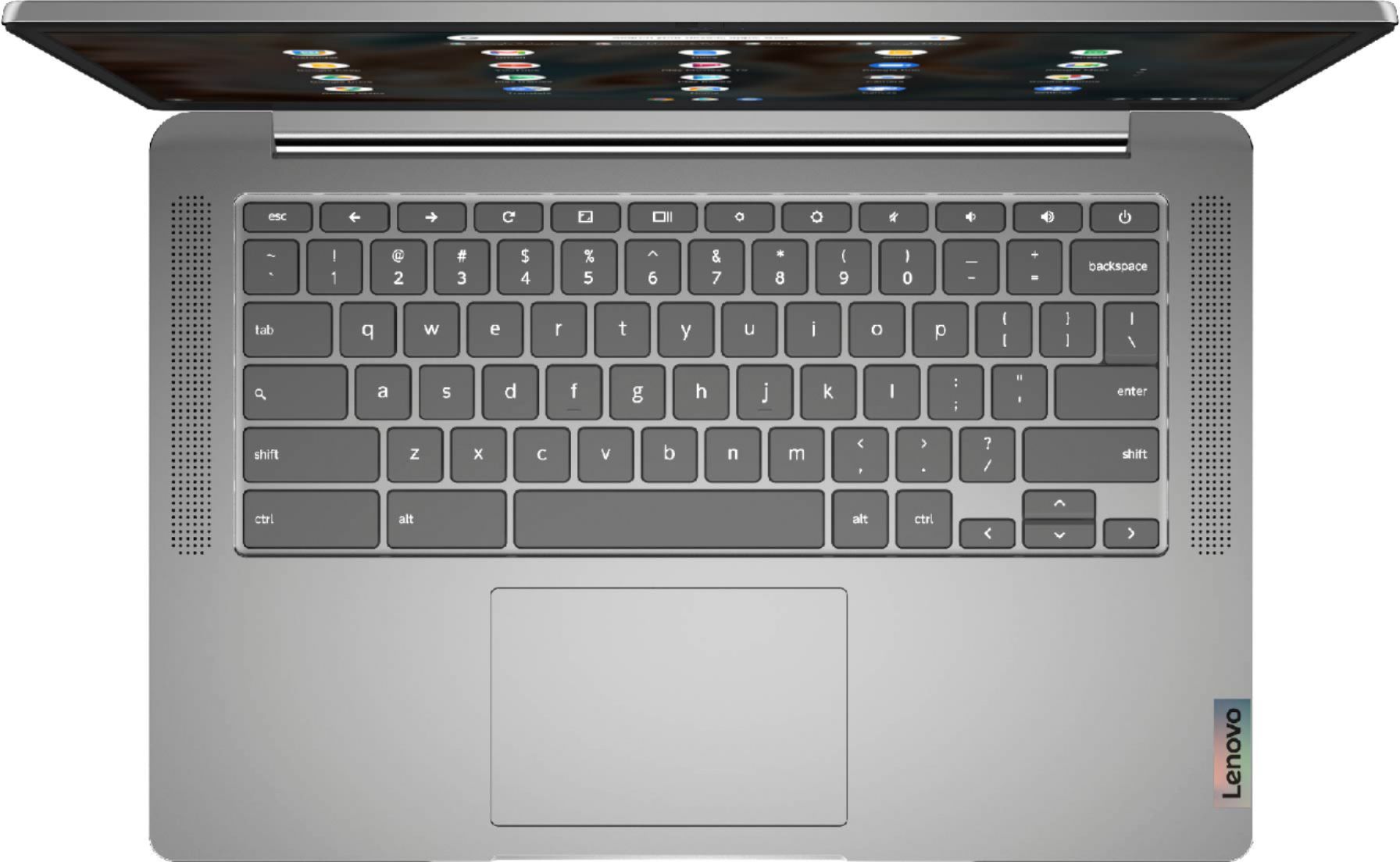
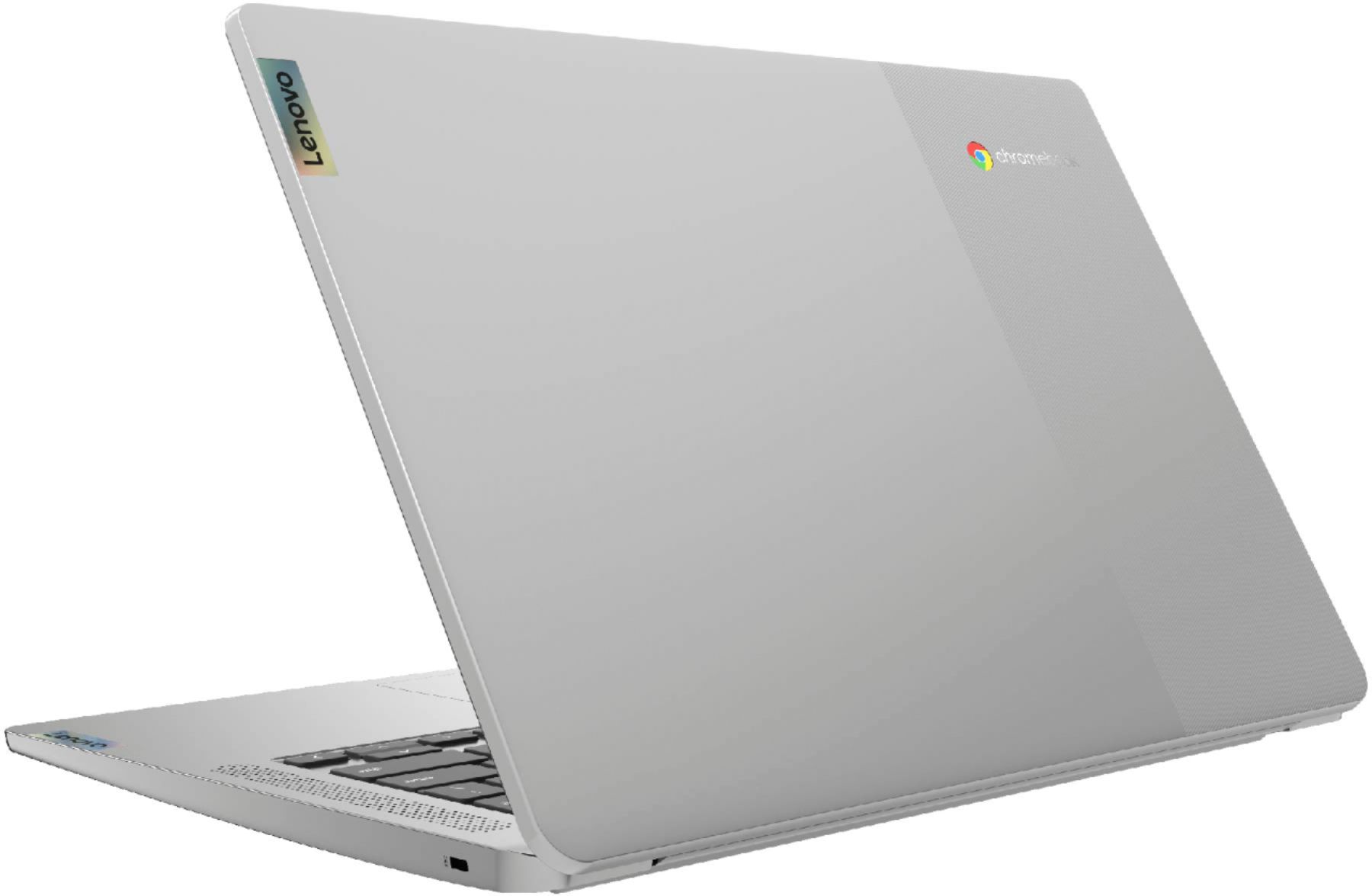

- Model:
- 82KN0000US
- SKU:
- 6447138
Rating by feature
- Battery Life
Rating 4.7 out of 5 stars
- Speed
Rating 4.4 out of 5 stars
- Display
Rating 4.4 out of 5 stars
Customers are saying
Customers are pleased with the Chromebook 3's ease of use, price, and battery life. Many also appreciate its screen size and lightweight design, finding it suitable for various needs. While some users wish for more memory, the positive feedback on performance and storage is generally favorable. Overall, the Chromebook 3 receives high praise for its value and user-friendliness.
This summary was generated by AI based on customer reviews.
Lenova
||Posted . Owned for 1 month when reviewed.This reviewer received promo considerations or sweepstakes entry for writing a review.Originally bpught as a gift but once i turned it on i kept it for myself it is great quality laptop for school work and files amd games.
I would recommend this to a friendWorks great!!
||Posted . Owned for 2 weeks when reviewed.This reviewer received promo considerations or sweepstakes entry for writing a review.I purchased this for online work. It did not disappoint. I would recommend this computer to anyone for which it meets their needs.
I would recommend this to a friendBrand response from Lenovo Product Expert
Posted .Thank you for choosing the Lenovo Chromebook 3 14. We are pleased to hear that the Chromebook 3 14 meets your computing needs so well.

Chromebook
||Posted . Owned for 1 year when reviewed.This reviewer received promo considerations or sweepstakes entry for writing a review.Works pretty well. Can be a tad slow processing sometimes but not too bad or annoying.
I would recommend this to a friendChrome book
||Posted .This reviewer received promo considerations or sweepstakes entry for writing a review.Works good! My girls love it! Came in handy when we where quarantined,my daughter used it to zoom with her teacher
I would recommend this to a friendBrand response from Lenovo Product Expert
Posted .Thank you for choosing the Lenovo Chromebook 3 14 for your children. We are pleased to hear that the Chromebook 3 14 meets the computing needs of your children so well.
Amazing for High School Students!!!
||Posted . Owned for 6 months when reviewed.This reviewer received promo considerations or sweepstakes entry for writing a review.I bought this as a gift to my son for school and it’s great! He loved it. It goes great for students in high school.
I would recommend this to a friendBrand response from Lenovo Product Expert
Posted .Thank you for choosing the Lenovo Chromebook 3 14 Laptop. We are very pleased to hear that the specifications and features of the Lenovo Chromebook 3 14 Laptop meet your computing needs so well.
Top Notch
||Posted . Owned for 1 month when reviewed.This reviewer received promo considerations or sweepstakes entry for writing a review.Awesome chrome book for the money. It has alot off security features and that was important since it is being used by a minor
I would recommend this to a friendBrand response from Lenovo Product Expert
Posted .thank you for choosing the lenovo Chromebook 3 14. We are pleased to hear that the features and performance of the Chromebook 3 14 are working out so well.
Nice Chromebook
||Posted . Owned for 3 weeks when reviewed.This reviewer received promo considerations or sweepstakes entry for writing a review.Bought this Chromebook for 13M. He uses it for school and entertainment. Good quality Chrome book for a good price.
I would recommend this to a friendBrand response from Lenovo Product Expert
Posted .Thank you for choosing the Lenovo Chromebook 3 14 Laptop. We are very pleased to hear that the specifications and features of the Lenovo Chromebook 3 14 Laptop meet your computing needs so well.
Lenovo Chromebook
||Posted . Owned for 3 months when reviewed.This reviewer received promo considerations or sweepstakes entry for writing a review.Perfect lightweight laptop for my son for school. Definitely recommend for a nice laptop for a young student.
I would recommend this to a friendBrand response from Lenovo Product Expert
Posted .Thank you for choosing the Lenovo Chromebook 3 14 for your son. We are pleased to hear that the features and performance of the Chromebook 3 14 are working out so well for your son.
Lenovo Chromebook 3
||Posted . Owned for 3 weeks when reviewed.This reviewer received promo considerations or sweepstakes entry for writing a review.Recently purchased Lenovo Chromebook 3 14". It doesn't have back lighting keyboard which I thought I wouldn't miss but really I do miss it. Also, I've experienced the BSOD which I was able to fix by using my iPhone to Google directions on how to fix it. I haven't had a ZOOM call on it yet & am hoping it will go well.
I would recommend this to a friendGood value for the price!
||Posted . Owned for 1 month when reviewed.This reviewer received promo considerations or sweepstakes entry for writing a review.Exceptional AUE - Auto Expiration Date plus relatively good Memory (64 G) for the price. Limited number if ports.
I would recommend this to a frienddescription on Best Buy is in error
||Posted . Owned for less than 1 week when reviewed.This reviewer received promo considerations or sweepstakes entry for writing a review.A good choice for the price, however, the listing is in error. It is not an IPS screen - it is a TN screen, and a TN screen has the issue of "washing out" when viewing angle is changed slightly. Due to that, I did return. But may be a good choice for someone looking for a budget chromebook.
I would recommend this to a friendBrand response from Lenovo Product Expert
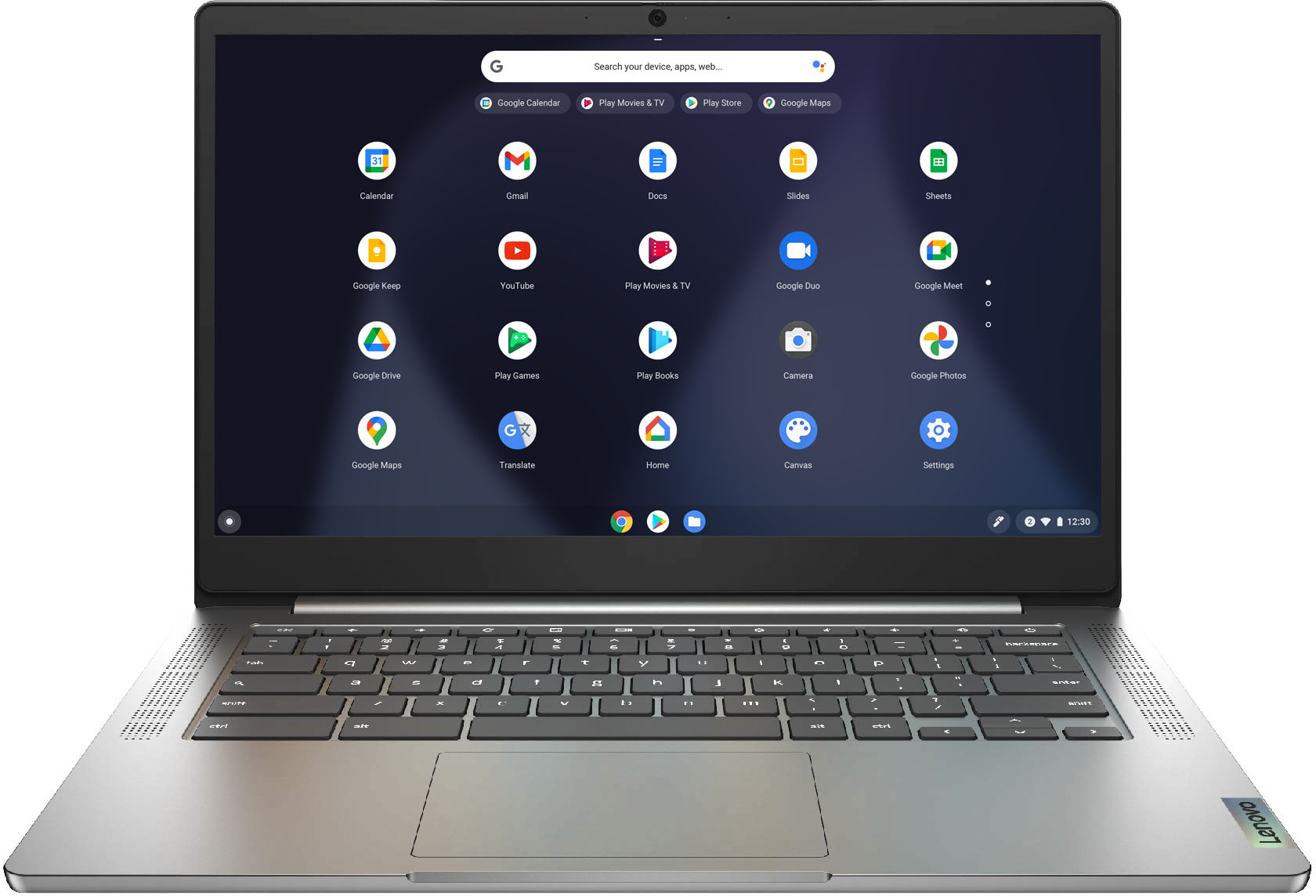
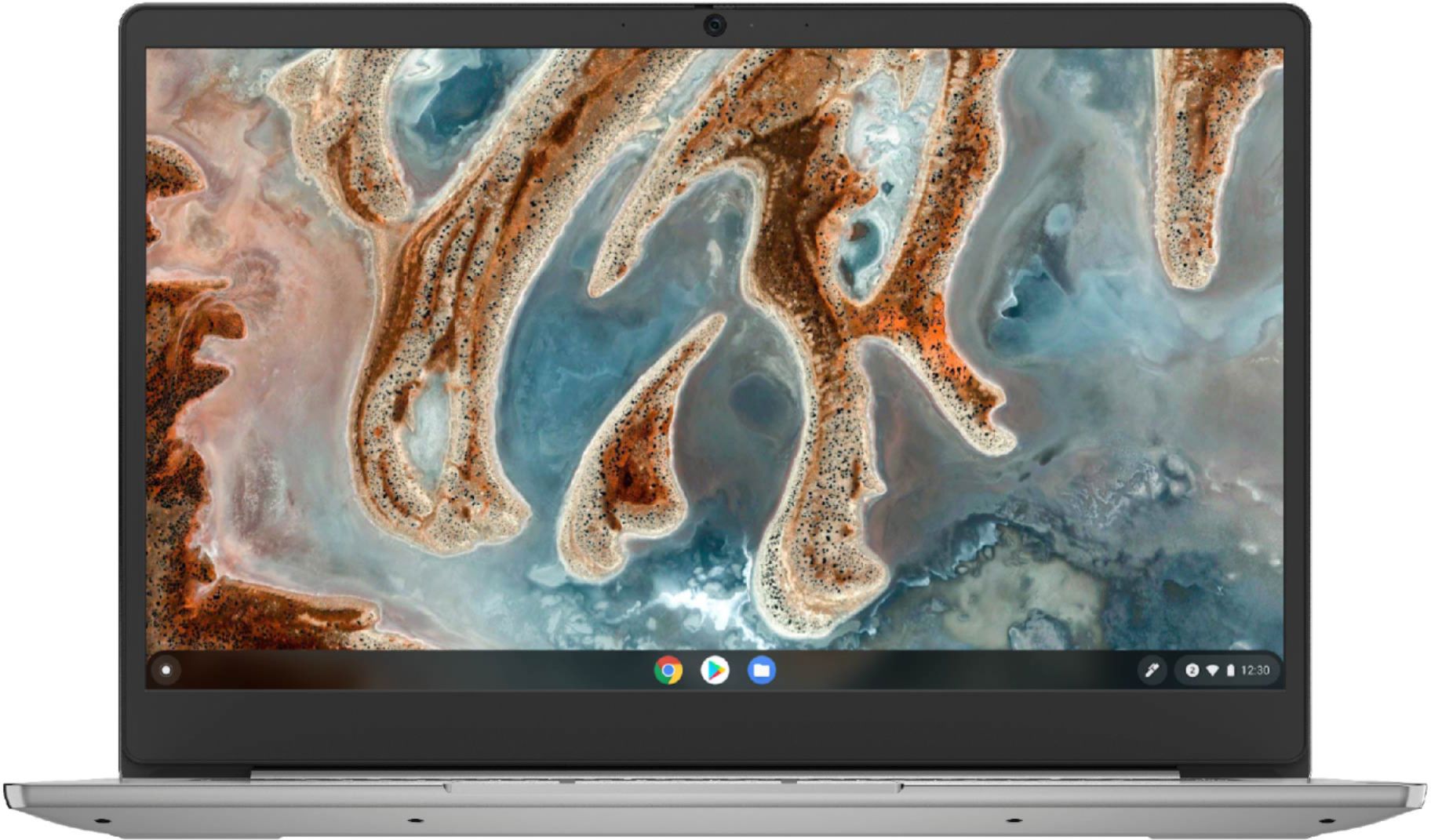
Posted .This Lenovo Chromebook 3 14 model number 82KN0000US, ships with a 14 inch (screen size measured diagonally) TN - FHD (1920x1080) screen, with Viewing Angles of (H / V) 160-degrees / 160-degrees, a brightness level of 220 nits and has an Anti-glare coating.
Lacking extended display capability
||Posted . Owned for 3 weeks when reviewed.This reviewer received promo considerations or sweepstakes entry for writing a review.To bad a second display can't be attached. Using chromcast does not extend the display.
I would recommend this to a friendBrand response from Lenovo Product Expert
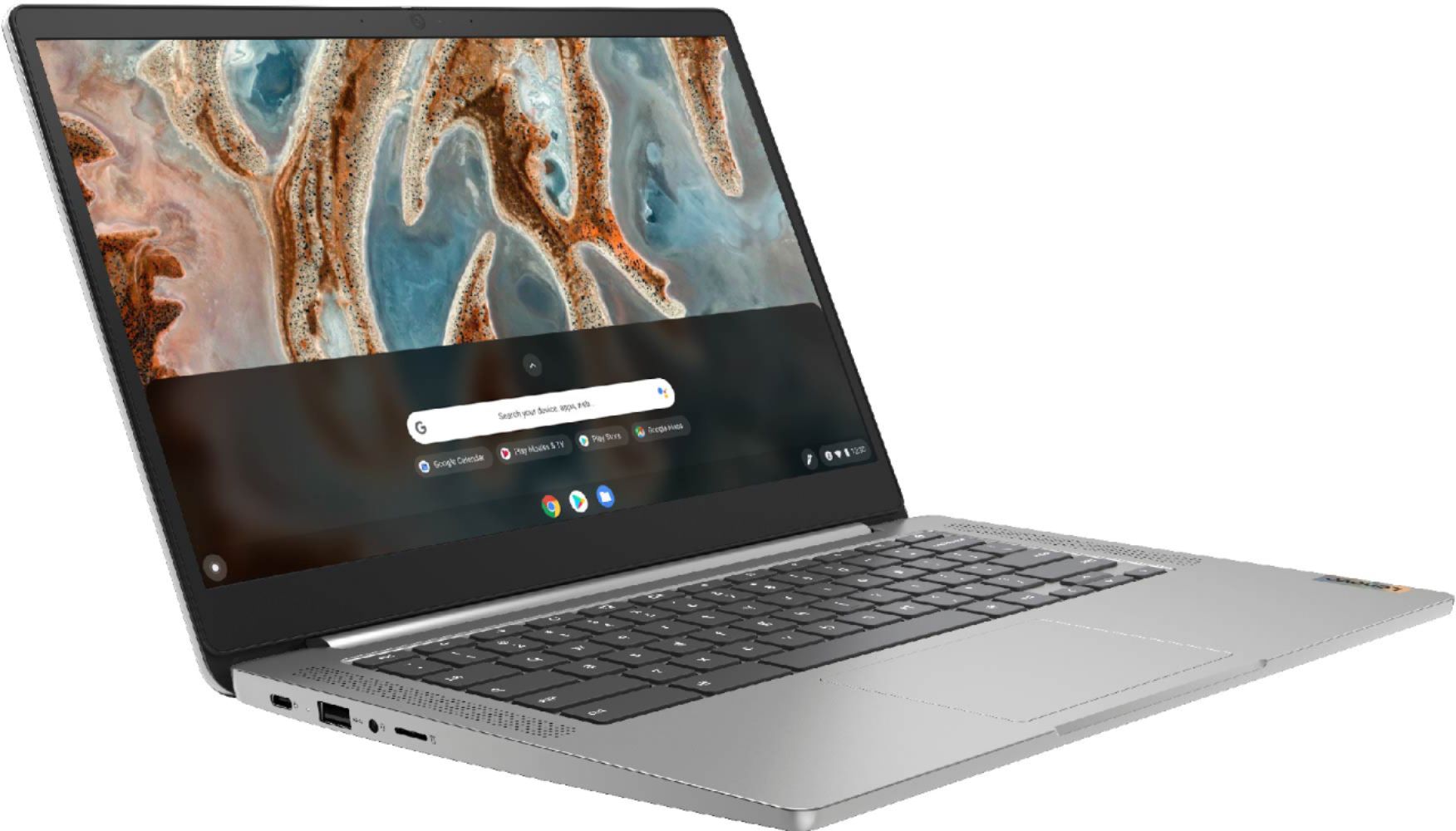
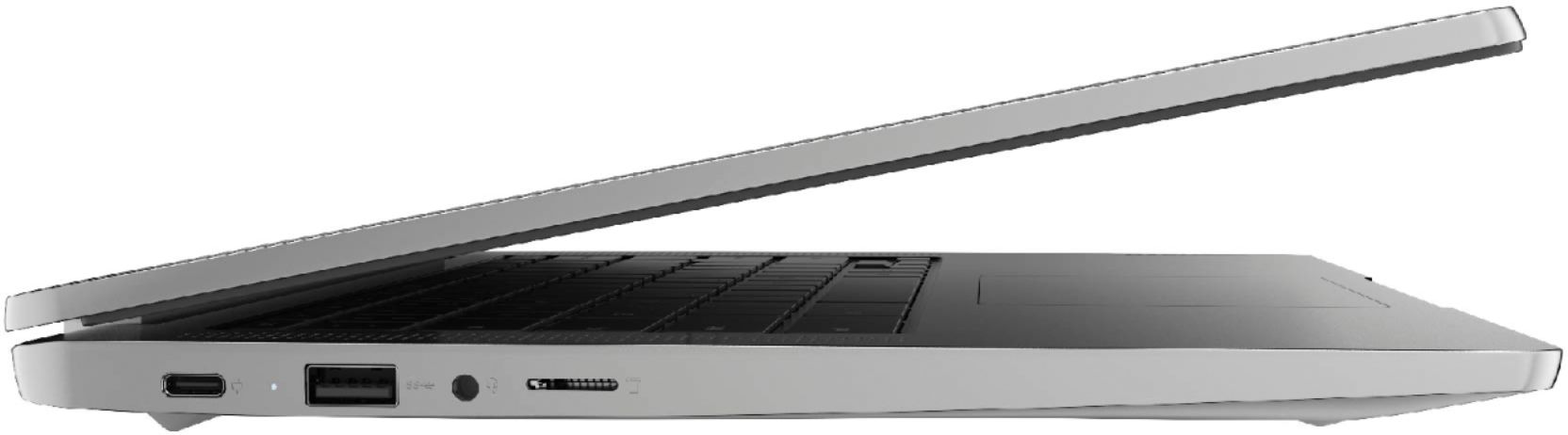
Posted .Thank you for choosing the Lenovo Chromebook 3 14. You cannot use Chromecast as a second monitor or extend your Chromebook 3 14 desktop screen. You can wirelessly mirror your Chromebook's entire screen–or just one browser tab–to an external display. That external display just needs a Chromecast or another device that supports Google Cast. You can extend the screen of your Chromebook 3 14 to a larger external monitor by using the 1x USB-C 2.0 (support data transfer, Power Delivery 2.0 and DisplayPort 1.1a) port on the Chromebook 3 14. Attach either a USB-c compatible external monitor directly or use a USB-c to HDMI adapter to attach an HDMI monitor and extend your Chromebook screen through a wired connection. Here is a link to more information about using Chromecast: https://www.windowsdispatch.com/use-chromecast-second-monitor/
Birthday
||Posted . Owned for 2 weeks when reviewed.This reviewer received promo considerations or sweepstakes entry for writing a review.Got this for my husband for his birthday . He says its pretty fast has decent graphics. He is very happy with his labtop.
I would recommend this to a friendBrand response from Lenovo Product Expert
Posted .Thank you for choosing the Lenovo Chromebook 3 14 for your husband. We are pleased to hear that the performance of the Chromebook 3 14 meets your husband's computing needs so well.
Great for surfing
||Posted . Owned for 3 weeks when reviewed.This reviewer received promo considerations or sweepstakes entry for writing a review.I'm happy with this laptop. I just use it for the internet. The battery lasts a good enough while for surfing.
I would recommend this to a friendBrand response from Lenovo Product Expert
Posted .Thank you for choosing the Lenovo Chromebook 3 14. We are pleased to hear that the Chromebook 3 14 meets your computing needs so well.
Chromebook
||Posted . Owned for 9 months when reviewed.This reviewer received promo considerations or sweepstakes entry for writing a review.Got this as a Black Friday sale for my son. It's pretty simple chrome book. I wish it was touch screen.
I would recommend this to a friendBrand response from Lenovo Product Expert
Posted .Thank you for choosing the Lenovo Chromebook 3 14 for your son. We are pleased to hear that the Chromebook 3 14 meets your son's computing needs so well.
Lenovo Chromebook 3 14" Laptop - Mediatek MT8183 -
||Posted . Owned for 2 months when reviewed.This reviewer received promo considerations or sweepstakes entry for writing a review.I purchased 2 of these for my niece and nephew and they are still holding up well with their heavy usage
I would recommend this to a friendBrand response from Lenovo Product Expert
Posted .Thank you for choosing the Lenovo Chromebook 3 14 model for both your niece and nephew. We are pleased to hear that the Chromebook 3 14 is working out so well.
Chromebooks
||Posted . Owned for 1 month when reviewed.This reviewer received promo considerations or sweepstakes entry for writing a review.I bought two of the Chromebooks for my grandchildren. They are really enjoying them. They are easy to use.
I would recommend this to a friendBrand response from Lenovo Product Expert
Posted .Thank you for choosing the Lenovo Chromebook 3 14 models for your grand children. We are pleased to hear that the Chromebook 3 14 is working out so well for your grand children.
Beginner Chromebook
||Posted . Owned for 1 month when reviewed.This reviewer received promo considerations or sweepstakes entry for writing a review.A good beginner chromebook, works as it states. Hard to set up wireless printing. Battery life is minimal.
No, I would not recommend this to a friendBrand response from Lenovo Product Expert
Posted .Thank you for choosing the Lenovo Chromebook 3 14, model number 82KN0000US. This model ships with a Integrated 42Wh, Lithium-Polymer Battery, which within this configuration has a Google power load test: 16 hrs., depending on the work the Chromebook is performing. This Chromebook 3 14 is compatible with any printer that is compatible with the Chrome Operating System. We recommend you check with your printer manufacturer's web site for the compatibility of your specific printer model. Here is a link to instructions for connecting a compatible printer to a Chromebook: https://support.google.com/chromebook/answer/7225252?hl=en. Finally, if you are getting substantially less battery life than expected, first, set your screen brightness at less than 100-percent - try 80-percent to start with. Then, be sure Battery conservation Mode is turned off. This power management setting should only be used when the laptop is plugged in all the time. It will prolong overall battery life by only charging the battery to 60-percent of capacity. Here is a link to instructions for turning off Battery Conservation Mode: https://support.lenovo.com/us/en/solutions/ht103159. Also check what programs are running in the background on the computer. Be sure only the programs you want running in the background are. These programs will drain the battery. Here is a link to information about how to find out what programs are running in the background on your Windows 10 computer and how to manage them for better system performance: https://www.windowscentral.com/how-prevent-apps-running-background-windows-10. Then, finally, be sure any software you installed is compatible with Windows 10. Incompatible software will drain the battery at a faster rate. There is no need to install Microsoft Office software. The software is already part of the operating system, you just need to activate the software with a purchased product key. If you have installed a copy of Microsoft Office, this is conflicting with the existing copy on the system and this will slow your system down. If you have installed a 3rd party anti-virus program, be sure that Windows Defender is turned off and that the trial version of McAfee Anti-Virus software is uninstalled. There can only be one anti-virus program on the system. You may need to restore your system to original factory default settings if any of the programming errors have occurred. You can do that by typing "restore" in the Cortana search window. Just click on the magnifying glass icon at the bottom left of your Windows 10 Desktop. Click on "Reset This PC" Then click on "Get Started" and follow the on screen directions to restore to factory defaults. If the problem persists, we recommend you contact Lenovo Tech Support for Chromebooks at: 800-426-7378.
Laptop
||Posted . Owned for less than 1 week when reviewed.This reviewer received promo considerations or sweepstakes entry for writing a review.Great computer choice for a 3rd grader. It has a lot of cool features and easy to utilize and set up. Great purchase!
I would recommend this to a friendBrand response from Lenovo Product Expert
Posted .Thank you for choosing the Lenovo Chromebook 3 14 for your student. We are pleased to hear that the value, ease of use and performance of the Chromebook 3 14 meets your student's computing needs so well.
Christmas gift
||Posted . Owned for 2 weeks when reviewed.This reviewer received promo considerations or sweepstakes entry for writing a review.This laptop was purchased as a Christmas gift for our grandson. We feel very confident that he will be thrilled with it!
I would recommend this to a friendBrand response from Lenovo Product Expert
Posted .Thank you for choosing the Lenovo Chromebook 3 14 Laptop. We are very pleased to hear that the specifications, features, and performance of the Lenovo Chromebook 3 14 Laptop meet your computing needs so well.