Customer Ratings & Reviews
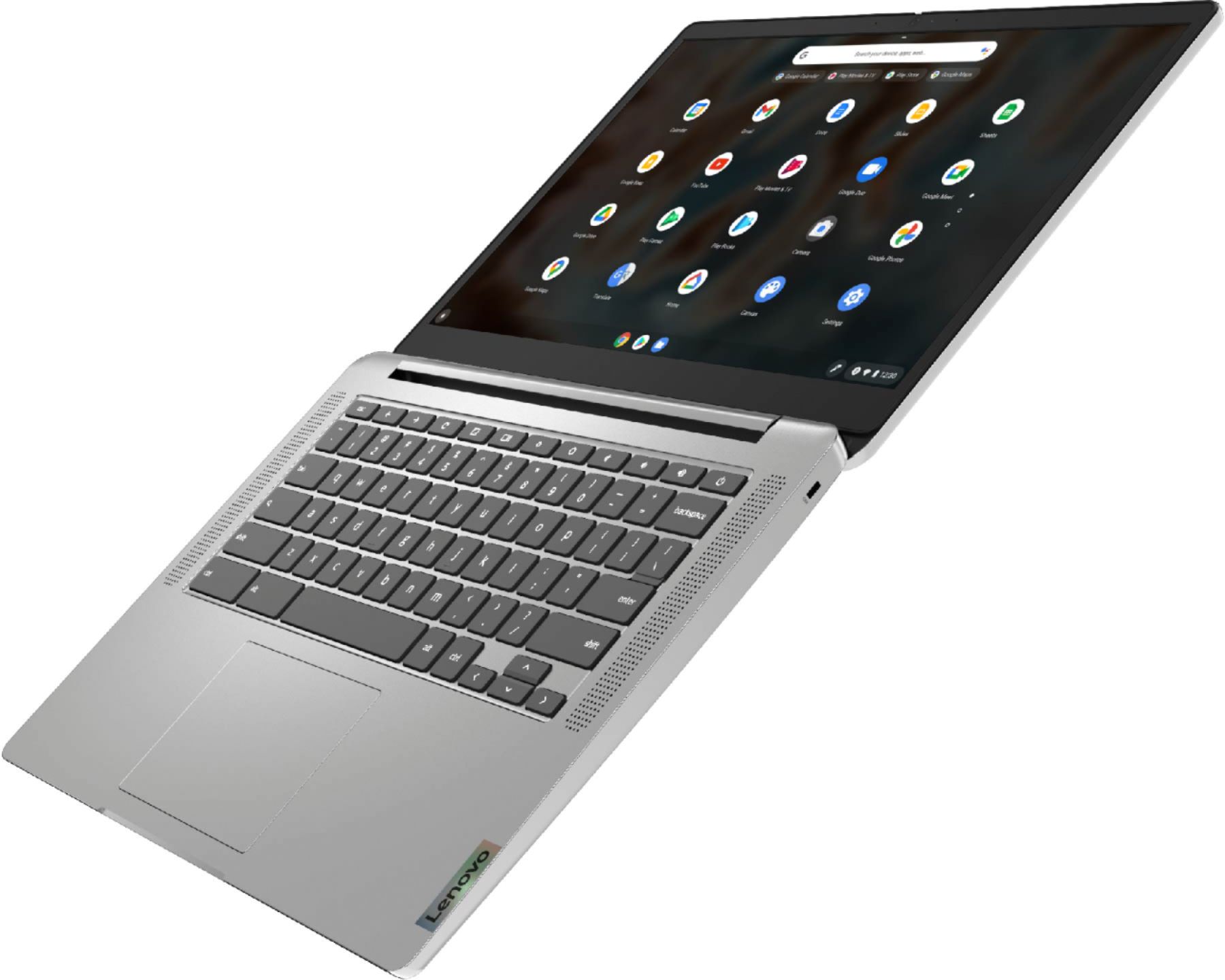
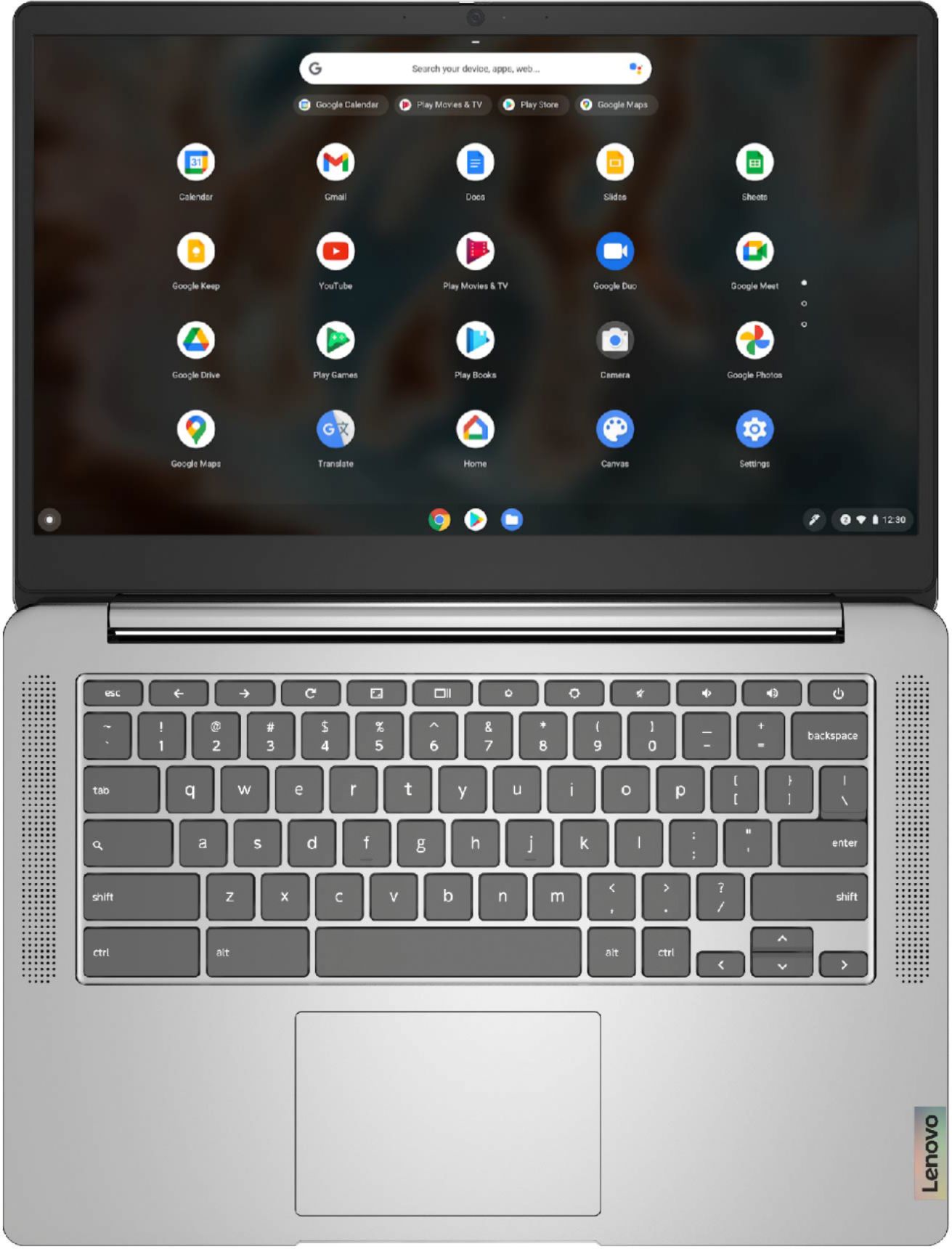
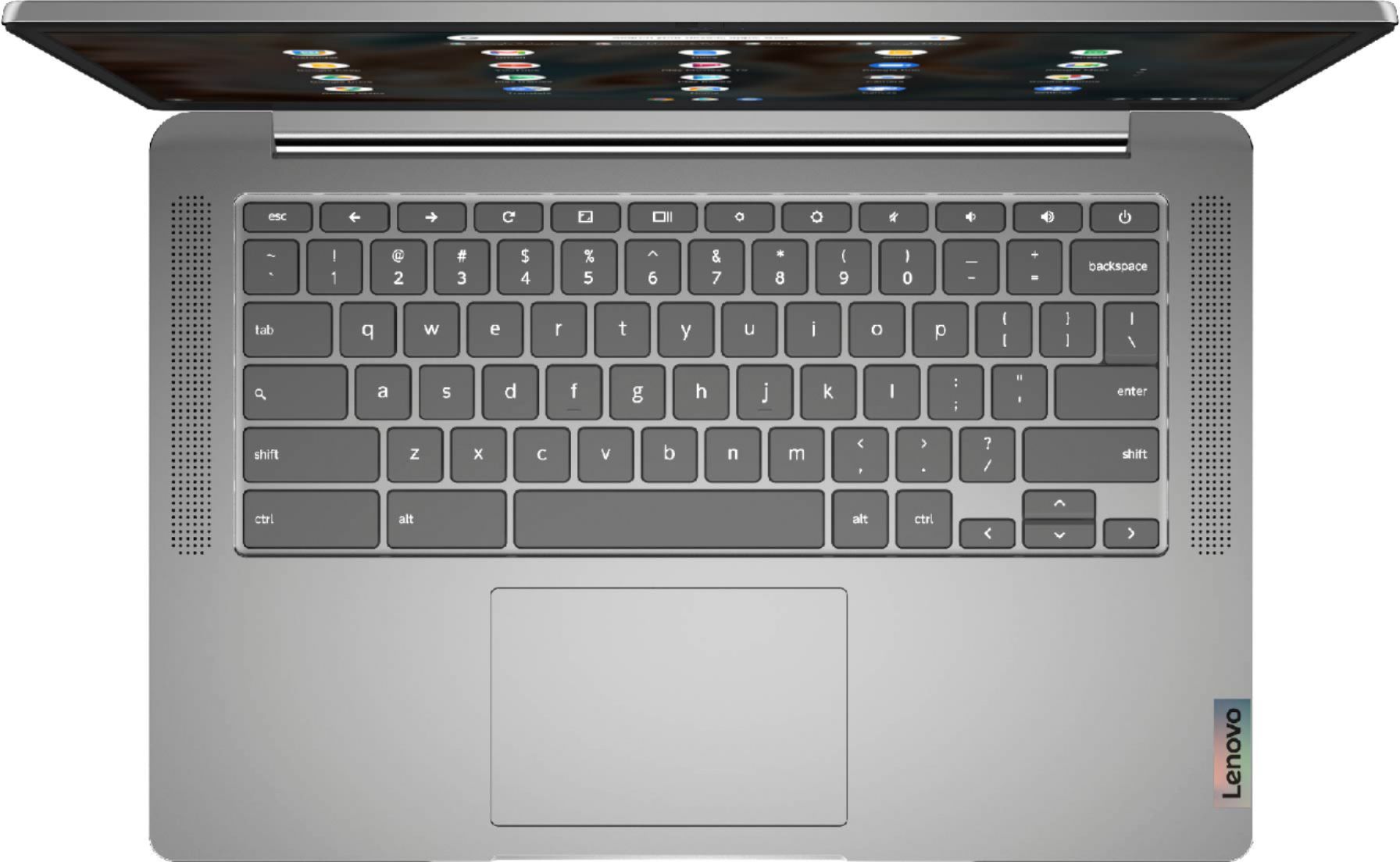
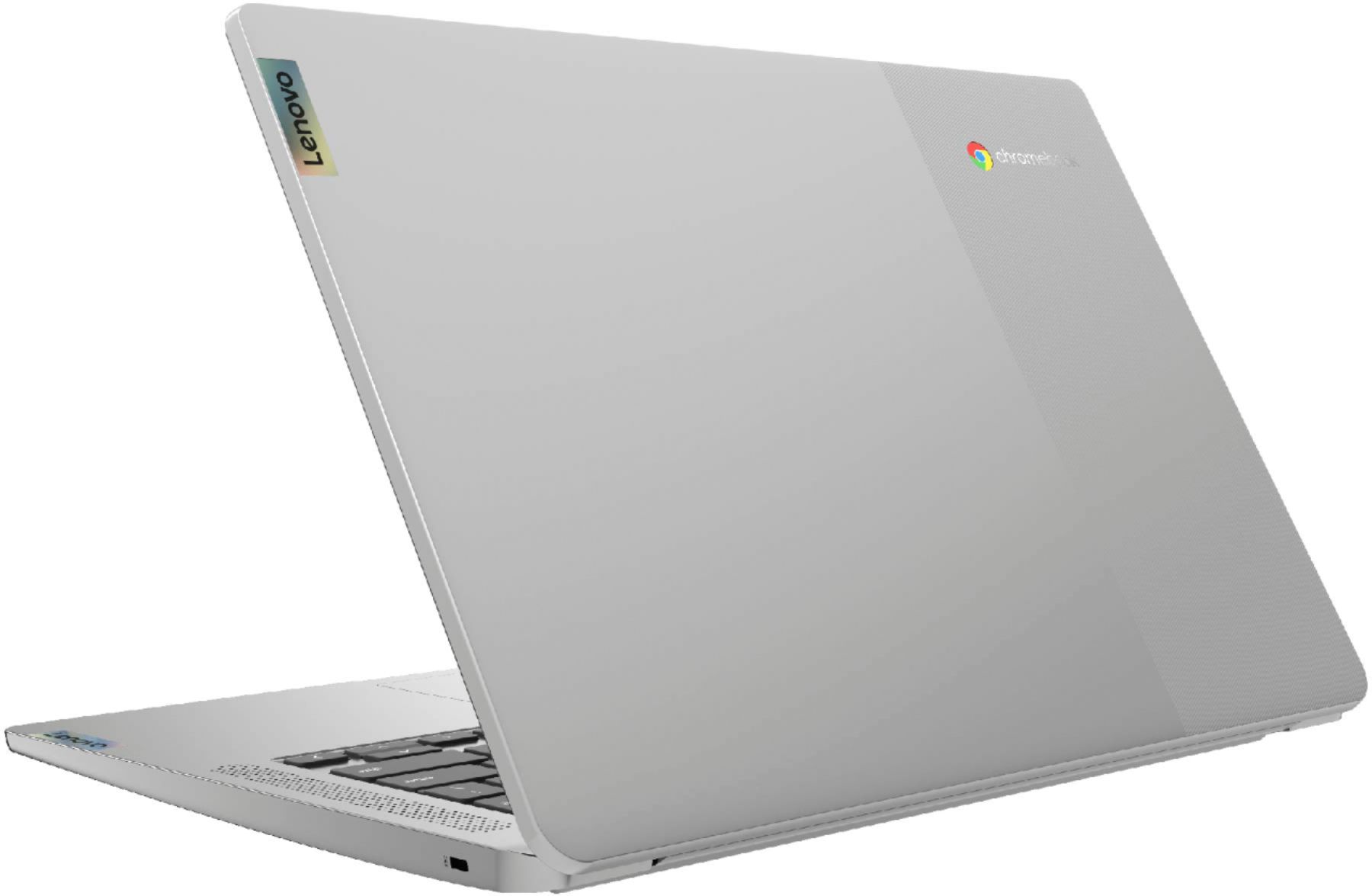
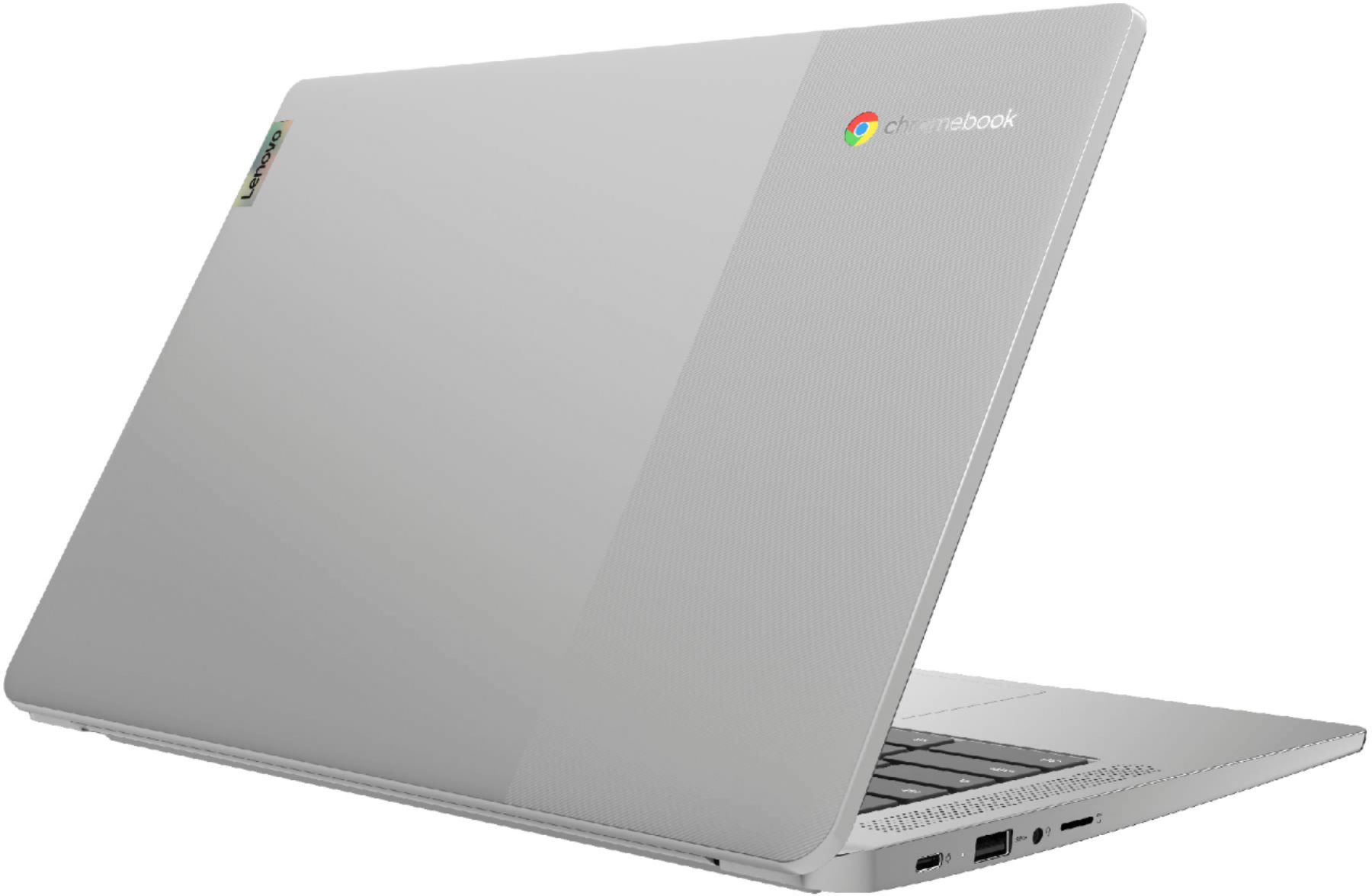
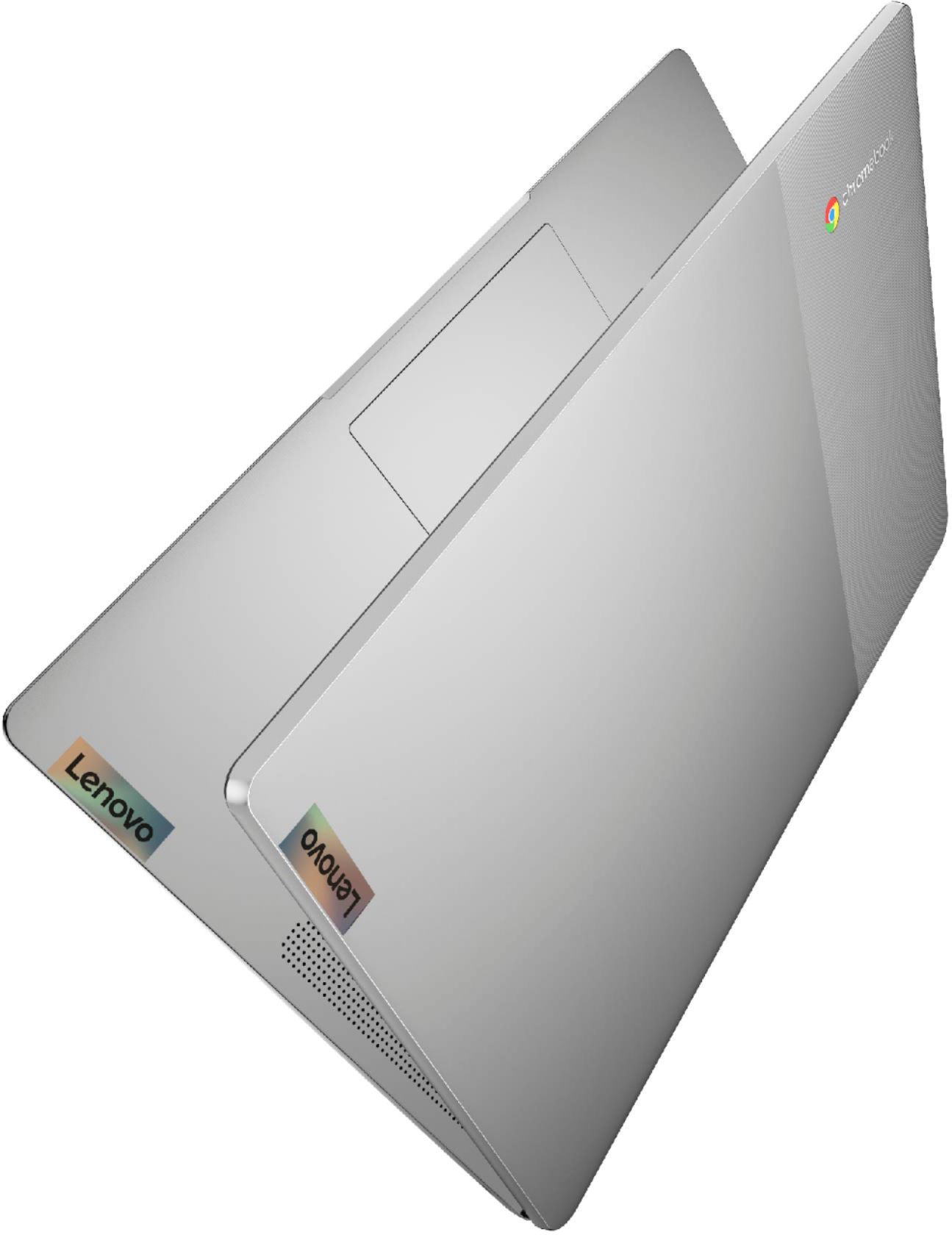
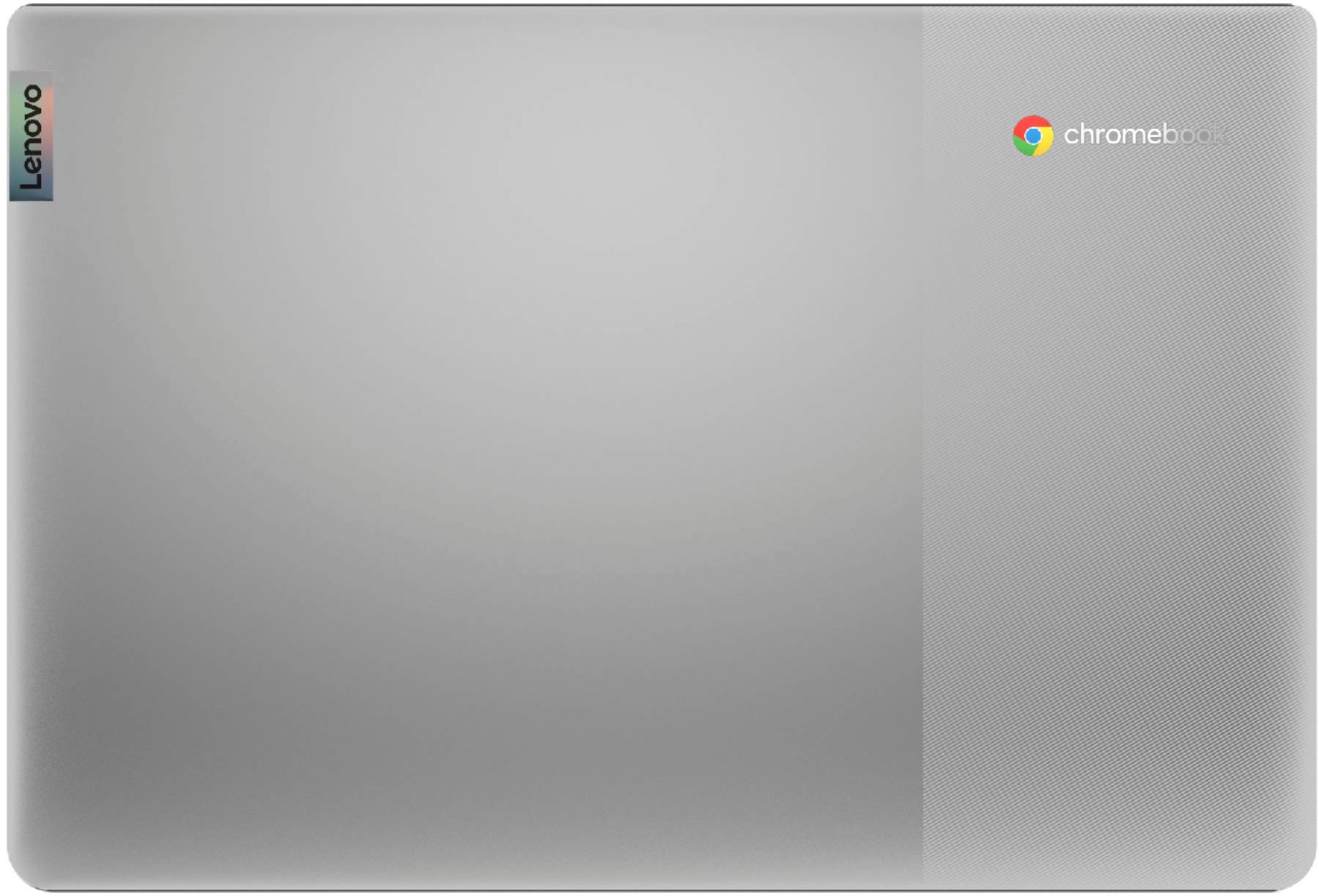
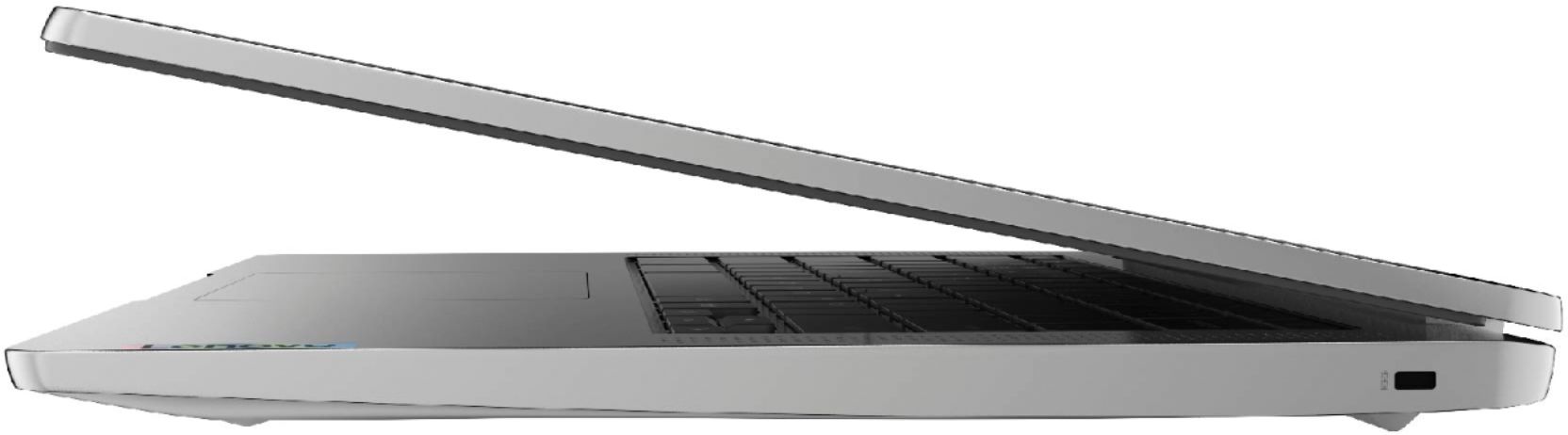
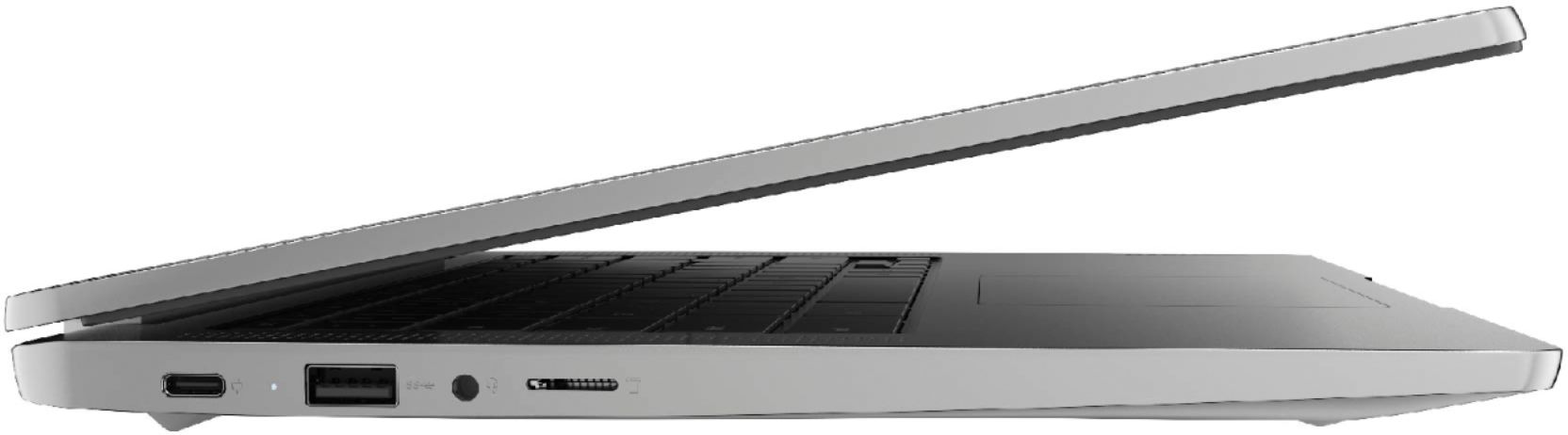
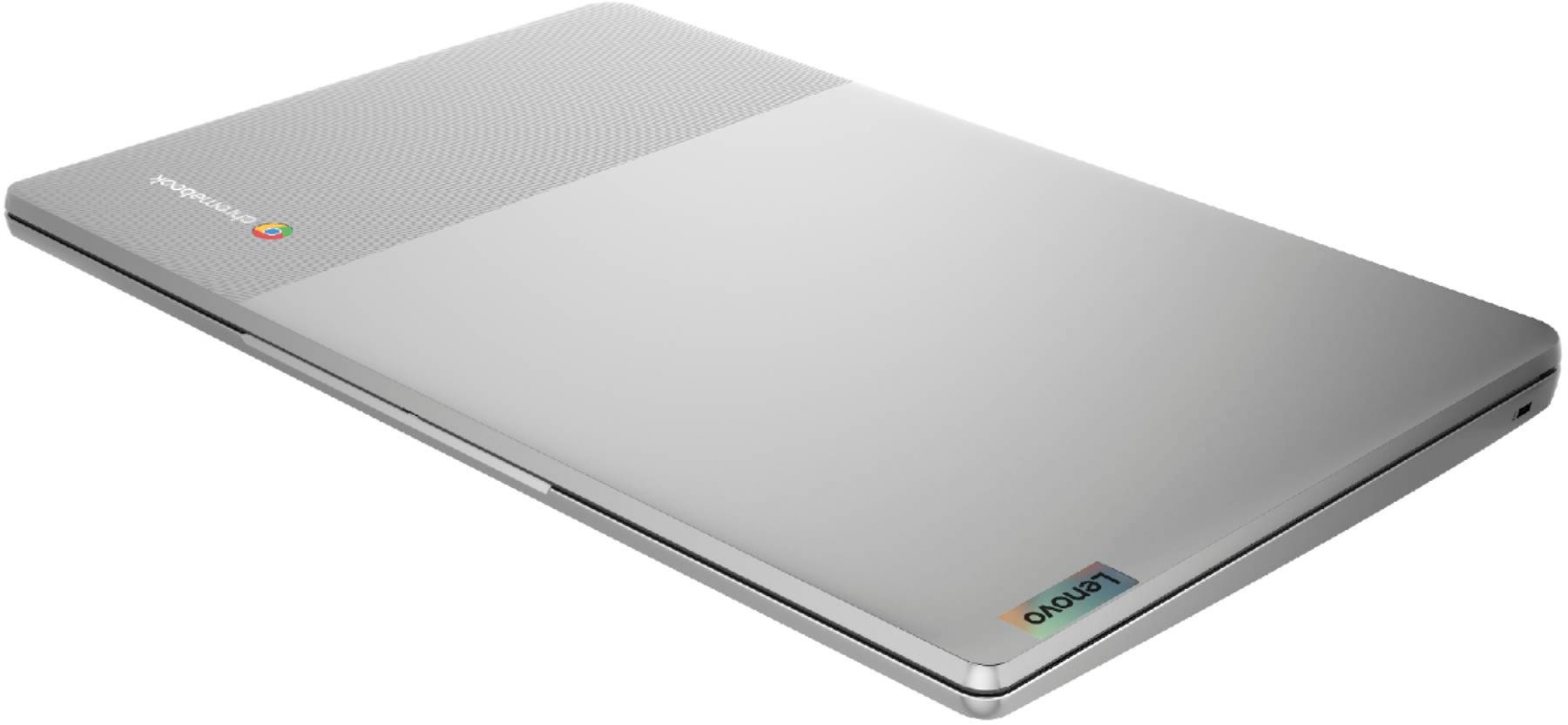
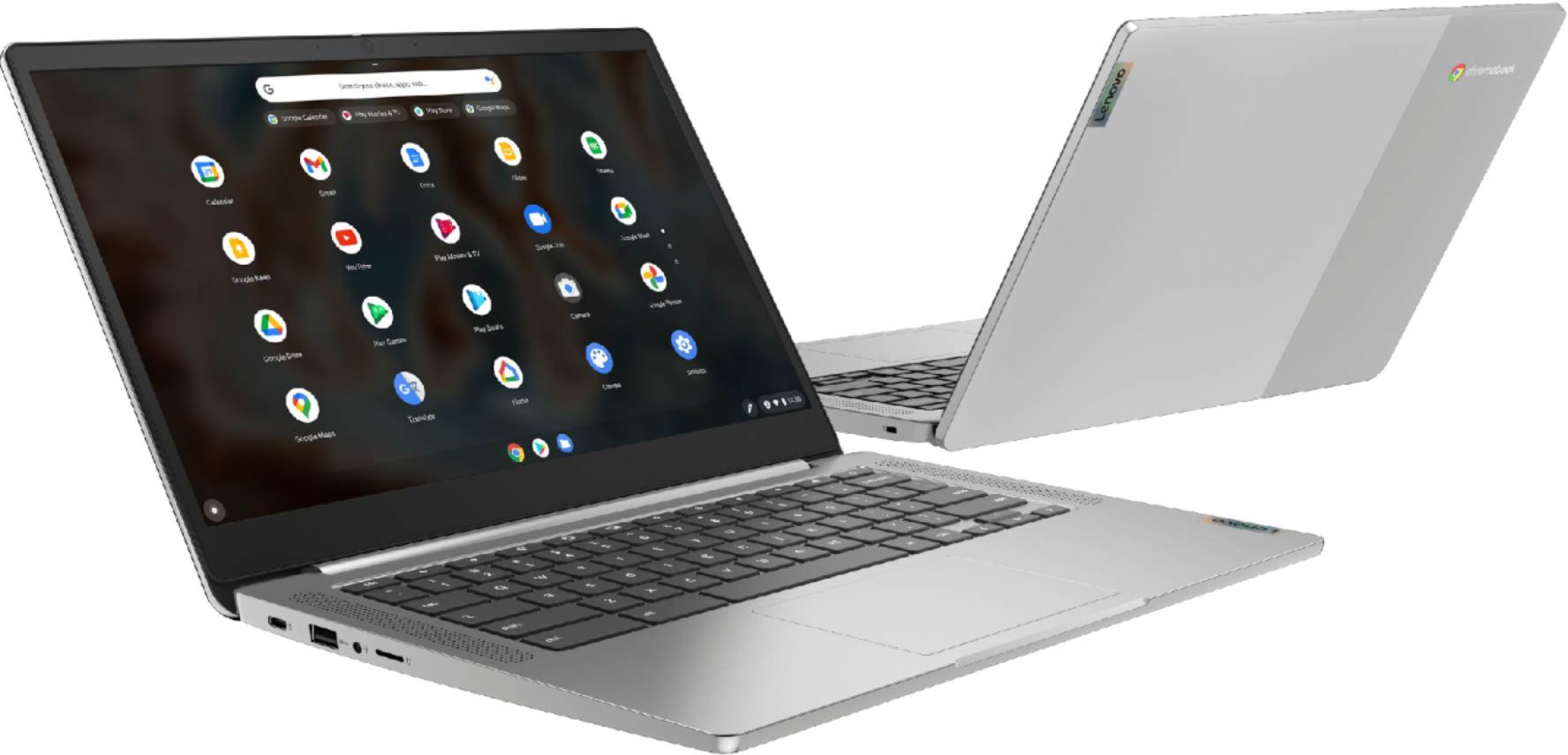
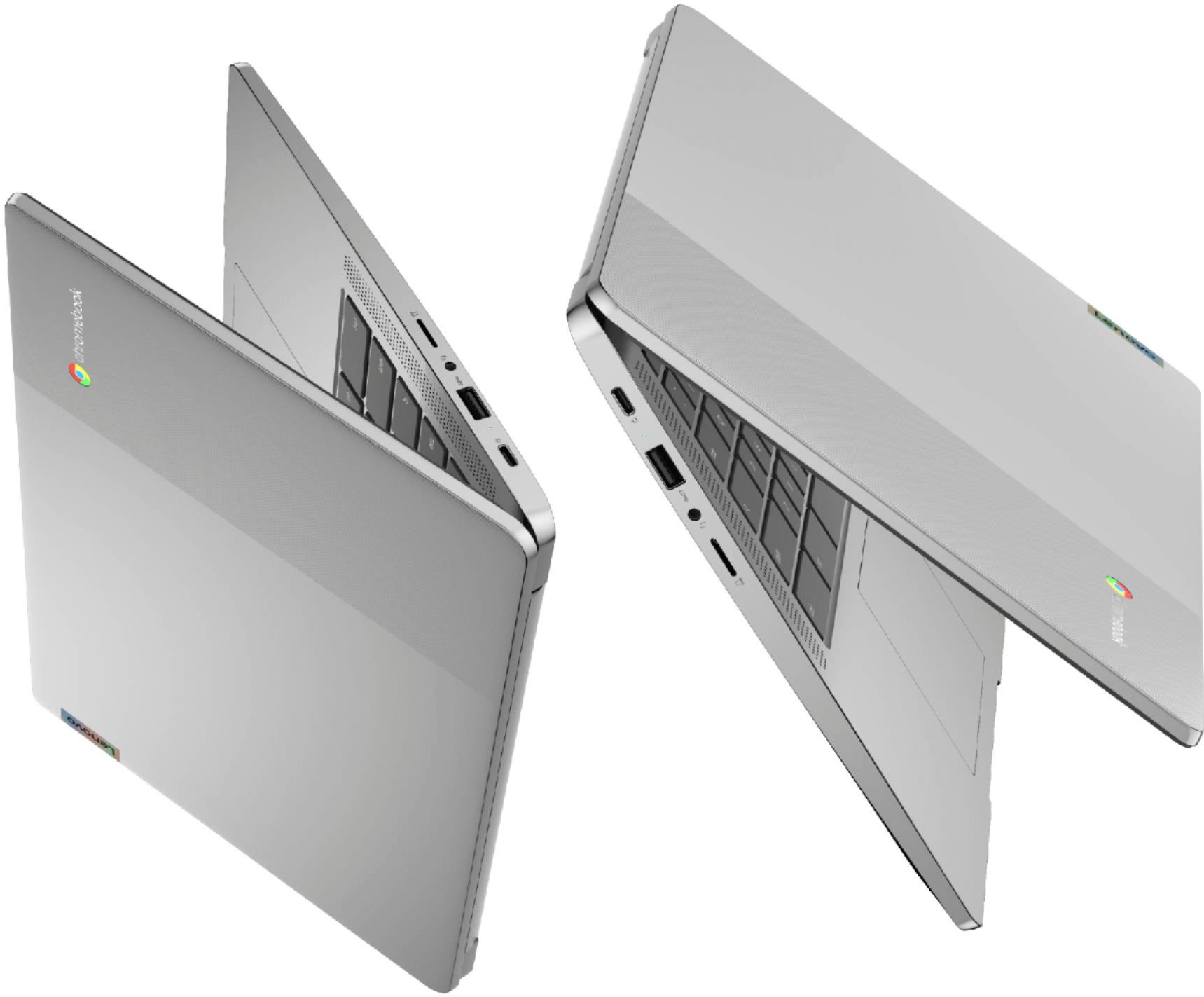

- Model:
- 82KN0000US
- SKU:
- 6447138
Rating by feature
- Battery Life
Rating 4.7 out of 5 stars
- Speed
Rating 4.4 out of 5 stars
- Display
Rating 4.4 out of 5 stars
Customers are saying
Customers are pleased with the Chromebook 3's ease of use, price, and battery life. Many also appreciate its screen size and lightweight design, finding it suitable for various needs. While some users wish for more memory, the positive feedback on performance and storage is generally favorable. Overall, the Chromebook 3 receives high praise for its value and user-friendliness.
This summary was generated by AI based on customer reviews.
Can't complain for the price.
||Posted . Owned for 1 month when reviewed.This reviewer received promo considerations or sweepstakes entry for writing a review.Overall, the device does what I need it to do. But it often freezes and has to be restarted. Maybe it's the processor, or maybe it's my lack of experience with Chromebooks.
I would recommend this to a friendBrand response from Lenovo Product Expert
Posted .We are sorry to hear that you are having issues with your Lenovo Chromebook 3 14. Resetting the hardware of your Chromebook may correct the issue you are having. Here is a link to instructions for resetting the hardware of your Chromebook: https://support.google.com/chromebook/answer/3227606?hl=en. If the issue continues, we recommend you contact lenovo Tech Support for Chromebooks at: 800-426-7378.

wrong format
||Posted . Owned for 3 weeks when reviewed.This reviewer received promo considerations or sweepstakes entry for writing a review.I didn't like the format of the chromebook I was looking for a windows based laptop. this would be a great buy for someone looking for a chromebook format.
I would recommend this to a friendNot IPS panel, it is TN panel
||Posted .This reviewer received promo considerations or sweepstakes entry for writing a review.Laptop speed is OK, but the LCD is not as described in the spec, it is not IPS panel, it is TN panel. The color is not good, the viewing angle is awful. Use it as spare laptop.
No, I would not recommend this to a friendBrand response from Lenovo Product Expert
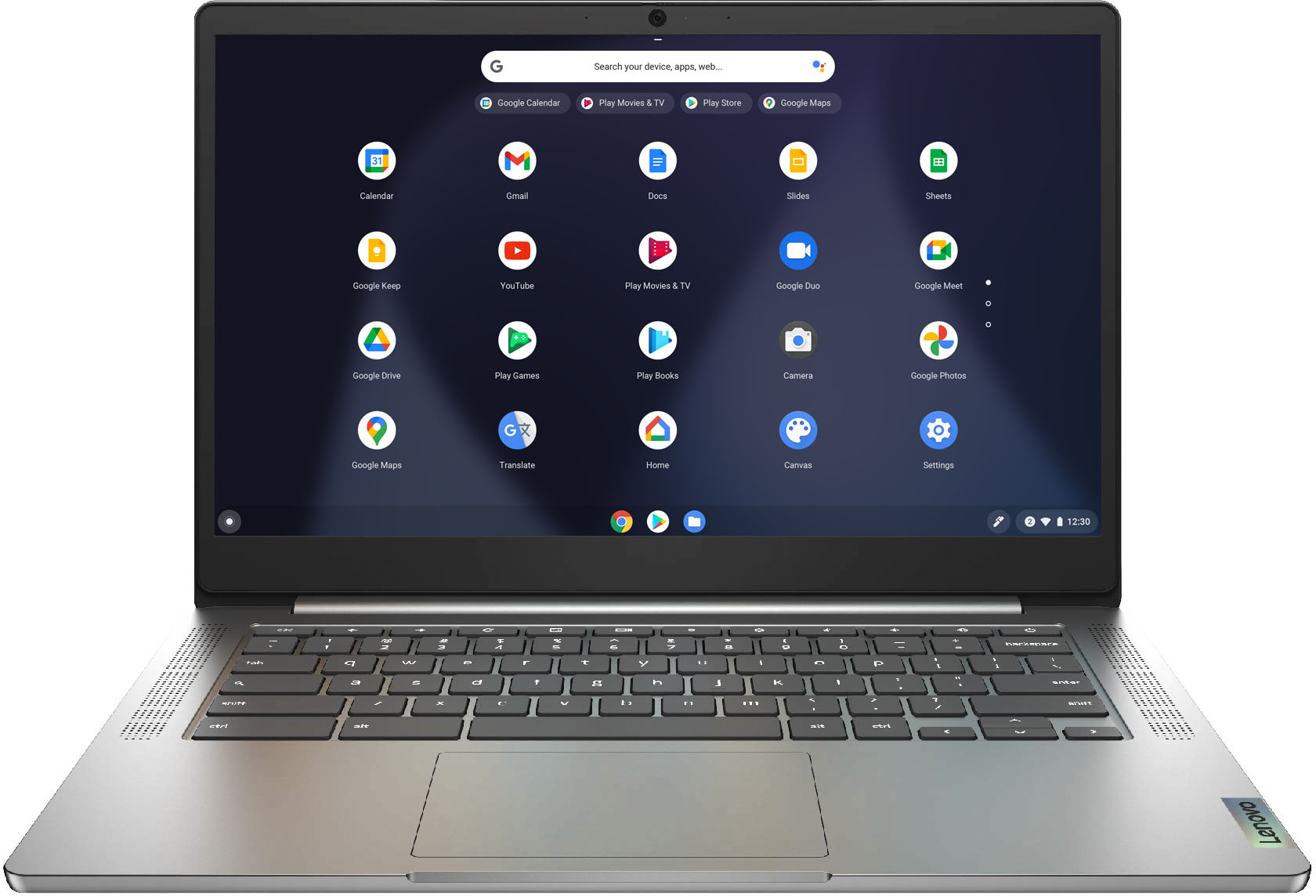
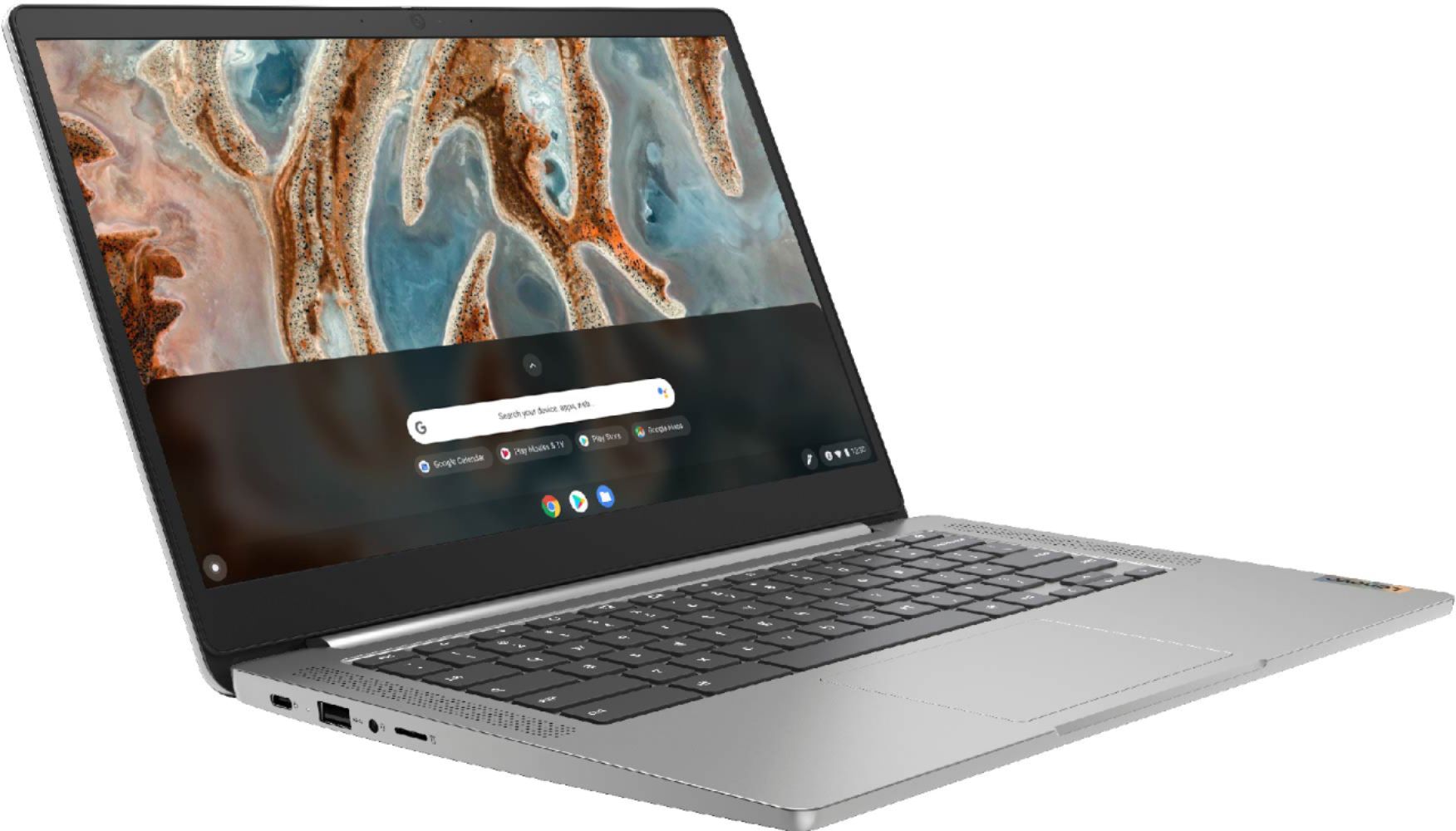
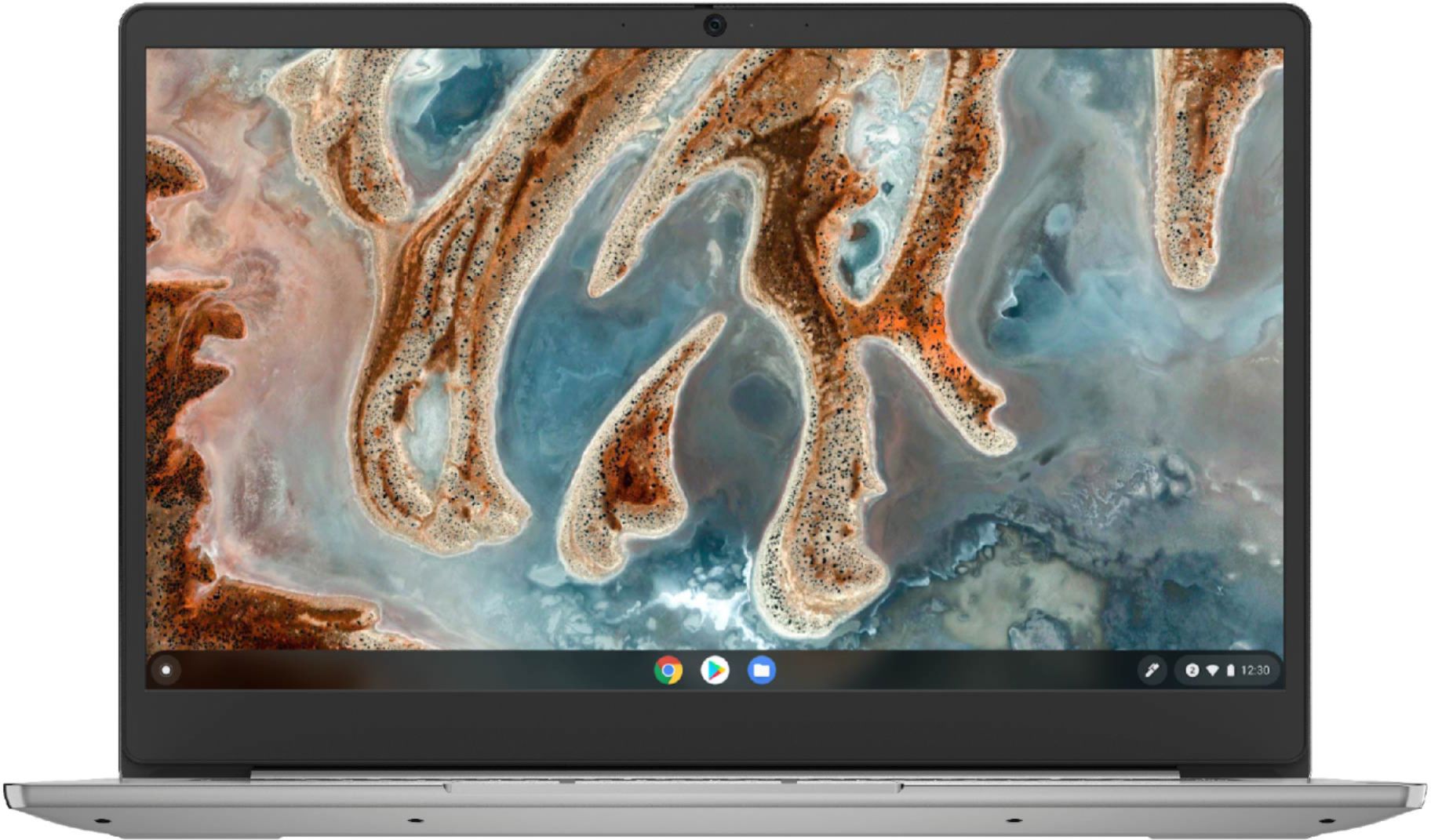
Posted .The Lenovo Chromebook 3 14 Laptop, model number 82KN0000US, ships with a 14 inch (screen size measured diagonally) TN - FHD (1920x1080) screen, with a brightness level of 220 nits and has an Anti-glare coating.
Not so good 1st impression.
||Posted . Owned for less than 1 week when reviewed.This reviewer received promo considerations or sweepstakes entry for writing a review.Was a Xmas gift for my daughter... when she went to use it, it would power up but gave a blank screen... had to go to store to get a replacement
I would recommend this to a friendBudget friendly notebook
||Posted . Owned for 6 months when reviewed.This reviewer received promo considerations or sweepstakes entry for writing a review.Gift for grand dad. It works and Budget firendly. Good for just web browsing and any streaming.
I would recommend this to a friendBrand response from Lenovo Product Expert
Posted .Thank you for choosing the Lenovo Chromebook 3 14 Laptop. We are very pleased to hear that the specifications and features of the Lenovo Chromebook 3 14 Laptop meet your computing needs so well.
good beginner laptop, could be better constructed.
||Posted . Owned for 3 weeks when reviewed.This reviewer received promo considerations or sweepstakes entry for writing a review.Poorly constructed- I had to return it because the trackpad was crooked and the laptop didn't sit flat on my table. I could see this being a great laptop for a young student, assuming it didn't have the physical flaws that mine did. It looks nice and overall had a nice design, however.
No, I would not recommend this to a friendBrand response from Lenovo Product Expert
Posted .We are sorry to hear that you are having issues with your Lenovo Chromebook 3 14, model number 82KN0000US. We recommend you contact Lenovo Tech Support for Chromebooks at: 800-426-7378.
Difficult to adapt coming from windows
||Posted .This reviewer received promo considerations or sweepstakes entry for writing a review.Is difficult to adapt since using all life windows. Best for use as a web browser
No, I would not recommend this to a friendBrand response from Lenovo Product Expert
Posted .We are sorry to hear that you are having difficulty with the transition to the Chrome Operating System within your Lenovo Chromebook 3 14. Here is a link to some tips for getting started with your Chromebook: https://www.google.com/intl/en_us/chromebook/howto/get-started/. Once you are past the basics, here is a link to some additional tips for being productive with your Chromebook: https://www.computerworld.com/article/3237230/chromebook-tips-for-maximum-productivity.html. If you have questions about your Lenovo Chromebook 3 14, we recommend you contact Lenovo Tech Support for Chromebooks at: 800-426-7378.
Don’t buy it
||Posted . Owned for 1 week when reviewed.This reviewer received promo considerations or sweepstakes entry for writing a review.This was a waste of money for me! I was in the middle of a research paper for my Masters degree and it just stop working it wouldn’t even come back on for me to get my information off it. Took it back to Best Buy and they it was the 16th day they could not do anything but give me another they didn’t have any in the store! So they would not put my money back on my Best Buy credit card they could only give me a gift card. Now the manufacturer warranty it could be sent off but my class is 9 weeks so I needed a laptop ASAP! I brought this even after reading the views
No, I would not recommend this to a friendBrand response from Lenovo Product Expert
Posted .We are sorry to hear that you are having issues with your Lenovo Chromebook 3 14. Try resetting the hardware of your Chromebook: https://support.google.com/chromebook/answer/3227606?hl=en. If this does not correct the issues, now reset the Chromebook back to original factory settings: https://support.google.com/chromebook/answer/183084?hl=en&ref_topic=3417251. If the issue continues, we recommend you contact Lenovo Tech Support for Chromebooks at: 800-426-7378.
Chromebook lovers only!
||Posted . Owned for 7 months when reviewed.This reviewer received promo considerations or sweepstakes entry for writing a review.The Lenovo Chromebook wasn't what i expected. Then again it could be i was not aware of what a Chromebook is! Overall i give it a 2 start rating because it only works for Video meetings with Microsoft Teams and to Read Emails. Everything else, is useless here, unless you like watching Movies while traveling outside!
No, I would not recommend this to a friendBrand response from Lenovo Product Expert
Posted .We are sorry to hear that the Lenovo Chromebook 3 14 does not meet your computing needs. Here is a link to some tips for getting the most from your new Chromebook: https://www.computerworld.com/article/3237230/chromebook-tips-for-maximum-productivity.html. We always recommend you check the requirements and compatibility of any software you will be installing on your new Chromebook, before you invest in any Chromebook. Be sure your new Chromebook can support the software you will need to use and your workload.
Okay ...
||Posted .This reviewer received promo considerations or sweepstakes entry for writing a review.I couldn't run discord on this. Not sure it's what I needed. But it was very inexpesnive.
No, I would not recommend this to a friendAbout average
||Posted . Owned for 11 months when reviewed.This reviewer received promo considerations or sweepstakes entry for writing a review.Not a lot of power, but it was cheap and did the job I needed it to do.
I would recommend this to a friendOk chromebook for a time waster I suppose.
||Posted . Owned for 1 month when reviewed.This reviewer received promo considerations or sweepstakes entry for writing a review.I took this product back because I couldn't do anything important with this.
No, I would not recommend this to a friendNot the best
||Posted .This reviewer received promo considerations or sweepstakes entry for writing a review.Only bought since last one crashed and best buy wouldn't stand behind it.
No, I would not recommend this to a friendBrand response from Lenovo Product Expert
Posted .We are sorry to hear that you are experiencing issues with the Lenovo Chromebook 3 14 Laptop. Please refer to this link to reset your Chromebook -- https://support.google.com/chromebook/answer/3227606?hl=en. If issues persist, you can try factory resetting the Chromebook, instructions listed here -- https://support.google.com/chromebook/answer/183084?hl=en&ref_topic=3417251. If those two options do not fix the issue, we recommend that you contact Lenovo Chromebooks Tech Support: 800-426-7378
Good for the price
||Posted . Owned for 3 months when reviewed.This reviewer received promo considerations or sweepstakes entry for writing a review.Decent enough. Works as expected. Just ok, nothing special
I would recommend this to a friendDecent chromebook
||Posted .This reviewer received promo considerations or sweepstakes entry for writing a review.Did not like it, maybe bc I’m new to chrome oil. Just going to get a laptop
I would recommend this to a friendJust an OK laptop
||Posted .This reviewer received promo considerations or sweepstakes entry for writing a review.I know this is not an expensive laptop but still not worth the price
No, I would not recommend this to a friendBrand response from Lenovo Product Expert
Posted .We are sorry to hear that the Lenovo Chromebook 3 14 does not meet your computing needs. Here is a link to some tips for getting the most from a Chromebook: https://www.howtogeek.com/342625/how-to-get-the-most-out-of-your-chromebook/
Review
||Posted .This reviewer received promo considerations or sweepstakes entry for writing a review.Thought it had touch screen the mouse pad is not that effective
No, I would not recommend this to a friendBrand response from Lenovo Product Expert
Posted .You can change the speed or sensitivity of the touchpad on your Lenovo Chromebook 3 14, model number 82KN0000US, to your personal preference. Here is a link to tips for adjusting how your Chromebook touchpad functions: https://support.google.com/chromebook/answer/1047367?hl=en. This Chromebook 3 14 ships with a non-touch, 14 inch (screen size measured diagonally) TN - FHD (1920x1080) screen, with a brightness level of 220 nits and has an Anti-glare Coating. If you have questions about your Chromebook 3 14, we recommend you contact Lenovo Tech Support for Chromebooks at: 800-426-7378.
Great!
||Posted . Owned for 3 months when reviewed.This reviewer received promo considerations or sweepstakes entry for writing a review.Works great . Can’t use Microsoft office on a chrome book
I would recommend this to a friendBrand response from Lenovo Product Expert
Posted .This Lenovo Chromebook 3 14 uses Google Docs for office type programs. Google Docs is completely compatible with Microsoft Office Programs and this is a free service through the Google Server. If you currently have a Microsoft Office 365 Account, you can access that existing account through a Chromebook like this Lenovo Chromebook 3 14. Here is a link to more information: https://support.microsoft.com/en-gb/office/how-to-access-microsoft-office-on-a-chromebook-32f14a23-2c1a-4579-b973-d4b1d78561ad#:~:text=Open%20the%20browser%20on%20your,with%20your%20Microsoft%20365%20subscription.
Don't buy if you are looking for a good chromebook
||Posted . Owned for 5 months when reviewed.This reviewer received promo considerations or sweepstakes entry for writing a review.Chrome book for elementary or middle school needs only
No, I would not recommend this to a friendBrand response from Lenovo Product Expert
Posted .We always recommend you check the requirements and compatibility of any software/games you will be installing on your new Chromebook, before you invest in any Chromebook. Be sure your new Chromebook can support the software you will need to use and your workload.
A child’s toy
||Posted . Owned for less than 1 week when reviewed.This reviewer received promo considerations or sweepstakes entry for writing a review.Not a bad device not a laptop was not for me so I returned
I would recommend this to a friend