Customer Ratings & Reviews
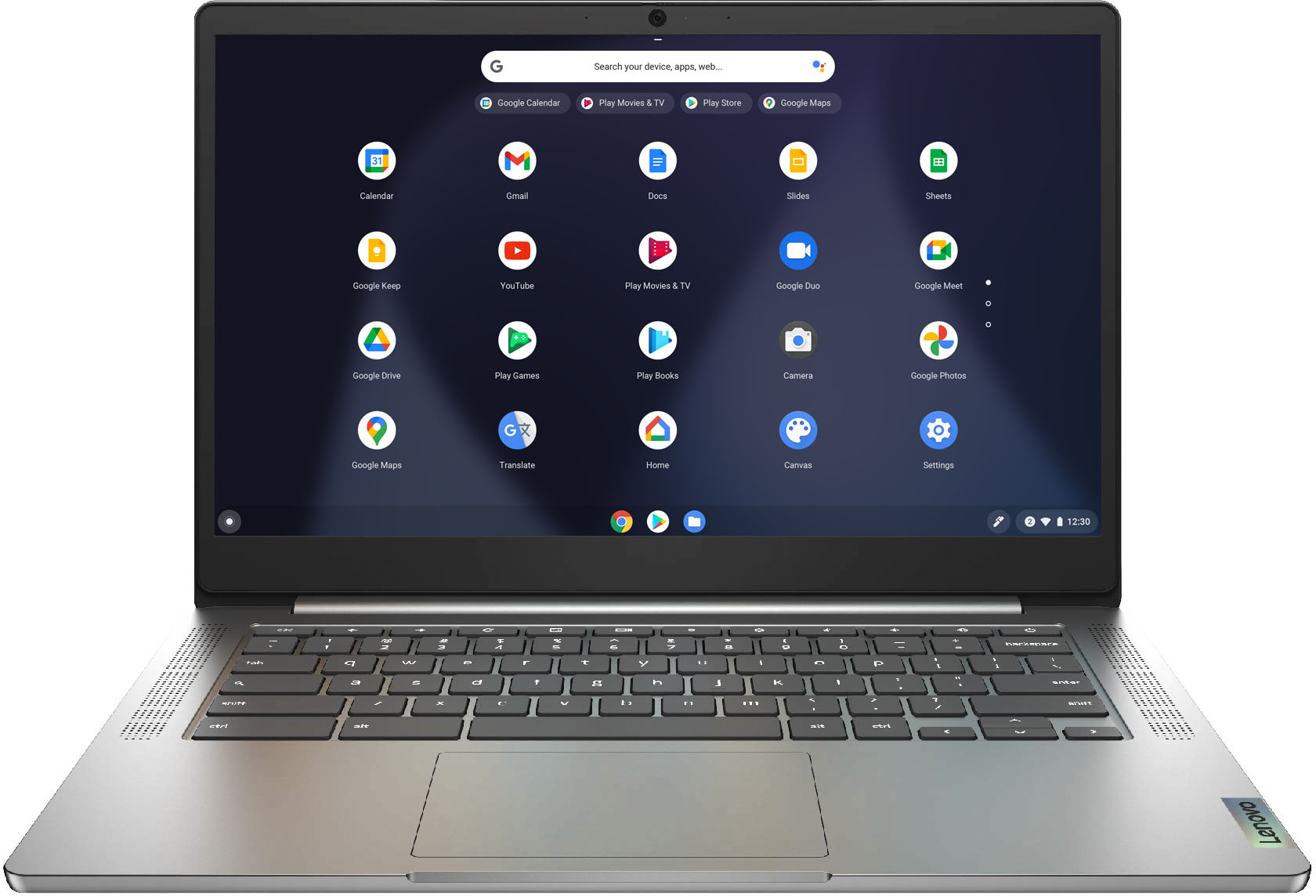
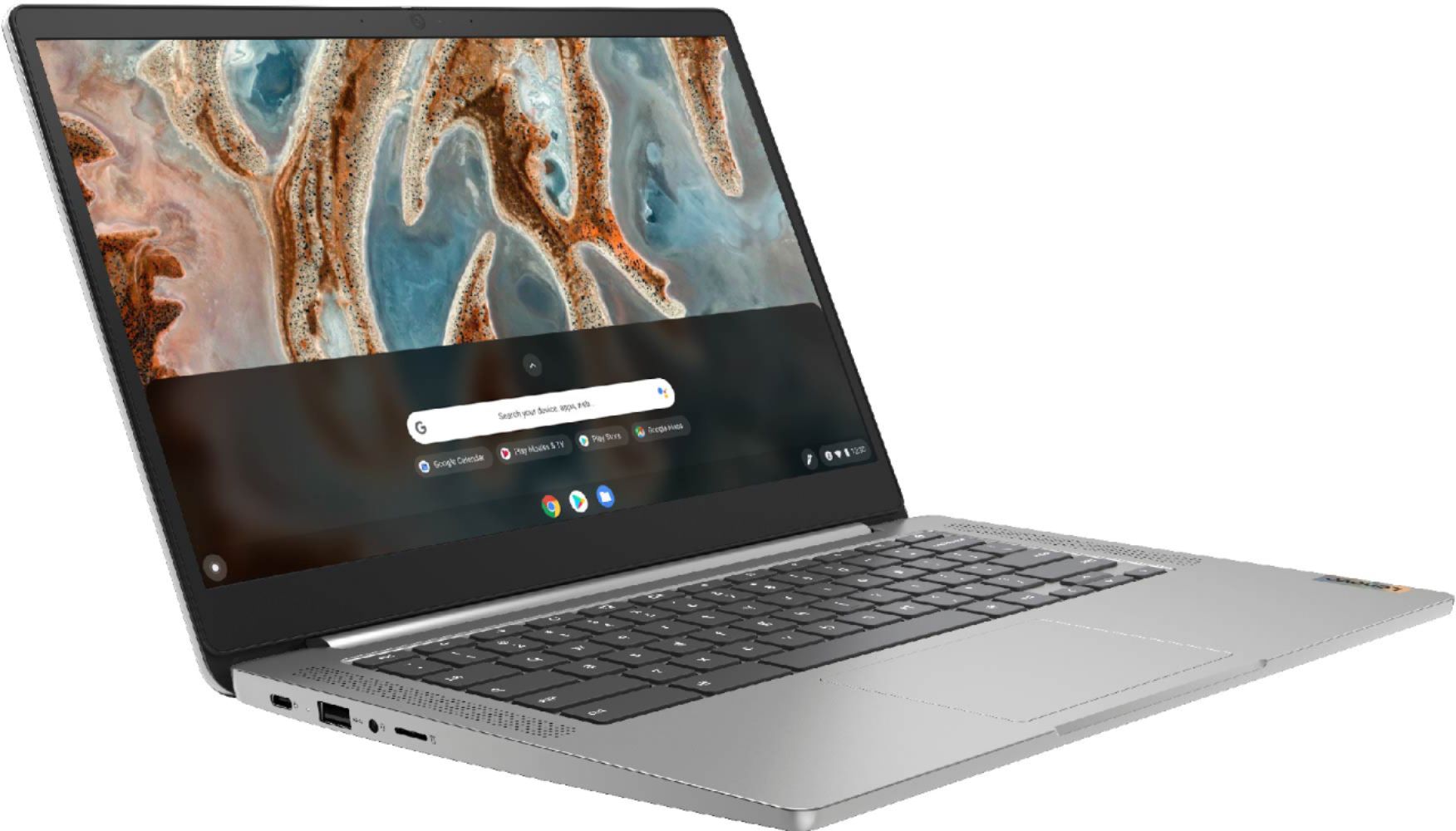
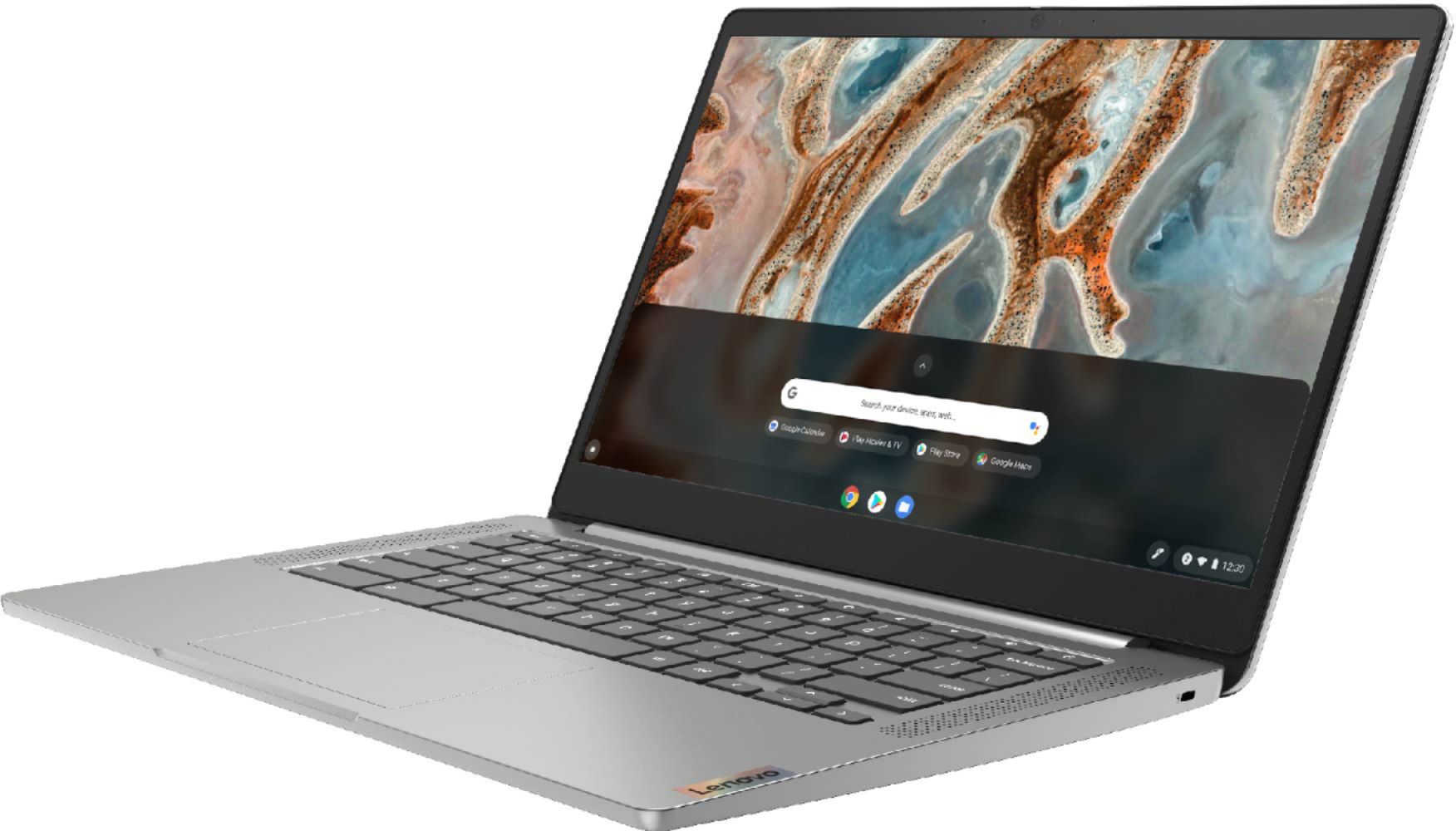
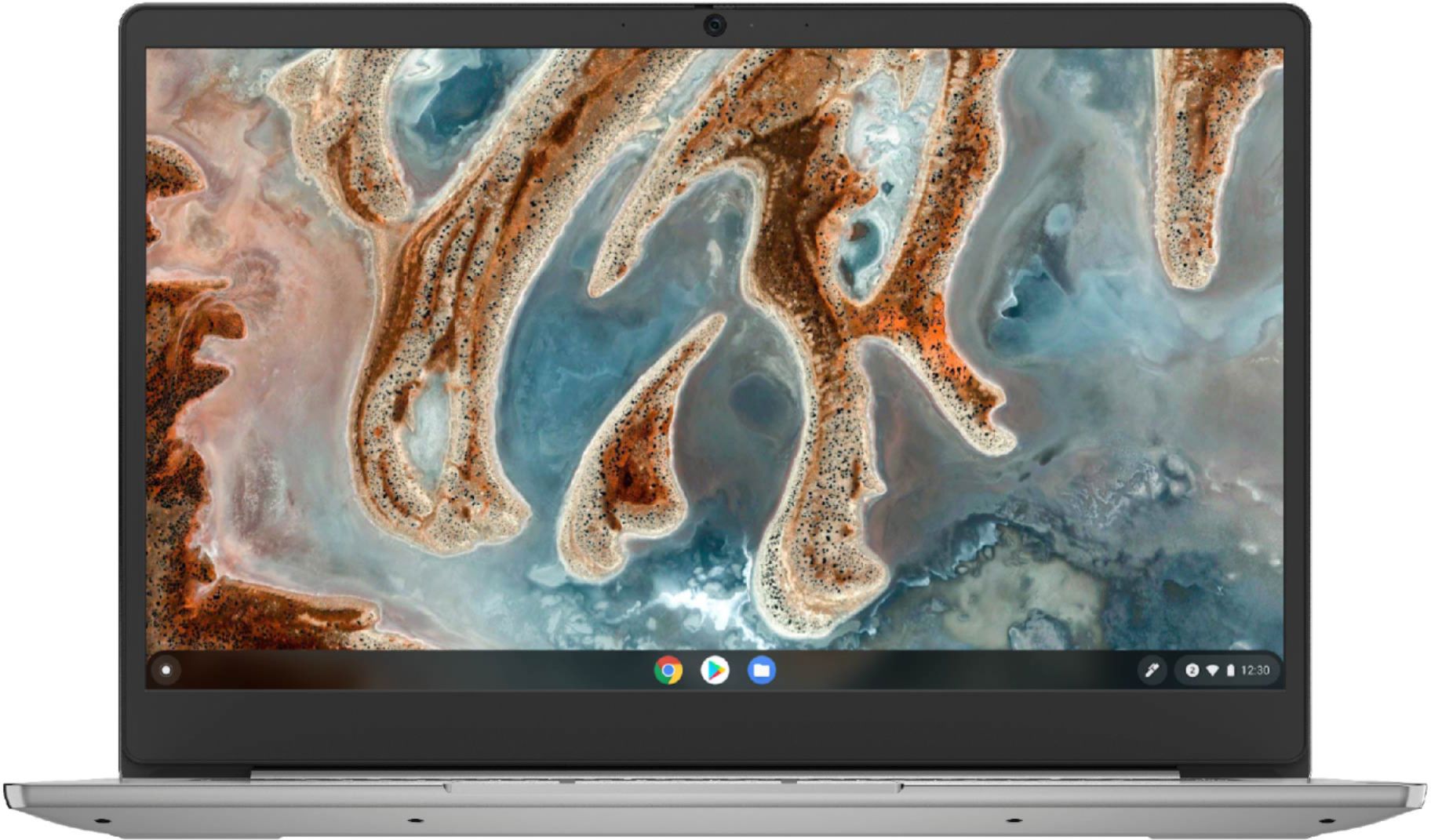
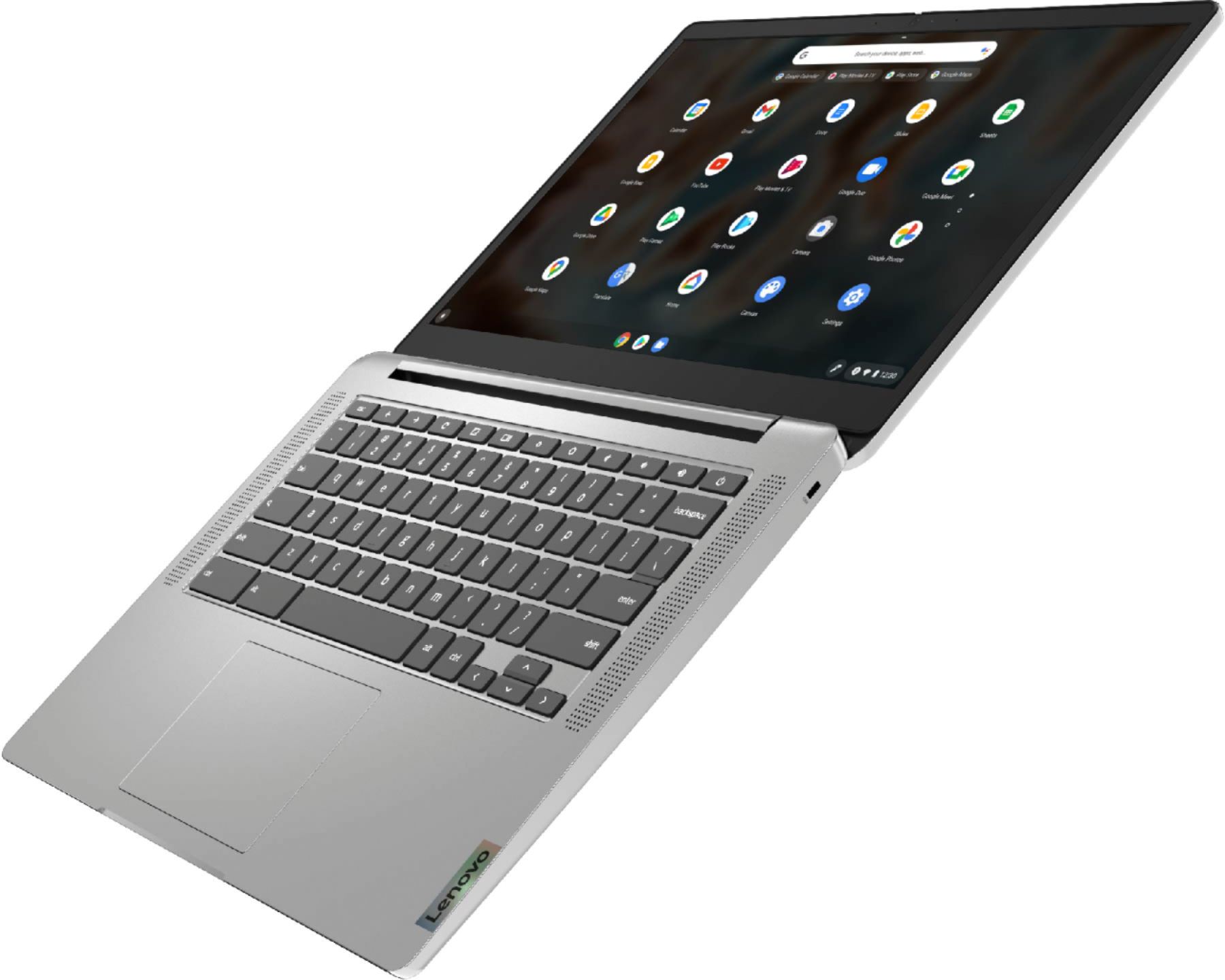
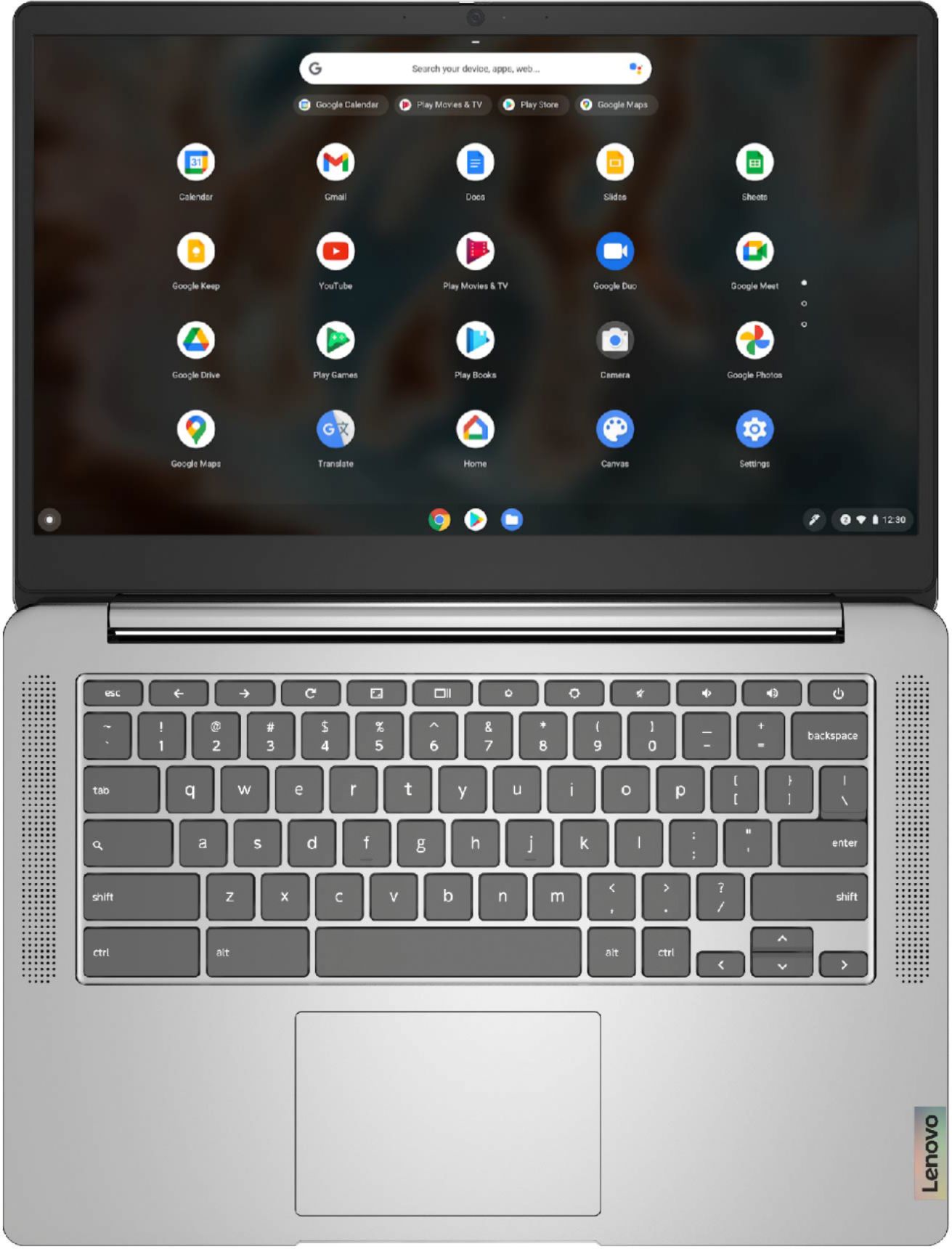
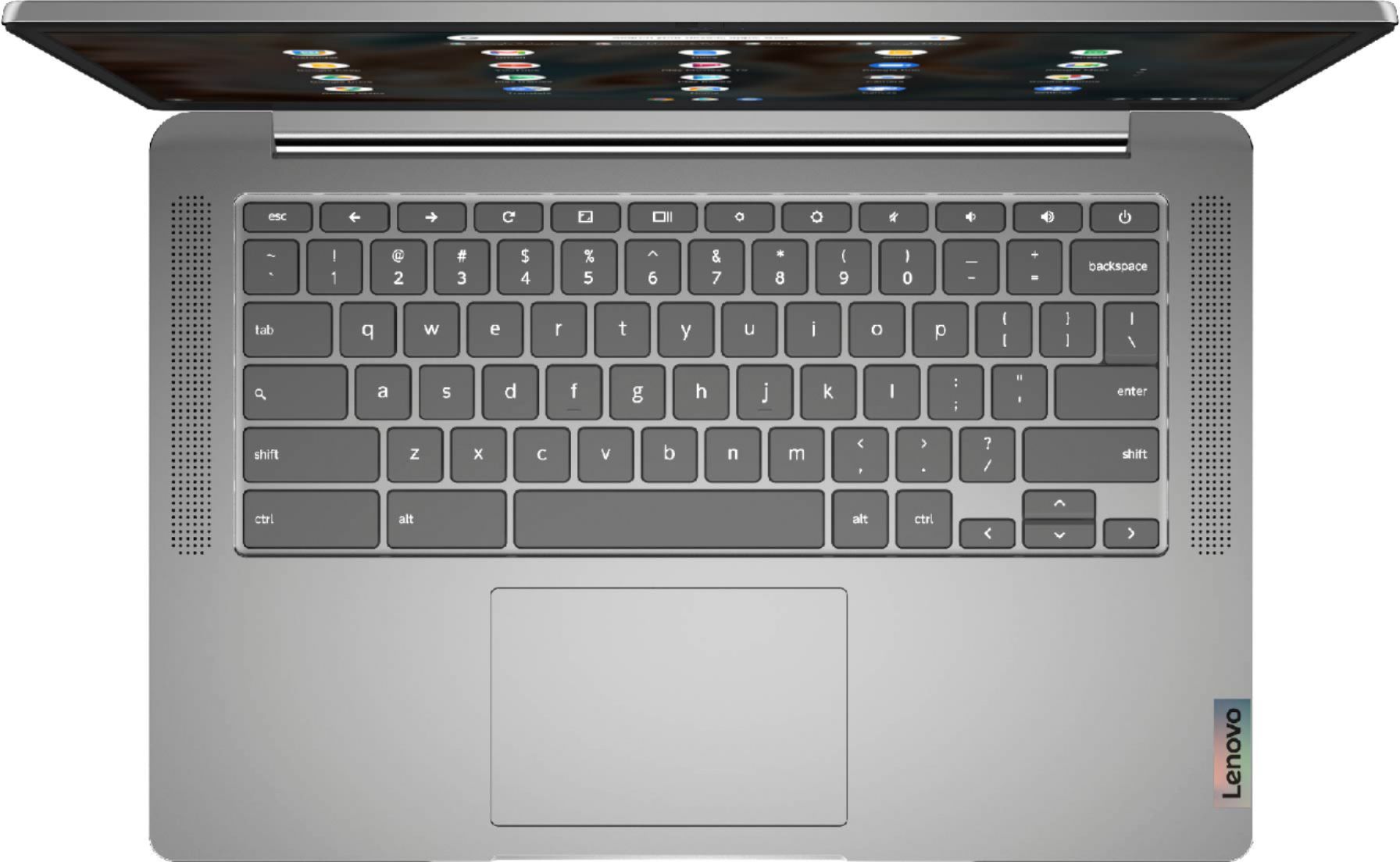
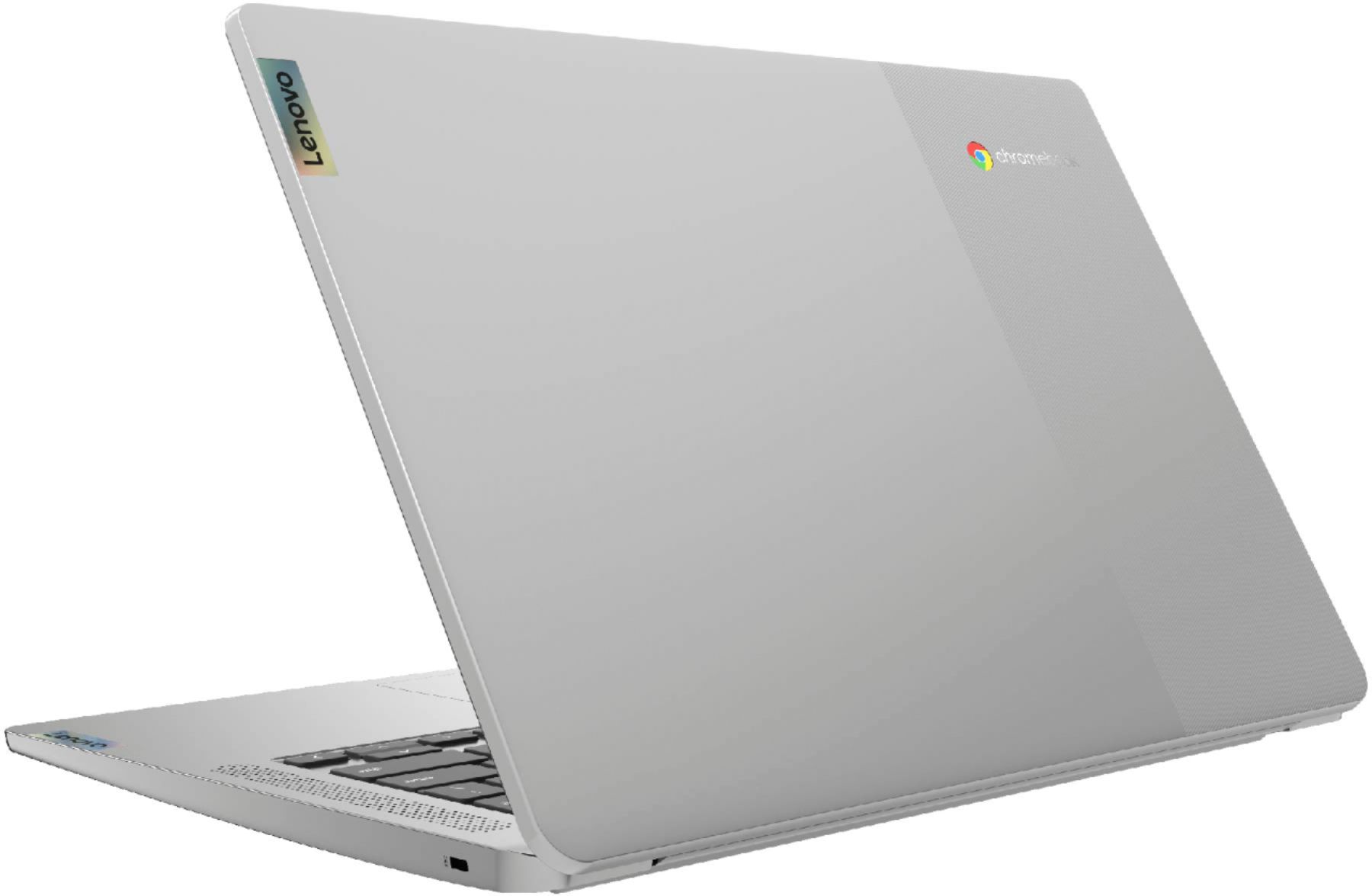
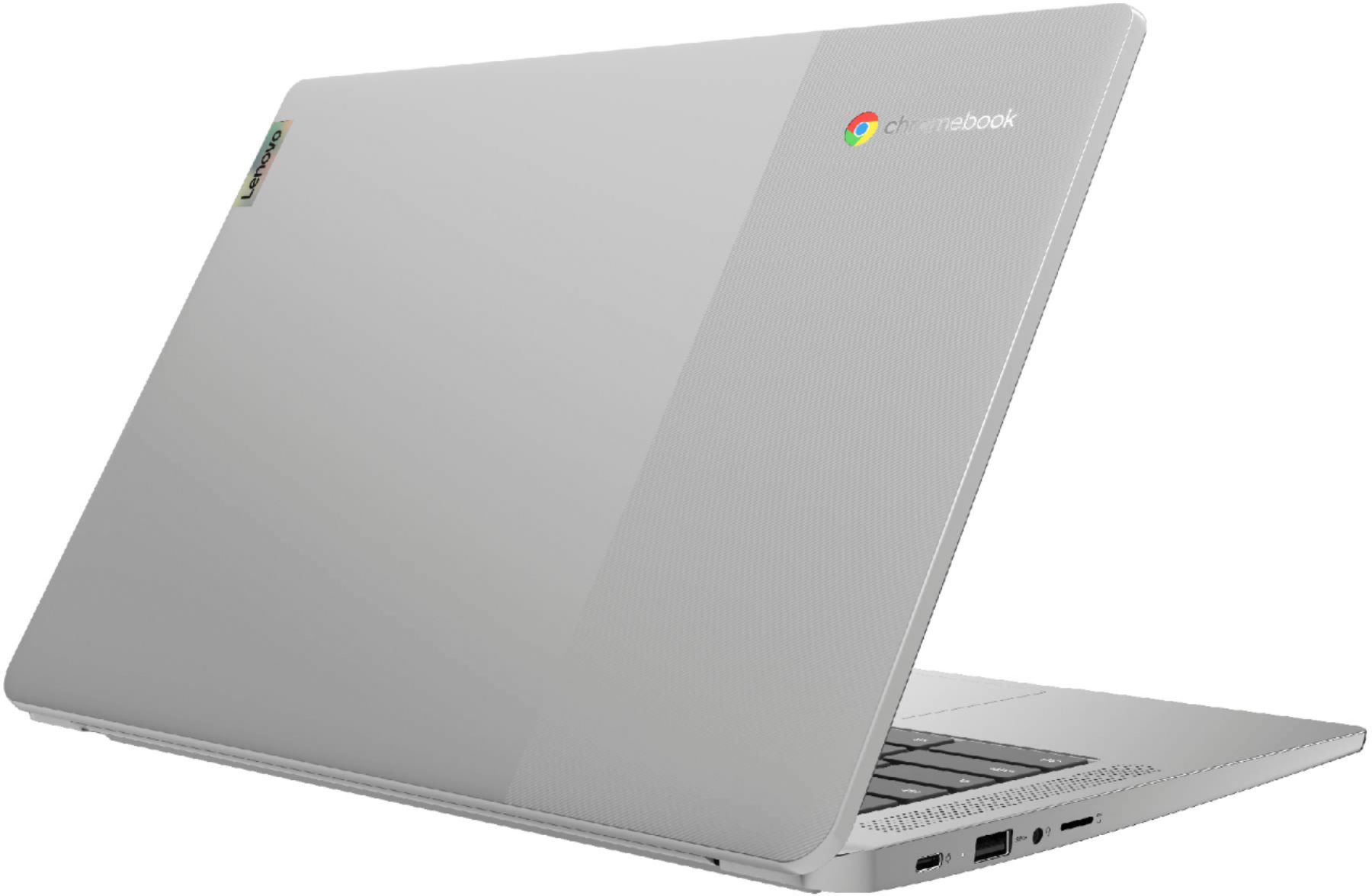
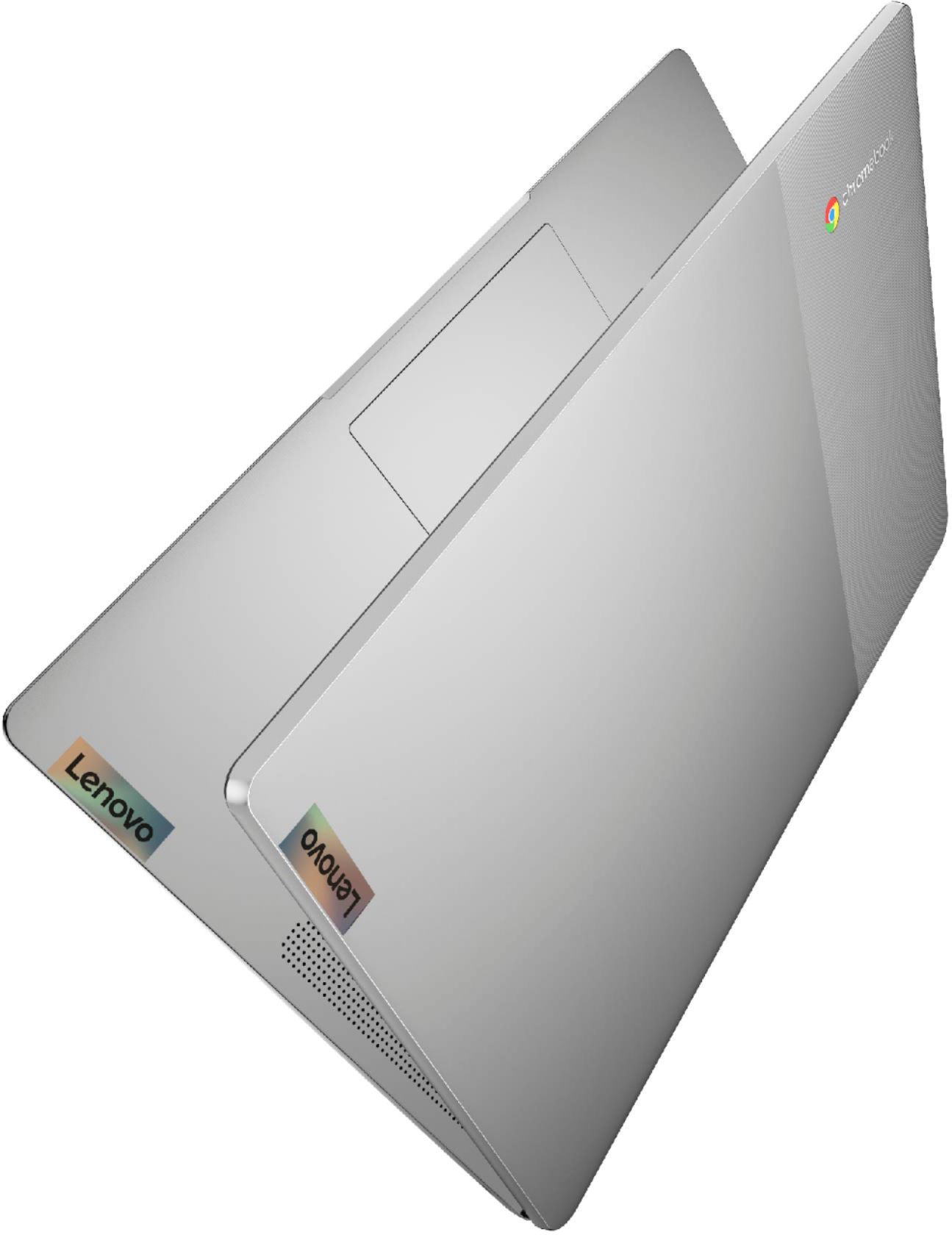
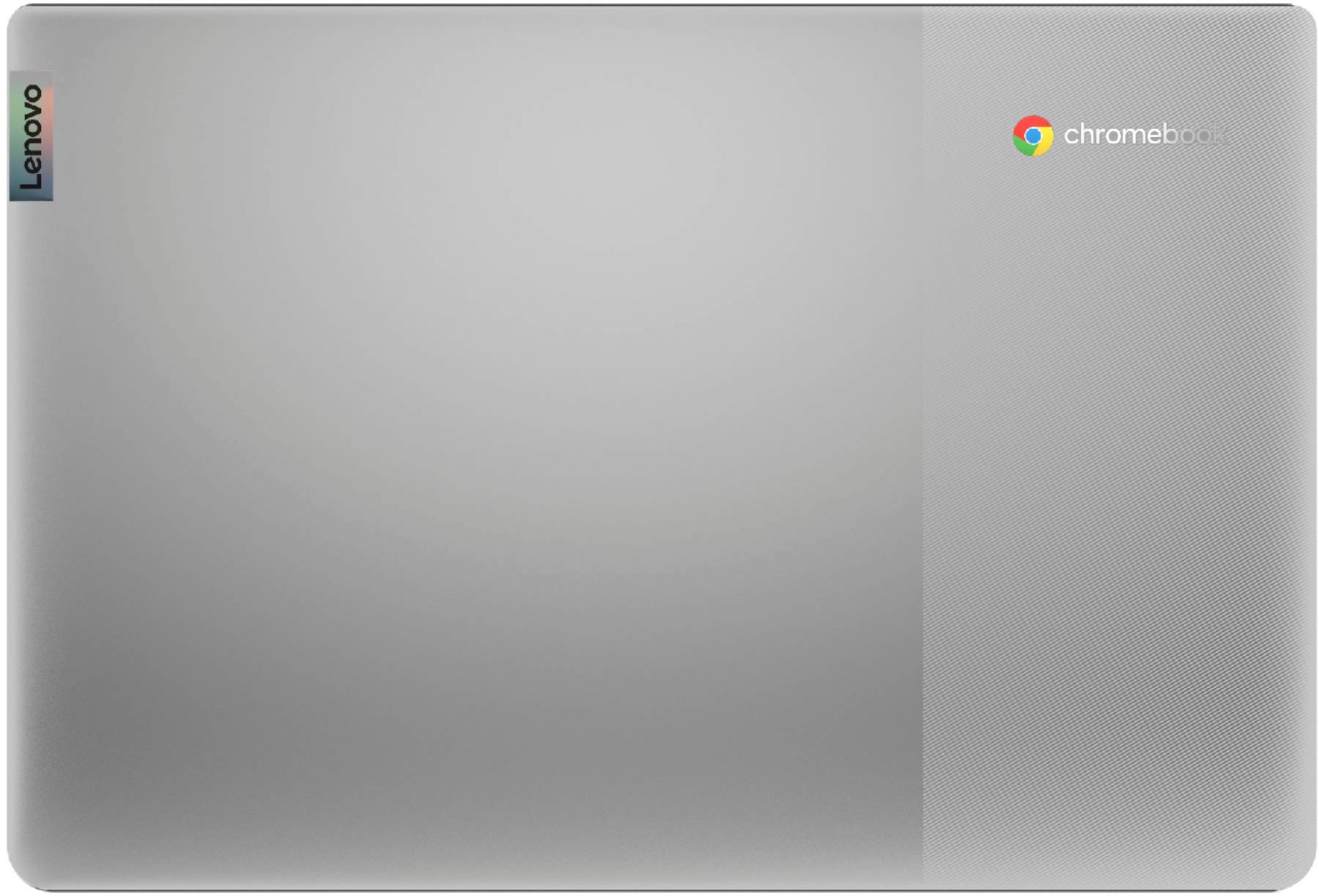
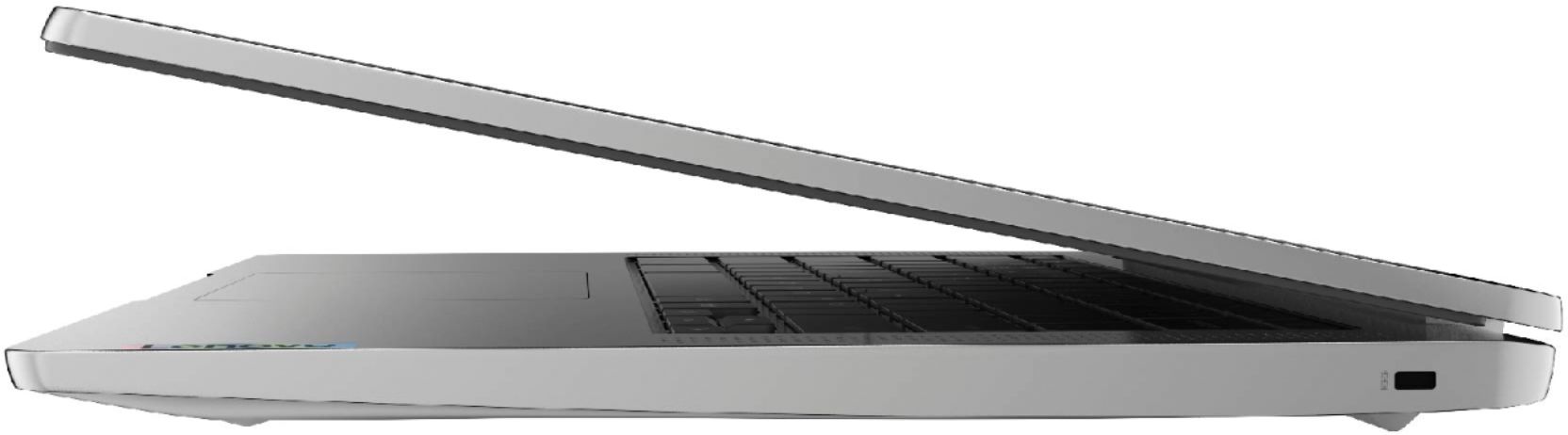

- Model:
- 82KN0000US
- SKU:
- 6447138
Rating by feature
- Battery Life
Rating 4.7 out of 5 stars
- Speed
Rating 4.4 out of 5 stars
- Display
Rating 4.4 out of 5 stars
Customers are saying
Customers are pleased with the Chromebook 3's ease of use, price, and battery life. Many also appreciate its screen size and lightweight design, finding it suitable for various needs. While some users wish for more memory, the positive feedback on performance and storage is generally favorable. Overall, the Chromebook 3 receives high praise for its value and user-friendliness.
This summary was generated by AI based on customer reviews.
Not satisfied
||Posted . Owned for 1 month when reviewed.This reviewer received promo considerations or sweepstakes entry for writing a review.Quality is lower than expected. Picture is not clear.
No, I would not recommend this to a friendBrand response from Lenovo Product Expert
Posted .We are very sorry to hear that you are experiencing some quality issues with the graphics on your device. The Lenovo Chromebook 3 14 Laptop ships with a Full HD display with 1920 x 1080 resolution that is able to showcase your games and HD movies with impressive color and clarity. In addition, there is an anti-glare finish reduces eyestrain and widens the field of view.

Chromebook
||Posted . Owned for 2 weeks when reviewed.This reviewer received promo considerations or sweepstakes entry for writing a review.Bought brand new. When reiceved it was supposed to be pink. And not what i expected. Wont buy another chromebook again scrooll bar does not show 1/2 the time. Sornding too much time & frustration trying to find the scroll bar on the side
No, I would not recommend this to a friendBrand response from Lenovo Product Expert
Posted .This Lenovo Chromebook 3 14, model number 82KN0000US, ships in Arctic Grey case color. Whether the scroll bar appears on a specific web page will depend on the web page designer. You can just use two fingers on your touchpad, and you can easily scroll up and down. If you have questions about your Lenovo Chromebook 3 14, we recommend you contact Lenovo Tech Support for Chromebooks at: 800-426-7378.
- Pros mentioned:Price
Black screen of death within 10 days of purchase!!
||Posted . Owned for 1 week when reviewed.This reviewer received promo considerations or sweepstakes entry for writing a review.I was happy until 10 days after purchase. I got the black screen of death. Up until then it worked great, especially for the price. I took it back and traded it in on a Dell!!
No, I would not recommend this to a friendBrand response from Lenovo Product Expert
Posted .We are sorry to hear that you are having issues with your Lenovo Chromebook 3 14. Resetting this Chromebook back to original factory settings may correct the issue you are having: https://support.google.com/chromebook/answer/183084?hl=en&ref_topic=3417251. If the issue continues after this reset, we recommend you contact Lenovo Tech Support for Chromebooks at: 800-426-7378.
Disappointed
||Posted . Owned for 1 month when reviewed.This reviewer received promo considerations or sweepstakes entry for writing a review.not happy at all. My computer and printer are not communicating with each other and I can't print out my bills or start my online classes because of this problem. That is the main reason I bought these items. I was told by your staff that these products would be sufficient for what I needed.
No, I would not recommend this to a friendBrand response from Lenovo Product Expert
Posted .We are sorry to hear that you are having issues pairing a printer to your Lenovo Chromebook 3 14, model number 82KN0000US. This Chromebook is compatible with any printer that is compatible with the Chrome Operating System. We recommend you check with your printer manufacturer's web site for the compatibility of your specific printer model with the Chrome Operating System. Here is a link to instructions for connecting a compatible printer to a Chromebook: https://support.google.com/chromebook/answer/7225252?hl=en
Lenvoco
||Posted . Owned for 1 month when reviewed.This reviewer received promo considerations or sweepstakes entry for writing a review.It worked okay at first but i cannot find the cursor today. Also, how.do.i get rid of the double windows I am planning to bring it to your store later or tomorrow.
No, I would not recommend this to a friendBrand response from Lenovo Product Expert
Posted .We are sorry to hear that you are having issues with your Lenovo Chromebook 3 14, model number 82KN0000US. Resetting this Chromebook back to original factory setting my correct the issues you are having. Here is a link to instructions for resetting a Chromebook: https://support.google.com/chromebook/answer/183084?hl=en. If the issue continues, we recommend you contact Lenovo Tech Support for Chromebooks at: 800-426-7378.
- Pros mentioned:Screen size
My Mistake
||Posted . Owned for less than 1 week when reviewed.This reviewer received promo considerations or sweepstakes entry for writing a review.Don't even buy it, if you're looking for a bigger phone that you can't make calls on then be my guest and buy it
No, I would not recommend this to a friendBrand response from Lenovo Product Expert
Posted .The Lenovo Chromebook 3 14 model number 82KN0000US, brings everyone’s favorite Chromebook features to life - Running on the lightning-fast Chrome OS that boots up in seconds, updates automatically, and is protected by built-in virus protection. Use the keyboard to get your work done - fast browsing and multitasking, as well as better entertainment options with the narrow-bezel touchscreen and dual stereo speakers.
Probably Ok but not for me
||Posted . Owned for less than 1 week when reviewed.This reviewer received promo considerations or sweepstakes entry for writing a review.Out of date machine which I returned primarily because of the poor monitor. I need to spend more money and get a good android device.
No, I would not recommend this to a friendBrand response from Lenovo Product Expert
Posted .We are sorry to hear that the Lenovo Chromebook 3 14, model number 82KN0000US, did not meet your computing needs. This Chromebook 3 14 ships with a 14 inch (screen size measured diagonally) TN - FHD (1920x1080) screen, with a brightness level of 220 nits and has an Anti-glare Coating. This Chromebook 3 14 ships with the Chrome Operating System and is compatible with Google Play Store APPs. Not all Google Play Store APPs are optimized for the Chrome Operating System. We recommend you check with the specific APPs software publisher's web sites, of the specific APPs you will need to use, for their compatibility with the Chrome operating system and the minimum/recommended hardware requirements (Is a Graphics card required, the processor speed and the minimum required system RAM and the minimum available hard drive space) to run their program, then compare those requirements to this Chromebook's configuration.
Terrible
||Posted . Owned for 11 months when reviewed.This reviewer received promo considerations or sweepstakes entry for writing a review.This thing is junk. I bought this for my mom so she could use it for zoom meetings. She had countless issues with the sound & camera. Thank goodness I bought the 3 year geek squad protection. They sent it out several times to get fixed & it continued to have problems with the sound. Thankfully Best Buy finally let her return it & gave her a full refund. Never buying one of these again.
No, I would not recommend this to a friendUgh
||Posted .This reviewer received promo considerations or sweepstakes entry for writing a review.Didnt like it. Too unfamiliar an OS, and I knew instantly I'd never be comfortable with it. I've always had PCs, but even Macs are better! Couldnt find a way to turn off the audio constantly announcing my email address. Returned right away after Powerwash. There's a reason it was so cheap!
No, I would not recommend this to a friend- Pros mentioned:Battery life, Speed
Great except for viewing angle.
Posted .This reviewer received promo considerations or sweepstakes entry for writing a review.I was originally going rate this at two stars because it did not seem to be able to come back from sleep mode and also had problems with the computer freezing for anywhere from 30 seconds to several minutes when a web page was not responding. (ie no mouse, no keyboard at all, you just had to wait). HOWEVER, I changed the settings for Idle and closing the lid from "sleep" to "display off" and both problems went away. So an easy fix. I am going to take off one star for the display. When viewed straight on it is excellent, but when viewed from the side or from above (like for instance if you have it open at 90 degrees and sitting on your lap) the display washes out significantly. Note if you tilt the screen away from you it doesn't wash out much, its when you tilt the screen toward you and are looking at it from a down angle that it washes out. There is certainly much more degradation than my previous Chromebook, so I find myself tilting and turning this Chromebook more than my last one. I will reiterate however that when viewed straight on the display is excellent and I would rate it superior to my last one. Finally, the build quality seems really solid. The keyboard action really feels good, And the sound is good. Performance wise it seems fast and responsive. I've had no problems with the wi-fi carrying it around the house. Battery life is quite good. Camera and mic are good. I haven't used the bluetooth, headphones or card reader.
I would recommend this to a friendBrand response from Lenovo Product Expert
Posted .Thank you for choosing the Lenovo Chromebook 3 14 model number 82KN0000US. This model ships with a 14 inch (screen size measured diagonally) TN - FHD (1920x1080) screen, with a brightness level of 220 nits, Viewing Angles ( H / V ) of 160 Degrees / 160 Degrees. There is an Anti-glare coating. We are pleased to hear that the Chromebook 3 14 meets your computing needs so well.
I would buy a different brand
||Posted . Owned for 1 month when reviewed.This reviewer received promo considerations or sweepstakes entry for writing a review.We had a Chromebook before this one that finally needed replacement and bought this model. This one was slow to the point I would close the window and start over. After updating out of the box and having an HP Chromebook that was average speed prior to this one, this one was a dud. I would definitely buy a different brand. We opted to buy a Macbook Air.
No, I would not recommend this to a friendBrand response from Lenovo Product Expert
Posted .We are sorry to hear that you are having issues with your Lenovo Chromebook 3 14 model number 82KN0000US. Resetting your Chromebook back to original factory settings may correct the issues you are having: https://support.google.com/chromebook/answer/183084?hl=en. If the issues continues after this reset, we recommend you contact lenovo Tech Support for Chromebooks at: 800-426-7378.
Not good for older adults.
||Posted . Owned for 1 month when reviewed.This reviewer received promo considerations or sweepstakes entry for writing a review.No icons to click on, so not very user friendly. Especially not easy for my mother-in-law to use.
No, I would not recommend this to a friendBrand response from Lenovo Product Expert
Posted .We are sorry to hear that your mother-in-law is having difficulty using the Lenovo Chromebook 3 14. Here is a link to some tips for getting started with a new Chromebook: https://www.google.com/intl/en_us/chromebook/howto/get-started/. Chromebooks use a shelf for APP shortcuts rather than the Chromebook Desktop. Here is a link to instructions for customizing your Chromebook Shelf with your mother-in-law's favorite APPs: https://support.google.com/chromebook/answer/3113576?hl=en. If your mother-in-law has questions about her new Chromebook, we recommend she call Lenovo Support for Chromebooks at: 800-426-7378.
Wish i could bring it back
||Posted .This reviewer received promo considerations or sweepstakes entry for writing a review.Dont like it, thought it did more, cant even look at a sdd card
No, I would not recommend this to a friendBrand response from Lenovo Product Expert
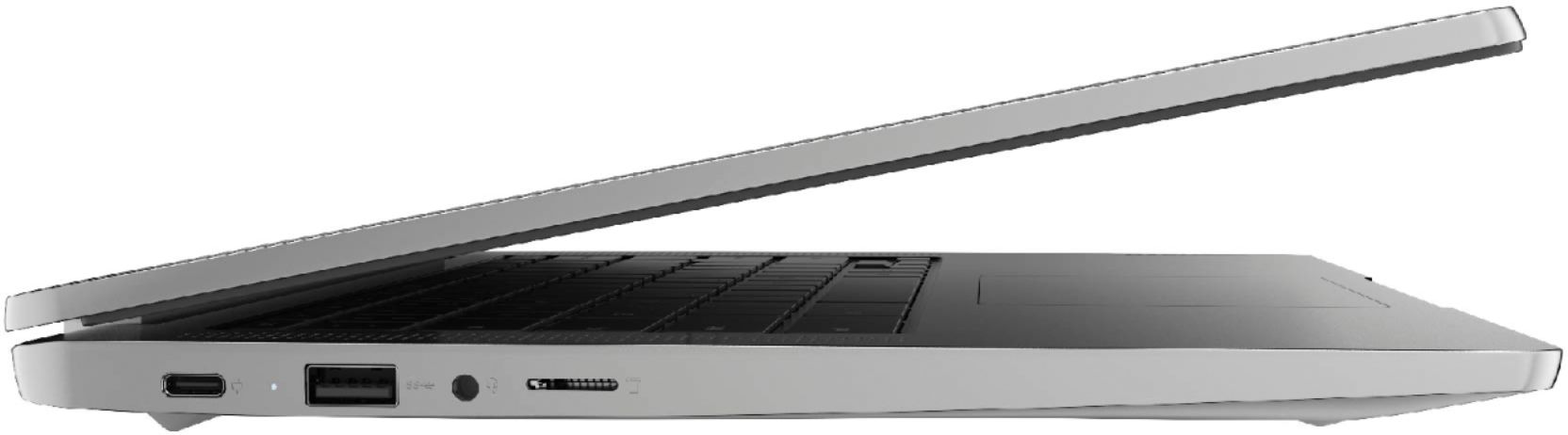
Posted .The Lenovo Chromebook 3 14 model number 82KN0000US, ships with a built in MicroSD Card Reader slot. Be sure the MicroSD card you are trying to read from the Chromebook 3 14 is formatted to be compatible with the Chrome Operating System and the files on the card are also compatible with The Chrome Operating System and Google Play Store APPs. We recommend you contact Lenovo Tech Support for Chromebooks for additional help at: 800-426-7378.
TotalTech coverage is lacking!
||Posted . Owned for 3 months when reviewed.This reviewer received promo considerations or sweepstakes entry for writing a review.Chrome book quit charging after 4 months. Store wants to send it out for repair. It was purchased for a granddaughter for school. Now she is supposed to wait a month without her laptop. I have a total tech membership. Seems that it should be repairable locally. Or the store should replace it now.
No, I would not recommend this to a friendBrand response from Lenovo Product Expert
Posted .We are sorry to hear that your grand daughter's Chromebook 3 14, model number 82KN0000US. First, check to be sure that the AC adapter/charger is working properly. If possible, try using a different USB-c AC adapter/charger to charge the Chromebook. If the issue is not the AC Adapter/charger, resetting the hardware of your grand daughter's Chromebook 3 14 may correct the battery charging issue. Here is a link to instructions for resetting the hardware of a Chromebook: https://support.google.com/chromebook/answer/3227606. If the issue continues after this hardware reset, now try resetting the Chromebook back to original factory settings. Here is a link to instructions for resetting a Chromebook: https://support.google.com/chromebook/answer/183084?hl=en&ref_topic=3417251. If the Chromebook still will not charge, we recommend you contact Lenovo Tech Support for Chromebooks at: 800-426-7378.
JUNK
||Posted . Owned for 1 month when reviewed.This reviewer received promo considerations or sweepstakes entry for writing a review.Total junk since the keyboard failed. The repair costs more than its worth. It lasted less than 2 months. I am surprised BB sells inferior products
No, I would not recommend this to a friendBrand response from Lenovo Product Expert
Posted .We are sorry to hear that you are having issues with the keyboard of your Lenovo Chromebook 3 14, model number 82KN0000US. Try resetting the hardware of your Chromebook. Here is a link to instructions for doing this: https://support.google.com/chromebook/answer/3227606?hl=en. If the issue continues, now try a reset of the Chromebook back to original factory settings. Here is a link to instructions for doing this: https://support.google.com/chromebook/answer/183084?hl=en. If the issue continues, we recommend you contact Lenovo Tech Support for Chromebooks at: 800-426-7378.
not what i thought
||Posted . Owned for 3 weeks when reviewed.This reviewer received promo considerations or sweepstakes entry for writing a review.purchased thinking it was touch screen ok computer without touch screen
I would recommend this to a friendBrand response from Lenovo Product Expert
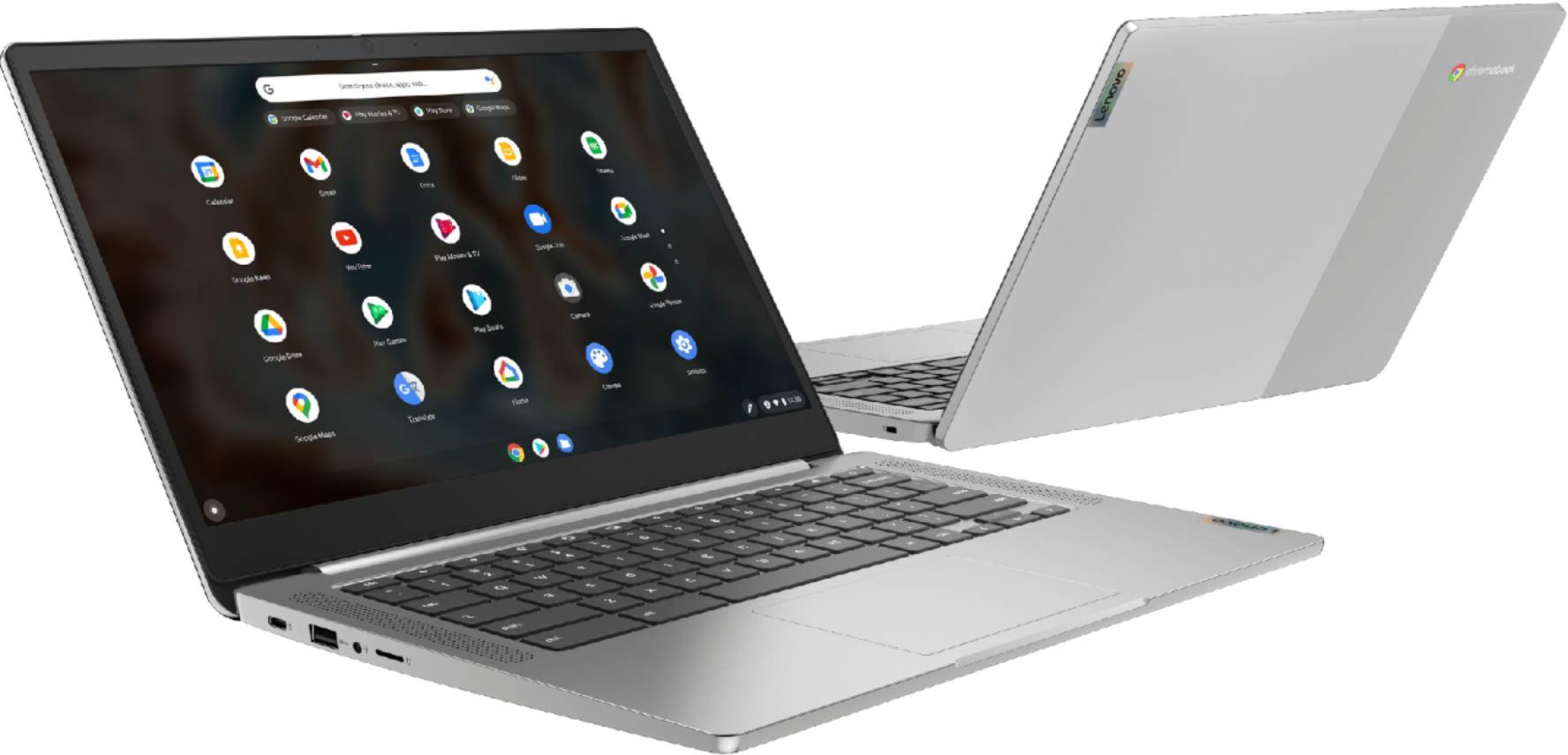
Posted .This Lenovo Chromebook 3 14 model number 82KN0000US, does not have a touch screen. Here is a link to the touch screen version of the Lenovo Chromebook 3 14, model number 82KN0001US - https://www.bestbuy.com/site/lenovo-chromebook-3-14-touch-laptop-mediatek-mt8183-4gb-memory-64gb-emmc-arctic-grey/6447140.p?skuId=6447140
Lemon or Bad Chromebook???
||Posted . Owned for 8 months when reviewed.This reviewer received promo considerations or sweepstakes entry for writing a review.Bought this October 9th 2021 and it keeps crashing and difficult to reboot, takes several attempts and will crash randomly during idle. Today is June 17th 2022. Now the attempt to get a replacement or repair since it is still under warranty. Ugh!!!
No, I would not recommend this to a friendBrand response from Lenovo Product Expert
Posted .We are sorry to hear that you are having issues with your Lenovo Chromebook 3 14, model number 82KN0000US. Resetting your Chromebook back to original factory settings may correct the issues you are having. Here is a link to instructions for resetting your Chromebook: https://support.google.com/chromebook/answer/183084?hl=en. If the issue continues, we recommend you contact Lenovo Tech Support for Chromebooks for additional help at: 800-426-7378.
hz
||Posted . Owned for 1 month when reviewed.This reviewer received promo considerations or sweepstakes entry for writing a review.charger broken in one month, only use it occasionally
No, I would not recommend this to a friendBrand response from Lenovo Product Expert
Posted .We are sorry to hear that you are having issues with the 45W USB-C (3-pin) USA compatible, AC adapter/charger that ships with this Lenovo Chromebook 3 14, model number 82KN0000US. Here is a link to the replacement 45W USB-c AC adapter/charger for this Chromebook 3 14, from a Best Buy advertising partner: https://fixing-tools.store/adapters/ac-dc-power-adapter/62956-genuine-45w-usb-c-lenovo-adlx45yac2a-adlx45ycc2a-adapter-free-cord-6925539424711.html?gclid=EAIaIQobChMIt5La7K_K9QIV9MmUCR33XwdjEAYYASABEgJI4PD_BwE
Slow and constantly locking up.
||Posted . Owned for 2 months when reviewed.This reviewer received promo considerations or sweepstakes entry for writing a review.Slow, freezes up constantly even loading basic websites like Amazon. Not even the cursor will respond when it locks up. Sometimes takes several minutes to resolve whatever issue is causing the freeze.
No, I would not recommend this to a friendBrand response from Lenovo Product Expert
Posted .We are sorry to hear that you are having issues with your Lenovo Chromebook 3 14. Resetting your Chromebook back to original factory settings may correct the issue: https://support.google.com/chromebook/answer/183084. If after resetting your Chromebook continues, now recover your Chromebook: https://support.google.com/chromebook/answer/1080595?hl=en&ref_topic=3417251. If you continue to have issues, we recommend you contact Lenovo Tech Support for Chromebooks at: 800-426-7378.
Poor advertisement on-line. False and misleading.
||Posted . Owned for 1 week when reviewed.This reviewer received promo considerations or sweepstakes entry for writing a review.What was the reason for cancelling my order? I paid for it and was told i would receive the laptop in 1 weeks time. Week later i was sent an email saying it was cancelled. Why?
No, I would not recommend this to a friend