Customer Ratings & Reviews
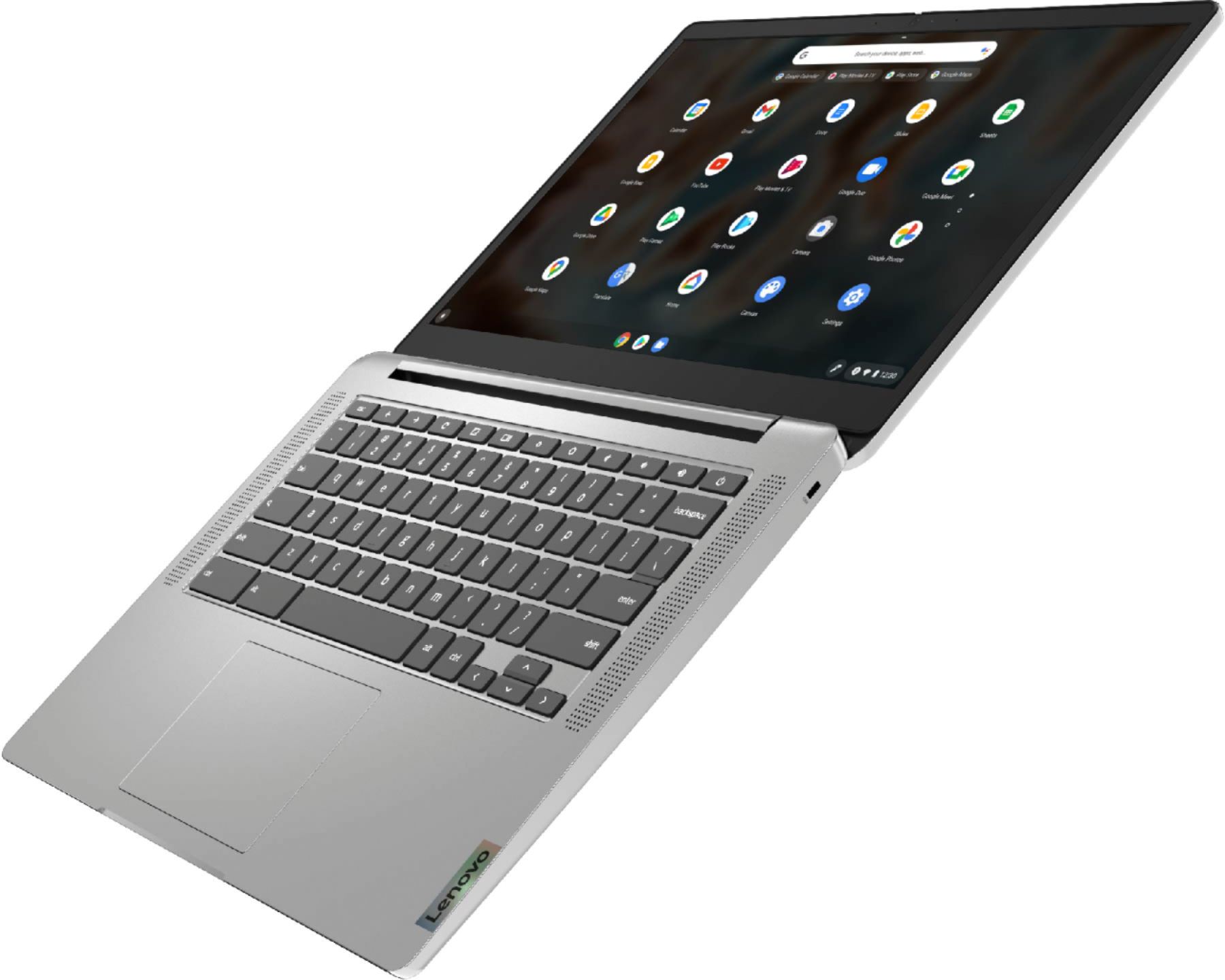
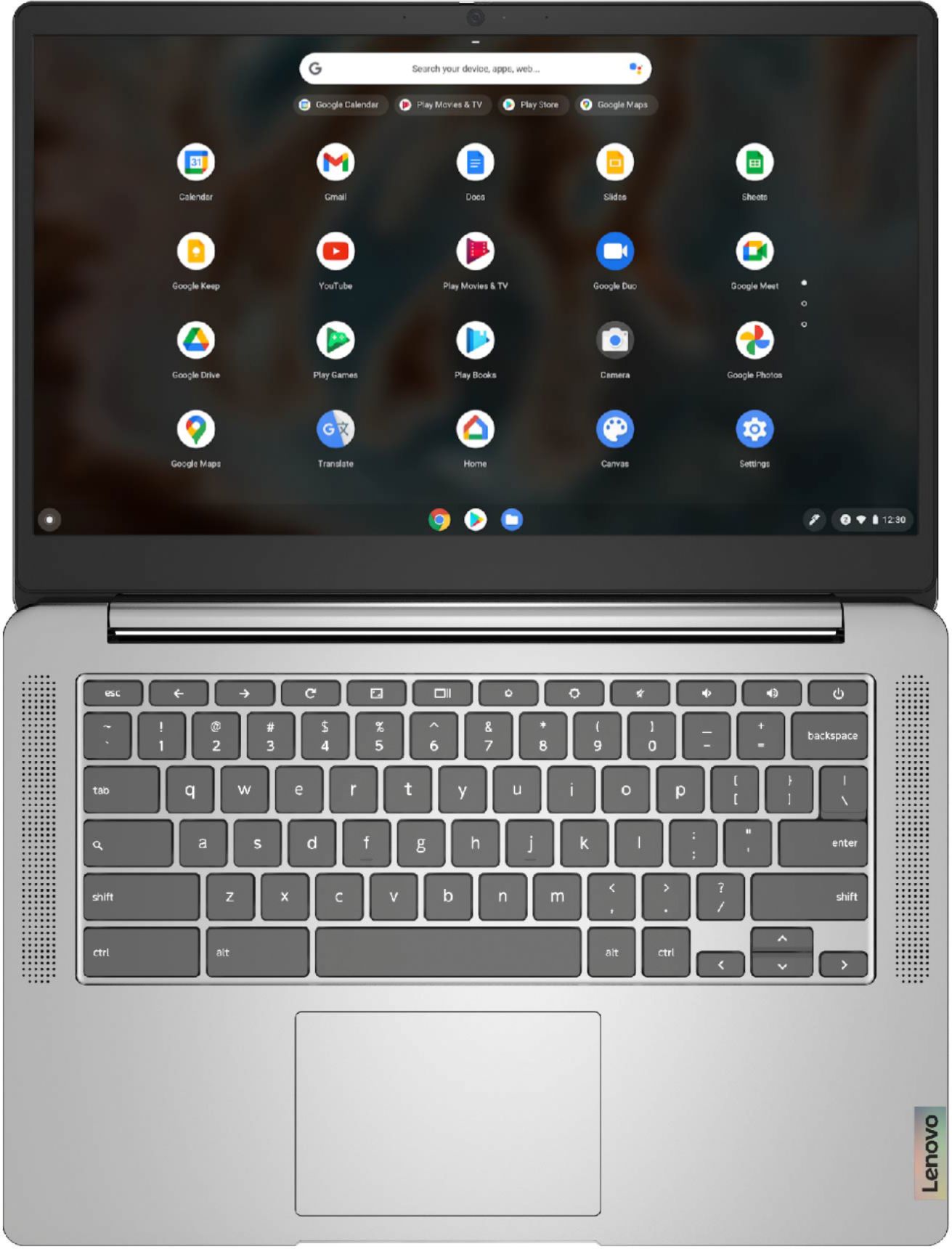
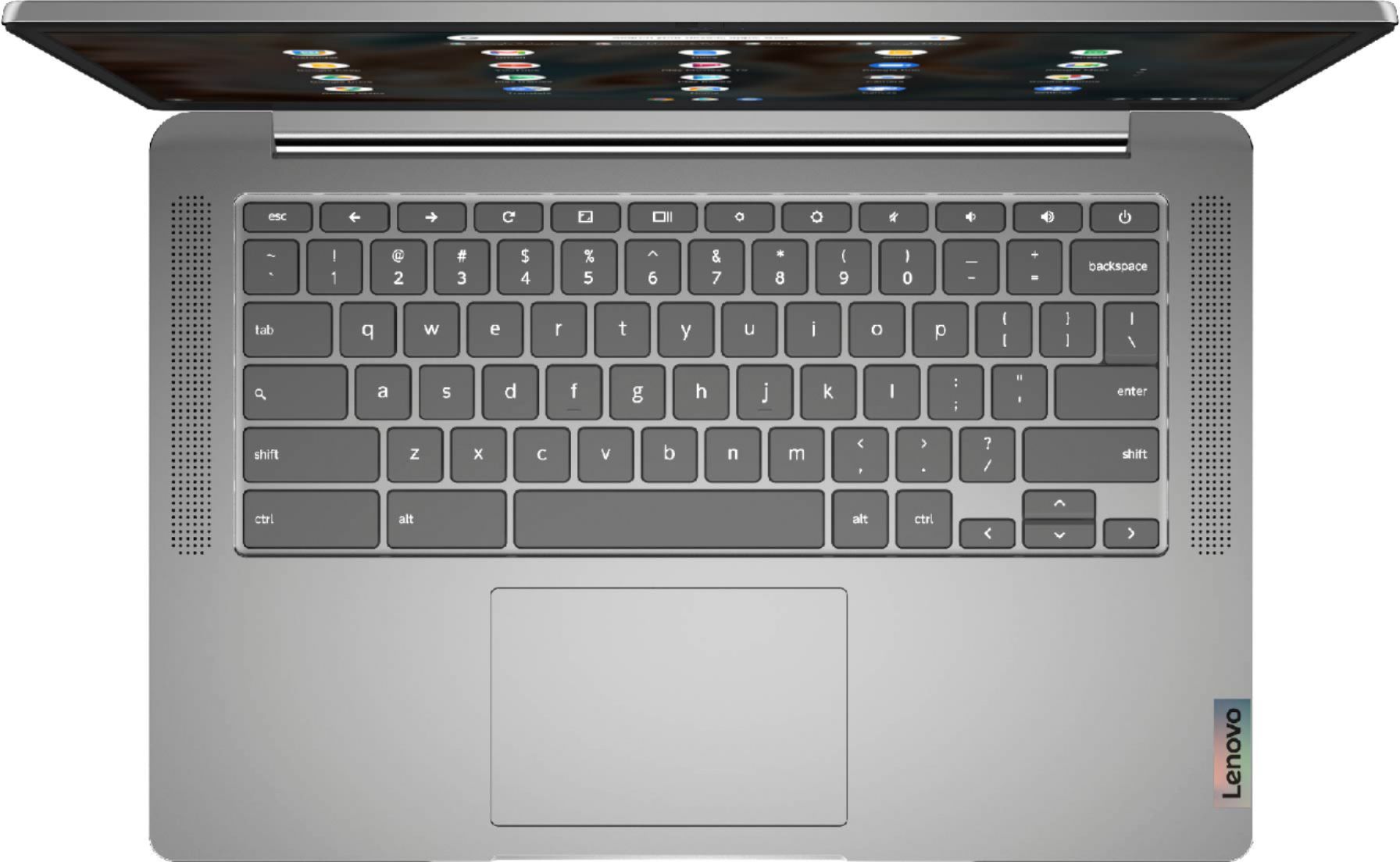
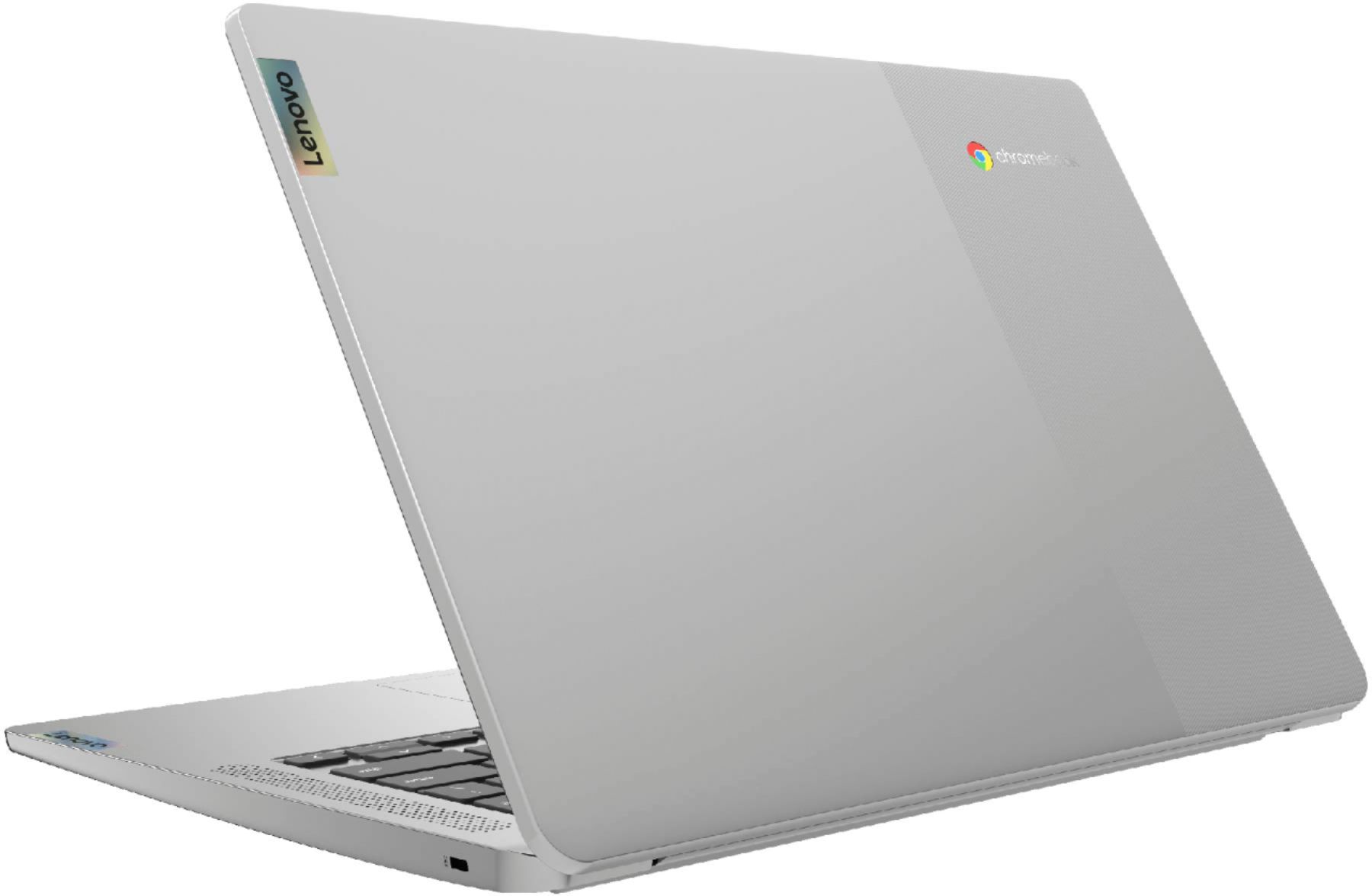

- Model:
- 82KN0000US
- SKU:
- 6447138
Rating by feature
- Battery Life
Rating 4.7 out of 5 stars
- Speed
Rating 4.4 out of 5 stars
- Display
Rating 4.4 out of 5 stars
Customers are saying
Customers are pleased with the Chromebook 3's ease of use, price, and battery life. Many also appreciate its screen size and lightweight design, finding it suitable for various needs. While some users wish for more memory, the positive feedback on performance and storage is generally favorable. Overall, the Chromebook 3 receives high praise for its value and user-friendliness.
This summary was generated by AI based on customer reviews.
Keeps freezing up!
||Posted . Owned for 1 month when reviewed.This reviewer received promo considerations or sweepstakes entry for writing a review.I have no extra apps other than what came already on the Chromebook and it keeps locking up and freezing. I can't believe I spent money on this thing. This is my first Chromebook and I like the idea of it but it poorly executed in this model
No, I would not recommend this to a friendBrand response from Lenovo Product Expert
Posted .We are sorry to hear that you are having issues with your Lenovo Chromebook 3 14. Resetting this Chromebook back to original factory settings may correct the issues you are having. Here is a link to instructions for resetting a Chromebook: https://support.google.com/chromebook/answer/183084?hl=en. If the issues continue after this reset, we recommend you contact Lenovo Tech Support for Chromebooks for additional help at: 800-426-7378.

Not as expected
||Posted . Owned for less than 1 week when reviewed.This reviewer received promo considerations or sweepstakes entry for writing a review.Bought to try out a Chromebook. Bad idea. They are compatibility issues. Would not work with my printer. Would not download certain apps from the Google play store. Speed was not fast. Returned it and staying with Windows operating system.
No, I would not recommend this to a friendVery disappointed.
||Posted . Owned for 2 weeks when reviewed.This reviewer received promo considerations or sweepstakes entry for writing a review.Very disapointed. For some reason the keys are all of a sudden going out and you have to press really hard to get it to work. Nothing happened to the computer it just started to do this out of nowhere.
No, I would not recommend this to a friendBrand response from Lenovo Product Expert
Posted .We are sorry to hear that you are having issues with your Lenovo Chromebook 3 14 Laptop. Try to perform a hardware reset for the device; to do this, please press and hold the Refresh + tap the Power button. Please hold this for ten seconds. When your Chromebook powers on, release the Refresh button. There are more detailed steps on this link that provides more solutions to specific Chromebook devices as well –
https://support.google.com/chromebook/answer/3227606?hl=en
If the hardware reset doesn’t fix the issue, we recommend a reset to original factory settings: https://support.google.com/chromebook/answer/183084?hl=en. If you find that you need more assistance or clarification on your Chromebook, we recommend that you contact Lenovo Chromebooks Tech Support at: 800-426-7378.
Not for me
||Posted . Owned for 7 months when reviewed.This reviewer received promo considerations or sweepstakes entry for writing a review.This laptop took forever automatically install everything. It took around 15 hours b4 I could even use it after turning it on and after that the system ran very slow
No, I would not recommend this to a friendBrand response from Lenovo Product Expert
Posted .We are sorry to hear that you are having issues with your Lenovo Chromebook 3 14. Try using the diagnostics APP on your Chromebook to check for system problems and fix them. Here is a link to instructions for using Chromebook Diagnostics: https://support.google.com/chromebook/answer/10566784. If the issue continues, we recommend you contact Lenovo Tech Support for Chromebooks for additional help at: 800-426-7378.
Very limited
||Posted . Owned for 1 month when reviewed.This reviewer received promo considerations or sweepstakes entry for writing a review.I didn’t like this product. I returned it. I didn’t like the setup process or the lay out. I could not connect it to my printer.
No, I would not recommend this to a friendTerrible processor
||Posted . Owned for 3 weeks when reviewed.This reviewer received promo considerations or sweepstakes entry for writing a review.Bought this for photos , very rarely will read the card reader , has no way to store if your not online , blacks out and reboots when trying to look at multiple photos
No, I would not recommend this to a friendBrand response from Lenovo Product Expert
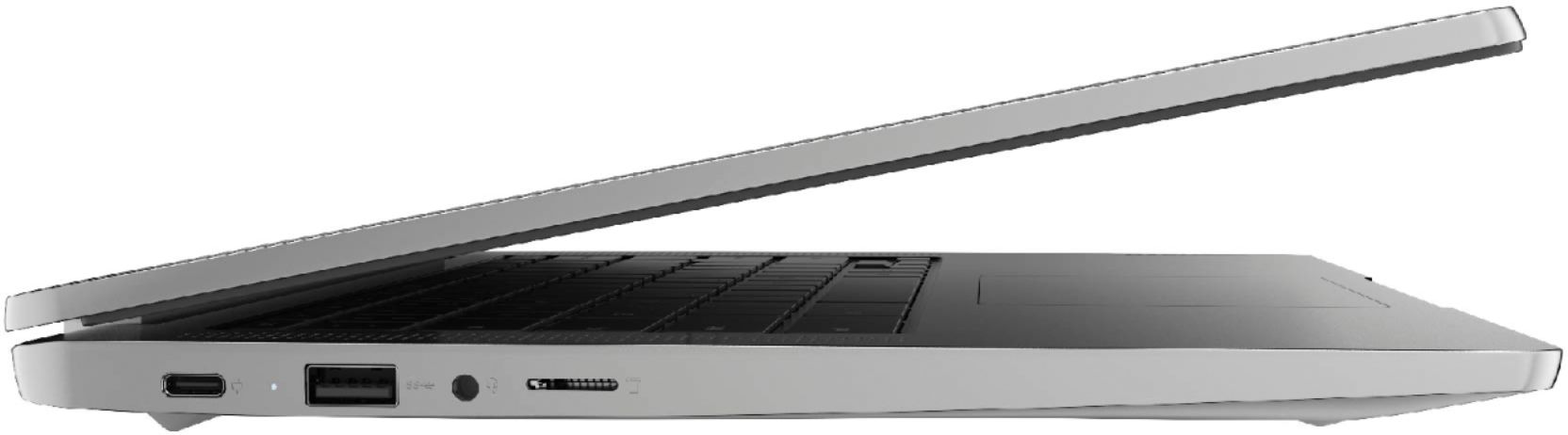
Posted .We are sorry to hear that you are having issues with your Lenovo Chromebook 3 14, model number 82KN0000US. This model ships with the extremely fast, 8-Core MediaTek MT8183 Processor, supported by 4GB Soldered LPDDR4X-1866MHz RAM and a 64GB eMMC 5.1 solid state hard drive. This Chromebook ships with a MicroSD Card Reader built in. This Chromebook ships with the Chrome Operating System and is compatible with Google Play Store APPs. Be sure the photo format you are using is compatible with the Chrome Operating System. Here is a link to instructions for saving photos to a Chromebook: https://support.google.com/chromebook/answer/6206527?hl=en#:~:text=On%20your%20Chromebook%2C%20the%20Files,t%20saved%20to%20Google%20Drive.&text=When%20your%20Chromebook%20is%20done,you'll%20see%20Import%20done%20.. If you continue to have issues, we recommend you contact Lenovo Tech Support for Chromebooks at: 800-426-7378.
Not good for word or resumes
||Posted . Owned for 1 month when reviewed.This reviewer received promo considerations or sweepstakes entry for writing a review.This product was absolutely the most useless item I've purchased this decade. I asked for help getting a laptop to help me use word programs and i was misled.
No, I would not recommend this to a friendBrand response from Lenovo Product Expert
Posted .The Lenovo Chromebook 3 14 uses Google Docs for office type programs. Google Docs is completely compatible with Microsoft Office Programs and this is a free service through the Google Server. If you must have the actual Microsoft Office Programs, you can purchase Microsoft Office 365 for this Chromebook at the Google Play Store.
Very weak
||Posted . Owned for 3 weeks when reviewed.This reviewer received promo considerations or sweepstakes entry for writing a review.Bought a week ago and my son did a little palm pressure and screen got break. Best buy had poor customer service and poor help, warranty in this regard.
No, I would not recommend this to a friendLenovo Disappointment
||Posted . Owned for 2 months when reviewed.This reviewer received promo considerations or sweepstakes entry for writing a review.Constantly freezes, often requiring a power down to reset. Did an update with no improvement. Really disappointed with Lenovo on this brick.
No, I would not recommend this to a friendBrand response from Lenovo Product Expert
Posted .We are sorry to hear that you are having issues with your Lenovo Chromebook 3 14. Resetting this Chromebook back to original factory settings may correct the issues you are having. Here is a link to instructions for resetting a Chromebook: https://support.google.com/chromebook/answer/183084?hl=en&ref_topic=3417251. If the issue continues after this reset, we recommend you contact Lenovo Tech Support for Chromebooks for additional help at: 800-426-7378.
Lenovo Tech Support SUCKS!!!
||Posted . Owned for 1 week when reviewed.This reviewer received promo considerations or sweepstakes entry for writing a review.I needed help connecting to my HP printer and Lenovo refused to assist me unless I paid them a fee to do so.
No, I would not recommend this to a friendBrand response from Lenovo Product Expert
Posted .We are sorry to hear that you are having difficulty printing from your Lenovo Chromebook 3 14, model number 82KN0000US. The Lenovo Chromebook 3 14 will print from any printer that is compatible with the Chrome Operating System. We recommend you check with your printer manufacturer's web site for the compatibility of your specific model printer. Here is a link to more information about printing from your Chromebook: https://support.google.com/chromebook/answer/7225252?hl=en
there are better choices
||Posted . Owned for 3 weeks when reviewed.This reviewer received promo considerations or sweepstakes entry for writing a review.screen quality severely lacking, with very poor contrast - skip this model - there are better choices such as the Acer CB315 .
No, I would not recommend this to a friendBrand response from Lenovo Product Expert
Posted .This Lenovo Chromebook 3 14, model number 82KN0000US, ships with a 14 inch (screen size measured diagonally) TN - FHD (1920x1080) screen, with a brightness level of 220 nits, has an Anti-glare Coating. This screen provides 67 Percent of the sRGB (45 Percent NTSC) color gamut and has a contrast ratio of 400:1. If you are getting less than expected contrast on your screen, you can manually adjust the contrast to your personal preference. Here is a link to instructions for adjusting the contrast on your Chromebook: https://www.chromestory.com/2016/08/change-screen-brightness-chromebook/. If the issue continues, we recommend you contact lenovo Tech Support for Chromebooks for additional help at: 800-426-7378.
- Pros mentioned:Ease of use, Speed
College days
Posted .This reviewer received promo considerations or sweepstakes entry for writing a review.Bought for my son for college it is super speedy and easy to use
I would recommend this to a friend This is Not a Compter
||Posted . Owned for 1 month when reviewed.This reviewer received promo considerations or sweepstakes entry for writing a review.I wish someone had told me this was not really a computer and that I only had 15 days to return.
No, I would not recommend this to a friendBrand response from Lenovo Product Expert
Posted .The Lenovo Chromebook 3 14 ships with the Chrome Operating System and is compatible with Google Play Store APPs. Here is a link to tips for using a Chromebook: https://www.google.com/intl/en_us/chromebook/howto/get-started/
Chromebook
||Posted . Owned for 3 weeks when reviewed.This reviewer received promo considerations or sweepstakes entry for writing a review.Stopped working 1 week after purchase but i threw the box away so i didnt think i could return it
No, I would not recommend this to a friendBrand response from Lenovo Product Expert
Posted .We are sorry to hear that you are having issue with your Lenovo Chromebook 3 14. First, try resetting your hardware: https://support.google.com/chromebook/answer/3227606?hl=en. If the issue continues, now try resetting your Chromebook back to original factory settings: https://support.google.com/chromebook/answer/183084?hl=en. If the issue continues, we recommend you contact lenovo Tech Support for Chromebooks at: 800-426-7378.
Not great for college students
||Posted .This reviewer received promo considerations or sweepstakes entry for writing a review.Would never buy a chrome book again. It’s not compatible with basic things needed for college.
No, I would not recommend this to a friendBrand response from Lenovo Product Expert
Posted .We are sorry to hear that the Lenovo Chromebook 3 14 does not meet your computing needs. We always recommend you check the requirements and compatibility of any software you will be installing on your new computer, before you invest in any computer. Be sure your new computer can support the software you will need to use.
Messed up computer
||Posted .This reviewer received promo considerations or sweepstakes entry for writing a review.Screen isn’t bright can’t get the brightness to turn up I want my money back
No, I would not recommend this to a friendBrand response from Lenovo Product Expert
Posted .This Lenovo Chromebook 3 14 model number 82KN0000US, ships with a 14 inch (screen size measured diagonally) TN - FHD (1920x1080) screen, with a brightness level of 220 nits and has an Anti-glare Coating. Here is a link to instructions for adjusting screen brightness on your Chromebook: https://www.chromestory.com/2016/08/change-screen-brightness-chromebook/. If the issue continues, we recommend you contact Lenovo Tech Support for Chromebooks at: 800-426-7378.
Not
||Posted .This reviewer received promo considerations or sweepstakes entry for writing a review.No I definitely had to return it just not for me or my family to cheaply made
No, I would not recommend this to a friendFor a child
||Posted . Owned for 1 month when reviewed.This reviewer received promo considerations or sweepstakes entry for writing a review.Wouldn’t recommend for grown ups unless it’s for researching only.
No, I would not recommend this to a friendBrand response from Lenovo Product Expert
Posted .We always recommend you check the requirements and compatibility of any software/games you will be installing on your new Chromebook, before you invest in any Chromebook. Be sure your new Chromebook can support the software you will need to use.
Terrible
||Posted . Owned for 1 month when reviewed.This reviewer received promo considerations or sweepstakes entry for writing a review.Chromebook is just a oversized no calling phone that only uses google apps
No, I would not recommend this to a friendBrand response from Lenovo Product Expert
Posted .Here is a link to a You Tube video that demonstrates the features and benefits of your new Chromebook: https://www.youtube.com/watch?v=D75XhHK4BAc
- Pros mentioned:Battery life, Screen size
Met expectations.
Posted .This reviewer received promo considerations or sweepstakes entry for writing a review.It was what I expected it to be. I wanted a better screen than the lower cost model that was not touchscreen. The difference in color, brightness, and sharpness is much better. I use it mainly for emails, web browsing, and YouTube. Met my expectation. Starts up very fast. I did only recently notice that this has a small fan that turns on sometimes. I barely notice it. I haven't used it yet for virtual meetings. Battery life is good with about 7 hours on 75% brightness. (Would give 5 stars for battery life if it was 10+ hours.) Much cheaper than buying a MacBook Air.
I would recommend this to a friendBrand response from Lenovo Product Expert
Posted .Thank you for choosing the Lenovo Chromebook 3 14. We are pleased to hear that the features and performance of the Chromebook 3 14 meets your computing needs so well.