Customer Ratings & Reviews
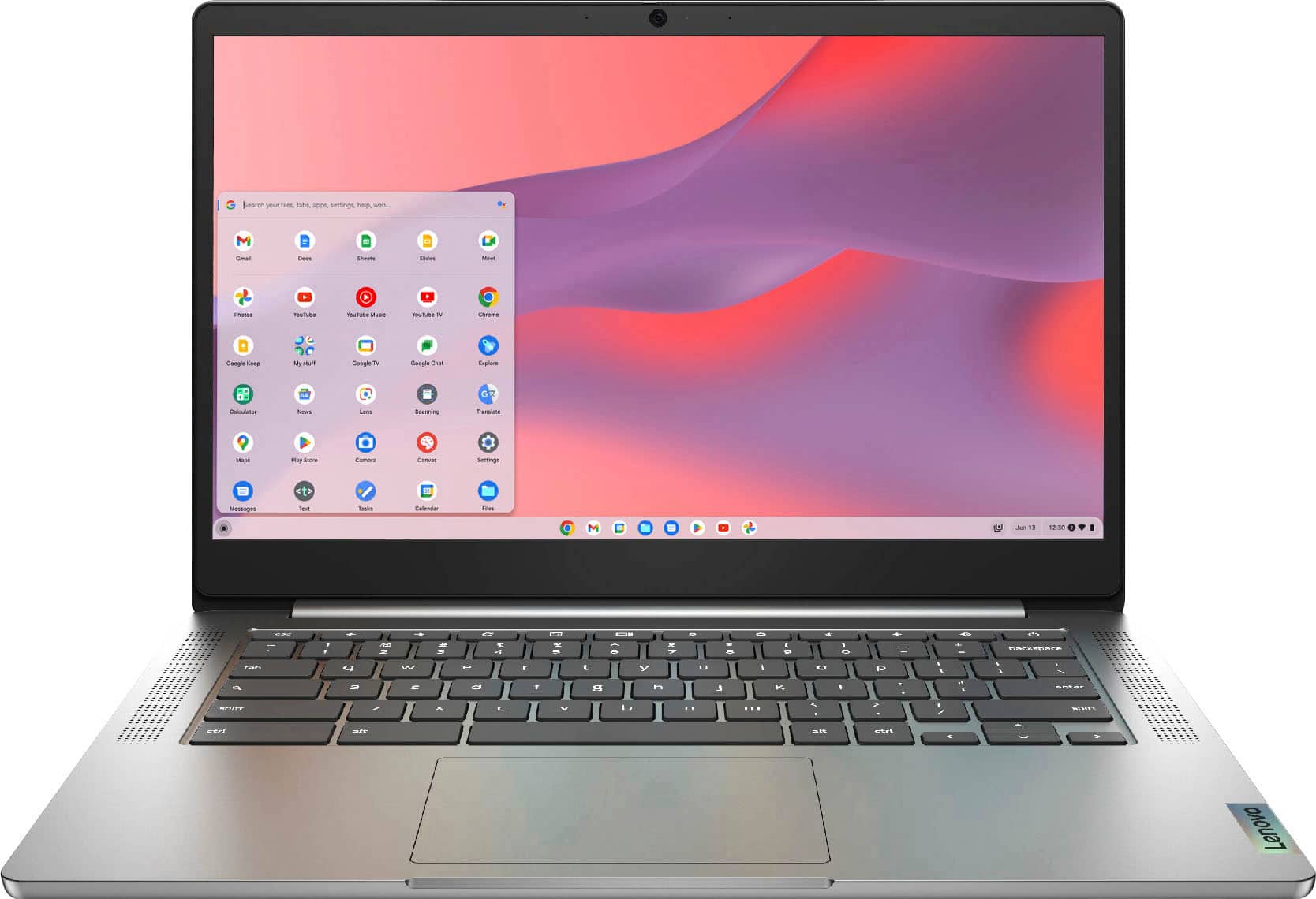
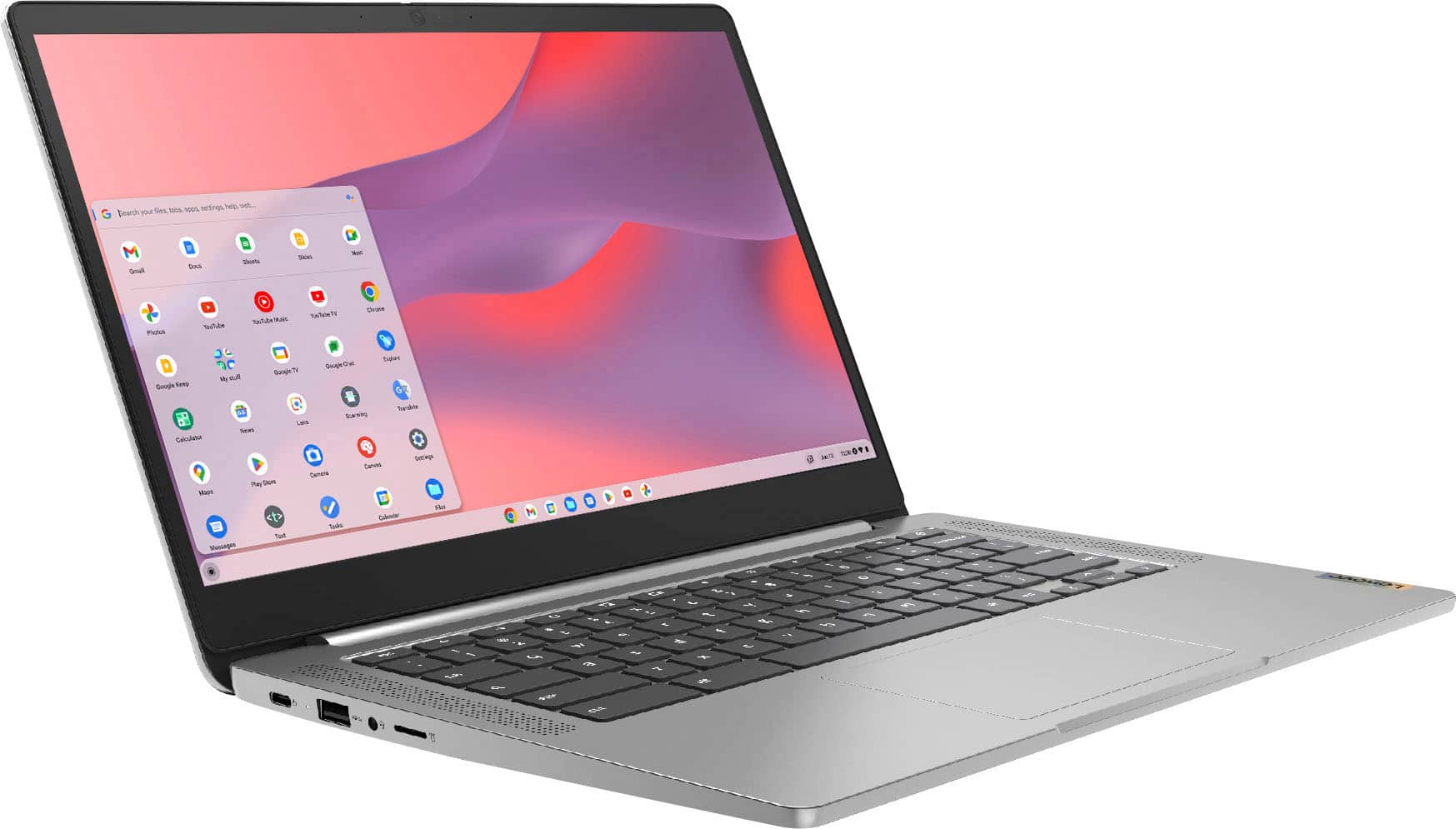
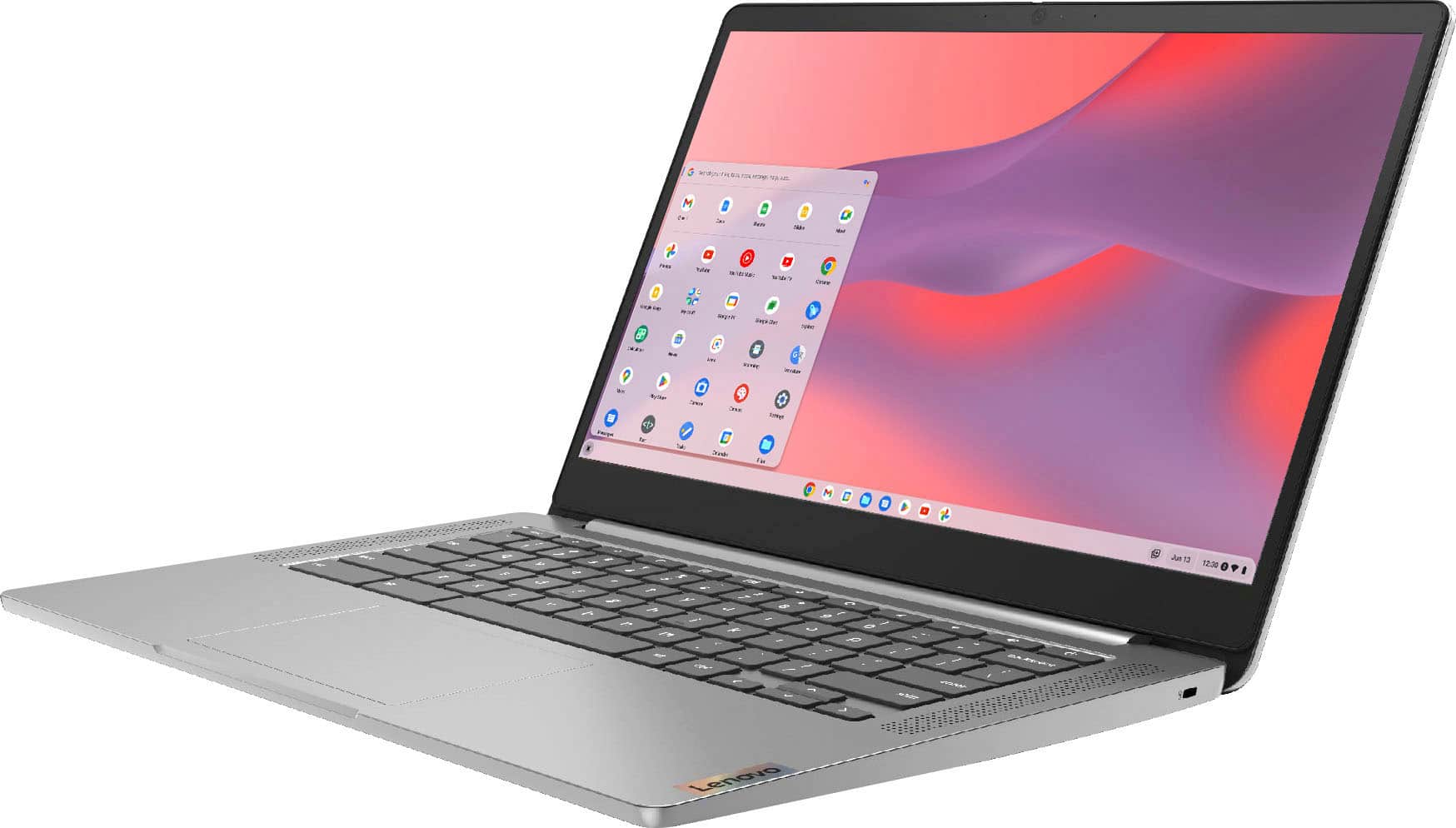
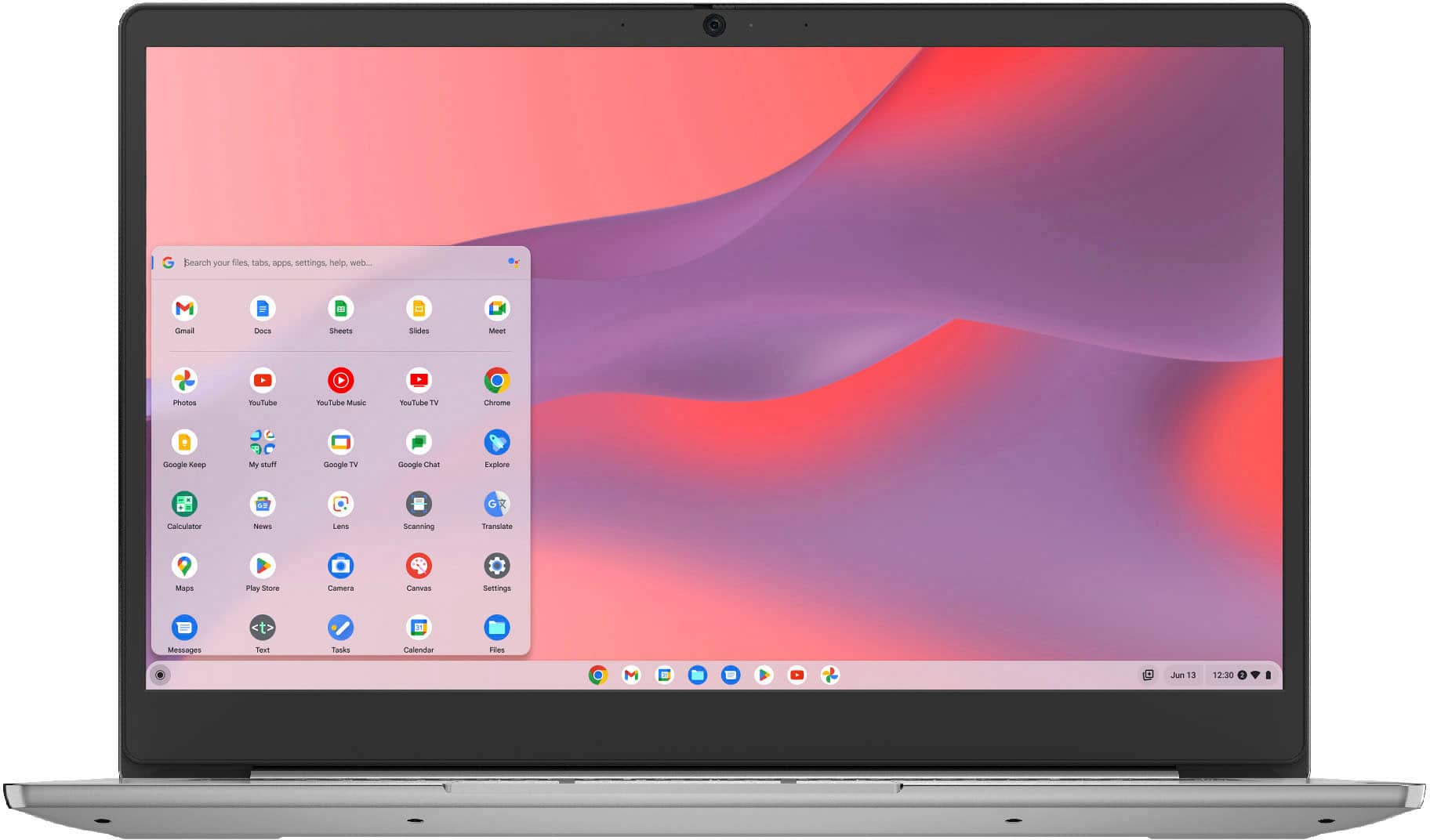
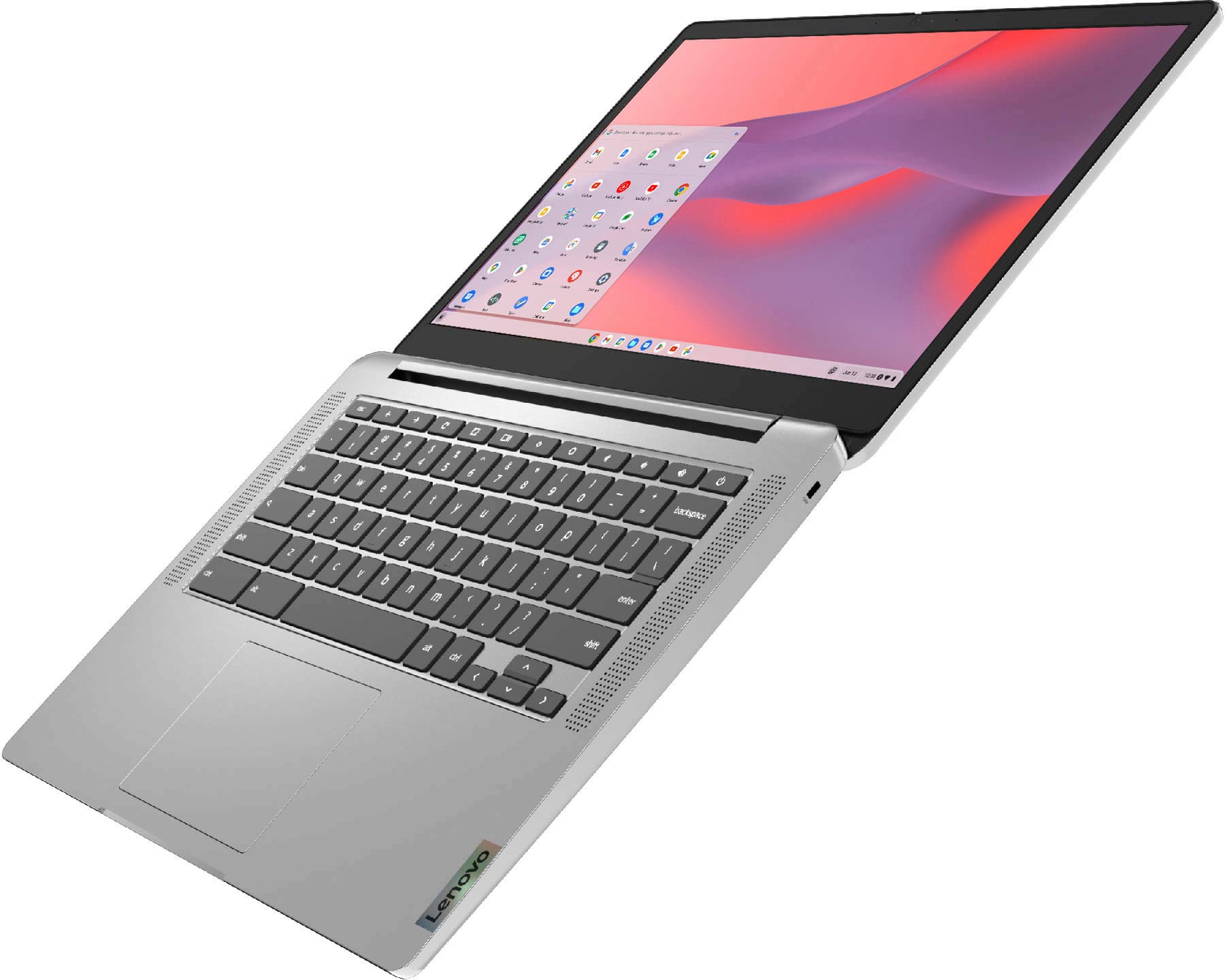
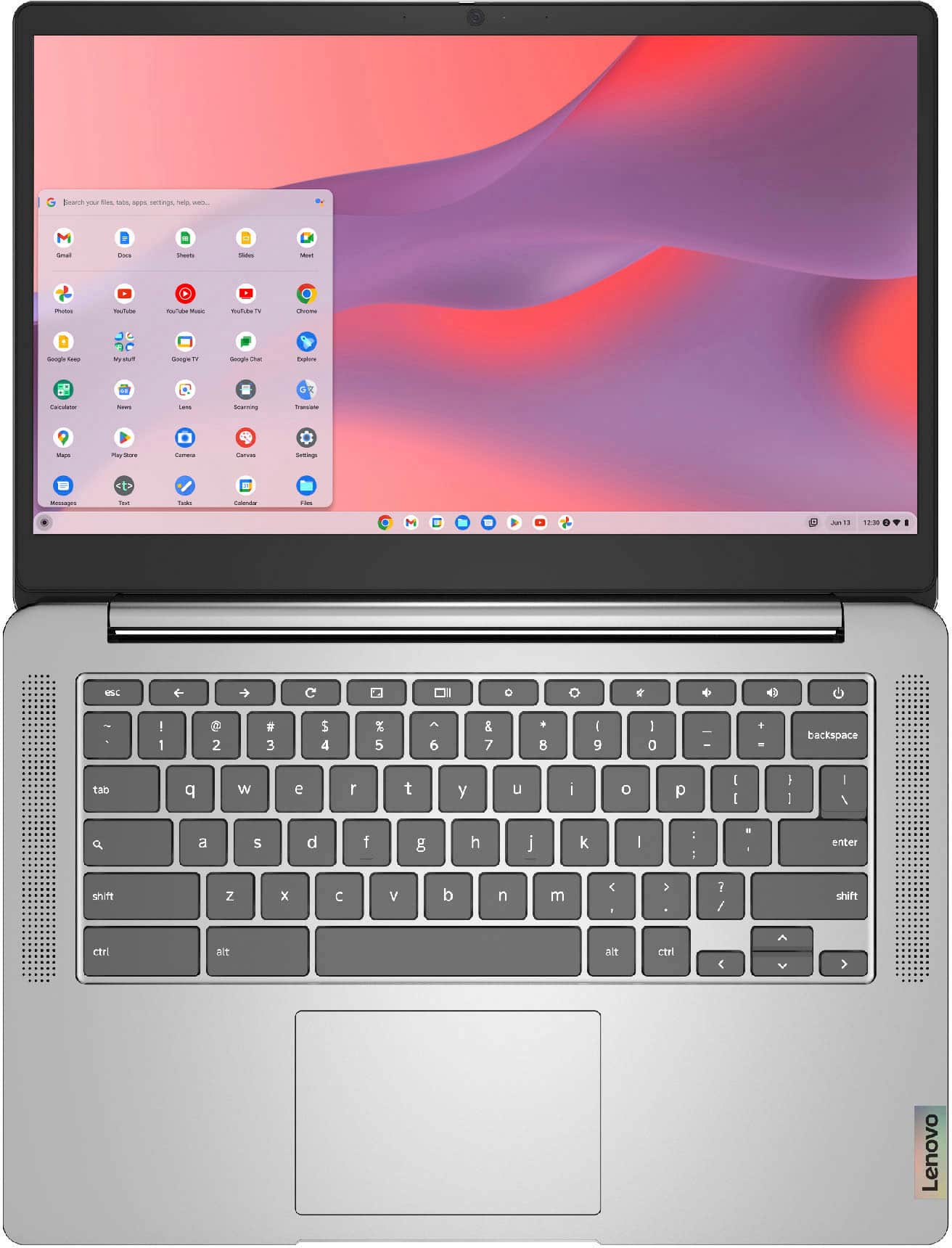
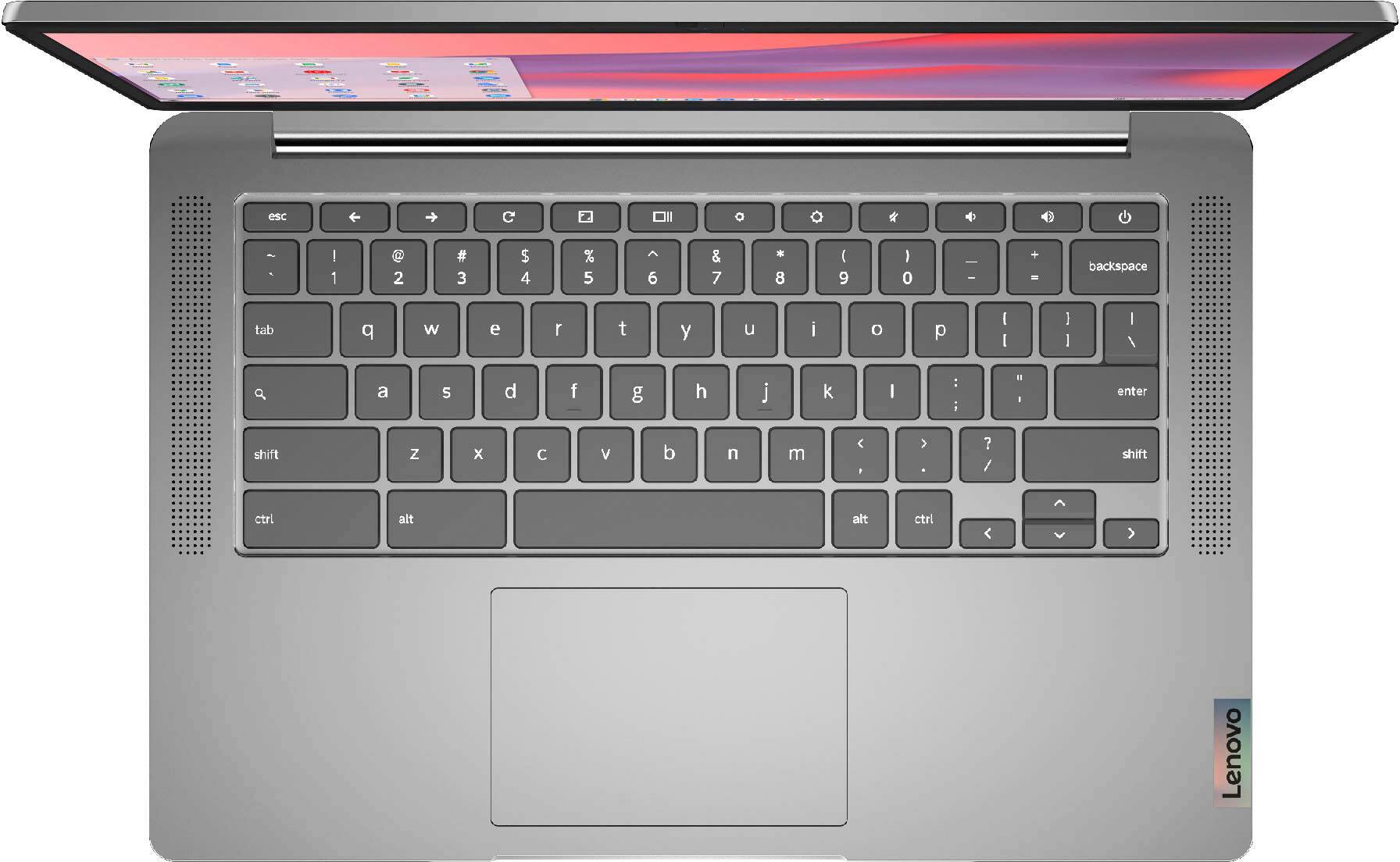
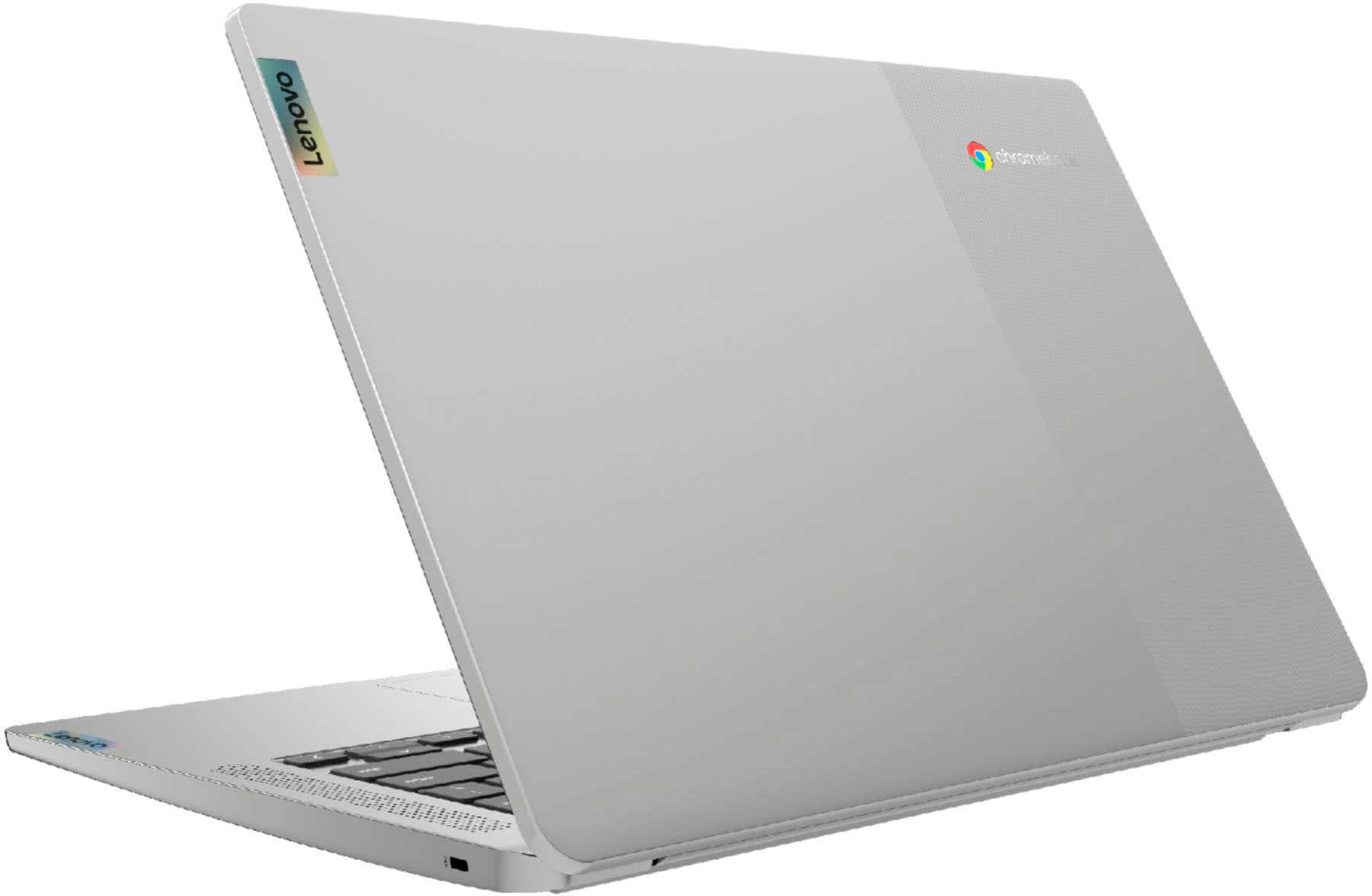
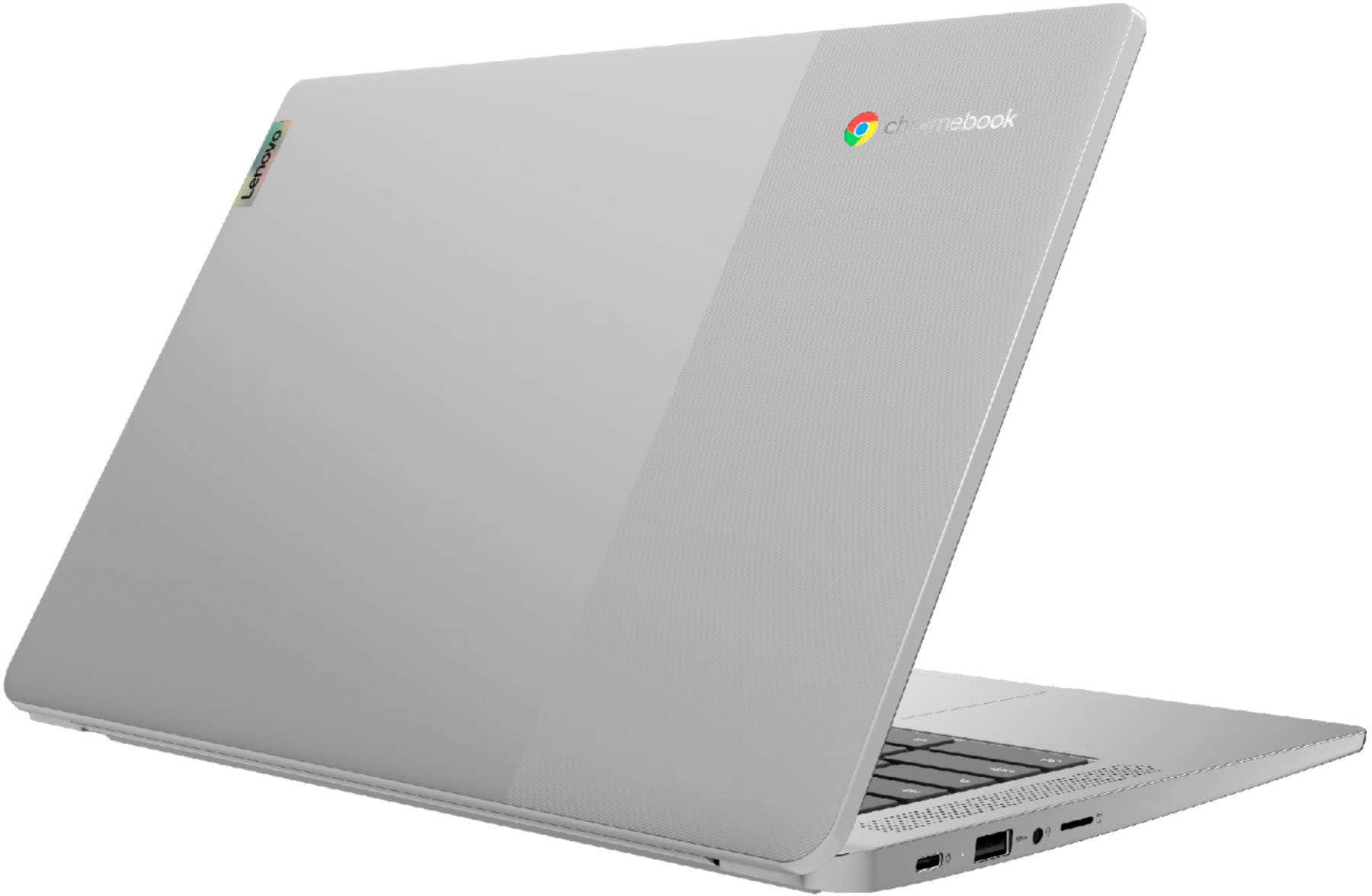
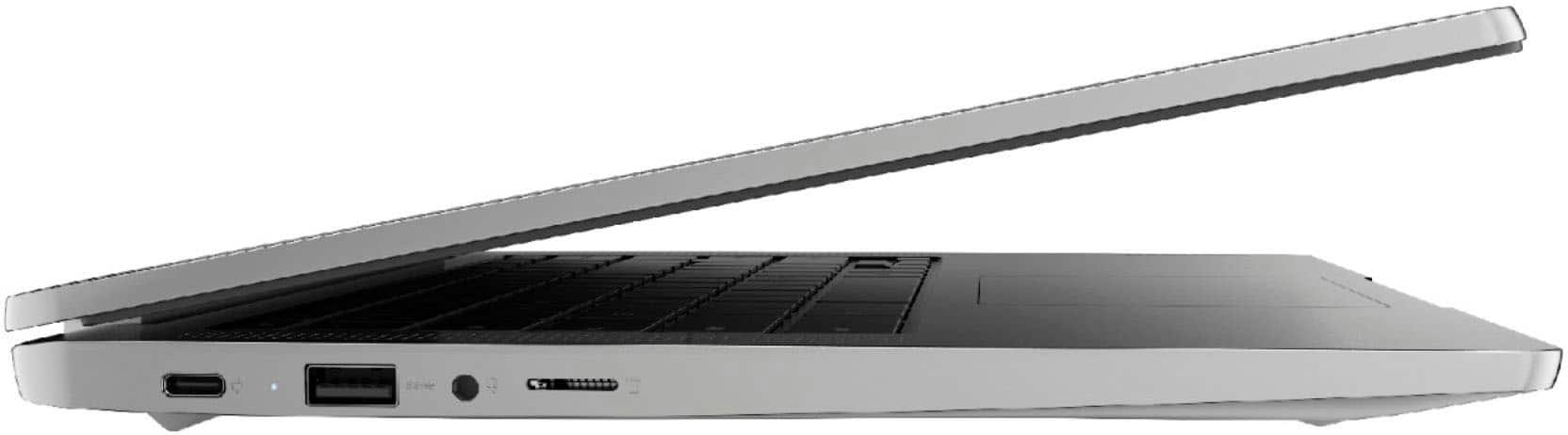
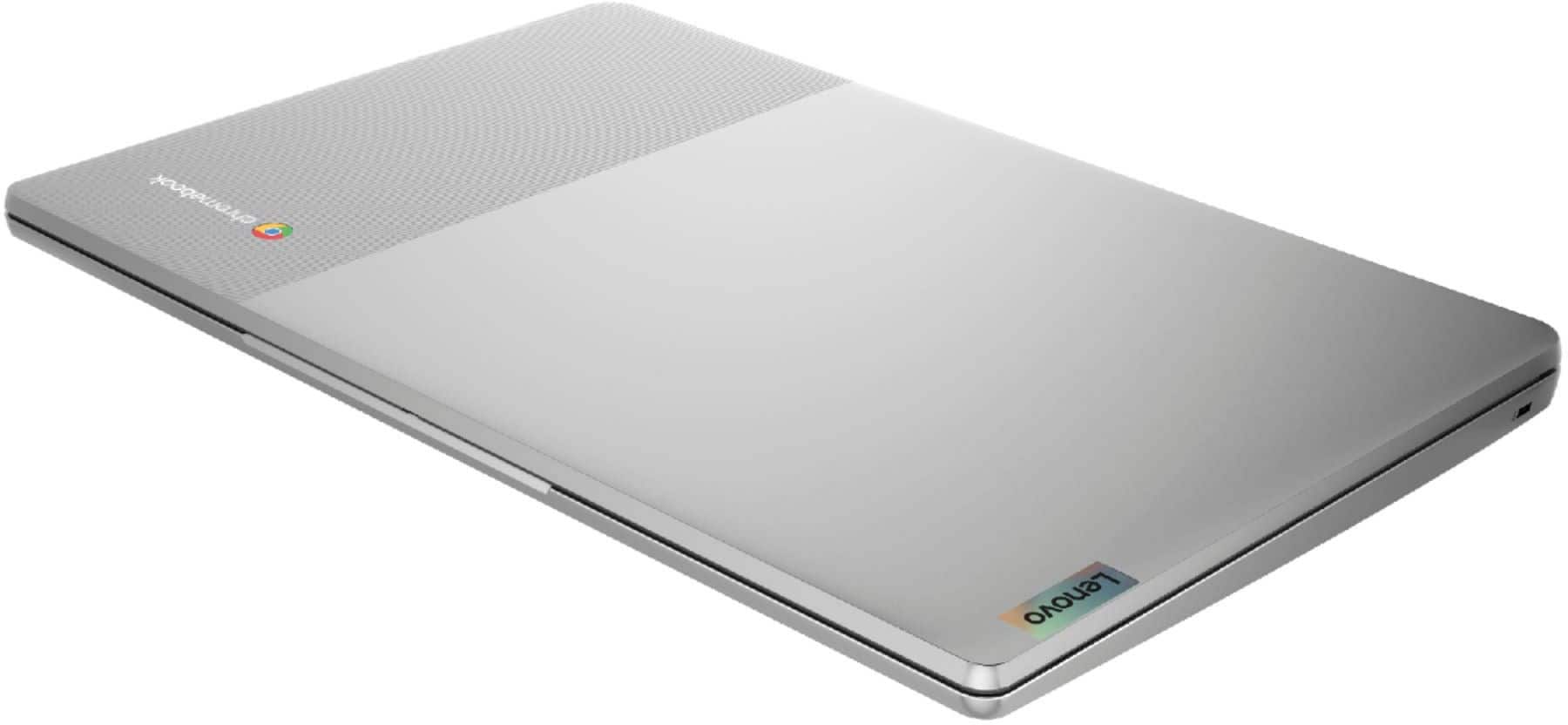
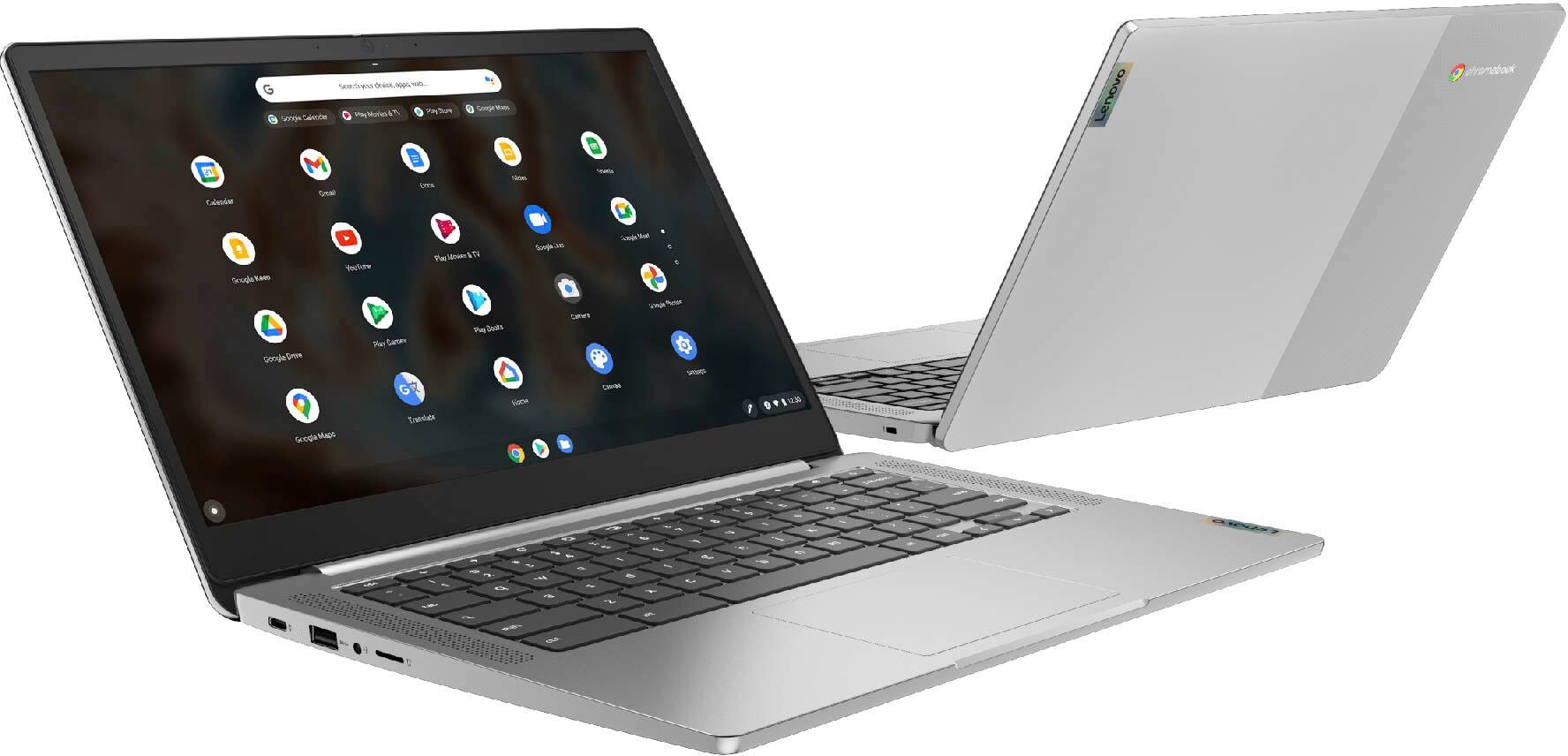
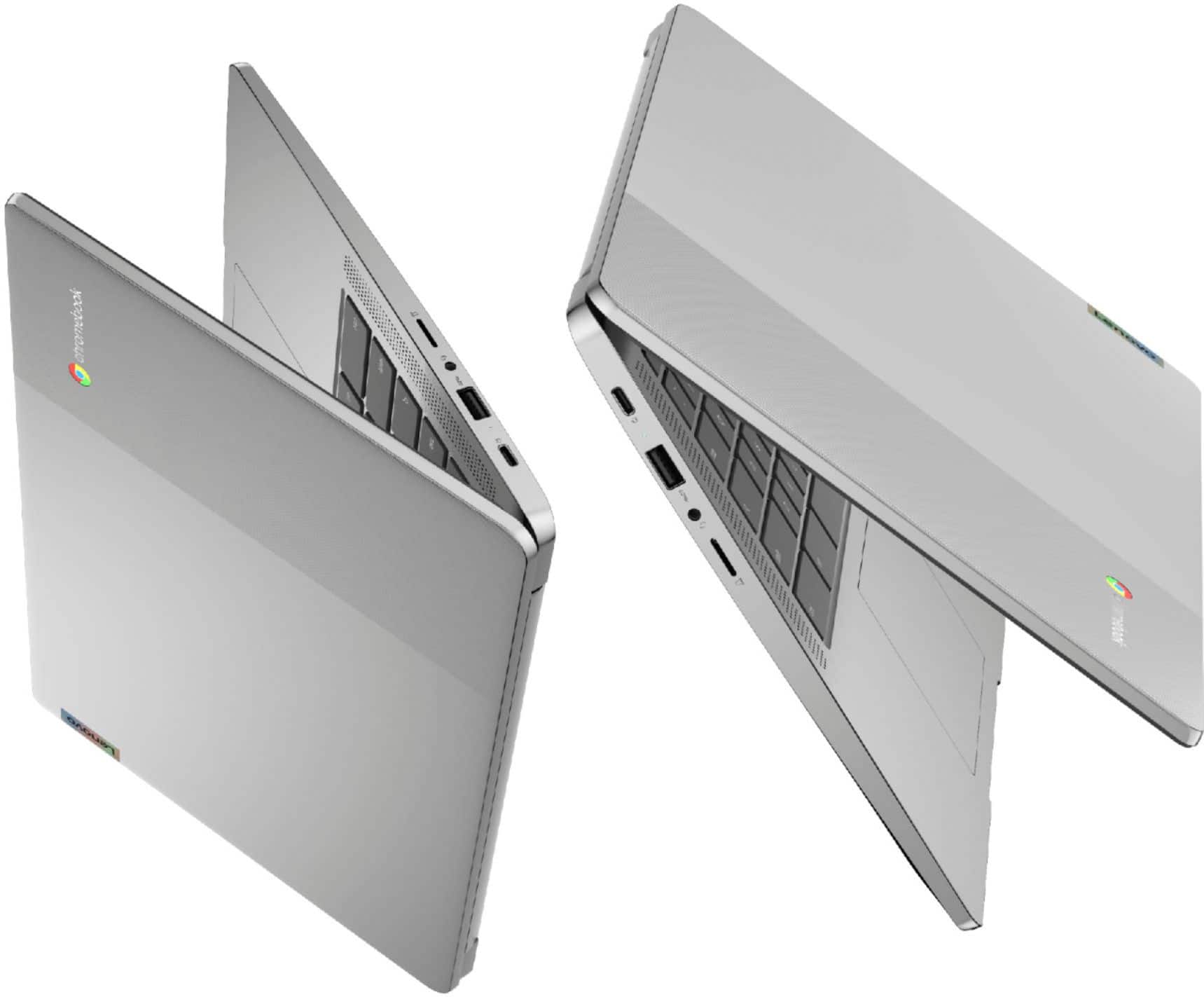
- Model:
- 82KN0001US
- SKU:
- 6447140
Rating by feature
- Battery Life
Rating 4.7 out of 5 stars
- Speed
Rating 4.5 out of 5 stars
- Display
Rating 4.6 out of 5 stars
Customers are saying
Customers find value in the Chromebook 3, particularly its touch screen, ease of use, and affordable price. Many appreciate its performance, speed, and battery life, as well as its lightweight design and convenient size. However, some customers have expressed a desire for more USB ports and have noted compatibility issues with certain devices, along with limited storage capacity.
This summary was generated by AI based on customer reviews.
This is a NO-BUY!!
||Posted . Owned for 1 month when reviewed.This reviewer received promo considerations or sweepstakes entry for writing a review.Don't buy this piece of crap. It is super slow, does not work well with zoom, and took forever to set up.
No, I would not recommend this to a friendTerrible laptop
||Posted . Owned for less than 1 week when reviewed.This reviewer received promo considerations or sweepstakes entry for writing a review.Total crap. We got two and neither worked. Don't buy.
No, I would not recommend this to a friendDon't buy this
||Posted . Owned for 3 weeks when reviewed.This reviewer received promo considerations or sweepstakes entry for writing a review.Underwhelming. don't buy not good slow !!!!!!!!!!!!!
No, I would not recommend this to a friendBrand response from Lenovo Product Expert
Posted .We are sorry to hear that you have had a poor experience with your Chromebook 3 14. This Chromebook 3 is an entry level, light use system with a MediaTek MT8183 processor, 4GB of RAM and a 64GB eMMC drive, for quick access to files and applications. All Chromebooks utilize the Google Chrome Operating System. This Chromebook is not meant for multi-tasking or demanding programs. It is good for utilizing compatible applications available in the Google Play app store and light internet browsing. We recommend you check the requirements and compatibility of any software you will be installing on your computer or know what specifications and features you need to effectively complete various workflows and tasks if being use for work, education, or personal use, and your preferences in design and features before you invest in any computer.

good
||Posted . Owned for 1 year when reviewed.This reviewer received promo considerations or sweepstakes entry for writing a review.good product just not made for the use i wanted it for
No, I would not recommend this to a friendnew to chromebook
||Posted . Owned for 1 month when reviewed.This reviewer received promo considerations or sweepstakes entry for writing a review.New to the chromebook world. hard to navigate. need to review help tutorials
I would recommend this to a friendBrand response from Lenovo Product Expert
Posted .Thank you for choosing the Lenovo Chromebook 3 14 Touch Laptop. We are very pleased to hear that the specifications and features of the Lenovo Chromebook 3 14 Touch Laptop meet your computing needs so well. Please refer to this link for help in setting up your new device - https://support.google.com/chromebook/answer/1047362?hl=en.
This thing is a piece of crap!
||Posted . Owned for 1 month when reviewed.This reviewer received promo considerations or sweepstakes entry for writing a review.This thing is a piece of crap! It will not stream video calls and unfortunately, I found out too late. I didn't have a meeting until after the 2 week return window. Now they want me to send it in for repair and be without a computer for what a few weeks! What happened to the 30 day return windows?
No, I would not recommend this to a friendCustomer service?
||Posted .This reviewer received promo considerations or sweepstakes entry for writing a review.Website states satisfactory condition- "Nonessential parts or accessories may be missing" . This chromebook did not include a power cable. This is an essential part to use this product. Staff seemed confused by this fact. Ultimately a waste of time, product is unusable as sold.
No, I would not recommend this to a friendwrong laptop
||Posted . Owned for 1 month when reviewed.This reviewer received promo considerations or sweepstakes entry for writing a review.Realized this computer would not work for what we needed it for. took it back less than 12 hours after purchase only to be charged a restocking fee. You won't see me again ever!
No, I would not recommend this to a friendWill not boot up
||Posted . Owned for 1 month when reviewed.This reviewer received promo considerations or sweepstakes entry for writing a review.I purchased this as a christmas present for my husband to use for work emails. It was a great price on black friday and he was excited about receiving it. Unfortunately after letting it charge according to the directions, we have not been able to get the laptop to boot up. A black screen comes on and then it beeps but won’t move past that point. Will be returning.
No, I would not recommend this to a friendBrand response from Lenovo Product Expert
Posted .We are sorry to hear that you have experienced an issue with the Chromebook 3 11. If you are still having this issue, first, we recommend doing a reset on the device. Pushing the power button, or rebooting, does not remove the trickle charge that keeps the embedded controller (EC) running. A hard reset drops all power to the EC, so when the power comes back on it goes through a reinitialization. Since the EC controls the keyboard, touchpad, battery, and all other on-board peripherals, performing this it can potentially fix a wide range of problems. The procedure is detailed on this web page: https://support.google.com/chromebook/answer/3227606?hl=en . Some devices require specific steps, but most newer devices only require a simple keyboard sequence: First turn off your Chromebook completely (do not just close the lid). Next, hold down the Refresh keyboard icon key and then press and hold the Power button. Hold both down for 10 seconds. Release the Refresh key and then the Power button and your Chromebook will restart. If it does not start, press Power again. If your issues persist after this, we recommend reaching out to Lenovo Tech Support for Chromebooks at this number: 800-426-7378.
For Emergency Use Only
||Posted . Owned for 1 week when reviewed.This reviewer received promo considerations or sweepstakes entry for writing a review.Serviceable in a pinch but it's pretty slow. Go with the Flex 5i Abyss Blue core I-3 for a huge improvement.
No, I would not recommend this to a friendBrand response from Lenovo Product Expert
Posted .We are sorry to hear that the performance of the Lenovo Chromebook 3 14, model number 82KN0001US, does not meet your computing needs. Resetting the Chromebook back to original factory settings may fix the current system speed issue you are having. Here is a link to instructions for resetting a Chromebook: https://support.google.com/chromebook/answer/183084?hl=en. If the issue continues, we recommend you contact Lenovo Tech Support for Chromebooks for additional help at: 800-426-7378.
Failed under minimal use in less than one year.
||Posted . Owned for 11 months when reviewed.This reviewer received promo considerations or sweepstakes entry for writing a review.Less than one year. Less than 100 total use. Stuck in a restart cycle and cannot be recovered by any means through Google's recommended recovery. Worked great up until that point.
No, I would not recommend this to a friendBrand response from Lenovo Product Expert
Posted .We are sorry to hear that you are having issues with your Lenovo Chromebook 3 14, model number 82KN0001US. Since resetting your Chromebook 3 14 back to original factory settings does not fix the issue you are having, try restoring the Chrome Operating System itself. Here is a link to instructions for recovering the Chrome OS: https://support.google.com/chromebook/answer/1080595?hl=en. If the issue continues, we recommend you contact lenovo Tech Support for Chromebooks for additional help at: 800-426-7378.
not to sure
||Posted . Owned for 1 month when reviewed.This reviewer received promo considerations or sweepstakes entry for writing a review.screen glitches constantly at first it was just a few times. other then the screen about to give out it runs fast
No, I would not recommend this to a friendBrand response from Lenovo Product Expert
Posted .We are sorry to hear that you are having issues with your Lenovo Chromebook 3 14. Resetting your Chromebook may correct the problem you are having. Here is a link to instructions for resetting a Chromebook: https://support.google.com/chromebook/answer/183084?hl=en. If the issue continues after this reset, we recommend you contact Lenovo Tech Support for Chromebooks for additional help at: 800-426-7378.
I would not recommend this product.
||Posted . Owned for 1 month when reviewed.This reviewer received promo considerations or sweepstakes entry for writing a review.If i could give this product a minus star i would. I purchased this chromebook on cyber monday during the holidays. I came without the operating system installed and was unusable. Best buy ended up giving me a refund which was not the purpose of this purchase. I intended this to be a gift. I would not advise anyone to purchase this product. Very disappointed
No, I would not recommend this to a friendBrand response from Lenovo Product Expert
Posted .We are sorry to hear that you had difficulty with the initial setup of your Lenovo Chromebook 3 14. Here is a link to instructions for the initial setup of a Chromebook: https://support.google.com/chromebook/answer/1047362?hl=en. If you get an error message that states the Operating System is not found or is damaged, you can recover your Chromebook by following these instructions: https://support.google.com/chromebook/answer/1080595?hl=en. If you continue to have issues with your Lenovo Chromebook 3 14, we recommend you contact Lenovo Tech Support for Chromebooks at: 800-426-7378.
DO NOT BUY
||Posted . Owned for 10 months when reviewed.This reviewer received promo considerations or sweepstakes entry for writing a review.I bought it last year and it won't start at all. Lenovo would not fix it after tricking me into buying an extended warranty.
No, I would not recommend this to a friendBrand response from Lenovo Product Expert
Posted .We are sorry to hear that you are having issues with your Lenovo Chromebook 3 14, model number 82KN0001US. Resetting your Chromebook back to original factory settings may correct the issue you are having. Here is a link to instructions for resetting your Chromebook: https://support.google.com/chromebook/answer/183084?hl=en. If the issue continues, we recommend you contact lenovo Tech Support for Chromebooks at: 800-426-7378.
- Pros mentioned:Touch screen
perfect for me
Posted .This reviewer received promo considerations or sweepstakes entry for writing a review.I have had nearly 2 years and this ticks all the boxes for me. It is all I need for what I do. The battery life is incredible and the touch screen is very responsive. Yes I am sure you can buy more expensive chrome tablets but I can't imagine one doing more than what this does. I added a memory card. I bought on sale so that made it even better. Now have 2 of these.
I would recommend this to a friend Touch screen doesn't work
||Posted . Owned for less than 1 week when reviewed.This reviewer received promo considerations or sweepstakes entry for writing a review.Started this up and the screen isn't a touch screen. Is just a regular screen. I'll be returning.
No, I would not recommend this to a friendBrand response from Lenovo Product Expert
Posted .This Lenovo Chromebook 3 14, model number 82KN0001US, ships with a 10-point Multi-touch screen. Resetting the Chromebook 3 14 back to original factory settings may fix the issue you are having with the touch screen. Here is a link to instructions for resetting a Chromebook: https://support.google.com/chromebook/answer/183084?hl=en. If the issue continues after this reset, we recommend you contact Lenovo Tech Support for Chromebooks for additional help at: 800-426-7378.
Broke quickly
||Posted . Owned for 7 months when reviewed.This reviewer received promo considerations or sweepstakes entry for writing a review.Quit working after 6 months. Trying to get warranty work on it. Wasted $
No, I would not recommend this to a friendBrand response from Lenovo Product Expert
Posted .We are sorry to hear that you are having issues with your Lenovo Chromebook 3 14. Resetting your Chromebook 3 14 back to original factory settings may correct the issues you are having. Here is a link to instructions for resetting a Chromebook: https://support.google.com/chromebook/answer/183084?hl=en. If the issue continues after this reset, we recommend you contact Lenovo Tech Support for additional help at: 800-426-7378.
- Pros mentioned:Performance
Great price great quality
Posted .This reviewer received promo considerations or sweepstakes entry for writing a review.Coming from a line of HP windows products im happy with my switch over to chromebook. Its fast, has a great battery and cool features like unlocking your laptop with your phone. Worth the buy at a steal of a price. Glad i found it when i did.
I would recommend this to a friend Laptop
||Posted .This reviewer received promo considerations or sweepstakes entry for writing a review.It doesn’t work it doesn’t connect to any wifi so I need to return it
No, I would not recommend this to a friendBrand response from Lenovo Product Expert
Posted .We are sorry to hear that you are having issues with WiFi connectivity from your Lenovo Chromebook 3 14, model number 82KN0001US. This model ships with WiFi-5, wide range/high speed 2x2 802.11ac frequency WiFi capability, built in and is backward compatible to older, a/b/g/n frequency WiFi. If you are getting less than expected WiFi connectivity, resetting your Chromebook back to original factory settings may fix the issue. Here is a link to instructions for resetting a Chromebook: https://support.google.com/chromebook/answer/183084?hl=en. If the Issue continues after this reset, we recommend you contact Lenovo Tech Support for Chromebooks for additional help at: 800-426-7378.
unbelievable right after i reliza is nonrefundabl
||Posted .This reviewer received promo considerations or sweepstakes entry for writing a review.it dont run your everyday flies/ program that you really need to use
No, I would not recommend this to a friendBrand response from Lenovo Product Expert
Posted .This Lenovo Chromebook 3 14 ships with the Chrome Operating System and is compatible with Google Play Store APPs. Not all Google Play Store APPs are optimized for the Chrome OS. We always recommend you check the requirements and compatibility of any software/games you will be installing on your new Chromebook, before you invest in any Chromebook. Be sure your new Chromebook can support the software you will need to use and your workload.