Customer Ratings & Reviews
- Model:
- 82KN0001US
- SKU:
- 6447140
Rating by feature
- Battery Life
Rating 4.7 out of 5 stars
- Speed
Rating 4.5 out of 5 stars
- Display
Rating 4.6 out of 5 stars
Customers are saying
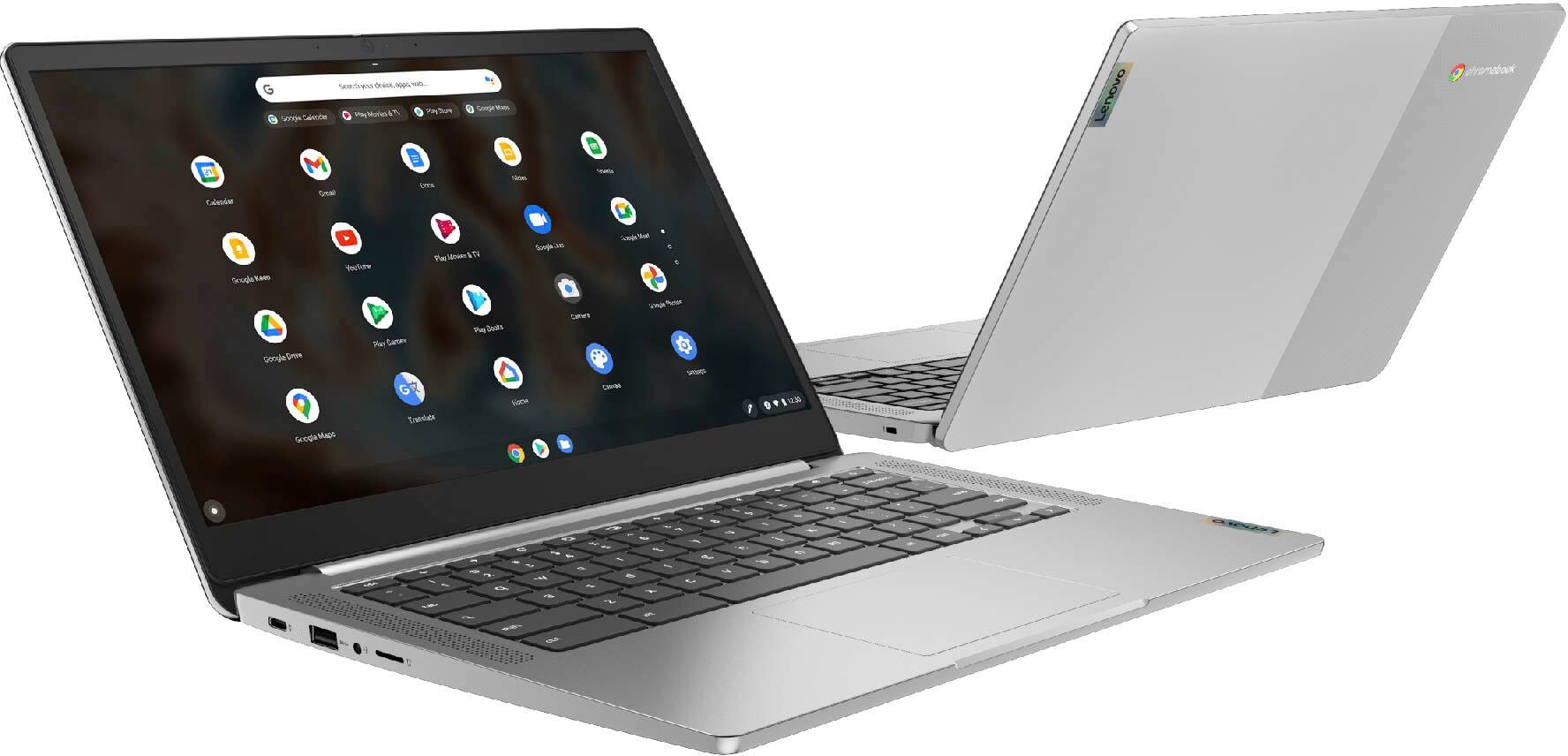
Customers find value in the Chromebook 3, particularly its touch screen, ease of use, and affordable price. Many appreciate its performance, speed, and battery life, as well as its lightweight design and convenient size. However, some customers have expressed a desire for more USB ports and have noted compatibility issues with certain devices, along with limited storage capacity.
This summary was generated by AI based on customer reviews.
- Pros mentioned:Touch screen
Fantastic!
Posted .This reviewer received promo considerations or sweepstakes entry for writing a review.Absolutely wonderful Lenovo Chromebook!!! Touch screen is amazing! I love my new laptop!
I would recommend this to a friendBrand response from Lenovo Product Expert
Posted .Thank you for choosing the Lenovo Chromebook 3 14. We are pleased to hear that the features and performance of the Chromebook 3 14 meets your computing needs so well.

- Pros mentioned:Performance
Laptop
Posted .This reviewer received promo considerations or sweepstakes entry for writing a review.I am very satlsfied with my Laptop L use lt ever day
I would recommend this to a friendBrand response from Lenovo Product Expert
Posted .Thank you for choosing the Lenovo Chromebook 3 14. We are pleased to hear that the Chromebook 3 14 meets your computing needs so well.
- Pros mentioned:Ease of use
my computer
Posted .This reviewer received promo considerations or sweepstakes entry for writing a review.enjoy the computer, easy to use and does the job I needed
I would recommend this to a friendBrand response from Lenovo Product Expert
Posted .Thank you for choosing the Lenovo Chromebook 3 14. We are pleased to hear that the ease of use and the performance of the Chromebook 3 14 meets your computing needs so well.
- Pros mentioned:Performance
Lenovo
Posted .This reviewer received promo considerations or sweepstakes entry for writing a review.I love this laptop it does everything i need it to do.
I would recommend this to a friendBrand response from Lenovo Product Expert
Posted .Thank you for choosing the Lenovo Chromebook 3 14. We are pleased to hear that the Chromebook 3 14 meets your computing needs so well.
- Pros mentioned:Ease of use
Chromebook
Posted .This reviewer received promo considerations or sweepstakes entry for writing a review.So far so good, I am not a big user but it has worked well so far
I would recommend this to a friendBrand response from Lenovo Product Expert
Posted .Thank you fro choosing the Lenovo Chromebook 3 14. We are pleased to hear that the Chromebook 3 14 is working out so well for you.
Great laptop.
Posted .This reviewer received promo considerations or sweepstakes entry for writing a review.This computer has done an outstanding job for my wife. She has not had any problems with it at all. In my opinion, this laptop is well worth the money (even though it was not expensive). I would recommend this laptop to anyone.
I would recommend this to a friendBrand response from Lenovo Product Expert
Posted .Thank you for choosing the Lenovo Chromebook 3 14 for your wife. We are pleased to hear that the value and performance of the Chromebook 3 14 meets your wife's computing needs so well.
I will never buy a Chromebook again
Posted .This reviewer received promo considerations or sweepstakes entry for writing a review.The device randomly shuts down for no reason while using it. Ads constantly pop up. Websites that load in a second on my work computer take forever to load on Chromebook (I work from home so use the same wi-fi). I have wasted time in life waiting for things to load when I should have already gotten to the site and moved on by the time it loads.
No, I would not recommend this to a friendIf you had only known
Posted .This reviewer received promo considerations or sweepstakes entry for writing a review.Returned. Chromebooks are meant to fail and have a short window of life. Buyer beware.
No, I would not recommend this to a friend- Cons mentioned:Compatibility
Review
Posted .This reviewer received promo considerations or sweepstakes entry for writing a review.I bought this for work and can’t even use it for work because it’s not compatible with the programs we use which needs Microsoft software.
No, I would not recommend this to a friendBrand response from Lenovo Product Expert
Posted .This Lenovo Chromebook 3 14 ships with the Chrome Operating System and is compatible with Google Play Store APPs. This Chromebook 3 14 uses Google Docs for office type programs. Google Docs is completely compatible with Microsoft Office Programs and this is a free service through the Google Server. If you must have the actual Microsoft Office Programs, you can purchase Microsoft Office 365 for this Chromebook at the Google Play Store. We always recommend you check the requirements and compatibility of any software you will be installing on your new computer, before you invest in any computer. Be sure your new computer can support the software you will need to use.
BAD COMPUTER DONT BUY
Posted .This reviewer received promo considerations or sweepstakes entry for writing a review.This computer broke after 8 months of having it. The computer screen is just black and frozen. DO NOT BUY!!!!!! Not worth your money or time. I've had two Lenovos and they have both broken. CURRENTLY FRUSTERATED!!! I would give this ZERO stars if I could.
No, I would not recommend this to a friendBrand response from Lenovo Product Expert
Posted .Hello, Olivia, we are sorry to hear that you encountered an issue with your Chromebook 3 14. In advance, this is a lengthy response, however we want to give you and other readers of this response as much information as possible to help ensure your issue is resolved should you encounter something similar in the future. If you are still experiencing this issue, first, we recommend doing a reset on the device. Pushing the power button, or rebooting, does not remove the trickle charge that keeps the embedded controller (EC) running. A hard reset drops all power to the EC, so when the power comes back on it goes through a reinitialization. Since the EC controls the keyboard, touchpad, battery, and all other on-board peripherals, performing this it can potentially fix a wide range of problems. The procedure is detailed on this web page: https://support.google.com/chromebook/answer/3227606?hl=en . Some devices require specific steps, but most newer devices only require a simple keyboard sequence: First turn off your Chromebook completely (do not just close the lid). Next, hold down the Refresh keyboard icon key and then press and hold the Power button. Hold both down for 10 seconds. Release the Refresh key and then the Power button and your Chromebook will restart. If it does not start, press Power again. If your issues persist after this, we recommend reaching out to Lenovo Tech Support for Chromebooks at this number: 800-426-7378.
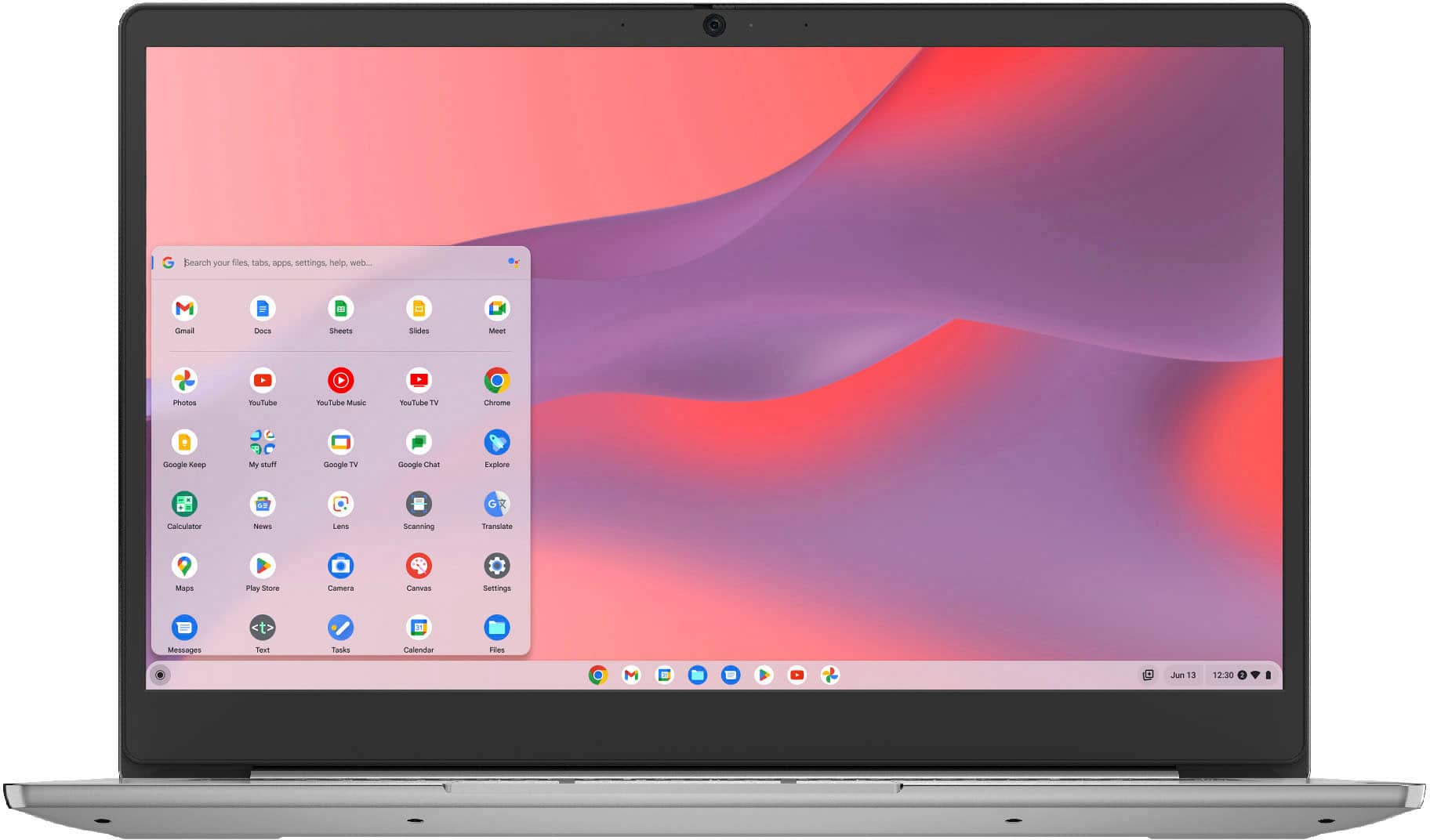
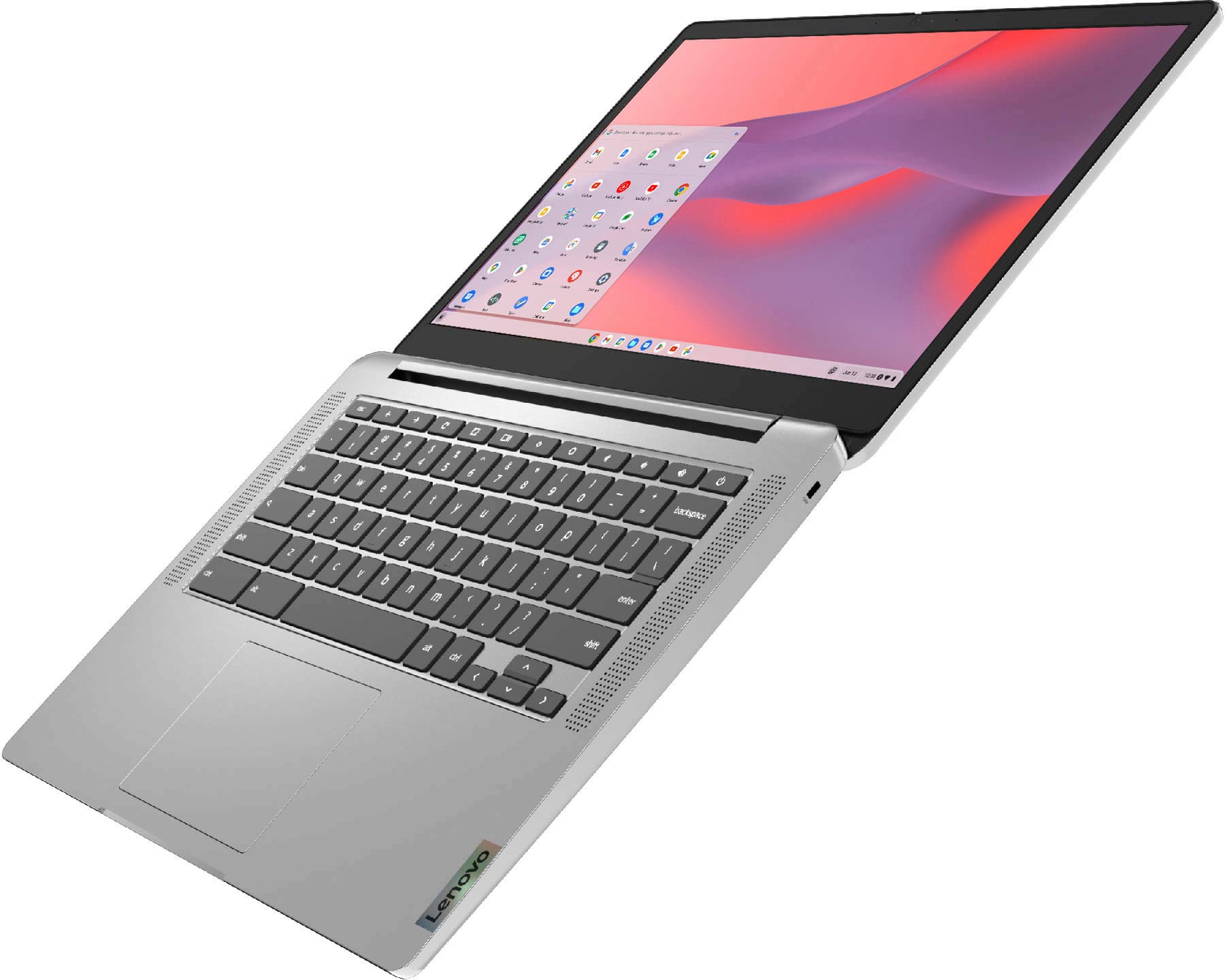
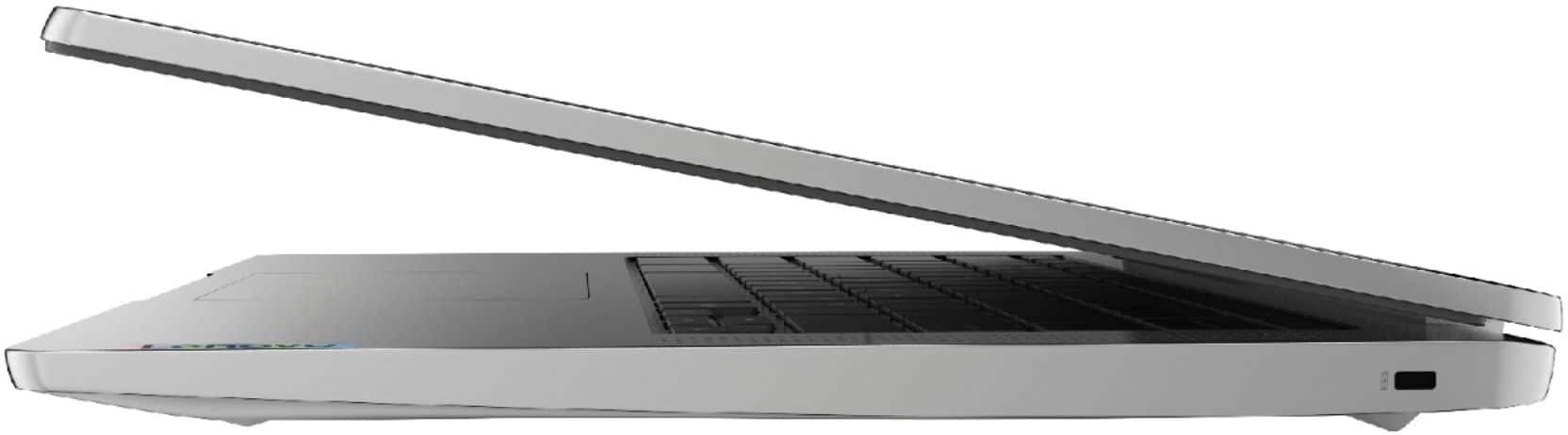
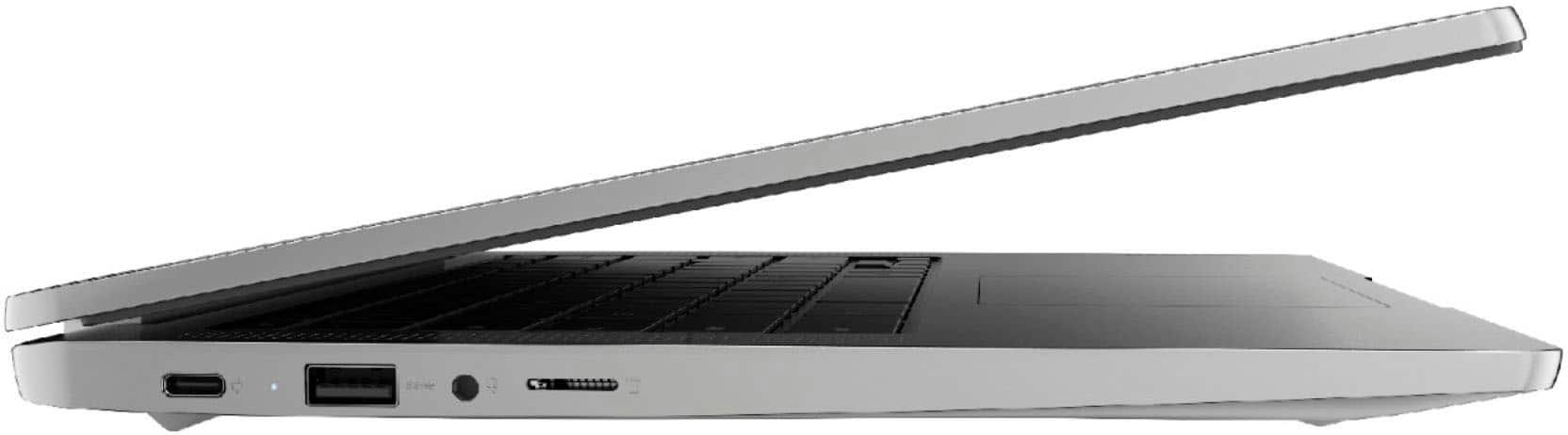
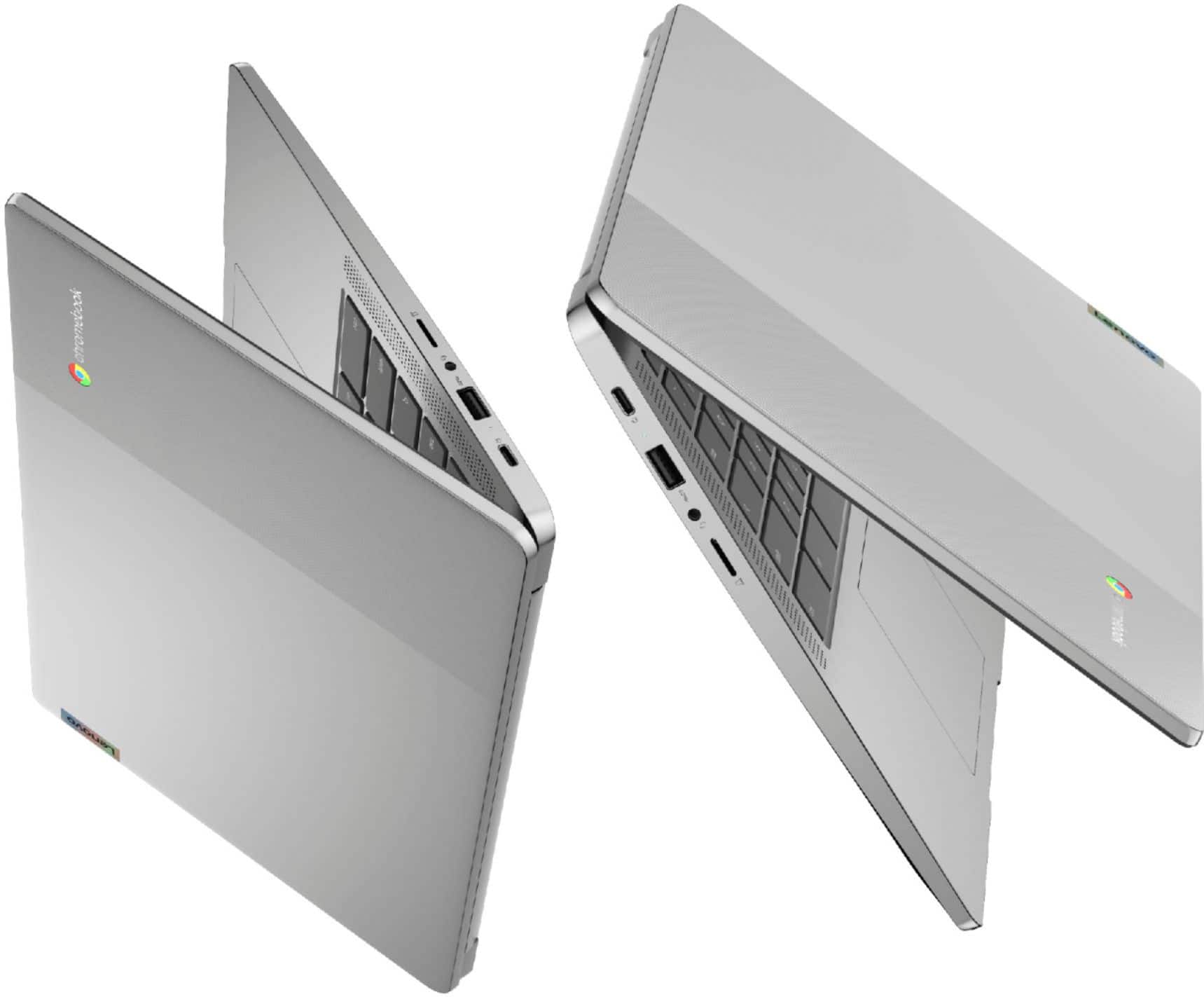
Doesn't open to 180 degrees as shown in the photos
Posted .This reviewer received promo considerations or sweepstakes entry for writing a review.I needed this to lie flat at 180 degrees for a particular application. It appears from one of the photos on the product page that this device can lie flat. However, it doesn't quite make it to 180 degrees. Why would the seller include that photo on the web page other than to give the customer the impression that this can lie flat? I never turned the device on, and will have to return it. .
No, I would not recommend this to a friendKid approved!
Posted .This reviewer received promo considerations or sweepstakes entry for writing a review.Works great! The perfect tool for school. We love it.
I would recommend this to a friendBrand response from Lenovo Product Expert
Posted .Thank you for choosing the Lenovo Chromebook 3 14. We are pleased to hear that the Chromebook 3 14 is working out so well.
Chrome book
Posted .This reviewer received promo considerations or sweepstakes entry for writing a review.Good buy if you have to get a nondesktop, laptop type of computer
I would recommend this to a friendBrand response from Lenovo Product Expert
Posted .Thank you for choosing the Lenovo Chromebook 3 14 Touch Laptop. We are very pleased to hear that the specifications and features of the Lenovo Chromebook 3 14 Touch Laptop meet your computing needs so well.
Don’t waste your money!
Posted .This reviewer received promo considerations or sweepstakes entry for writing a review.Don’t get any chrome book !! Never HATED any technology in my life but this!! IT SUCKS AND UNRELIABLE! IT’S A STUPID AND OVERRATED PIECE OF JUNK!!! Don’t bother trading it in because it’s worthless to Best Buy and not even worth a cent.
No, I would not recommend this to a friendBrand response from Lenovo Product Expert
Posted .We are sorry to hear that you are having difficulty with your Lenovo Chromebook 3 14. Here is a link to tips for getting started with your new Chromebook and getting the most from the Chromebook experience: https://www.google.com/intl/en_us/chromebook/howto/get-started/. If you continue to have issues, we recommend you contact Lenovo Tech Support for Chromebooks at: 800-426-7378.
Pure Garbage
Posted .This reviewer received promo considerations or sweepstakes entry for writing a review.This Chromebook is by far the worst I have owned out of about 5 that I have had in the last 15 years. It freezes on you constantly. It was so bad I took it back to BB and they exchanged it for another one. This was is just as bad. I shall be returning for a completely different brand. It's my understanding they have installed aoutdated processor into this model, don't make the same mistake I did!
No, I would not recommend this to a friendBrand response from Lenovo Product Expert
Posted .We are sorry to hear that you are having issues with your Lenovo Chromebook 3 14 model number 82KN0001US. This model ships with the 8-Core MediaTek MT8183 Processor. The MediaTek MT8183 is a mainstream ARM SoC (System on a Chip) that was introduced in Late 2019. If you are having issues with your Lenovo Chromebook 3 14, resetting the Chromebook hardware may fix the issue. Here is a link to instructions for resetting the hardware of your Chromebook: https://support.google.com/chromebook/answer/3227606?hl=en. If the issue continues, now reset the Chromebook back to original factory settings: https://support.google.com/chromebook/answer/183084?hl=en&ref_topic=3417251. If the issue continues, we recommend you contact Lenovo Tech Support for Chromebooks at: 800-426-7378.
Don't waste your money.
Posted .This reviewer received promo considerations or sweepstakes entry for writing a review.I bought three of these for my kids. The first one cracked his screen playing a touch screen game. I watched him do it. I was told that it is not covered under warranty. Can't believe the screen broke under normal use. The second one is once again at the repair shop for the second time for the same problem. The original warranty is almost out and they will not extend it for this known hardware problem.
No, I would not recommend this to a friendPrinter problem
Posted .This reviewer received promo considerations or sweepstakes entry for writing a review.I tried everything but couldn't connect with my brother printer. Chrome notebook takes getting used to.
No, I would not recommend this to a friendBrand response from Lenovo Product Expert
Posted .This Lenovo Chromebook 3 14 model number 82KN0001US, is compatible with any printer, wired or wireless, that is compatible with the Chrome Operating System. Be sure the printer you are trying to connect is compatible with the Chrome Operating System. We recommend you check with your printer manufacturer's web site for the compatibility of your specific printer model with the Chrome Operating System. Here is a link to instructions for connecting a compatible printer to a Chromebook: https://support.google.com/chromebook/answer/7225252?hl=en
Just died!
Posted .This reviewer received promo considerations or sweepstakes entry for writing a review.My daughter got it for Christmas,stopped working after a month! Extremely disappointed!
No, I would not recommend this to a friendBrand response from Lenovo Product Expert
Posted .We are sorry to hear that you are having issues with your daughter's Lenovo Chromebook 3 14. Resetting this Chromebook back to original factory settings may correct the issue you are having. Here is a link to instructions for resetting a Chromebook: https://support.google.com/chromebook/answer/183084?hl=en&ref_topic=3417251. If the issue continues after this reset, we recommend you contact Lenovo Tech Support for Chromebooks at: 800-426-7378.