Customer Ratings & Reviews




- Model:
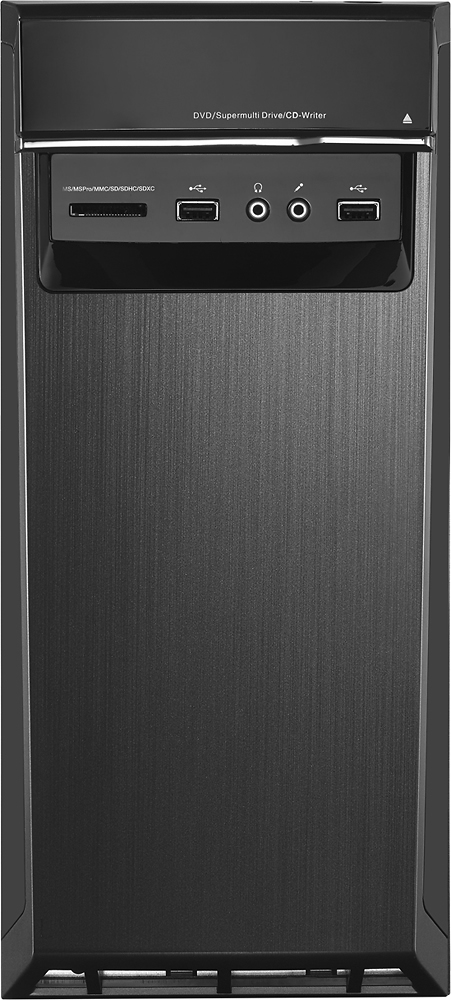
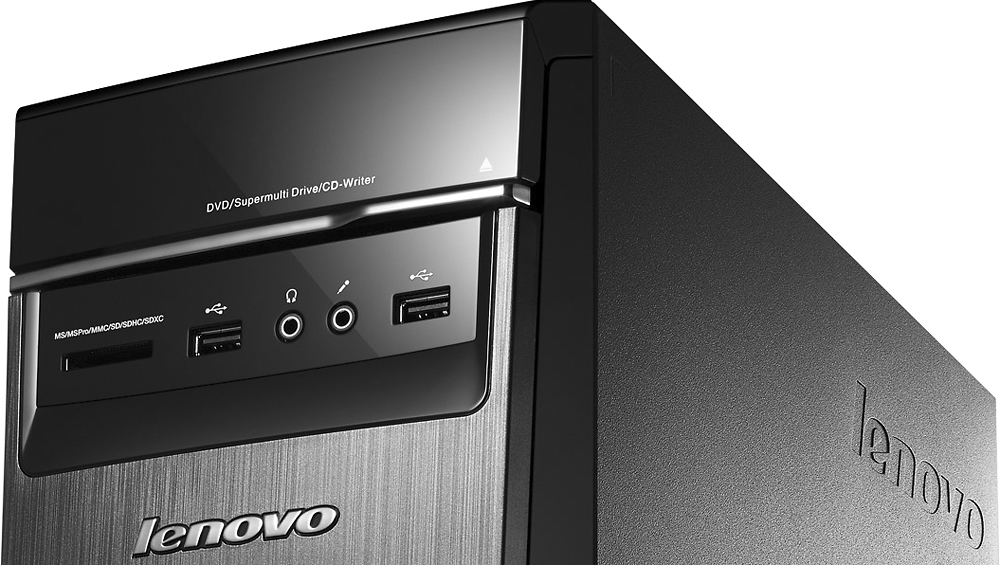
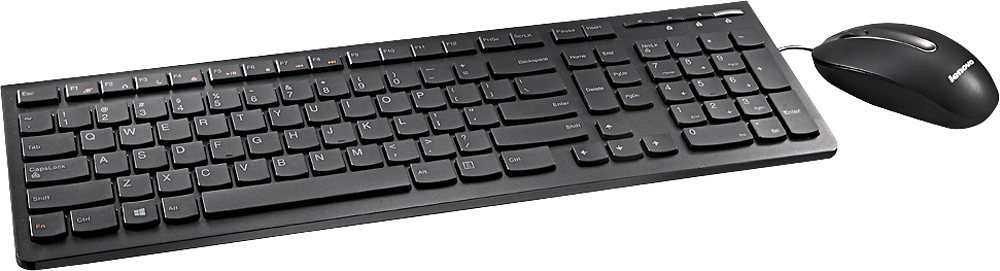
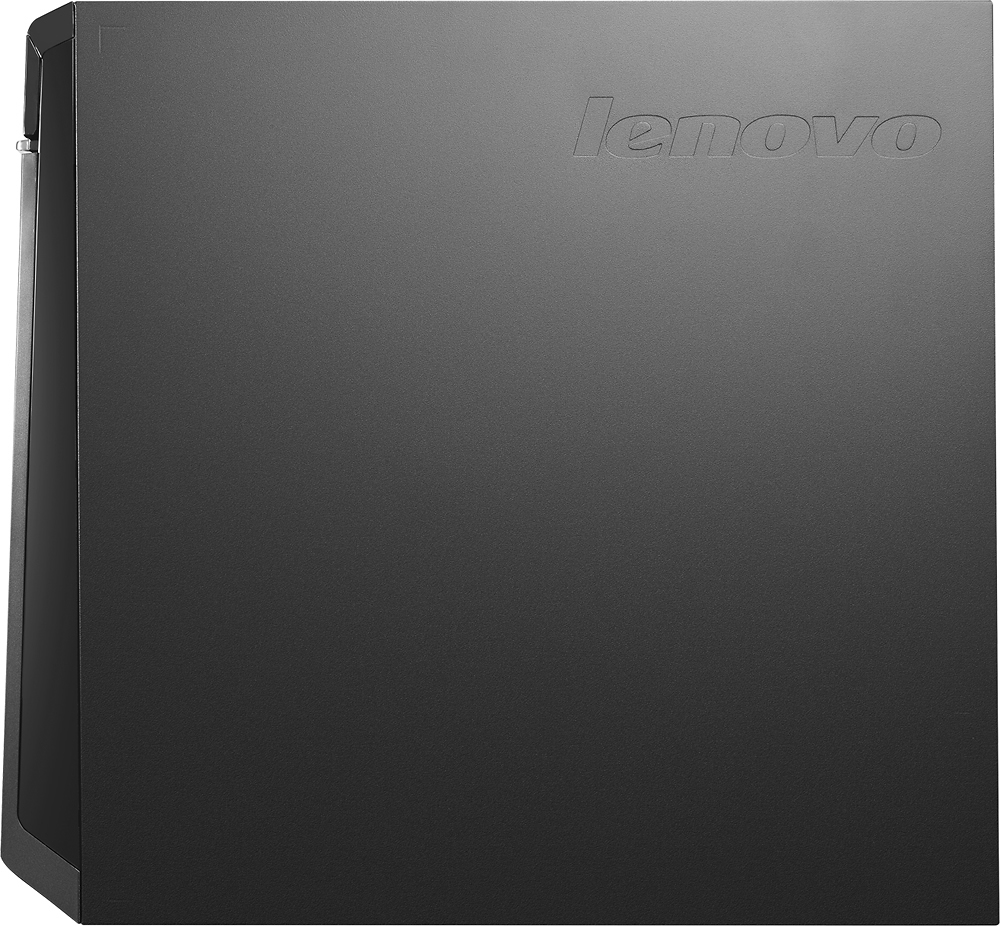
- LENOVO H50 - 90BG003JUS
- SKU:
- 4362103
Rating by feature
- Value
Rating 4.3 out of 5 stars
- Quality
Rating 4.5 out of 5 stars
- Ease of Use
Rating 4.4 out of 5 stars
Customers are saying
Customers commend the Desktop AMD A10-Series for its excellent performance, attractive price, and ease of use. Many appreciate the ample RAM, large hard drive storage, and quiet operation. While some users expressed concerns about the operating system, others found the system to be largely free of pre-installed programs. The power supply received mixed reviews, with some users finding it insufficient for their needs.
This summary was generated by AI based on customer reviews.
- Pros mentioned:Ram, Speed
Perfect for my small business needs
Posted .This reviewer received promo considerations or sweepstakes entry for writing a review.Being a professional electronics technician/business owner, I'm not a fan of wireless technology which is never as reliable and solid as using cables. Thus I was a bit skeptical about setting up this computer without an Ethernet cable. But since I set it up only 5 feet from my router, I figured it would be okay - and of course it was. I'm always a little nervous when setting up a new computer, but everything went fine without the slightest hitch. I'm a huge fan of HP products since they also make some of the best electronic test equipment, and in fact this Lenovo is replacing an HP computer which has worked great for 7 years and is still working great - I'm using it to write this review. I first checked into the HP Pavilion A8 because it boasts the ability to upgrade the RAM to 32 GB, but learned from the Best Buy guy that its processor wouldn't be able to access nearly that much RAM. The optical drive on the HP was vertical which I didn't like - and I couldn't believe how cheap and flimsy it was when I opened it. I had even picked up an external DVD drive to go with it, but the computer also felt like it weighed about 5 pounds (if that) and the combination of these issues steered me towards the Lenovo which was originally my second choice in my price range. After setting up the Lenovo and letting it run most of the day - and especially after successfully downloading and testing my horribly outdated and bug-ridden website design software, I'm very happy with the choice I made and my website publishes faster than it did on my HP which has a 6 core AMD processor and 16 GB of RAM. I had read some really good things about Lenovo, and now I can see why. It does run very quiet as mentioned in other reviews, is slightly smaller and much lighter than my HP, and I went ahead and purchased the external DVD drive that I had picked up to go with the HP; this drive will be easy to keep next to the keyboard for frequent business use. I use professional Pioneer DVD recorders for video recording so I will only need to burn program DVD's on the Lenovo, but will be using it extensively to upload DVD's made on the Pioneers to You Tube - so the external DVD drive will be a great and easy to reach addition. I'm not a gamer at all so I can't attest to the computer's gaming capabilities - it will be used mostly for no-nonsense business purposes. To that end, I greatly appreciate the nearly total absence of trial version and "junk" software other computers impose on you - this Lenovo comes pretty well stripped of excess fluff and ready to do only what you want it to. VERY nice change! Now I just need to learn a little about Windows 10 and I'll be all set - thanks Lenovo, for finally coming out with a computer that doesn't waste my time or hard drive space on stuff I'll never use!
I would recommend this to a friendBrand response from Lenovo Product Expert
Posted .Thank you for choosing the Lenovo H509 desktop for your business. We are ;pleased to hear that the features and performance of the H50 meets your business computing needs so well.

Big waste of money!!!!
||Posted .This reviewer received promo considerations or sweepstakes entry for writing a review.I purchased this computer after a best buy salesperson said how great Lenovo is and how good this machine is. I bought it in January of 2016. In April of 2016 it quit working and I had to have the motherboard, graphics card, and memory replaced in it. Fast forward to December and the computer has quit working again. Once again I have to have someone come out to replace parts to desktop. Not sure I would belive what another salesperson tells me again.
No, I would not recommend this to a friendIf You Want a Computer That Lasts A Month...
||Posted .This reviewer received promo considerations or sweepstakes entry for writing a review.If you want to buy a computer that lasts a month before Lenovo has to come out and replace the motherboard, buy this one. And as a bonus, you can wait three more business days for them to send out new software so you can reload your operating system. If you are the person who likes a cherry on top of your sundae, then you will love talking with Lenovo's customer service agents that can barely speak English and are of almost no help. Enjoy your Lenovo!
No, I would not recommend this to a friendWas ok, just very tiny inside
||Posted .This reviewer received promo considerations or sweepstakes entry for writing a review.There was no room inside for customization options. It was more like a laptop style desktop tower.
No, I would not recommend this to a friendLenovo H50 Desktop
||Posted .This reviewer received promo considerations or sweepstakes entry for writing a review.All in all this unit is slower than my 10 year old HP amd quad core desktop. the computer randomly restarts itself when i shut it down i don't know if it's hardware or software related. with 12 gigs of memory i expected faster speeds and i just don't get it. computer also randomly bogs to a halt while opening anything. i would highly recommend against this unit.
No, I would not recommend this to a friendBrand response from Lenovo Product Expert
Posted .There may be drivers on your system that need to be updated. You can follow the link below to Lenovo.com support-drivers to look for driver updates for your specific system. Be sure to create a restore point on your system before you make any changes or download any new software to your system:
http://support.lenovo.com/us/en/products/Desktops-and-all-in-ones/Lenovo-H-Series-desktops/Lenovo-H50-55-Desktop/90BG/003JUS?linkTrack=Caps%253ABody_SearchProduct&tabName=downloads&beta=false
You also may want to take a look at this tips/tricks article about speeding up your Windows 10 system. You can follow the link below to the article. Once again, be sure to create a restore point before making any changes or downloading any new software to your system. Hope this helps:
http://www.howtogeek.com/228570/10-quick-ways-to-speed-up-a-slow-windows-pc/
- Pros mentioned:Speed
One of the Best Desktop for the Price
Posted .This reviewer received promo considerations or sweepstakes entry for writing a review.I have been using apple products for year, but I need to change... so I went out to buy a new desktop... I loves this desktop, can't find anything wrong with it... I need a desktop to do my bookkeeping and some other works... So far it run great, the fan is very quiet, and the speed is fast. I have never owned a lenovo computer before, but after using this model of computer, I sure want to use another Lenovo Desktop again.
I would recommend this to a friend Trouble with processer & windows 10
||Posted .This reviewer received promo considerations or sweepstakes entry for writing a review.Could not go on line. Start typing in search bar. Kicks you out. Gave a unhappy face with blue screen saying has to restart. Took it back to store. Two brand new computers with AMD processer's had the same thing happen with in 15 day of each other. Come to find out AMD processer's are week. Our IT guy at work said to never get AMD processer's. Not happy!
No, I would not recommend this to a friendColor was not calibrated
||Posted .This reviewer received promo considerations or sweepstakes entry for writing a review.I purchased this to do photography and the colar was not calibrated, not very happy with it.
No, I would not recommend this to a friendVe careful
||Posted .This reviewer received promo considerations or sweepstakes entry for writing a review.This computer is not good. I had a lot of problems with the hard drive and wireless card.
No, I would not recommend this to a friendBrand response from Lenovo Product Expert
Posted .This is not a common problem with this computer. You can go to Lenovo.com-support and scan your system for either missing or software needing to be updated. Here is the link:
http://pcsupport.lenovo.com/us/en/products/desktops-and-all-in-ones/lenovo-h-series-desktops/lenovo-h50-55-desktop/90bg/90bg90bg003jus/downloads
Loud, slow and won't work with wireless mouse
||Posted .This reviewer received promo considerations or sweepstakes entry for writing a review.I am very disappointed in this desktop computer. It is very noisy and much slower than my 8 year old desktop. I have tried every solution I can find to make my wireless mouse function properly with this desktop (including buying a new mouse) but it still lags and jitters erratically. I will never purchase a Lenovo product again.
No, I would not recommend this to a friendBrand response from Lenovo Product Expert
Posted .This system should be a fast system with its AMD A-10 Series processor and 12GB of RAM. It should easily work with any wireless mouse that is compatible with Windows 10. You can either use a Bluetooth wireless mouse or a USB receiver wireless mouse with this system. Check the instructions that came with the mouse for pairing and initial start up. Be sure to put the batteries in the mouse and plug in the USB receiver (if that is the type mouse you are using) and turn on the power button on the mouse. There may be conflicts with software that has been installed on the device as well. Be sure any software you installed is compatible with Windows 10. There is no need to install Microsoft Office software. The software is already part of the operating system, you just need to activate the software with a purchased product key. If you have installed a copy of Microsoft Office, this is conflicting with the existing copy on the system and this will slow your system down. If you have installed a 3rd party anti-virus program, be sure that Windows Defender is turned off and that the trial version of McAfee Anti-Virus software is uninstalled. There can only be one anti-virus program on the system. You may need to restore your system to original factory default settings if any of the programing errors have occurred. You can do that by typing "restore" in the Cortana search window. Just click on the magnifying glass icon at the bottom left of your Windows 10 Desktop. Click on "Reset This PC" Then click on "Get Started" and follow the on screen directions to restore to factory defaults.
Not upgradable and underpowered
||Posted .This reviewer received promo considerations or sweepstakes entry for writing a review.I was not impressed with the Lenovo laptop I bought but just thought it was 1 component like the wireless network card. It's not upgradeable friendly and underpowered. Sad as the price and stats look great on it. Gave it a few days and I am grateful Best Buy has a *AMAZING* return policy. Thank you BB!
No, I would not recommend this to a friendgreat computer, bad updates
||Posted .This reviewer received promo considerations or sweepstakes entry for writing a review.we bought the compuer and due to an update it crashed within a month
No, I would not recommend this to a friendBrand response from Lenovo Product Expert
Posted .This system is equipped with OneKey Recovery System. Start the system. Before Windows boots, repeatedly hit the F2 key. The system should boot to a choice screen where you can choose "Restore To Factory Default and leave my files and programs". If you don't have copies of the files, try to make one before you restore by selecting "Boot to desktop" and trying to back up your files.
TOO SLOW
||Posted .This reviewer received promo considerations or sweepstakes entry for writing a review.BOUGHT AND TRIED IT. COMPUTER WAS TOO SLOW AND HARD TO OPERATE.
No, I would not recommend this to a friendThe operating system was not configured properly.
||Posted .This reviewer received promo considerations or sweepstakes entry for writing a review.Unable to load a browser or other programs. I found that very strange, since this was a brand new computer. I had only used it for a few days, since I was out of town and unable to assemble until I got back intown.
No, I would not recommend this to a friendBrand response from Lenovo Product Expert
Posted .There may have been an error with the initial load up of Windows 10. You can start over by restarting the system and hitting F2 several times before the operating system loads, or typing "Recovery" within the Cortana Search window. Then select set to factory default. This will delete everything from the hard drive except the original operating system set up. You will need to reload files and programs.
Printer
||Posted .This reviewer received promo considerations or sweepstakes entry for writing a review.Got this printer for my son to use for school only
No, I would not recommend this to a friendHad hardware video issue, returned it.
||Posted .This reviewer received promo considerations or sweepstakes entry for writing a review.Had hardware video issue, returned it. It generated a blurred display. Returned it, new Acer works fine, so it had nothing to do with my monitor. Won't buy Lenovo products ever again!
No, I would not recommend this to a friend- Pros mentioned:RamCons mentioned:Power supply, Windows 10
Fair Hardware, Windows 10 is an OS of misery
Posted .This reviewer received promo considerations or sweepstakes entry for writing a review.This product would get 5 stars if the power supply had 450 Watts. It works great as a Ubuntu 16.04 sandbox. The Windows 10 update took something like four hours this morning. Do yourself a favor get a peppy OS. I like that it feels retro. It would be great if it came at a lower price point without Windows 10.
I would recommend this to a friend Machine never booted.
||Posted .This reviewer received promo considerations or sweepstakes entry for writing a review.This computer was a floor display (last one in stock). It was working fine on the floor, but never booted correctly once I got it home. The geek squad was unable to get it to work, so it was exchanged for a comparable Dell Inspiron.
No, I would not recommend this to a friendthis computer had me return it twice
||Posted .This reviewer received promo considerations or sweepstakes entry for writing a review.when i got this computer for Christmas, i was the happiest man ever but when i got an update for windows 10 on it, the computer would start glitching out and it would turn the pc off and on. like that's bad
No, I would not recommend this to a friendBrand response from Lenovo Product Expert
Posted .With regard to the issues you mention with your device after the Windows 10 update, there may be driver updates for your specific system. Follow the link below to look for new driver updates for your specific system. You can also run diagnostics from the Lenovo site as well. As always, be sure to create a restore point on your system before you make any changes. You can do this by just typing "restore point" in the search window within Cortana and follow the link to create a restore point. Here is the link:
http://support.lenovo.com/us/en/products/Desktops-and-all-in-ones/Lenovo-H-Series-desktops/Lenovo-H50-55-Desktop/90BG/003JUS?linkTrack=Caps%253ABody_SearchProduct&tabName=downloads&beta=false
Not so good
||Posted .This reviewer received promo considerations or sweepstakes entry for writing a review.It was just over a month old and the system will not shut down. I shut it down and in less than an hour it comes back on all by itself. I'm really disappointed to say the least.
No, I would not recommend this to a friendBrand response from Lenovo Product Expert
Posted .There may be driver updates that can help with this. You can follow the link below to Lenovo.com support-driver to find new driver updates for your specific system. Look for driver updates for the BIOS, power management, Utilities, and diagnostics. Be sure to create a restore point on your system before you make any changes in your system, create a new restore point once the issue is fixed. Here is the link:
http://support.lenovo.com/us/en/products/Desktops-and-all-in-ones/Lenovo-H-Series-desktops/Lenovo-H50-55-Desktop/90BG/003JUS?linkTrack=Homepage%253ABody_Search%2BProducts&beta=false