Customer Ratings & Reviews
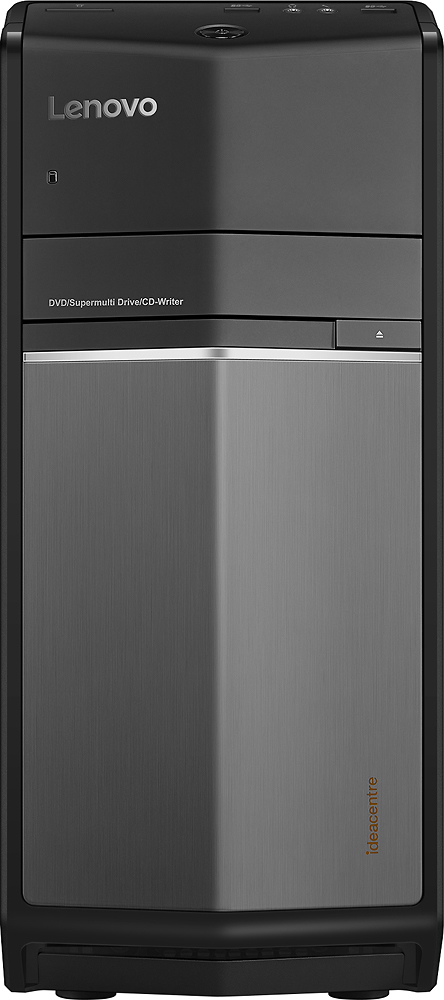
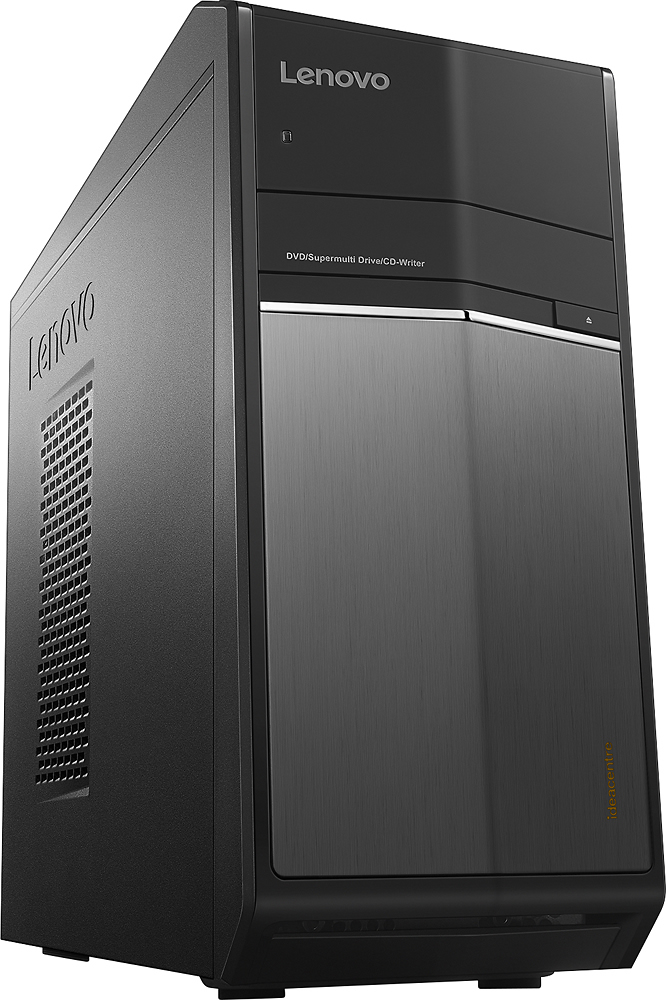


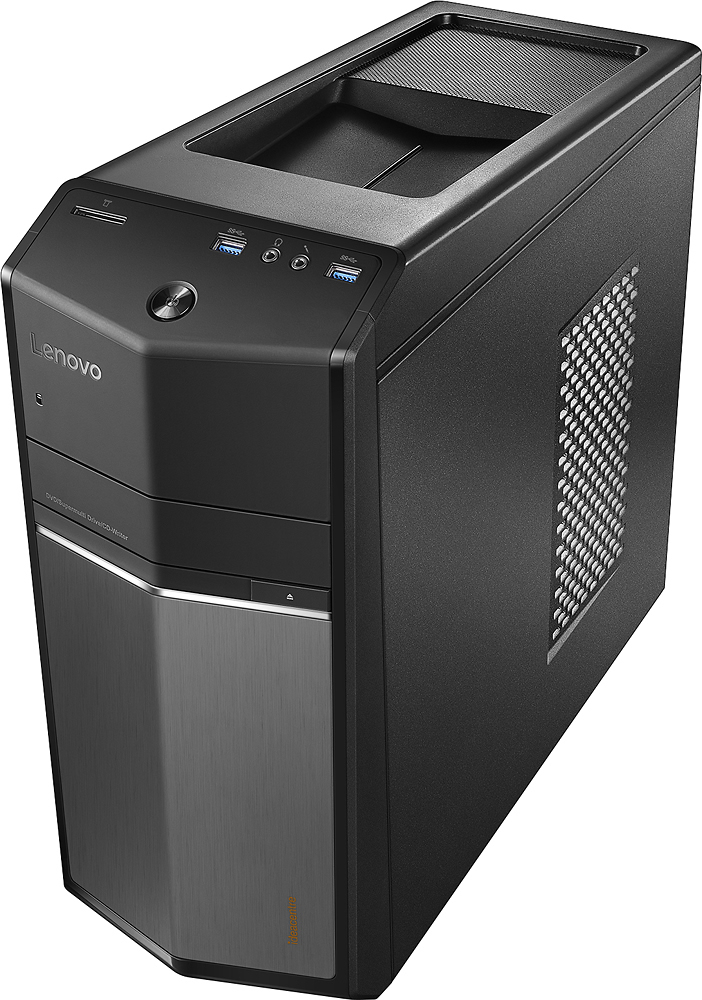
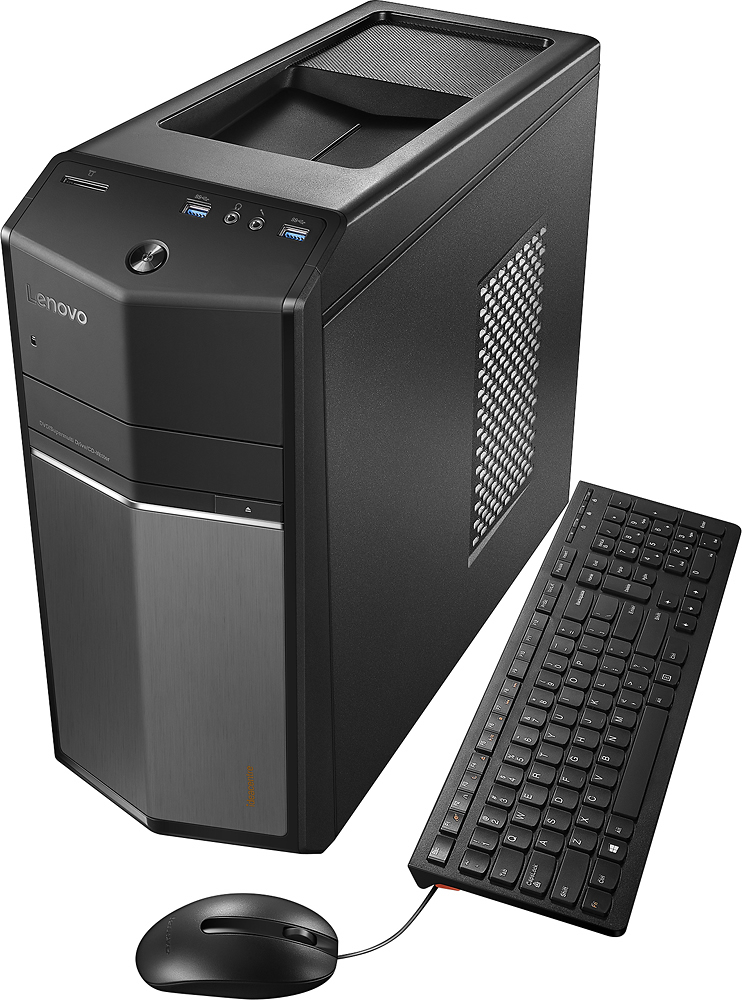
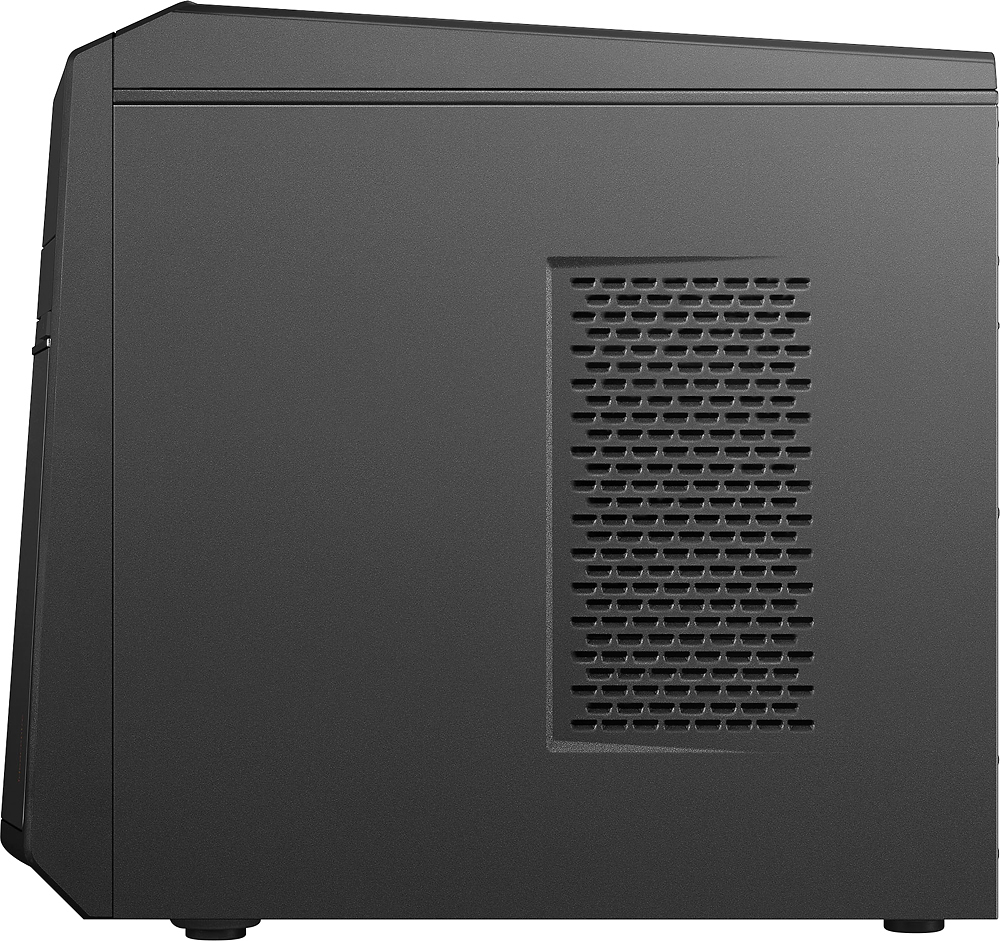

- Model:
- 90FB0001US
- SKU:
- 5196104
to a friend
Customers are saying
Customers are delighted by the performance and ease of use of this desktop computer, frequently praising its speed and efficient setup. Many also appreciate the affordable price and sufficient storage capacity. However, some users have expressed concerns about the power supply and pre-installed software.
This summary was generated by AI based on customer reviews.
Not bad
||Posted .This reviewer received promo considerations or sweepstakes entry for writing a review.Works well for the price just slow to load a lot of things other than that no real issues
I would recommend this to a friend- Pros mentioned:Price
gust using it its otdated now
||Posted .This reviewer received promo considerations or sweepstakes entry for writing a review.It uas priced to sell so it will make a good through away
I would recommend this to a friend Starts up quickly which is a plus.
||Posted .This reviewer received promo considerations or sweepstakes entry for writing a review.It seems to be a good product. The person who eventually sold it to us was not so great.
I would recommend this to a friendBrand response from Lenovo Product Expert
Posted .Thank you for choosing the Lenovo IdeaCentre 710 desktop. We are pleased to hear that the IdeaCentre 710 is working out for you.

Great Machine
||Posted .This reviewer received promo considerations or sweepstakes entry for writing a review.Returned the item due to defects with it - it was an open box item to begin with..
I would recommend this to a friendI never want to buy any product from Best Buy
||Posted .This reviewer received promo considerations or sweepstakes entry for writing a review.When I buy, this product from Altamonte Springs, I didn't open the box, when I reach home, i try to operate, it didn't work, so next day I went to same store, the staff in that store behave very badly, Later 3 weeks, my desktop is very slow, and I was busy and out of station the very next week I went to Sanford Store, they told me .... One month is over, we one week time to check this desktop, I requested that I am working in this desktop, I need now itself or I can drop on Friday and Saturday evening I will come and collect, they told me ...it is not possible, now you have top drop and come after one week. I heard Costco have more supportive to their client, that they will immediately replace.....Now I decided....Nothing will purchase from Best Buy...because best buy want only one time purchase from their clients....!!
No, I would not recommend this to a friendSlow Operation
||Posted .This reviewer received promo considerations or sweepstakes entry for writing a review.I was hoping it would be faster than my old Acer, it isn't.
No, I would not recommend this to a friendBrand response from Lenovo Product Expert
Posted .Thank you for choosing the Lenovo IdeaCentre 710 desktop. This is a fast system. The Intel Core I-5 processor, paired with a NVIDIA GeForce GT 730 graphics and 8GB of RAM make this system very powerful. If your system is not performing up to its potential, there may be driver updates for your specific system. Follow the link below to look for new driver updates for your specific system. You can also run diagnostics from the Lenovo site as well. As always, be sure to create a restore point on your system before you make any changes. Here is the link:
http://support.lenovo.com/us/en/products/Desktops-and-all-in-ones/700-Series/710-25ish/90FB/0001US?linkTrack=Caps%253ABody_SearchProduct&tabName=downloads&beta=false
Good
||Posted .This reviewer received promo considerations or sweepstakes entry for writing a review.Decent computer for all around jobs and gaming and such
I would recommend this to a friendBrand response from Lenovo Product Expert
Posted .Thank you for choosing the Lenovo IdeaCentre 710 desktop. We are pleased to hear that the IdeaCentre 710 is working out for you.
What we needed
||Posted .This reviewer received promo considerations or sweepstakes entry for writing a review.Great for what we needed. Editing pictures and music.
I would recommend this to a friendPoor quality control
||Posted .This reviewer received promo considerations or sweepstakes entry for writing a review.Purchased this computer and had to return it because it would not boot up...apparently something with the memory. The store then ordered another one to be sent to my home and it arrived as promised. This unit had the same issue as the first...not booting up. I was willing to have the Geek Squad check it out to see what the issue was but I was told that since I did not buy the Geek Squad protection this was not a possibility. And I did not even have the unit in my possession for a day. Poor quality control on Lenovo's part and appalling customer service on Best Buy's part. When I finally did buy a new computer it was not from BB.
No, I would not recommend this to a friendBrand response from Lenovo Product Expert
Posted .This sounds like a problem with the initial activation of Windows 10. You may need to restore your system to original factory default settings if any of the programing activation errors have occurred. You can do that by turning the device off completely, not sleep mode. Then turn the device back on. Repeatedly het the F2 key as soon as the power is turned on and before Windows 10 has a chance to try to load. You should see a screen that will allow you to choose to restore the device to factory default settings. Select this and follow the onscreen instructions.
Not happy with this computer
||Posted .This reviewer received promo considerations or sweepstakes entry for writing a review.Very difficult to get on websites. It does not support Java. I am unhappy with this and wish I had gotten another brand. I use a Lenovo at work and it is great however this one I cannot get to work smoothly.
No, I would not recommend this to a friendBrand response from Lenovo Product Expert
Posted .Getting on webs sites sounds like a browser issue/Windows 10 issue. This system should support Java as long as Java is compatible with Windows 10. Be sure any software you installed is compatible with Windows 10. There is no need to install Microsoft Office software. The software is already part of the operating system, you just need to activate the software with a purchased product key. If you have installed a copy of Microsoft Office, this is conflicting with the existing copy on the system and this will slow your system down. If you have installed a 3rd party anti-virus program, be sure that Windows Defender is turned off and that the trial version of McAfee Anti-Virus software is uninstalled. There can only be one anti-virus program on the system. You may need to restore your system to original factory default settings if any of the programing errors have occurred. You can do that by typing "restore" in the Cortana search window. Just click on the magnifying glass icon at the bottom left of your Windows 10 Desktop. Click on "Reset This PC" Then click on "Get Started" and follow the on screen directions to restore to factory defaults.
- Cons mentioned:Wireless
Failed to work
||Posted .This reviewer received promo considerations or sweepstakes entry for writing a review.Failed to work correctly out of the box. Would not connect to the wireless internet and would crash. Took it back after a few days of frustration
No, I would not recommend this to a friendBrand response from Lenovo Product Expert
Posted .It sounds like there was a driver issue. For those with this system experiencing similar issues, there may be driver updates for your specific system. Follow the link below to look for new driver updates for your specific system. You can also run diagnostics from the Lenovo site as well. As always, be sure to create a restore point on your system before you make any changes. Here is the link:
http://support.lenovo.com/us/en/products/Desktops-and-all-in-ones/700-Series/710-25ish/90FB/0001US?tabName=Downloads&linkTrack=Mast:SubNav:Support:Drivers and Software|Drivers and Software
Difficult to set up
||Posted .This reviewer received promo considerations or sweepstakes entry for writing a review.I bought this product for my husband and it was almost impossible to get it connected to the internet. He had to reconfigure the machine to get it connected to the internet.
No, I would not recommend this to a friendLooked good on the out
||Posted .This reviewer received promo considerations or sweepstakes entry for writing a review.This computer went BLUE SCREEN in the first 10 days. I was signing out of notifications, and surveys all went well with MS. then went into Lenovo and started the same procedures when I was prompted to re-boot the system.......BLUE SCREEN. called the Greek Squad and was directed to bring it back for return it and get a full refund.
No, I would not recommend this to a friendOpen Box Junk
||Posted .This reviewer received promo considerations or sweepstakes entry for writing a review.Bought this as an open box allegedly certified by Geek Squad. After a few days it started to display error messages about a bad mother board. I returned it and the csr wanted me to let Geek Squad try to fix it again. I had to insist that Best Buy take it back.
No, I would not recommend this to a friendlemon
||Posted .This reviewer received promo considerations or sweepstakes entry for writing a review.WORKED FINE FOR LESS THAN AN HOUR.CALLED LENOVO SUPPORT. AFTER CHECKING IT OUT,TECH SAID TO RETURN IT AS IT HAD SOME SERIOUS PROBLEMS. EXCHANGED IT FOR A 510S AIO. OTHER THAN THE WIRELESS KEYBOARD NOT WORKING,I LIKE THIS MACHINE!
No, I would not recommend this to a friendReturn item
||Posted .This reviewer received promo considerations or sweepstakes entry for writing a review.Open box purchase, Geek stamp...bad hard drive or mother board... No assistance from staff to find a replacement computer Second computer purchase in three months
No, I would not recommend this to a friendBad network card
||Posted .This reviewer received promo considerations or sweepstakes entry for writing a review.Had to return it. Bad network card. It would not connect to the internet. I paid a company to diagnose it. Irritated.
No, I would not recommend this to a friendWONT TURN ON
||Posted .This reviewer received promo considerations or sweepstakes entry for writing a review.This computer worked when received. Now it will not turn on, I ALSO PAID FOR 24/7 SERVICING. WHAT MUST i DO TO OBTAIN THIS HELP?
No, I would not recommend this to a friendBrand response from Lenovo Product Expert
Posted .Try turning the system on then repeatedly hit the F2 key. It should bring you to a choice screen that will let you start normally to Windows Desktop or restore to factory default settings. You should have received a pamphlet concerning your Geek Squad service and there is a number to call for your 24/7 phone support. You can also call your local Best Buy for further details.
Serviced twice; died within 17 months
||Posted .This reviewer received promo considerations or sweepstakes entry for writing a review.We took this in to Best Buy for service twice in the first year. It has now died after 17 months. Motherboard issue.
No, I would not recommend this to a friendLenovo computer
||Posted .This reviewer received promo considerations or sweepstakes entry for writing a review.Horrible. Put it on. Would not come up! There is no number you can call for Lenovo. Do not recommend. I returned it!
No, I would not recommend this to a friendBrand response from Lenovo Product Expert
Posted .Be sure any software you installed is compatible with Windows 10. There is no need to install Microsoft Office software. The software is already part of the operating system, you just need to activate the software with a purchased product key. If you have installed a copy of Microsoft Office, this is conflicting with the existing copy on the system and this will slow your system down. If you have installed a 3rd party anti-virus program, be sure that Windows Defender is turned off and that the trial version of McAfee Anti-Virus software is uninstalled. There can only be one anti-virus program on the system. You may need to restore your system to original factory default settings if any of the programing errors have occurred. You can do that by typing "restore" in the Cortana search window. Just click on the magnifying glass icon at the bottom left of your Windows 10 Desktop. Click on "Reset This PC" Then click on "Get Started" and follow the on screen directions to restore to factory defaults. If you can not get to the Windows Desktop, you can hit F2 after you turn on the device. It will take you to the restore menu.