Customer Ratings & Reviews





- Model:
- 82KM0003US
- SKU:
- 6500337
Rating by feature
- Battery Life
Rating 4.7 out of 5 stars
- Speed
Rating 4.4 out of 5 stars
- Display
Rating 4.6 out of 5 stars
Customers are saying
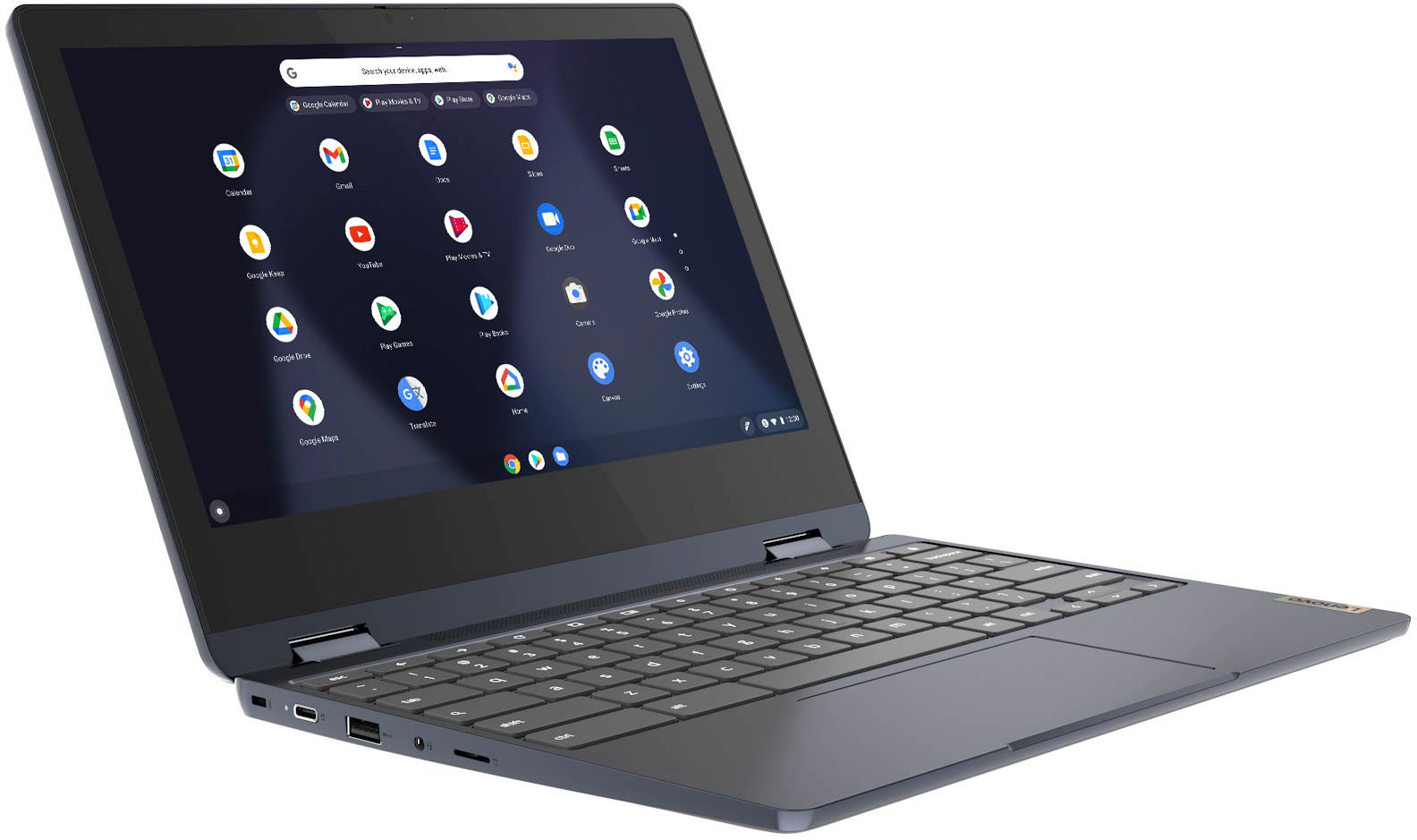
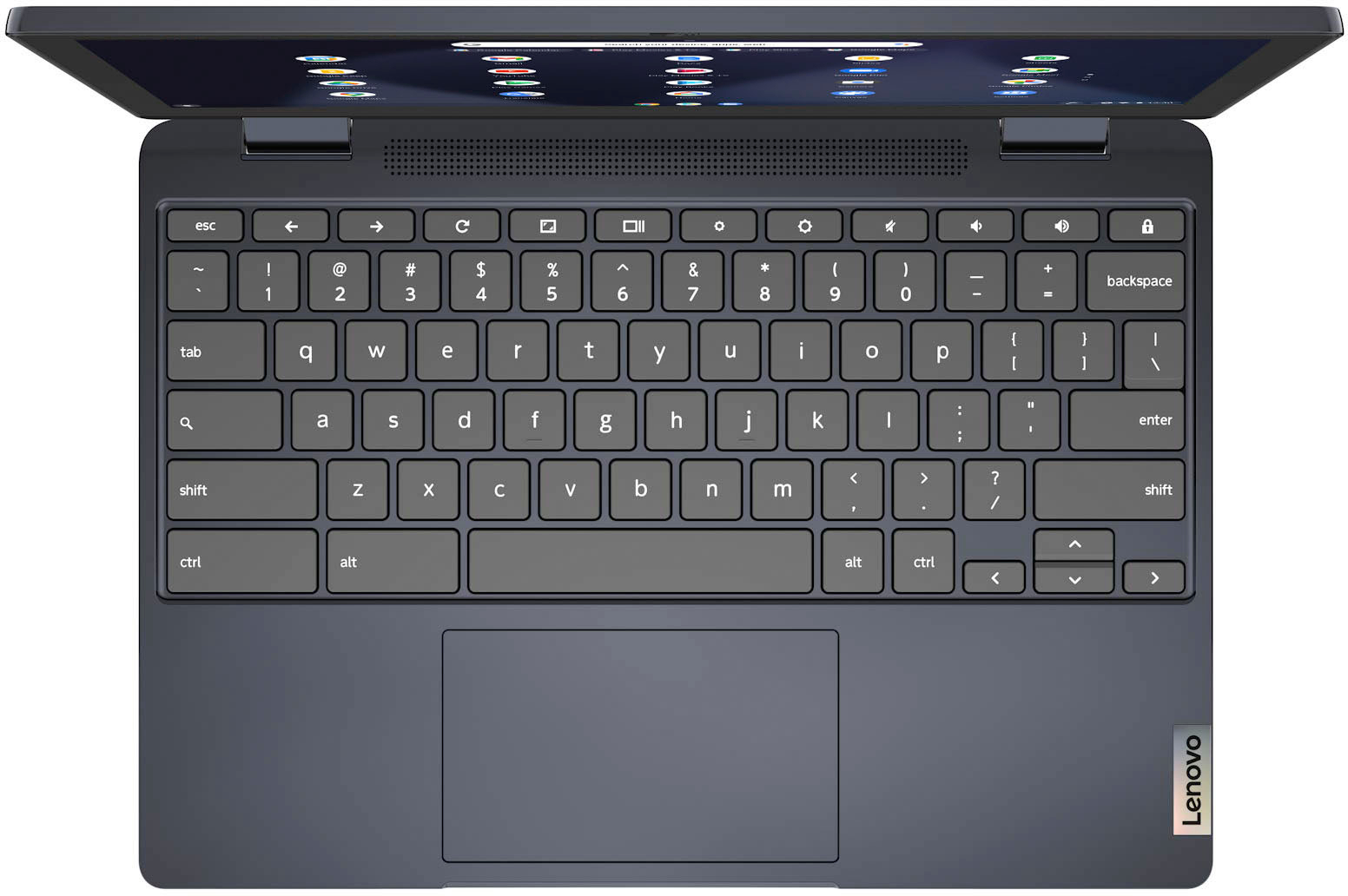
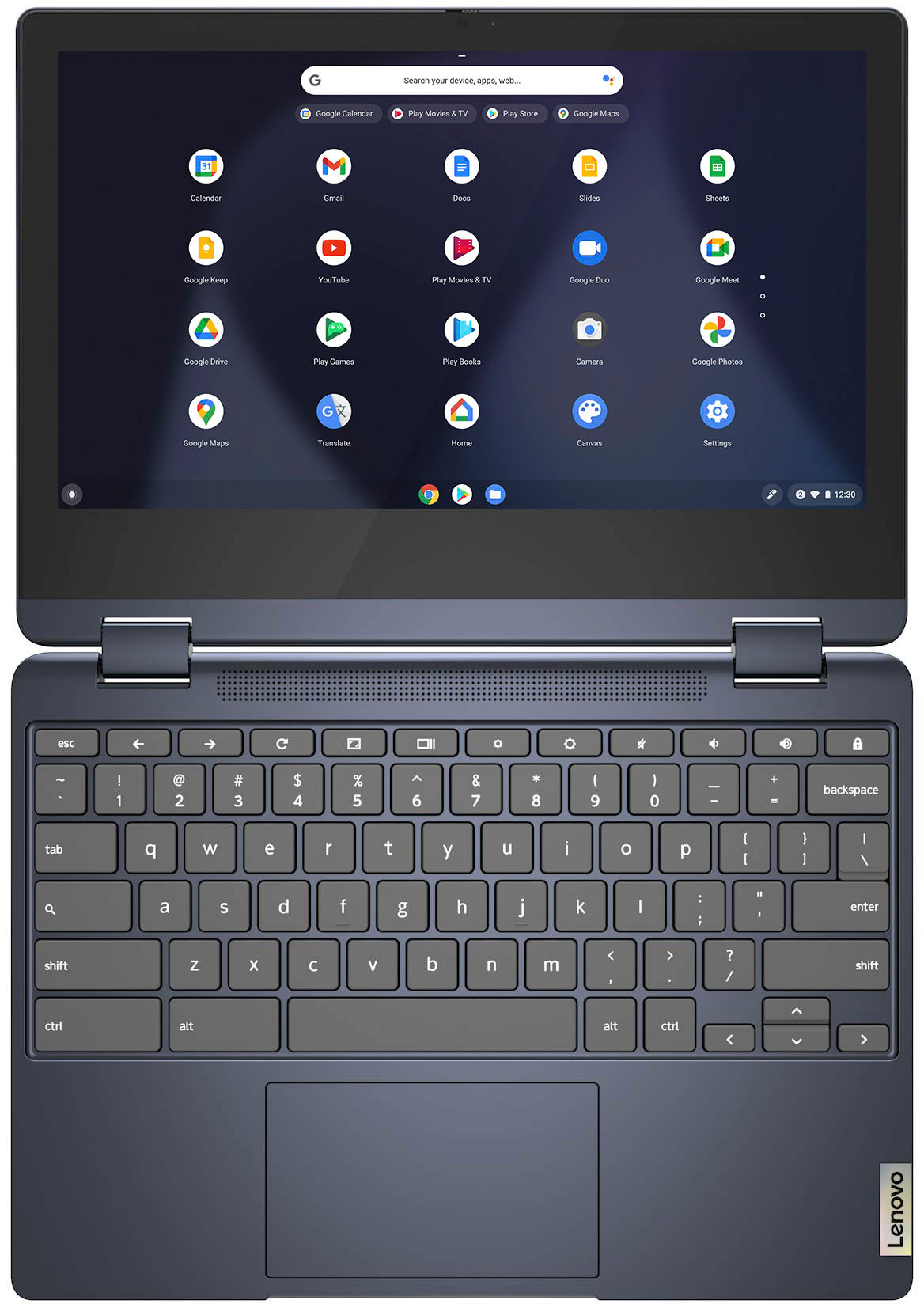
Customers praise the Flex 3 Chromebook's touchscreen, ease of use, and affordability. Many appreciate its long battery life, compact size, and lightweight design, finding it performs well for its price. However, some users point out the lack of an HDMI port and limited RAM as drawbacks. The overall feedback suggests a positive experience for most users, despite these minor shortcomings.
This summary was generated by AI based on customer reviews.
Great chromebook
||Posted . Owned for 1 month when reviewed.This reviewer received promo considerations or sweepstakes entry for writing a review.I bought this for my husband and he absolutely loves it.
I would recommend this to a friendBrand response from Lenovo Product Expert
Posted .Thank you for choosing the Lenovo Flex 3 11 Chromebook for your husband. We are pleased to hear that the Flex 3 11 Chromebook meets your husband's computing needs so well.

Exceeded Expectations
||Posted .This reviewer received promo considerations or sweepstakes entry for writing a review.Great product, works wonderfully. Super easy setup, as well.
I would recommend this to a friendBrand response from Lenovo Product Expert
Posted .Thank you for choosing the Lenovo Flex 3 11 Chromebook. We are pleased to hear that the easy setup and performance of the Flex 3 11 Chromebook meets your computing needs so well.
JUST BUY IT ITS AMAZING
||Posted . Owned for 2 months when reviewed.This reviewer received promo considerations or sweepstakes entry for writing a review.If you need a chromebook for school get this one..
I would recommend this to a friendBrand response from Lenovo Product Expert
Posted .Thank you for choosing the Lenovo Flex 3 11 Chromebook. We are pleased to hear that the Flex 3 11 Chromebook meets your computing needs so well.
$
||Posted .This reviewer received promo considerations or sweepstakes entry for writing a review.For the price... ☆☆☆☆☆ $$$$$$$$$$$$$$$$$$$$$$$$$$
I would recommend this to a friendgreat buy for $$
||Posted . Owned for 1 month when reviewed.This reviewer received promo considerations or sweepstakes entry for writing a review.Purchased this Chromebook and am very happy with it.
I would recommend this to a friendBrand response from Lenovo Product Expert
Posted .Thank you for choosing the Lenovo Flex 3 11 Chromebook. We are pleased to hear that the Flex 3 11 Chromebook is working out so well for you.
Very good providence
||Posted . Owned for 3 weeks when reviewed.This reviewer received promo considerations or sweepstakes entry for writing a review.Works good for what it was needed for all school work
I would recommend this to a friendLaptop
||Posted .This reviewer received promo considerations or sweepstakes entry for writing a review.Excellent laptop will purchase again from this Best Buy
I would recommend this to a friendBrand response from Lenovo Product Expert
Posted .Thank you for choosing the Lenovo Flex 3 11 Chromebook. We are pleased to hear that the Flex 3 11 Chromebook is working out so well for you.
It was good!
||Posted . Owned for 1 month when reviewed.This reviewer received promo considerations or sweepstakes entry for writing a review.It was good while I had it....I returned because it did not do what I wanted it to do!!
I would recommend this to a friendNew tech
||Posted . Owned for 1 week when reviewed.This reviewer received promo considerations or sweepstakes entry for writing a review.Nice technology having fun with this new computer monitor
No, I would not recommend this to a friendBrand response from Lenovo Product Expert
Posted .Thank you for choosing the Lenovo Flex 3 11 Chromebook. We are pleased to hear that the Flex 3 11 Chromebook is working out so well for you.
Great Chromebook
||Posted . Owned for 1 month when reviewed.This reviewer received promo considerations or sweepstakes entry for writing a review.This Chromebook is great for all your traveling needs.
I would recommend this to a friendBrand response from Lenovo Product Expert
Posted .Thank you for choosing the Lenovo Flex 3 11 Chromebook. We are pleased to hear that the Flex 3 11 Chromebook is working out so well for you.
Excellent product
||Posted . Owned for less than 1 week when reviewed.This reviewer received promo considerations or sweepstakes entry for writing a review.Great and work well liked new. I appreciate the product
I would recommend this to a friendBrand response from Lenovo Product Expert
Posted .Thank you for choosing the Lenovo Flex 3 11 Chromebook. We are pleased to hear that the Flex 3 11 Chromebook is working out so well for you.
Great buy!
||Posted . Owned for 3 weeks when reviewed.This reviewer received promo considerations or sweepstakes entry for writing a review.I am satisfied with my decision to make this purchase. Works great and is very functional.
I would recommend this to a friendBrand response from Lenovo Product Expert
Posted .Thank you for choosing the Lenovo Flex 3 11 Chromebook. We are pleased to hear that the Flex 3 11 Chromebook is working out so well for you.
flex 3
||Posted . Owned for 8 months when reviewed.This reviewer received promo considerations or sweepstakes entry for writing a review.returned it. didnt like it. response is slow. bit heavy too.
No, I would not recommend this to a friendDecent
||Posted . Owned for 1 week when reviewed.This reviewer received promo considerations or sweepstakes entry for writing a review.Bought for my daughter. It's heavier than most other chrome books. Not all apps are available.
No, I would not recommend this to a friendBrand response from Lenovo Product Expert
Posted .Thank you for choosing the Lenovo Flex 3 11 Chromebook for your daughter. The Flex 3 11 Chromebook weighs: approximately 1.2 kg (2.65 lbs). The Flex 3 11 Chromebook uses the Chrome Operating System and is compatible with Google Play Store APPs. Not all Google Play Store APPs are optimized for the Chrome OS. We always recommend you check the requirements and compatibility of any software/games you will be installing on your new Chromebook, before you invest in any Chromebook. Be sure your new Chromebook can support the software you will need to use and your workload.
Worth every penny
||Posted . Owned for 1 month when reviewed.This reviewer received promo considerations or sweepstakes entry for writing a review.Works just as well as a Samsung Chromebook. It is very sturdy and not heavy at all.
I would recommend this to a friendBrand response from Lenovo Product Expert
Posted .Thank you for choosing the Lenovo Flex 3 11 Chromebook, model number 82KM0003US. We are pleased to hear that the features and performance of the Flex 3 11 Chromebook meets your computing needs so well. This Lenovo Flex 3 11 Chromebook weighs approximately 1.2 kg (2.65 lbs).
Lenovo laptop
||Posted . Owned for 1 month when reviewed.This reviewer received promo considerations or sweepstakes entry for writing a review.I like it’s simplicity. I have not used it much so far
I would recommend this to a friendGreat deal!
||Posted . Owned for 1 month when reviewed.This reviewer received promo considerations or sweepstakes entry for writing a review.It arrived quickly and came with free virus software.
I would recommend this to a friendNice computer for school
||Posted . Owned for 1 month when reviewed.This reviewer received promo considerations or sweepstakes entry for writing a review.Got this for my oldest boy who started high school it works great for what he needs
I would recommend this to a friendBrand response from Lenovo Product Expert
Posted .Thank you for choosing the Lenovo Flex 3 11 Chromebook for your son. We are pleased to hear that the Flex 3 11 Chromebook meets your son's computing needs so well.
Cool
||Posted . Owned for 2 weeks when reviewed.This reviewer received promo considerations or sweepstakes entry for writing a review.It’s a good laptop for homework or studies. I recommend this for teens or children to use.
I would recommend this to a friendGreat product
||Posted . Owned for 1 month when reviewed.This reviewer received promo considerations or sweepstakes entry for writing a review.Perfect for a teen who fiddles alot & can't be still
I would recommend this to a friend