Customer Ratings & Reviews





- Model:
- 82KM0003US
- SKU:
- 6500337
Rating by feature
- Battery Life
Rating 4.7 out of 5 stars
- Speed
Rating 4.4 out of 5 stars
- Display
Rating 4.6 out of 5 stars
Customers are saying
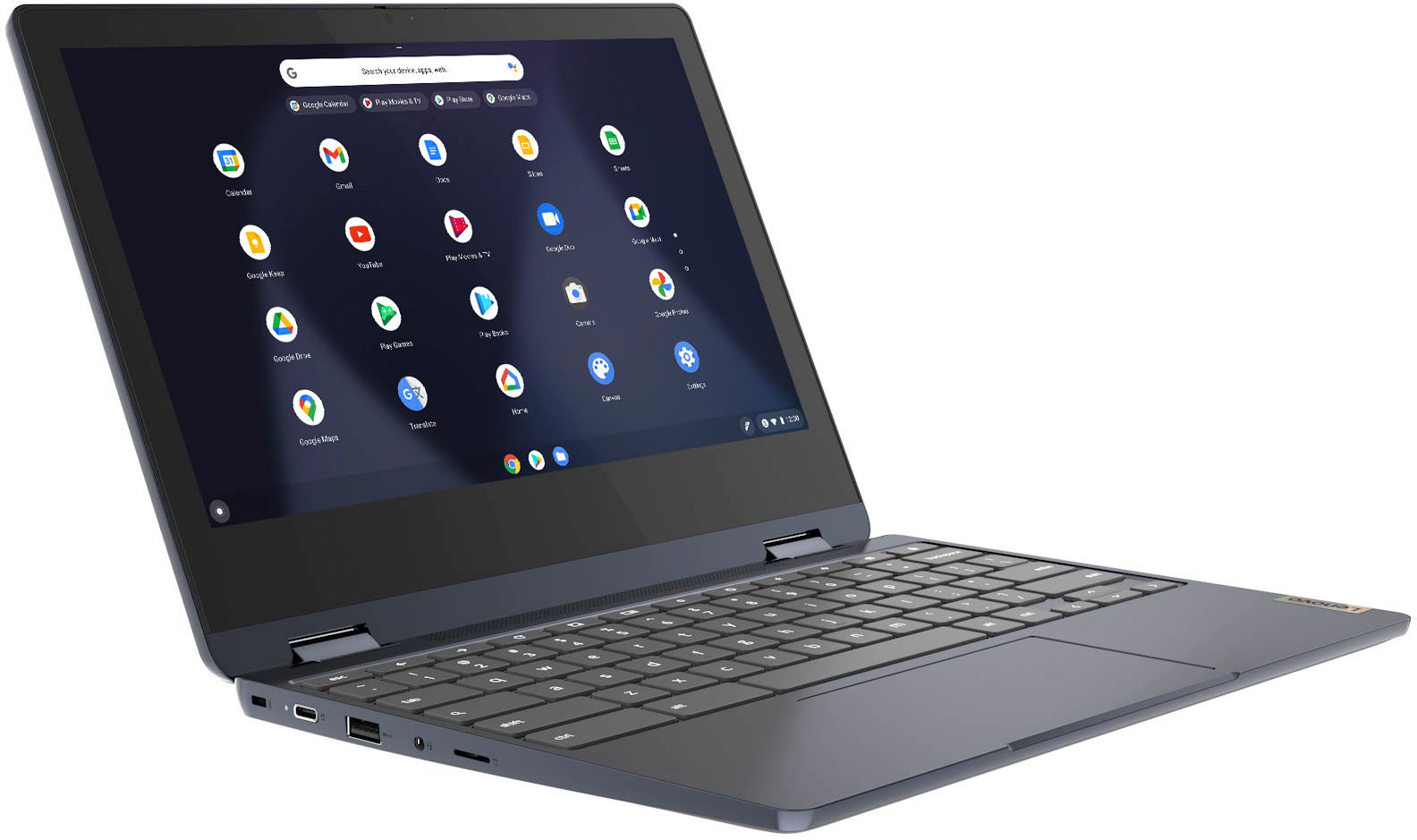
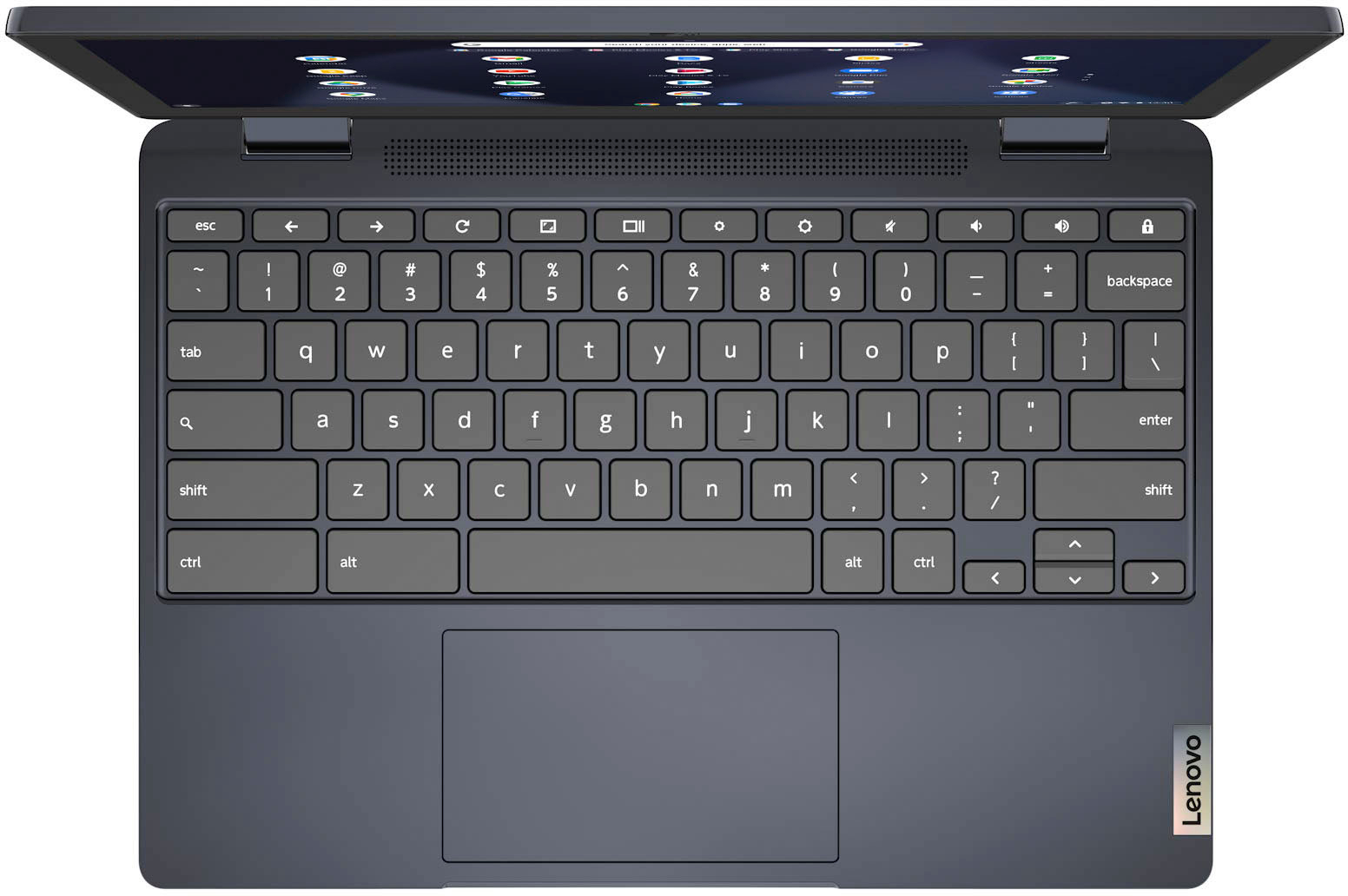
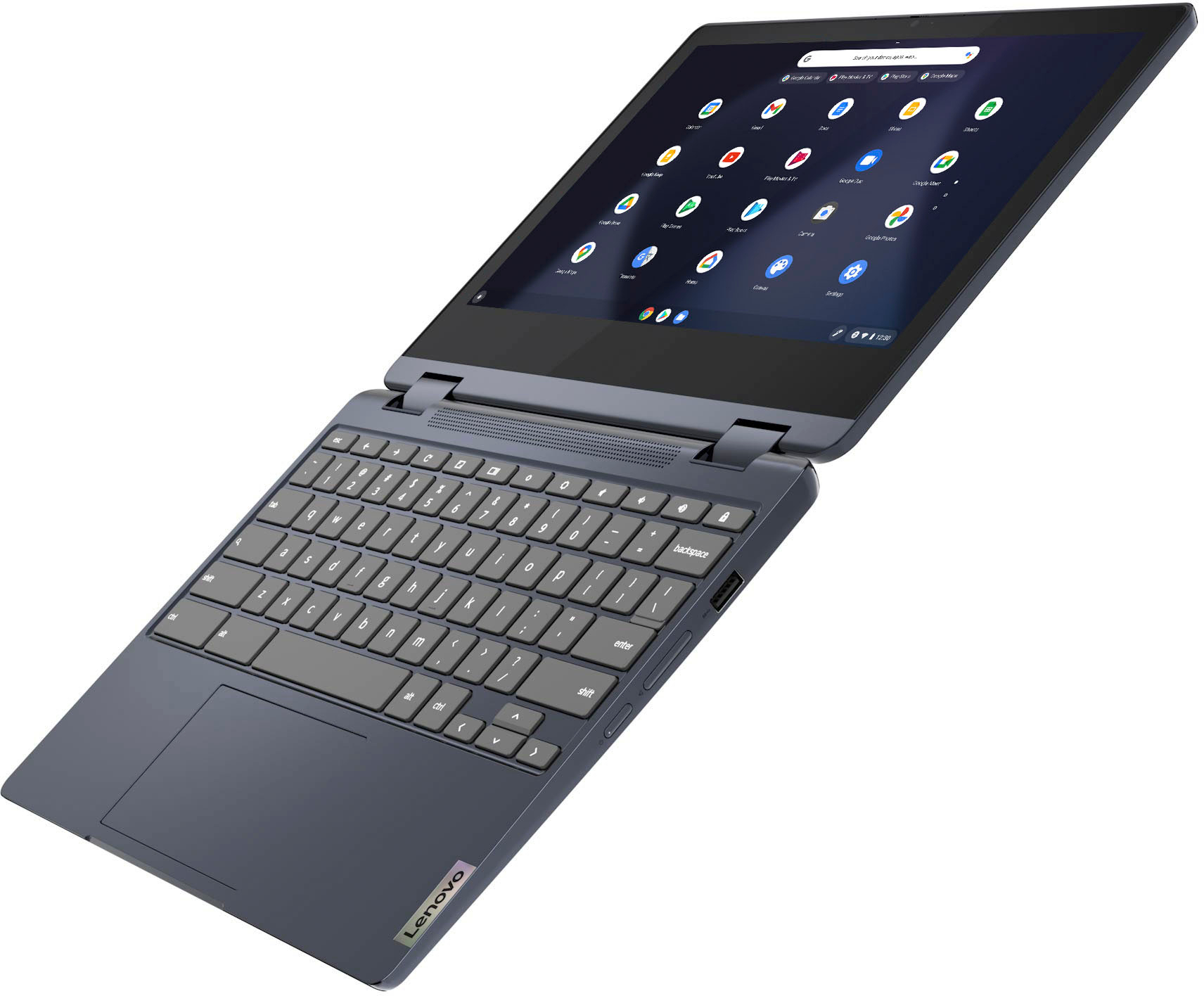
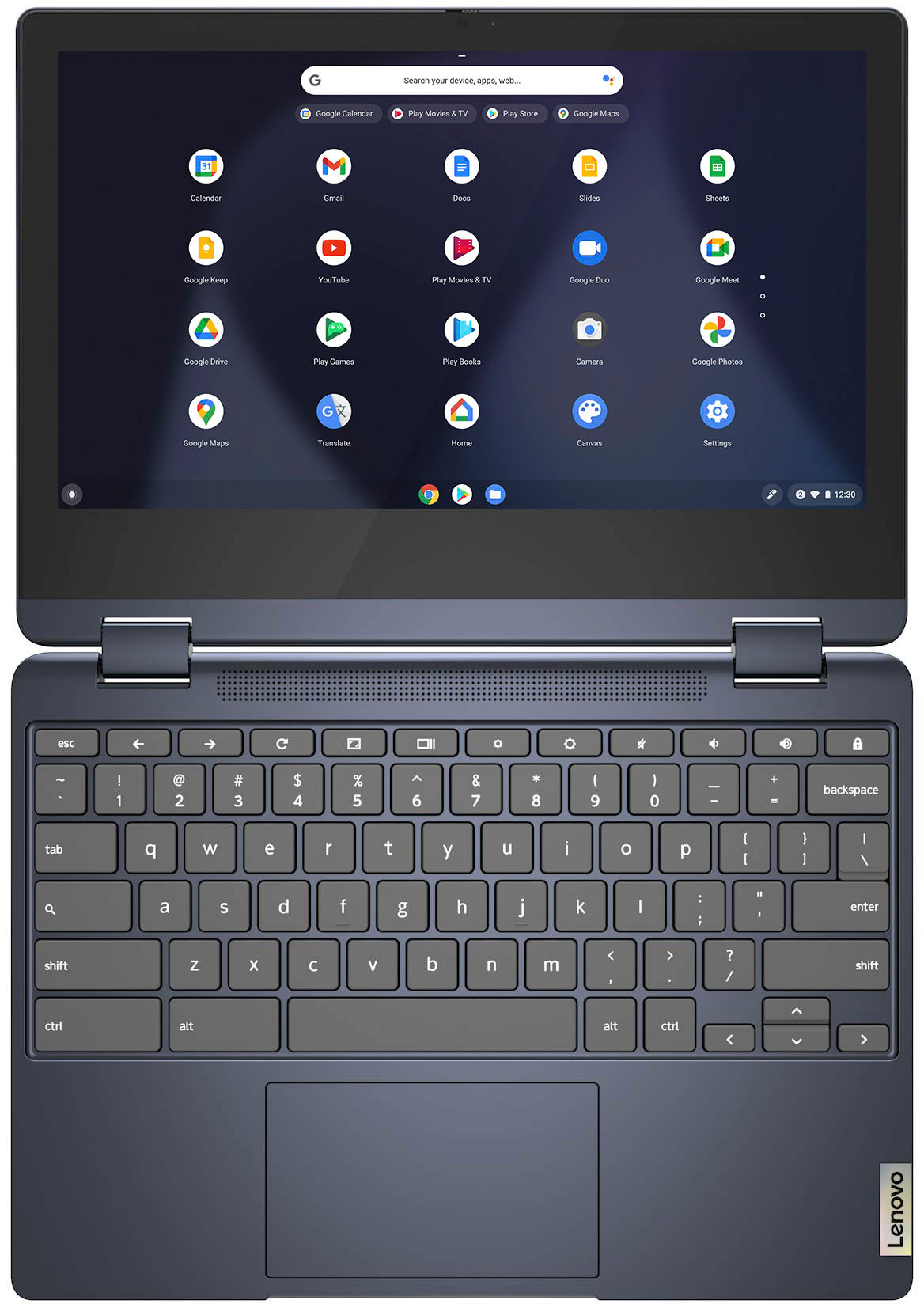
Customers praise the Flex 3 Chromebook's touchscreen, ease of use, and affordability. Many appreciate its long battery life, compact size, and lightweight design, finding it performs well for its price. However, some users point out the lack of an HDMI port and limited RAM as drawbacks. The overall feedback suggests a positive experience for most users, despite these minor shortcomings.
This summary was generated by AI based on customer reviews.
Overall good purchase
||Posted . Owned for 1 week when reviewed.This reviewer received promo considerations or sweepstakes entry for writing a review.Wish the screen was bigger and that it was a bit more louder. Besides that it runs great and I feel I got a good product for the price I paid.
No, I would not recommend this to a friendTerrible
||Posted . Owned for 6 months when reviewed.This reviewer received promo considerations or sweepstakes entry for writing a review.Terrible at keeping connection extremely slow and unreliable.
No, I would not recommend this to a friendOk
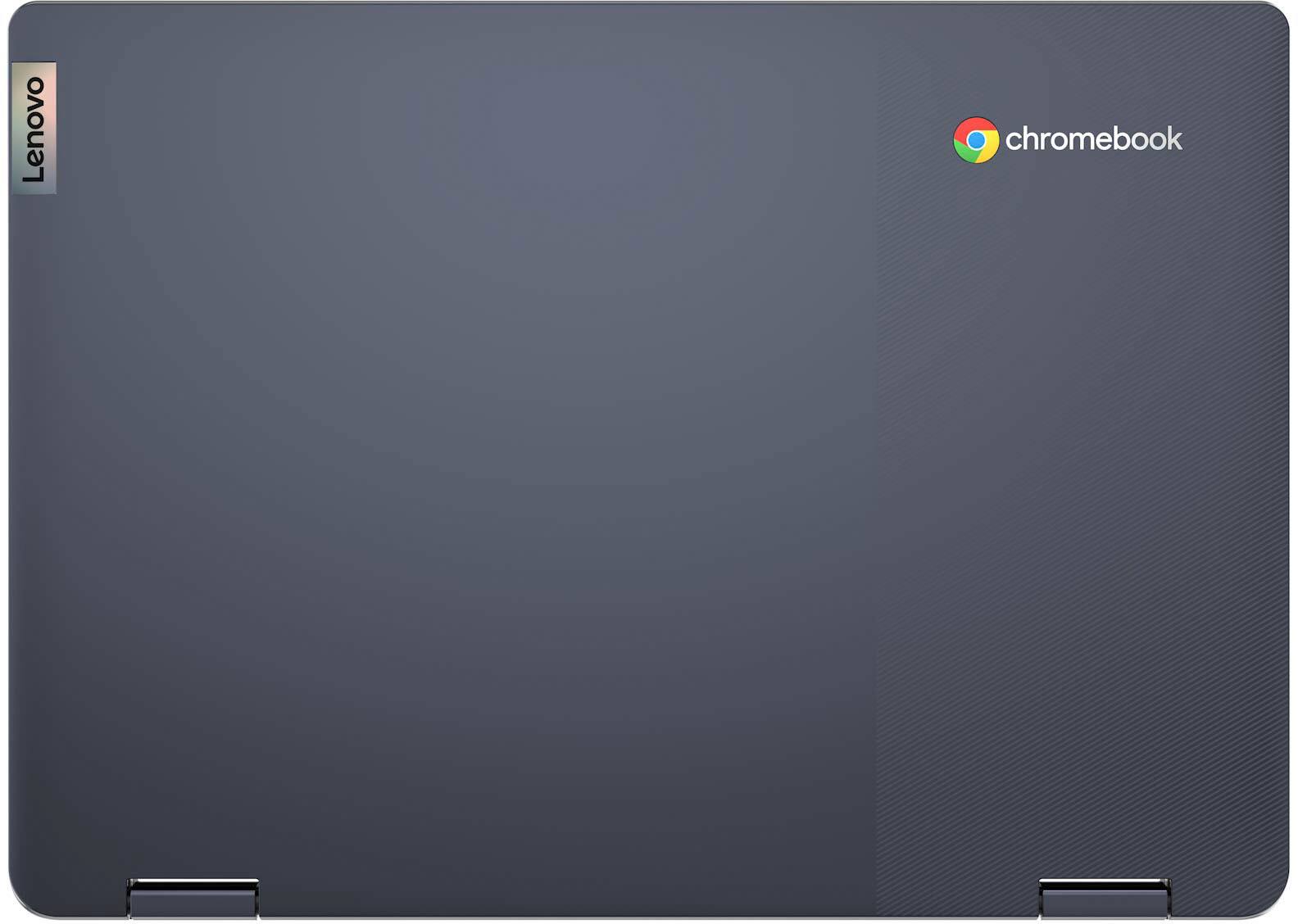
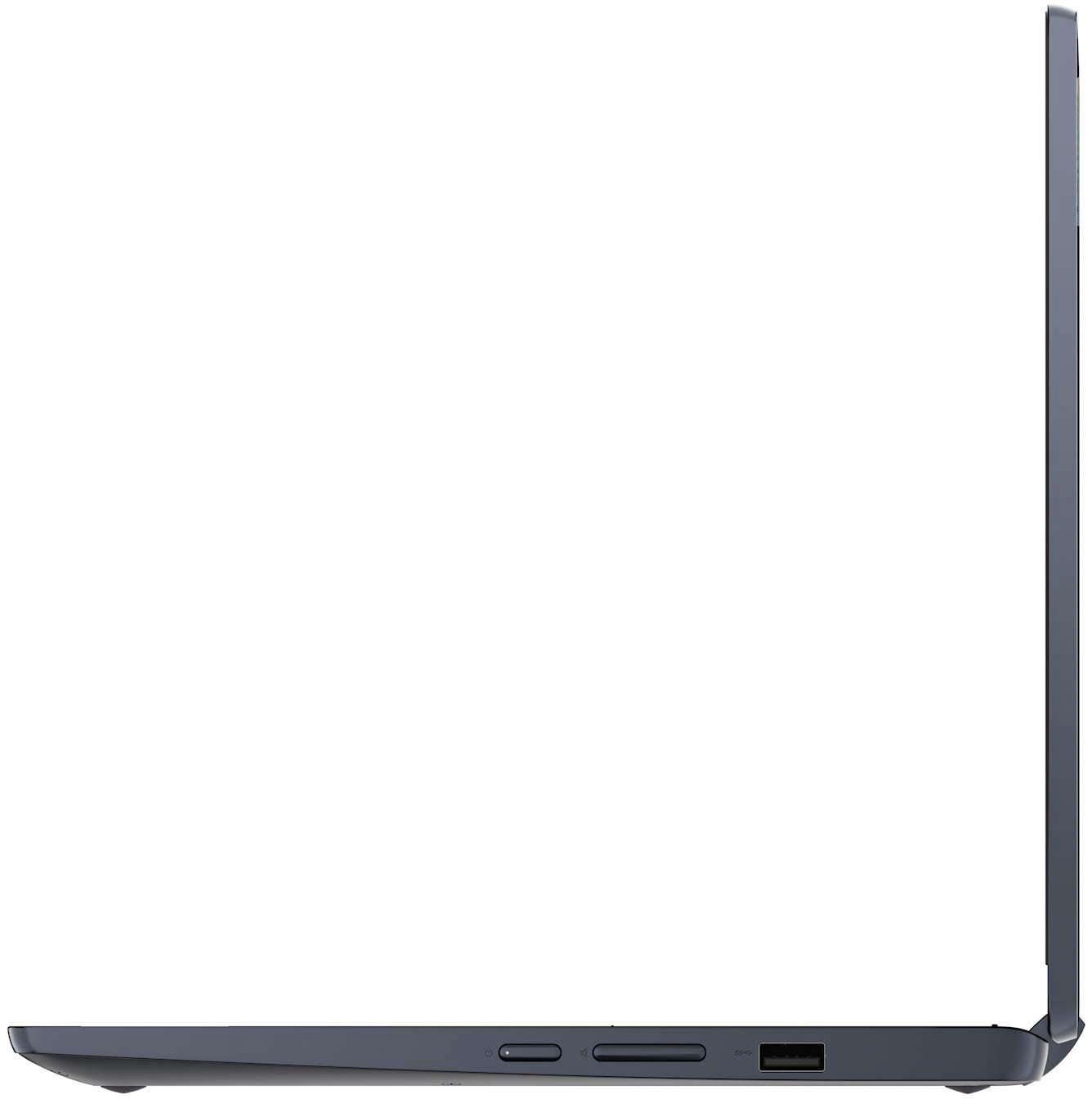
||Posted . Owned for 1 month when reviewed.This reviewer received promo considerations or sweepstakes entry for writing a review.Fast delivery and i got only one day delay. So far item is working as usual jsut that it only has one usb but not real as picture
No, I would not recommend this to a friendBrand response from Lenovo Product Expert
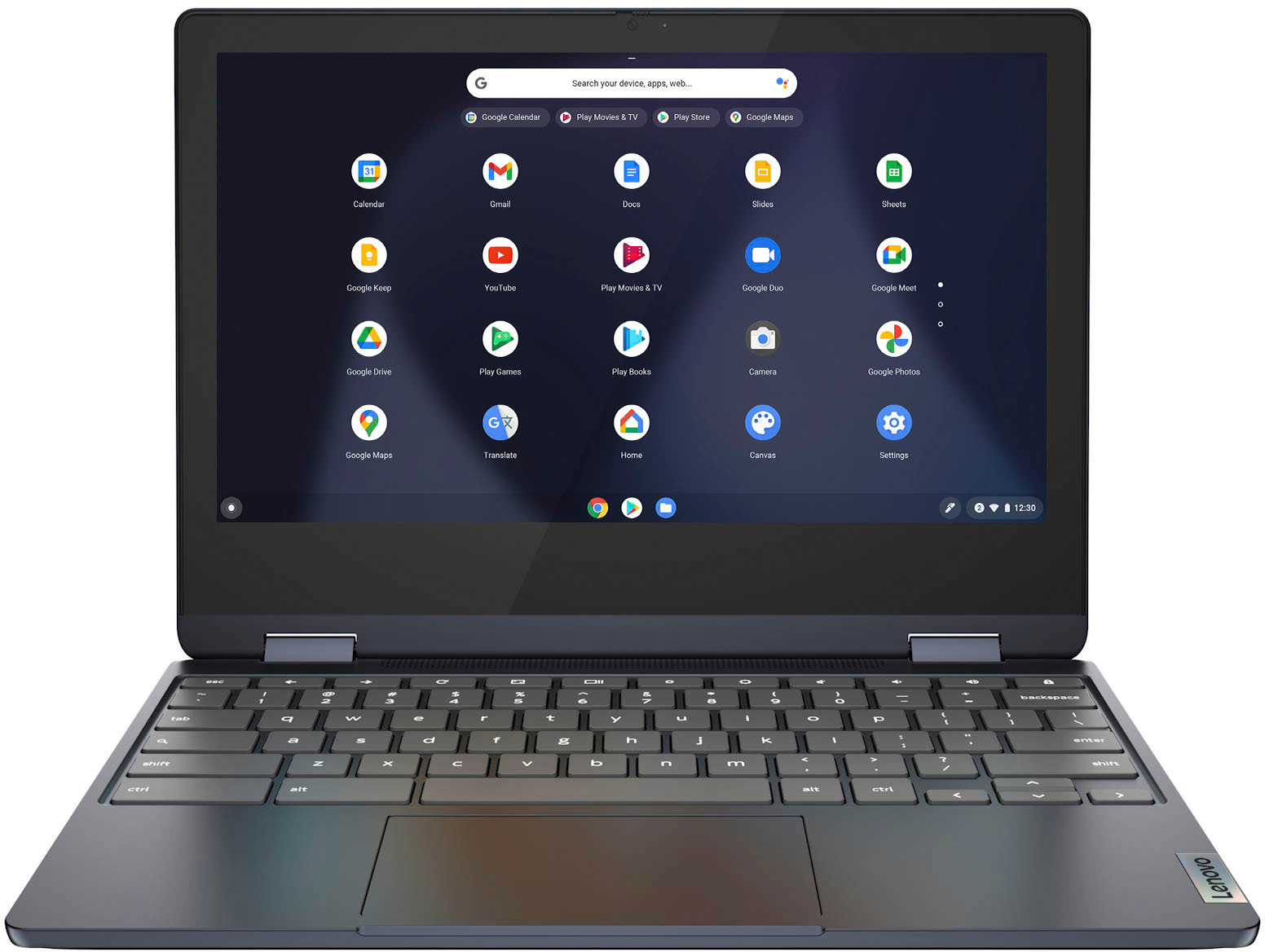
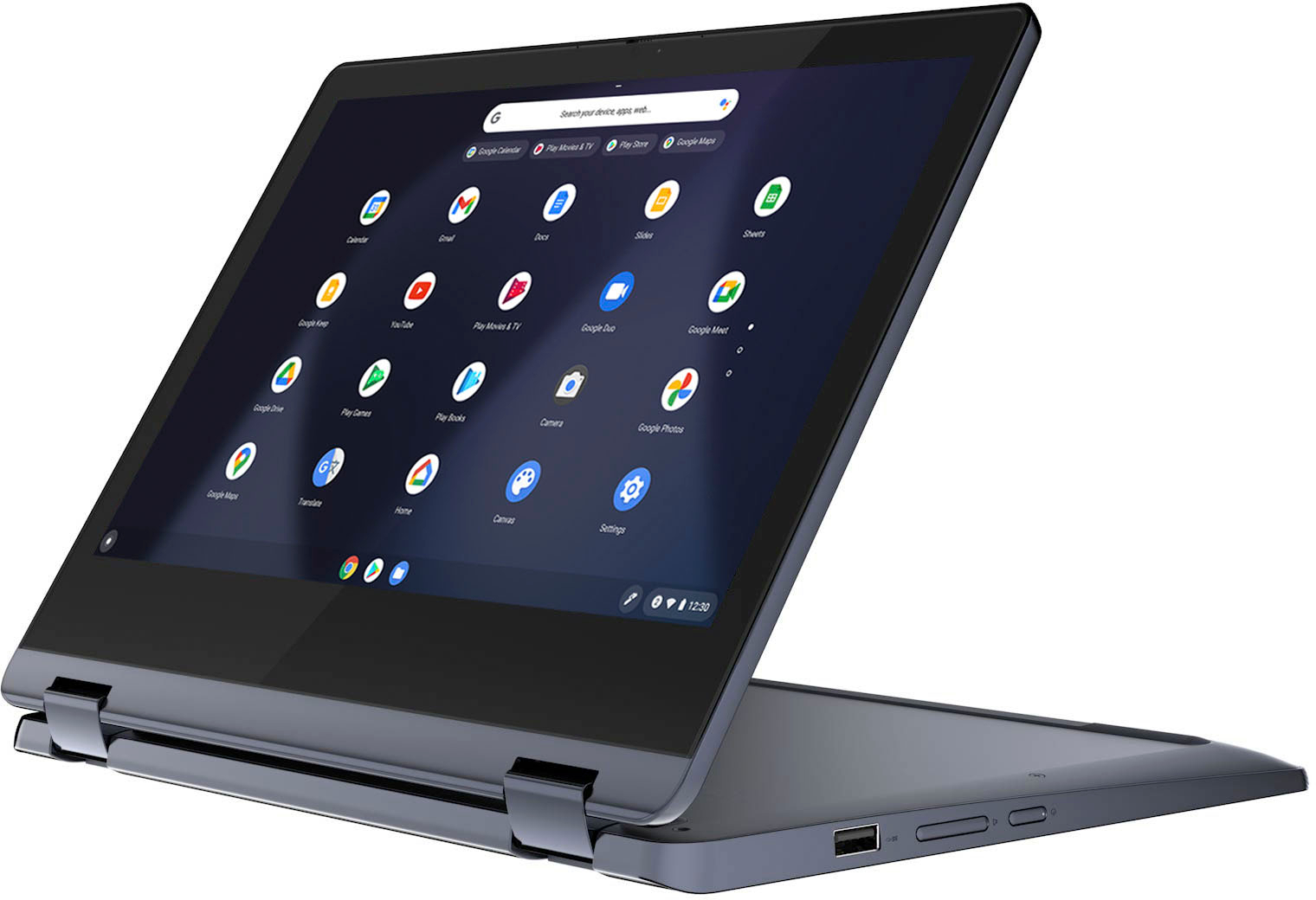
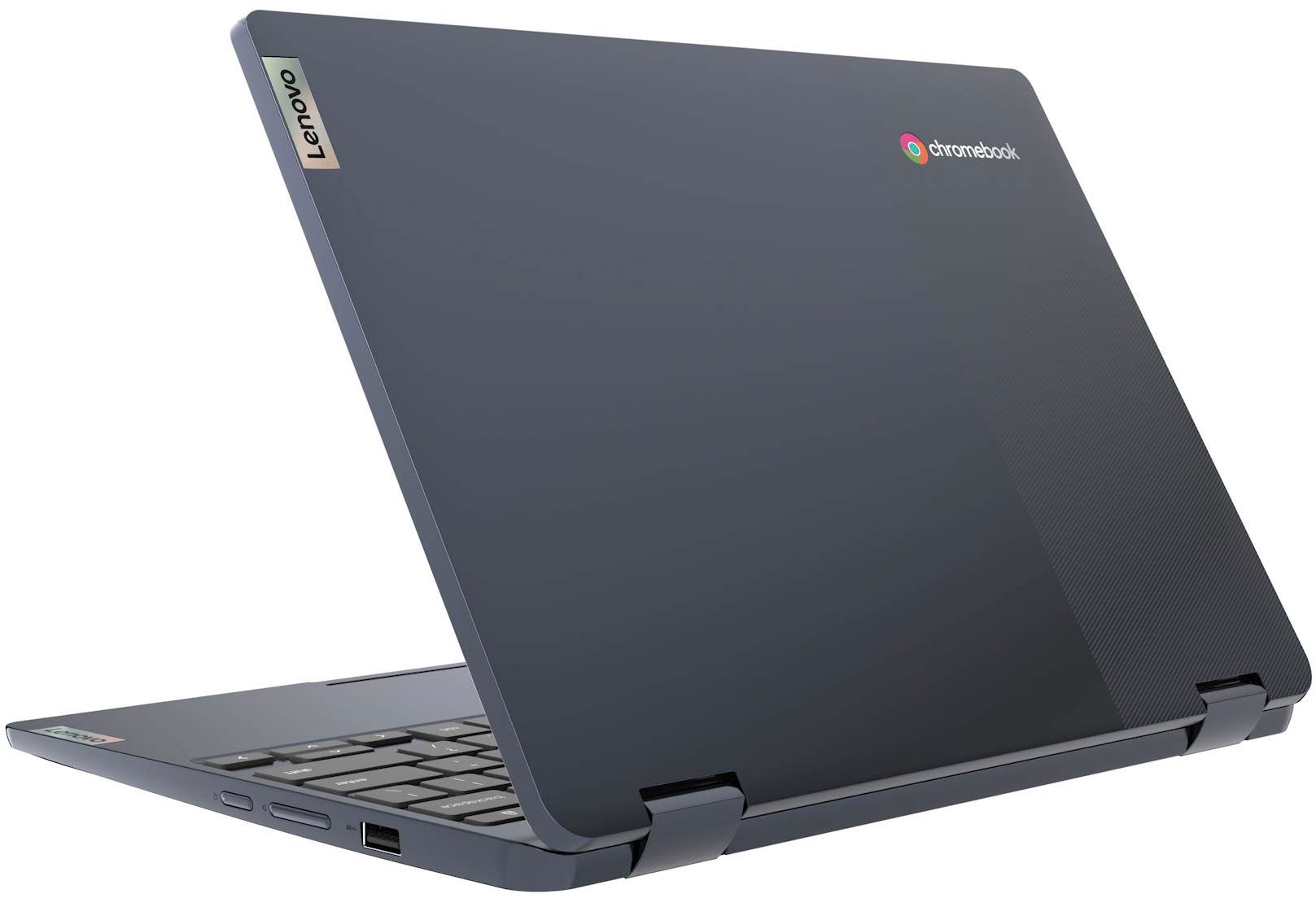
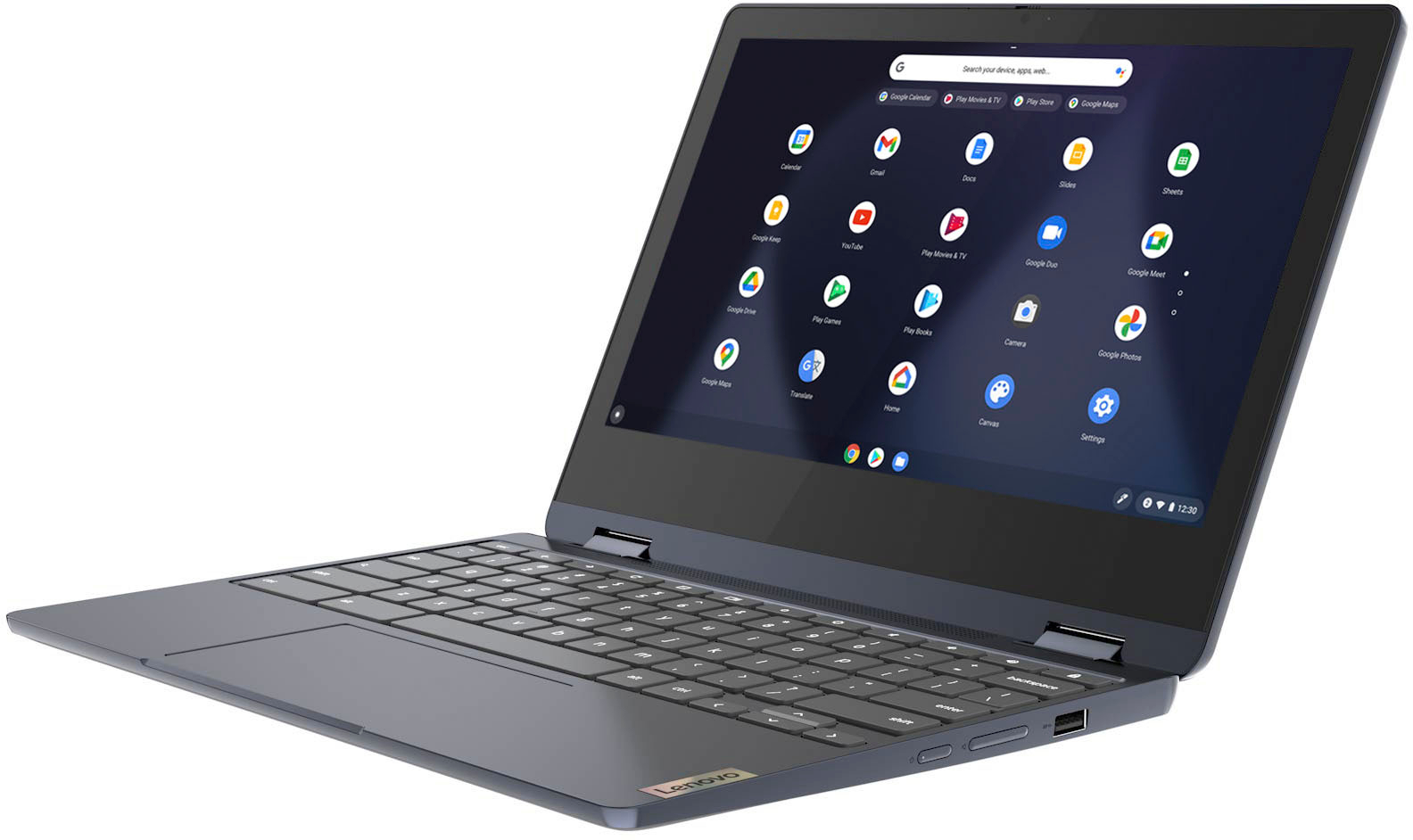
Posted .This Lenovo Flex 3 11 Chromebook, model number 82KM0003US, ships with these ports: 1x USB 2.0, 1x USB-C 2.0 (support data transfer, Power Delivery 2.0, and DisplayPort 1.1a) with video out, 1x microSD card reader, 1x Headphone / microphone combo jack (3.5mm). If you find that you need more USB Type A format ports, you may want to consider using a portable USB Type A Hub, like this one: https://www.bestbuy.com/site/best-buy-essentials-4-port-usb-2-0-hub-black/6453992.p?skuId=6453992

Hard to navigate...
||Posted . Owned for 1 month when reviewed.This reviewer received promo considerations or sweepstakes entry for writing a review.Not user friendly for an old school user... I found it very hard to navigate for someone who is not knowledgeable about Chromebook.
No, I would not recommend this to a friendBrand response from Lenovo Product Expert
Posted .We are sorry to hear that you are having issues with the Chrome Operating System installed on your new Lenovo Flex 3 11 Chromebook. Here is a link to a YouTube Video that may be of some help navigating the features and functions of the Chrome OS: https://www.youtube.com/watch?v=zX-cSwMNclY. If you have questions about your new Lenovo Flex 3 11 Chromebook, we recommend you call Lenovo Tech Support for Chromebooks at: 800-426-7378.
USB mouse not functioning after used for a while
||Posted . Owned for 2 months when reviewed.This reviewer received promo considerations or sweepstakes entry for writing a review.USB mouse (wired / wireless) not functioning after using for around 30 minutes. Power reboot and it might work or after shutting down for days, it would work for a while again(for atound 30 minutes). Opened a ticket with Lenovo, but they just provided standard answers for mouse issue (for windows OS). No further response after responed back to them. The workaround is not to use a USB mouse…
No, I would not recommend this to a friendChromebook
||Posted .This reviewer received promo considerations or sweepstakes entry for writing a review.Found it difficult to use this product and navigate it - did not like how it operated - was not happy with this product
No, I would not recommend this to a friendBrand response from Lenovo Product Expert
Posted .We are sorry to hear that you are having difficulty with your Lenovo Flex 3 11 Chromebook. Here is a link to some tips for getting started with a Chromebook: https://www.google.com/intl/en_us/chromebook/howto/get-started/. Once your have your Flex 3 11 Chromebook setup, here are some additional tips for being productive with a Chromebook: https://www.computerworld.com/article/3237230/chromebook-tips-for-maximum-productivity.html. If you have questions about your Lenovo Flex 3 11 Chromebook, we recommend you contact Lenovo Tech Support for Chromebooks for additional information at: 800-426-7378.
not worth it
||Posted . Owned for 2 months when reviewed.This reviewer received promo considerations or sweepstakes entry for writing a review.It broke right away. It won't turn on at all.... smh
No, I would not recommend this to a friendNice product
||Posted . Owned for 2 weeks when reviewed.This reviewer received promo considerations or sweepstakes entry for writing a review.I had to return this because I needed a windows base tablet. Otherwise it would have been nice to keep
I would recommend this to a friendI need help setting up my laptop
||Posted . Owned for 1 month when reviewed.This reviewer received promo considerations or sweepstakes entry for writing a review.I can only download items i like but they only show up on the bottom of the screen. Vs on the middle of screen?
I would recommend this to a friendBrand response from Lenovo Product Expert
Posted .As with all Chromebooks, you can't add apps to your Lenovo Flex 3 11 Chromebook desktop, as you would on a Windows computer. However, you can pin them to the Shelf to access them quicker. To do that, right-click on your app and select the “Pin to Shelf” option. You can also pin webpage shortcuts to the Shelf. Here is a link to more information: https://www.technipages.com/how-to-add-apps-to-desktop-on-chromebook#:~:text=You%20can't%20add%20apps,webpage%20shortcuts%20to%20the%20Shelf. If you have questions about your Lenovo Flex 3 11 Chromebook, we recommend you contact lenovo Tech Support for Chromebooks at: 800-426-7378.
My review
||Posted . Owned for 10 months when reviewed.This reviewer received promo considerations or sweepstakes entry for writing a review.Came broken cracked and the battery life was real short
No, I would not recommend this to a friendComputer
||Posted . Owned for 1 month when reviewed.This reviewer received promo considerations or sweepstakes entry for writing a review.It's okay don't like login how i can't pick codes for each log in or other thing very touchy
I would recommend this to a friendBrand response from Lenovo Product Expert
Posted .Thank you for choosing the Lenovo Flex 3 11 Chromebook. You can setup multiple User Accounts on your Chromebook. Here is a link to more information: https://support.google.com/chromebook/answer/6088201?hl=en-. If you have questions about your Lenovo Flex 3 11 Chromebook, we recommend you contact lenovo Tech Support for Chromebooks for more information at: 800-426-7378.
- Pros mentioned:Touchscreen
Not Satisfied
||Posted .This reviewer received promo considerations or sweepstakes entry for writing a review.After logging in About ChromeOS said it had a 32bit OS instead of 64bit. Also had weird problem with google prompts and Bluetooth. Couldn’t figure out what was wrong or how to fix so had to be returned. It’s a shame because it had a really nice touch screen.
No, I would not recommend this to a friend I thought it was big enough.
||Posted . Owned for 2 weeks when reviewed.This reviewer received promo considerations or sweepstakes entry for writing a review.I was excited about this laptop but for me it was smaller than I expected.
No, I would not recommend this to a friendLaptop
||Posted . Owned for 2 months when reviewed.This reviewer received promo considerations or sweepstakes entry for writing a review.Not funcional to much documents it’s no recomend this article
No, I would not recommend this to a friendBrand response from Lenovo Product Expert
Posted .We are sorry to hear that you have had a poor experience with our product. The Lenovo Flex 3-11 Chromebook, model number 82KM0003US, is an entry level, light use system with a MediaTek MT8183 processor, 4GB of RAM and a 64GB eMMC drive, for quick access to files and applications. All Chromebooks utilize the Google Chrome Operating System. The Lenovo Flex 3-11 is not meant for moderate to intense multi-tasking or demanding programs. It is good for utilizing compatible applications available in the Google Play app store and light internet browsing. If you are experiencing storage issues with your amount of files, this model does feature a microSD card slot and one could be added to expand your internal storage, or you could add on services through Google to expand your available cloud storage. If you are still experiencing issues, we recommend that you speak with Lenovo Tech Support representative for Chromebooks to potentially gain additional assistance. Here is a number to contact them: 800-426-7378.
Never again
||Posted . Owned for 1 month when reviewed.This reviewer received promo considerations or sweepstakes entry for writing a review.I'm sure it would have been great if I actually received it
No, I would not recommend this to a friendUseless!!!
||Posted . Owned for 1 month when reviewed.This reviewer received promo considerations or sweepstakes entry for writing a review.Needed a new laptop. I was impressed with the ratings and I bought one. This morning, to my surprise it stopped working. Tried checking how to troubleshoot. Problem not solved. Just a month old. Now it is useless. First-time bought a product in best buy that was useless after a month. Returnable date lapsed. Sad...very sad. Recommend to a friend?...hell...NO!!!
No, I would not recommend this to a friendBrand response from Lenovo Product Expert
Posted .We are sorry to hear that you are having issues with your Lenovo Flex 3 11 Chromebook, model number 82KM0003US. Resetting your Chromebook back to original factory settings may correct the issue you are having. Here is a link to instructions for resetting a Chromebook: https://support.google.com/chromebook/answer/183084?hl=en. If the issue continues after this reset, we recommend you contact Lenovo Tech Support for Chromebooks for additional help at: 800-426-7378.
Touchscreen problem
||Posted . Owned for 3 weeks when reviewed.This reviewer received promo considerations or sweepstakes entry for writing a review.Touchscreen doesnt work well. I have to use the mousepad alot.
I would recommend this to a friendBrand response from Lenovo Product Expert
Posted .We are sorry to hear that you are having issues with the touch screen feature of Your Lenovo Flex 3 11 Chromebook. Resetting the hardware of your Chromebook may fix the touch screen issue you are having. Here is a link to instructions for resetting the hardware of a Chromebook: https://support.google.com/chromebook/answer/3227606?hl=en. If the issue continues, now try a factory reset of your Chromebook: https://support.google.com/chromebook/answer/183084?hl=en&ref_topic=3417251. If the issue still continues, we recommend you contact lenovo Tech Support for Chromebooks for additional help. Let the Lenovo Chromebook Customer Support Specialist know the troubleshooting steps you have already taken. Call at: 800-426-7378.
Returned it
||Posted . Owned for 3 weeks when reviewed.This reviewer received promo considerations or sweepstakes entry for writing a review.Not what I expected. Decided to return it and get windows
No, I would not recommend this to a friendHorrible !
||Posted . Owned for less than 1 week when reviewed.This reviewer received promo considerations or sweepstakes entry for writing a review.It’s not user friendly at all. I can’t even get into it after 3 days because everyday it wants me to verify that it’s my Google account and keeps getting stuck on a verification code that never comes . This is why I only buy HP I just really wanted to take a chance on something else . Whatever you do don’t buy go for better quality . It’s also really heavy for such a small laptop .
No, I would not recommend this to a friendBrand response from Lenovo Product Expert
Posted .We are sorry to hear that you are having issues logging in to your Lenovo Flex 3 11 Chromebook. Resetting your Chromebook back to original factory settings may fix the login issue you are having. Here is a link to information about resetting a Chromebook: https://support.google.com/chromebook/answer/183084?hl=en. Id the issue continues, we recommend you contact lenovo Tech Support for Chromebooks for additional help at: 800-426-7378.
Doesn't Turn On.
||Posted .This reviewer received promo considerations or sweepstakes entry for writing a review.Fired up on reading the overall positive reviews of this device. Product came today and there is no visible damage and the thing doesn't even power on. Tried charging it for a few hours and still no pulse. No sign of life. Maybe a fluke defective one? Will update this review when I receive a working one. Until then no bueno
No, I would not recommend this to a friendBrand response from Lenovo Product Expert
Posted .We are sorry to hear that you are having issues with your Lenovo Flex 3 11 Chromebook. Resetting your Chromebook may correct the problem you are having, with the Chromebook plugged in and having charged the battery for at least 15-minutes, follow these steps: https://support.google.com/chromebook/answer/183084?hl=en. If the issue continues, we recommend you contact Lenovo Tech Support for Chromebooks for additional help at: 800-426-7378.