Customer Ratings & Reviews







- Model:
- 82KM0002US
- SKU:
- 6479326
Rating by feature
- Battery Life
Rating 4.7 out of 5 stars
- Speed
Rating 4.4 out of 5 stars
- Display
Rating 4.5 out of 5 stars
Customers are saying
Customers commend the Flex 3 Chromebook for its ease of use, touchscreen functionality, and compact size. Positive feedback also highlights the device's battery life, value for the price, and performance for everyday cloud-based tasks. However, some users express concern regarding the limited storage capacity. The relatively small amount of memory is also mentioned as a potential drawback for multitasking or demanding applications.
This summary was generated by AI based on customer reviews.
Stuck in touchscreen mode.
||Posted . Owned for 3 weeks when reviewed.This reviewer received promo considerations or sweepstakes entry for writing a review.I purchased this for a Christmas gift for myself from my wife. I used it one time and really enjoyed having a chromebook again. My wife used it a few days later to print some labels and she used the flip and touch screen mode. Three days later after searching the internet far and wide, watching video after video, we returned the product due to it being stuck in touchscreen mode. Apparently, this is an issue with many brands. The next chromebook i purchase will not have this feature.
No, I would not recommend this to a friendBrand response from Lenovo Product Expert
Posted .We are sorry to hear that you had issues with the touch screen functionality of your Lenovo Flex 3 11 Chromebook. Resetting the hardware of your Chromebook may correct the issue: https://support.google.com/chromebook/answer/3227606?hl=en. If the issue continues, resetting your chromebook back to original factory settings may fix the issue: https://support.google.com/chromebook/answer/183084?hl=en&ref_topic=3417251. If the issue continues after this reset, we recommend you contact Lenovo Tech Support for Chromebooks at: 800-426-7378.

- Pros mentioned:Size
Big phone
||Posted . Owned for 2 weeks when reviewed.This reviewer received promo considerations or sweepstakes entry for writing a review.Oversized cellphone....it literally can do everything your phone can do on an 11 inch monitor.
No, I would not recommend this to a friendBrand response from Lenovo Product Expert
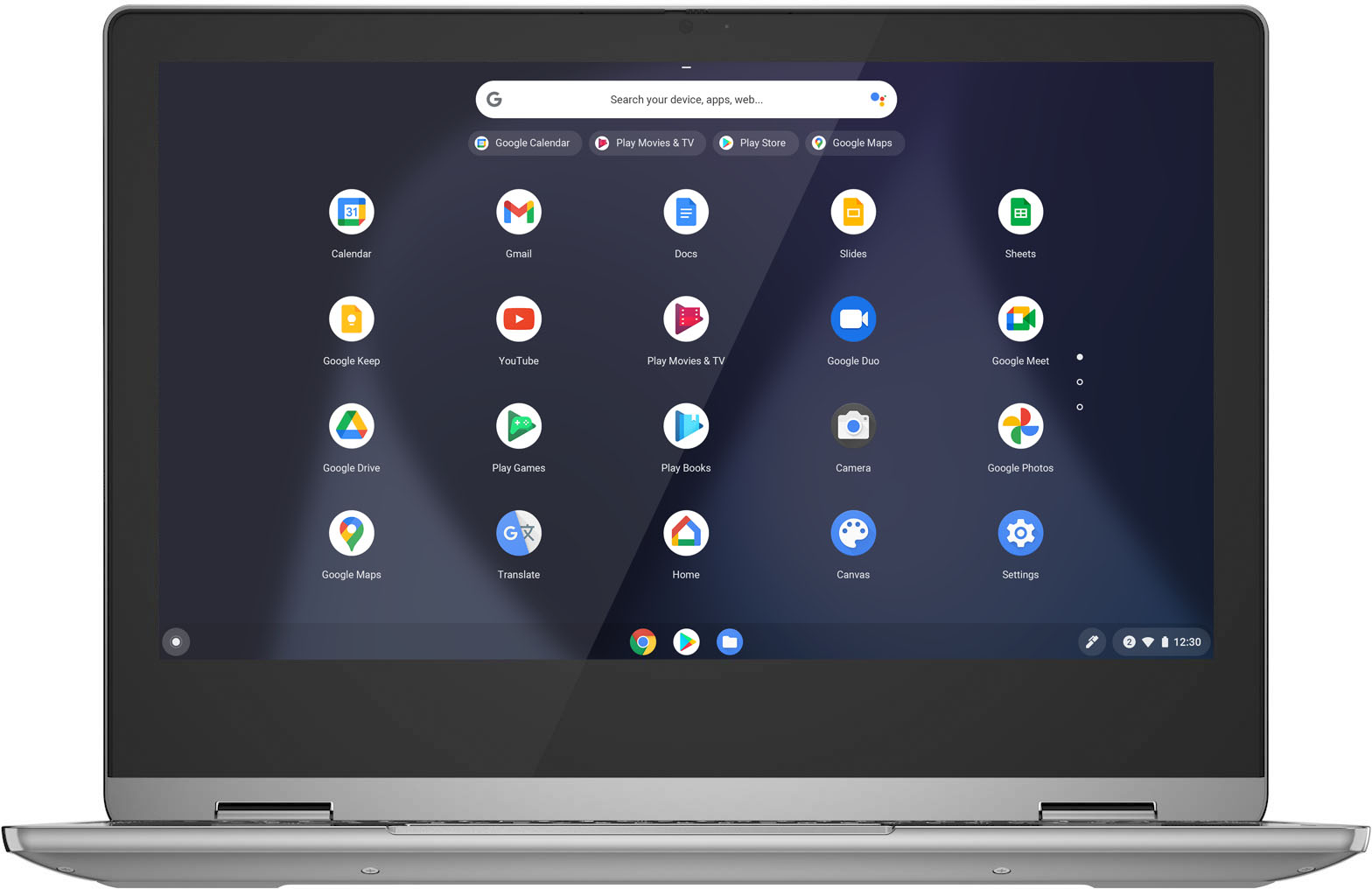
Posted .The Lenovo Flex 3 11 Chromebook ships with the Chrome Operating System and is compatible with Google Play Store APPs. This Lenovo Flex 3 11 Chromebook provides the full functionality of a Chromebook with a keyboard, touchpad and touch screen making it possible to get your work done.
Not built to last
||Posted . Owned for 3 months when reviewed.This reviewer received promo considerations or sweepstakes entry for writing a review.Got this chromebook on Black Friday sale for $149 for my daughter. It seemed to have a quality build with a lot of metal and limited amount of plastic. However, a small drop ended this thing and broke the hinge somehow which in turn causing exposed wiring and such. Now the thing is stuck in reboot mode which means it's dead. If giving this to a younger kid, think twice, they aren't durable.
No, I would not recommend this to a friend- Pros mentioned:Size
Purchase
||Posted . Owned for 1 month when reviewed.This reviewer received promo considerations or sweepstakes entry for writing a review.Definitely not what I was looking for. Would be perfect for a young kid
No, I would not recommend this to a friendBrand response from Lenovo Product Expert
Posted .This Lenovo Flex 3 11 Chromebook ships with the Chrome Operating System and is compatible with Google Play Store APPs. We always recommend you check the requirements and compatibility of any software you will be installing on your new computer, before you invest in any computer. Be sure your new computer can support the software you will need to use.
Just ok
||Posted . Owned for 7 months when reviewed.This reviewer received promo considerations or sweepstakes entry for writing a review.Just a decent computer good price point for a budget
No, I would not recommend this to a friendpaid for 233.89 a broken cromebook got 203.89 back
||Posted . Owned for 3 weeks when reviewed.This reviewer received promo considerations or sweepstakes entry for writing a review.Arrive broken, needed for an out-of-town business meeting. Kept freezing and going blank. By the time I got back my 15 days were up. Had to get an appointment five days later. I bought a year's worth of antivirus also. I ended up getting a credit for the Chromebook but got stuck with the bill for the antivirus that was loaded on my return
No, I would not recommend this to a friendPrinter connecting issues with Chromebooks
||Posted . Owned for 1 month when reviewed.This reviewer received promo considerations or sweepstakes entry for writing a review.I bought this Chromebook because I needed something for school, just to type up essays nothing too crazy. I quickly realized that it was having issues connecting to my Epson printer. this is an issue with most Chromebooks that I wasn't aware of. Of course, I wasn't going to buy a new printer to work with this Chromebook so I just returned it.
No, I would not recommend this to a friendBrand response from Lenovo Product Expert
Posted .We are sorry to hear that you are having issues connecting your printer to this Lenovo Flex 3 11 Chromebook. This Flex 3 11 Chromebook is compatible with any printer that is compatible with the Chrome Operating System. We recommend you check with your printer manufacturer's web site for the compatibility of your specific printer model. Here is a link to information about connecting a compatible printer to a Chromebook: https://support.google.com/chromebook/answer/7225252?hl=en
- Pros mentioned:Size

A great little laptop
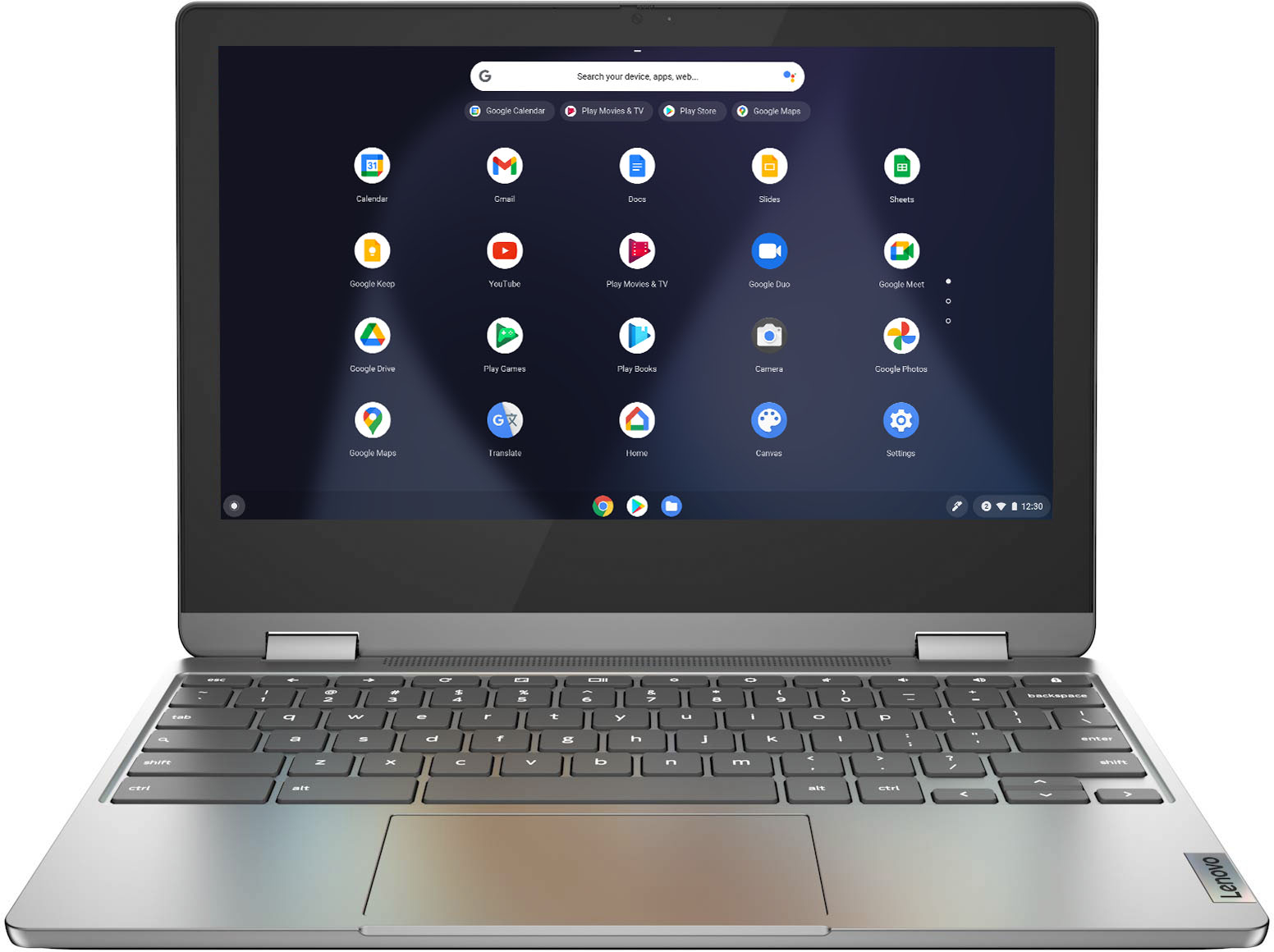
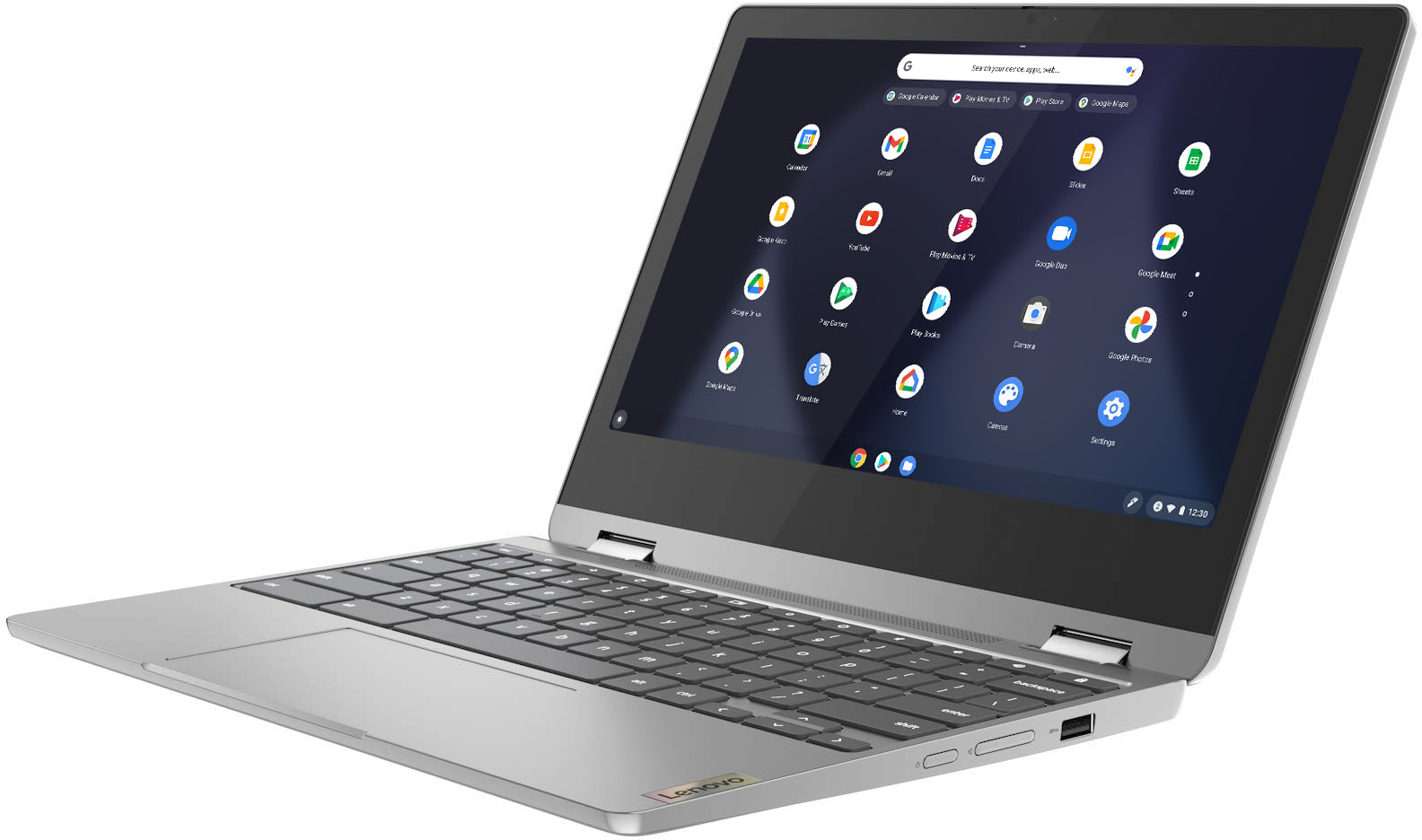
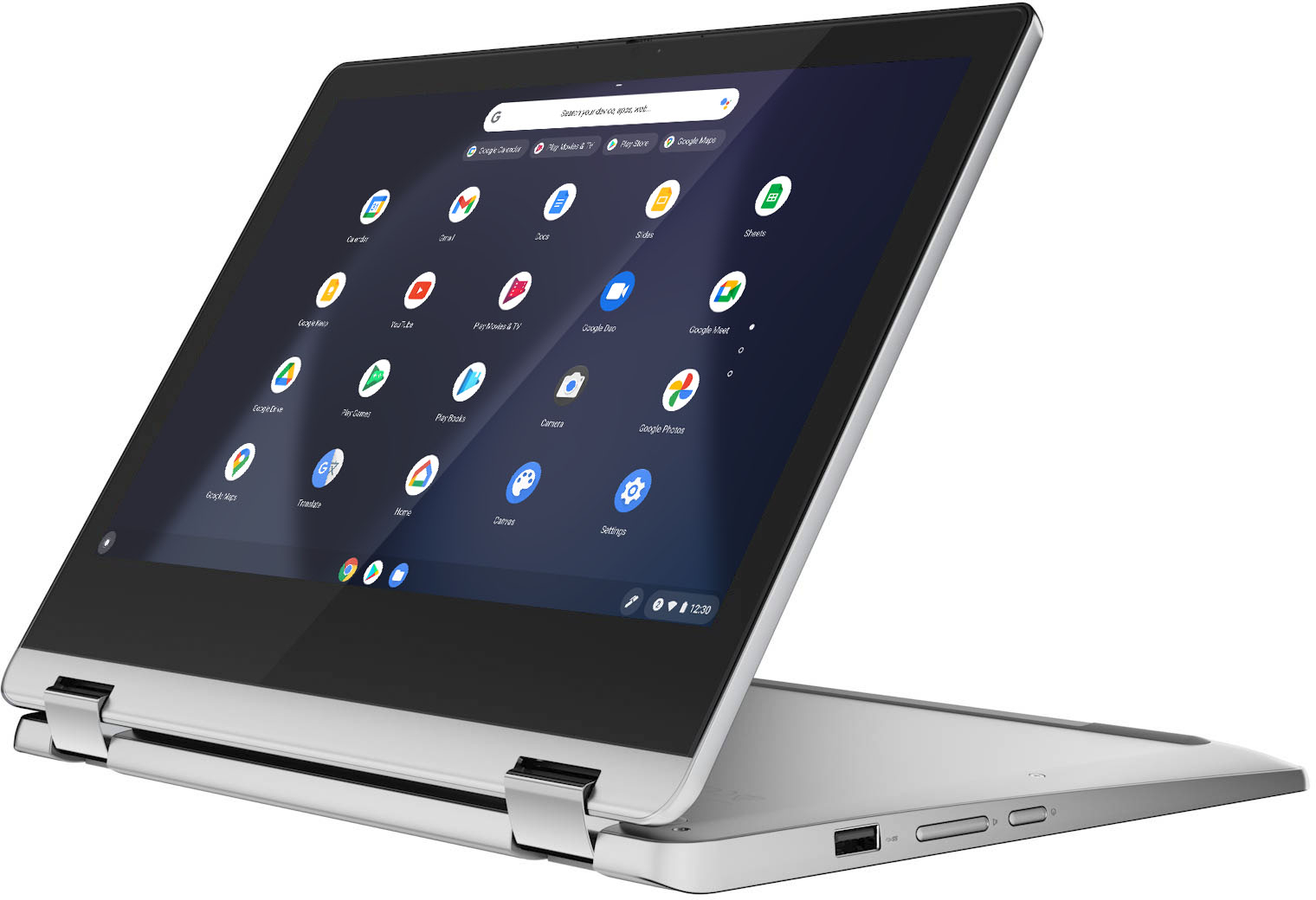
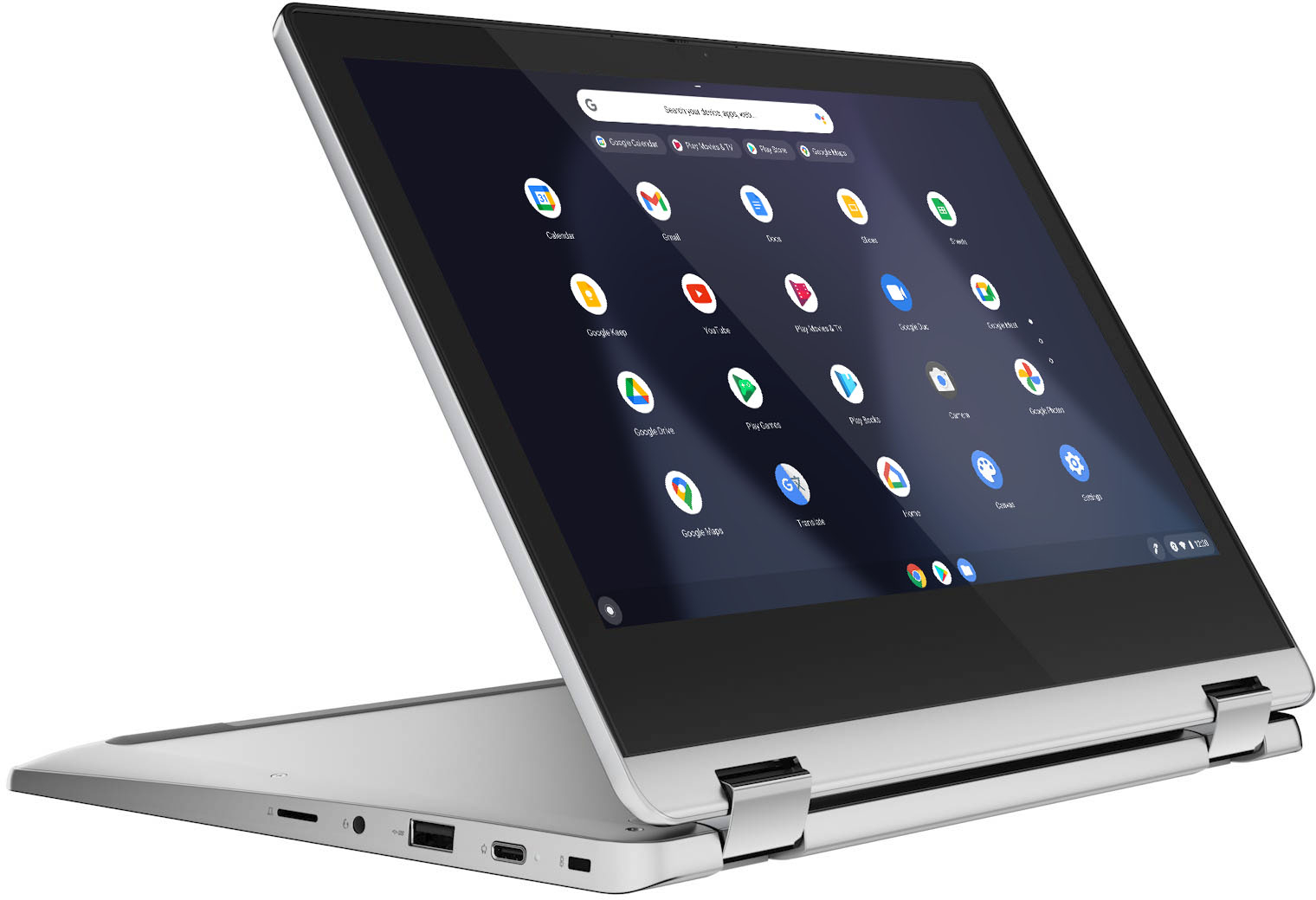
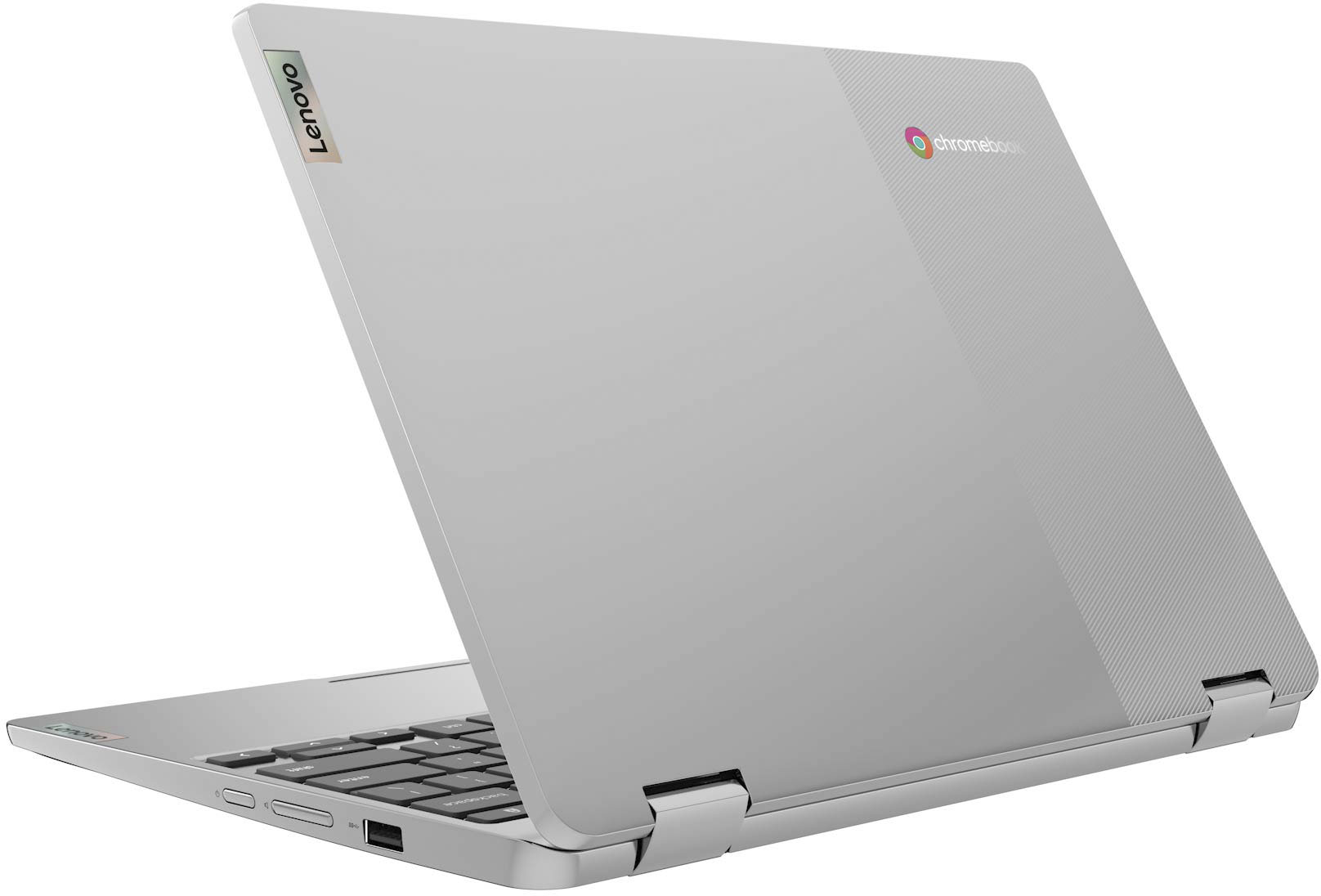
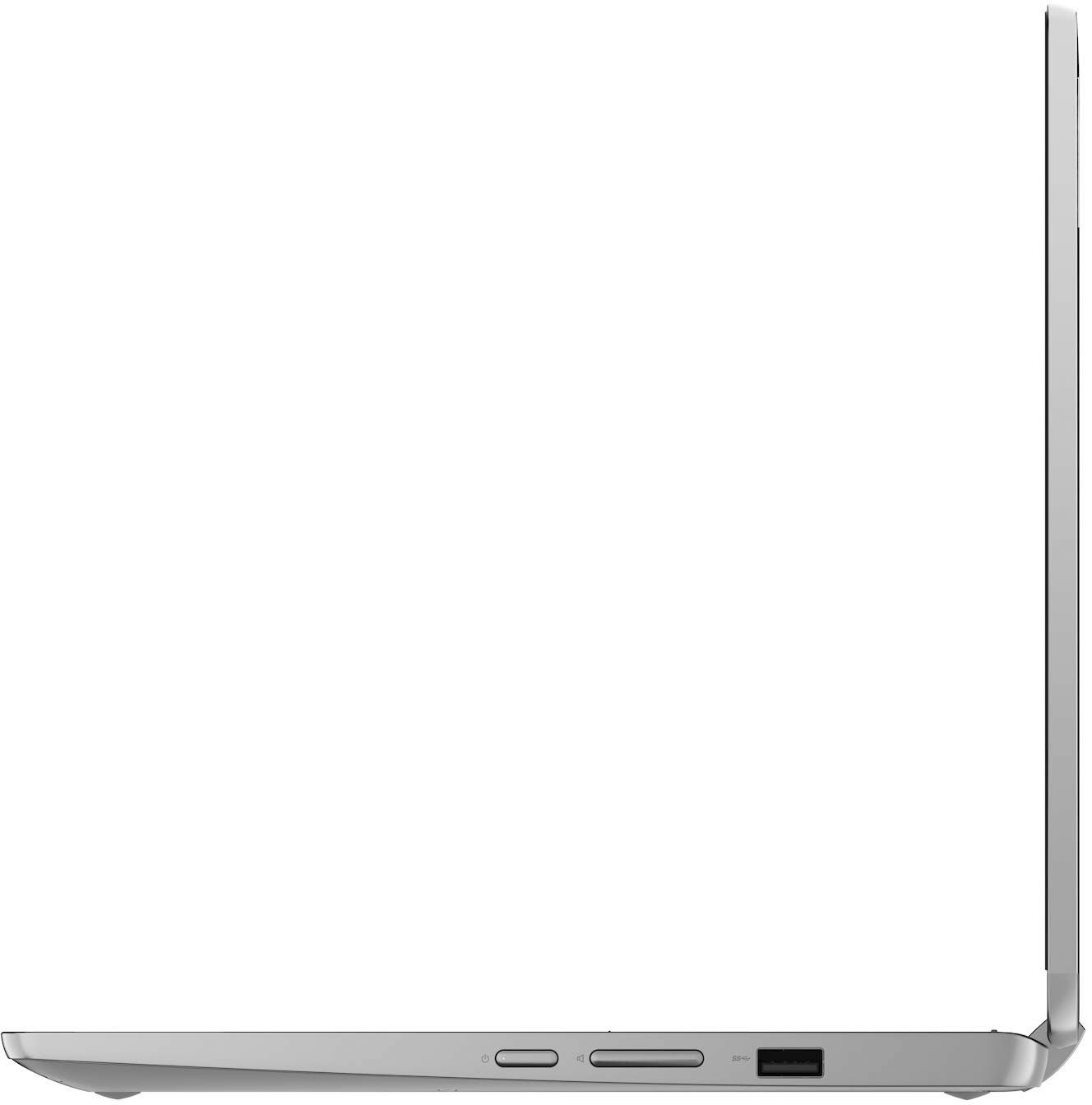
|Posted .This reviewer received promo considerations or sweepstakes entry for writing a review.The Lenovo IdeaPad Flex 3 Chromebook is great. With easy access to Google’s suite of productivity software, the Chrome web browser, and enough processing power to run fun apps and video conferencing software, this little machine is perfect for beginners and students. Chrome OS is a simple-to-learn operating system. Don’t expect to run resource-heavy photo/video editing software or video games. A Chromebook at this price point is largely intended to be a web browsing and email machine. An 11 inch screen is great for an easily portable device. The screen is not high resolution, but touch sensitivity is a nice…touch. See what I did there? Speakers aren’t top notch, but the volume can be turned up with little to no distortion. At this price point sound quality shouldn't be a priority. There is a headphone jack if you plan on listening to music and want better sound. The camera has a slide cover which is nice. Video quality is fine. I’ve watched several Youtube videos without any lag. The wifi card maintains a solid connection. One USB-C and one USB 2.0 port allow for limited peripheral attachment, and a MicroSD card slot allows for storage expansion. The USB-C port is also used for charging the Chromebook. Touchpad works as expected, but you also have the option of connecting a mouse via Bluetooth or USB. There is a volume rocker switch next to the power button which seems unnecessary considering the volume buttons on the keyboard, but it’s there. Build quality is what you should expect for the price. The body seems to be built of plastic rather than metal, but feels quite sturdy. Hinges feel strong. The ability to flip the screen around to transform into a tablet is nice, but it is much more bulky than just a tablet. Might be ideal for people who have a hard time holding on to a slimmer device. Do NOT grip too tight in tablet mode, as the back of the machine is the keyboard. The “chiclet” keys are clicky and responsive which is great, but too much pressure can wear this sort of key down over time. Overall, I am impressed. Again, this is a fantastic starter laptop for the price. Lenovo says it’s “perfect for students of all ages,” and I definitely agree. If the basics are what you’re looking for, you can’t go wrong here.
I would recommend this to a friendBrand response from Lenovo Product Expert
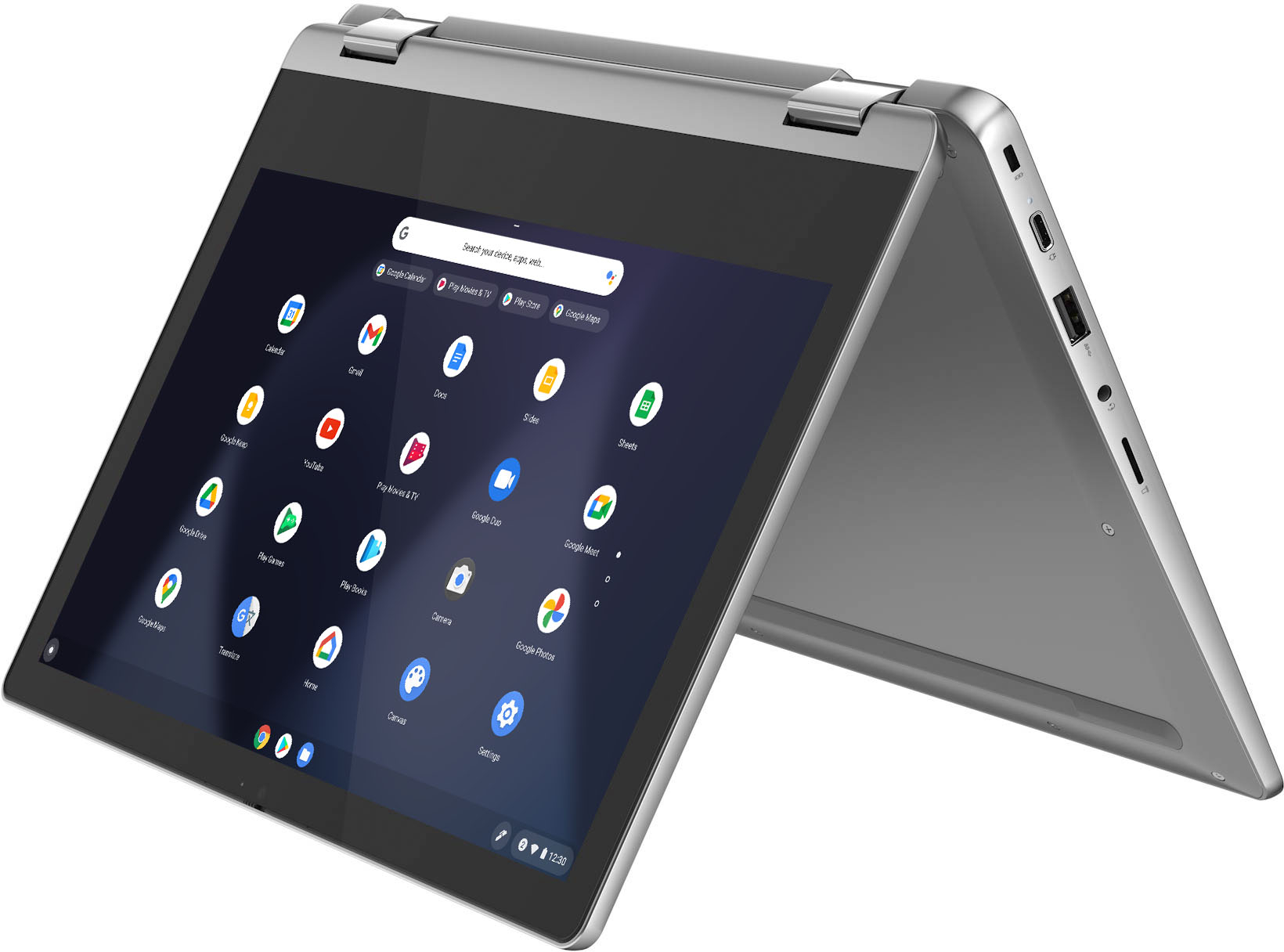
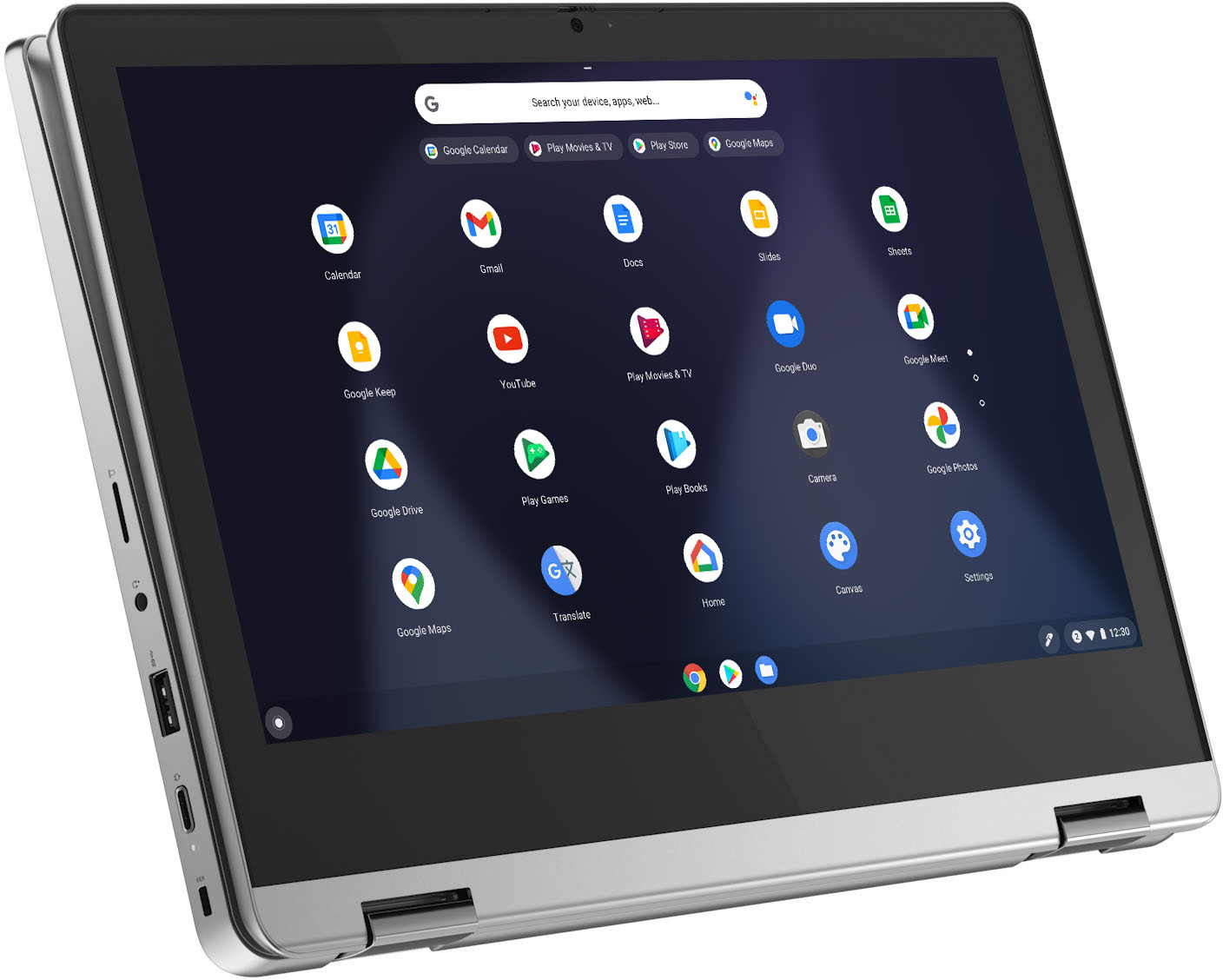
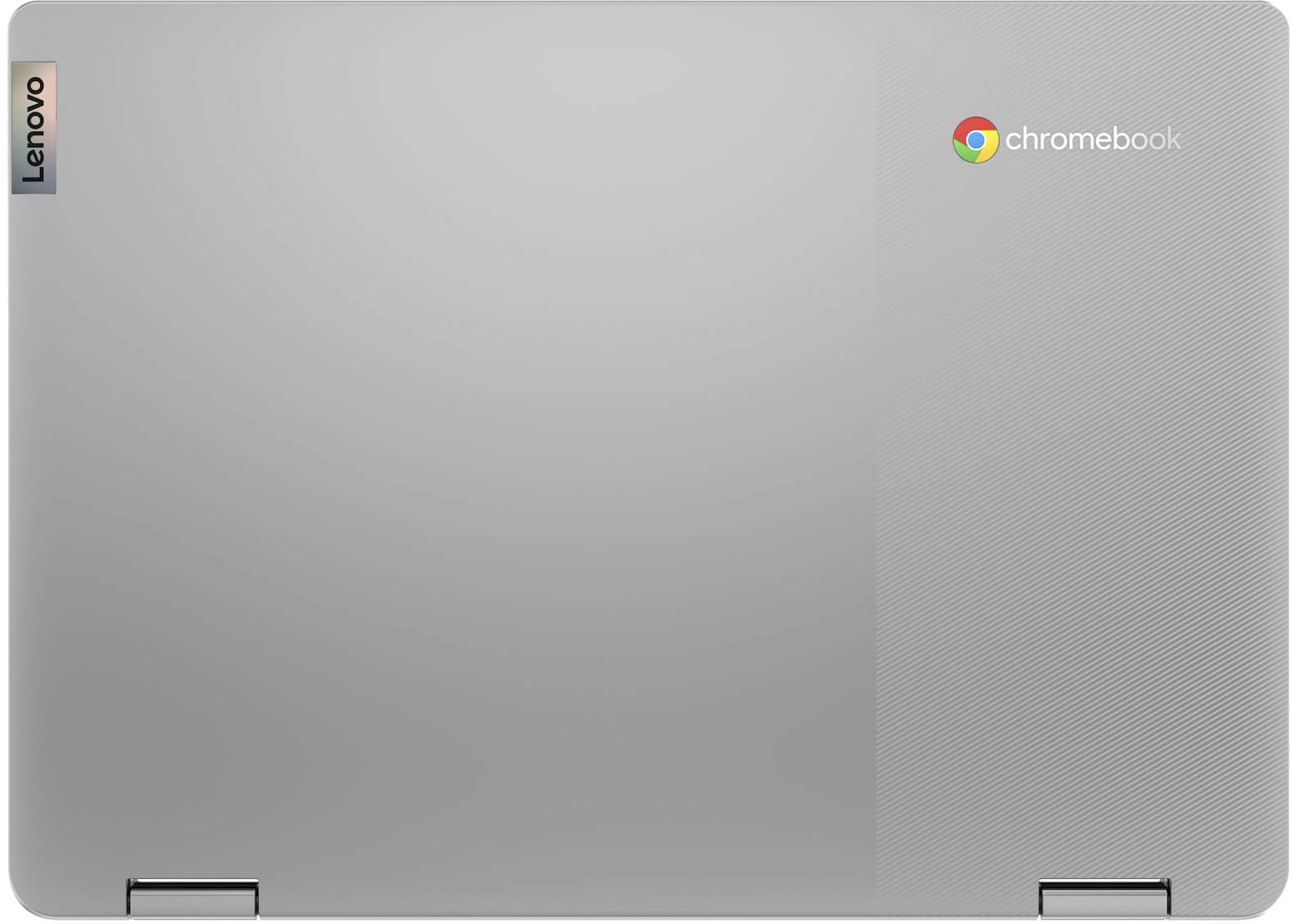
Posted .Thank you for choosing the Lenovo Flex 3 11 Chromebook. This model ships with a 11.6 inch (screen size measured diagonally) IPS - HD (1366x768) 10-point Multi-touch screen, with a brightness of 250 nits and has a Glossy finish. The system audio is powered by the High Definition (HD) Audio, Maxim MAX98357A Dialog DA7219 codec, audio chip, with Stereo system speakers, 2W x2. The case material of this Chromebook is: PC + ABS Plastic (Top), PC + ABS Plastic (Bottom). The Flex 3 11 Chromebook is a 2 in 1 design. This model has 360 degree hinges on the screen/keyboard that allow the Chromebook to be used in the traditional laptop mode or flip the screen over to use in tablet mode. When the Chromebook is in tablet mode, both the keyboard and touchpad functions turn off automatically, so you don't need to worry about inadvertent entries while holding the Chromebook.
Not for dummies
||Posted . Owned for 1 month when reviewed.This reviewer received promo considerations or sweepstakes entry for writing a review.Returned item. Not able to set up. When requested assistance from Best Buy they were going to charge $149. I don't think so. I am not technology smart but have purchased other computers and notepad and was able to set up. Not this one. Possibly a great machine. May go to another store to purchase one where more customer friendly.
No, I would not recommend this to a friendBrand response from Lenovo Product Expert
Posted .We are sorry to hear that you had issues with the initial setup of your Lenovo Flex 3 11 Chromebook. Here is a link to instructions for the initial setup of a Chromebook: https://www.androidcentral.com/how-set-new-chromebook. If you continue to have questions about your Lenovo Flex 3 11 Chromebook, we recommend you contact Lenovo Tech Support for Chromebooks at: 800-426-7378.
Not what I expected
||Posted . Owned for 2 weeks when reviewed.This reviewer received promo considerations or sweepstakes entry for writing a review.Purchased for my son to use the internet and also drawing apps . Not bad for a Chromebook and price BUT there isn’t any stylus that is compatible with this Lenovo model . Tried three pens to find out nothing works . I also own Lenovo Yoga ( denim blue ) and I LOVE LOVE LOVE IT ! For the cost hate to return it .
No, I would not recommend this to a friendBrand response from Lenovo Product Expert
Posted .This Lenovo Flex 3 11 Chromebook, model number 82KM0002US, is not compatible with any active/digital pen. You can use a capacitive touch stylus on the touch screen as a finger replacement, like this one: https://www.bestbuy.com/site/insignia-stylus-silver/3695185.p?skuId=3695185
School only laptop
||Posted . Owned for 3 weeks when reviewed.This reviewer received promo considerations or sweepstakes entry for writing a review.If you want a computer for school work and literally nothing else. This is it
I would recommend this to a friendBrand response from Lenovo Product Expert
Posted .This Lenovo Flex 3 11 Chromebook ships with the Chrome Operating System and is compatible with Google Play Store APPs. Not all Google Play Store APPs are optimized for the Chrome Operating System. We recommend you check with the specific APPs software publisher's web sites, of the specific APPs you will be using, for their compatibility with the Chrome operating system and the minimum/recommended hardware requirements (Is a Graphics card required, the processor speed and the minimum required system RAM and the minimum available hard drive space) to run their program, then compare those requirements to this system's configuration.
Laptop
||Posted .This reviewer received promo considerations or sweepstakes entry for writing a review.Love the brand Lenovo so I really enjoyed this product.
No, I would not recommend this to a friend- Pros mentioned:Battery life
A Chromebook worth every penny!
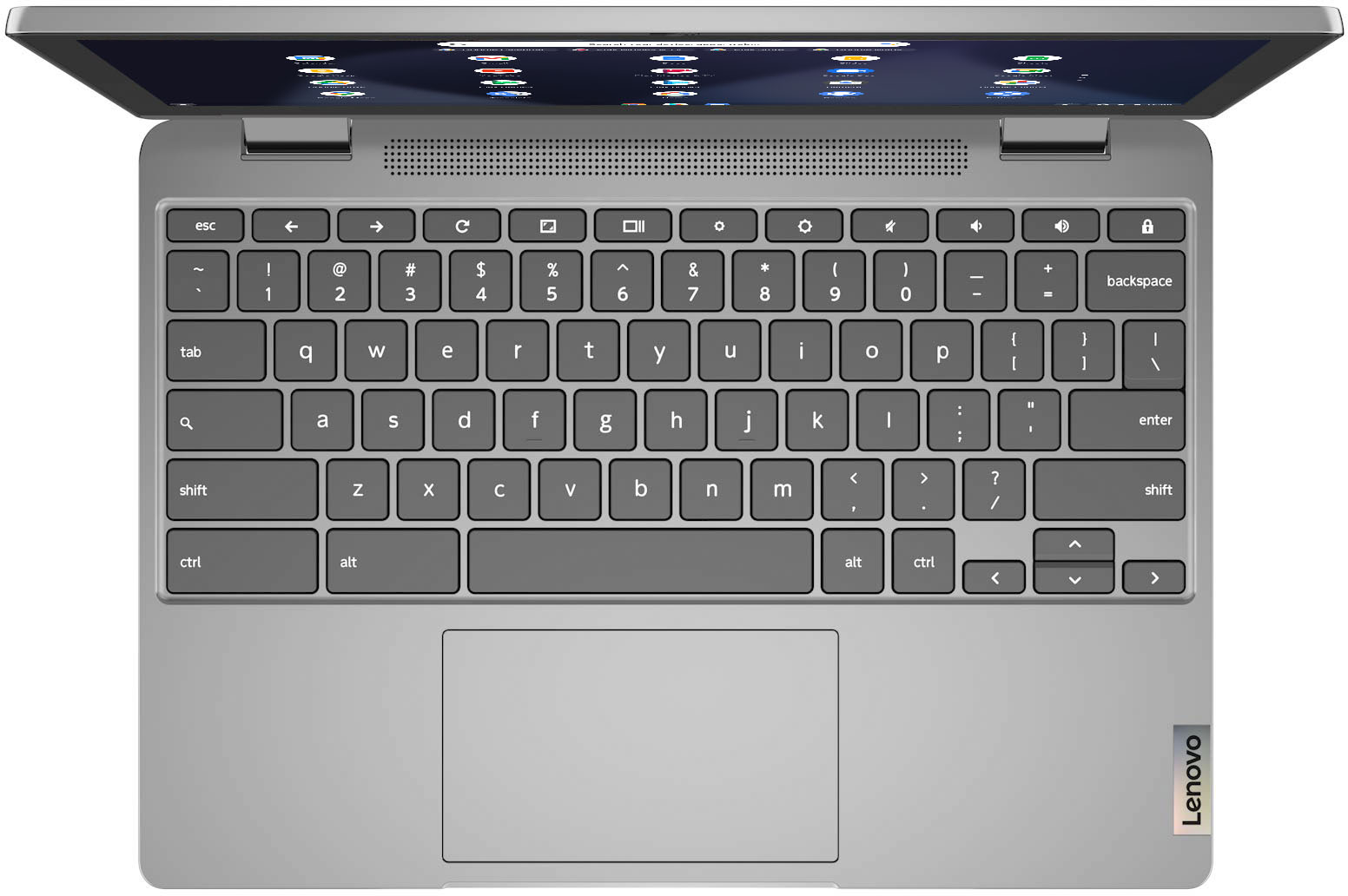
|Posted .This reviewer received promo considerations or sweepstakes entry for writing a review.Yes, this machine does go use an aging processor, but it's not something everyone will really notice. It's just specs on a sheet and I am not really noting that fact, rather the daily everyday type of usage of this machine. I have to say that this chromebook is just as fast as my other laptop which i really like to use as well. It's basically a windows vs chrome OS and tell you the truth for the most part, you won't really can tell the difference other than some smaller screens show similar to what you see on your phone. Secondly, the storage is really the main difference here. I do wish the keyboard was backlit like my laptop. Also using office products is somewhat limited. But otherwise using a chromebook is really no different than using a dedicated windows machine. The battery states at this time of typing at 91% and that equates to approx 12.5 hours. The display is decent and not 4k but it gets its job done. The screen is really bright if you need it. The sound is not a winner here but for the price, I can't really fault it Just use some wireless headphones and connect bluetooth. Is there something not really great with this model? Well the trackpad is wobbly, the speakers are tinny sounding, and there's no backlit keybooards. Would I recommend it? For a student and knowing you are not going to use Office products on it. No video editing and not using it for a ton of storage, I would recommend this. Pretty much a tablet with a dedicated keyboard, which I do not mind. You just to clarify what his machine is.
I would recommend this to a friendBrand response from Lenovo Product Expert
Posted .Thank you for choosing the Lenovo Flex 3 11 in. 2-in-1 Chromebook Laptop. We are very pleased to hear about your great experience and that the specifications and features of the Lenovo Flex 3 11 in. 2-in-1 Chromebook Laptop meet your computing needs so well. To use some features of Microsoft Office 365 on your Lenovo Flex 3 11 Chromebook, please refer to this link for more information: https://support.microsoft.com/en-us/office/how-to-access-microsoft-office-on-a-chromebook-32f14a23-2c1a-4579-b973-d4b1d78561ad.
Not good for us
||Posted . Owned for 1 month when reviewed.This reviewer received promo considerations or sweepstakes entry for writing a review.Bought for my daughter for Christmas, she had it 2 days and the corner came unsnapped i returned it to best huy and they said they couldnt do anything anyways it completely quit working 3 days later. Not sure if i just got a bad one or what.
No, I would not recommend this to a friendBrand response from Lenovo Product Expert
Posted .We are sorry to hear that you are having issues with your Lenovo Flex 3 11 Chromebook. Resetting your Chromebook back to original factory settings may correct the issue you are having with this Chromebook not starting properly. Here is a link to instructions for resetting a Chromebook: https://support.google.com/chromebook/answer/183084?hl=en. If the issue continues, we recommend you contact Lenovo Tech Support for Chromebooks at: 800-426-7378.
4 weeks and keyboard keys no longer work
||Posted . Owned for 2 months when reviewed.This reviewer received promo considerations or sweepstakes entry for writing a review.This is not what I was expecting for my first Lenovo purchase. We purchased this in November for a Christmas gift. Worked well until a week ago (after the return window has closed). Now the 'b', 'n' and volume up keys no longer work.
No, I would not recommend this to a friendBrand response from Lenovo Product Expert
Posted .We are sorry to hear that you are having issues with the keyboard of your Lenovo Flex 3 11 Chromebook. Resetting the hardware of your Chromebook may fix the issue. To reset the hardware of a Chromebook, follow these instructions: https://support.google.com/chromebook/answer/3227606?hl=en. If the issue continues, now reset the Chromebook back to original factory settings: https://support.google.com/chromebook/answer/183084?hl=en&ref_topic=3417251. If the issue still continues, we recommend you contact Lenovo Tech Support for Chromebooks at: 800-426-7378.
- Pros mentioned:Ease of use
compact, lightweight, comfortable to use
|Posted .This reviewer received promo considerations or sweepstakes entry for writing a review.I have been using this Lenovo Chromebook laptop computer for about a week now, and I am enjoying it. Out of the box, setup was simple and fast, and, after logging into my Google account, I was up and running. I have owned and used MANY notebook computers of all different sizes and weights over the last couple of decades, and I have nothing but high praise for this Chromebook. It is very light, and, at 11-inches by 8-inches, it is not large, being smaller than a letter-sized piece of paper. It is very portable. The keyboard is typical of laptops. It is soft in feel, I do like the relatively short key travel, and it is overall comfortable to use. The touchpad works well, also. The computer has audio log-in capability, something I’ve not experienced before, where it will learn your voice, and you can log into the device without having to touch anything. The display is bright and crisp. As has been my experience with Chromebooks, external connectivity is limited, in this case to a single USB-2 port, a headphone jack, and a micro-SD card reader. But then, that’s the idea. You’re supposed to work within the Chrome universe with a device like this, and it works well in that regard. In summary, this computer is very comfortable to tote around, looks good with a beautiful screen, and is a pleasure to use.
I would recommend this to a friend - Pros mentioned:Ease of use
Portable and light!
|Posted .This reviewer received promo considerations or sweepstakes entry for writing a review.One of the best sleek laptops available in the market. Performance is just good enough for daily use browsing, movies, Netflix etc. touchscreen is not sensitive enough. Display is pretty good. Hey google shortcut is very helpful and I have used it for quick searches. Overall, a pretty good product for daily use and portability. Would recommend this to anyone.
I would recommend this to a friend Judge It By Its Size Do You Not! Hmmmmm.
|Posted .This reviewer received promo considerations or sweepstakes entry for writing a review.Sorry for the Yoda reference, but it really kind of encapsulated what I thought about the Lenovo Flex 3 after using it for a week so far. While it is not a powerhouse to be used for high-end games or graphic design, it is absolutely perfect for a travel laptop or one to have around the house when you want something easy and light to use for surfing, typing, and other light duties. I wanted it for travel and to have in my library/den. I have yet to go anywhere with it but I have been using it on my lap desk while kicked back in my recliner. It has been perfect for surfing and sending/responding to emails. I enjoy having the keyboard rather than using a tablet, and while it may not be quite up to the standards of the top-end Lenovo keyboard (which tend to be my favorite), it is still remarkably good for a laptop at this price point. I've never been a huge fan of the Chrome ecosystem, but it's expansion into the education space combined with its maturity now as an OS have made it much more useful. With programs such as Microsoft Office and Adobe Lightroom now having full apps available, it no longer feels like you are giving up much by using a Chromebook vs. a Mac or PC. The Google store could still use a bit more curating and filtering options but that too has gotten better over the years. The screen, while only a 11.6" FHD (1920x1080), looks remarkably sharp at this size. I have a favorite background image that I also use on my iMac and they both look sharp and bright despite the Mac being a vastly superior screen. My only quibble with the screen is that they really need to move Chromebooks to 4:3 aspect ratio since they are predominantly used for surfing/online programs. With that ratio vs. the widescreen, you wouldn't have to scroll quite as much. My only other 'complaint' that really isn't a complaint is that the small form factor of the laptop does not give you a ton of room for a trackpad, especially when they give you such a good sized keyboard. While there is nothing wrong with how it works, it does seem to take a bit more time to move the cursor about the screen. This has been easily fixed with the purchase of a relatively inexpensive (sub-$30) mouse that is design for Chromebooks. I'm going to end the review on a high note. My greatest surprise has been the battery life on this thing. I charged the laptop up fully prior to it's first use and since then I have used it for quite a few hours. The battery still hasn't gone below 75%! That combined with the nice USB-C charge port (which is great since I already have a 100W charge brick with multiple USB-C charge cords for my other devices), makes this a great travel device since it can share the same charger as my other devices and saves on space. All-in-all, the Lenovo Flex 3 is a great little laptop that can either be a great secondary device for travel or even as a primary laptop for a child or adult who doesn't need a desktop replacement. Definitely recommend.
I would recommend this to a friendBrand response from Lenovo Product Expert
Posted .Thank you for choosing the Lenovo - Flex 3 11 in. 2-in-1 Chromebook Laptop. We are very pleased to hear that the specifications, features, and performance of the Lenovo - Flex 3 11 in. 2-in-1 Chromebook Laptop meet your computing needs so well. There are ways to adjust the touchpad sensitivity and speed, please refer to this link for more information: https://support.google.com/chromebook/answer/1047367?hl=en.
Stopped working 1 week in
||Posted . Owned for 1 month when reviewed.This reviewer received promo considerations or sweepstakes entry for writing a review.We purchased 2 of these for Christmas. One stopped working within 1 week. Not for gamers, kids were unhappy. Very disappointing when you're trying make your kids happy.
No, I would not recommend this to a friendBrand response from Lenovo Product Expert
Posted .We are sorry to hear that you are having issues with your Lenovo Flex 3 11 Chromebook no working. Resetting this Chromebook back to original factory settings may correct the issue. Here is a link to instructions for resetting a Chromebook: https://support.google.com/chromebook/answer/183084?hl=en. If the issue continues, we recommend you contact lenovo Tech Support for Chromebooks for additional help at: 800-426-7378. We always recommend you check the requirements and compatibility of any software/games you will be installing on your new Chromebook, before you invest in any Chromebook. Be sure your new Chromebook can support the software/games you will need to use.
Lenovo chromebook
||Posted . Owned for 1 month when reviewed.This reviewer received promo considerations or sweepstakes entry for writing a review.Had this chrome book for not even 30 days and it has already stopped charging. When you press the T or Y key it completely turns off. Do not purchase this item.
No, I would not recommend this to a friendBrand response from Lenovo Product Expert
Posted .We are sorry to hear that you are having issues with your Lenovo Flex 3 11 Chromebook. Resetting the hardware of your Chromebook may correct the issues you are having. Here is a link to instructions for resetting the hardware of a Chromebook: https://support.google.com/chromebook/answer/3227606?hl=en. If the issues continue, now reset the Chromebook back to original factory settings: https://support.google.com/chromebook/answer/183084?hl=en&ref_topic=3417251. If after these resets the issues continue, we recommend you contact Lenovo Tech Support for Chromebooks at: 800-426-7378.