Customer Ratings & Reviews
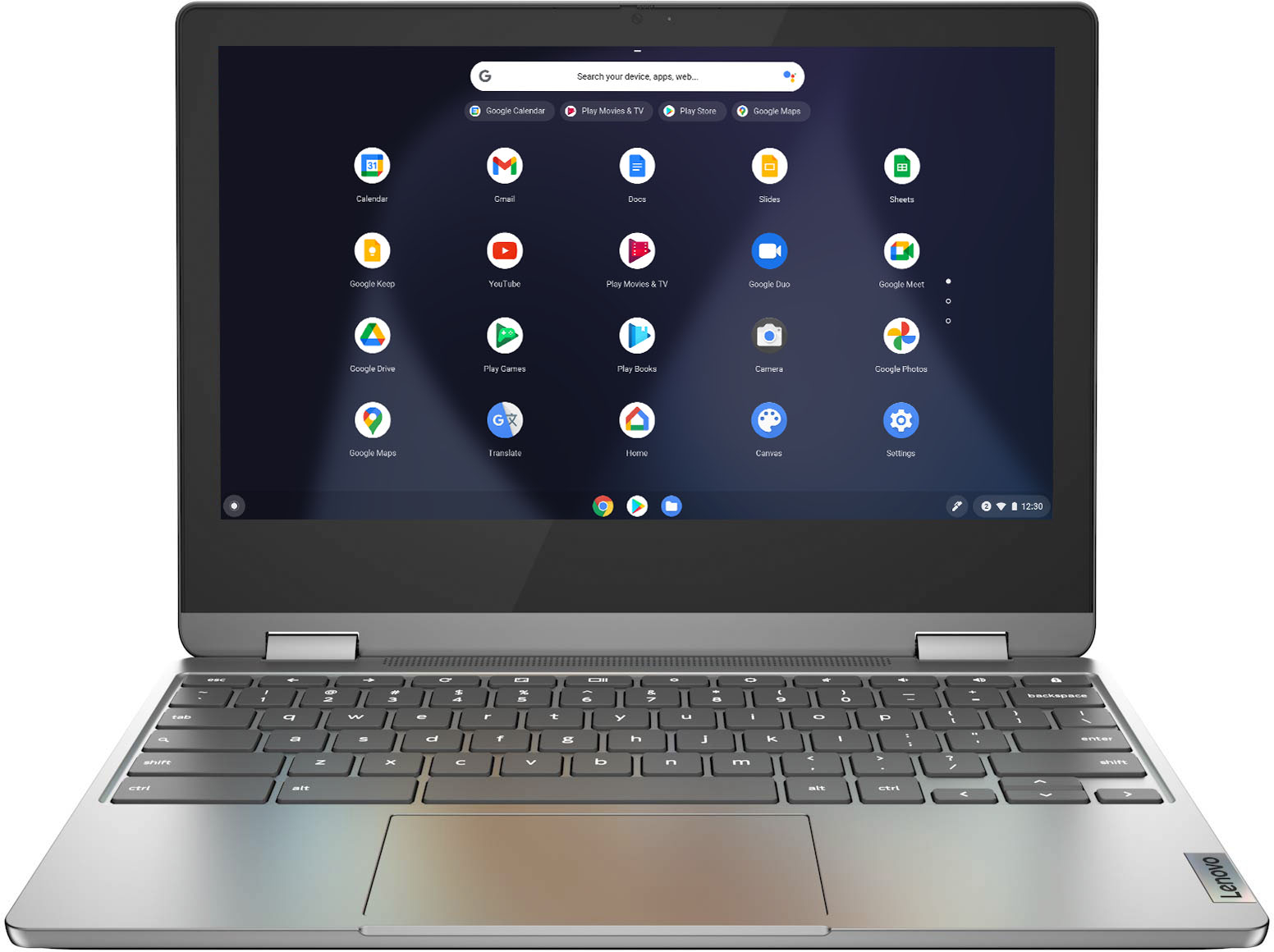

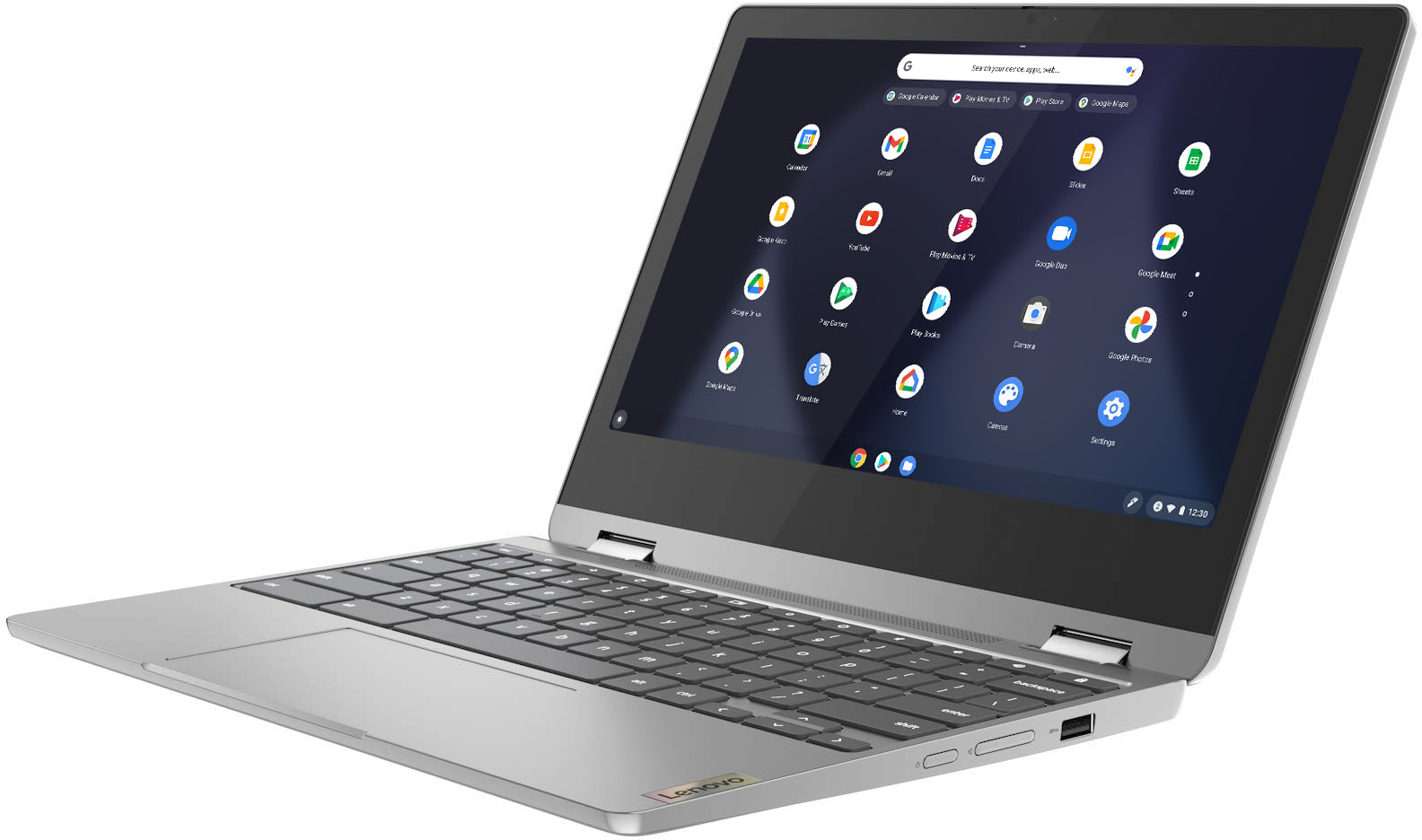
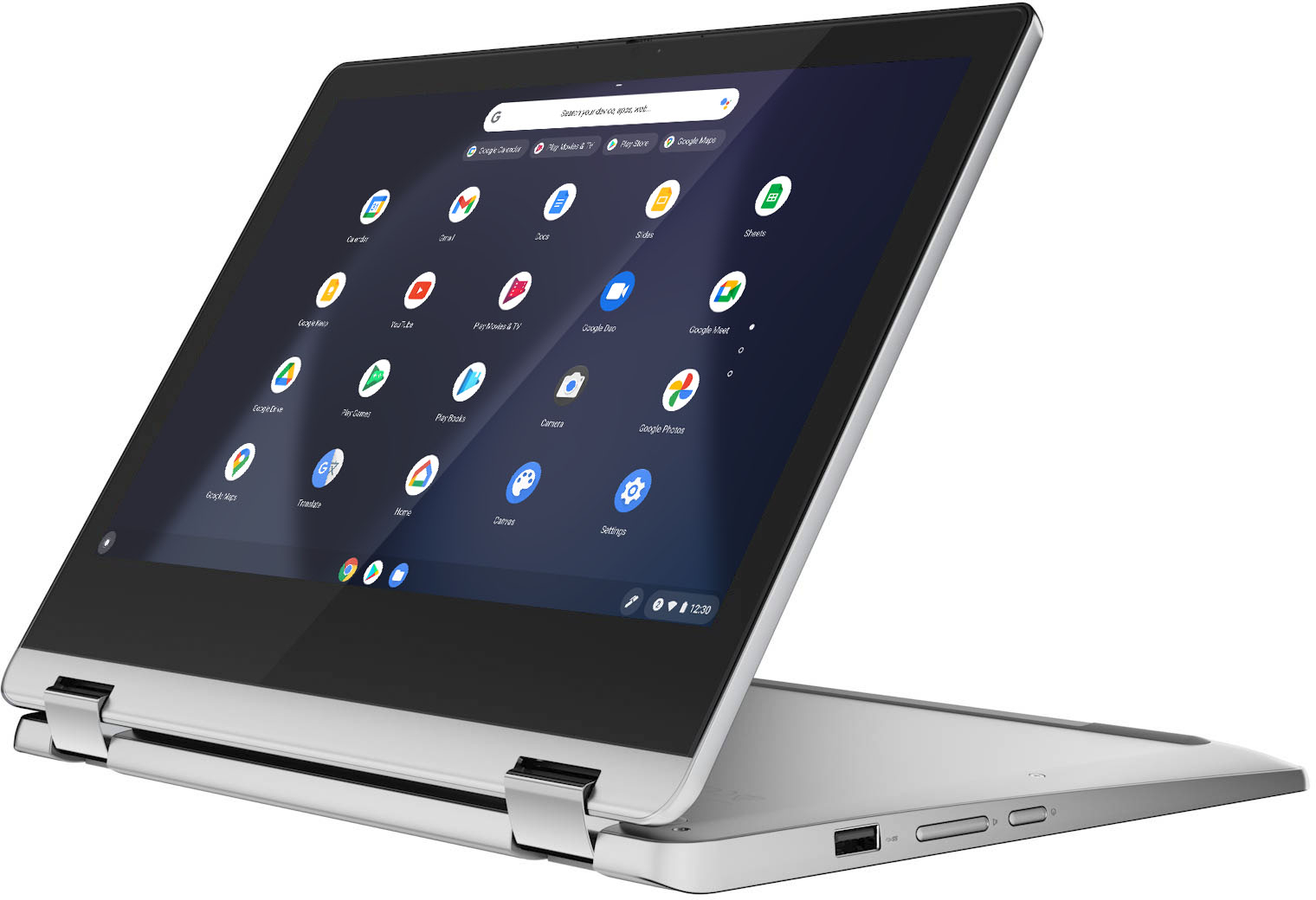
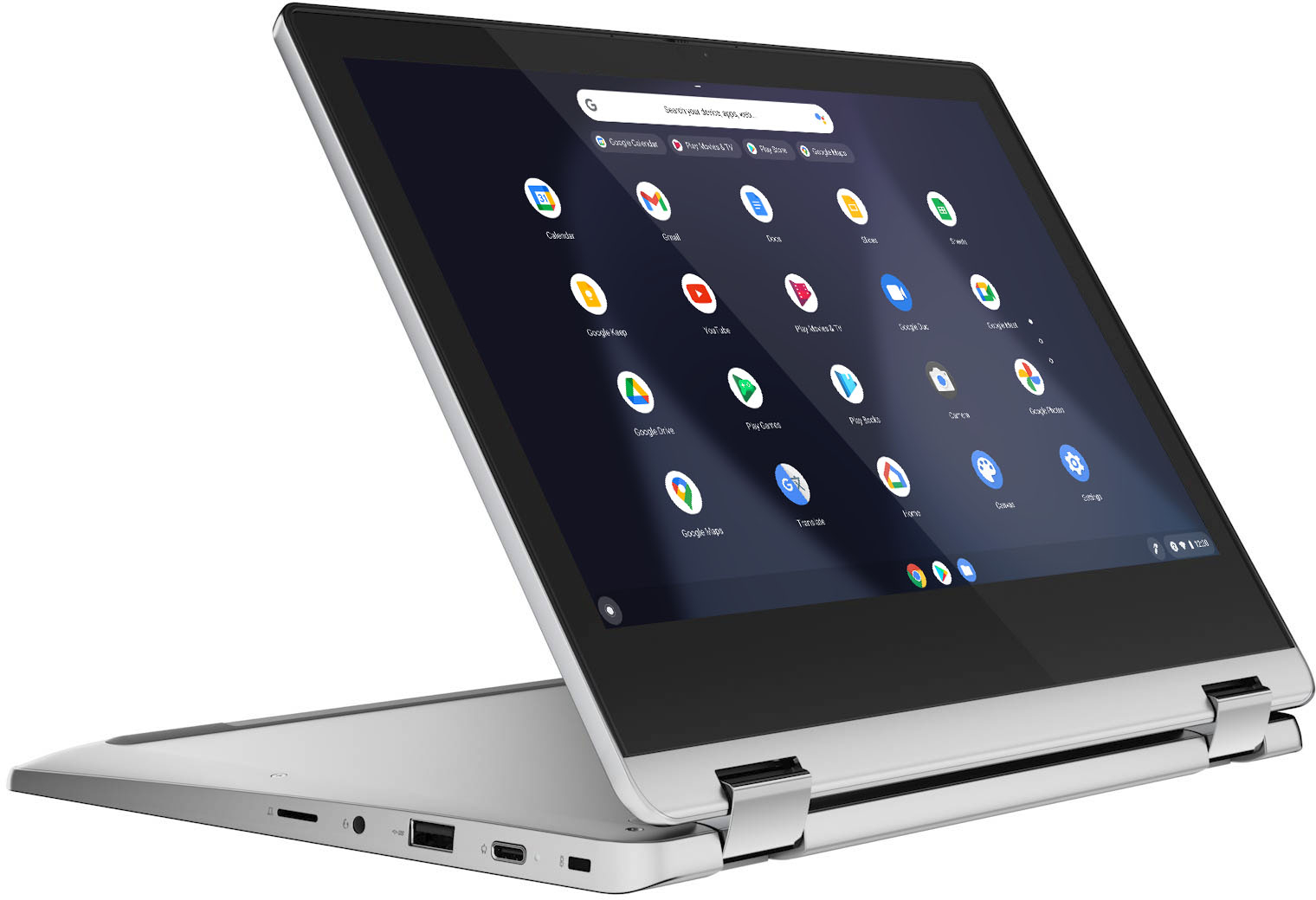






- Model:
- 82KM0002US
- SKU:
- 6479326
Rating by feature
- Battery Life
Rating 4.7 out of 5 stars
- Speed
Rating 4.4 out of 5 stars
- Display
Rating 4.5 out of 5 stars
Customers are saying
Customers commend the Flex 3 Chromebook for its ease of use, touchscreen functionality, and compact size. Positive feedback also highlights the device's battery life, value for the price, and performance for everyday cloud-based tasks. However, some users express concern regarding the limited storage capacity. The relatively small amount of memory is also mentioned as a potential drawback for multitasking or demanding applications.
This summary was generated by AI based on customer reviews.
Unusable for my needs, i.e. reading, music
Posted .This reviewer received promo considerations or sweepstakes entry for writing a review.Daughter bought this for me as she knows I like to read and my 10" tablet is aging. Tried for three days to set it up to have the functionality of at least my tablet but no joy. I loaded B&N Nook as well as Amazon Kindle apps on it but pages do not display very well, including, in 'laptop' mode a single column of print less that 1/5th the width of the screen and changing the size of the print didn't help either. Tried to copy pictures, music and files from my Android phone and even though they finally connected (through the USB-A/USB-C cable) and even though I could see the files on both devices, there is no copy command apparent nor any 'drag and drop' function, AND I guess there is no right click or pull down option for copy anywhere. I understand this is not Windows, but neither is Google Android and I can transfer files between devices all day. As I cannot read books nor listen to music Not sure what I will do with this, so it is back in the box, but as it was a gift, it's non returnable.
No, I would not recommend this to a friendBrand response from Lenovo Product Expert
Posted .This Lenovo Flex 3 11 Chromebook ships with the Chrome Operating System and is compatible with Google Play Store APPs. Not all Google Play Store APPs are optimized for the Chrome Operating System. We recommend you check with the specific APPs software publisher's web sites, of the specific APPs you want to use, for their compatibility with the Chrome operating system and the minimum/recommended hardware requirements (Is a Graphics card required, the processor speed and the minimum required system RAM and the minimum available hard drive space) to run their program, then compare those requirements to this system's configuration. Here is a link to some tips for getting started with your new Chromebook: https://www.google.com/intl/en_us/chromebook/howto/get-started/. If you have questions about your new Chromebook, we recommend you contact Lenovo Tech Support for Chromebooks at: 800-426-7378.

Ugh
Posted .This reviewer received promo considerations or sweepstakes entry for writing a review.Didnt really care for it. It was pretty basic didnt do what i needed to do for work.
No, I would not recommend this to a friendChromebook does not print
Posted .This reviewer received promo considerations or sweepstakes entry for writing a review.I cannot get the Chromebooks to connect to my printer??!!!!
No, I would not recommend this to a friendBrand response from Lenovo Product Expert
Posted .This Lenovo Flex 3 11 Chromebook will work with any printer that is compatible with the Chrome Operating System. We recommend you check your printer manufacturer's web site for the compatibility of your specific printer model. Here is a link to instructions for connecting a compatible printer to a Chromebook: https://support.google.com/chromebook/answer/7225252?hl=en. If you continue to have issues, we recommend you contact Lenovo Tech Support fort Chromebooks for additional help at: 800-426-7378.
Freezes
Posted .This reviewer received promo considerations or sweepstakes entry for writing a review.It’s a brand new laptop but it’s slow and won’t stop freezing. Extremely annoying and a waste of my money.
No, I would not recommend this to a friendBrand response from Lenovo Product Expert
Posted .We are sorry to hear that you are having issues with your Lenovo Flex 3 11 Chromebook. Resetting your Chromebook back to original factory settings may clear the issue you are having. Here is a link to instructions for resetting a Chromebook: https://support.google.com/chromebook/answer/183084?hl=en&ref_topic=3417251. If the issue continues after this reset, we recommend you contact Lenovo Tech Support for Chromebooks at: 800-426-7378.
what are you asking abut
Posted .This reviewer received promo considerations or sweepstakes entry for writing a review.Got what I ordered. What is it you are what? A positive review that you can post! Negative!
No, I would not recommend this to a friendNo good
Posted .This reviewer received promo considerations or sweepstakes entry for writing a review.Horrible frezzes all the time and not worth the price very disappointed
No, I would not recommend this to a friendBrand response from Lenovo Product Expert
Posted .We are sorry to hear that you are having issues with your Lenovo Flex 3 11 Chromebook. If your Chromebook is crashing or freezing: 1. Turn off your Chromebook, then turn it back on.
Close all your apps and browser windows. 2. If a specific tab in your browser causes your Chromebook to crash or freeze, hard refresh the page: Ctrl + Shift + r. 3. If you've installed any new apps or extensions recently, uninstall them. 4. Reset your Chromebook: https://support.google.com/chromebook/answer/183084?hl=en&ref_topic=3417251. 5. Recover your Chromebook: https://support.google.com/chromebook/answer/1080595?hl=en&ref_topic=3417251. If the issue continues after trying these steps, we recommend you contact lenovo Tech Support for Chromebooks for additional help at: 800-426-7378.
Great Computer if you can get it to Work!
Posted .This reviewer received promo considerations or sweepstakes entry for writing a review.Computer stopped working 15 days after purchase. No picture.
No, I would not recommend this to a friendBrand response from Lenovo Product Expert
Posted .We are sorry to hear that you are having issues with your Lenovo Flex 3 11 Chromebook. Resetting the hardware of your Chromebook may fix the problem: https://support.google.com/chromebook/answer/3227606?hl=en. If the problem continues, now reset the Chromebook back to original factory settings: https://support.google.com/chromebook/answer/183084?hl=en&ref_topic=3417251. If the issue still continues, we recommend you contact Lenovo Tech Support for Chromebooks at: 800-426-7378.