Customer Ratings & Reviews

- Model:
- 80U30001US
- SKU:
- 5579833
Rating by feature
- Value
Rating 3.7 out of 5 stars
- Quality
Rating 3.8 out of 5 stars
- Ease of Use
Rating 4.0 out of 5 stars
Customers are saying
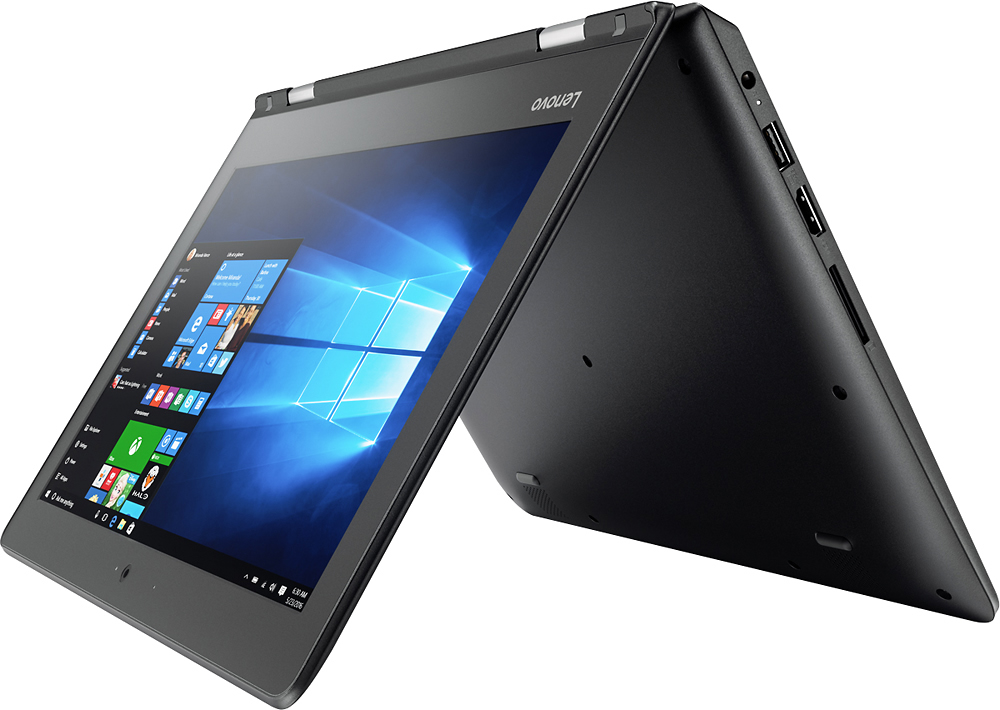
Customers praise the Flex 4 1130's ease of use, touch screen, compact size, and light weight, finding it ideal for portability. Many appreciate its affordability and good battery life, although some users note limitations in processing power and storage capacity. The 2-in-1 functionality is also a popular feature. However, concerns were raised regarding the device's memory and the challenges some experienced with sleep mode.
This summary was generated by AI based on customer reviews.
Bad product
||Posted .This reviewer received promo considerations or sweepstakes entry for writing a review.This laptop loses the wifi connection often, I looked it up online and it has obviously had this problem for a long while. Lenovo's directions on how to fix the problem don't work. It's a nice concept but doesn't live up to the hype.
No, I would not recommend this to a friendBrand response from Lenovo Product Expert
Posted .With regard to the WiFi connectivity issues you mention with your device, there may be Wireless LAN driver updates for your specific system. Follow the link below to look for new driver updates for your specific system. You can also run diagnostics from the Lenovo site as well. As always, be sure to create a restore point on your system before you make any changes. You can do this by just typing "restore point" in the search window within Cortana and follow the link to create a restore point. Here is the link:
http://support.lenovo.com/us/en/products/Laptops-and-netbooks/Flex-Series/Flex-4-1130-Laptop-Lenovo/80U3/0001US?linkTrack=Caps%253ABody_SearchProduct&tabName=downloads&beta=false
Stupid I have to do this
||Posted .This reviewer received promo considerations or sweepstakes entry for writing a review.You're wasting our time just to get the points promised.
No, I would not recommend this to a friendZero if I could
||Posted .This reviewer received promo considerations or sweepstakes entry for writing a review.Had it for just over the year mark by less then a month and the screen stopped working. The whole point was to have a laptop I can go anywhere with and best buy and Lenovo said to just use an external monitor as a fix. Huge waste of money.
No, I would not recommend this to a friendStopped working after 2 months
||Posted .This reviewer received promo considerations or sweepstakes entry for writing a review.Bought this as a birthday gift and it stopped working after 2 months, just wouldn’t turn on anymore. Tried everything. Product phone service and warranty “servicers” are impossible to work with. Won’t ever purchase this brand again.
No, I would not recommend this to a friendAffordable but not great
||Posted .This reviewer received promo considerations or sweepstakes entry for writing a review.I bought this laptop for my computer classes that I needed Windows. It literally crashed on me within 9 months or less. I know I didn’t pay much for it but definitely wouldn’t go for affordable anymore, look for quality.
No, I would not recommend this to a friendugh
||Posted .This reviewer received promo considerations or sweepstakes entry for writing a review.computer may be ok but i couldn't get a grip on windows 10 using tablet formwork great computer would be good if some other version of windows was included
No, I would not recommend this to a friendBrand response from Lenovo Product Expert
Posted .Thank you for choosing the Lenovo Flex 4-11. With regard to learning your way around Windows 10, you may want to try YouTube.com (just type that address in your browser address window). There are hundreds for free instructional videos there about Windows 10. Just type Windows 10 Introduction in to the YouTube search window. You can watch free videos there that will show you the basics all the way up to tips and tricks videos and they're all free.
Not worth
||Posted . Owned for more than 2 years when reviewed.This reviewer received promo considerations or sweepstakes entry for writing a review.This laptop was a rebfurish one and it stop working about 6 months after I purchase it.
No, I would not recommend this to a friendBad computer
||Posted .This reviewer received promo considerations or sweepstakes entry for writing a review.didn't function properly with the windows 10 OS. Tried 2 computers and still didn't work right.
No, I would not recommend this to a friendTo Slow
||Posted .This reviewer received promo considerations or sweepstakes entry for writing a review.this product have a good design but have a lot of problems with their system( are to slow)
No, I would not recommend this to a friendCan't rate this purchase
||Posted .This reviewer received promo considerations or sweepstakes entry for writing a review.I bought this as a gift. The recipient didn't want it, so I returned it the next day.
No, I would not recommend this to a friendIt sucked
||Posted .This reviewer received promo considerations or sweepstakes entry for writing a review.Slow to start up , Slow at loading applications , and horrible graphics, felt cheap
No, I would not recommend this to a friendBrand response from Lenovo Product Expert
Posted .This is an entry level, light use system. It uses Windows 10 Home 32-Bit as its operating system, which requires less than 1GB of RAM to run. There is a 64GB solid state hard drive for quick boot up and quick loading of programs and files. If your programs are loading slowly, be sure you have loaded only programs compatible with Windows 10 32-bit version. This device has the latest WiFi capability, with 802.11AC connectivity. If your requirements fit this profile, this device is a good choice.
Not good.
||Posted .This reviewer received promo considerations or sweepstakes entry for writing a review.Only lasted 4 days before it crashed. Wouldn't purchase another Lenovo product.
No, I would not recommend this to a friendBrand response from Lenovo Product Expert
Posted .It sounds like there may be a conflict with an automatic Windows update. This system is equipped with OneKey Recovery System. There is a very small pin hole on the right side of the device, right near the power button on the device. You will need a pin to push this reset button. Plug the device in. Let the battery charge for about 15 minutes. Push the reset button. The system should boot to a choice screen where you can choose "Restore To Factory Default". Select this. It will delete everything from the hard drive except the original factory install of the operating system. You will need to reinstall all programs and files after the reset. If you don't have copies of the files, try to make one before you restore by selecting "Boot to desktop" and trying to back up your files.
Processor to slow
||Posted .This reviewer received promo considerations or sweepstakes entry for writing a review.This item suck it's yo slow it feels like everything I do is in slow motion
No, I would not recommend this to a friendSlow
||Posted .This reviewer received promo considerations or sweepstakes entry for writing a review.Slow system connection when connecting to internet.
No, I would not recommend this to a friendBrand response from Lenovo Product Expert
Posted .There may be a driver update that can improve your WiFi connection speed. Follow the link below to look for new driver updates for your specific system. You can also run diagnostics from the Lenovo site as well. As always, be sure to create a restore point on your system before you make any changes. You can do this by just typing "restore point" in the search window within Cortana and follow the link to create a restore point. Here is the link:
http://pcsupport.lenovo.com/us/en/products/laptops-and-netbooks/flex-series/flex-4-1130-laptop-lenovo/80u3/80u30001us/downloads?linkTrack=Caps%3ABody_SearchProduct
- Pros mentioned:WeightCons mentioned:Memory, Speed
Super slow
Posted .This reviewer received promo considerations or sweepstakes entry for writing a review.This laptop sucks. I bought just to use for school. I love the design of it and how lightweight it is. However it is so slow and has little memory. All I have on it are papers and one program and the memory is already full. It freezes all the time and sometimes just stops working. So now I have to go buy a new laptop because this one is driving me crazy.
No, I would not recommend this to a friend - Pros mentioned:Touch screen
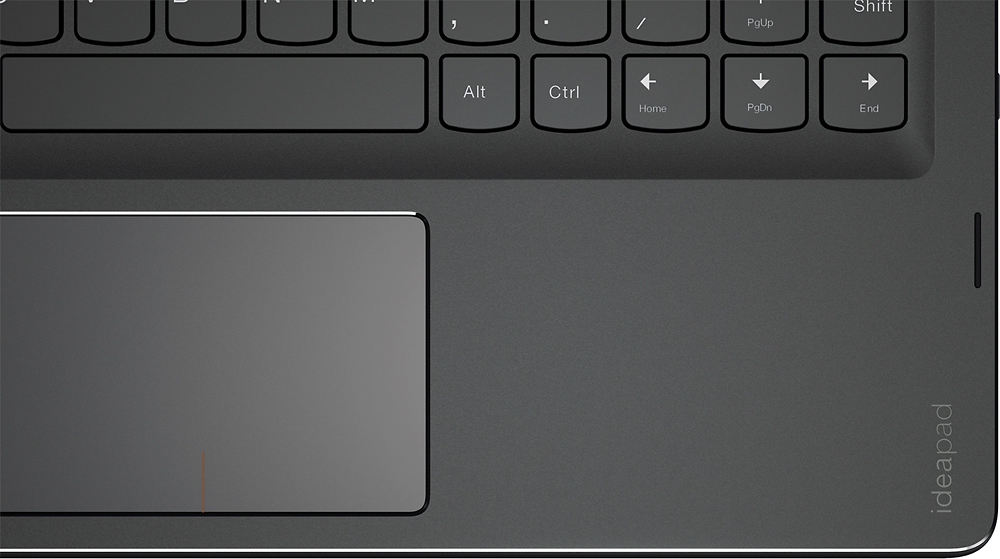
Great buy, but... the shift key on the right side
Posted .This reviewer received promo considerations or sweepstakes entry for writing a review.This is is great computer - love the touch screen etc. however - the shift key on the right side of the keyboard is misplaced, so anytime you go to capitalize or use symbols (like ! @ #) your finger hits the page up button instead of the shift key. If they shift key were larger like most keyboards, this would get 5 stars, but I use that key a LOT and very frustrating ~ like when trying to enter my email address... I'm going to have to return it.
No, I would not recommend this to a friendBrand response from Lenovo Product Expert
Posted .With regard to the right shift key issue you mention, there is a free software APP called KeyTweak that may help you. You can switch the key functions of specific keys on your keyboard with this software, so you could change the right shift key with the key you hit in its place. Just Google search "KeyTweak" and you will find articles about what the software does and you will find the download location for this free APP.
Probably great if you get one that works
Posted .This reviewer received promo considerations or sweepstakes entry for writing a review.Bought it. Popped it out of the box and set it up no problem. It was a little iffy getting the Wi-Fi signal. I finally established it, no problem. the next morning the driver won't read any available Wi-Fi signals. I live in a townhouse there are 70 available Wi-Fi signals around me but the computer wouldn't read any including my own. So I get in my car drive down to Best Buy and they go to the screen and, "oh yeah your drivers out." click click click uninstall reinstall click click done. So, I thought great, figured it out no problem. First thing this morning guess what's not working again. Of course I'm at work all day so tomorrow morning Best Buy will be getting my unit back and giving me a new one because clearly something is wrong with this one. So my advice to you is hold onto the receipt give it a three day trial and then decide if you want to keep it. Oh and restarting doesn't kick started again you actually have to go in there uninstall it and reinstall it every single time you want to get on the Internet. No other TV, laptop, tablet, or phone in my household has this problem.
No, I would not recommend this to a friendBrand response from Lenovo Product Expert
Posted .With regard to the WiFi connectivity issues you mention with your device, there may be driver updates for your specific system. Follow the link below to look for new driver updates for your specific system. You can also run diagnostics from the Lenovo site as well. As always, be sure to create a restore point on your system before you make any changes. You can do this by just typing "restore point" in the search window within Cortana and follow the link to create a restore point. Here is the link:
http://pcsupport.lenovo.com/us/en/products/laptops-and-netbooks/flex-series/flex-4-1130-laptop-lenovo/80u3/80u30001us/downloads
- Pros mentioned:Touch screen
Does exactly what it's meant to do.
Posted .This reviewer received promo considerations or sweepstakes entry for writing a review.Purchased this for personal use. The touch screen works amazingly. This laptop is perfect for casual use and is also capable enough to get office or school work done. Very pleased with this purchase.
I would recommend this to a friendBrand response from Lenovo Product Expert
Posted .Thank you for choosing the Lenovo Flex 4-11. We are pleased to hear that the Flex 4-11 is working out so well for you.
Frustrating keyboard
Posted .This reviewer received promo considerations or sweepstakes entry for writing a review.This could be a really great little laptop, but the keyboard is laid out is a really weird way so the right shift key is really far out, making it almost impossible to type on. I got this for school and had to return it because there's no way I would be able to type a paper on this.
No, I would not recommend this to a friendBrand response from Lenovo Product Expert
Posted .With regard to the right shift key issue you mention, there is a free software APP called KeyTweak that may help you. You can switch the key functions of specific keys on your keyboard with this software, so you could change the right shift key with the key you hit in its place. Just Google search "KeyTweak" and you will find articles about what the software does and you will find the download location for this free APP.
Too little memory & storage
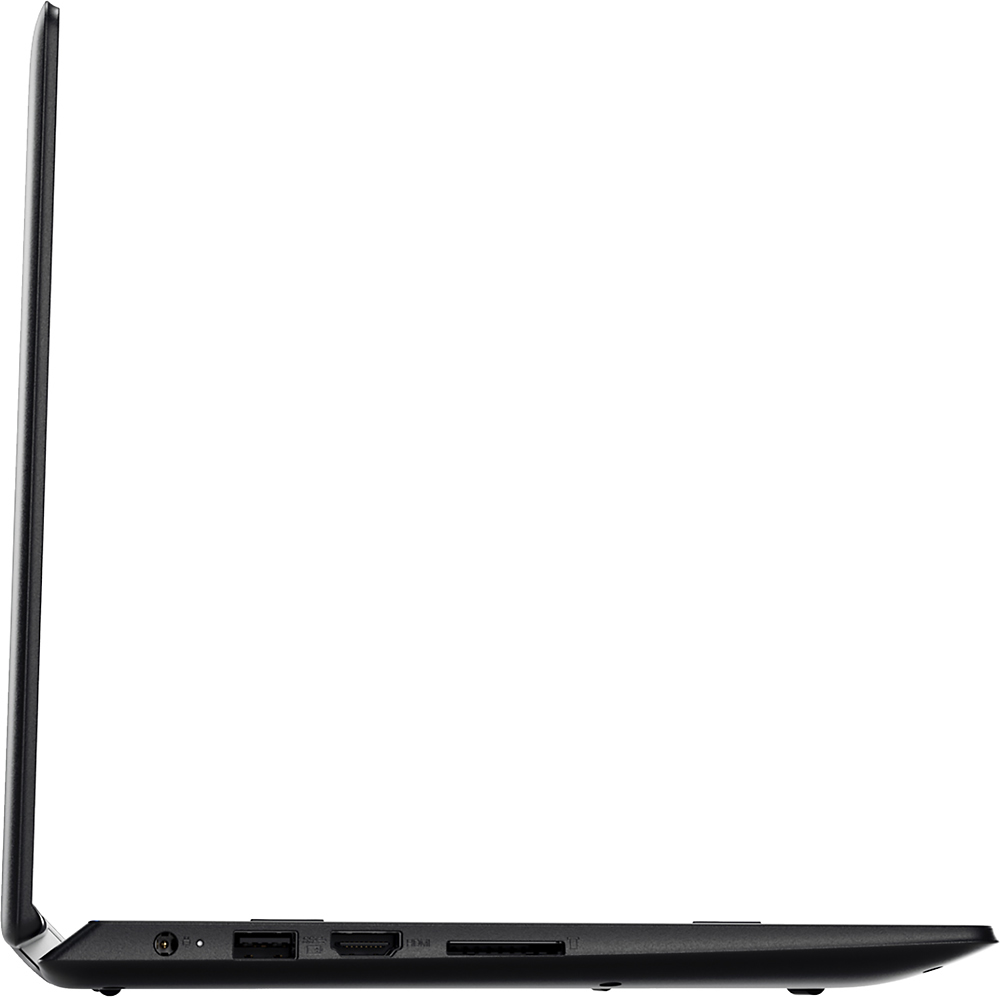
Posted .This reviewer received promo considerations or sweepstakes entry for writing a review.I bought this for travel purposes - to email, basic internet searches and such. The pros: the laptop has 3 USB slots which is really nice! I really like the quiet solid state hard drive. It's versatile in that you can use it as a laptop or flip it over and use it as a tablet. Touchscreen is a nice feature (when it works... half the time the computer was "choking" and unresponsive while browsing). I tried it out at home first and couldn't have more than 4-5 tabs open in browser before the computer became unresponsive. On my 17" laptop or desktop, I can have 30 tabs open without a hitch. I was afraid to install Word on the Lenovo and max out the storage. There simply isn't enough storage OR memory for even the simplest tasks. The keyboard requires getting used to as it's quite small. The ACER Spin 1 has a much easier keyboard to type on but that's about the only good thing I can say about that laptop. While the Lenovo's size is ideal, the laptop weighs over 7 lbs (3+ kg) which is too heavy to carry around and limits the amount I can carry on (max 8kg on international flights). I can do pretty much all the same things on my cheap Insignia Android tablet which cost me less than $100 and weighs less than 1 lb. I'm returning this laptop and bringing my tablet with me instead on my trip. If Lenovo had built a compact laptop (11") with a MINIMUM of 4GB RAM and 128GB of storage at a reasonable price point, it would be worth it. But this is far too expensive for something that doesn't deliver.
No, I would not recommend this to a friendBrand response from Lenovo Product Expert
Posted .Please note, there is a 30-day trial of Microsoft Office 365 (which included Word) included as part of the Windows 10 operating system. In order to keep the program active after the trial period, you will need to purchase a product key. You will not need to download any additional software. Also, this system uses Windows 10 Home 32-bit operating system, which requires less than 1GB of RAM to run. If you need more storage space, there is an SD card slot you can use to add additional storage space.