Customer Ratings & Reviews

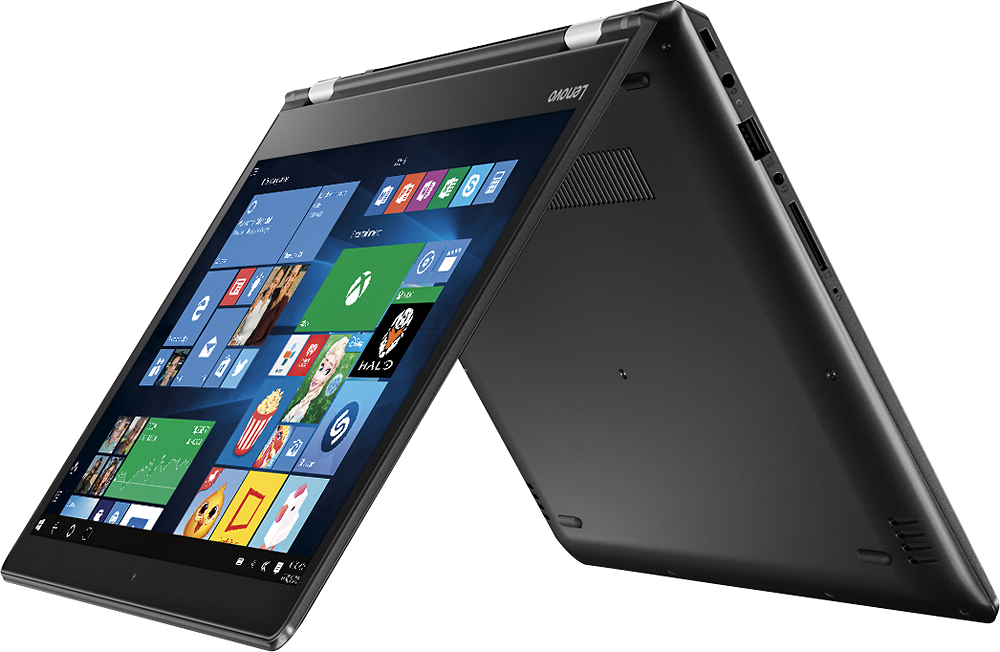
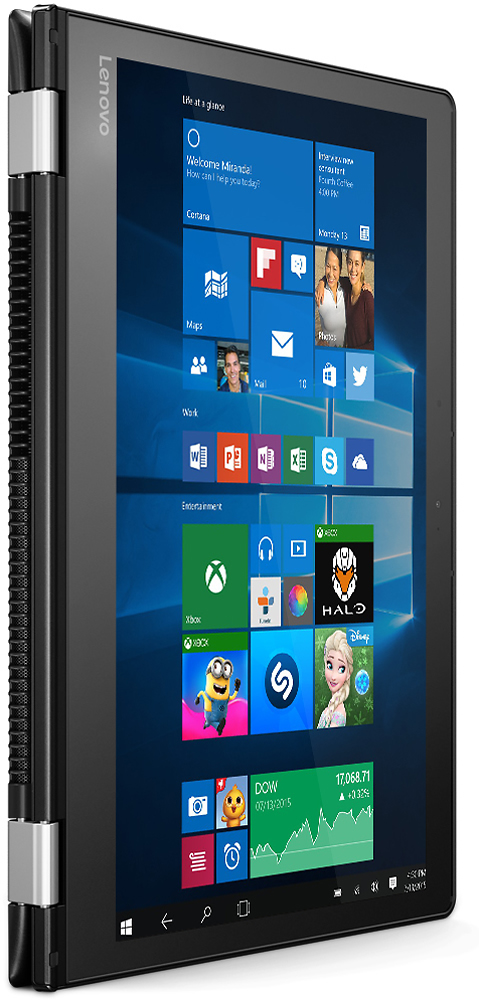
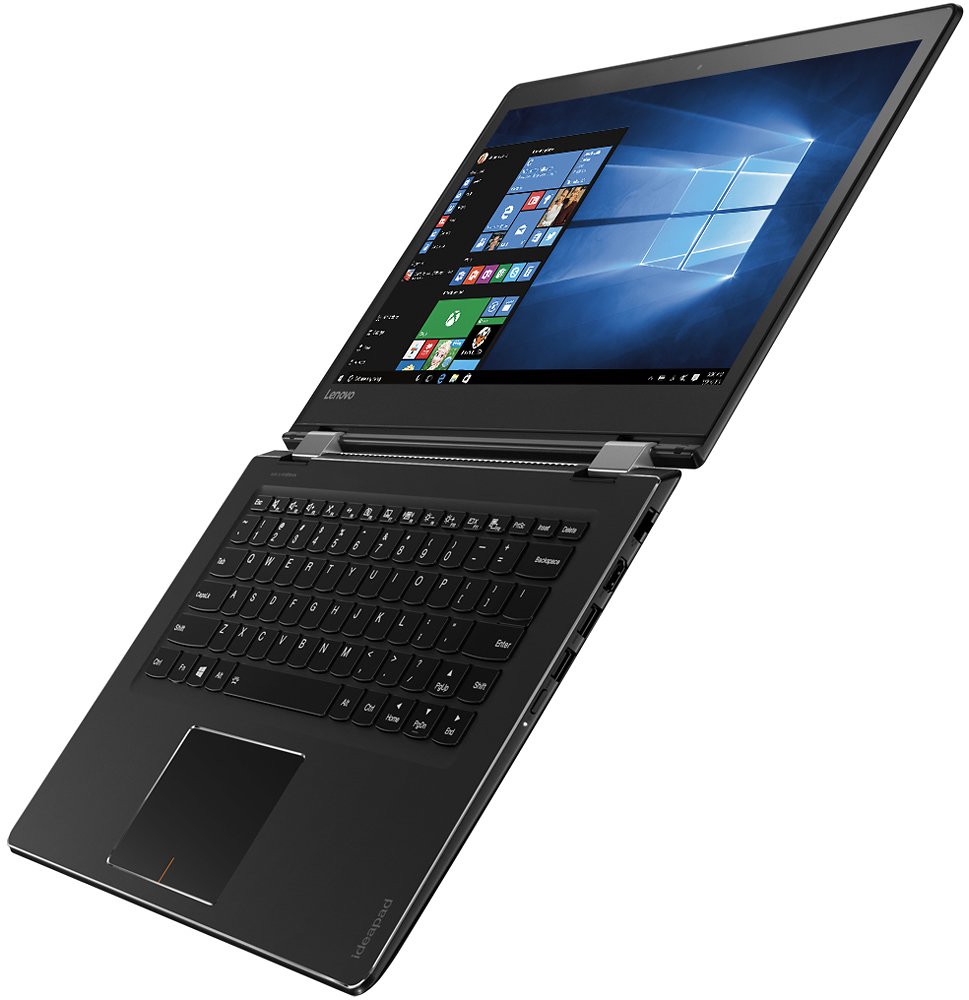
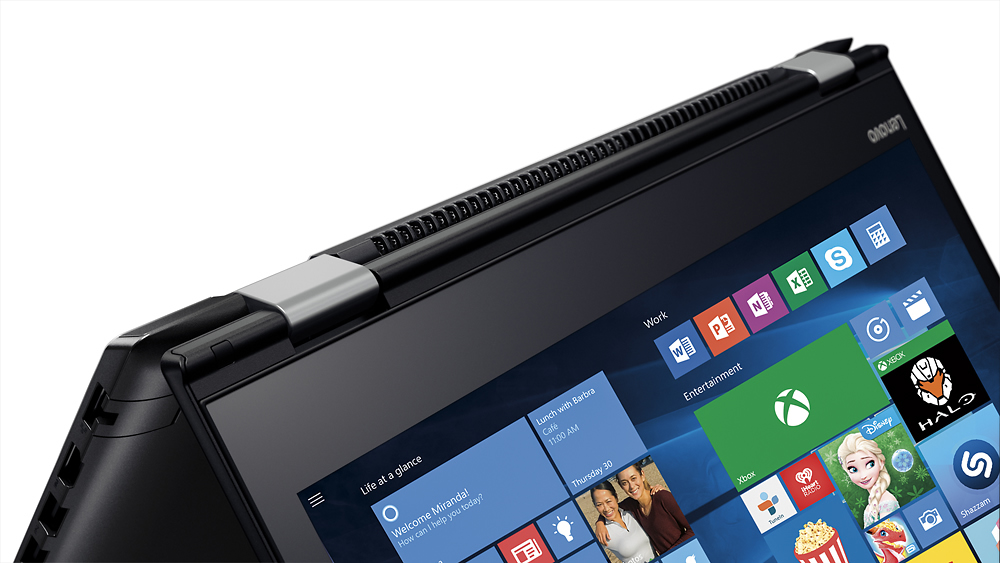



- Model:
- 80SA0000US
- SKU:
- 5206701
Rating by feature
- Value
Rating 4.1 out of 5 stars
- Quality
Rating 3.9 out of 5 stars
- Ease of Use
Rating 4.4 out of 5 stars
Customers are saying
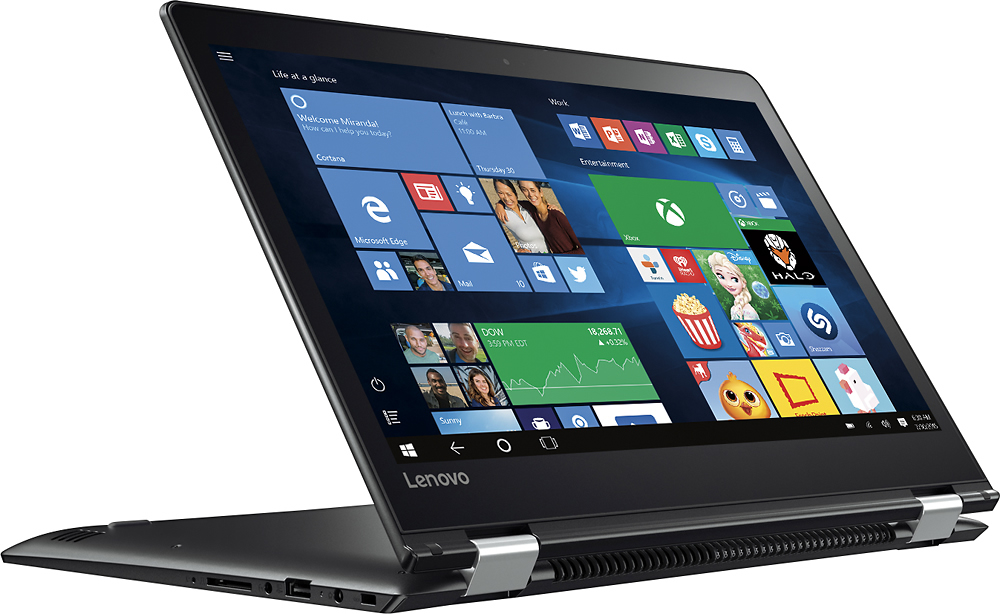
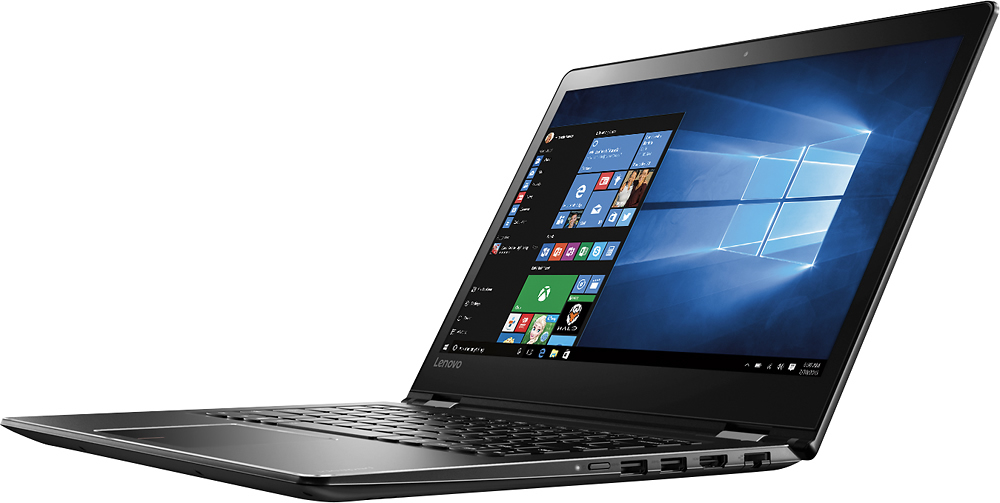
Customers highly value the Flex 4 14 2-in-1 laptop for its touchscreen capabilities, affordable price, lightweight design, and extended battery life. While some users have expressed concerns about its slow performance, limited RAM expandability, and occasional keyboard issues, the overall positive feedback suggests that this laptop meets the needs of many users.
This summary was generated by AI based on customer reviews.
- Pros mentioned:Price
Good quality laptop great price.
||Posted .This reviewer received promo considerations or sweepstakes entry for writing a review.I have a Lenovo laptop. My wife needed a new laptop. Purchased mine here, decided to read reviews on this particular model and chose to purchase this new one here at Best Buy, also. Great price, knowledgeable help on the floor. My wife and I are quite pleased with this model. A superior quality for the price. Has been above and beyond reliable model.
I would recommend this to a friendBrand response from Lenovo Product Expert
Posted .Thank you for choosing the Lenovo Flex 4-14 for your wife. We are pleased to hear that the value and performance of the Flex 4-14 meets your wife's computing needs so well. We appreciate your loyalty to the Lenovo Brand.

- Pros mentioned:Touch screen
Great laptop for high school students
||Posted .This reviewer received promo considerations or sweepstakes entry for writing a review.Wonderful laptop for a high school student. Just the right amount of processing power to get the job done. I would recommend a protective sleeve to minimize any damage that might occur from being carried to and from class in a backpack. The touchscreen works well and it comes with just the right amount of preloaded software. Great entry-level laptop.
I would recommend this to a friendBrand response from Lenovo Product Expert
Posted .Thank you for choosing the Lenovo Flex 4-14. We are pleased to hear that the performance of the Flex 4-14 meets your computing needs so well.
- Pros mentioned:Touch screen
Good for the low price
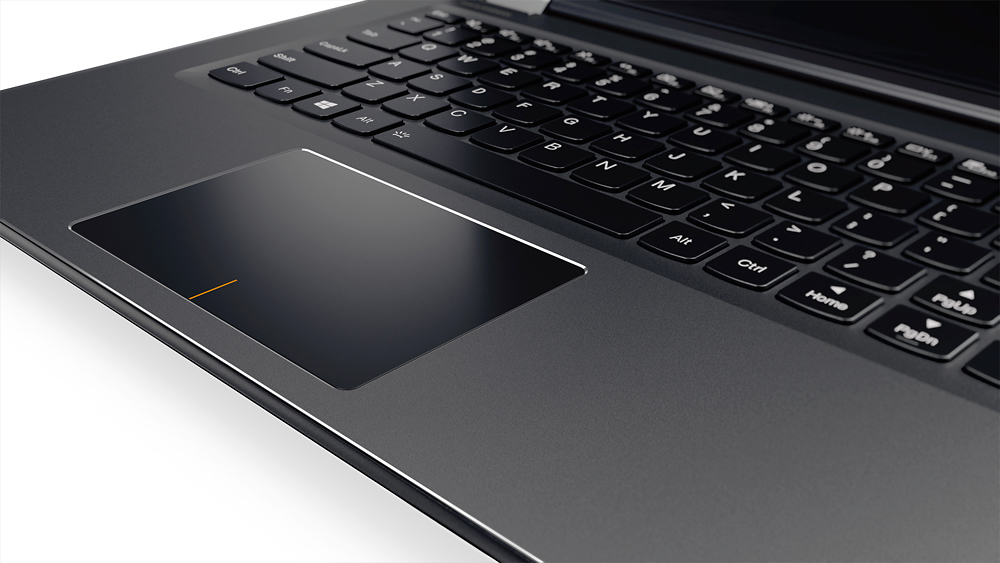
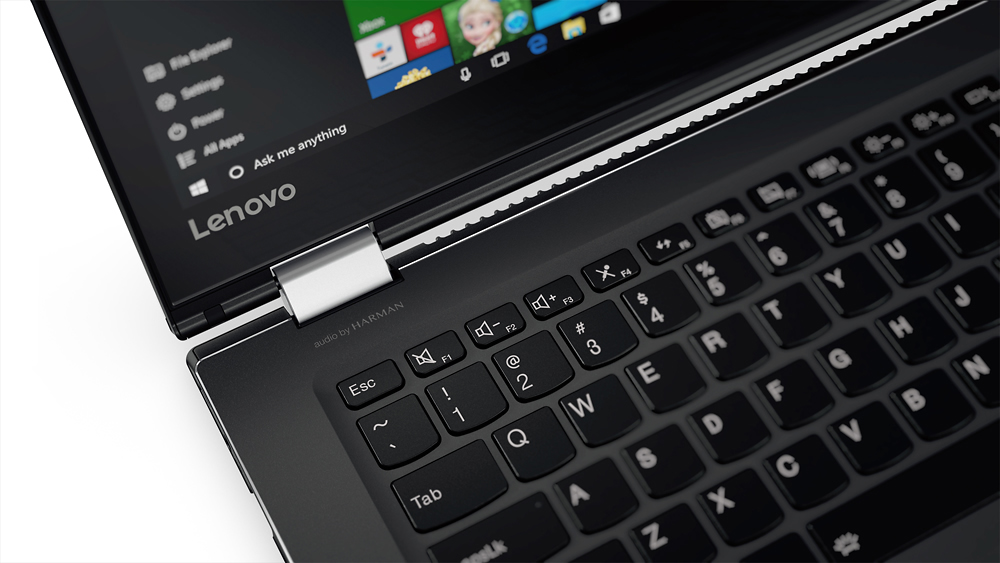
||Posted .This reviewer received promo considerations or sweepstakes entry for writing a review.This is a good laptop especially for the price. I like the flexibility of using it as a laptop or tablet and I love the touch screen. My only complaint is the shift button on the right side is over to far it should of been before the arrow keys so when I type a Capital letter I end up hitting the arrow up button instead but I am getting used to it now.
I would recommend this to a friend - Pros mentioned:Lightweight, Price
very good performance
||Posted .This reviewer received promo considerations or sweepstakes entry for writing a review.good price and great versatility , good buy, will be very useful
I would recommend this to a friendBrand response from Lenovo Product Expert
Posted .Thank you for choosing the Lenovo Flex 4-14. We are pleased to hear that the value and performance of the Flex 4-14 meets your computing needs.
- Pros mentioned:Price, Touch screen
Great laptop
||Posted .This reviewer received promo considerations or sweepstakes entry for writing a review.Purchased during Black Friday sale. It works like a dream. Was easy to set up. Touch screen very responsive. Love the service at best buy
I would recommend this to a friend - Pros mentioned:Price
very good laptop
||Posted .This reviewer received promo considerations or sweepstakes entry for writing a review.very nice laptop, reasonable price, light and easy to carry
I would recommend this to a friendBrand response from Lenovo Product Expert
Posted .Thank you for choosing the Lenovo Flex 4-14. We are pleased to hear that the value, features and performance of the Flex 4-14 meets your computing needs so well.
Computer nice.
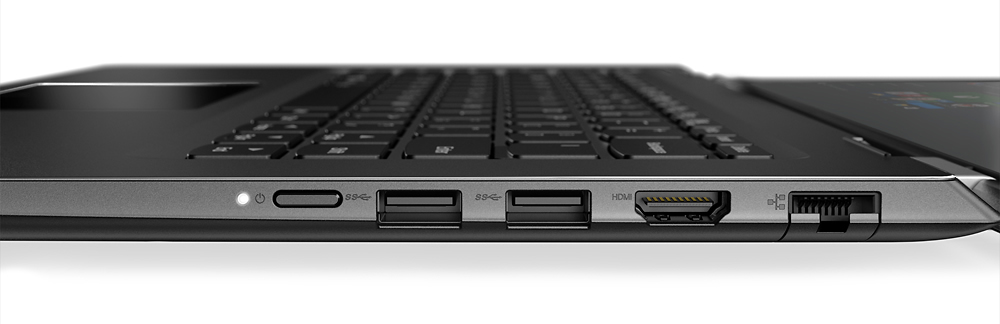
||Posted .This reviewer received promo considerations or sweepstakes entry for writing a review.Needed numeric keypad and thought it would have one like my Flex 3 and didn't realize it didn't have one until I got it home.
I would recommend this to a friend- Pros mentioned:Price, Touch screen
Good item!
||Posted .This reviewer received promo considerations or sweepstakes entry for writing a review.. Works well. Great labtop for the price. Like the touchscreen.
I would recommend this to a friendBrand response from Lenovo Product Expert
Posted .Thank you for choosing the Lenovo Flex 4-14. We are pleased to hear that the performance of the Flex 4-14 meets your computing needs so well.
- Pros mentioned:Touch screen
Nice laptop
||Posted .This reviewer received promo considerations or sweepstakes entry for writing a review.Really like the touch screen, fast start up, light, good sound
I would recommend this to a friendBrand response from Lenovo Product Expert
Posted .Thank you for choosing the Lenovo Flex 4-14. We are pleased to hear that the performance of the Flex 4-14 is working out so well for you.
Low price point for a capable 2-1 latop
||Posted .This reviewer received promo considerations or sweepstakes entry for writing a review.Purchased this laptop on sale and selected the Geek squad Certified unit at a reduce price. The Geek Squad Certified unit had all the information packets in the original box with the same warranty as new; personally it look like a new one in perfect condition. I recommend going Geek Squad Certified when purchasing, you get a lower price with no worries. I have applied a 5 star rating because of the features that this laptop has with the pricing factored in. If priced higher I would have rated it a 4 star. The only negative to me is a less than stellar display, but again I read the features and selected this laptop despite the lower quality display, I could have gone with a laptop with more bells and whistles and a better display but at a much higher price point.
I would recommend this to a friend- Pros mentioned:Touch screen
Nice laptop
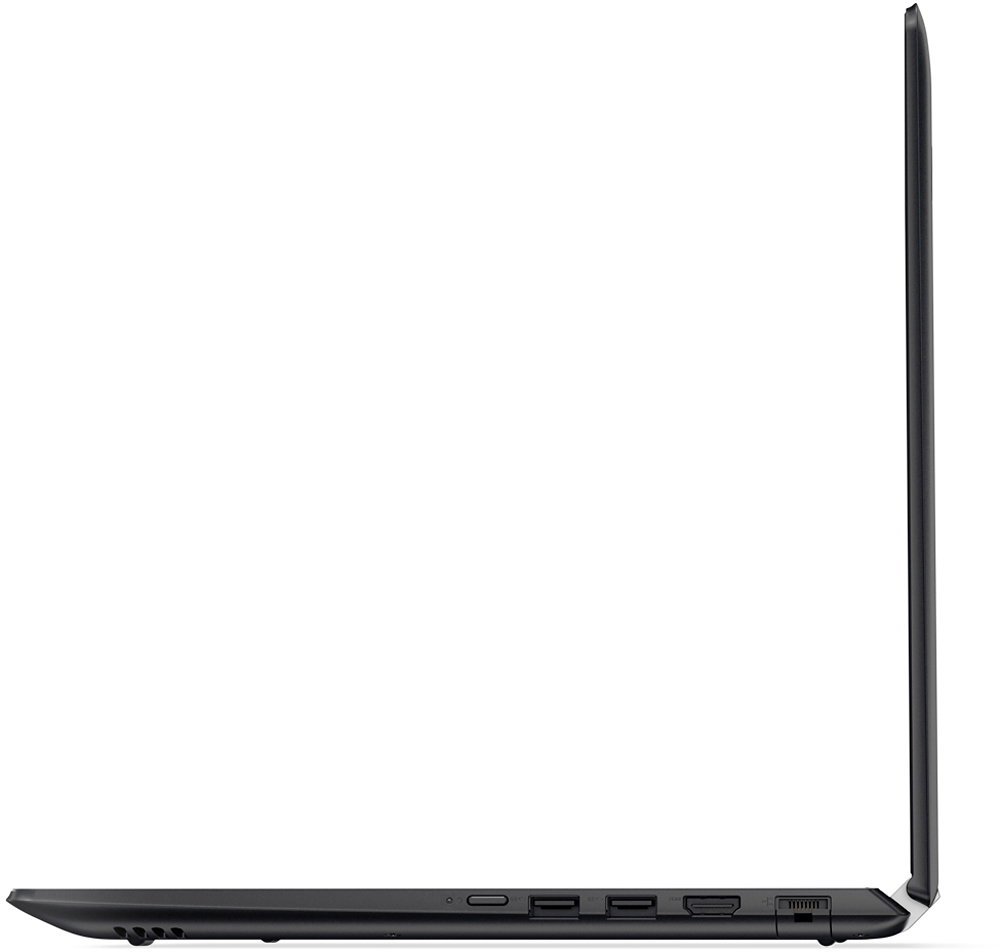
||Posted .This reviewer received promo considerations or sweepstakes entry for writing a review.I really have enjoyed using my Lenovo laptop. It is slim, light, charges quickly, and versable, I can flip it over and use it as a pad. However, the mouse pad does not work very well and get frustrated when it does not do what I want, that's why I like the touch screen.
I would recommend this to a friendBrand response from Lenovo Product Expert
Posted .Thank you for choosing the Lenovo Flex 4-14. With regard to the functioning of the touchpad, you can make adjustments in your system settings. You can get there by clicking on the magnifying glass at the bottom of your Windows 10 screen. Type "touchpad" in the search window. Select/click on "Mouse & touchpad settings" in the list of choices. You can make touchpads in the window that opens. There are more settings available by clicking "Additional mouse options".
- Pros mentioned:Light, Touch screen
Great light weight laptop for my son
||Posted .This reviewer received promo considerations or sweepstakes entry for writing a review.Light, all in one screen, fast speed, good for a teenager
I would recommend this to a friendBrand response from Lenovo Product Expert
Posted .Thank you for choosing the Lenovo Flex 4-14 for your son. We are pleased to hear that the features and performance of the Flex 4-14 meets your son's computing needs so well.
- Cons mentioned:Slow
Slow
||Posted .This reviewer received promo considerations or sweepstakes entry for writing a review.Purchased this for my wife. The pc is slow, but works as expected based on the specs.
No, I would not recommend this to a friend Great laptop for the price
||Posted .This reviewer received promo considerations or sweepstakes entry for writing a review.I think this laptop is great, the only problem I have with it is that I have turned off automatic updates, and it will still update while in the middle of using it. I use it to run a photobooth and it has updated on me twice while I was using it, ultimately shutting down my booth until it was finished with the update. One update was 10 min so no huge deal, another one was an hour. That was a huge deal!
I would recommend this to a friendBrand response from Lenovo Product Expert
Posted .As you point out, you can turn off automatic updates within Windows 10. Be sure you are turning off all updates and not just Windows 10 updates. You will still get alerts when there is an update available, but you will be able to decide when to allow the update. This will give you the opportunity create a restore point before you allow the update and you can select when the update occurs. To change the automatic update settings in Windows 10, click on the magnifying glass icon at the bottom left of your Windows desktop screen. Type "automatic updates" in the search window. Select "Windows Update Settings" from the list of choices. Select "Advanced options". Under "Choose how updates are installed", click on the dropdown menus and select how you want all updates to occur.
- Pros mentioned:Touch screen
great machine
||Posted .This reviewer received promo considerations or sweepstakes entry for writing a review.i love this laptop it works fast and is very light and sleek looking and has a quiet fan that i cant even hear and never overheats also charges fast and i love the touch screen feature its easy and fun to use as a tablet or laptop computer with a great size screen
I would recommend this to a friendBrand response from Lenovo Product Expert
Posted .Thank you for choosing the Lenovo Flex 4-14. We are pleased to hear that the features and performance of the Flex 4-14 meets your computing needs so well.
Great for a laptop
||Posted .This reviewer received promo considerations or sweepstakes entry for writing a review.This laptop was a gift for my mom. She has truly enjoyed having a laptop computer for herself. It is very user-friendly.
I would recommend this to a friend- Pros mentioned:Price
good product for the price
||Posted .This reviewer received promo considerations or sweepstakes entry for writing a review.We have a friend with a young teen we are trying to encourage in her schoolwork. When we found the family did not have a computer, we went to Best Buy to look at laptops as a gift for the student. They had a great selection, & we were able to find a product that would serve her well in school without costing us too much money.
I would recommend this to a friendBrand response from Lenovo Product Expert
Posted .Thank you for choosing the Lenovo Flex 4-14. We are pleased to hear that the value and features of the Flex 4-14 met your criteria for a new computer for a student.
- Pros mentioned:Lightweight, Touch screen
Easy to use laptop.
||Posted .This reviewer received promo considerations or sweepstakes entry for writing a review.The laptop is lightweight and easy to use. I love the touch screen. It has a full hard drive. It's exactly what I had been looking for.
I would recommend this to a friendBrand response from Lenovo Product Expert
Posted .thank you for choosing the Lenovo Flex 4-14. We are pleased to hear that the features and performance of the Flex 4-14 meets your computing needs so well.
- Pros mentioned:Touch screen
good Basic computer
||Posted .This reviewer received promo considerations or sweepstakes entry for writing a review.its a good computer for beginners, it is a bit heavy because it is touch screen
I would recommend this to a friend - Cons mentioned:Slow
Functional, but occasionally slow
||Posted .This reviewer received promo considerations or sweepstakes entry for writing a review.The Laptop is sleek and is visually appealing. Occasionally, the laptop stalls and/or is slow. I thought this was due to an app I downloaded, but even after the app was removed, the laptop continued to do that. I am not sure why (it is when I try to open google chrome). Other than that, the laptop works well and looks great.
I would recommend this to a friendBrand response from Lenovo Product Expert
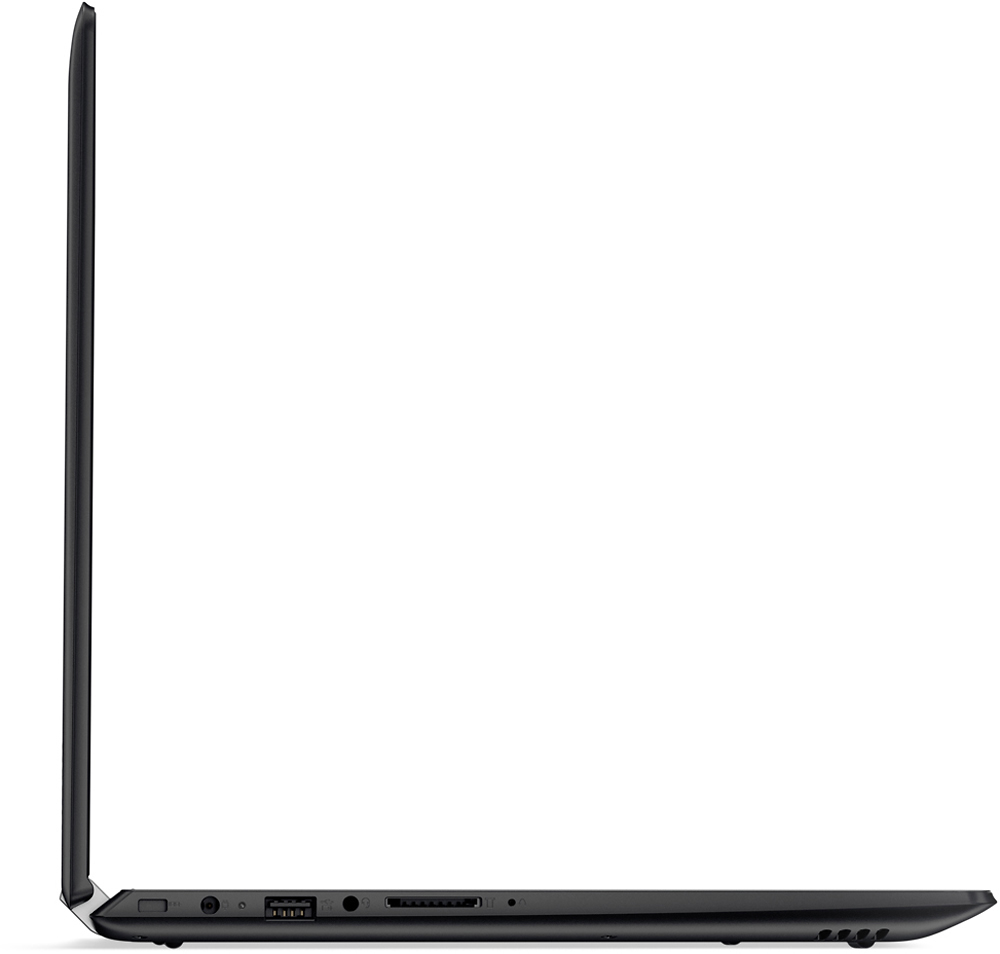
Posted .It sounds like an issue with the installation of Google Chrome Browser. You may want to uninstall and reinstall Chrome. If the issue persists, you can look for driver updates here: http://support.lenovo.com/us/en/products/Laptops-and-netbooks/100-series/110-15IBR/80T7/000HUS?tabName=Downloads&linkTrack=Mast:SubNav:Support:Drivers and Software|Drivers and Software. Finally, This system is equipped with OneKey Recovery System. There is a very small pin hole on the left side of the device, right near the SD Card slot on the device. You will need a pin to push this reset button. Plug the device in. Let the battery charge for about 15 minutes. Push the reset button. The system should boot to a choice screen where you can choose "Restore To Factory Default". Select this. It will delete everything from the hard drive except the original factory install of the operating system. You will need to reinstall all programs and files after the reset. If you don't have copies of the files, try to make one before you restore by selecting "Boot to desktop" and trying to back up your files.