Customer Ratings & Reviews
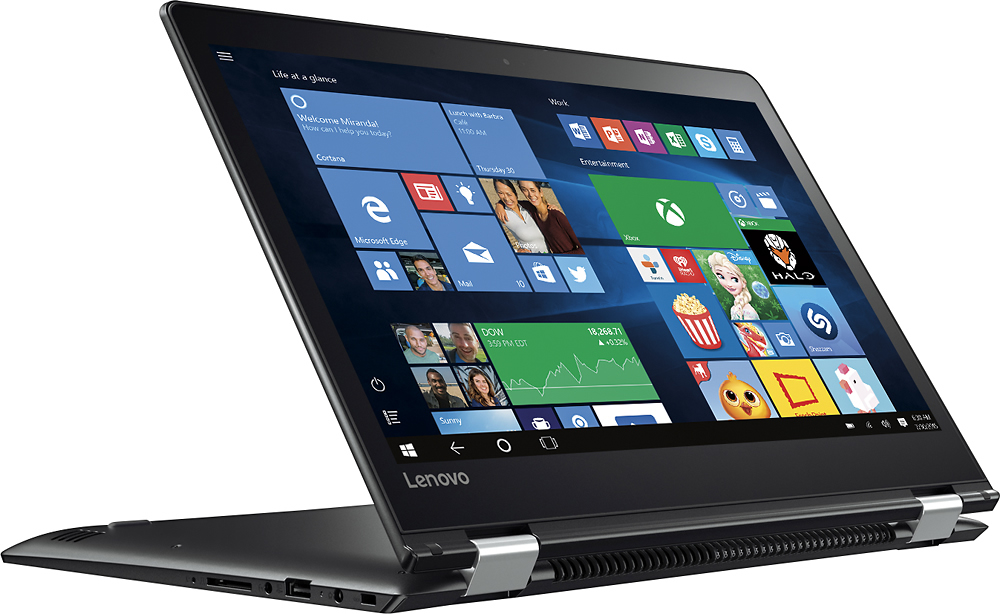
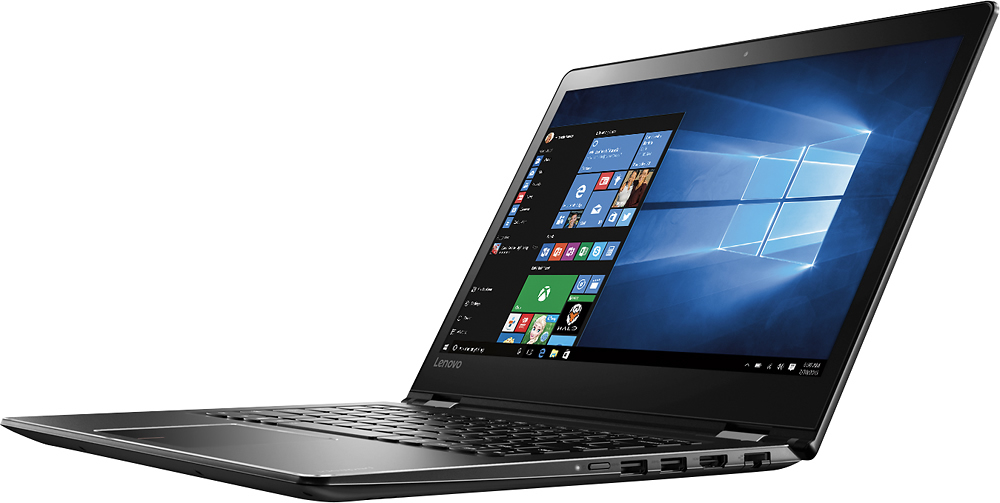

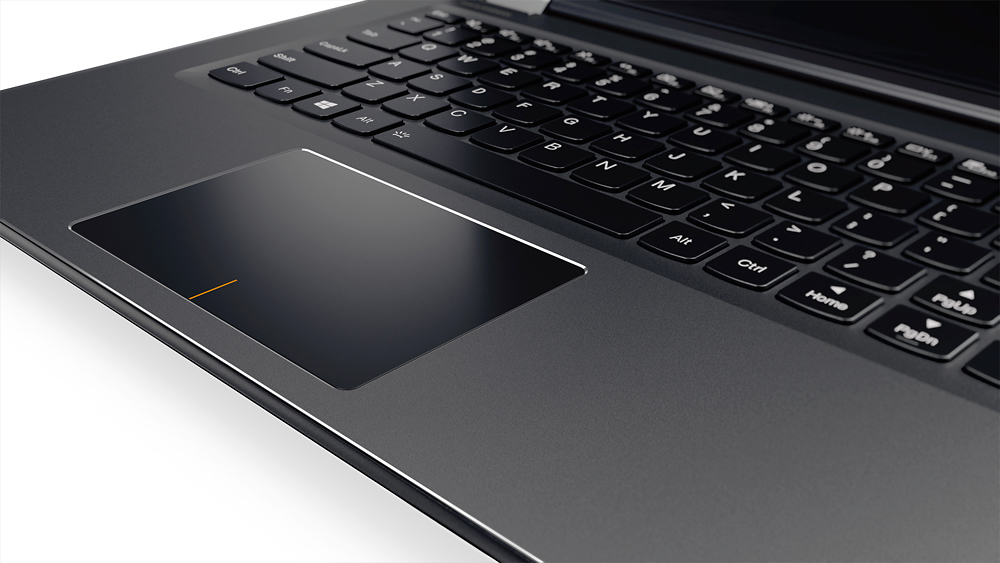
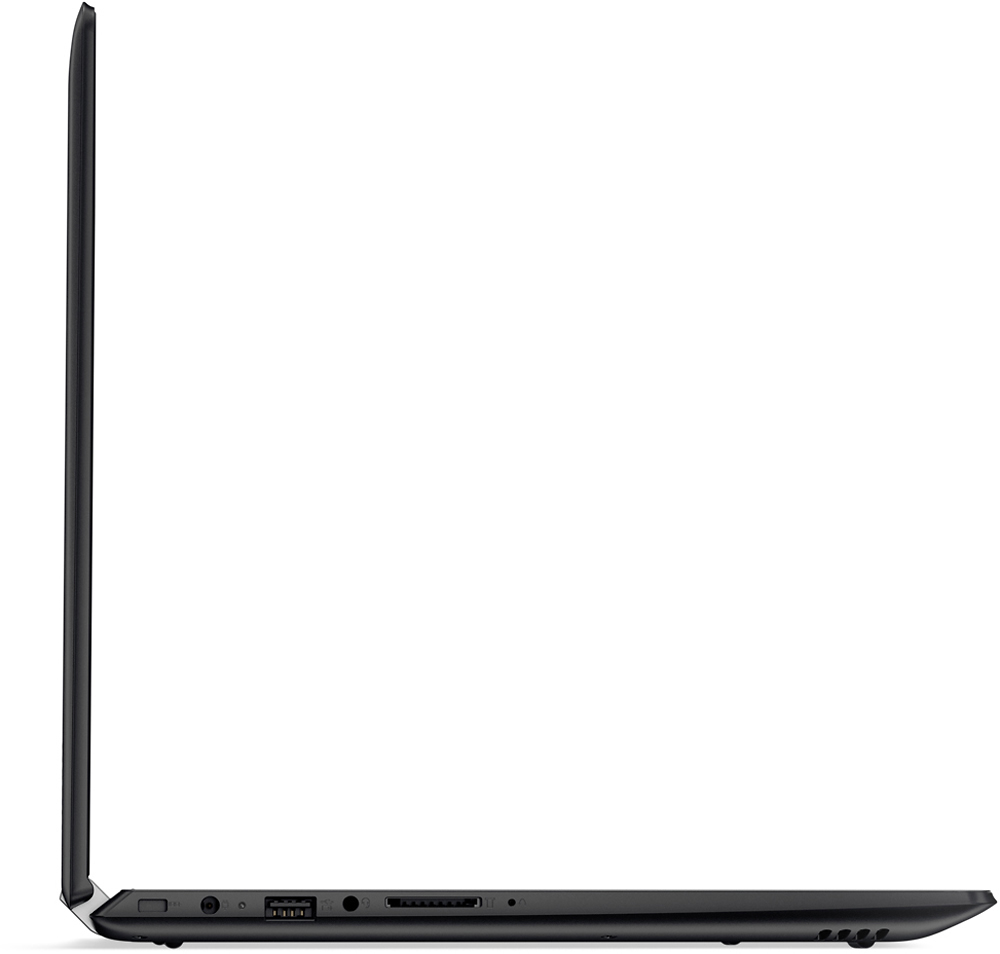
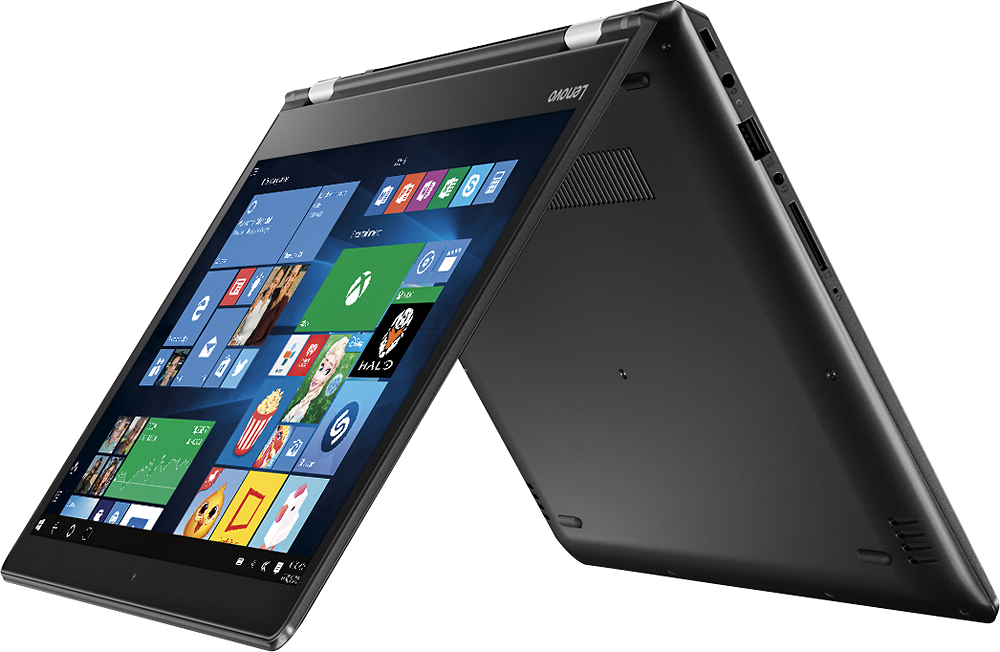
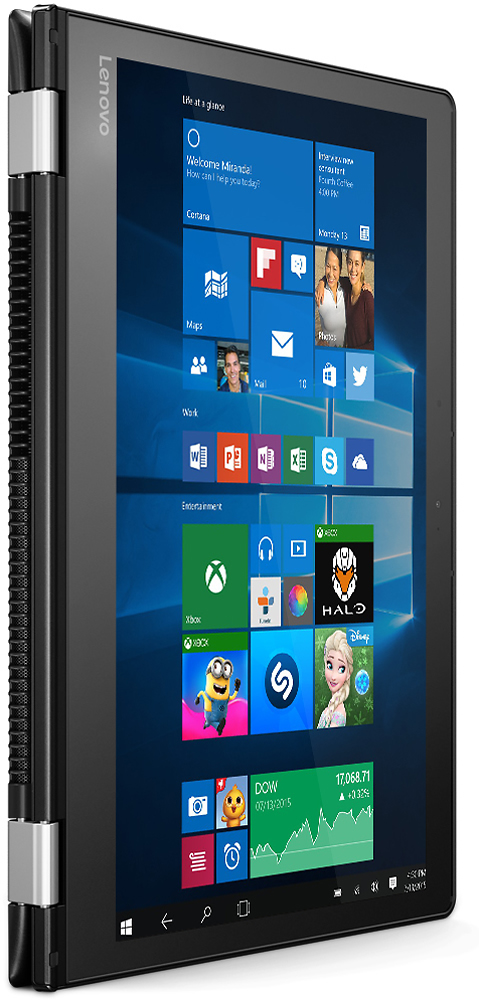
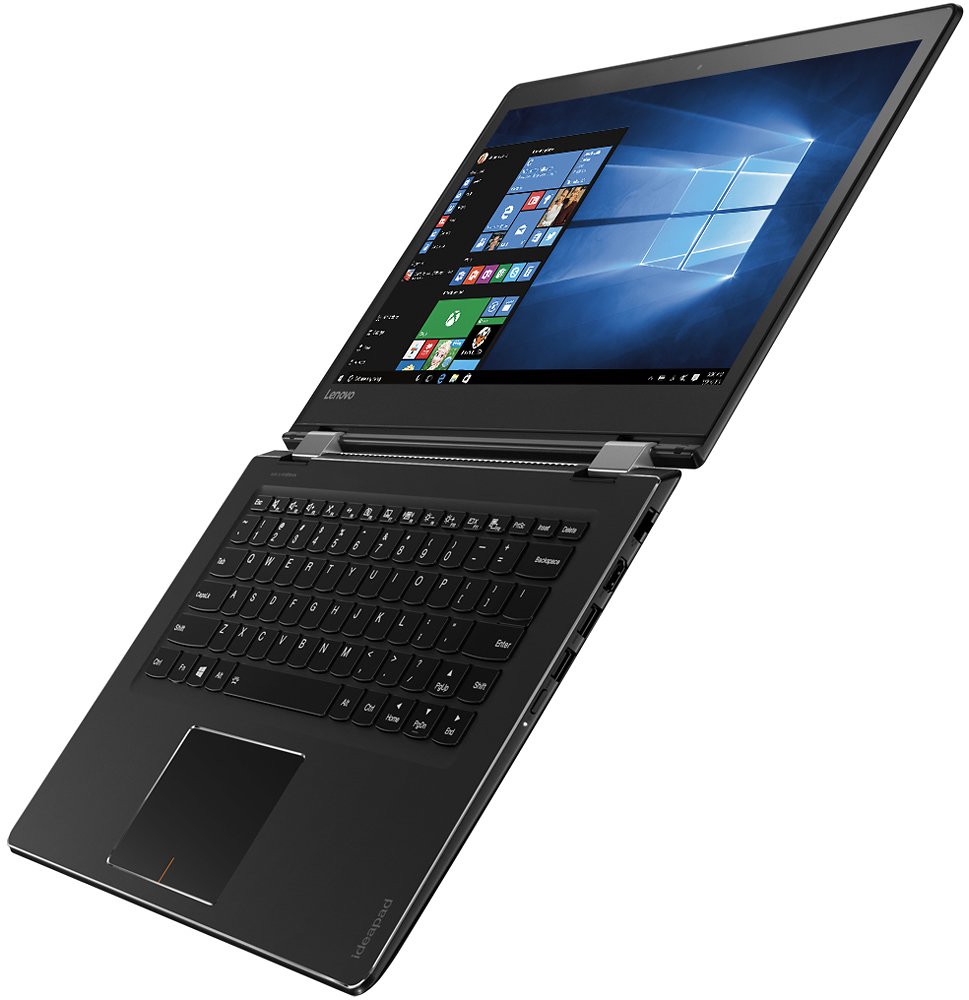
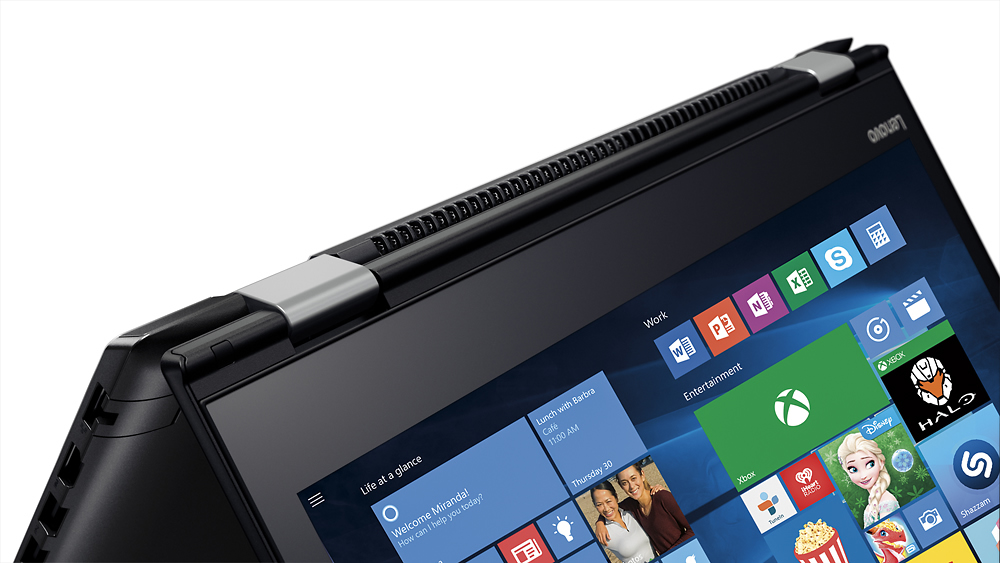



- Model:
- 80SA0000US
- SKU:
- 5206701
Rating by feature
- Value
Rating 4.1 out of 5 stars
- Quality
Rating 3.9 out of 5 stars
- Ease of Use
Rating 4.4 out of 5 stars
Customers are saying
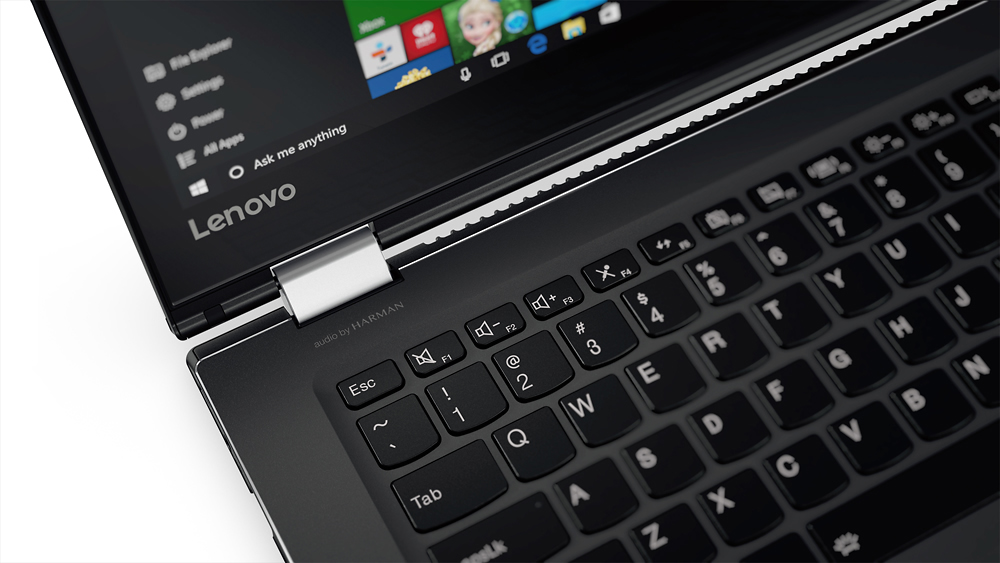
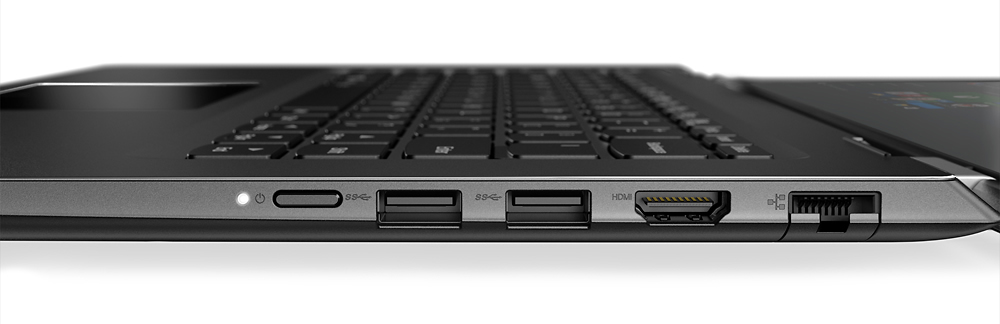
Customers highly value the Flex 4 14 2-in-1 laptop for its touchscreen capabilities, affordable price, lightweight design, and extended battery life. While some users have expressed concerns about its slow performance, limited RAM expandability, and occasional keyboard issues, the overall positive feedback suggests that this laptop meets the needs of many users.
This summary was generated by AI based on customer reviews.
Great , Easy to use
||Posted .This reviewer received promo considerations or sweepstakes entry for writing a review.Quick Delivery, Set Up Very Happy with my purchase
I would recommend this to a friendGreat product
||Posted .This reviewer received promo considerations or sweepstakes entry for writing a review.Would recommend to anyone. Very happy with quality.
I would recommend this to a friendBrand response from Lenovo Product Expert
Posted .Thank you for choosing the Lenovo Flex 4-14. We are pleased to hear that the Flex 4-14 is meeting your expectations so well.

Reliable at times
||Posted .This reviewer received promo considerations or sweepstakes entry for writing a review.Great laptop, but battery will die sooner than usual. If you want a stopgap computer, this will do.
No, I would not recommend this to a friendAmazing two in one
||Posted .This reviewer received promo considerations or sweepstakes entry for writing a review.Great laptop for the price, i am super impressed!!
I would recommend this to a friendBrand response from Lenovo Product Expert
Posted .Thank you for choosing the Lenovo Flex 4-14. We are pleased to hear that the Flex 4-14 is working out so well for you.
Great product. Heavy scrapes
||Posted .This reviewer received promo considerations or sweepstakes entry for writing a review.Product functions as it should, but I had no idea it'd be as visually scarred as it was. Deep scratches on the front of the laptop.
No, I would not recommend this to a friendok for what specs its built to
||Posted .This reviewer received promo considerations or sweepstakes entry for writing a review.It ok for what purpose I need it for.Stream video, play music,surf internet its not an I3 or I5 processor not real fast if online gaming
I would recommend this to a friendGreat laptop for a student
||Posted .This reviewer received promo considerations or sweepstakes entry for writing a review.I bought this laptop thinking it would be fast and it's not that great honestly it's constantly needing updates and it runs very slow.
No, I would not recommend this to a friendBrand response from Lenovo Product Expert
Posted .This system is an entry level system meant for light use, with its Intel Pentium processor and 4GB of RAM. If the system is running slow, close multiple open windows/programs running at the same time. This device should not need to update constantly. Be sure the updates are complete before you shutdown the system.
Painfully Slllloooowwwww
||Posted .This reviewer received promo considerations or sweepstakes entry for writing a review.Very slow to wake up or boot up. i only used at home, but it took forever to get it up to a usable status. I’d get up in the morning, restart the computer, take a shower, then return to the laptop to see if it was booted up yet. I’d say about 50% of the time it was. I’d never buy another Lenovo.
No, I would not recommend this to a friendgreat price
||Posted .This reviewer received promo considerations or sweepstakes entry for writing a review.For the price, it's good. The only negative thing is that I wish I had bought a laptop with a full 10 key. No problems so far.
I would recommend this to a friendIt froze up 1 month after warranty ran out!
||Posted . Owned for more than 2 years when reviewed.This reviewer received promo considerations or sweepstakes entry for writing a review.It was a good computer when it was working. It just crashed and would not charge anymore. One month after my Geek squad warranty ran out. So I paid $150.00 to have the charging port replaced only to find out the motherboard needs to be replaced and that would cost another $200 I just junked it! So now I won't buy anything over $150 since they are replaceable.
No, I would not recommend this to a friendAffordable entry level laptop
||Posted .This reviewer received promo considerations or sweepstakes entry for writing a review.Build quality is the same as more expensive models. Recomend changing to solid state HD to make up for the low end cpu/ram.
I would recommend this to a friendNice but slow
||Posted .This reviewer received promo considerations or sweepstakes entry for writing a review.Requires frequent rebooting. Google chrome needs to be shut down and restored. Not completely satisfied with this
No, I would not recommend this to a friendBrand response from Lenovo Product Expert
Posted .It sounds like you have conflicting software on your device. It should not be rebooting. You may need to uninstall/reinstall Chrome. Be sure any software you installed is compatible with Windows 10. There is no need to install Microsoft Office software. The software is already part of the operating system, you just need to activate the software with a purchased product key. If you have installed a copy of Microsoft Office, this is conflicting with the existing copy on the system and this will slow your system down. If you have installed a 3rd party anti-virus program, be sure that Windows Defender is turned off and that the trial version of McAfee Anti-Virus software is uninstalled. There can only be one anti-virus program on the system. You may need to restore your system to original factory default settings if any of the programing errors have occurred. You can do that by typing "restore" in the Cortana search window. Just click on the magnifying glass icon at the bottom left of your Windows 10 Desktop. Click on "Reset This PC" Then click on "Get Started" and follow the on screen directions to restore to factory defaults.
Decent laptop; reasonably priced
||Posted .This reviewer received promo considerations or sweepstakes entry for writing a review.Needed a small, reasonably priced and reliable laptop for graduate school work and this fit the bill nicely.
I would recommend this to a friendGood computer
||Posted . Owned for more than 2 years when reviewed.This reviewer received promo considerations or sweepstakes entry for writing a review.Very nice and affordable price. I would recommend this one to a college student
I would recommend this to a friendGood product for price
||Posted .This reviewer received promo considerations or sweepstakes entry for writing a review.Only negative is where shift key is located on right side-other reviews mentioned this as being problematic
I would recommend this to a friendBrand response from Lenovo Product Expert
Posted .Thank you for choosing the Lenovo Flex 4-14. With regard to the right shift key issue you mention, there is a free software APP called KeyTweak that may help you. You can switch the key functions of specific keys on your keyboard with this software, so you could change the right shift key with the key you hit in its place. Just Google search "KeyTweak" and you will find articles about what the software does and you will find the download location for this free APP.
- Cons mentioned:Slow
This computer is extremely slow.
||Posted .This reviewer received promo considerations or sweepstakes entry for writing a review.My husband bought this for me for Christmas. The way the keyboard is set up, it is hard to type with speed and accuracy. It seems to need to be updated almost every time I open it. It takes forever for any app to open.
No, I would not recommend this to a friendBrand response from Lenovo Product Expert
Posted .This system should provide good speed with its Intel Pentium processor and 4GB of RAM. Be sure any software you installed is compatible with Windows 10. There is no need to install Microsoft Office software. The software is already part of the operating system, you just need to activate the software with a purchased product key. If you have installed a copy of Microsoft Office, this is conflicting with the existing copy on the system and this will slow your system down. If you have installed a 3rd party anti-virus program, be sure that Windows Defender is turned off and that the trial version of McAfee Anti-Virus software is uninstalled. There can only be one anti-virus program on the system. You may need to restore your system to original factory default settings if any of the programing errors have occurred. You can do that by typing "restore" in the Cortana search window. Just click on the magnifying glass icon at the bottom left of your Windows 10 Desktop. Click on "Reset This PC" Then click on "Get Started" and follow the on screen directions to restore to factory defaults.
Good lapstop value for what I needed
||Posted .This reviewer received promo considerations or sweepstakes entry for writing a review.Good process speed .... Basic needs for some work and home. And good for my current job search.
I would recommend this to a friendAverage laptop
||Posted .This reviewer received promo considerations or sweepstakes entry for writing a review.I bought this and decided to return it. There are better deals out there for the money.
No, I would not recommend this to a friendFreezes
||Posted .This reviewer received promo considerations or sweepstakes entry for writing a review.This is a nice laptop for a novice user. It does freeze at times which is very frustrating.
No, I would not recommend this to a friendBrand response from Lenovo Product Expert
Posted .A key reason for a system freeze up is installed software that is incompatible with the operating system. Be sure any programs you have installed are compatible with Windows 10 and this system's configuration. Another reason for system freeze is over loading the processor and RAM of the system. This is an entry level, light use system configuration. If you are using multiple programs at the same time or have multiple windows open while on the internet, this may be overloading the system's resources and causing the freeze.
- Cons mentioned:Slow
Computer is slow and clunky - wouldn't recommend
||Posted .This reviewer received promo considerations or sweepstakes entry for writing a review.The case feels good. That's about where the benefits to this thing stop. The computer is slow and clunky. The trackpad is terrible and the screen is worse. I honestly can't think of anything positive to say. Avoid this computer. Buy something better.
No, I would not recommend this to a friend