Customer Ratings & Reviews




- Model:
- 80SA0000US
- SKU:
- 5206701
Rating by feature
- Value
Rating 4.1 out of 5 stars
- Quality
Rating 3.9 out of 5 stars
- Ease of Use
Rating 4.4 out of 5 stars
Customers are saying
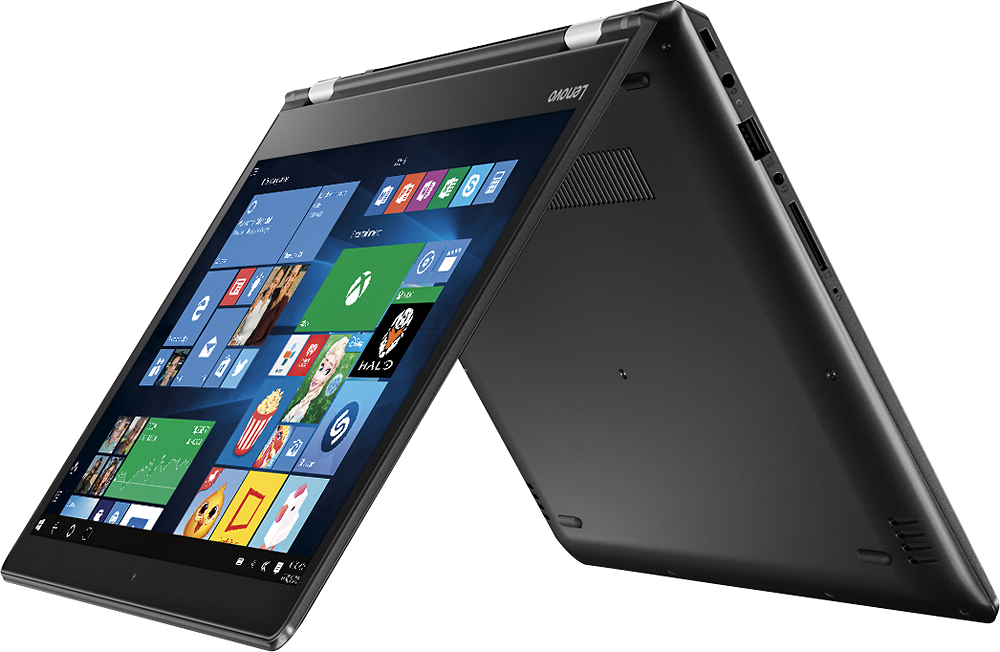
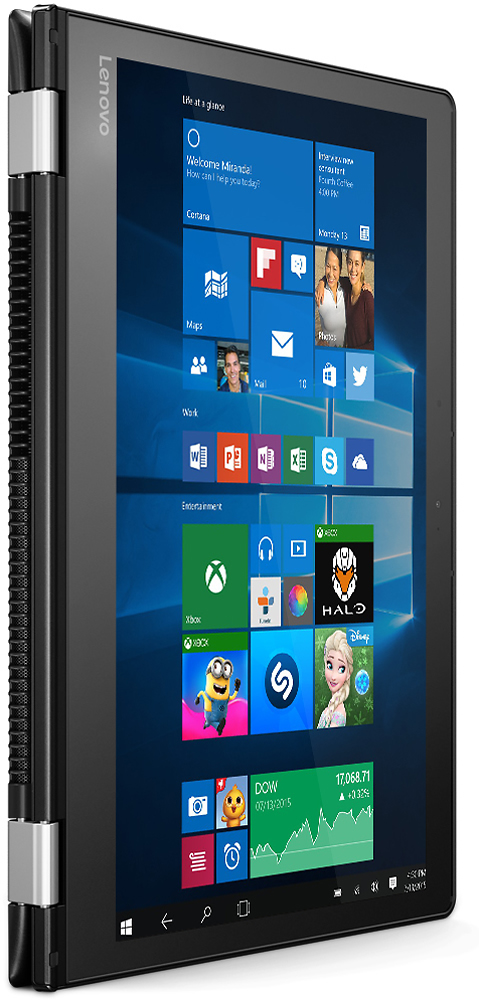
Customers highly value the Flex 4 14 2-in-1 laptop for its touchscreen capabilities, affordable price, lightweight design, and extended battery life. While some users have expressed concerns about its slow performance, limited RAM expandability, and occasional keyboard issues, the overall positive feedback suggests that this laptop meets the needs of many users.
This summary was generated by AI based on customer reviews.
screen too small to use effectively for me.
||Posted .This reviewer received promo considerations or sweepstakes entry for writing a review.I returned computer and got one with bigger screen
No, I would not recommend this to a friendNot great for multiple users
||Posted .This reviewer received promo considerations or sweepstakes entry for writing a review.Can't access anything if u forget the Admin password
No, I would not recommend this to a friendOpens quickly Crashes constantly
||Posted .This reviewer received promo considerations or sweepstakes entry for writing a review.I buy a new computer every 2 years and this is probably the worst . It constantly crashed and I finally took it back. After I found out from my neighbor that his wife had the same problem and Geek squad couldn't fix it but she found a fix on line.
No, I would not recommend this to a friendtoo touchy!
||Posted .This reviewer received promo considerations or sweepstakes entry for writing a review.The screen and mouse drive me nuts. They have a mind of their own and don't work well. I think this was an open box purchase. We had it serviced in the 2nd month, needs to go back in but hate to go without a laptop. I hate this one.
No, I would not recommend this to a friendBrand response from Lenovo Product Expert
Posted .With regard to the issues you mention with your device, there may be driver updates for your specific system. Follow the link below to look for new driver updates for your specific system. You can also run diagnostics from the Lenovo site as well. As always, be sure to create a restore point on your system before you make any changes. You can do this by just typing "restore point" in the search window within Cortana and follow the link to create a restore point. Here is the link:
http://support.lenovo.com/us/en/products/Laptops-and-netbooks/Flex-Series/flex-4-1470/80SA/0000US?tabName=Downloads&linkTrack=Mast:SubNav:Support:Drivers and Software|Drivers and Software
Never worked
||Posted .This reviewer received promo considerations or sweepstakes entry for writing a review.I bought this laptop and saddly I wasn’t in the country in order to return this laptop that was supposed robe touch screen and unroll nice is not working how is supposed to be and touch pad doesn’t even work at lot
No, I would not recommend this to a friendBe careful of open box items
||Posted .This reviewer received promo considerations or sweepstakes entry for writing a review.I got this item "open box" for the discount and it came to me with no operating system at all. I was told I could buy the operating system it to install but it would bring the cost up to the price of a new one.
No, I would not recommend this to a friendReturned due to cheap screen
||Posted .This reviewer received promo considerations or sweepstakes entry for writing a review.It was a good Xmas gift that met the needs of a high school student but only a month later screen cracked from openin from right side. Was not dropped but cracked. Returned for store credit
No, I would not recommend this to a friendPoor Laptop, even after it's been fixed
||Posted .This reviewer received promo considerations or sweepstakes entry for writing a review.This will be our 3rd issue with the screen...sent to Lenovo to be fixed, brought it home and having another issue with it. Once Best Buy sends it out for repair, you can't return it! Stay away!!!
No, I would not recommend this to a friend- Pros mentioned:Battery life, Price, Touch screenCons mentioned:Slow
economical flip laptop
Posted .This reviewer received promo considerations or sweepstakes entry for writing a review.Pros - CHEAP, BATTERY LIFE, touch screen, flip screen, (i have no problem with keyboard or the shift key. The shift key is same size as alphabet keys, i dont know why is there is a big fuss about it) Cons - the mouse pad is sucky, my page zoom keeps changing because the mouse pad seems to be getting stuck. And over all the its not the fastest computer (well it does have pentium processor...so cant expect much) takes little bit longer to boot up than my intel i3 laptop, but again i have no issues waiting for couple of more seconds.
I would recommend this to a friendBrand response from Lenovo Product Expert
Posted .Thank you for choosing the Lenovo Flex 4-14. With regard to the touchpad, you can make adjustments to the touchpad in your system settings. You can get there by clicking on the magnifying glass at the bottom left your Windows 10 screen. Type "touchpad" in the search window. Select "Mouse & touchpad settings" from the list of choices. You can make general adjustments to the touchpad there. You can also select "Additional mouse options" for more detailed adjustments to the touchpad sensitivity by increasing the delay of the touchpad.
Bad hard drive.
||Posted .This reviewer received promo considerations or sweepstakes entry for writing a review.The laptop would shut down at times....and wouldn't start up. Took it back to Best Buy....even two days beyond the two week period but they refunded my money. Good store....I'll be back.
No, I would not recommend this to a friend- Pros mentioned:Touch screenCons mentioned:Ram
Great, but wouldn't use it as my primary computer
Posted .This reviewer received promo considerations or sweepstakes entry for writing a review.Hands down I'm a Mac girl. I was so heartbroken to have to purchase a PC but I needed it for school because all the software and programs they use are made for windows and I wasn't about to boot camp my Mac or buy one for that purpose so I set out for a PC within my schools recommended specs. This one fit the bill and while it's not a Mac it'll do. One of the things I really like about this is the PC to tablet option, I don't notice too much of a lag when putting it in tablet mode as others have mentioned, which is nice. That being said, due to the touchscreen nature of this computer I feel I need the brightness up a little more than I typically would which drains the battery quicker. It seems more reflective and can be really difficult to see in bright rooms or if there happens to be any light hitting the screen even on full brightness. Even though it has 4GB of RAM it can still be a little long in the tooth when loading, sometimes it takes a little while when it's waking up to play nice which can be annoying. The only program I have installed on this computer is microsoft office and even that can be slow to load but that's not at all uncommon for that program. I have no doubt the hard drive space will allow me to keep up with all the requirements of my classes and will allow me to save the things I've worked on and submitted. I shoot with a DSLR at times and haven't even come close to filling up my mac with large and RAW formats and that only has 128gb space, it'll take me forever to fill this up with simple word docs and power points. One of the major pros to this is that it charges quickly and I don't feel the need to have my charger with me at all times which is one of the big reasons I moved away from PCs initially. The touchpad on this could be a lot better. While I do like that it uses some of the same gestures as a Mac making it easier to switch between the two, I much prefer to use a USB mouse with this particular machine. It just seems very jumpy and I often get frustrated when I have to use it because it's not very smooth or accurate. If I don't have my mouse with me I often use the touchscreen feature because that's more reliable than the touchpad. I know other reviewers mentioned the keyboard being funky and throwing them off but I don't have that problem at all. It did take me a while to figure out that the Fn key initiated all the F1-10 commands even though my Mac is set up like that. Last PC I had you still had to use the Fn key to get to it's secondary function. Overall, I feel that this will get me through school just fine, I should be done in two years so I'm hoping it'll last that long for me with it only being used for school and not being my primary computer. If this were my primary computer I'd probably return it and get something different because some of it's flaws would drive me nuts on a regular basis, especially with some of the design software I use.
I would recommend this to a friend terrible
||Posted .This reviewer received promo considerations or sweepstakes entry for writing a review.This is by far the worst Laptop I have ever owned. It has not worked since day one. I will never buy a Lenovo product again.
No, I would not recommend this to a friendHorrible
||Posted .This reviewer received promo considerations or sweepstakes entry for writing a review.I should have read the reviews but didn't. Now I have to buy another laptop that works. This one is a poor excuse for a laptop. Horrible!
No, I would not recommend this to a friendBrand response from Lenovo Product Expert
Posted .We are sorry to hear that your experience with the Flex 4-14 has not been positive. We would like to help you with any specific issues you are having with the device. Please let us know how we can help.
Returned
||Posted .This reviewer received promo considerations or sweepstakes entry for writing a review.I returned the computer because it was not what I was looking for. I wanted 8gb memory and didn't see that this had 4 when I purchased it.
No, I would not recommend this to a friendProblems with it glitching
||Posted .This reviewer received promo considerations or sweepstakes entry for writing a review.I was having problem with the websites glitching. Every time I tried to surf the web, I had problems with the screen going away.
No, I would not recommend this to a friendBrand response from Lenovo Product Expert
Posted .This sounds like an issue with the Internet Explorer browser. You can update your Microsoft Internet Explorer Browser here: https://support.microsoft.com/en-us/help/17621/internet-explorer-downloads
Not a good choice for us
||Posted .This reviewer received promo considerations or sweepstakes entry for writing a review.The laptop froze up about 3 weeks after we got it (it was a Christmas gift). We decided to return it and not replace it.
No, I would not recommend this to a friendNot happy
||Posted .This reviewer received promo considerations or sweepstakes entry for writing a review.Not happy with how problems handled, not happy with product. Neither purchased laptop has worked properly
No, I would not recommend this to a friendDon't waste your money
||Posted .This reviewer received promo considerations or sweepstakes entry for writing a review.This product is one of the worst I've ever purchased. Luckily I was able to return this.
No, I would not recommend this to a friendNot the greatest
||Posted .This reviewer received promo considerations or sweepstakes entry for writing a review.Did not like it after spending a couple days with it. Returned it and got a real laptop.
No, I would not recommend this to a friendI returned it ASAP
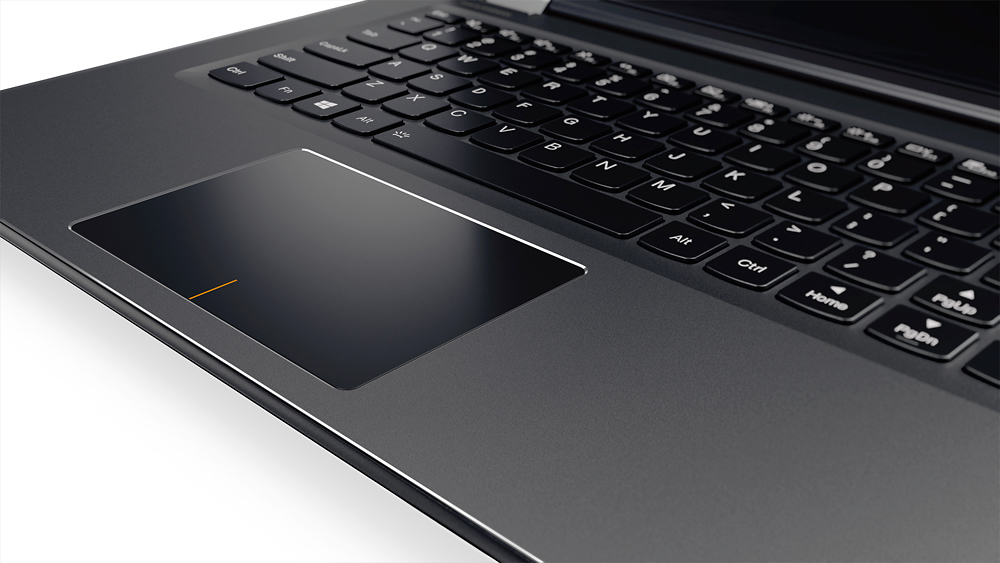
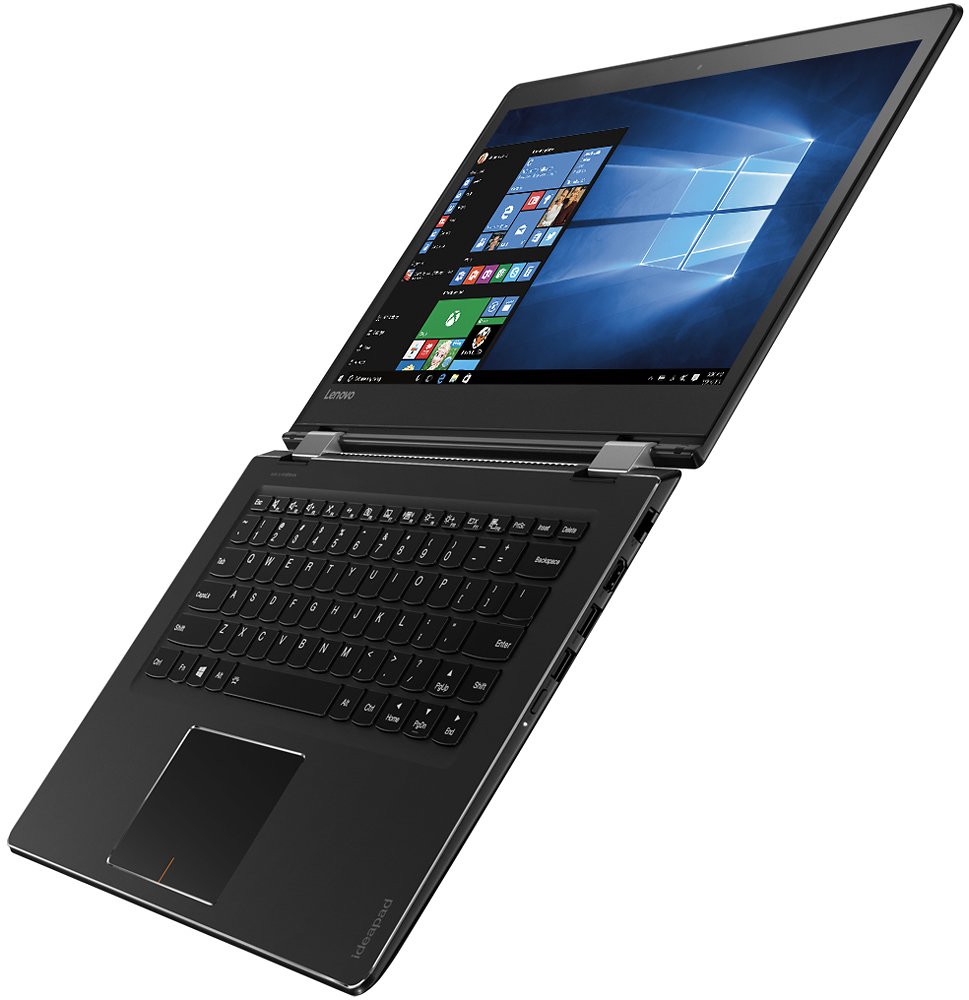
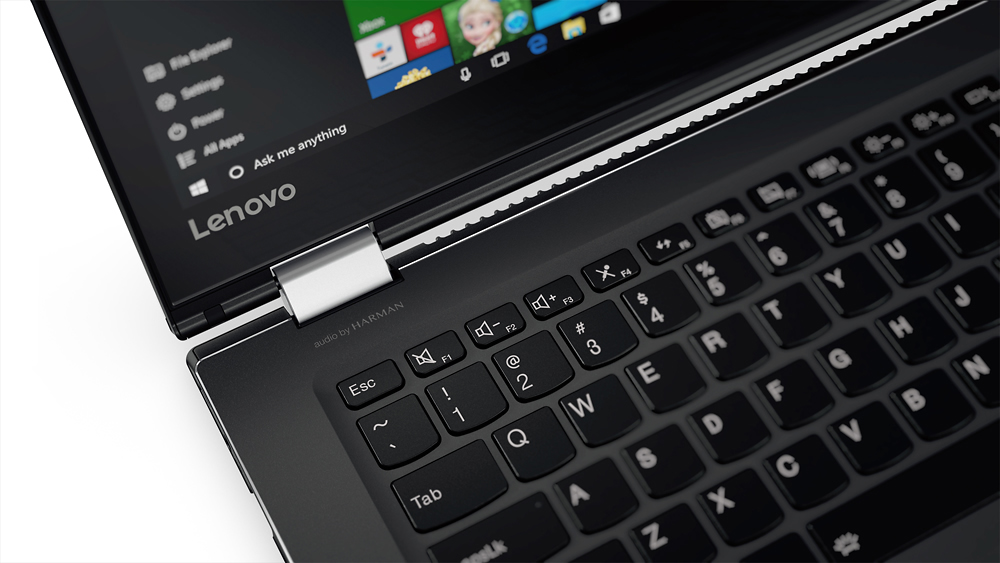
||Posted .This reviewer received promo considerations or sweepstakes entry for writing a review.The right shift key is located in the wrong place! Also very slow processor.
No, I would not recommend this to a friendBrand response from Lenovo Product Expert
Posted .With regard to the right shift key issue you mention, there is a free software APP called KeyTweak that may help you. You can switch the key functions of specific keys on your keyboard with this software, so you could change the right shift key with the key you hit in its place. Just Google search "KeyTweak" and you will find articles about what the software does and you will find the download location for this free APP.