Customer Ratings & Reviews
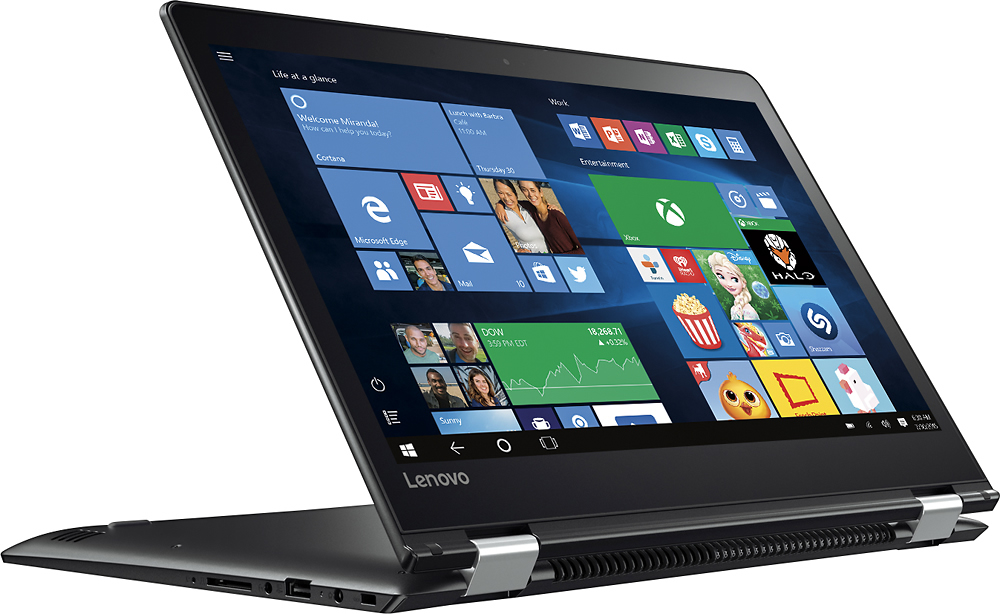
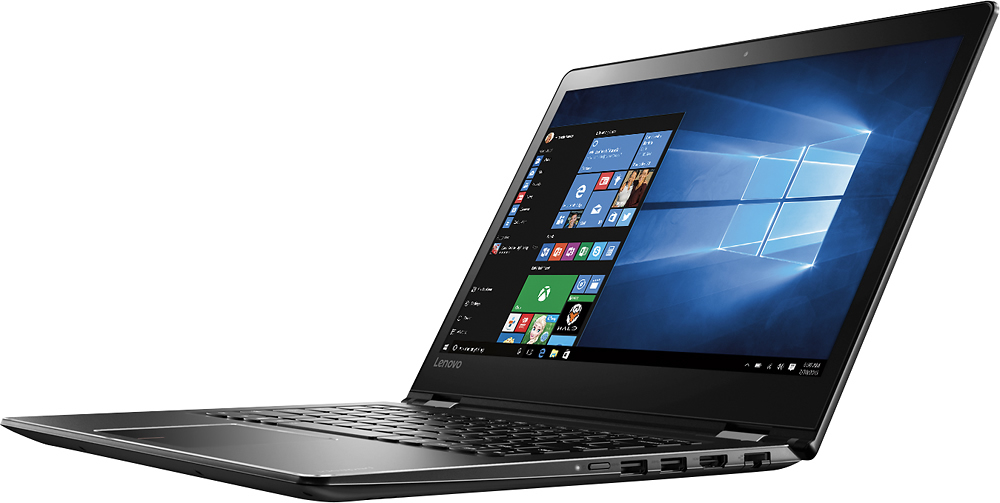

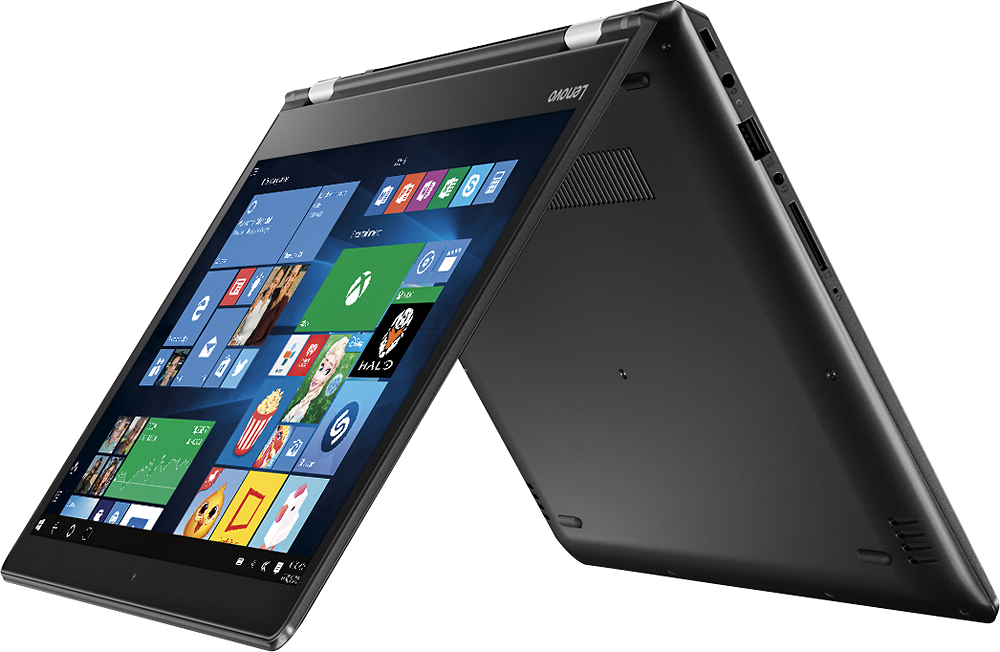
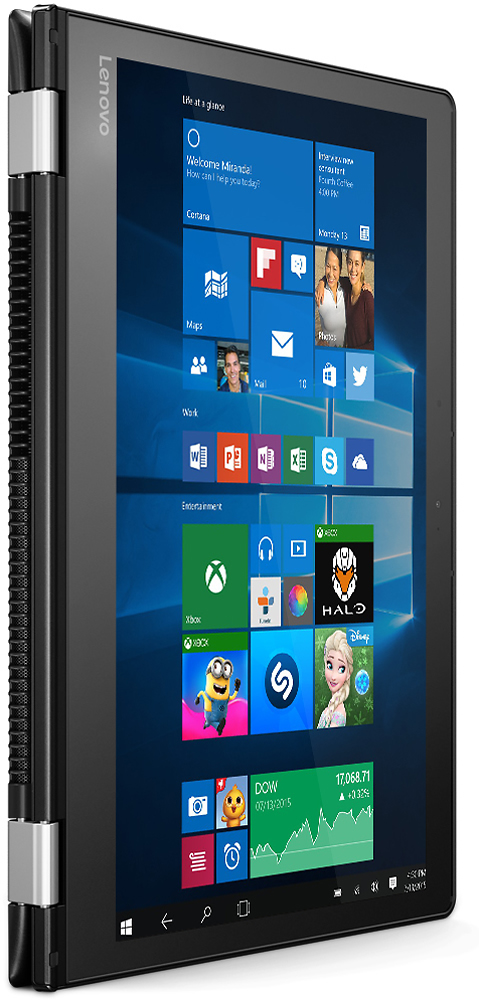
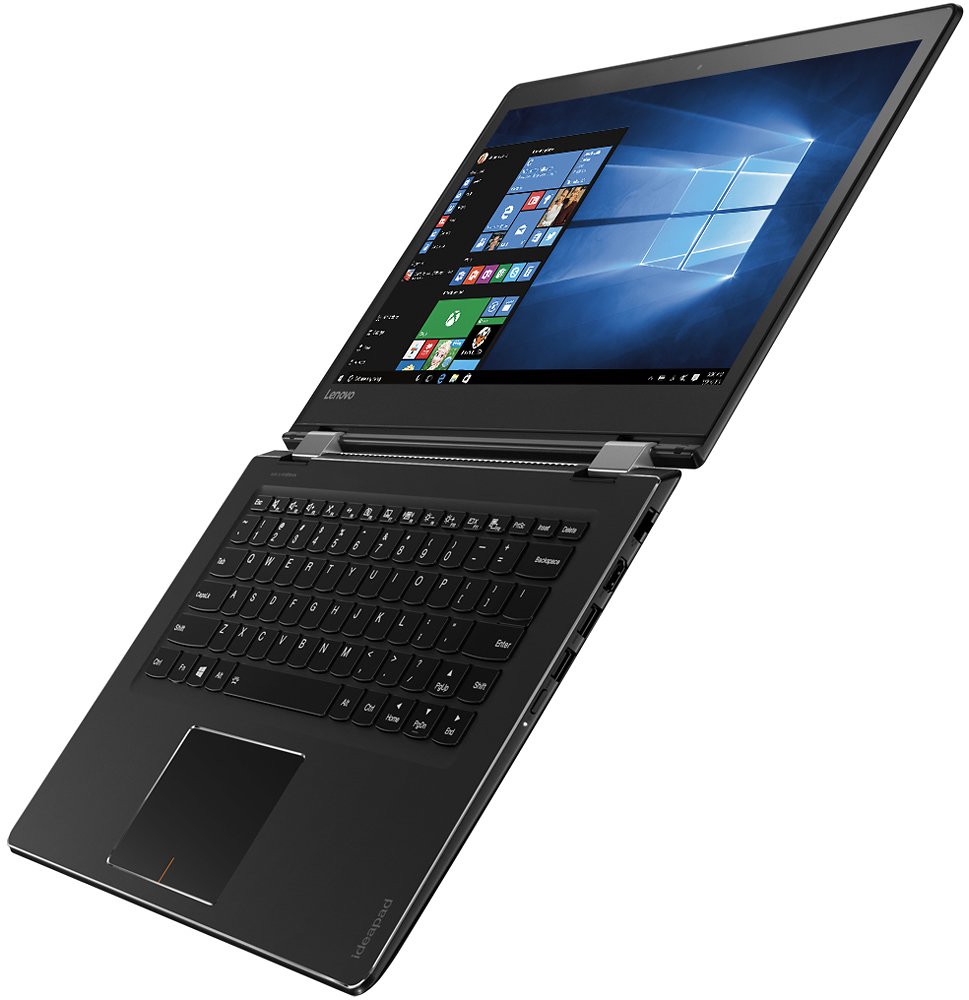
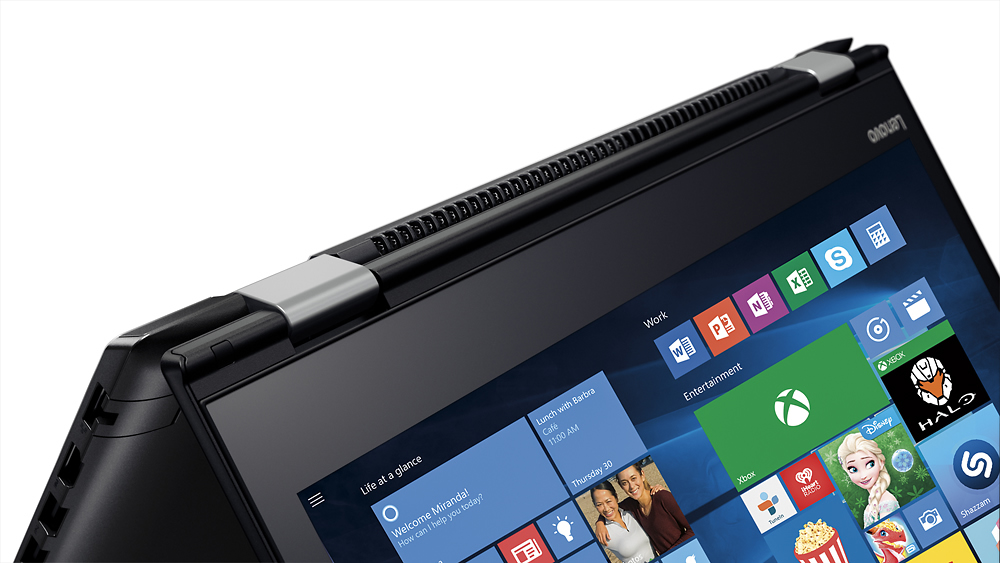



- Model:
- 80SA0000US
- SKU:
- 5206701
Rating by feature
- Value
Rating 4.1 out of 5 stars
- Quality
Rating 3.9 out of 5 stars
- Ease of Use
Rating 4.4 out of 5 stars
Customers are saying
Customers highly value the Flex 4 14 2-in-1 laptop for its touchscreen capabilities, affordable price, lightweight design, and extended battery life. While some users have expressed concerns about its slow performance, limited RAM expandability, and occasional keyboard issues, the overall positive feedback suggests that this laptop meets the needs of many users.
This summary was generated by AI based on customer reviews.
- Pros mentioned:Touch screen
Great Purchase for My Granddaughter
Posted .This reviewer received promo considerations or sweepstakes entry for writing a review.My granddaughter had been using a larger laptop, (15.6 screen.) She is attending the University of Washington and needed something smaller to pack around campus. This flex4 is not only smaller and lighter - it is also a touch screen. The CPU is a dual core pentium that is laptop designed. The temps stay low and the battery is rated to last 8.5 hours. Pentium is above the low-end Atom and Celeron series but below the faster Core i3, i5 and i7 lines The ram is DDR4 running at 2133 megahertz. This is unusual as most laptops out there are still running DDR3. Not a gaming computer but it performs perfectly for what she needs.
I would recommend this to a friendBrand response from Lenovo Product Expert
Posted .Thank you for choosing the Lenovo Flex 4-14 for your grand daughter. We are pleased to hear that the features and performance of the Flex 4-14 meets your grand daughter's computing needs so well.

Love these laptops, but disappointed
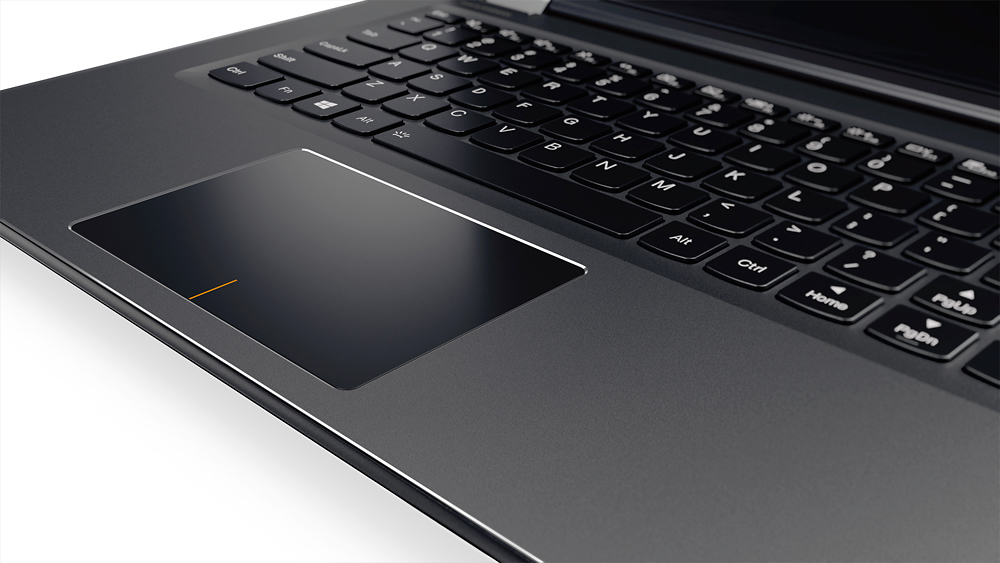
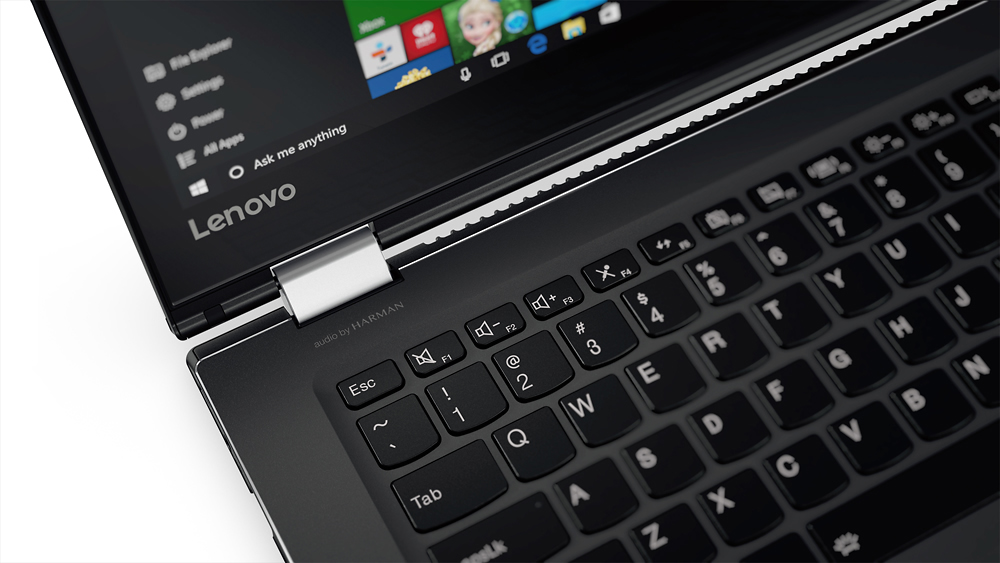
Posted .This reviewer received promo considerations or sweepstakes entry for writing a review.I bought myself this same computer with different specs a couple of months ago. My daughter fell in love with mine, and needed one for college, so I picked up this one because it was such a great deal. I thoroughly read the reviews to make sure the processor and hard drive change would not be a huge downgrade from mine and would do what she needed. She loves it, even though I am REALLY disappointed that it does NOT have a backlit keyboard. The product image shows the light icon on the spacebar, and I also saw another reviewer that was upset about it being missing - but a Lenovo Rep had commented that it did, in fact, have one. So, I was definitely expecting that feature. Hers does NOT have the icon on spacebar, and clicking FN+spacebar does NOT turn it on. So, if a Lenovo Rep sees this review, I would like to know why this feature is missing, especially when the company rep says that it is there. And if there is another way to turn it on (which I highly doubt they would make it different on the same computer), then I'd love to hear it!!!
I would recommend this to a friend- Cons mentioned:Slow
Okay for the price
Posted .This reviewer received promo considerations or sweepstakes entry for writing a review.Bought this laptop for an upcoming school course, and I've had it for about a week or two now. It's pretty slow, start up takes a while and some of the Apps I've downloaded can take around 30 seconds to open. I haven't put any documents, photos, etc on the hard drive and I've only downloaded less than 10 apps, and deleted a few useless ones that were already installed on the laptop. I've checked the programs that run on start-up to try and get it zippy like all the other reviews say, but nothing is really slowing it down other than itself. I'll probably upgrade the RAM. It seems to work better as a tablet than as a standard laptop. The 2-in-1 is probably it's saving grace, and I don't regret buying it only because I wanted something inexpensive and that could handle at least school work, even if it is slow. Kind of what I expected, even though the other reviews say it's quick so I was still a tad disappointed.
I would recommend this to a friendBrand response from Lenovo Product Expert
Posted .This system should provide good speed with its Intel Pentium processor and 4GB of RAM. Be sure any software you installed is compatible with Windows 10. It sounds like some of the APPs you have downloaded may not be compatible with Windows 10 and/or the configuration of this computer. There is no need to install Microsoft Office software. The software is already part of the operating system, you just need to activate the software with a purchased product key. If you have installed a copy of Microsoft Office, this is conflicting with the existing copy on the system and this will slow your system down. If you have installed a 3rd party anti-virus program, be sure that Windows Defender is turned off and that the trial version of McAfee Anti-Virus software is uninstalled. There can only be one anti-virus program on the system. You may need to restore your system to original factory default settings if any of the programing errors have occurred. You can do that by typing "restore" in the Cortana search window. Just click on the magnifying glass icon at the bottom left of your Windows 10 Desktop. Click on "Reset This PC" Then click on "Get Started" and follow the on screen directions to restore to factory defaults.
Good Quality for the money
Posted .This reviewer received promo considerations or sweepstakes entry for writing a review.Seems to be built very well, not too heavy. works as should. NO BACKLIT KEYBOARD. I have seen at least two replys from Lenovo saying hold down space bar and FN key to turn on. There is not a one on the unit I have or it is broken. There is no symbol on the space bar for backlight either. I'm still pleased with my purchase so far.
I would recommend this to a friendBrand response from Lenovo Product Expert
Posted .Thank you for choosing the Lenovo Flex 4-14. With regard to the backlit keyboard issue, you are correct, this model does not have a backlit keyboard.
Almost 5 stars
Posted .This reviewer received promo considerations or sweepstakes entry for writing a review.I love the computer, it starts up fast, doesn't get hot, and it works well for my basic needs (Word use and internet). The fully charged battery only lasted about 4 hours (maybe it needs to be "trained"??) and I was only using Word to do homework, nothing else was running. The other thing, I found frustrating was the placement of the right hand shift key, I kept hitting the arrow up key because it was placed where the shift key normally is, so that was frustrating. Other than the battery life and the shift key. I love the machine! Sadly, though I may have to return this only because of the placement of right shift key, as I type a lot of papers. But over all, its a great machine and I LOVE how I can turn it into a tablet too.
I would recommend this to a friendBrand response from Lenovo Product Expert
Posted .Thank you for choosing the Lenovo Flex 4-14. We have taken note of your keyboard and battery issues and will look in to them.
- Pros mentioned:Battery life
Good entry level laptop
Posted .This reviewer received promo considerations or sweepstakes entry for writing a review.I got this laptop on a sale for 250$ and it is well worth the price Pros - 1. Build quality - I would say that it is outstanding for the price 2. Speed - startup is a little slow but I don't see any lags at all 3. Battery - good battery life, may last about 5 hours Cons - I wish the length of the power cord was linger
I would recommend this to a friendBrand response from Lenovo Product Expert
Posted .Thank you for choosing the Lenovo Flex 4-14. With regard to the length of the power cord, we will look in to this for future improvements.
- Cons mentioned:Ram
Very light, but needs upgrades
Posted .This reviewer received promo considerations or sweepstakes entry for writing a review.My 3 star refers to the original configuration (4GB RAM and 500 GB HDD). Sluggish piece of it. I added an 8GB RAM chip and dumped the mechanical hard drive and installed an SSD drive. Total cost $560, but it was well worth it. It is very, very light and very fast now. RAM can go up to 16 GB, but the processor would run out of gas before the RAM did. Now Id give it a 5 star review - but only after the easy upgrade.
I would recommend this to a friend It rocks
Posted .This reviewer received promo considerations or sweepstakes entry for writing a review.My daughter got this as a birthday present to replace a HP, she seems to be very happy with it, she needs it for school, will write more on how it worked for her in school when she gets home.
I would recommend this to a friendBrand response from Lenovo Product Expert
Posted .Thank you for choosing the Lenovo Flex 4-14 for your daughter. We are pleased to know that the Flex 4-14 met your criteria for a new laptop for your daughter.
Awesome computer
Posted .This reviewer received promo considerations or sweepstakes entry for writing a review.I bought this computer after my Toshiba broke. I read the reviews and finally decided to buy this Lenovo Flex 4 14... AND I DID NOT make a mistake! This computer is it! Just awesome! Below are pros and cons for this computer Pros: - Great resolution and display: There have been many negative reviews stating that the computer either had a terrible resolution or a horrible display. Don't listen to them. Sure, if you want to get a sharp display, get a computer with a1920 x 1080 resolution but there is nothing wrong with 1366 x 768. Nothing looks blurry or distorted. Some people also went on to say that if you are going to be using the computer with several people, you should look elsewhere as this computer is a TN. Hardly! Viewing with several people has proven to be of no problem. - 2 in 1 features: The 360 degree hinge makes this computer a good buy. It is very convenient to be able to flip it. - Good price: It is a good price for what you get. - Windows 10: Nice operating system, especially Cortana. I love her! - Touch screen: Very convenient. - Good quality: Very durable and strong. - Good design: It looks VERY nice! Cons: - No CD/DVD drive: Well, for that thickness and weight, you can't really complain. - No backlit keyboard: This one can be confusing as the specs talk about 'LED- backlit'. This really means that the SCREEN is LED-backlit not the keyboard. I tried what the Lenovo Product Expert said: Fn + spacebar - no result. It would be nice if it had a backlit keyboard. - Pentium processor is a bit slow: Can't complain for the price either! Bottom line: If your budget is limited and you want a computer for schoolwork, web-surfing etc. - this is it.
I would recommend this to a friendGreat but some flaws
Posted .This reviewer received promo considerations or sweepstakes entry for writing a review.I really love the laptop so far, though I have only had it for a day. It is a little weird getting used to the layout if the keyboard as it seems oddly placed. It should be noted that not all Flex 4 laptops have a backlit keyboard and I am a little disappointed that I got one without. I did experience the screen freezing black, forcing me to do a hard reset this morning. But it is very sleek and lightweight. Everything is fast so far and I was able download everything I needed quickly and easily. For such a cheap laptop, these flaws don't really matter as much. The flex part is great and it does fold all the way back.
I would recommend this to a friendBrand response from Lenovo Product Expert
Posted .Thank you for choosing the Lenovo Flex 4-14. With regard to the screen freezing issues you mention with your device, there may be driver updates for your specific system. Follow the link below to look for new driver updates for your specific system. You can also run diagnostics from the Lenovo site as well. As always, be sure to create a restore point on your system before you make any changes. Here is the link:
http://support.lenovo.com/us/en/products/Laptops-and-netbooks/Flex-Series/flex-4-1470/80SA/0000US?query=&Shallow=1&Type=&OperatingSystems=&Component=&Symptom=&linkTrack=Caps%253ABody_SearchProduct&tabName=downloads&beta=false
- Pros mentioned:Battery life
Good
Posted .This reviewer received promo considerations or sweepstakes entry for writing a review.I reviewed the product before and said it was great,but Lenovo says there is a backlight,but when I press the Fn key and spacebar nothing happens. So there is not a backlit keyboard. But, battery is great.
I would recommend this to a friendBrand response from Lenovo Product Expert
Posted .Thank you for choosing the Lenovo Flex 4-14. You are correct, this system does not have a backlit keyboard.
Love it, Hate it does not have a backlit keyboard
Posted .This reviewer received promo considerations or sweepstakes entry for writing a review.I really love the feel of the keyboard, but I was really sadden by the fact that it is not backlit. I tried the recommendations by Lenovo but the fact is there are two models of this laptop and the one I got is NOT backlit. The main reason I got this laptop was for that reason and was really disappointed as I am visually impaired and this feature is key in me working in any condition, especially low light. Also the shift key is in a weird place on the right, that I could get use to, but he lack of backlit is even more aggravating.
I would recommend this to a friendFast and Stable
Posted .This reviewer received promo considerations or sweepstakes entry for writing a review.I use it for Facebook, YouTube, and general web surfing. It plays even the HD videos smoothly. when I click on a web page or link it opens instantly. I'm using a 50 meg modem, I have other computers on my network and they tend to hesitate when opening a program or those stupid flash videos, but this one pushes through quickly. It would be perfect except the screen although quite nice in quality, if looking at it strait, if it's too far up or down it looks like the old projection screen, it looks dark, though not as bad as the old laptops of the 90's, but the problem is there. Battery life and speed all seem good as stated by other reviews.
I would recommend this to a friendBrand response from Lenovo Product Expert
Posted .Thank you for choosing the Lenovo Flex 4-14. With regard to the viewing angle of the screen, we will look in to this for future improvements.
- Pros mentioned:Battery life
Stylish with decent battery, but does not work!
Posted .This reviewer received promo considerations or sweepstakes entry for writing a review.I like the way this PC looks, and it has a decent battery life, but it is not a very good laptop. I have had issues with it turning off for no reason on it's own, and every time I flip from PC to tablet, it is supposed to switch on it's own but it does not. I've even triple checked my settings and it is set to automatically change but doesn't work, I have to change it manually every time. I also had an issue with it glitching. I googled fox news the other day, switched from PC to tablet mode, and all of a sudden it just started scrolling up and down the results page over and over again. Had to turn it off to get it to stop. After I started it back up, I was finally able to get to Fox News, I started watching a video, switched from tablet to PC mode, and it started glitching again. The play controls for the video just kept disappearing and reappearing over and over again. Once again I had to shut the PC down. I will be returning it. Do not buy it, it's terrible.
No, I would not recommend this to a friendBrand response from Lenovo Product Expert
Posted .We are sorry to hear about the issues you are experiencing with your Lenovo Flex 4-14. With regard to the mode change issues you mention with your device, there may be BIOS driver updates for your specific system. Follow the link below to look for new driver updates for your specific system. You can also run diagnostics from the Lenovo site as well. As always, be sure to create a restore point on your system before you make any changes. Here is the link:
http://support.lenovo.com/us/en/products/Laptops-and-netbooks/Flex-Series/flex-4-1470/80SA/0000US?linkTrack=Caps%253ABody_SearchProduct&tabName=downloads&beta=false
Great Laptop...Love it
Posted .This reviewer received promo considerations or sweepstakes entry for writing a review.This laptop to me is amazing, only trouble is the backlight on the keyboard, how do i turn it on?
I would recommend this to a friendBrand response from Lenovo Product Expert
Posted .This model does not have a backlit keyboard.
- Cons mentioned:Shift key
Ok as a tablet
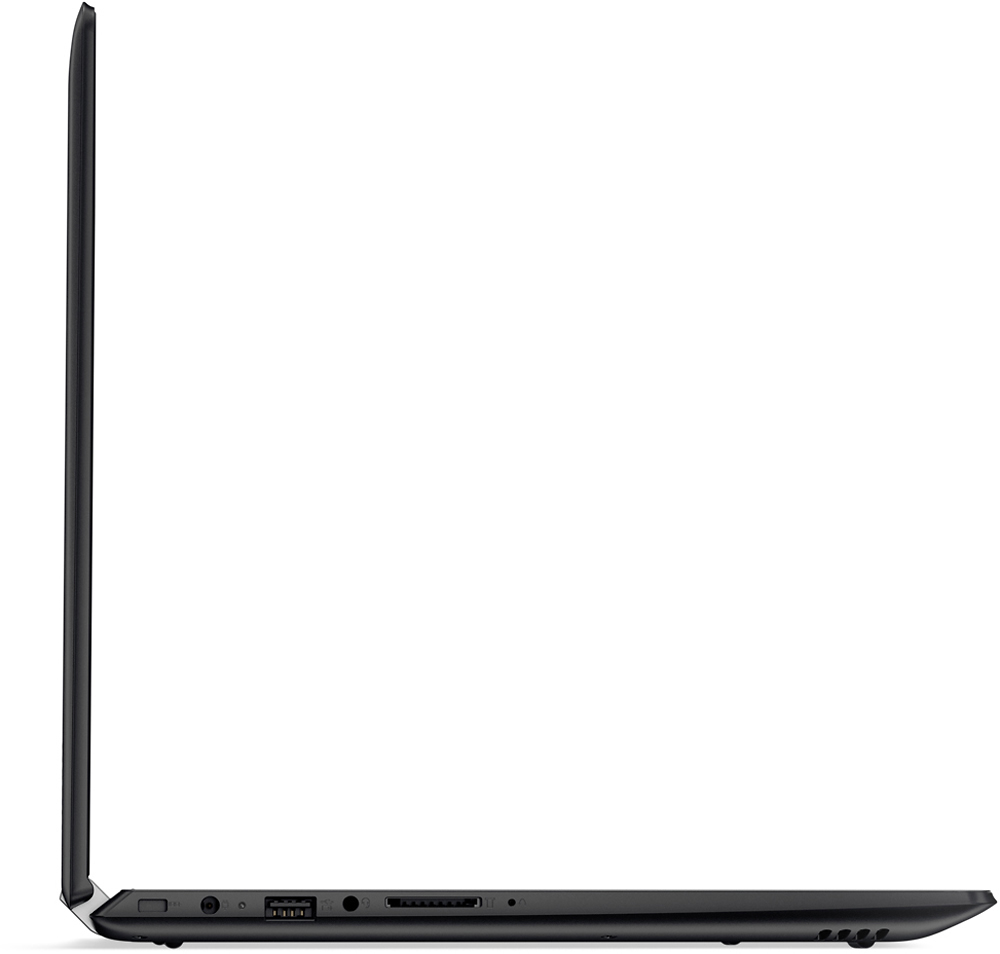
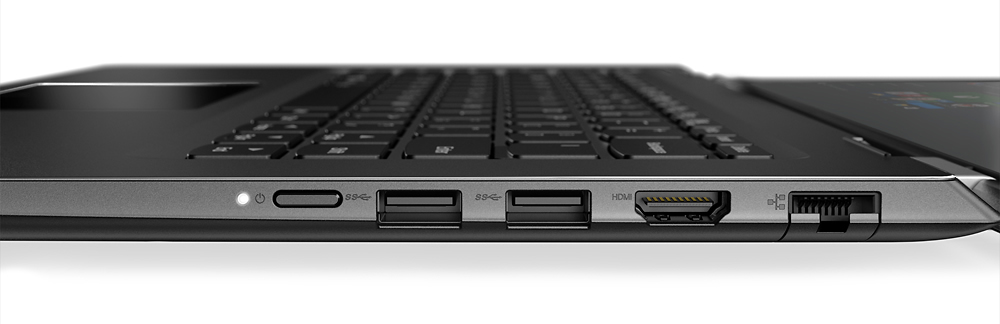
Posted .This reviewer received promo considerations or sweepstakes entry for writing a review.First of all, I bought this when my old laptop unexpectedly died. I needed something quick and cheap. I really wanted a back lit keyboard and the Lenovo person affirmed on the Q&A that this one had one. It does not. BB wouldn't let me ask the computer people in the store until they completed my pick up transaction and then didn't let me return it (told me I had to come back after 24 hours). I couldn't afford to buy a second laptop and needed to get a project done sooner than 24 hours so I was stuck. Really bad customer service!! So, now I am planning to gift this to one of my kids as soon as I can. Other issues: 1) stickers on the keyboard. They peel off easy but leave a bad sticky residue. 2) it doesn't fold all the way flat when flipped to tablet so it's awkward to carry 3) SD slot is very shallow so instead of being fully inserted, the card sticks out and is in the way of the power cord. But my biggest gripe is the keyboard itself. The shift key is tiny and hard to hit when touch typing. So this laptop would be ok if you are only going to use the touch screen but it's horrible if you need to type more than a sentence or two in a row.
No, I would not recommend this to a friendBrand response from Lenovo Product Expert
Posted .Thank you for choosing the Lenovo Flex 4-14. This system DOES have a backlit keyboard. Hold down the "Fn" key and tap the spacebar to turn on/off the backlight on this system. For the adhesive residue left from the advertising stickers on the palm rest, there is a product called Goo Gone that will remove the adhesive residue (here is the link: http://googone.com/). With regard to the right shift key issue you mention, there is a free software APP called KeyTweak that may help you. You can switch the key functions of specific keys on your keyboard with this software, so you could change the right shift key with the key you hit in its place. Just Google search "KeyTweak" and you will find articles about what the software does and you will find the download location for this free APP.
Great for basic needs
Posted .This reviewer received promo considerations or sweepstakes entry for writing a review.My old laptop crapped out on me, and I was looking for a 2 in 1. I read lots of reviews and researched before I bought it. Love it. Super easy to use, does exactly what I wanted. My 1 and only complaint is the placement of the right shift key. It will take me awhile to get use too.
I would recommend this to a friendBrand response from Lenovo Product Expert
Posted .Thank you for choosing the Lenovo Flex 4-14. With regard to the right shift key issue you mention, there is a free software APP called KeyTweak that may help you. You can switch the key functions of specific keys on your keyboard with this software, so you could change the right shift key with the key you hit in its place. Just Google search "KeyTweak" and you will find articles about what the software does and you will find the download location for this free APP.
Great computer for the price
Posted .This reviewer received promo considerations or sweepstakes entry for writing a review.Overall this is a great computer. My only complaint is the keyboard is not backlight like its advertised. I have read reviews were you guys (Lenovo) say it does have one but I tried the (hold FN key and press sapce) so many times and in different ways it just doesn't work. If you can help me that would be much appreciated.
I would recommend this to a friendBrand response from Lenovo Product Expert
Posted .My deepest apologies, I have just been informed that the picture on the Best Buy web site is incorrect. There is no backlight for the keyboard on this model. I apologize for misleading you. You are correct, this system does not have a backlit keyboard
- Cons mentioned:Slow
Am I spoiled, or is this relatively pathetic?
Posted .This reviewer received promo considerations or sweepstakes entry for writing a review.I had a better screen on the Gateway 2000 my parents bought in 1991. The screen is so pale, and darkens so significantly when tilted at the slightest angle, that I have trouble reading text over white backgrounds on it. And the trackpad right and left click buttons are very stiff, to the point where when I try to click on something on my home screen, no matter where my cursor is the computer thinks I'm trying to open cortana to the left of the page. Also, when I click on something I usually have to give it a few tries before the computer catches on to what I'm trying to open. Luckily the touchscreen feature is very responsive. I really like the keyboard on this computer, which is why I bought it as a temporary replacement for my machine in the shop. Most of my work requires typing, and this computer is definitely good for it. Unfortunately, it does EVERYTHING slowly and seemingly with difficulty, and the screen is just bottom of the barrel stuff. There has to be something slightly better for $300.
No, I would not recommend this to a friend - Pros mentioned:Price
Nice
Posted .This reviewer received promo considerations or sweepstakes entry for writing a review.Good starter laptop for anyone and cheap price would recommend
I would recommend this to a friend