Customer Ratings & Reviews




- Model:
- 80SA0000US
- SKU:
- 5206701
Rating by feature
- Value
Rating 4.1 out of 5 stars
- Quality
Rating 3.9 out of 5 stars
- Ease of Use
Rating 4.4 out of 5 stars
Customers are saying
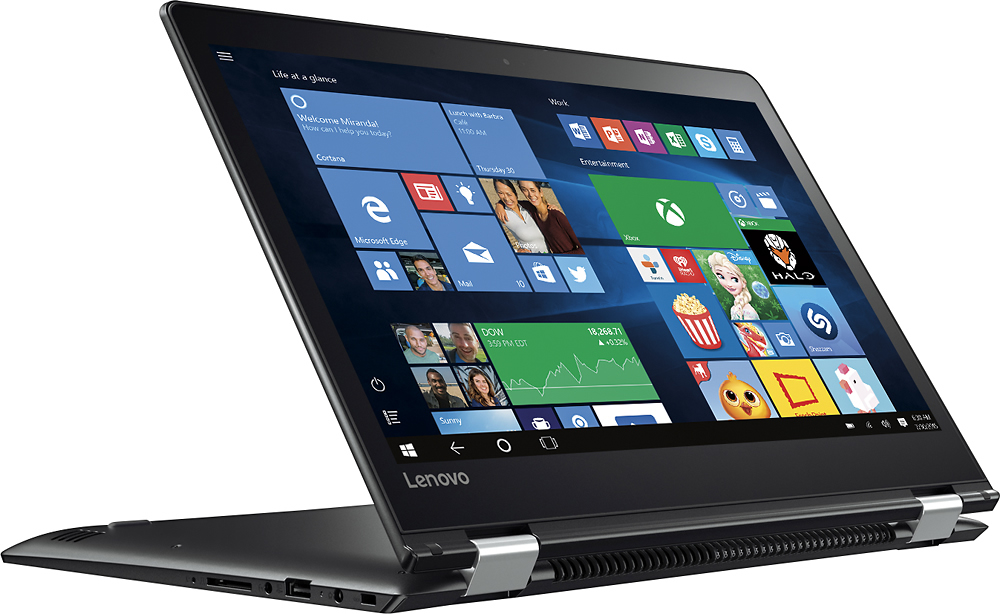
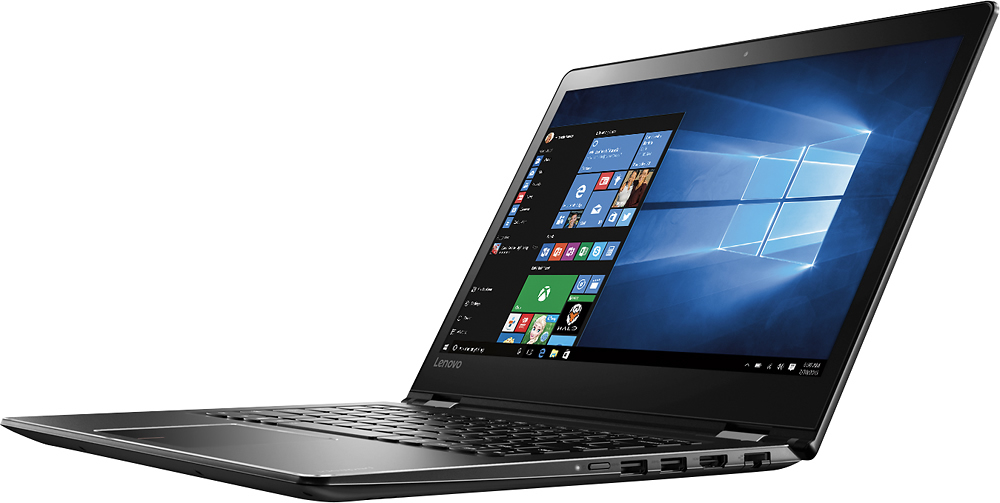
Customers highly value the Flex 4 14 2-in-1 laptop for its touchscreen capabilities, affordable price, lightweight design, and extended battery life. While some users have expressed concerns about its slow performance, limited RAM expandability, and occasional keyboard issues, the overall positive feedback suggests that this laptop meets the needs of many users.
This summary was generated by AI based on customer reviews.
Big design flaw in the keyboard
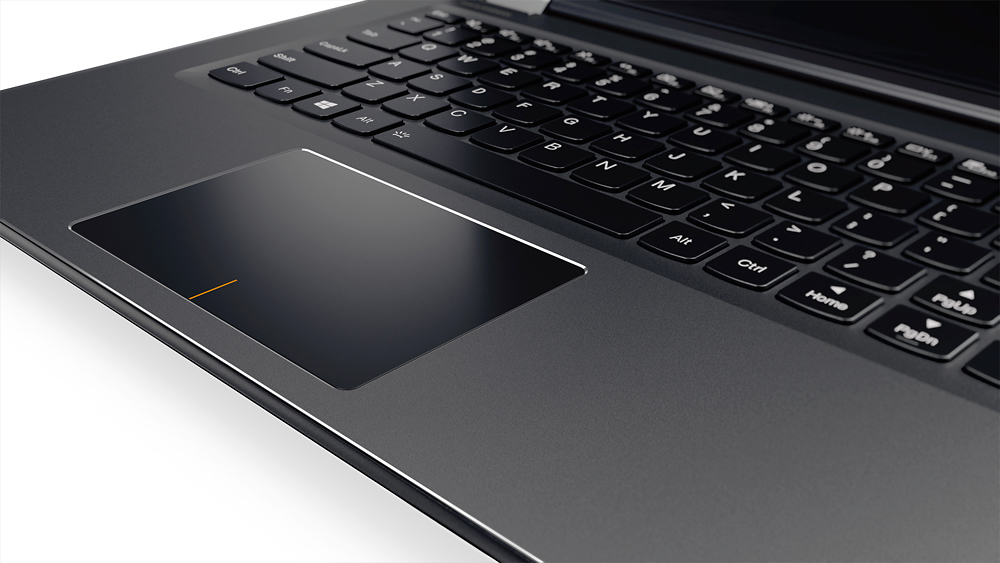
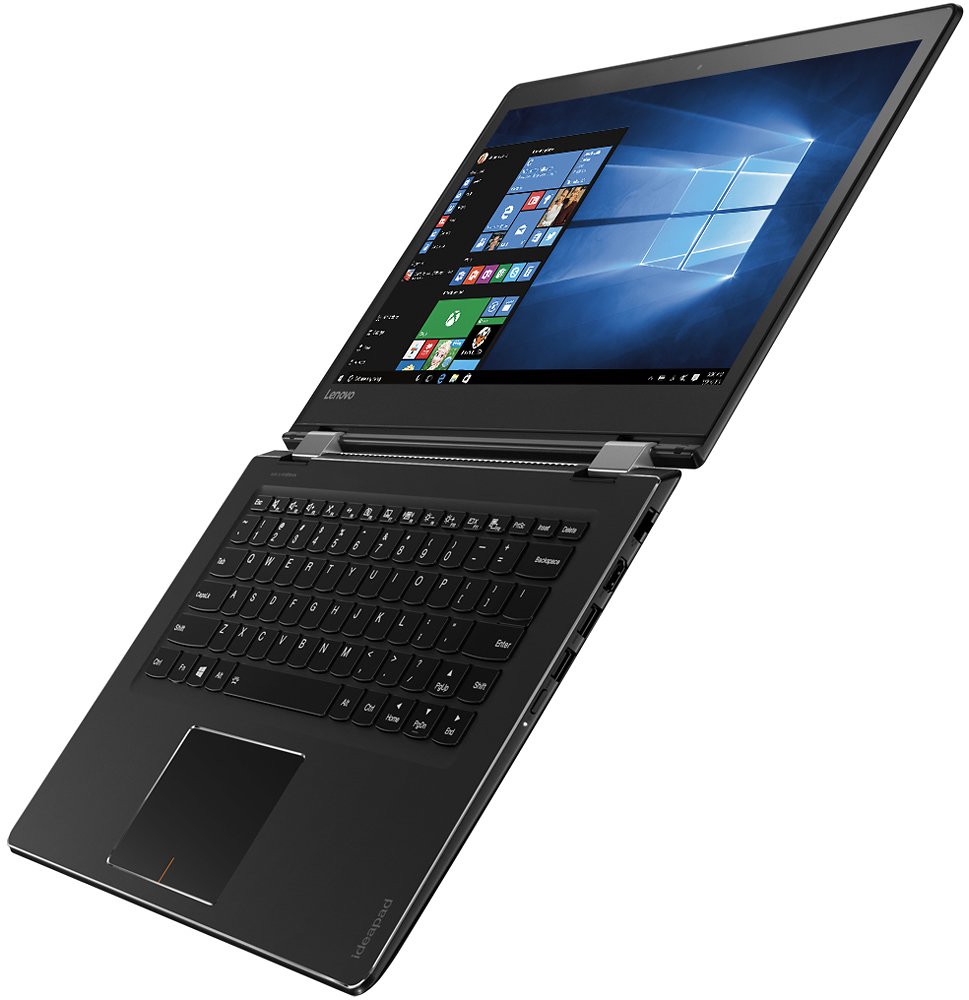
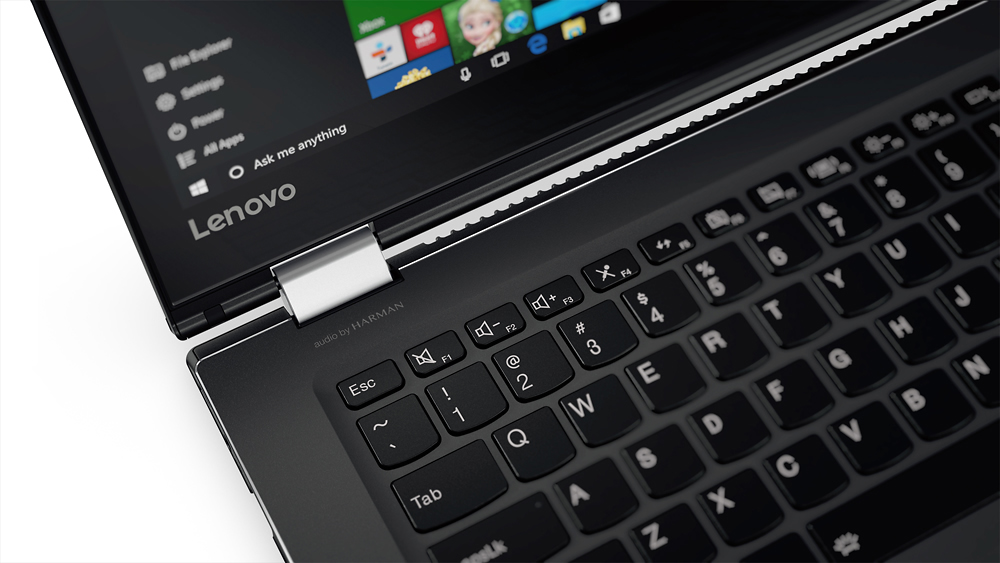
Posted .This reviewer received promo considerations or sweepstakes entry for writing a review.I cannot believe no one has commented on this. They shoved an extra key in between the usual ?/ key and the right shift button. So you have to stretch you right pinky finger way out to hit shift. You just don't do that naturally. After typing for 35+ years on the same types of key boards, I am now hitting the "page up" button which sits before the shift button every time I need to shift. I would HIGHLY recommend testing the key board out in a store before buying. I bought online and will now return it.
No, I would not recommend this to a friendBrand response from Lenovo Product Expert
Posted .With regard to the right shift key issue you mention, there is a free software APP called KeyTweak that may help you. You can switch the key functions of specific keys on your keyboard with this software, so you could change the right shift key with the key you hit in its place. Just Google search "KeyTweak" and you will find articles about what the software does and you will find the download location for this free APP.

DO NOT BUY THIS JUNK..
Posted .This reviewer received promo considerations or sweepstakes entry for writing a review.I bought this laptop in July and just after two month its not working, took to best buy and geek squad working on it since its under warranty. and in just two month they are telling me that its mother board is went bad.and its been 3 weeks and my laptop still not done yet. this is the first time i bought Lenova and sure for last time.i talk to best buy and requst to issue store credit to purchase different laptop.but Best Buy have ridiculous 15 day return policy. so NOW I AM STUCK WITH THIS PIECE OF JUNK...BEST BUY AND LENOVO THIS IS MY LAST PURCHASE FROM YOU..DO NOT WASTE YOUR MONEY..DO NOT BUY THIS LAPTOP...
No, I would not recommend this to a friendExtremely Poor Performance & Design
Posted .This reviewer received promo considerations or sweepstakes entry for writing a review.Very disappointed with this purchase. Performance is awful with lots of lag, slow boot, and slow program launch times. As others have mentioned the device stopped rotating into tablet mode despite all the settings being correct. Screen is also poor with extremely limited viewing angles and poor readability in bright light conditions due to the combination of the viewing angles and extremely glossy / reflective screen. Keyboard is also awkwardly designed and touch pad is way too big. This laptop looks good on paper, but the actual user experience is dreadful.
No, I would not recommend this to a friendBrand response from Lenovo Product Expert
Posted .We are sorry you are having problems with your new Lenovo Flex 4-14. With regard to the screen not rotating when moving to tablet mode, you say your settings for "auto-rotate" are correct, so there may be display driver updates for your specific system. Follow the link below to look for new driver updates for your specific system. You can also run diagnostics from the Lenovo site as well. As always, be sure to create a restore point on your system before you make any changes. Here is the link:
http://support.lenovo.com/us/en/products/Laptops-and-netbooks/Flex-Series/flex-4-1470/80SA/0000US?tabName=Downloads&linkTrack=Mast:SubNav:Support:Drivers and Software|Drivers and Software&beta=false
Junk--would rate it zero if I could
Posted .This reviewer received promo considerations or sweepstakes entry for writing a review.Bought it in April. It is now July. Still haven't been able to use this computer. Looks nice, seems to have good features, looked like a good deal, but non-functioning. Freezes randomly. Have spent hours talking to Lenovo, doing factory restarts, reinstalling software, watching it freeze again. Took it in for repair, they sent it to Tennessee, said it was fixed. Is not. Now Lenovo insists I do another factory reset, then I have to install Office AGAIN, then I have to watch it freeze again. Piece of junk--do not buy this.
No, I would not recommend this to a friendDo not buy - arrived with hard drive failure
Posted .This reviewer received promo considerations or sweepstakes entry for writing a review.This is the second "Geek Squad Open Box Excellent Condition" item I have purchased in the past year (Beat Studio Wireless other) and the second time it has arrived in broken condition. When starting up, the hard drive crashed and resulted in a blue screen of death basically saying the PC needed maintenance. Had to return to local store the next day. Be wary of Best Buy's refurb/open box, I'm sure if this was new, it would have been a better experience.
No, I would not recommend this to a friendonly 13 days
Posted .This reviewer received promo considerations or sweepstakes entry for writing a review.So i've only had this computer for 13 days and it decided to die on me. Anything simple that is being done it makes very loud fan sound and then it gave me a weird wiry noise screen turned red and then just turned off on me and did not want to turn back on. I will be returning it today and looking into other makes. very disappointed. If anyone has any suggestions please let me know. If I could leave 0 stars I would.
No, I would not recommend this to a friendBrand response from Lenovo Product Expert
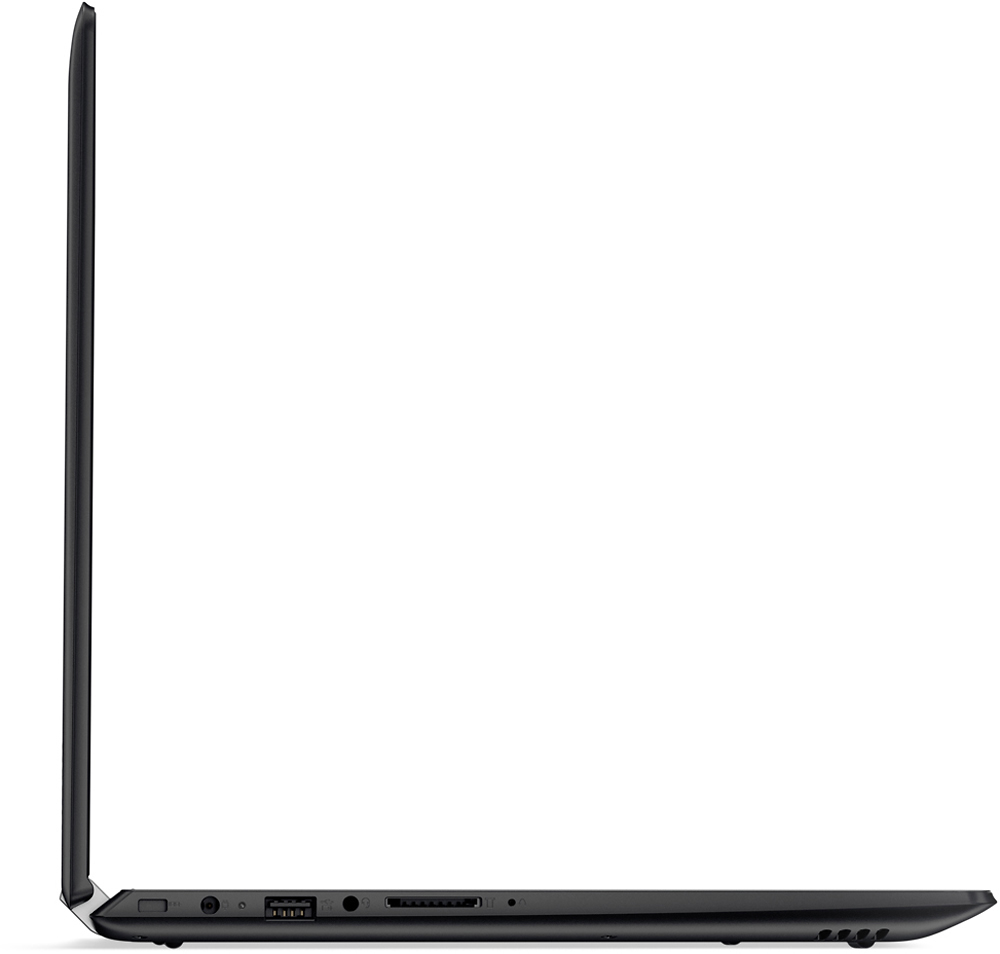
Posted .We are sorry to hear about the issues you are having with your Lenovo Flex 4-14. This system is equipped with OneKey Recovery System. There is a very small pin hole on the left side of the device, right near the SD card slot on the device. You will need a pin to push this reset button. Plug the device in. Let the battery charge for about 15 minutes. Push the reset button. The system should boot to a choice screen where you can choose "Restore To Factory Default". Select this. It will delete everything from the hard drive except the original factory install of the operating system. You will need to reinstall all programs and files after the reset. Be sure not to install any programs that are not compatible with the Windows 10 operating system. If you are installing old programs, you should verify that they are compatible with Windows 10 before installing. Do not install Microsoft Office software. Microsoft Office 365 is already in stalled as part of the operating system. You only need to activate the software with the purchase of a product key and inputting that number in to the software set up screen. If you don't have copies of the files, try to make one before you restore by selecting "Boot to desktop" and trying to back up your files before you restore to factory default.
would be a nice laptop if only the wifi worked
Posted .This reviewer received promo considerations or sweepstakes entry for writing a review.Worthless without wifi. When starting it, there's wifi and it connects just fine but by the time it is done, there's no wifi. I tried every thing I could find on the web to get it to be there but all I get is no connections. Yes, i tried the airplane mode. I reverted it back to factory and tried again. Still same result. There's lots of complaints like these but no solutions.
No, I would not recommend this to a friendBrand response from Lenovo Product Expert
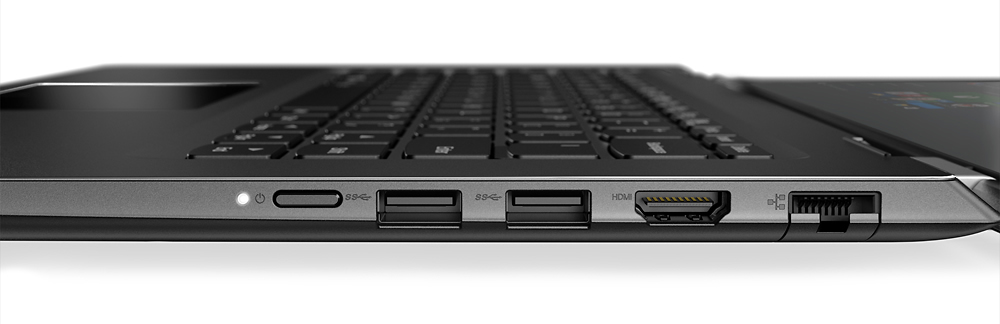
Posted .Thank you for choosing the Lenovo Flex 4-14. With regard to the issue with the WiFi connectivity, this system comes with an Ethernet port. Connect to the internet with an Ethernet cable. Once online update the Intel WiFi card driver. Here is the link to the Intel site for the driver update. Be sure to create a restore point on your device before you make any changes, once you've fixed the issue create a new restore point after the fix. Here's the link:
http://download.driversupport.com/lp/gppc/alt?gclid=Cj0KEQjw_eu8BRDC-YLHusmTmMEBEiQArW6c-D0rIjH6jszzlivzMxYgXB6qFIEhXJbLuX_U6K2hSCIaAsaT8P8HAQ&tid=US-OEM%20Devices-BroadMatch-Search&oemid=&odmid=280&utm_source=AdWords&utm_medium=PPC&utm_term=WiFi%20Driver%20For%20Intel&utm_content=55617671263&utm_campaign=US-OEM%20Devices-BroadMatch-Search&m=Intel&typeid=28&t=WiFi&s_kwcid=AL!4343!3!55617671263!b!!g!!%2Bwifi%20driver%20for%20%2Bintel&ef_id=V2BVMQAABhpJkdmB:20160729184425:s
No backlit keyboard
Posted .This reviewer received promo considerations or sweepstakes entry for writing a review.This is a showstopper for me. The Q/A said it did by a Lenovo expert. I just wasted 4 hours setting it up before this discovery.
No, I would not recommend this to a friendBrand response from Lenovo Product Expert
Posted .This system does have a backlit keyboard. Hold down the Fn key, then press the space bar.
Stopped working 5 days after pick-up
Posted .This reviewer received promo considerations or sweepstakes entry for writing a review.Purchased this computer last Friday and it failed to turn on Wednesday. Will be returning and purchasing a different laptop.
No, I would not recommend this to a friendBrand response from Lenovo Product Expert
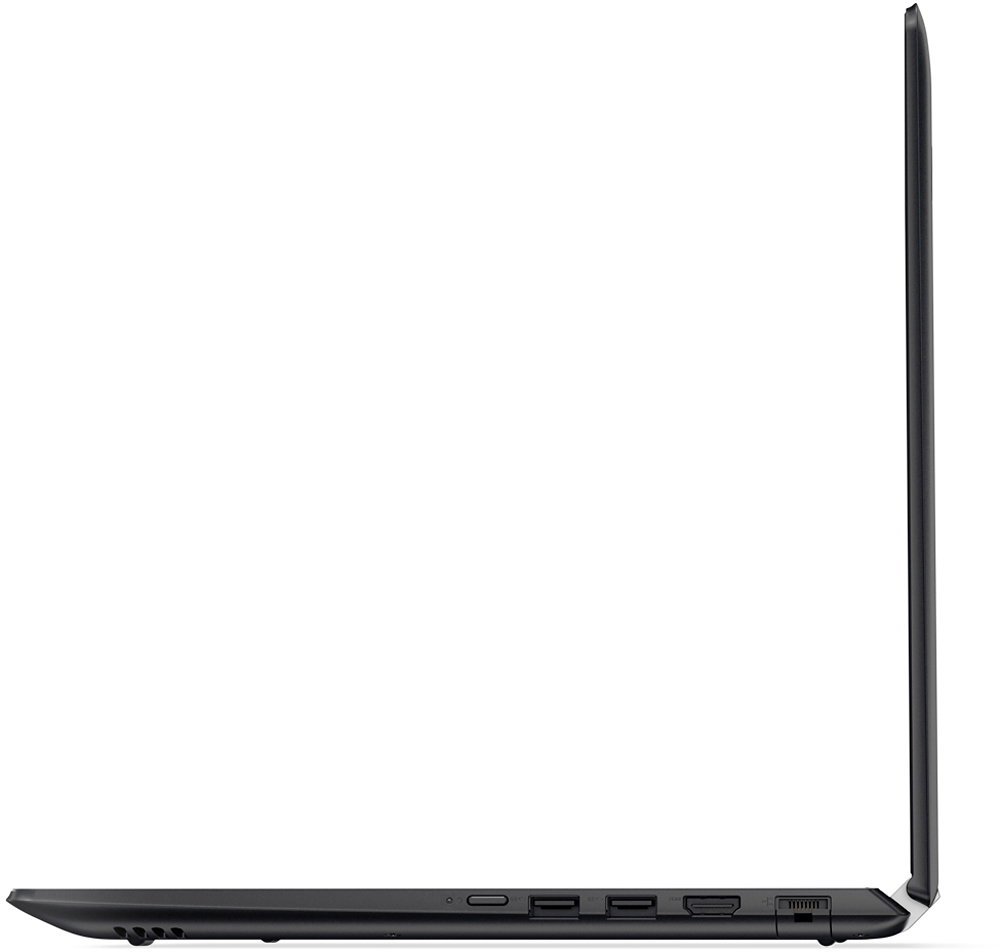
Posted .Thank you for choosing the Lenovo Flex 4-14. Since the system worked for a while then had problems, it sounds like there may have been a Windows 10 update that didn't install correctly or is creating the issue. This system is equipped with the OneKey Recovery System. There is a very small button on the right side of the device, near the power button. Push this button with your system plugged in and it should boot to a choice screen. Select restore to factory default. This will restore the system to original factory settings. It will delete all programs from the hard drive and restore the original operating system.