Customer Ratings & Reviews
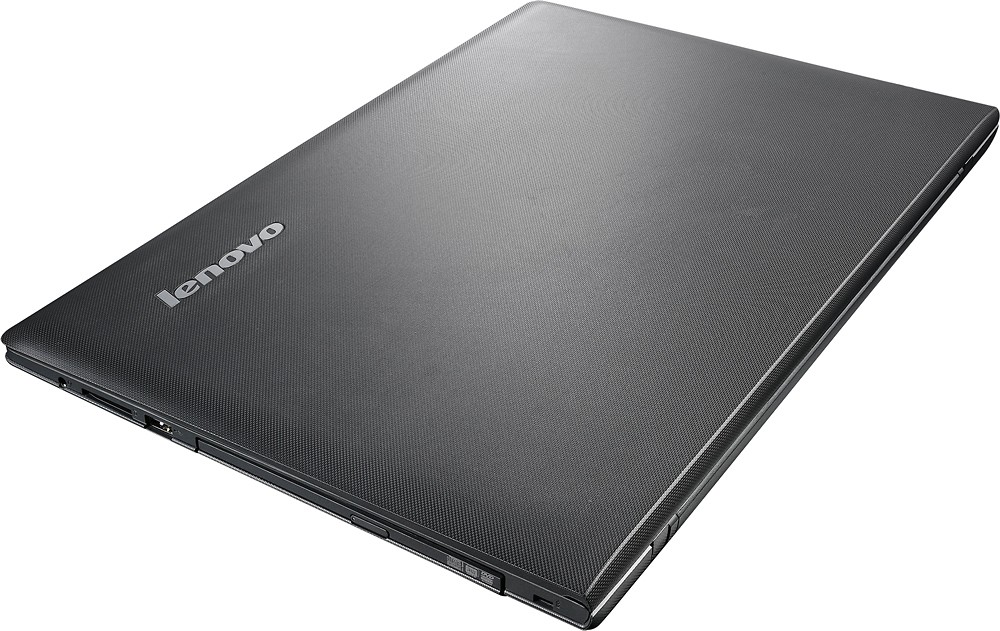
- Model:
- 80E30226US
- SKU:
- 4907904
to a friend
Customers are saying
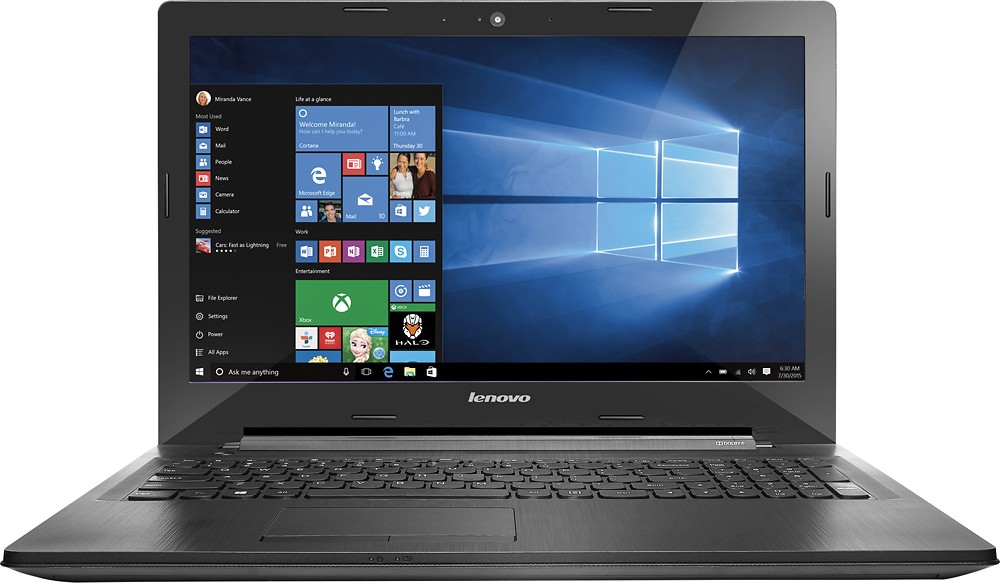
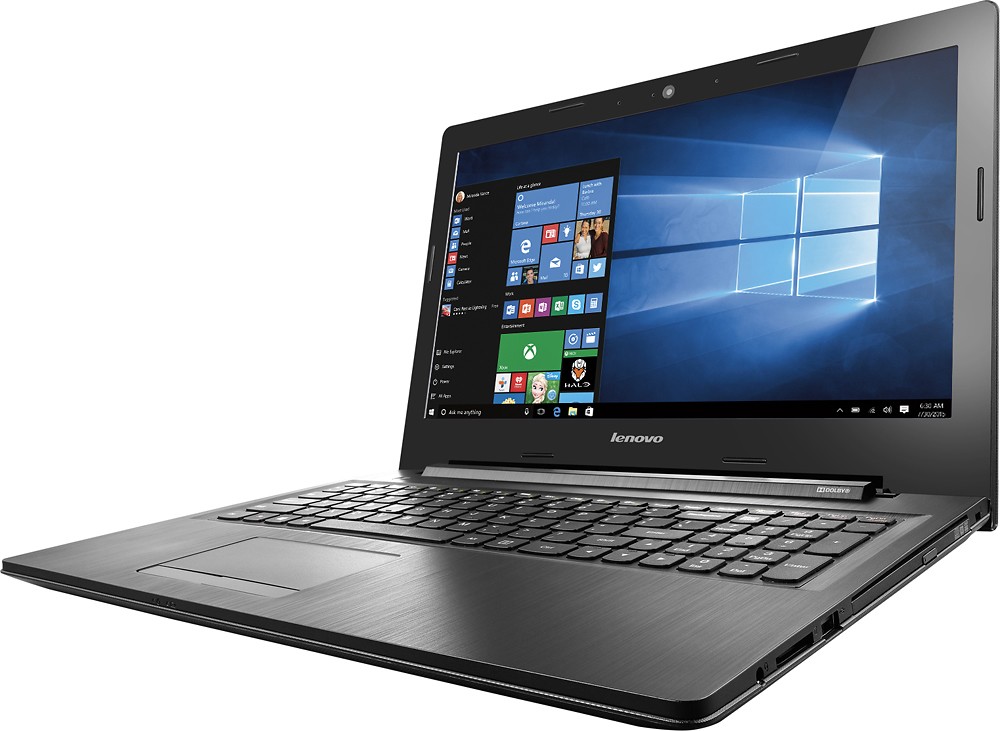
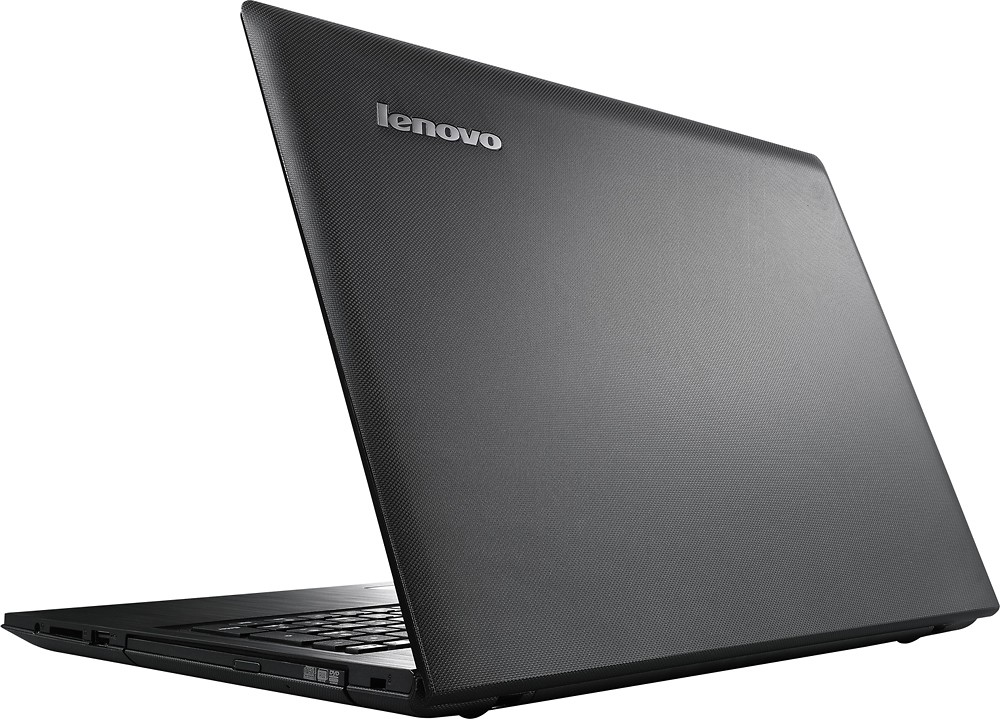
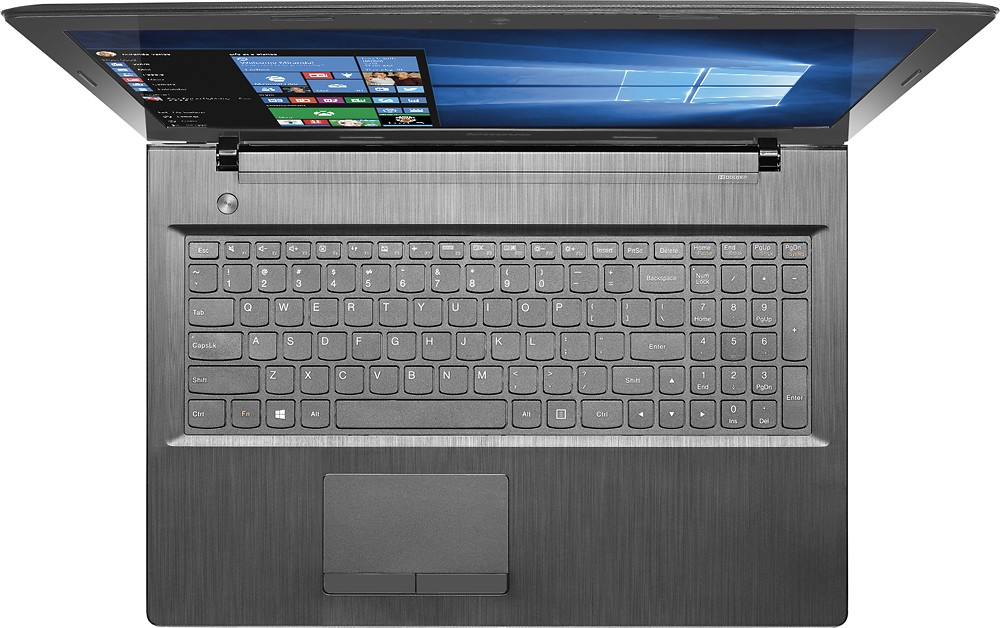
Customers value the G50-45 laptop for its budget-friendly price, with a good amount of RAM and storage space. They appreciate the screen size and performance for basic tasks like browsing the internet, using Microsoft Office, and media consumption. However, some customers have concerns about the short battery life and the slow loading time of Windows 10. Additionally, a few customers have expressed dissatisfaction with the build quality, describing it as cheap and plastic.
This summary was generated by AI based on customer reviews.
New Laptop
||Posted .This reviewer received promo considerations or sweepstakes entry for writing a review.Love it. Windows 10 is different but I still like it anyway
I would recommend this to a friendgreat laptop
||Posted .This reviewer received promo considerations or sweepstakes entry for writing a review.its a great laptop and its so easy to use. Its very portable
I would recommend this to a friendLovely Design
||Posted .This reviewer received promo considerations or sweepstakes entry for writing a review.It's stealthy, sleek brushed metal body is simply beautiful!
I would recommend this to a friendSeems to be good product.
||Posted .This reviewer received promo considerations or sweepstakes entry for writing a review.No problems with laptop up to this point. Works excellent.
I would recommend this to a friendGood sound quality
||Posted .This reviewer received promo considerations or sweepstakes entry for writing a review.I like the laptop but I have some problem with touch pad.
I would recommend this to a friendStay away from this laptop
||Posted .This reviewer received promo considerations or sweepstakes entry for writing a review.I had a problem updating this laptop, battery is no good also slow response
No, I would not recommend this to a friendDoes what I need
||Posted .This reviewer received promo considerations or sweepstakes entry for writing a review.It does everything I need it to do. I love the product!
I would recommend this to a friendGreat personal laptop
||Posted .This reviewer received promo considerations or sweepstakes entry for writing a review.I changes it for a Dell inspiron 1300, wich is awesome
I would recommend this to a friend- Pros mentioned:Price
Good for what it offers
Posted .This reviewer received promo considerations or sweepstakes entry for writing a review.For $280, you really can't beat this laptop. It has the option to expand the Ram to 16gb (Which I did). It has an optical drive. The Graphics card is enough to run Minecraft at decent settings. My son is also able to run World of Warships on it as well. Just remember, this is not a $1500 gaming rig, this a budget laptop that you can actually work on. I have an ASUS that was the same price and is garbage compared to this.
I would recommend this to a friend Great open box
||Posted .This reviewer received promo considerations or sweepstakes entry for writing a review.I am using it outside the us. So far works perfect!
I would recommend this to a friendgreat laptop for price
||Posted .This reviewer received promo considerations or sweepstakes entry for writing a review.Great laptop for price. I would recommend to anyone
I would recommend this to a friendGreat laptop
||Posted .This reviewer received promo considerations or sweepstakes entry for writing a review.Nice big screen, good resolution. Great for school.
I would recommend this to a friendLaptop
||Posted .This reviewer received promo considerations or sweepstakes entry for writing a review.The laptop was great and it's perfect for the kids
I would recommend this to a friendGreat for beginner
||Posted .This reviewer received promo considerations or sweepstakes entry for writing a review.Not bad for my kids. Wouldn't recommend it for adults or work.
No, I would not recommend this to a friendDO NOT BUY AT ANY COST
||Posted .This reviewer received promo considerations or sweepstakes entry for writing a review.first turned it on it had done some flickering while i did setup. Second time turned on the mouse wouldnt move and kept spitting tabs. Third turned it went hay wire wouldnt registar keypad open closed tabs. I had yet to use the computer just setting up and getting it ready to use for school. Final looked up the computer it known to have key pad problems. Ended up taking it back got somthing alittle more expensive but was assured by employee that unlike this computer it dosn't get returned or need fixing. So just save alittle more and get the more expensive ones, cause the cheap ones are not worth a dime.
No, I would not recommend this to a friendOk
||Posted .This reviewer received promo considerations or sweepstakes entry for writing a review.I haven't had the time tho enjoy muy product yet. I
I would recommend this to a friendSlower than dirt, cheap screen
||Posted .This reviewer received promo considerations or sweepstakes entry for writing a review.This laptop was horrible; screen had terrible color shift (narrow viewing angles), boot times were ridiculously slow. Super cheap build quality as well. Ended up returning it.
No, I would not recommend this to a friendSlower than molasses, needs an SSD upgrade STAT!
||Posted .This reviewer received promo considerations or sweepstakes entry for writing a review.Bought this laptop as it was on open box clearance. Figured it would tide me over while I was traveling and I could pass it down to my kids when I was through with it. But I wouldn't wish this hunk of junk on my worst enemy. Terrible, washed out screed with awful viewing angles, 1990's tech hard drive that was loud and SLOWWWW. If you popped an SSD in there, it would be decent enough but for the price, you might as well buy a tablet w/keyboard attachment; it would likely be faster than this travesty. Returned it the next day.
No, I would not recommend this to a friend- Cons mentioned:Speed
Big mistake
||Posted .This reviewer received promo considerations or sweepstakes entry for writing a review.Super slow, totally disappointed. Sales person had high recommendations for it. Big mistake. Dislike!
No, I would not recommend this to a friendBrand response from Lenovo Product Expert
Posted .You may want to take look at this tips/tricks article on ways to spend up a Windows 10 System. You can follow the link below. Be sure to create a restore point on your system before you make any changes or download any new software to your system. Hope this helps:
http://www.howtogeek.com/228570/10-quick-ways-to-speed-up-a-slow-windows-pc/
not a good buy
||Posted .This reviewer received promo considerations or sweepstakes entry for writing a review.Very slow, had only 1 month and it needs to go in for service. The start menu does not work the sound volume does not show up so you can't adjust the volume, when playing games it is very slow and it will stop working then it will start again. Not a good buy.
No, I would not recommend this to a friendBrand response from Lenovo Product Expert
Posted .Here is an article on fixing your start menu in Windows 10. Follow the link below to the article. Be sure to create a restore point on your system before you make any changes or download any new software to your system:
http://home.bt.com/tech-gadgets/computing/has-your-windows-10-start-menu-stopped-working-here-are-four-ways-to-fix-it-11364000314532
Below is a link to the Microsoft Forum Page and it gives some tips about changing the volume on your system. Be sure to create a restore point before changes. Hope these tips help:
http://windows.microsoft.com/en-us/windows-vista/adjust-the-speaker-volume