Customer Ratings & Reviews

- Model:
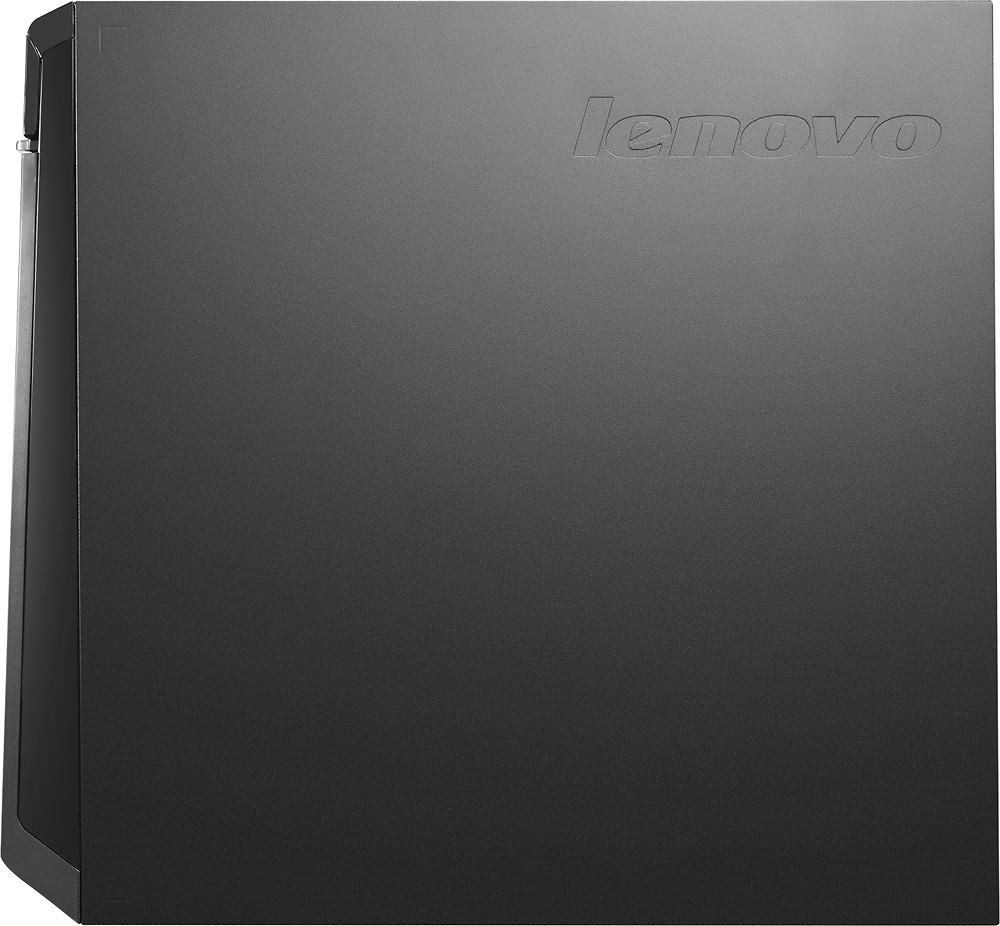
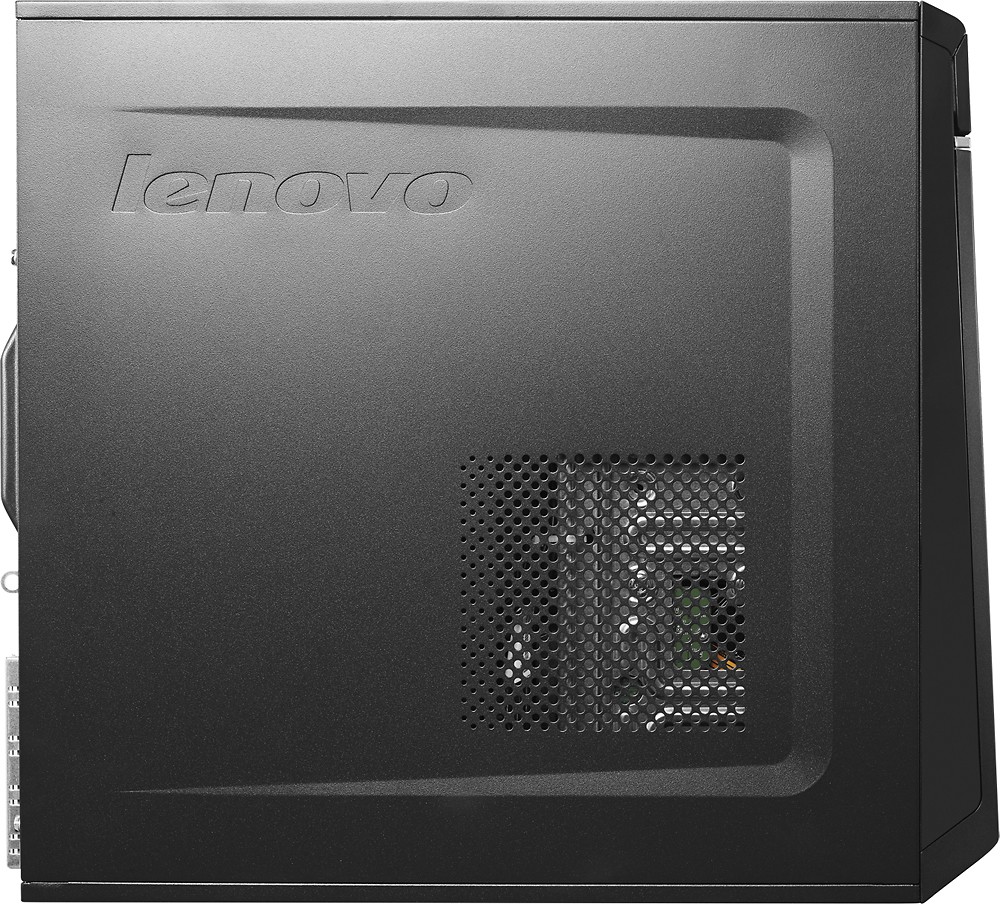
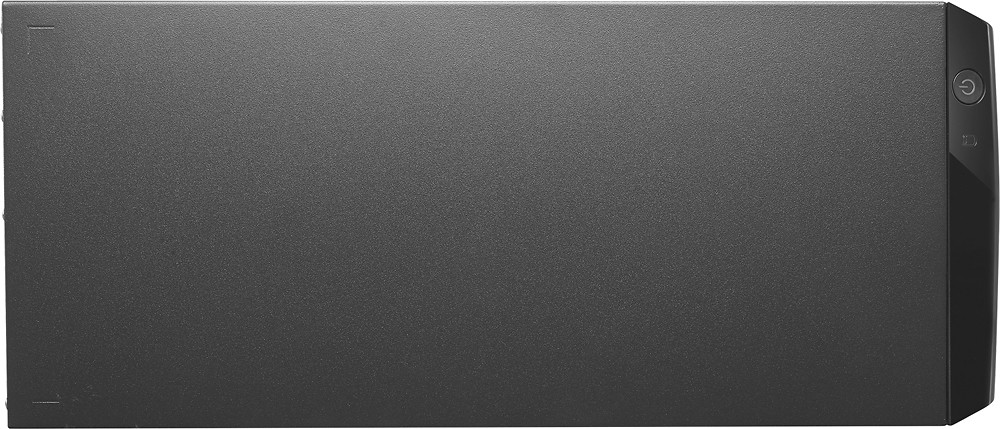
- LENOVO H50 - 90B700ENUS
- SKU:
- 4322500
to a friend
Customers are saying
Customers regard the H50 Desktop as a high-performing machine that offers excellent value for its price. Positive feedback frequently highlights its ease of use and quiet operation, while some users mentioned needing additional RAM or USB ports. A few customers expressed preferences for different operating systems.
This summary was generated by AI based on customer reviews.
Looks good on paper
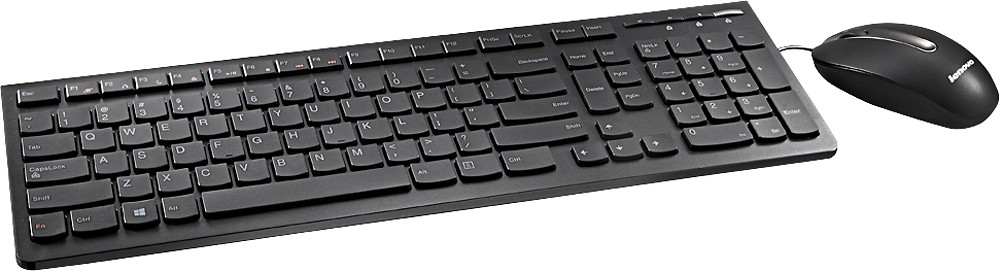
Posted .This reviewer received promo considerations or sweepstakes entry for writing a review.I purchased this machine as a replacement for a (just) out of warranty machine that fried it’s motherboard a week before Christmas. It’s intended usage is web-surfing, checking e-mails and creating/editing spreadsheets for work; no gaming, photo/video editing or otherwise memory intensive applications. I have never owned a Lenovo for personal use, but use one at work and have never had any issues with it or it’s performance. On paper this machine meets or exceeds the specs of the unit being replaced in all areas except hard drive capacity; it starts up faster, is quieter and does not have nearly as much extraneous software pre-loaded as the machine being replaced. Unfortunately this machine is a dog. iTunes freezes approximately 70% of the time I run the application. Web pages load noticeably slower, even Google’s home page. Cursor tracking is erratic on web pages that are running Flash in the background (in other words, any web page that has advertisements running). YouTube videos play fine both in-page and full screen, but again cursor tracking is erratic. Cursor tracking is erratic if you have multiple windows open. Resizing windows can be difficult, especially if you want two windows side by side. Forget dragging and dropping files; you are as likely to drop the file in an unknown folder as you are to drop it in the intended location. A special note about the keyboard included: Lenovo has located the Function key at the lower left where the Control key normally sits. The Control key is a half-sized key located immediately to the right; this can be a problem if you use keyboard shortcuts in Office. No other keyboard that I have (the one ffrom the machine being replaced, a wireless keyboard and my laptop) has the Contol key moved from it’s standard location Even for a base level machine the performance is poor; the only question for me is do I return it and spend more to get a (hopefully) better performing machine, or do I spend that money to install upgrades to make this machine perform (hopefully) better.
No, I would not recommend this to a friendBrand response from Lenovo Product Expert
Posted .You might want to follow the link below and scan your system for the latest driver updates for your specific system. Be sure to create a restore point on your system before you make any changes or download new software:
http://www.driverassist.com/lp/bi/?Brand=Lenovo&Logo=lenovo&utm_source=bingads&utm_medium=cpc&utm_campaign=bi_se_us_en&utm_term=ibm%20lenovo%20drivers
Also, you may want to take a look at this tips/tricks article on how to speed up your Windows 10 system. Once again, create a restore point before you make changes:
http://www.howtogeek.com/228570/10-quick-ways-to-speed-up-a-slow-windows-pc/
Freezes up constantly
Posted .This reviewer received promo considerations or sweepstakes entry for writing a review.Seems to work fine but it freezes up all the time - I mean all the time. I wouldn't buy another one.
No, I would not recommend this to a friend- Pros mentioned:Performance, Ram
Good Computer
Posted .This reviewer received promo considerations or sweepstakes entry for writing a review.Tried this after my harddsisk failed in my last desktop. II had some issues setting it up initially. I had to start from scratch 2 times before I got all the kinks out. Since then it's been running really smoothly. I swapped the 4GB of memory for 16GB and it runs great.
I would recommend this to a friend - Pros mentioned:Speed
New Lenovo Desktop
Posted .This reviewer received promo considerations or sweepstakes entry for writing a review.Our family Desktop PC died in mid-December. The new Lenovo Desktop replacement is fantastic. The Geek Squad was able to retrieve our data files from the old PC's hard drive and so we hit the ground running. Love the speed of the new PC.
I would recommend this to a friend Bad to the bone
Posted .This reviewer received promo considerations or sweepstakes entry for writing a review.Fresh out of the box. Did the initial setup questions and then the video went haywire a bunch of pinks blues purple colors for at least 10 minutes. Finally had to just power it off and restart the process. Never went pass "Just a moment " what a pice of junk!
No, I would not recommend this to a friendDisappointed
Posted .This reviewer received promo considerations or sweepstakes entry for writing a review.I have been a elite plus member for long time for Best Buy. I purchased 2 of this product in december 2015. It already started giving me problems. I can not get the computer start, it all says lenova and keeps circling around, can not get the windows screen on. I called best buy to bring it in the fix it since it is not even 1 year yet which i was told there is still a factory warranty but i personally have to send it to lenova to get it fixed they would not help me to get this computer fix at best buy. What i was told when i purchased the computers I could bring it in the store and they would check it out to see if it is something minor and if it is they would fix it right at the shop but if it is major issue they would send it to Lenova and when Lenova sends it back to store they would call me to pick it up at the store. I am very disappointed when i took my computer today to the store they did not help at all and they said I am on my own. Lack of service, bad attitude, unprofessional customer service and very rude geek squad team. I regret all my years that I have been spending thousands of dollars with Best Buy. I will be taking my business somewhere else since they become very reluctant to help their customers.
No, I would not recommend this to a friendProblems, problems, problems...
Posted .This reviewer received promo considerations or sweepstakes entry for writing a review.Bought this just after New Year's. I've never had problems like this with a new computer before. It functions well enough for email, but something like youtube videos cause it to lock up. Within a month the hard drive started getting louder. My old emachine, with windows 7 works smoother than this. Beware, there is no dedicated video memory. I couldn't even run games that worked on less powerful machines, even after upgrading the RAM.
No, I would not recommend this to a friendYikes, what a joke.
Posted .This reviewer received promo considerations or sweepstakes entry for writing a review.I bought this machine back in January. It has had nothing but problems. The video display keeps crapping out on me and it has been getting worse. Programs that initially ran fine will no longer work now. I feel that I wasted my money on a boat anchor. I've gotten more use out of less powerful machines. I have never seen so many problems with a brand new computer.
I would recommend this to a friendBrand response from Lenovo Product Expert
Posted .It sounds as though there are drivers on your system that need to be updated. You can follow the link below to Lenovo.com support-drivers and look for driver updates for your specific system. Be sure to create a restore point on your system before you make any changes or download any new software. You may also want to turn off automatic updates on your system so you can monitor when the updates are about to occur and create restore points before you allow the update. Here is the link, I hope this improves your experience:
http://support.lenovo.com/us/en/products/Desktops-and-all-in-ones/Lenovo-H-Series-desktops/Lenovo-H50-50-Desktop/90B7/00ENUS?linkTrack=Caps%253ABody_SearchProduct&tabName=downloads&beta=false