Customer Ratings & Reviews

- Model:
- AIO 700 - F0BE0000US
- SKU:
- 4362106
to a friend
Customers are saying
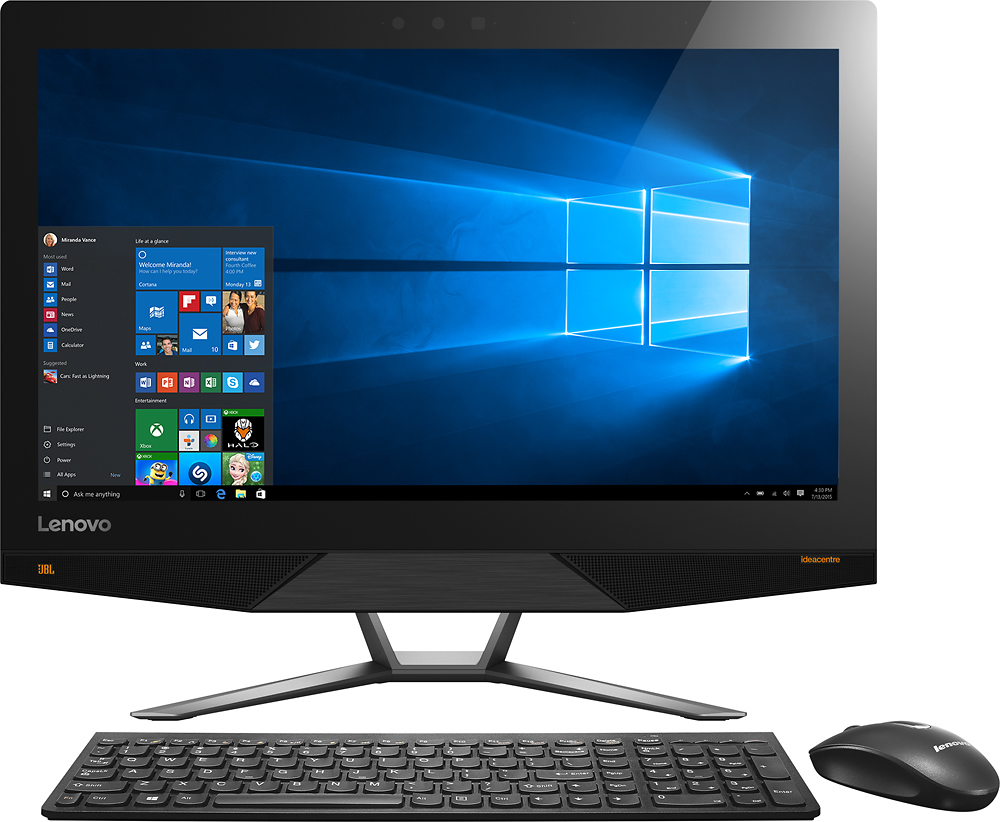
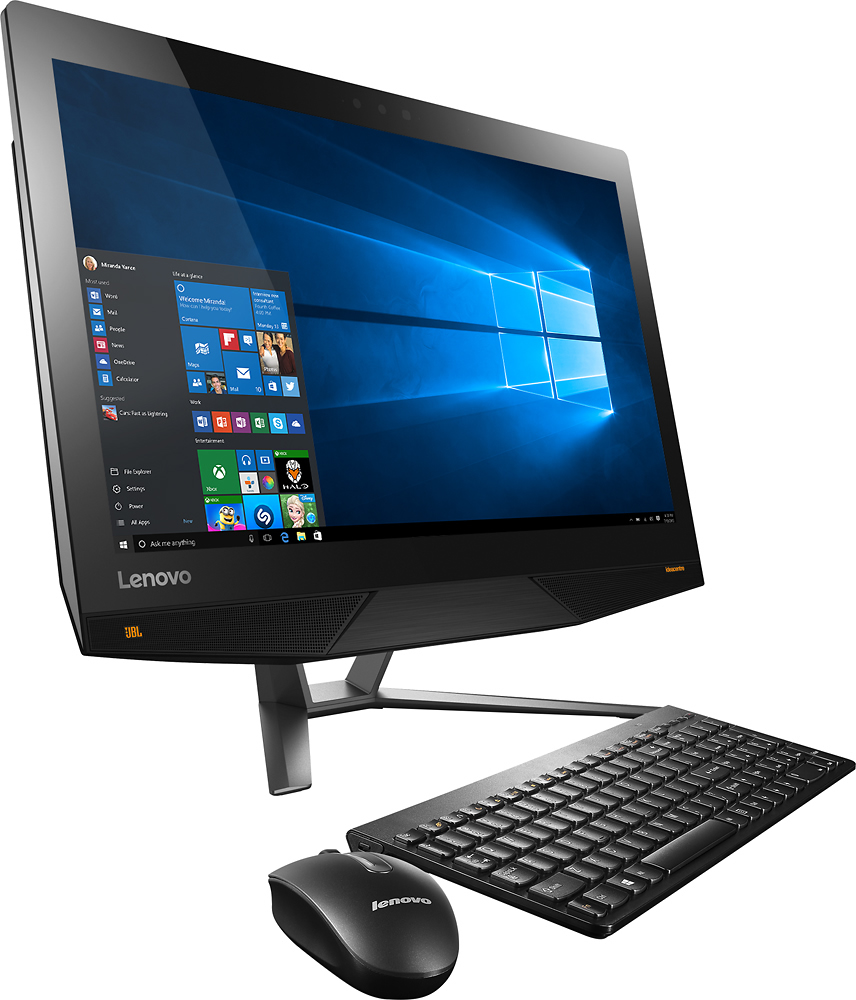
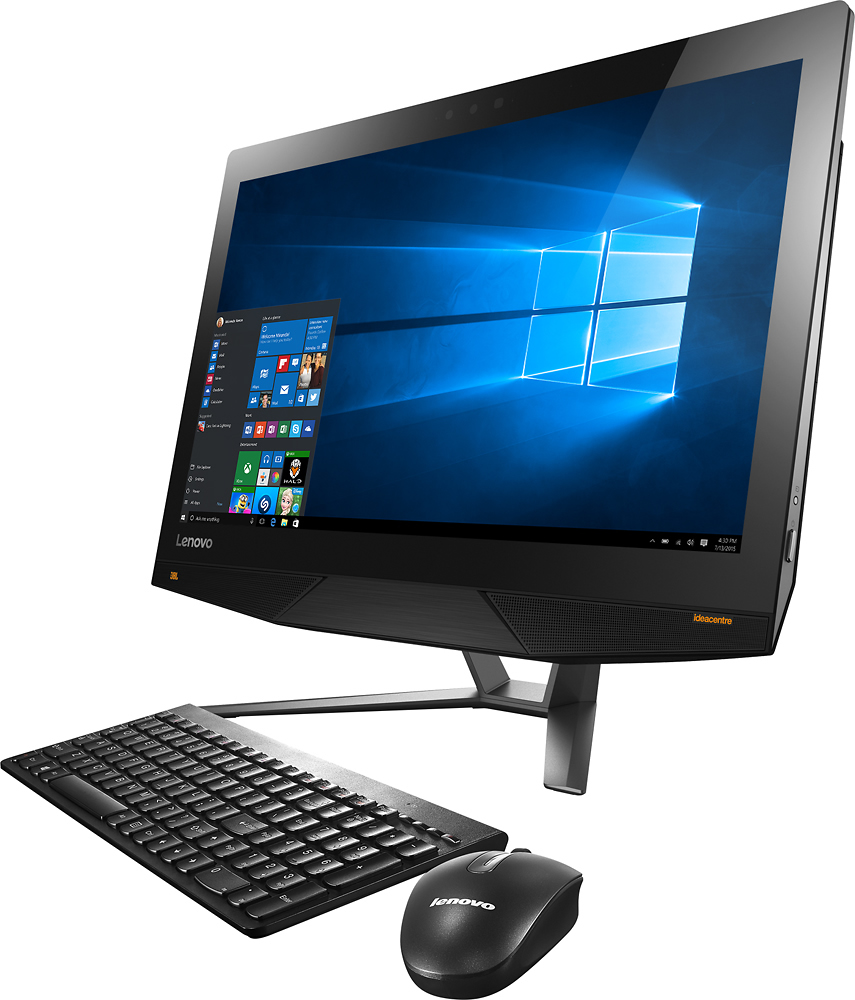
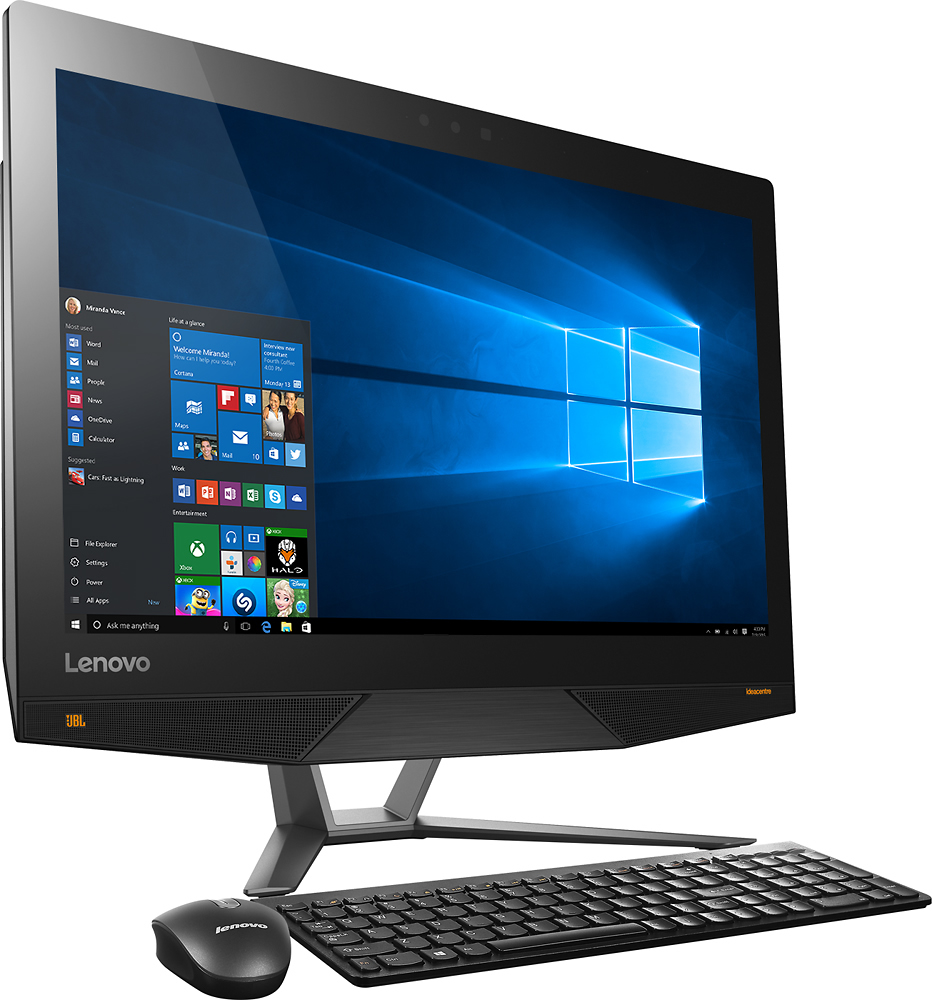
Customers find value in the IdeaCentre's touch screen, ease of use, and performance. Many appreciate the high resolution display, although some experienced issues with the graphics card, Wi-Fi connectivity, and speakers. A few users also reported problems with the display driver and pre-installed software. Overall, the positive feedback on the user experience is notable.
This summary was generated by AI based on customer reviews.
Okay computer
||Posted .This reviewer received promo considerations or sweepstakes entry for writing a review.At first, this computer was great, but after about a year of owning it it started to have issues and getting slow.
No, I would not recommend this to a friendNon functioning unit
||Posted .This reviewer received promo considerations or sweepstakes entry for writing a review.I purchase this unit online from Best Buy and picked it up one week later. The first thing that happened when I plugged it in was it said their was an error and would not let me continue. I called Lenovo support you told me after extensively going through the machine that the motherboard is defective. I brought the machine back to Best Buy and they said the same thing and gave me my money back.
No, I would not recommend this to a friend- Cons mentioned:Graphics card
problem unit. not great at all
||Posted .This reviewer received promo considerations or sweepstakes entry for writing a review.Bad mistake buying this product, nothing but problems.
No, I would not recommend this to a friendBrand response from Lenovo Product Expert
Posted .There may be driver updates that can improve your experience with this system. Follow the link below to Lenovo.com support-drivers to look for new updates for your specific system. Be sure to create a restore point on your system before you make any changes or download any new software. Hope this improves your experience:
http://support.lenovo.com/us/en/products/Desktops-and-all-in-ones/700-Series/aio700-24ish/F0BE/0000US?linkTrack=Caps%253ABody_SearchProduct&tabName=downloads&beta=false
- Pros mentioned:Speed, Touch screenCons mentioned:Speakers
Overall Good Product So Far
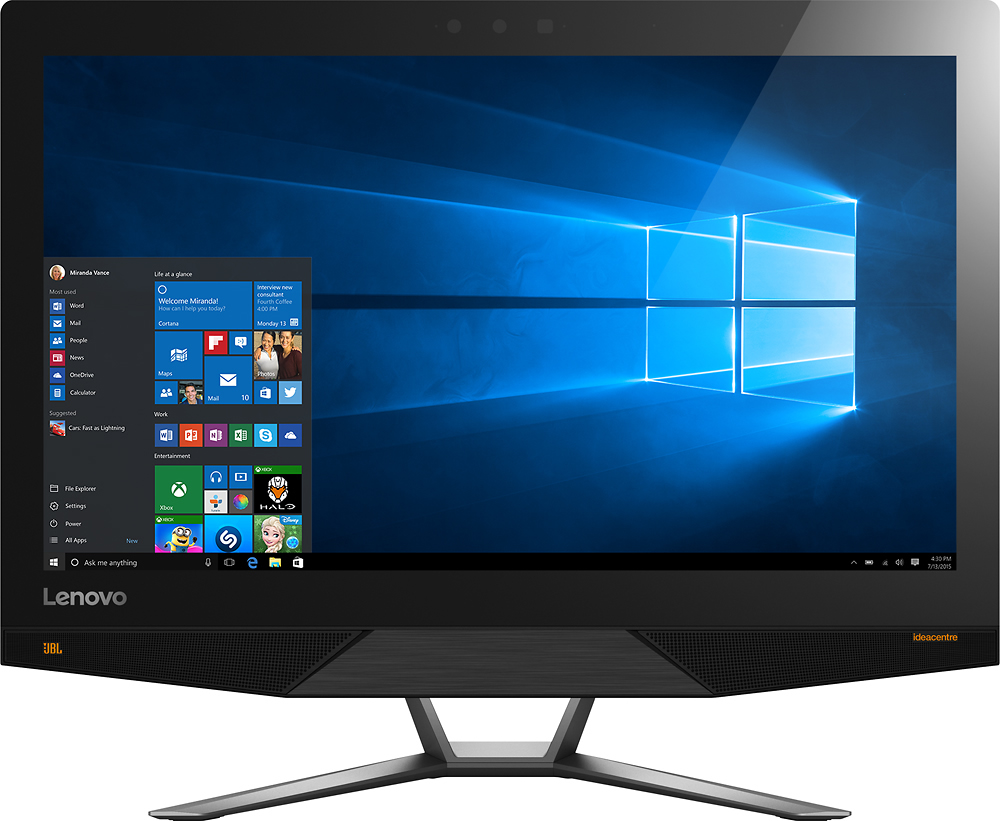
Posted .This reviewer received promo considerations or sweepstakes entry for writing a review.Installation was pain free. Router and Internet connection established in an easy plug and play fashion. The 4K graphics does present a problem with some software. Quicken for instance has very small text in the main menu and much larger text in the hot bar. The newest edition of Office however scales well. I didn't like the built in speakers. They are very tinny sounding and there is no equalizer. I ended up plugging in my existing desktop speakers into the headphone jack. Seems to work well. There is no dedicated speakers output. The screen resolution is outstanding and if you like graphics and images you will like the screen. This unit has a small solid state drive built into the 1TB HD. Very useful for quick boot ups. In fact I wasn't considering a computer without a SSD. The unit overall feels very quick. Some people complain of glare. I didn't find it a distraction though it definitely exists. No gaming yet but it has a good graphics card for an all in one unit. And with the 4k display it's pretty much required. So overall I give this thumbs up.
I would recommend this to a friend Best deal for a powerful feature rich all-in-one
Posted .This reviewer received promo considerations or sweepstakes entry for writing a review.After an exhaustive search for a mid to high end all-in-one PC, this one offered the most for the money. Unfortunately, I immediately had a problem with the graphics driver stopping. It would stop and immediately recover several times a day. I searched the Web for solution and was about to give up and return the PC when I finally found a solution. Evidently, this PC has Intel and Geforce graphics chipsets. The issue is with the Intel graphics driver. Intel is addressing the problem and they have a beta driver available now. Upon installing the beta driver all is perfect and I am more than pleased with my purchase. The 4K monitor is amazing.
I would recommend this to a friendGreat casual gaming and family computer
Posted .This reviewer received promo considerations or sweepstakes entry for writing a review.Bought this for the kids to do their homework, and when the kids are not around I get to play some games. I tried Tomb Raider 2013 with high graphic setting with very decent framerate. I also played Crysis 2 at high setting and again it computer handled it perfectly. I was surprised that machine stays pretty quiet after an hour of gaming. You can hear the fan, but it's not very loud. The other reviewer talks about the fonts being in different sizes the reason is because the application hasn't been updated to deal with 4K screen size. Windows 10 can deal with it but if the application is not updated the fonts will be very very small. Some fo the worst offenders include Autodesk & Adobe. When the Mac starts rolling out Retina Macbook they have to deal with the same thing too. I haven't had to deal with the tech. support yet but so far I'm extremely happy with this machine.
I would recommend this to a friend- Pros mentioned:Speed, Touch screenCons mentioned:Display driver
Very Impressed So Far!
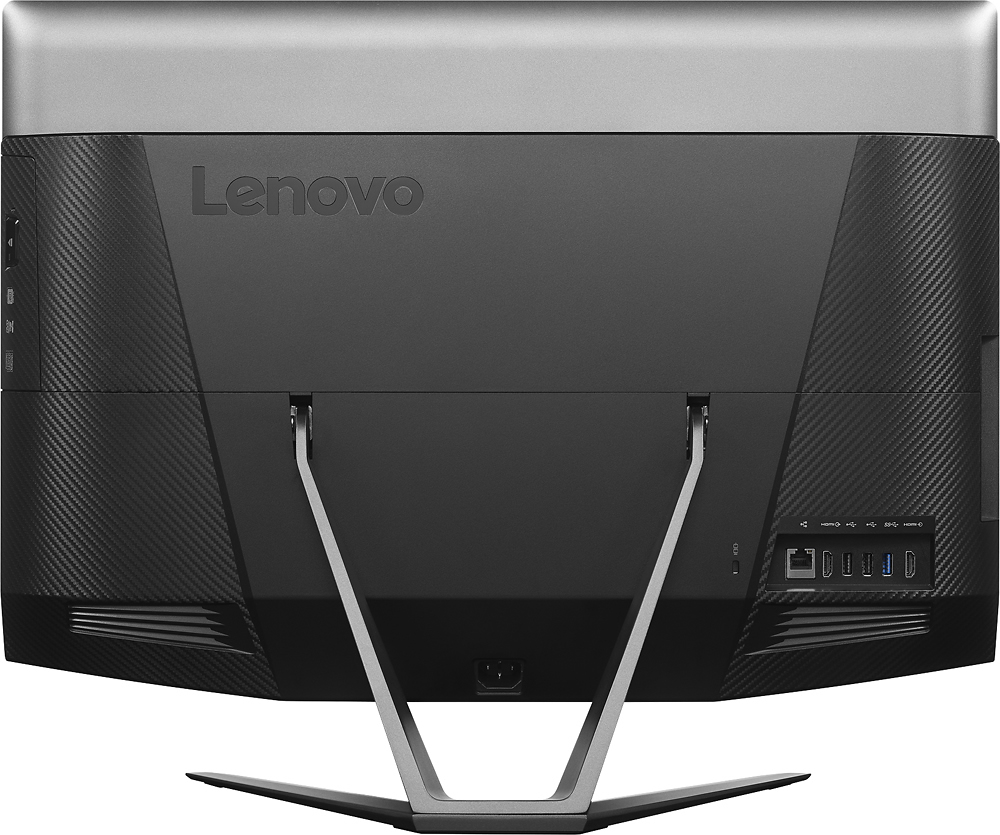
Posted .This reviewer received promo considerations or sweepstakes entry for writing a review.Initially I just wanted to replace a basic desktop computer (1TB, 8 MB RAM) but when I saw the incredible resolution on this 4K screen, I just had to have it. The set-up was super easy, the minimal number of cords and compact all-in-one design provide a very streamlined look, the product has a nice heft to it (and rubber under the stand so it doesn't move around on the desk easily), and it's very fast but the best surprise was how quiet it is! My old computer had a fan that was always on full blast! Watching Netflix movies is a lot of fun and the built-in JBL sound is very nice. The only two minor complaints I have are: the screen can have some glare due to the high gloss glass, but the screen angle is adjustable up and down to help mitigate the glare. Also, I occasionally receive and error message about the display driver going out, but this message lasts less than a second and then disappears. I hope this won't develop into a problem later (there were some early problems with screens going blank) but until then, I will really enjoy this new computer! Looking forward to doing a lot of photoshop, videos, etc. Really happy I purchased this one! Highly recommend!
I would recommend this to a friend - Pros mentioned:Touch screen
Think about the touch screen and keyboard
Posted .This reviewer received promo considerations or sweepstakes entry for writing a review.I am very happy with this computer. I like the all in one design and the screen is beautiful. For the money, the specs are outstanding. I have a few concerns that might be important to others. Most important is that the stand does not allow the computer to fold down flat or close to flat. Some Dells do this. It turns out to be important because using the touch screen on this for any length of time is uncomfortable and tiring. A simple game of Free Cell is not practical. I would love to be able to take the stand off and lay the computer down. My other more minor gripes are (1) the keyboard is not very good (although I appreciate the number pad, and (2) it is difficult to figure out how to control the graphics system. I assume the NVIDIA is an option because it is better in some applications. It should be easier to switch. You can do it with the NVIDIA software, but I am still not sure I am getting optimal graphics performance.
I would recommend this to a friend Returned
||Posted .This reviewer received promo considerations or sweepstakes entry for writing a review.5 minutes after starting up the computer it crashed when opening Edge Explorer. I boxed it back up and returned it.
No, I would not recommend this to a friend- Pros mentioned:Ease of use, Speed, Touch screen
love my lenovo
Posted .This reviewer received promo considerations or sweepstakes entry for writing a review.this computer is an all in 1 computer. no bulky cords, no tower, nothing except a screen and its huge. wont have any problems seeing anything. comes with all the fancies a computer has to offer and windows 10. everything we needed was already downloaded to it and so far it seems easy to navigate through and we are not techies or anything like that. user interface seems to be easy and fun and tons of already downloaded apps that would be essential for a late 20 year old. love the ease of using it, no problems in the past 7 months and always turns on and screen is awesome quality and quickness of computer is great. we got virus software and a printer so we have the whole kit to make an awesome home office and we are satisfied with our purchase!!
I would recommend this to a friend - Pros mentioned:Speed, Touch screen
Love it!
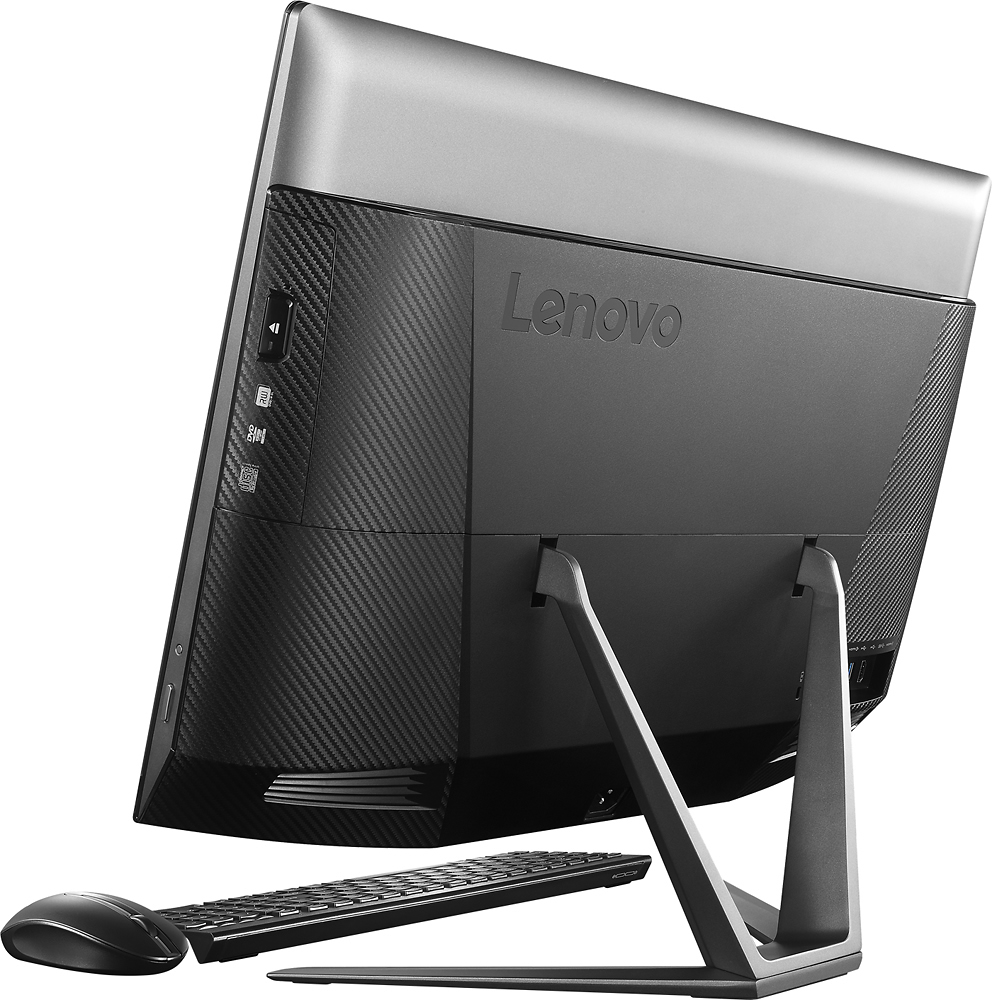
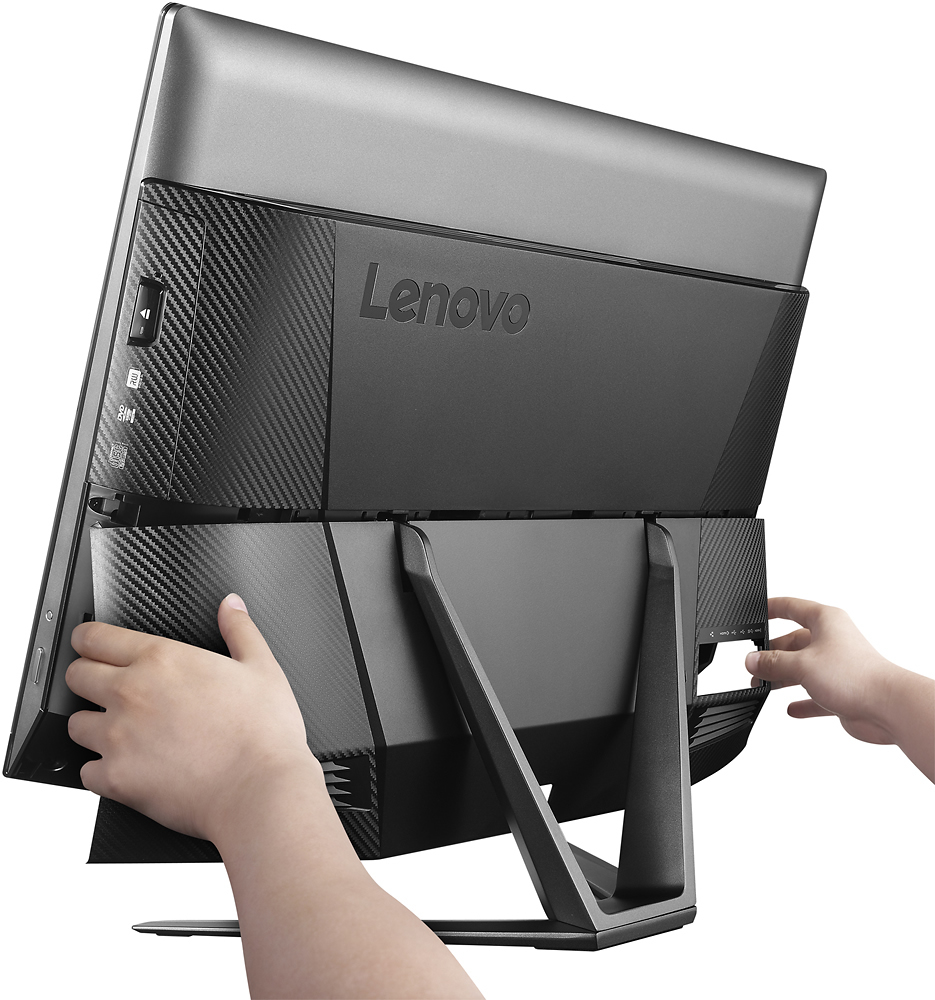
Posted .This reviewer received promo considerations or sweepstakes entry for writing a review.After returning a couple Dell machines for various reasons, I decided to try this one out. This one is a keeper. I got a Geek Squad certified opened box for even more savings. The build is solid. The 4K screen is gorgeous. I immediately replaced the hybrid drive with a SSD and reloaded Win10. The machine runs really fast. Fan is quiet. It is Energy Star compliant. Normal web surfing/Netflix draws about 50 - 60 watts of electricity. When playing games, it runs a little warm as expected. It draws around 100 - 110 Watt when I play Grid2. The IntelRealSense camera works with Windows Hello, so it scans my face to log in. I also downloaded a free game Lego Portal Racers from Intel website, which utilizes the 3D camera. You use your head to move left/right, hands to pick up studs. It is a kid's game but fun for adults too. There is also a Master key in one of the documents for you to download some free software. I downloaded Grid2 (a racing game) and Paint Shop Pro x7. Although it says the redeem code expires on 4/30/2016, The master key code still works for me in May. There are also Lenovo official videos on the web to show you how to upgrade RAM, HD and even CPU. Just google "aio 700 service training show case". I will enjoy this AIO for years to come.
I would recommend this to a friend Nice Layout but Multiple Issues at Set-Up
Posted .This reviewer received promo considerations or sweepstakes entry for writing a review.I purchased this unit as a gift, but when we set it up on Christmas Day, it decided to do a re-start on it's own, towards the end of the set up. When it restarted the screen was blank. It appeared to be running, so we connected an external screen via HDMI and the rest of the unit was working. We checked for reviews and comments online and found similar issues. We called Lenovo support but they could not help, they opened a ticket and said we had to send it to a service center. We decided to check back with Best Buy (Geek Squad) on Saturday, and they said to bring it in and they would check it. They could not fix it so they gave me a new one. I got it home only to have the same issue again. I took it back again and they gave me a third one. This time the screen issue did not reappear, but once I got into further set up, the Wi-Fi connection dropped out and did not recognize any wireless signals. I connected an Ethernet cable and checked for updates on-line, but nothing showed up. I called Geek Squad and they said to bring it in again. On arrival, a Lenovo rep was there and he said there was an update for both the screen issue and the Wi-Fi issue. He ran the updates and sent me home. I have connected successfully and so far the Wi-Fi has not dropped out. It has been a hassle, and Geek Squad was great, but now that it is working, time will tell if we get the results I was expecting when I bought it. If you buy one, get the extended warranty and be ready to get help if it does not set-up properly the first time.
I would recommend this to a friendgreat value!
Posted .This reviewer received promo considerations or sweepstakes entry for writing a review.I bought this for my daughter to use for school and quite frankly it is more than she needs but that's good because she can grow into it. it was a little challenging to set up though.
I would recommend this to a friend- Pros mentioned:Touch screen
Incredible machine
Posted .This reviewer received promo considerations or sweepstakes entry for writing a review.Purchased this product for our family, replacing the desktop and we love watching movies and using the educational games for the little one. I did expand the ram and added 16gb and this thing as a AIO is a monster.
I would recommend this to a friend - Cons mentioned:Wifi
good machine in may ways, but---
Posted .This reviewer received promo considerations or sweepstakes entry for writing a review.setting up this great (in looks and spec's) machine has been more of a problem than expected. performance is not what the spec's suggest, 4K screen is great, and did not have a problem with fonts, as others have had. but after it automatically downloaded and installed the windows 10 upgrade, the wifi went south. when I start up, it works for a couple of minutes, and then doesn't. I tried updating the drivers, and several other actions, but still no. i'm using an Ethernet cable now, but that's not what I paid for. Lenovo support is not very supportive, so anybody have an idea of what's wrong and what I can try?
No, I would not recommend this to a friend Super All-in-One
Posted .This reviewer received promo considerations or sweepstakes entry for writing a review.I needed a fairly powerful computer for my photography hobby. This AIO has 4k, 6th gen Intel i5, separate graphics card and is super easy to expand (memory and HD). Lightroom 6.0 screams on this thing! It is a great bargain - nothing else (with similar specs) comes close. Plus, it comes with NO BLOATWARE that you will have to uninstall. Glad I bought this over the iMac for about half the money. Also, fonts were looking bad initially; after it did it's own updates, they look crystal clear.
I would recommend this to a friend- Pros mentioned:SpeedCons mentioned:Wifi
Very good computer
Posted .This reviewer received promo considerations or sweepstakes entry for writing a review.This computer boots up pretty quick and the speed at which you can load pages or browse the WEB is impressive. I did read on many of the reviews that it occasionally drops the wifi and I found tha mine does also. No big deal but s a minor annoyance. My 7 year old HP Pavilion had no problem. I am very pleased overall with this computer.
I would recommend this to a friend - Pros mentioned:Touch screenCons mentioned:Display driver
It's Okay Desktop All-in one computer for home use
Posted .This reviewer received promo considerations or sweepstakes entry for writing a review.When I first saw this on the shelf I got sold by its specs.It has SSD, Nvidia Gforce Video card, Touch screen etc., but when I got home everything went south. First, after I boot the computer it restart by its self then black screen suddenly appears, lucky enough I had a chance to talk to Lenovo tech support(which you have to register and have to send them an email just to inform them that you're having trouble on your computer). Did my problem got resolve after that conversation? nope. I might bought a lemon so I went back to store and have it exchange. The Manager who took care of me is kind enough to give me a 10% discount for the inconvenience. I got home and everything seems to be working the way it supposed to be. More than two weeks after, "Critical Error" keeps popping on my screen. The problem on Critical error is you can't access the start menu button but you can still browse on the internet. I fixed it my self by doing Computer recovery which you have to restore/install the apps you already have. After that everything seems fine. Then another weeks after my internet can't connect to my router for some reason. Tried to restart it or even have to do the recovery again, but it really can't be fix. The last thing I did to make it work is to bought my self a Wireless Internet Adapter. Should I buy another Lenovo brand product? Maybe once they have a 1-800 number for instant tech support. Should I recommend it to a friend? Maybe if they're willing to waste their time fixing the problem on a brand new computer. I had 3 problems onn this computer so far which actually never resolved by Lenovo, not sure what will happen next. Stay tuned.
I would recommend this to a friend Very disappointing
Posted .This reviewer received promo considerations or sweepstakes entry for writing a review.I bought this particular computer because the HP I wanted was not in stock and I've had good experiences with Lenovo machines at work. The machine started up fine and took a few minutes to load all the applications. Unfortunately after about 10 minutes and before I could do anything on the machine the monitor went blank. I called the Lenovo tech help line and after a 2-3 minute wait spoke with a person who was very helpful. We determined that the either the mother board or hard drive were bad. So off I go to Best Buy to swap out machines and the exact thing happens again--the machine boots up, loads the apps, and then goes dead when I tried to install a printer. The power light remained on and the only way I could turn it off was to disconnect the power cord! So I go back to Best Buy again and get an iMac for the same price. It's not a touch screen which is no deal and I am now up and running. Kudos to the folks at Best Buy--they were very apologetic and made the exchange process as simple and easy as they could.
No, I would not recommend this to a friend- Cons mentioned:Graphics card
Disappointed
Posted .This reviewer received promo considerations or sweepstakes entry for writing a review.It worked for a few hours right out of the box. Then I noticed the screen flashing and the graphics cards crashing. After a reset it freezes after 5 minutes of use. Not sure if it's the pc itself or driver issues with Windows 10, either way it's not worth the trouble. If they can fix these issues then it is absolutely worth the price.
No, I would not recommend this to a friend