Customer Ratings & Reviews
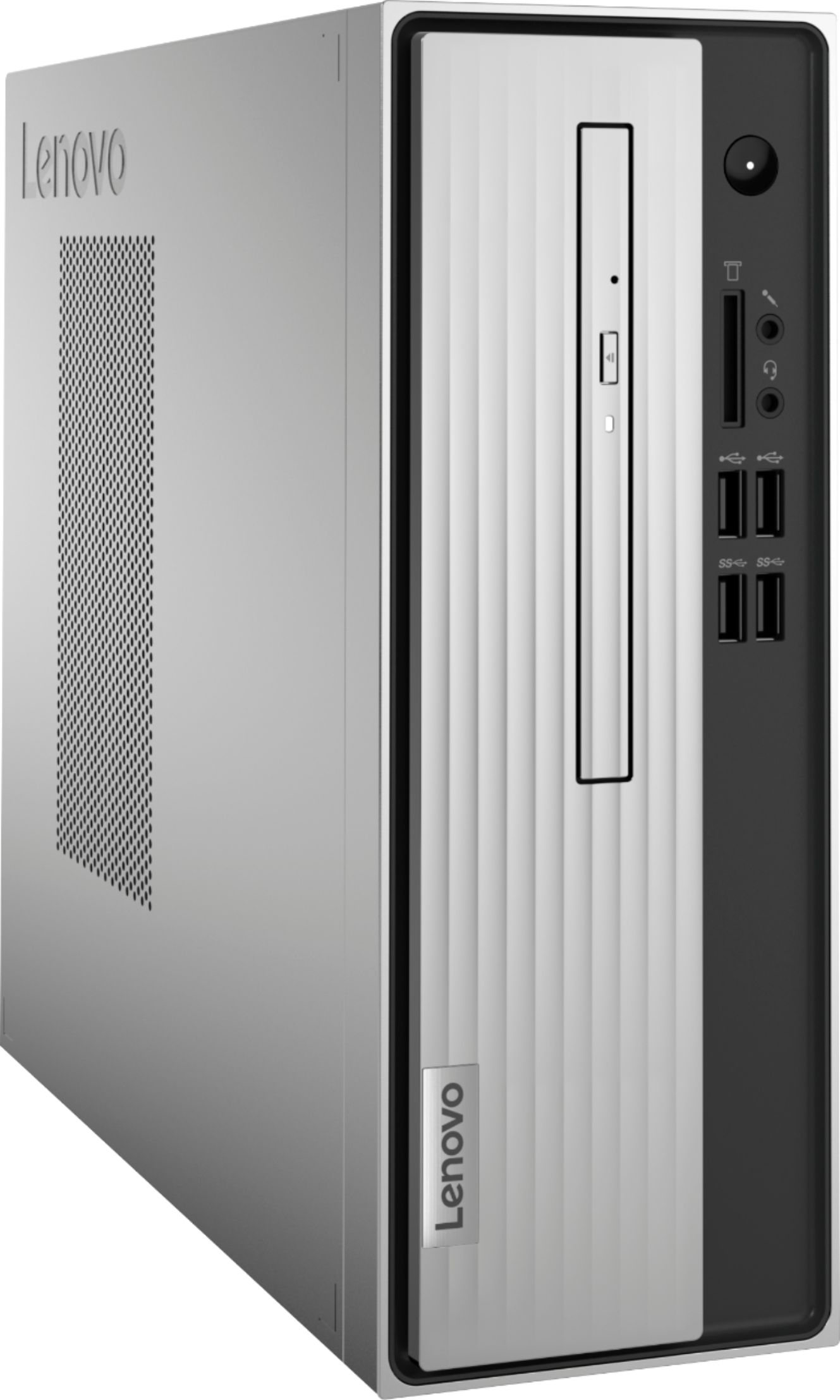
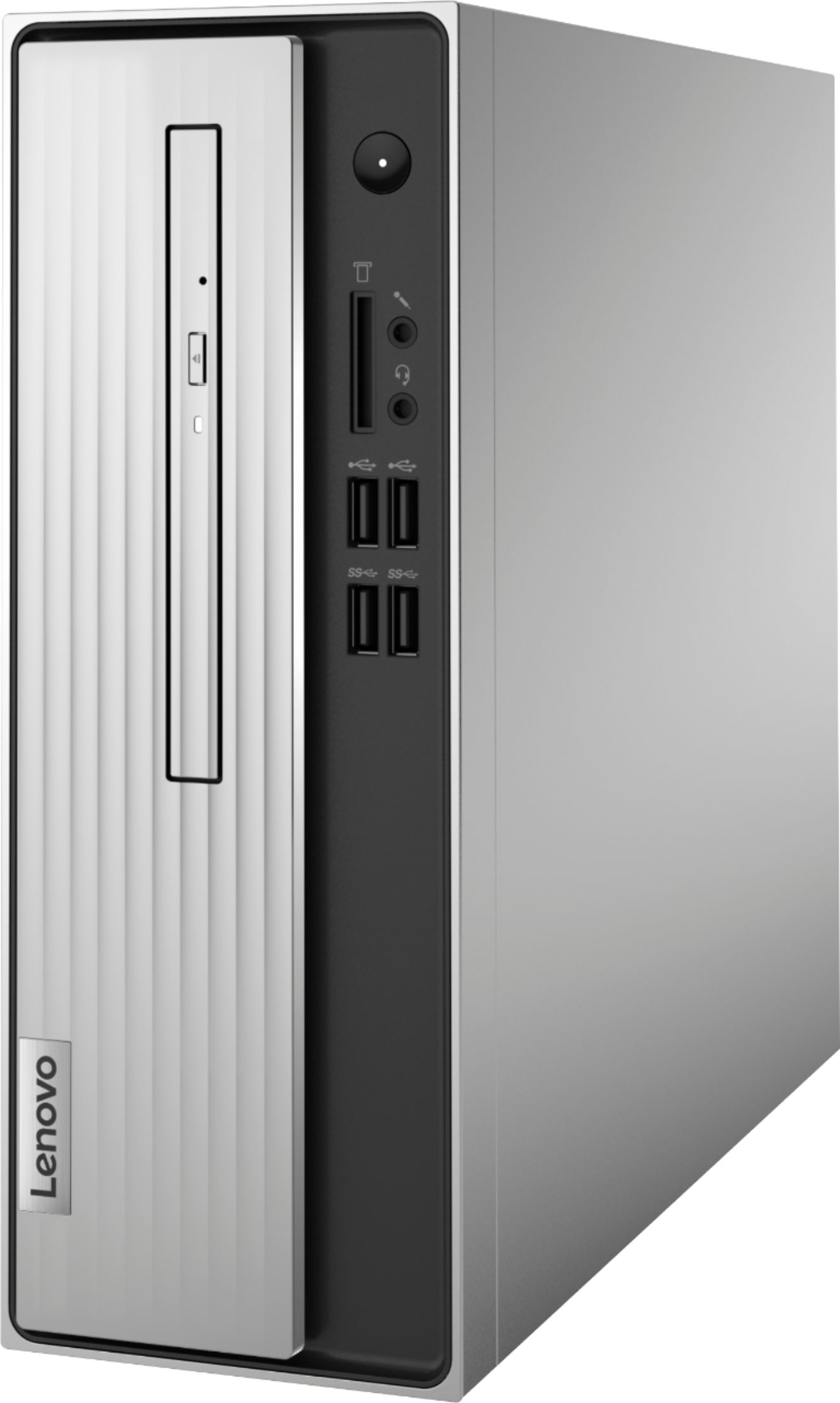
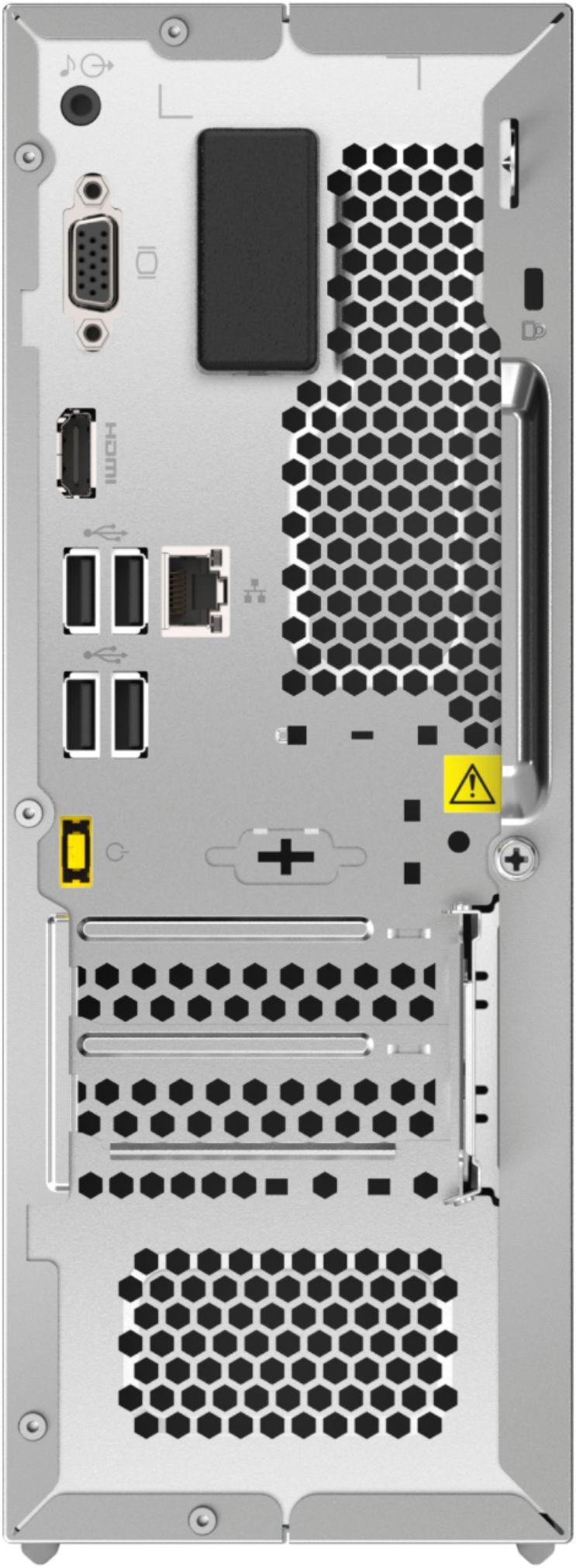
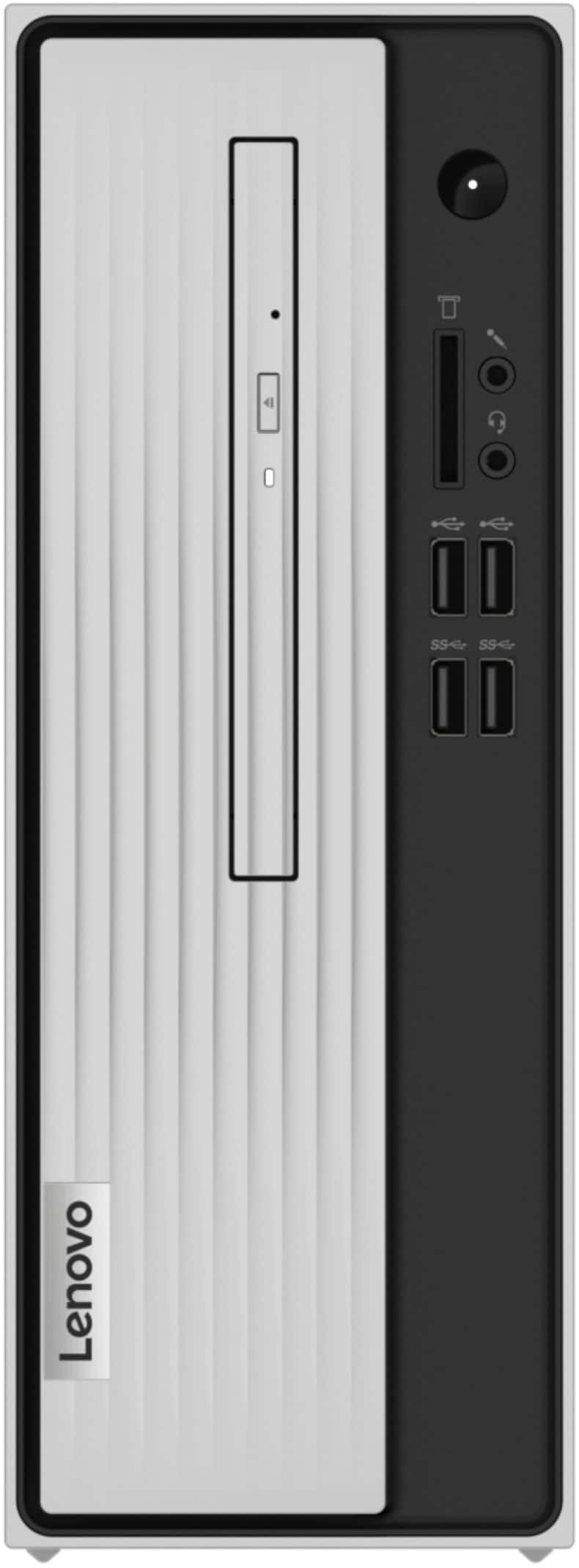

- Model:
- 90MV0001US
- SKU:
- 6398133
Rating by feature
- Value
Rating 3.9 out of 5 stars
- Quality
Rating 3.8 out of 5 stars
- Ease of Use
Rating 4.0 out of 5 stars
Customers are saying
Customers are impressed with the Lenovo IdeaCentre 3's ease of use, performance, and compact size, frequently citing its value for the price. Many appreciate the straightforward setup and sufficient storage, although some users found the RAM to be limiting and suggested an upgrade. A few customers experienced issues with the hard drive's speed and software compatibility. Overall, the positive feedback on ease of use and performance outweighs the negative comments regarding limited RAM and hard drive performance.
This summary was generated by AI based on customer reviews.
Perfect size and nice upgrade
||Posted . Owned for 1 week when reviewed.This reviewer received promo considerations or sweepstakes entry for writing a review.This is a very small hard drive which was perfect for my space on home office! Absolutely love it - fast shipping and great service from Geek Squad setting this up!
I would recommend this to a friendBrand response from Lenovo Product Expert
Posted .Thank you for choosing the Lenovo IdeaCentre 3 Desktop, model number 90MV0001US. We are pleased to hear that the features and performance of the IdeaCentre 3 meets your computing needs so well. This is a mid-level, moderate use configuration, with its AMD Athlon 3050U processor. This Dual-Core processor has a base speed of 2.3GHz and a boost speed of up to 3.2GHz. This configuration has 4GB of DDR4-2400MHz RAM. It is good with Microsoft Office type programs, internet browsing and other moderate work. If this describes your computing needs, the IdeaCentre 3 desktop would be a good choice for you.

Happy cpu customer
||Posted . Owned for less than 1 week when reviewed.This reviewer received promo considerations or sweepstakes entry for writing a review.So far my son loves his new cpu. We bought a tv as his monitor because he likes a 32 “ and the cost is much cheaper than the monitors of the same size.
I would recommend this to a friendBrand response from Lenovo Product Expert
Posted .thank you for choosing the Lenovo IdeaCentre 3 Desktop Computer for your son. We are pleased to hear that the IdeaCentre 3 is working out so well for your son.
The PC is great, should not have waited so long.
||Posted . Owned for 3 weeks when reviewed.This reviewer received promo considerations or sweepstakes entry for writing a review.Our old PC was just not up to snuff anymore but I just kept putting it off. The Geek Squad made it a breeze. I really should have done this a year or two ago.
I would recommend this to a friendgreat little tower
||Posted . Owned for 3 weeks when reviewed.This reviewer received promo considerations or sweepstakes entry for writing a review.Great machine for the price. Even a decent keyboard is included as is a DVD drive and a mouse. We're very happy with this Lenovo product.
I would recommend this to a friendBrand response from Lenovo Product Expert
Posted .Thank you for choosing the Lenovo IdeaCentre 3 Desktop computer. We are pleased to hear that the IdeaCentre 3 meets your computing needs so well.
Fun in a box
||Posted . Owned for 1 month when reviewed.This reviewer received promo considerations or sweepstakes entry for writing a review.Lots of fun so far .Thank you for helping pick the right one .And it was in stock.Thank you Best Buy.You never let me down
I would recommend this to a friendBrand response from Lenovo Product Expert
Posted .Thank you for choosing the Lenovo IdeaCentre 3 Desktop Computer. We are pleased to hear that the IdeaCentre 3 meets your computing needs so well.
Miss Ronda
||Posted . Owned for 3 weeks when reviewed.This reviewer received promo considerations or sweepstakes entry for writing a review.It works great for what I need. The price was excellent. I thank you. When we get our 1400.00 checks, I will be back in to buy a TV.
I would recommend this to a friendBrand response from Lenovo Product Expert
Posted .Thanks for choosing the Lenovo IdeaCentre 3 Desktop. We are so happy to hear the features, performance, and user-friendly design of the IdeaCentre 3 Desktop is meeting your computing needs so well!
Great value computer
||Posted . Owned for 1 month when reviewed.This reviewer received promo considerations or sweepstakes entry for writing a review.Excellent computer for under 400 dollars. Perfect for surfing the internet and for personal business. Quick and responsive.
I would recommend this to a friendBrand response from Lenovo Product Expert
Posted .Thank you for choosing the Lenovo IdeaCentre 3 Desktop Computer. We are pleased to hear that the value and performance of the IdeaCentre 3 meets your computing needs so well.
Open Box deal
||Posted . Owned for 6 months when reviewed.This reviewer received promo considerations or sweepstakes entry for writing a review.I needed a computer and I found a open box at Best Buy . It was the best deal for me so glad I bought it.
I would recommend this to a friendBrand response from Lenovo Product Expert
Posted .Thank you for choosing the Lenovo IdeaCentre 3 Desktop computer. We are pleased to hear that the IdeaCentre 3 meets your computing needs so well.
not happy
||Posted . Owned for less than 1 week when reviewed.This reviewer received promo considerations or sweepstakes entry for writing a review.I am not real happy with this computer. It has been a problem since I started it. Cannot figure out why . System runs slow and I have had problems setting up speakers just to get sound. Dont know if its the computer or me but I have not had this much trouble with past computers.
No, I would not recommend this to a friendBrand response from Lenovo Product Expert
Posted .We are sorry to hear that you are having issues setting up your Lenovo IdeaCentre 3 Desktop computer. This configuration is an entry level, moderate workload system, with its 2-Core AMD Athlon 3050U processor and 4GB DDR4-2666MHz RAM. This configuration is good with light to moderate workloads, using productivity software like Microsoft Office, browsing the internet and other moderate workload software. This configuration is not meant for multi-tasking with multiple programs open at the same time. We always recommend you check the requirements and compatibility of any software you will be installing on your new computer, before you invest in any computer. Be sure your new computer can support the software you will need to use. You can connect compatible external computer speakers by using the 3.5mm audio jack on either the front or back of the computer. If you continue to have issues, we recommend you contact Lenovo Tech Support for additional help at: 866-426-0911.
idea
||Posted . Owned for 1 year when reviewed.This reviewer received promo considerations or sweepstakes entry for writing a review.it was just too small and did not work very good..
No, I would not recommend this to a friendBrand response from Lenovo Product Expert
Posted .We are sorry to hear that the entry-level, Lenovo IdeaCentre 3 Desktop Computer, model number 90MV0001US, did not meet your computing needs. We always recommend you check the requirements and compatibility of any software you will be installing on your new computer, before you invest in any computer. Be sure your new computer can support the software you will need to use and your workload.
Good Product
||Posted . Owned for 3 weeks when reviewed.This reviewer received promo considerations or sweepstakes entry for writing a review.Works great! Lots of " built ins" Very knowledgeable Geek Squad member came out to help me learn my way around
I would recommend this to a friendBrand response from Lenovo Product Expert
Posted .Thank you for choosing the Lenovo IdeaCentre 3 Desktop Computer. We are pleased to hear that the IdeaCentre 3 meets your computing needs so well.
Outstanding!
||Posted . Owned for 1 month when reviewed.This reviewer received promo considerations or sweepstakes entry for writing a review.Outstanding! It was already pre-Windows 11 and this morning I was able to upgrade to Windows 11 and I love it!
I would recommend this to a friendBrand response from Lenovo Product Expert
Posted .Thank you for choosing the Lenovo IdeaCentre 3 Desktop Computer, model number 90MV0001US. We are pleased to hear that the IdeaCentre 3 meets your computing needs so well.
Cpu
||Posted . Owned for 1 year when reviewed.This reviewer received promo considerations or sweepstakes entry for writing a review.The cpu support my computer really well and it speeds the computer when reloading
I would recommend this to a friendPleased customer
||Posted .This reviewer received promo considerations or sweepstakes entry for writing a review.This computer is ideal for basically surfing the internet, emails, streaming videos. My wife really enjoys her new machine.
I would recommend this to a friendBrand response from Lenovo Product Expert
Posted .Thank you for choosing the Lenovo IdeaCentre 3 Desktop computer for your wife. We are pleased to hear that the IdeaCentre 3 meets your wife's computing needs so well.
Great for our needs.
||Posted . Owned for 1 month when reviewed.This reviewer received promo considerations or sweepstakes entry for writing a review.Still learning the ins and outs. We don't spend a lot of time using it.
I would recommend this to a friendBrand response from Lenovo Product Expert
Posted .The heart of the Lenovo IdeaCentre 3 Desktop, model number 90MV0001US is the Windows 10 Operating System. You may want to try YouTube.com (just type that address in your browser address window). There are hundreds for free instructional videos there about Windows 10. Just type Windows 10 Introduction in to the YouTube search window. You can watch free videos there that will show you the basics all the way up to tips and tricks videos and they're all free.
- Cons mentioned:Speed
Slow as ever
||Posted . Owned for 1 month when reviewed.This reviewer received promo considerations or sweepstakes entry for writing a review.The computer was not even fast enough to be able to go back and forth from a PowerPoint to a word doc without constantly freezing or lagging in processing speed
No, I would not recommend this to a friendBrand response from Lenovo Product Expert
Posted .We are sorry to hear that you are having issues with using Microsoft Office Software on your Lenovo IdeaCentre 3 Desktop Computer. This configuration should be able to work easily with any Microsoft Office Programs. Be sure any software you installed is compatible with Windows 10. There is no need to install Microsoft Office software. The software is already part of the operating system, you just need to activate the software with a purchased product key. If you have installed a copy of Microsoft Office, this is conflicting with the existing copy on the system and this will slow your system down. If you have installed a 3rd party anti-virus program, be sure that Windows Defender is turned off and that the trial version of McAfee Anti-Virus software is uninstalled. There can only be one anti-virus program on the system. You may need to restore your system to original factory default settings if any of the programming errors have occurred. You can do that by typing "restore" in the Cortana search window. Just click on the magnifying glass icon at the bottom left of your Windows 10 Desktop. Click on "Reset This PC" Then click on "Get Started" and follow the on screen directions to restore to factory defaults. If the problem persists, we recommend you contact Lenovo Tech Support at: 877-453-6686.
Bad wi-fi
||Posted . Owned for 1 month when reviewed.This reviewer received promo considerations or sweepstakes entry for writing a review.We had issues with Wi-Fi dropping out continuously, even though my computer 5 ft away had strong signal. This would frustrate my wife when she was researching online and suddenly it would drop off of the internet, sometimes even rebooting on it's own. I had to run a cat 6 cable under the house from the router to keep this going. If it was still within the 15 day return We would have taken it back. I read about numerous other people having the same issue. Should have done my diligence first.
No, I would not recommend this to a friendBrand response from Lenovo Product Expert
Posted .We are sorry to hear that you are having issues with WiFi connectivity with your Lenovo IdeaCentre 3 Desktop computer. This model ships with 5G 802.11ac frequency WiFi built in, which is also backward compatible to older a/b/g/n frequency WiFi. Be sure you have the latest version of Windows 10 on the computer. Then update all BIOS files and drivers up to that latest version of Windows 10. You can easily accomplish this by scanning the computer with the Lenovo Utility software available on this computer. This system has Lenovo utilities installed to help maintain the health of the device and keep the operating system software up to date. Type "Lenovo Vantage" in the Cortana Search window (if Lenovo Vantage is not installed on your device, you can download the APP and install it now). Select Lenovo Vantage from the list. In the window that opens, click on "Health and Support". In the expanded menu, select "Hardware Scan" In the window that opens, select "Run Quick Tests". This will scan your entire system for errors. Follow any directions that may pop up. If the problem continues after this scan, now click on "System Update". First select Windows update from the menu. Scan your system to be sure you have the latest version of Windows 10. Once that scan is complete, select "Additional Updates". This will scan your device to be sure there are no new BIOS/Driver updates needed. Follow any instructions that may pop up. If the issue still continues after these updates, we recommend you call Lenovo Tech Support at: 877-453-6686 for additional help.
Great little computer
||Posted . Owned for 1 month when reviewed.This reviewer received promo considerations or sweepstakes entry for writing a review.Picked this up as an open box. I have not been disappointed. Love it.
I would recommend this to a friendBest computer ever
||Posted . Owned for 1 week when reviewed.This reviewer received promo considerations or sweepstakes entry for writing a review.OMG i am burning dvds off tthis computer and i love it and very fast
I would recommend this to a friendBrand response from Lenovo Product Expert
Posted .Thank you for choosing the Lenovo IdeaCentre 3 Desktop computer. We are pleased to hear that the features and performance of the IdeaCentre 3 meets your computing needs so well.
Works for me
||Posted . Owned for 1 month when reviewed.This reviewer received promo considerations or sweepstakes entry for writing a review.I'm not a novice on computers, by any means. This computer works for me to read emails, Facebook and web surfing.
I would recommend this to a friendBrand response from Lenovo Product Expert
Posted .thank you for choosing the Lenovo IdeaCentre 3 Desktop computer. We are pleased to hear that the IdeaCentre 3 meets your computing needs so well.