Customer Ratings & Reviews
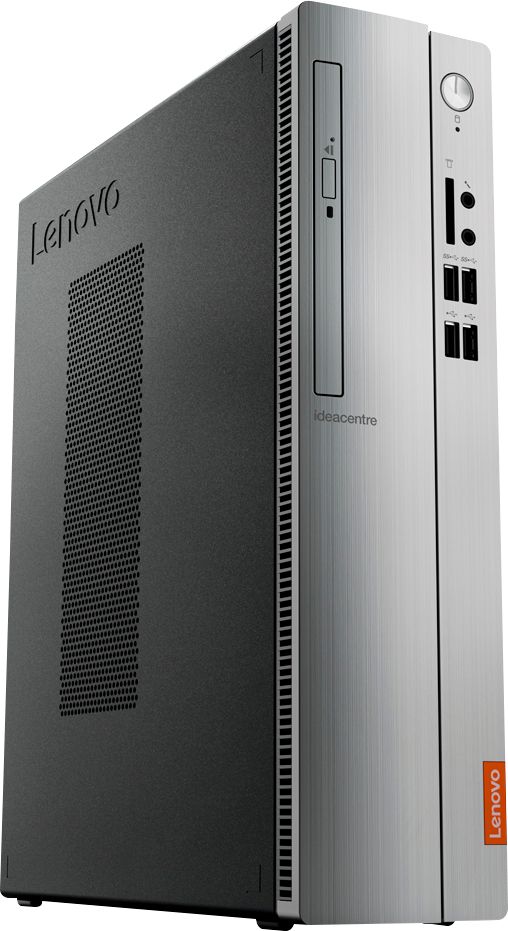
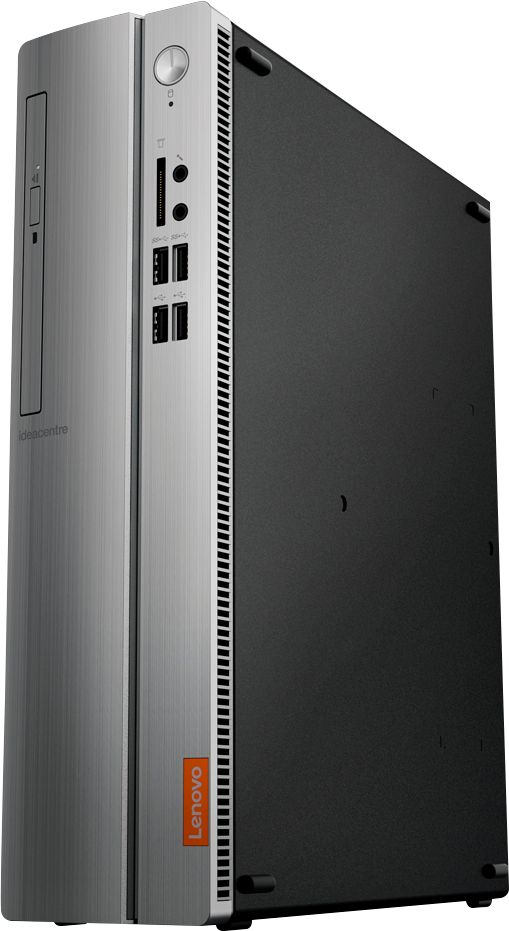
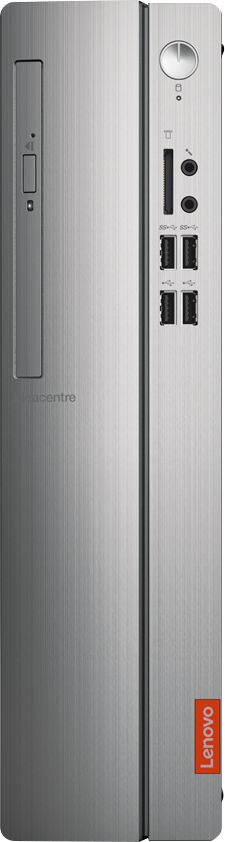
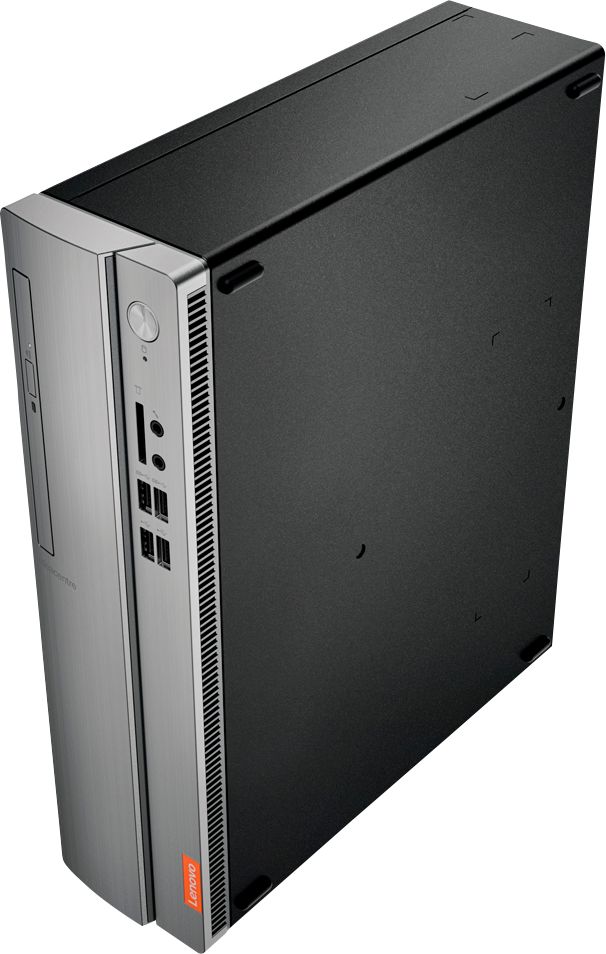

- Model:
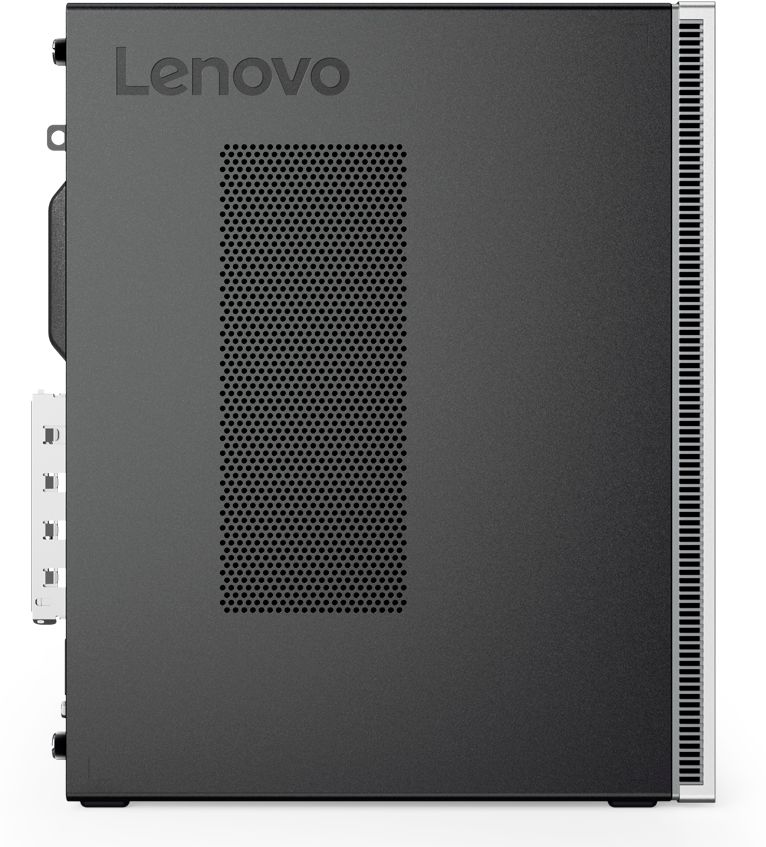
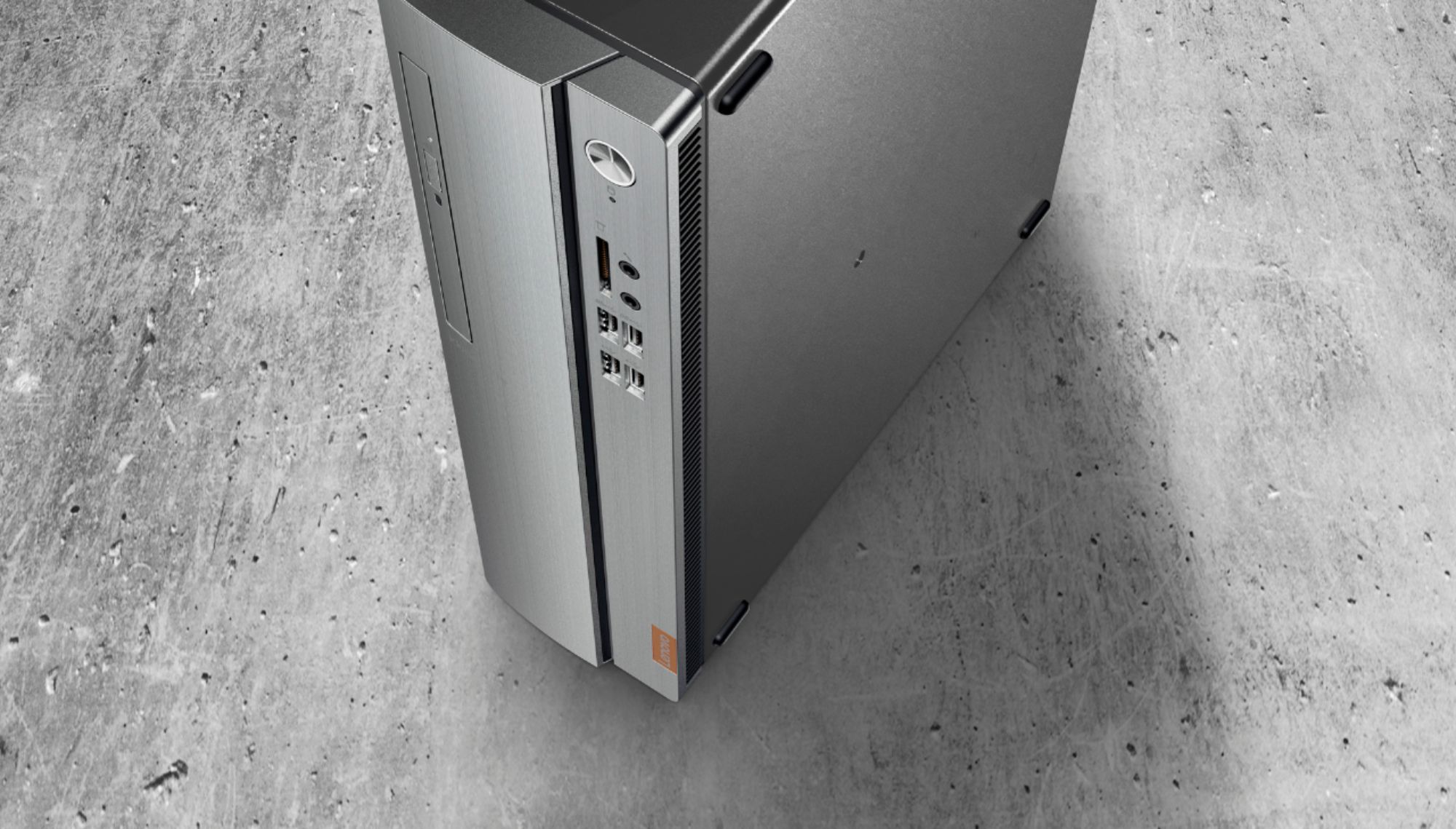
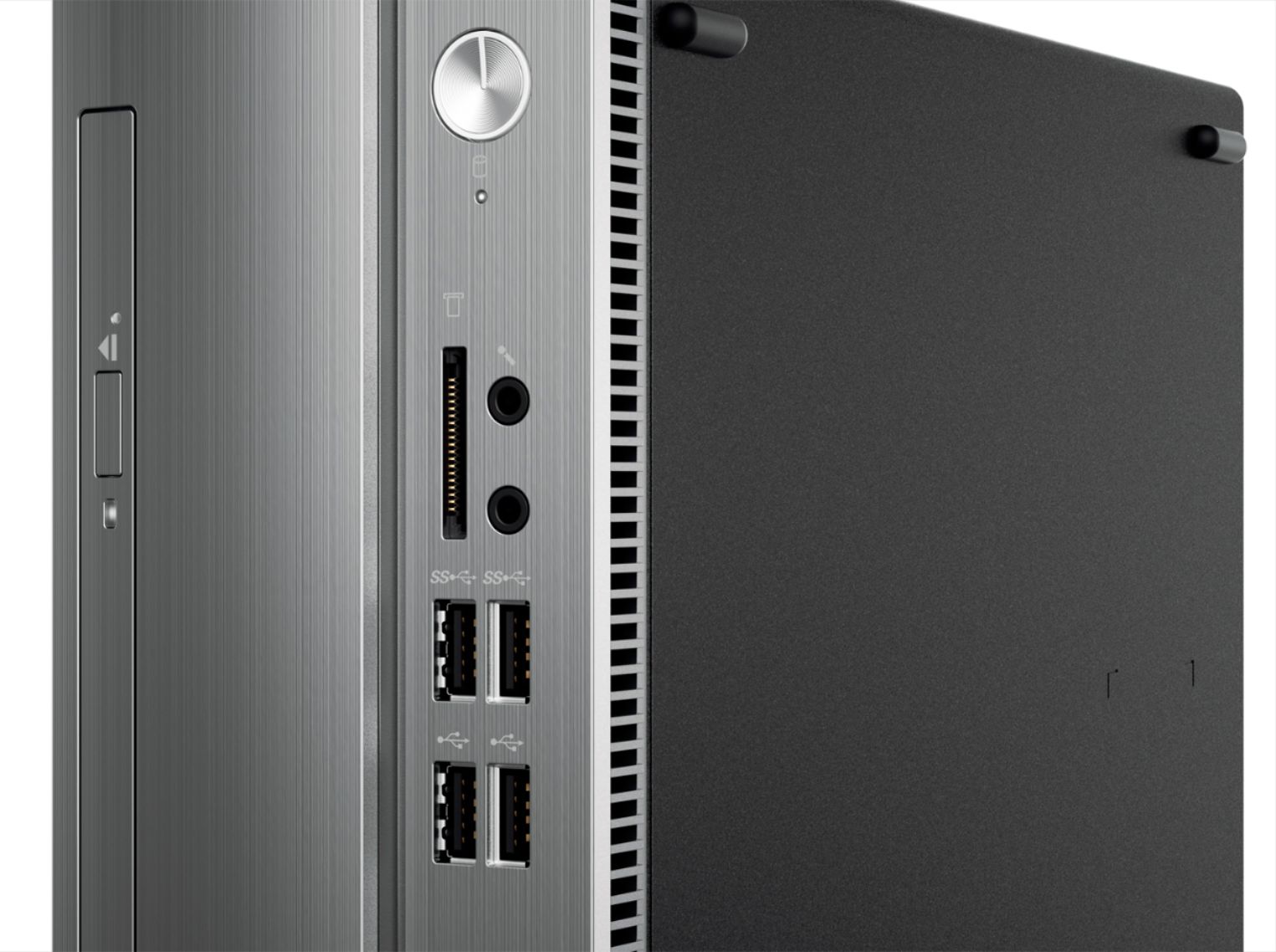
- IDEACENTRE 310S-08 - 90G90068U
- SKU:
- 6291839
Rating by feature
- Value
Rating 4.3 out of 5 stars
- Quality
Rating 4.1 out of 5 stars
- Ease of Use
Rating 4.2 out of 5 stars
Customers are saying
Customers admire the IdeaCentre 310S Desktop for its affordability, ease of use, and solid performance. Many appreciate its compact size and the option to upgrade the RAM and storage. Positive feedback also highlights the straightforward setup process. While some users experienced minor issues with the Wi-Fi, the overall experience appears largely positive.
This summary was generated by AI based on customer reviews.
- Pros mentioned:Ram
Laptop specs in a desktop form. Basic living
||Posted .This reviewer received promo considerations or sweepstakes entry for writing a review.Pros: With upgraded rams this computer can have multiple program running at once, good for emails, surfing webs and streaming movies. If you want this PC to be even faster, I recommend upgrading the HDD to SSD. Cons: high performance graphic card is not optional due to low wattage that's given.
I would recommend this to a friendBrand response from Lenovo Product Expert
Posted .The Lenovo IdeaCentre 310s desktop ships with a Dual-Core AMD A9-9425 processor, supported by 4GB of DDR4-2666MHz RAM. There is a 65W external power supply with this model configuration.

- Pros mentioned:PriceCons mentioned:Speed
Built to provide a mid entry level of use ...
||Posted . Owned for 2 months when reviewed.This reviewer received promo considerations or sweepstakes entry for writing a review.So this is not a powerhouse PC with all the bells and whistles. But, it is also not priced as one either. We bought this to use simply for online browser access and internal payroll where minimal ram and speed was needed. We got what we paid for and not a dime less.
I would recommend this to a friendBrand response from Lenovo Product Expert
Posted .Once again, thank you for choosing the Lenovo IdeaCentre 310s Desktop. You can keep your computer running at its best by keeping the Windows 10 Operating System and all supporting BIOS files and drivers up to date. You can easily accomplish this by scanning the computer with the Lenovo Utility software available on this computer. This system has Lenovo utilities installed to help maintain the health of the device and keep the operating system software up to date. Type "Lenovo Vantage" in the Cortana Search window (if Lenovo Vantage is not installed on your device, you can download the APP and install it now). Select Lenovo Vantage from the list. In the window that opens, click on "Health and Support". In the expanded menu, select "Hardware Scan" In the window that opens, select "Run Quick Tests". This will scan your entire system for errors. Follow any directions that may pop up. If the problem continues after this scan, now click on "System Update". First select Windows update from the menu. Scan your system to be sure you have the latest version of Windows 10. Once that scan is complete, select "Additional Updates". This will scan your device to be sure there are no new BIOS/Driver updates needed. Follow any instructions that may pop up. If you ever need additional help with your Lenovo computer, we recommend you call Lenovo Tech Support at: 877-453-6686 for additional help.
- Pros mentioned:Ram
over-all great buy
||Posted . Owned for 3 weeks when reviewed.This reviewer received promo considerations or sweepstakes entry for writing a review.I got my new computer up and working with a minimum of trouble except for the normal headache of getting my old files back where I want them. It does everything I want it for and handles it nicely. It even had an extra video port to stream from it to my TV, which was relatively simple to do as well.The only 2 things I didn't particularly like that kept me from giving it a 5 star, was first the windows 10. Not the computer's fault but window's 10 just does too many things in the background that I'd rather it didn't. Which brings me to the 2nd thing. It can handle 8 MB ram but comes with 4. I think I'll pay the extra money and buy the other 4. The background items constantly slow down the operation. But over-all still a good buy.
I would recommend this to a friendBrand response from Lenovo Product Expert
Posted .Thank you for choosing the Lenovo IdeaCentre 310s Desktop model number 90G90068US. The Lenovo IdeaCentre 310s desktop, model number 90G90068US, is a mid-level, moderate use configuration, with its AMD A9-9425 processor. This Dual-Core processor has a base speed of 3.1GHz and a boost speed of up to 3.7GHz. This configuration has 4GB of DDR4-2666MHz RAM. It is good with Microsoft Office type programs, internet browsing and other moderate work. If this describes your computing needs, the IdeaCentre 310s desktop would be a good choice for you.
- Pros mentioned:PriceCons mentioned:Speed
Ok for the price.
||Posted . Owned for 1 month when reviewed.This reviewer received promo considerations or sweepstakes entry for writing a review.Being an "open box",item it had some issues that needed resolved. Someone had put a password on the O.S. and I had to crack it to get in. It doesn't seem to be as fast as it should but with more time I can maybe fix that. Overall it was a good value.
I would recommend this to a friend - Pros mentioned:Size
Perfect for occasional usage
||Posted . Owned for 3 weeks when reviewed.This reviewer received promo considerations or sweepstakes entry for writing a review.I wanted a small and simple hard drive for my personal usage. I use my iPhone most of the time to view my emails but occasionally I need to write documents and print. I do my personal banking on my computer and not my iPhone. I needed to upgrade to Windows 10.
I would recommend this to a friendBrand response from Lenovo Product Expert
Posted .The Lenovo IdeaCentre 310s desktop, model number 90G90068US, is a mid-level, moderate use configuration, with its AMD A9-9425 processor. This Dual-Core processor has a base speed of 3.1GHz and a boost speed of up to 3.7GHz. This configuration has 4GB of DDR4-2666MHz RAM. It is good with Microsoft Office type programs, internet browsing and other moderate work. If this describes your computing needs, the IdeaCentre 310s desktop would be a good choice for you.
- Pros mentioned:Ease of useCons mentioned:Speed
Nice pc
||Posted . Owned for 3 weeks when reviewed.This reviewer received promo considerations or sweepstakes entry for writing a review.I wanted to upgrade to Win10 and this pc was a great buy. Works well for what I need. Not super fast but I did not buy to game on. Easy installation, quiet, wifi connection is great. Overall I would recommend to anyone needing reliability vs super fast speed.
I would recommend this to a friendBrand response from Lenovo Product Expert
Posted .The Lenovo IdeaCentre 310s desktop, model number 90G90068US, is a mid-level, moderate use configuration, with its AMD A9-9425 processor. This Dual-Core processor has a base speed of 3.1GHz and a boost speed of up to 3.7GHz. This configuration has 4GB of DDR4-2666MHz RAM. It is good with Microsoft Office type programs, internet browsing and other moderate work. If this describes your computing needs, the IdeaCentre 310s desktop would be a good choice for you.
A great desktop for the money.
||Posted . Owned for 2 weeks when reviewed.This reviewer received promo considerations or sweepstakes entry for writing a review.Initial set up was easy. Was up and running in minutes following the online instructions. Nice it also came with a keyboard, mouse and a wireless adapter. Quiet running tower and am more than satisfied with the memory and storage. The only negative is the CD-DVD compartment is kind of flimsy. It only opens partially after pushing on the button. Find the vertical opening more difficult inserting the disk than the horizontal set up. However, it plays well. Overall, very happy with this purchase.
I would recommend this to a friendBrand response from Lenovo Product Expert
Posted .Thank you for choosing the Lenovo IdeaCentre 310s Desktop. The Lenovo IdeaCentre 310s desktop, model number 90G90068US, is a mid-level, moderate use configuration, with its AMD A9-9425 processor. This Dual-Core processor has a base speed of 3.1GHz and a boost speed of up to 3.7GHz. This configuration has 4GB of DDR4-2666MHz RAM. It is good with Microsoft Office type programs, internet browsing and other moderate work. If this describes your computing needs, the IdeaCentre 310s desktop would be a good choice for you.
- Cons mentioned:Speed
Good for the price
||Posted . Owned for 2 months when reviewed.This reviewer received promo considerations or sweepstakes entry for writing a review.Bought this for my home office and have it hooked directly to my wall mounted TV. Very good for it's intended minimal usage with plenty of storage. AMD processor just doesn't compare to the Intel Core processors...but overall a good product.
I would recommend this to a friendBrand response from Lenovo Product Expert
Posted .The Lenovo IdeaCentre 310s desktop is a mid-level, moderate use configuration, with its AMD A9-9430 processor. This Dual-Core processor has a base speed of 3.2GHz and a boost speed of up to 3.5GHz. This configuration has 4GB of DDR4-2400MHz RAM. It is good with Microsoft Office type programs, internet browsing and other moderate work. If this describes your computing needs, the IdeaCentre 310s desktop would be a good choice for you.
- Pros mentioned:Performance, Size
Great design and operation for the price!
||Posted . Owned for 3 weeks when reviewed.This reviewer received promo considerations or sweepstakes entry for writing a review.I love the design and compactness of this pc. The size allows me to display it on top of my desk compared to the old bulky ones that you hide under your desk. In terms of operation. Set up was easy. This is a great product for those wanting an above average performance for an excellent price. I can't complain about its performance as well as its elegance. This is a great buy for home use.
I would recommend this to a friendBrand response from Lenovo Product Expert
Posted .Thank you for choosing the Lenovo IdeaCentre 310s desktop. We are pleased to hear that the features and performance of the IdeaCentre 310s meets your computing needs so well. The Lenovo IdeaCentre 310s desktop is a mid-level, moderate use configuration, with its AMD A9-9430 processor. This Dual-Core processor has a base speed of 3.2GHz and a boost speed of up to 3.5GHz. This configuration has 4GB of DDR4-2400MHz RAM. It is good with Microsoft Office type programs, internet browsing and other moderate work. If this describes your computing needs, the IdeaCentre 310s desktop would be a good choice for you.
- Pros mentioned:Ease of use, Size
Fast and sleek
||Posted . Owned for 1 week when reviewed.This reviewer received promo considerations or sweepstakes entry for writing a review.I'll say upfront I'm not a gamer. I use this for work (and play), running programs like Word, Excel, diving into the web, playing music, watching videos, running webinars, etc. This desktop runs everything with speed and reliability. It's small footprint is an added bonus. I was dreading using Windows 10...it's so much easier than clunky 8.1! This desktop also has bluetooth and synced to a speaker smooth as can be.
I would recommend this to a friendBrand response from Lenovo Product Expert
Posted .Once again, thank you for choosing the Lenovo IdeaCentre 310s Desktop. You can keep your computer running at its best by keeping the Windows 10 Operating System and all supporting BIOS files and drivers up to date. You can easily accomplish this by scanning the computer with the Lenovo Utility software available on this computer. This system has Lenovo utilities installed to help maintain the health of the device and keep the operating system software up to date. Type "Lenovo Vantage" in the Cortana Search window (if Lenovo Vantage is not installed on your device, you can download the APP and install it now). Select Lenovo Vantage from the list. In the window that opens, click on "Health and Support". In the expanded menu, select "Hardware Scan" In the window that opens, select "Run Quick Tests". This will scan your entire system for errors. Follow any directions that may pop up. If the problem continues after this scan, now click on "System Update". First select Windows update from the menu. Scan your system to be sure you have the latest version of Windows 10. Once that scan is complete, select "Additional Updates". This will scan your device to be sure there are no new BIOS/Driver updates needed. Follow any instructions that may pop up. If you ever need additional help with your Lenovo computer, we recommend you call Lenovo Tech Support at: 877-453-6686 for additional help.
- Pros mentioned:Ease of use, Performance, Price
good product
||Posted .This reviewer received promo considerations or sweepstakes entry for writing a review.Easy set up, runs good. Good value for the money. Lenovo customer service is very helpful.
I would recommend this to a friendBrand response from Lenovo Product Expert
Posted .Thank you for choosing the Lenovo IdeaCentre 310s Desktop. We are pleased to hear that the value and performance of the IdeaCentre 310s meets your computing needs so well. The Lenovo IdeaCentre 310s desktop is a mid-level, moderate use configuration, with its AMD A9-9430 processor. This Dual-Core processor has a base speed of 3.2GHz and a boost speed of up to 3.5GHz. This configuration has 4GB of DDR4-2400MHz RAM. It is good with Microsoft Office type programs, internet browsing and other moderate work. If this describes your computing needs, the IdeaCentre 310s desktop would be a good choice for you. Lenovo is the number #1 manufacturer of computers in the World:
https://venturebeat.com/2019/01/10/gartner-and-idc-hp-and-lenovo-shipped-the-most-pcs-in-2018-but-total-numbers-fell/
- Pros mentioned:Performance, Size
Decent desktop for a decent price.
||Posted . Owned for 1 year when reviewed.This reviewer received promo considerations or sweepstakes entry for writing a review.Decent desktop for a decent price. Small compact size with decent performance specs. Not to be used with anything that requires heavy graphics.
I would recommend this to a friend - Pros mentioned:Ease of useCons mentioned:Speed
Good for the price
||Posted . Owned for 1 month when reviewed.This reviewer received promo considerations or sweepstakes entry for writing a review.Purchased this for my children for home schooling. It seems to work well for the job. It has had some issues processing certain web sites that my laptop processes just fine.
I would recommend this to a friend - Cons mentioned:Speed
PC
||Posted .This reviewer received promo considerations or sweepstakes entry for writing a review.I just got my pc today I did all the updates it took a while for it to finish I got this pc mainly for iTunes to replace my Apple TV now I can actually install all the movies/tv shows I have on this pc I got sick of the problems with that think streaming and remote problems mostly remote this would be great for mostly casual internet browsing don’t b expecting to play games on max on this thing if u can it would most likely b low to very low depending on the game
I would recommend this to a friendBrand response from Lenovo Product Expert
Posted .Thank you for choosing the Lenovo IdeaCentre 310s desktop. We are pleased to hear that the features and performance of the IdeaCentre 310s meets your computing needs so well.
- Pros mentioned:Performance, Price
Very Nice Low Priced Device
||Posted . Owned for 1 month when reviewed.This reviewer received promo considerations or sweepstakes entry for writing a review.I purchased the computer because the one I had previously was incredibly slow. I don't do a whole lot on my computer, mainly browse the internet, light office tasks and store some pictures. This has been the perfect computer for me thus far. Low cost and works very nicely.
I would recommend this to a friendBrand response from Lenovo Product Expert
Posted .Thank you for choosing the Lenovo IdeaCentre 310s desktop. We are pleased to hear that the value and performance of the IdeaCentre 310s meets your computing needs so well. The Lenovo IdeaCentre 310s desktop is a mid-level, moderate use configuration, with its AMD A9-9430 processor. This Dual-Core processor has a base speed of 3.2GHz and a boost speed of up to 3.5GHz. This configuration has 4GB of DDR4-2400MHz RAM. It is good with Microsoft Office type programs, internet browsing and other moderate work. If this describes your computing needs, the IdeaCentre 310s desktop would be a good choice for you.
- Pros mentioned:Price
Bargain for the price
||Posted . Owned for 3 weeks when reviewed.This reviewer received promo considerations or sweepstakes entry for writing a review.Lenovo IdeaCentre 310S Desktop. The desktop is adequate for my needs. It does everything well. Easy to setup and a great price from BestBuy.
I would recommend this to a friendBrand response from Lenovo Product Expert
Posted .Once again, thank you for choosing the Lenovo IdeaCentre 310s Desktop. You can keep your computer running at its best by keeping the Windows 10 Operating System and all supporting BIOS files and drivers up to date. You can easily accomplish this by scanning the computer with the Lenovo Utility software available on this computer. Just type "Lenovo Vantage" in the Cortana Search window (if Lenovo Vantage is not installed on your device, you can download the APP and install it now). Select Lenovo Vantage from the list. In the window that opens, click on "Health and Support". In the expanded menu, select "Hardware Scan" In the window that opens, select "Run Quick Tests". This will scan your entire system for errors. Follow any directions that may pop up. If the problem continues after this scan, now click on "System Update". First select Windows update from the menu. Scan your system to be sure you have the latest version of Windows 10. Once that scan is complete, select "Additional Updates". This will scan your device to be sure there are no new BIOS/Driver updates needed. Follow any instructions that may pop up. If you ever need additional help with your Lenovo computer, we recommend you call Lenovo Tech Support at: 877-453-6686 for additional help.
- Pros mentioned:Price
Purchased for my Mom
||Posted . Owned for 1.5 years when reviewed.This reviewer received promo considerations or sweepstakes entry for writing a review.My mom needed a new PC for home use and this Lenovo was the perfect price and wasn't too complicated to set-up for Mom. She loves it, but she loves it more that I am her "personal" Geek Squad if there are ever any issues. This Lenovo doesn't have a lot of bells & whistles, but it works great for my parents.
I would recommend this to a friend - Pros mentioned:Ease of use, Size
great computer
||Posted . Owned for 1 month when reviewed.This reviewer received promo considerations or sweepstakes entry for writing a review.easy setup. fast speed and large hard drive. compact.
I would recommend this to a friendBrand response from Lenovo Product Expert
Posted .Once again, thank you for choosing the Lenovo IdeaCentre 310s Desktop. You can keep your computer running at its best by keeping the Windows 10 Operating System and all supporting BIOS files and drivers up to date. You can easily accomplish this by scanning the computer with the Lenovo Utility software available on this computer. This system has Lenovo utilities installed to help maintain the health of the device and keep the operating system software up to date. Type "Lenovo Vantage" in the Cortana Search window (if Lenovo Vantage is not installed on your device, you can download the APP and install it now). Select Lenovo Vantage from the list. In the window that opens, click on "Health and Support". In the expanded menu, select "Hardware Scan" In the window that opens, select "Run Quick Tests". This will scan your entire system for errors. Follow any directions that may pop up. If the problem continues after this scan, now click on "System Update". First select Windows update from the menu. Scan your system to be sure you have the latest version of Windows 10. Once that scan is complete, select "Additional Updates". This will scan your device to be sure there are no new BIOS/Driver updates needed. Follow any instructions that may pop up. If you ever need additional help with your Lenovo computer, we recommend you call Lenovo Tech Support at: 877-453-6686 for additional help.
- Pros mentioned:Performance
Great upgrade
||Posted . Owned for 1 month when reviewed.This reviewer received promo considerations or sweepstakes entry for writing a review.Finally decided to upgrade my home desktop after 3 years to something a little faster, as the old one was starting to run slow when doing simple tasks. This works great for what I need, surfing the web is no longer slow and I am able to send my emails faster. This is a great upgrade for anyone who has an old home desktop and is looking for something a little faster.
I would recommend this to a friendBrand response from Lenovo Product Expert
Posted .Thank you for choosing the Lenovo IdeaCentre 310s Desktop. We are pleased to hear that the value and performance of the IdeaCentre 310s meets your computing needs so well. The Lenovo IdeaCentre 310s desktop, model number 90G90068US, is a mid-level, moderate use configuration, with its AMD A9-9425 processor. This Dual-Core processor has a base speed of 3.1GHz and a boost speed of up to 3.7GHz. This configuration has 4GB of DDR4-2666MHz RAM. It is good with Microsoft Office type programs, internet browsing and other moderate work. If this describes your computing needs, the IdeaCentre 310s desktop would be a good choice for you.
- Pros mentioned:Ease of use, Price
Great computer if you aren't that tech savvy!
||Posted . Owned for 3 weeks when reviewed.This reviewer received promo considerations or sweepstakes entry for writing a review.My husband only uses a computer for googling and for his email. He is not comfortable with a laptop. (says his fingers don't work right on the keyboard). This computer is perfect for him. Not a lot of confusing things for him to learn, and his fingers fit! Good price for a basic easy to use computer.
I would recommend this to a friend