Customer Ratings & Reviews
- Model:
- 90GU0006US
- SKU:
- 5740402
Rating by feature
- Value
Rating 3.6 out of 5 stars
- Quality
Rating 3.5 out of 5 stars
- Ease of Use
Rating 3.8 out of 5 stars
Customers are saying
Customers are delighted by the IdeaCentre 510A-15ABR's performance, ease of use, and its affordability. Many appreciate the ample RAM and storage, along with its compact size and quiet operation. The sleek design also receives positive feedback. While some wish for more USB ports, the overall experience is largely positive.
This summary was generated by AI based on customer reviews.
Poor performance
||Posted .This reviewer received promo considerations or sweepstakes entry for writing a review.This is the slowest computer ever. My 10 year old computer performed better. As a new computer, this computer is inferior. I expected a faster computer, but I didn't receive one.
No, I would not recommend this to a friendBrand response from Lenovo Product Expert
Posted .This system should be a fast system with its AMD A12 processor and 12GB of RAM. Be sure any software you installed is compatible with Windows 10. There is no need to install Microsoft Office software. The software is already part of the operating system, you just need to activate the software with a purchased product key. If you have installed a copy of Microsoft Office, this is conflicting with the existing copy on the system and this will slow your system down. If you have installed a 3rd party anti-virus program, be sure that Windows Defender is turned off and that the trial version of McAfee Anti-Virus software is uninstalled. There can only be one anti-virus program on the system. You may need to restore your system to original factory default settings if any of the programing errors have occurred. You can do that by typing "restore" in the Cortana search window. Just click on the magnifying glass icon at the bottom left of your Windows 10 Desktop. Click on "Reset This PC" Then click on "Get Started" and follow the on screen directions to restore to factory defaults. If the problem persists, we recommend you contact Lenovo Tech Support at: 877-453-6686.

Went dead in 32 days
||Posted .This reviewer received promo considerations or sweepstakes entry for writing a review.Computer was completely unable to turn on. It smelled like burnt plastic. I own 3 other Lenovo computers it has been several weeks in repair. Hope to have it back soon
No, I would not recommend this to a friendBrand response from Lenovo Product Expert
Posted .We are sorry to hear that you are having issues with your IdeaCentre 510A desktop. We hope the repairs precede quickly and correct the issue for you.
Failed to work, returned
||Posted .This reviewer received promo considerations or sweepstakes entry for writing a review.I understand a refurbished item is that’s been used already. My problem is that the system is always frozen.
No, I would not recommend this to a friendno go
||Posted .This reviewer received promo considerations or sweepstakes entry for writing a review.Had problems from the start,1st one defective, had to go to another store to get 2nd one, once again no good, went with a Dell instead.
No, I would not recommend this to a friendThe computer failed after only 30 days
||Posted .This reviewer received promo considerations or sweepstakes entry for writing a review.The Computer failed or was unable to start up after only 30 days of use. Fortunately I was able to return it for a refund to Best Buy .
No, I would not recommend this to a friendcrashed after 6 months
||Posted .This reviewer received promo considerations or sweepstakes entry for writing a review.The worst computer I have ever purchased. Never had a computer die.
No, I would not recommend this to a friendBrand response from Lenovo Product Expert
Posted .We are sorry to hear that you are having issues with your Lenovo IdeaCentre 510A desktop. We recommend you call Lenovo Tech Support for specific help with your system. The number is: 877-453-6686.
- Pros mentioned:Performance
One sexy machine
Posted .This reviewer received promo considerations or sweepstakes entry for writing a review.This is my first PC that is designed for gaming and i am in LOVE!! it has a super sleek design and the tempered glass is.... just beautiful. Sexiest PC I've owned. and it runs like a dream. I've had zero issues with the performance.
I would recommend this to a friend not impressed
||Posted . Owned for 1.5 years when reviewed.This reviewer received promo considerations or sweepstakes entry for writing a review.Very slow and kept freezing up. I brought this one back and purchased an HP.
No, I would not recommend this to a friendit sucks !!!!!!!!!!!!!!!!!!!
||Posted .This reviewer received promo considerations or sweepstakes entry for writing a review.It sucks and their support sucks!!!!!!!!!!!!!!!!!!!!!!!!!!!!!
No, I would not recommend this to a friendBrand response from Lenovo Product Expert
Posted .We are sorry to hear that you are having issues with your Lenovo IdeaCentre 510A desktop. We recommend you call Lenovo Tech Support at: 877-453-6686 for help with your issues.
Very poor performance with wi-fi.
||Posted .This reviewer received promo considerations or sweepstakes entry for writing a review.Don't purchase this product. I wish I hadn't. Poor quality.
No, I would not recommend this to a friendBrand response from Lenovo Product Expert
Posted .We are sorry to hear that you are having issues with your Lenovo IdeaCentre 510A desktop. This system has the latest and fastest version of WiFi available, 802.11AC. Be sure your router is up to date to handle the performance of this 802.11AC WiFi. Although 802.11AC is backward compatible to b/g/n frequencies, you may need to update the firmware of your router for it to connect properly to 802.11AC. Check your router manufacturer's web page for firmware updates.
- Pros mentioned:Performance
Great all purpose computer
Posted .This reviewer received promo considerations or sweepstakes entry for writing a review.My wife got me this computer for Christmas and a RX 550 graphics card to play video games. I have used this computer non stop now with no issues at all. I am in to video editing and lightweight gaming. When I am done making videos, I burn them off with the dvd burner that it came with and they come out great. I am big in to first person shooter video games like Doom and this computer combined with the RX 550 graphics card that they have on the shelf is a great combo! My games play very well with no glitching or locking up. I am not really in to prebuilt computers, but this little tank gets the job done!
I would recommend this to a friendBrand response from Lenovo Product Expert
Posted .Thank you for choosing the Lenovo IdeaCentre 510A desktop. We are pleased to hear that the performance and features of the IdeaCentre 510A meets your computing needs so well.
- Cons mentioned:Usb ports
Minor Design Flaw?
Posted .This reviewer received promo considerations or sweepstakes entry for writing a review.A big selling point for me was the clean and attractive design. I liked the fact that the front cover hides the front USB ports but upon inserting the USB receiver for my wireless mouse, I found the door won't close. Now I need to consider buying a USB hub. There are only 2 USB ports in the back with this model.
I would recommend this to a friend Decent Machine
Posted .This reviewer received promo considerations or sweepstakes entry for writing a review.I bought this for the sole purpose of creating VM's to run Database Software. So far so good. I have a few slight issues : it's pretty warm. So far, no errors thrown or any major shutdowns, but it tends to run hot from my own observation. Also, Lenovo makes you jump through hoops to get to the BIOS. Other than that, I have had no real complaints. It seems to have enough memory to support what I needed for school. So no frustrations there!
I would recommend this to a friendDecent workstation
Posted .This reviewer received promo considerations or sweepstakes entry for writing a review.I've had the unit for arround 2 weeks with no complaints, outside some fan noise, I was wondering though, Does this unit support NVME i'm thinking about adding an extra M.2 drive.
I would recommend this to a friendBrand response from Lenovo Product Expert
Posted .Thank you for choosing the Lenovo IdeaCentre 510A desktop. There is no open slot for a second M.2 drive. You could replace the existing standard hard drive with a M.2 solid state drive.
- Cons mentioned:Usb ports
Hard Drive has failed numerous times
Posted .This reviewer received promo considerations or sweepstakes entry for writing a review.This computer was bought in December, and by mid December the hard drive was no longer turning on. We took it back to Best Buy, Geek Squad replaced it, we brought it back in February and it wouldn't turn on. Eventually Best Buy sent it back to Geek Squad for another hard drive and motherboard. We brought it back this week, would not turn on. Brought it back to Best Buy, they would not replace the lemon, so the sent it back to Geek Squad for what will be the 4th hard drive on a computer that has been used for a total of 20 minutes. I have never had so many issues with a computer, or such difficulties with trying to return a product that does not work. TL;DR: Geek Squad has had computer longer than I have it is not fixed after 3 months.
No, I would not recommend this to a friend - Pros mentioned:Performance
Owned about a year
Posted .This reviewer received promo considerations or sweepstakes entry for writing a review.Has been greAt no issues wife uses it for work and we have 1 gig internet and it performs great
I would recommend this to a friendBrand response from Lenovo Product Expert
Posted .Thank you for choosing the lenovo IdeaCentre 5210A desktop. We are pleased to hear that the performance of the IdeaCentre 510A meets your computing needs so well.
Not happy
Posted .This reviewer received promo considerations or sweepstakes entry for writing a review.After setting up this desktop, I noticed that with each reboot the clock reset 12 hours and 2 minutes fast. Had to go into the BIOS to set the clock. Not sure what will happen when DST occurs - will I need to go back into the BIOS? Initially had trouble pinning apps to the Start menu - finally got this to work (at least most of the time - occasionally it still reverts back to a previous configuration when rebooting). Then, I noticed that the system hangs frequently at random times - some days worse than others. Finally got tired of this and researched what might be the cause. Swapped out my mouse & disabled all my Chrome extensions, just in case either if these were the cause - NOPE. Found & cleaned up some event errors, so now we will see if that eliminates the freezes. If not, this thing is going back to Best Buy. Works great when it is not hanging/freezing, but absolutely no one should have this much trouble with a brand new PC. Very unhappy - worst experience ever.
No, I would not recommend this to a friendBrand response from Lenovo Product Expert
Posted .This sounds like conflicting software loaded or an error with the initial setup of Windows 10. Be sure any software you installed is compatible with Windows 10. There is no need to install Microsoft Office software. The software is already part of the operating system, you just need to activate the software with a purchased product key. If you have installed a copy of Microsoft Office, this is conflicting with the existing copy on the system and this will slow your system down. If you have installed a 3rd party anti-virus program, be sure that Windows Defender is turned off and that the trial version of McAfee Anti-Virus software is uninstalled. There can only be one anti-virus program on the system. You may need to restore your system to original factory default settings if any of the programing errors have occurred. You can do that by typing "restore" in the Cortana search window. Just click on the magnifying glass icon at the bottom left of your Windows 10 Desktop. Click on "Reset This PC" Then click on "Get Started" and follow the on screen directions to restore to factory defaults.
Decent PC for the money
Posted .This reviewer received promo considerations or sweepstakes entry for writing a review.It's an OK PC if you're not planning to do much with it. I had a ton of issues with this thing freezing up, restarting on it's on, blue screens, etc.
No, I would not recommend this to a friendquestion?
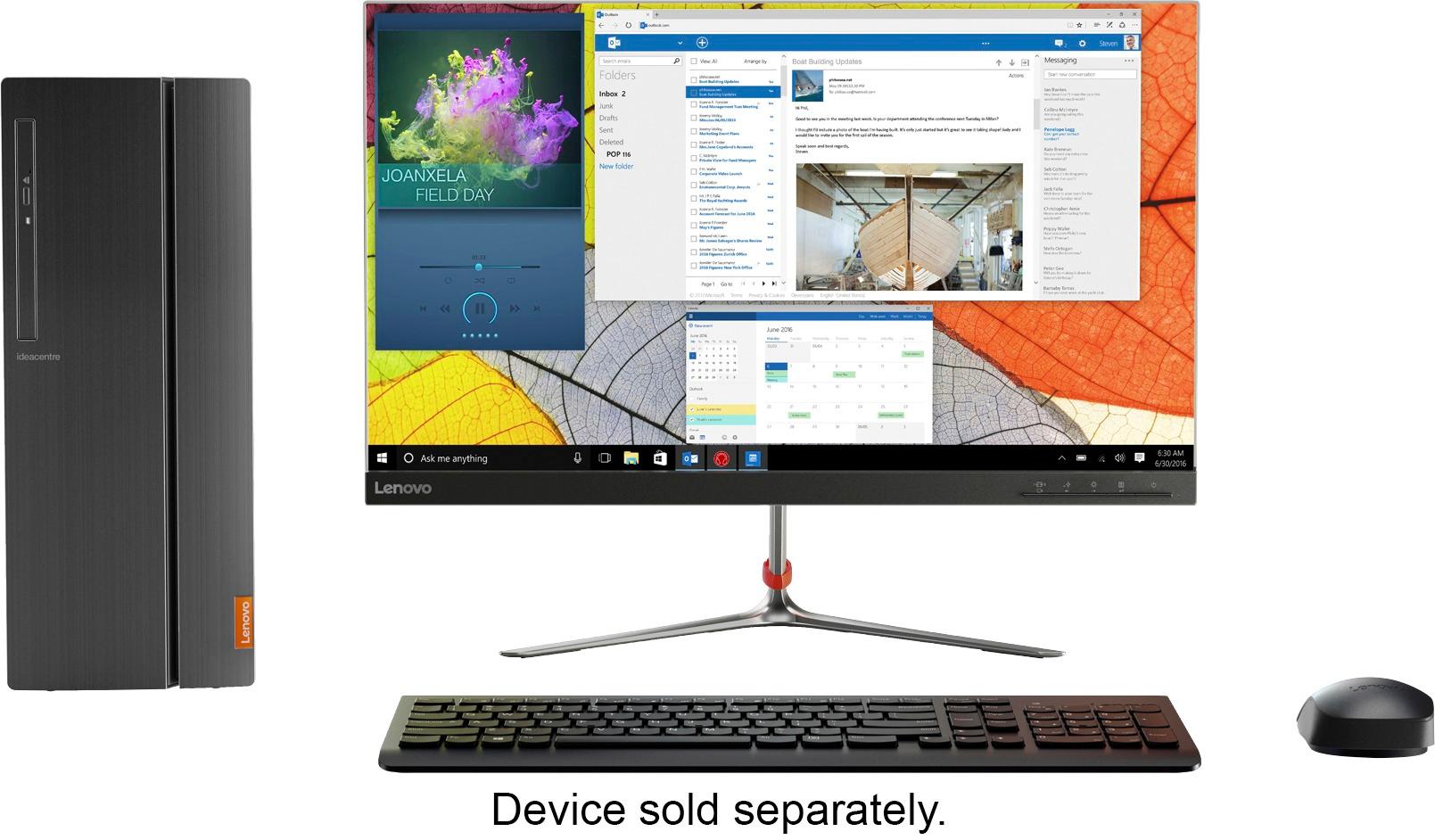
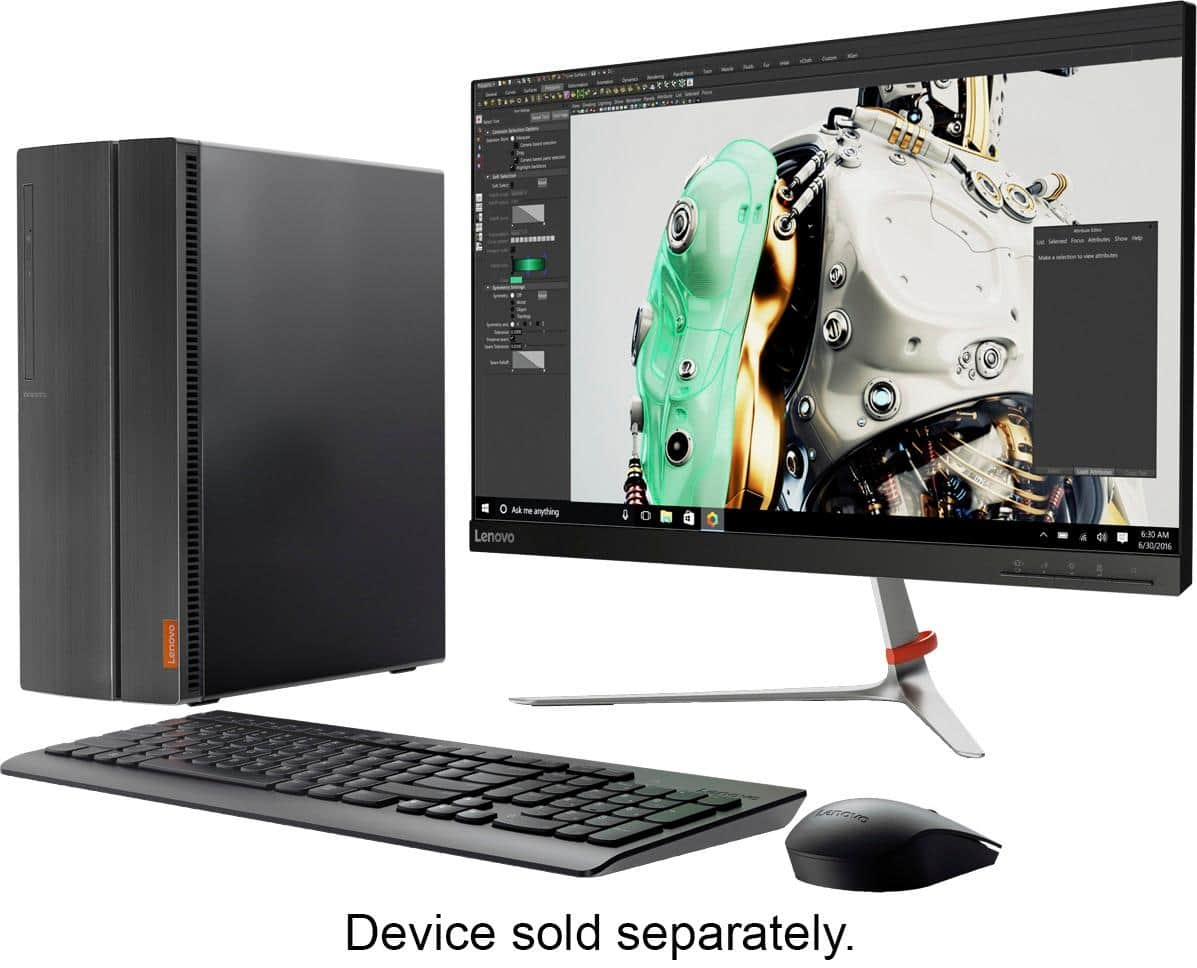
Posted .This reviewer received promo considerations or sweepstakes entry for writing a review.Does it come with a mouse and keyboard because in the pictures it says devices sold separately but in the included part its says that there it is. So whats what.
I would recommend this to a friendBrand response from Lenovo Product Expert
Posted .Yes, there is a keyboard and mouse included with this system.
Shuts down
Posted .This reviewer received promo considerations or sweepstakes entry for writing a review.It shuts down after only 10 minutes of playing The Sims 4. Also the fan is very loud.
No, I would not recommend this to a friendBrand response from Lenovo Product Expert
Posted .We are sorry to hear that you are having issues with your Lenovo IdeaCentre 510A desktop. Be sure the version of the game you are playing is compatible with Windows 10, not an earlier version of Windows. If compatibility of the game is not the issue, we recommend you call Lenovo Tech Support at: 877-453-6686.