Customer Ratings & Reviews
- Model:
- F0D50000US
- SKU:
- 6009201
Rating by feature
- Value
Rating 4.7 out of 5 stars
- Quality
Rating 4.6 out of 5 stars
- Ease of Use
Rating 4.7 out of 5 stars
Customers are saying
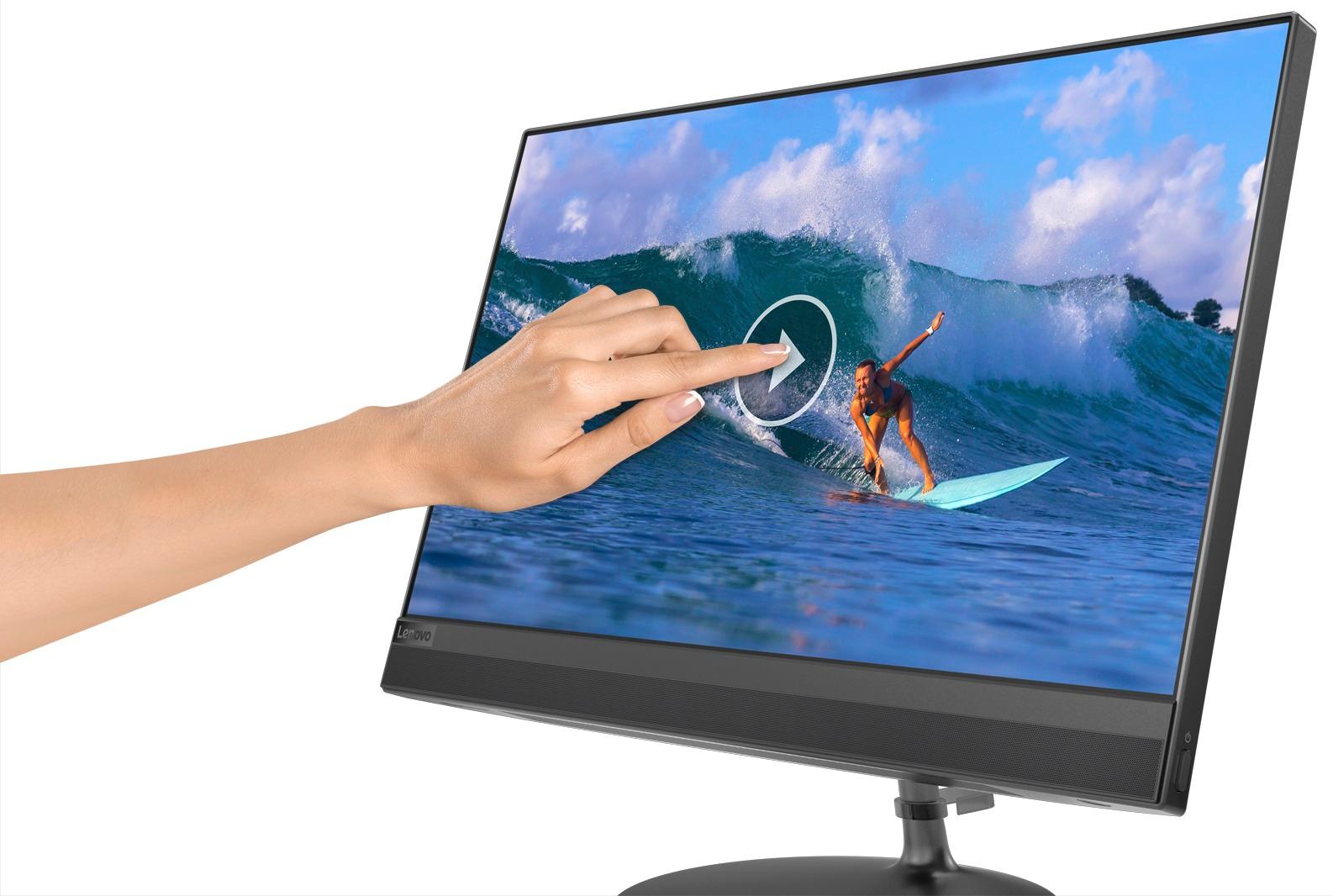
Customers enjoy the IdeaCentre 520's touch screen clarity and ease of use, finding it easy to set up and use. Many appreciate the performance and competitive price, especially given its compact size and space-saving design. While some experienced slow boot times, the overall user experience was positive.
This summary was generated by AI based on customer reviews.
nice desk top
||Posted .This reviewer received promo considerations or sweepstakes entry for writing a review.Very light and compact. Fast and responsive and big screen
I would recommend this to a friendBrand response from Lenovo Product Expert
Posted .Thank you for choosing the Lenovo IdeaCentre 520-22 All-In-One system. We are pleased to hear that the features and performance of the IdeaCentre 520-22 AIO meets your computing needs so well.

Good machine. Learning Win 10 took some time.
||Posted .This reviewer received promo considerations or sweepstakes entry for writing a review.Purchased as a present. Recipient wanted iPad. Gad
I would recommend this to a friendGood computer for reguler user
||Posted .This reviewer received promo considerations or sweepstakes entry for writing a review.The microphone is really bad. Low speakers. Not for Skype.
I would recommend this to a friendBrand response from Lenovo Product Expert
Posted .Thank you for choosing the Lenovo IdeaCentre 520-22 All-In-One system. With regard to the microphone, here is a link to adjusting the microphone within Windows 10: http://www.thewindowsclub.com/boost-microphone-volume-windows. Here is a link to instructions on how to increase the volume of your speakers within Windows 10: https://www.nextofwindows.com/sound-volume-not-loud-enough-here-is-how-you-can-boost-it
Lenovo 21.5" AIO Workstation
||Posted .This reviewer received promo considerations or sweepstakes entry for writing a review.Very good All-In-One workstation with excellent display.
I would recommend this to a friendBrand response from Lenovo Product Expert
Posted .Thank you for choosing the Lenovo IdeaCentre 520-22 All-In-One system. We are pleased to hear that the IdeaCentre 520-22 AIO is working out so well for you.
great services
||Posted .This reviewer received promo considerations or sweepstakes entry for writing a review.great computer really loved it buying same for wife
I would recommend this to a friendBrand response from Lenovo Product Expert
Posted .Thank you for choosing the Lenovo IdeaCentre 520-22 All-In-One system. We are pleased to hear that the performance of the IdeaCentre 520-22 AIO meets your computing needs so well that you plan on purchasing a second IdeaCentre 520-22 AIO for your wife.
Brand new computer, already some issues
||Posted .This reviewer received promo considerations or sweepstakes entry for writing a review.It has shut down unexpectedly a couple of times, once with a brief message that something was going wrong with the "Windows Display Driver," if I remember correctly -- the message was so brief. Keeping my receipt, as this desktop is only a few weeks old.
No, I would not recommend this to a friendBrand response from Lenovo Product Expert
Posted .We are sorry to hear that you are having issues with your Lenovo IdeaCentre 520-22 All-In-One system. This system has Lenovo utilities installed to help maintain the health of the device and keep the operating system software up to date. Type "Lenovo Vantage" in the Cortana Search window (if Lenovo Vantage is not installed on your device, you can download the APP and install it now). Select Lenovo Vantage from the list. In the window that opens, click on "Health and Support". In the expanded menu, select "Hardware Scan" In the window that opens, select "Run Quick Tests". This will scan your entire system for errors. Follow any directions that may pop up. If the problem continues after this scan, now click on "System Update". First select Windows update from the menu. Scan your system to be sure you have the latest version of Windows 10. Once that scan is complete, select "Additional Updates". This will scan your device to be sure there are no new BIOS/Driver updates needed. Follow any instructions that may pop up. If the issue still continues after these updates, we recommend you call Lenovo Tech Support at: 877-453-6686 for additional help.
Good price
||Posted .This reviewer received promo considerations or sweepstakes entry for writing a review.The product for the price is decent. But processor is rather slow now. It was working real good until all of the Microsoft and Lenovo updates. Everytime I turn the unit on I would have to wait for a funky update. And now the speed is noticeably slower.
I would recommend this to a friendBrand response from Lenovo Product Expert
Posted .Thank you for choosing the Lenovo IdeaCentre 520-22 All-In-One system. With regard to software updates, these are necessary for the security of your device and the quality of its operation. This system has Lenovo utilities installed to help maintain the health of the device and keep the operating system software up to date. Type "Lenovo Vantage" in the Cortana Search window (if Lenovo Vantage is not installed on your device, you can download the APP and install it now). Select Lenovo Vantage from the list. In the window that opens, click on "Health and Support". In the expanded menu, select "Hardware Scan" In the window that opens, select "Run Quick Tests". This will scan your entire system for errors. Follow any directions that may pop up. If the problem continues after this scan, now click on "System Update". First select Windows update from the menu. Scan your system to be sure you have the latest version of Windows 10. Once that scan is complete, select "Additional Updates". This will scan your device to be sure there are no new BIOS/Driver updates needed. Follow any instructions that may pop up.
On the Fence
||Posted .This reviewer received promo considerations or sweepstakes entry for writing a review.I'm on the fence about this computer. It has already crashed once with a blue screen, and then it automatically restarted itself. Keep in mind that I've only had this computer for less than one month. Only time will tell how well this holds up.
No, I would not recommend this to a friendBrand response from Lenovo Product Expert
Posted .You should not see a Blue Screen if your Lenovo IdeaCentre 520-22 All-In-One system was operating correctly. Be sure any software you installed is compatible with Windows 10. There is no need to install Microsoft Office software. The software is already part of the operating system, you just need to activate the software with a purchased product key. If you have installed a copy of Microsoft Office, this is conflicting with the existing copy on the system and this will slow your system down. If you have installed a 3rd party anti-virus program, be sure that Windows Defender is turned off and that the trial version of McAfee Anti-Virus software is uninstalled. There can only be one anti-virus program on the system. You may need to restore your system to original factory default settings if any of the programing errors have occurred. You can do that by typing "restore" in the Cortana search window. Just click on the magnifying glass icon at the bottom left of your Windows 10 Desktop. Click on "Reset This PC" Then click on "Get Started" and follow the on screen directions to restore to factory defaults. If the problem persists, we recommend you contact Lenovo Tech Support at: 877-453-6686.

Great for Productivity
||Posted .This reviewer received promo considerations or sweepstakes entry for writing a review.Bought it to clear up space on my mom's desk at work. Gets all productivity work done efficiently without stuttering, despite the age-old processor in today's world.
No, I would not recommend this to a friend- Cons mentioned:Software
a lot of waiting
||Posted .This reviewer received promo considerations or sweepstakes entry for writing a review.You would think that a big organization hopefully gets things right, communicates with the user when downloading apps. Well think again, because this machine does not tell you anything but you can see the downloads and figure out how many you requested. Luckly I had eniugh time to figure this out but someone not conversannt is going to have trouble.
No, I would not recommend this to a friendBrand response from Lenovo Product Expert
Posted .The Lenovo IdeaCentre 520-22 All-In-One system uses Windows 10 operating system. The device has both audio as well as onscreen instruction to setup Windows 10 for the initial activation. With regard to learning your way around Windows 10 after the initial setup, you may want to try YouTube.com (just type that address in your browser address window). There are hundreds for free instructional videos there about Windows 10. Just type Windows 10 Introduction in to the YouTube search window. You can watch free videos there that will show you the basics all the way up to tips and tricks videos and they're all free. You can also call Lenovo Tech Support with any issues you may have at: 877-453-6686.
It fits.
||Posted .This reviewer received promo considerations or sweepstakes entry for writing a review.It fits in my space and it will handle my needs. Not that fast. Keyboard and mouse are on the "cheap" level. It is good but just average.
I would recommend this to a friend- Pros mentioned:Performance
Great for the price
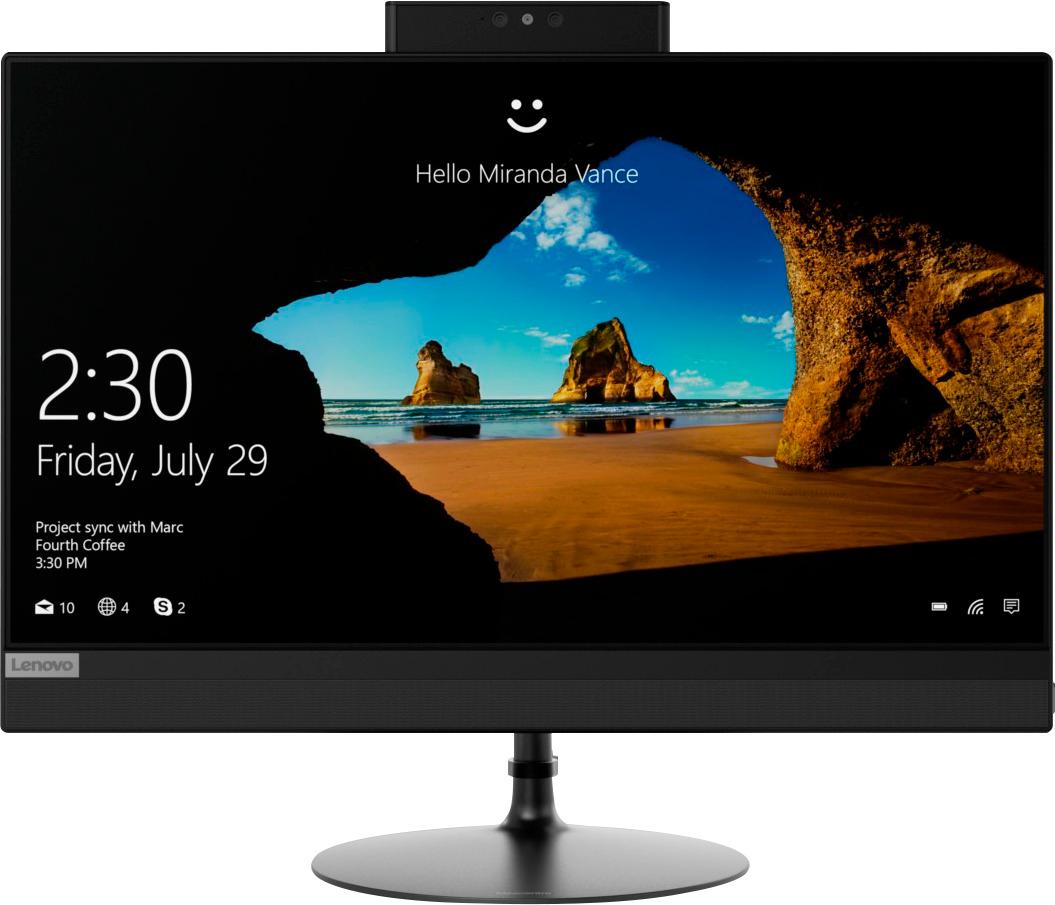
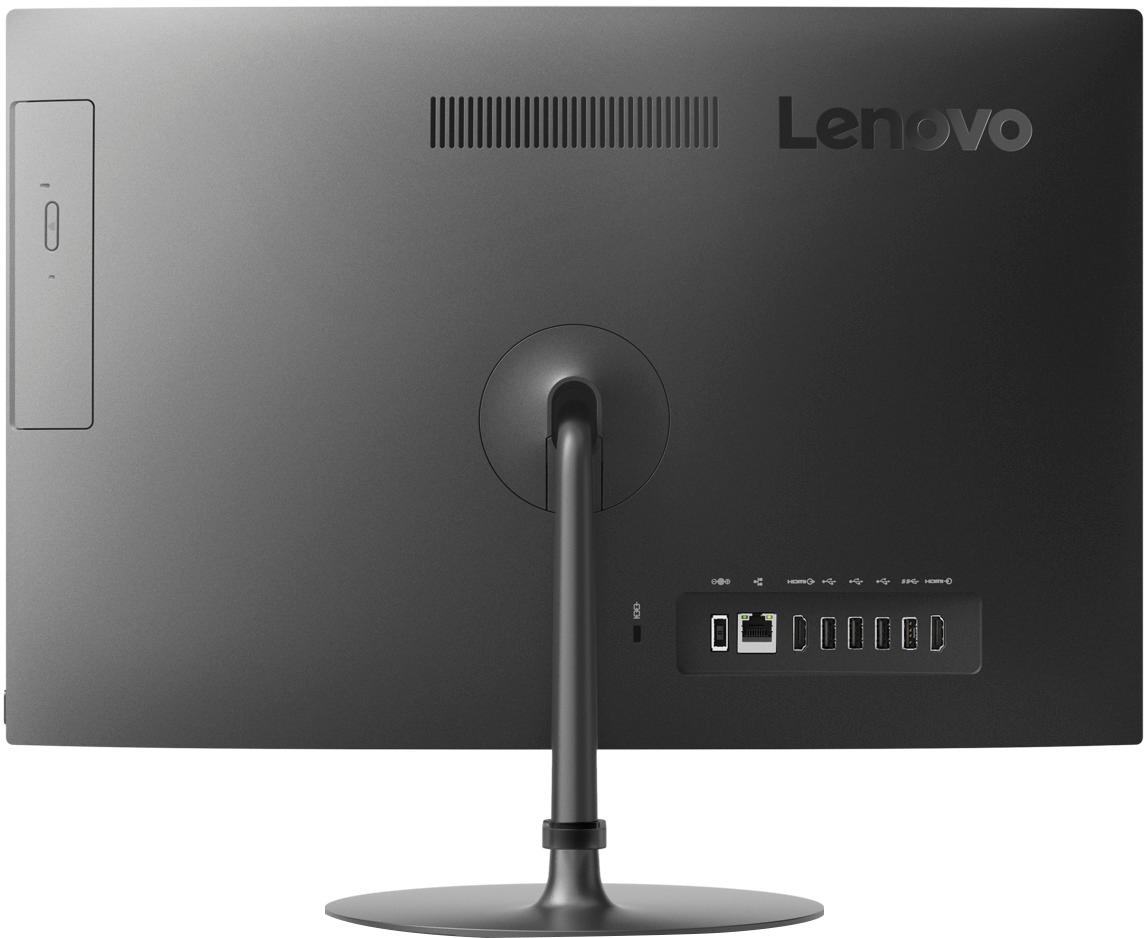
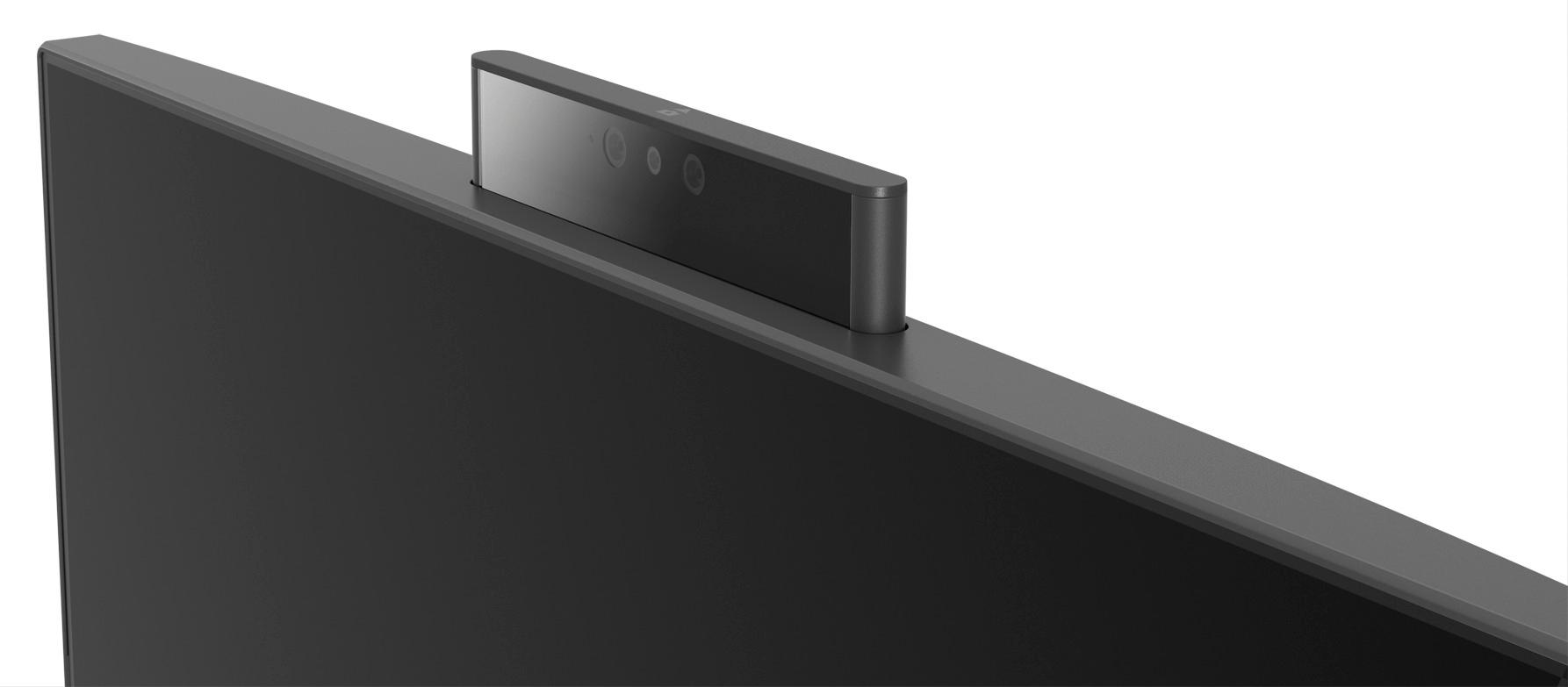
Posted .This reviewer received promo considerations or sweepstakes entry for writing a review.I purchased this all-in-one computer in-store with virtually no advance research, and I really lucked out because it seems like a really solid machine with great features. I needed something as back-up for my laptop while in for repairs, and this one seemed to have everything that I needed for a reasonable price. The all-in-one design even makes it reasonably portable. The keyboard and mouse that come with it are junk, but the computer itself is just great. It was a breeze to set up and has thus far proven to be fast and reliable for basic computing (web browsing, multi-media, spreadsheets, QuickBooks, etc.). I hooked it up to a second HDMI monitor to extend the desktop area, and I'm using a wireless keyboard and mouse. It has a bright and clear touchscreen display, plenty of USB ports, HDMI out and in, Bluetooth, Ethernet and WiFi connectivity, optical drive, and a pop-up webcam lens that will not turn on without it being very obvious. The base is all metal and feels very solid while allowing the screen to tilt easily. Built-in speakers are not great, but are at least pretty good. For the price, this is a GREAT computer!
I would recommend this to a friend Slow
||Posted . Owned for 1.5 years when reviewed.This reviewer received promo considerations or sweepstakes entry for writing a review.Very slow processing. Purchased it for a retired older person and it wasn’t very user friendly
No, I would not recommend this to a friendOkay for work
||Posted .This reviewer received promo considerations or sweepstakes entry for writing a review.It’s a decent computer I use it for work mainly the monitor fits fine on my desk and I haven’t had any issues with it yet.
I would recommend this to a friendBrand response from Lenovo Product Expert
Posted .Thank you for choosing the Lenovo IdeaCentre 520-22 All-In-One system. This is an entry level, light use system with its Intel Pentium processor. It is not meant for multi-tasking or demanding programs. It is good for light work on Microsoft Office type programs and light internet browsing. If this describes your computing needs, the IdeaCentre 520-22 AIO would be a good choice.
Good for the price
||Posted .This reviewer received promo considerations or sweepstakes entry for writing a review.Good AIO computer for the price. Does tend to get laggy but good enough to handle everyday use.
I would recommend this to a friendBrand response from Lenovo Product Expert
Posted .The Lenovo IdeaCentre 520-22 All-In-One system is an entry level, light use system with its Intel Pentium processor. It is not meant for multi-tasking or demanding programs. It is good for Microsoft Office and light internet browsing. If this describes your computing needs, the IdeaCentre 520-22 AIO would be a good choice.
good for basic use but not for work
||Posted . Owned for 1.5 years when reviewed.This reviewer received promo considerations or sweepstakes entry for writing a review.good for basic use but not for work. Enjoyed its large screen
I would recommend this to a friendHave to reset passwords all the time
||Posted .This reviewer received promo considerations or sweepstakes entry for writing a review.Every password on the computer can't be saved for more than a week
No, I would not recommend this to a friendBrand response from Lenovo Product Expert
Posted .We are sorry to hear that you are having an issue with Windows 10 not saving your password. Here is a link to the Microsoft Forum, discussing the fix for this issue: https://answers.microsoft.com/en-us/windows/forum/windows_10-performance-winpc/my-windows-10-doesnt-save-passwords/d088e2b2-a05c-496a-ac40-ad2c761b7acb
Its on
||Posted .This reviewer received promo considerations or sweepstakes entry for writing a review.The TV is much smaller than I expected. It however ok.
I would recommend this to a frienda little slow
||Posted .This reviewer received promo considerations or sweepstakes entry for writing a review.I should have ask more question about speed its slow
No, I would not recommend this to a friendBrand response from Lenovo Product Expert
Posted .This is an entry level, light use system with its Intel Pentium processor. It is not meant for multi-tasking or demanding programs. It is good for Microsoft Office and light internet browsing. If this describes your computing needs, the IdeaCentre 520-22 AIO would be a good choice.
Thumbs down on Lenovo
||Posted .This reviewer received promo considerations or sweepstakes entry for writing a review.It died after 11 days and Lenovo was no help in fact they were not ready to help in any way. They said they only warrantied the hardware. They wanted me to ship to them at my expense. They suggested I do a factory renew which didn't work at all. When I finally got Geek squad on the phone they said "ON NO WE NEVER TELL CUSTOMERS TO DO THAT" so I took it back to Best Buy for a full refund. I got an ASUS that I like much better and te ASUS people were warner and even friendly on the phone. Lenovo is no on my no buy company list. They were just no help.
No, I would not recommend this to a friendBrand response from Lenovo Product Expert
Posted .We are sorry to hear that you had issues with your Lenovo IdeaCentre 520-22 All-In-One system. The fact that the Factory Restore did not correct the issue you were having, indicates the issue was most likely hardware based. For 2018, Lenovo retained its place for a second year as the best laptop vendor:
https://www.laptopmag.com/articles/laptop-brand-ratings