Customer Ratings & Reviews
- Model:
- F0D50000US
- SKU:
- 6009201
Rating by feature
- Value
Rating 4.7 out of 5 stars
- Quality
Rating 4.6 out of 5 stars
- Ease of Use
Rating 4.7 out of 5 stars
Customers are saying
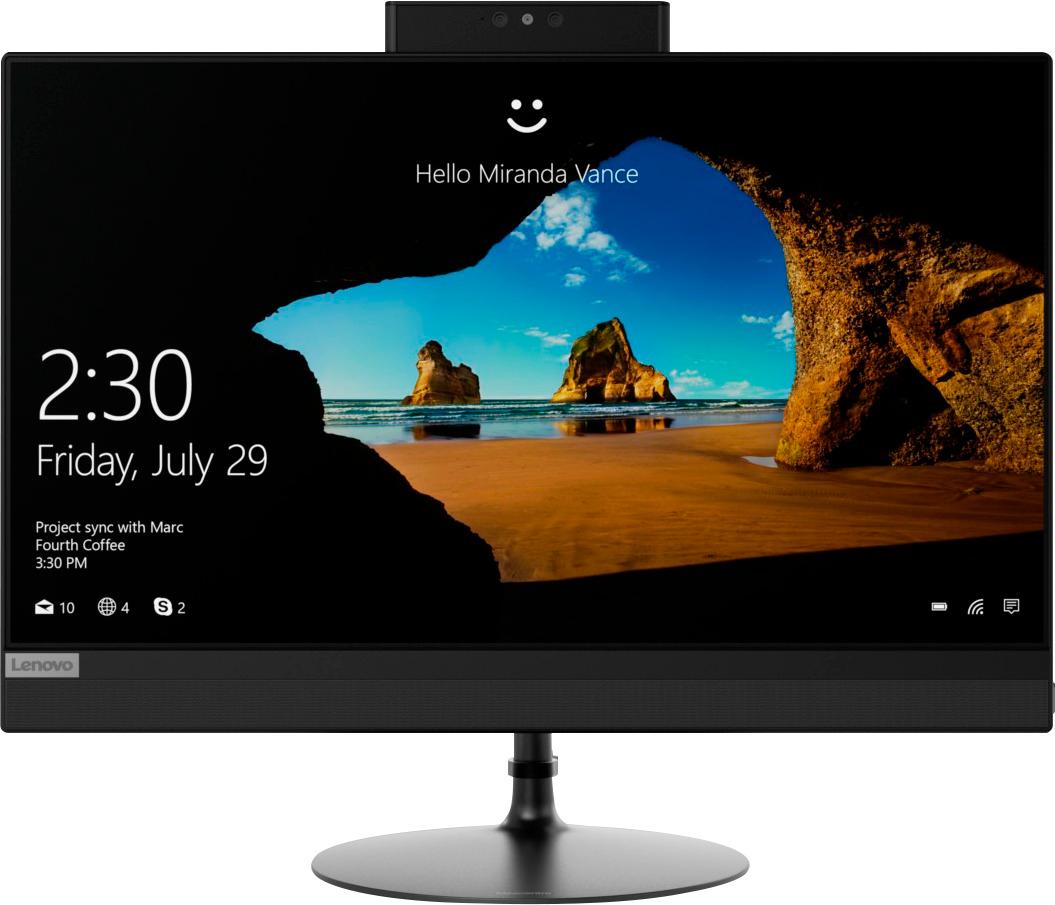
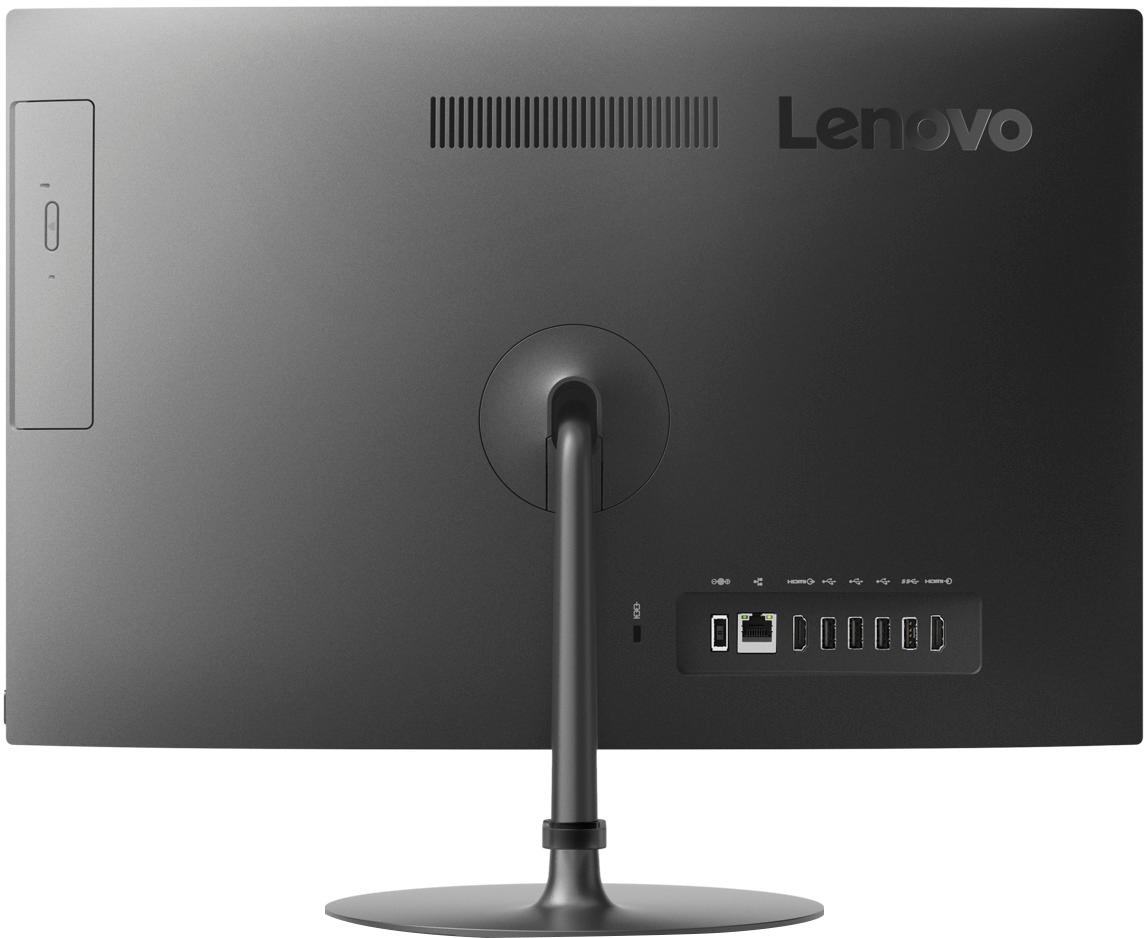
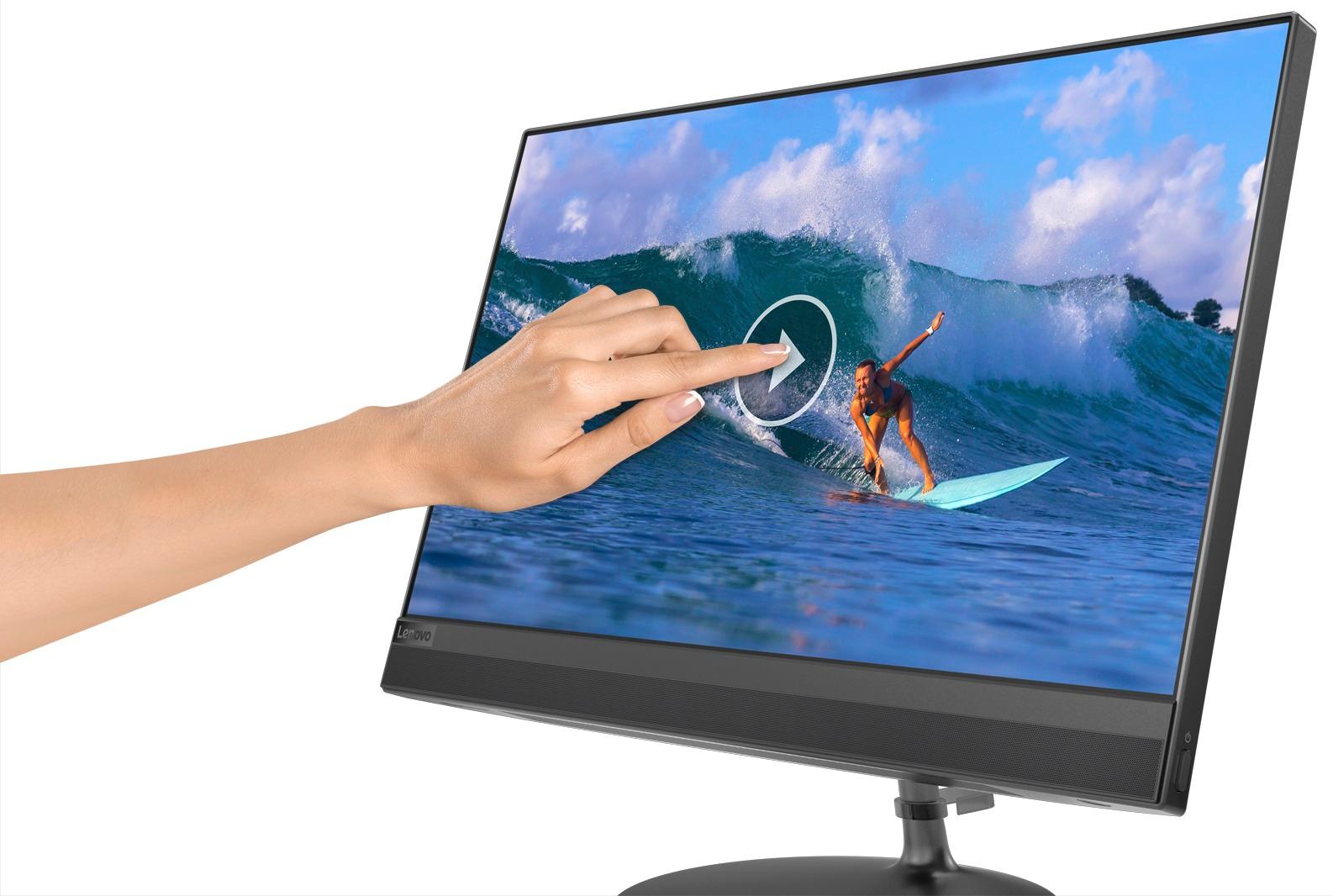
Customers enjoy the IdeaCentre 520's touch screen clarity and ease of use, finding it easy to set up and use. Many appreciate the performance and competitive price, especially given its compact size and space-saving design. While some experienced slow boot times, the overall user experience was positive.
This summary was generated by AI based on customer reviews.
Good speed and good price.
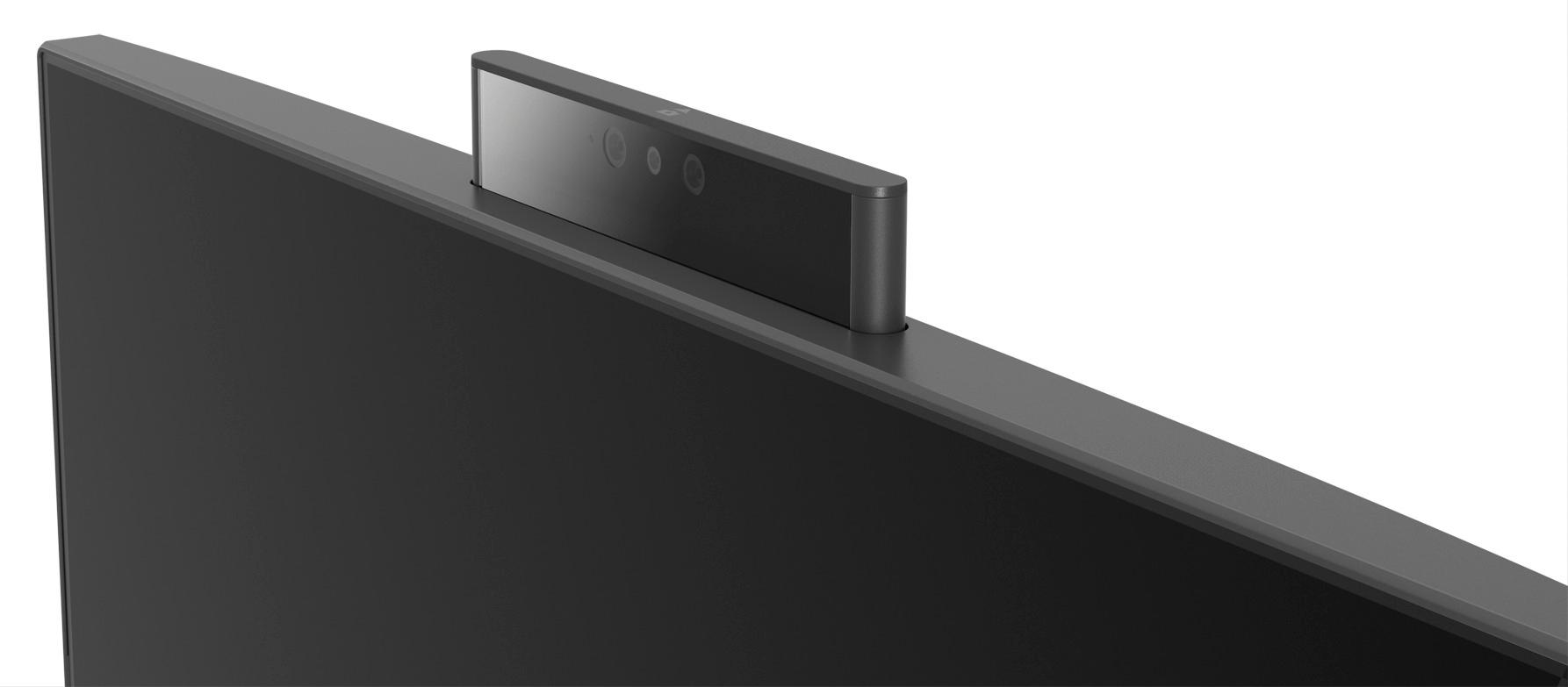
Posted .This reviewer received promo considerations or sweepstakes entry for writing a review.This is an awesome computer. It has fast internet and application speed, and the pop up camera is cool too. It's also nice and sturdy.
I would recommend this to a friendBrand response from Lenovo Product Expert
Posted .Thank you for choosing the Lenovo IdeaCentre 520-22 All-In-One system. We are pleased to hear that the features and performance of the IdeaCentre 520-22 AIO meets your computing need so well.

Very good all in one
Posted .This reviewer received promo considerations or sweepstakes entry for writing a review.Very Good Computer for basic home use... I enjoy using it....IF you are looking for a cheap all in one for " Gaming" purposes it is Not the one for that.
I would recommend this to a friendBrand response from Lenovo Product Expert
Posted .Thank you for choosing the Lenovo IdeaCentre 520-22 All-In-One system. We are pleased to hear that the IdeaCentre 520-22 AIO meets your computing needs so well.
Slows down over time
Posted .This reviewer received promo considerations or sweepstakes entry for writing a review.Overall the quality has been good and has lasted but after the first year it has slowed way down. Its been kept with all the updates and hardly any storage being used but it has speed isssues and it is also not compatible with Windows 11
No, I would not recommend this to a friend- Pros mentioned:Performance
Very Disappointed
Posted .This reviewer received promo considerations or sweepstakes entry for writing a review.I saw great reviews for this brand and product. I set everything up...smootg. Had to restart for Microsoft updates. It would NOT let me log on. Kept saying my p/w was incorrect, had to call one support. The p/w worked in troubleshooting but not once we reset everything. Has taken nearly three hours to fix as Lenovo is VERY SLOW with resets. No, I would NOT recommend this product to a friend. I am very close to returning the computer...and I've only had it since 3pm today!!!
No, I would not recommend this to a friendBrand response from Lenovo Product Expert
Posted .We are sorry to hear that you are having issue with the initial activation of Windows 10 on your Lenovo IdeaCentre 520-22 All-In-One system. We recommend you call Lenovo Tech Support for additional help at: 877-453-6686.
- Cons mentioned:Software
Windows software stops working
Posted .This reviewer received promo considerations or sweepstakes entry for writing a review.The Windows software in my computer stops working after each uptade. And I be having to take it to Best Buy to have the windows reinstalled everytime. Can't save a thing in it. So disappointed!!!
No, I would not recommend this to a friendBrand response from Lenovo Product Expert
Posted .We are sorry to hear that you are having issues with updating Windows 10 Operating System on your Lenovo IdeaCentre 520-22 All-In-One system. From the description of the issue you are having, be sure any software you installed is compatible with Windows 10. There is no need to install Microsoft Office software. The software is already part of the operating system, you just need to activate the software with a purchased product key. If you have installed a copy of Microsoft Office, this is conflicting with the existing copy on the system and this will slow your system down. If you have installed a 3rd party anti-virus program, be sure that Windows Defender is turned off and that the trial version of McAfee Anti-Virus software is uninstalled. There can only be one anti-virus program on the system. You may need to restore your system to original factory default settings if any of the programing errors have occurred. You can do that by typing "restore" in the Cortana search window. Just click on the magnifying glass icon at the bottom left of your Windows 10 Desktop. Click on "Reset This PC" Then click on "Get Started" and follow the on screen directions to restore to factory defaults. If the problem persists, we recommend you contact Lenovo Tech Support at: 877-453-6686. Lenovo is the number #1 manufacturer of computers in the World: https://www.idc.com/getdoc.jsp?containerId=prUS44385418

Died after a few hours of use
Posted .This reviewer received promo considerations or sweepstakes entry for writing a review.Worked well till a BIOS update pushed by Lenovo. Now it won't boot. Best Buy won't replace it (purchased 2 months ago), Lenovo now requires me to pay shipping to a repair facility & requires 9 days to fix and return (they will cover that cost). A disappointing experience so far.
No, I would not recommend this to a friendBrand response from Lenovo Product Expert
Posted .We are sorry to hear that you are having issues with your Lenovo IdeaCentre 520-22 All-In-One system. Try turning the device completely off (not in sleep or hibernate mode). Turn the device on then repeatedly hit the F12 key. The device should open the boot screen even if Windows won't load. Select "restore to factory default". Then use Lenovo utility software to check for updates to the BIOS. This system has Lenovo utilities installed to help maintain the health of the device and keep the operating system software up to date. Type "Lenovo Vantage" in the Cortana Search window (if Lenovo Vantage is not installed on your device, you can download the APP and install it now). Select Lenovo Vantage from the list. In the window that opens, click on "Health and Support". In the expanded menu, select "Hardware Scan" In the window that opens, select "Run Quick Tests". This will scan your entire system for errors. Follow any directions that may pop up. If the problem continues after this scan, now click on "System Update". First select Windows update from the menu. Scan your system to be sure you have the latest version of Windows 10. Once that scan is complete, select "Additional Updates". This will scan your device to be sure there are no new BIOS/Driver updates needed. Follow any instructions that may pop up. If the issue still continues after these updates, we recommend you call Lenovo Tech Support at: 877-453-6686 for additional help.
such slow wifi!!!
Posted .This reviewer received promo considerations or sweepstakes entry for writing a review.Super slow wifi!!! I can't seem to figure out what the problem is. I've reset and restarted it a couple of times since setting up but the internet won't load anything quickly. I have two other laptops sitting right here, neither of which have any speed issues but this all-in-one is LAGGING. It took almost 30 mins to download Google Chrome to install. NEVER had that happen before. Will be returning this tomorrow.
No, I would not recommend this to a friendBrand response from Lenovo Product Expert
Posted .Model number F0D50000US has the latest and fastest WiFi, 802.11AC. Be sure your router has updated firmware. You can check this at the router manufacturer's web site. Additionally, this is an entry level configuration with its Intel Pentium processor, obviously the processor will effect the speed of the system. With regard to Chrome Browser, Windows 10 has some issues with Chrome Browser. Here is a link to an article with tips for fixing this issue: https://newsstand.google.com/articles/CAIiEBv-zpF8O1RJ3WeypJKu1fsqFwgEKg4IACoGCAow3O8nMMqOBjCP1egF
Broken!
Posted .This reviewer received promo considerations or sweepstakes entry for writing a review.I bought this product not so long ago. I bought it at my local Best Buy store. I tried setting it up and it kept not working so I came back the next day trying to return the product but they wouldn’t accept it and give me a refund. What a ripoff. Just wasted my money. Never again. Very disappointed
No, I would not recommend this to a friendBrand response from Lenovo Product Expert
Posted .We are sorry to hear that you are having issues setting up your Lenovo IdeaCentre 520-22 All-In-One system. Be sure any software you are installing to this device is compatible with Windows 10. Here is a link to instructions for activating Windows 10 for the first time: https://support.microsoft.com/en-us/help/12440/windows-10-activation. If the problem persists, we recommend you contact Lenovo Tech Support at: 877-453-6686.