Customer Ratings & Reviews

- Model:
- F0DN005UUS
- SKU:
- 6325580
to a friend
Customers are saying
Customers frequently mention the ease of use and the responsive touch screen as significant advantages. The fast solid state drive and the space-saving design are also frequently praised. While some users noted pre-installed software, the overall experience is largely positive due to its performance and reasonable price.
This summary was generated by AI based on customer reviews.
- Pros mentioned:Speed
Excellent
||Posted . Owned for 3 weeks when reviewed.This reviewer received promo considerations or sweepstakes entry for writing a review.This is the best computer I've ever owned. It's very fast!
I would recommend this to a friendBrand response from Lenovo Product Expert
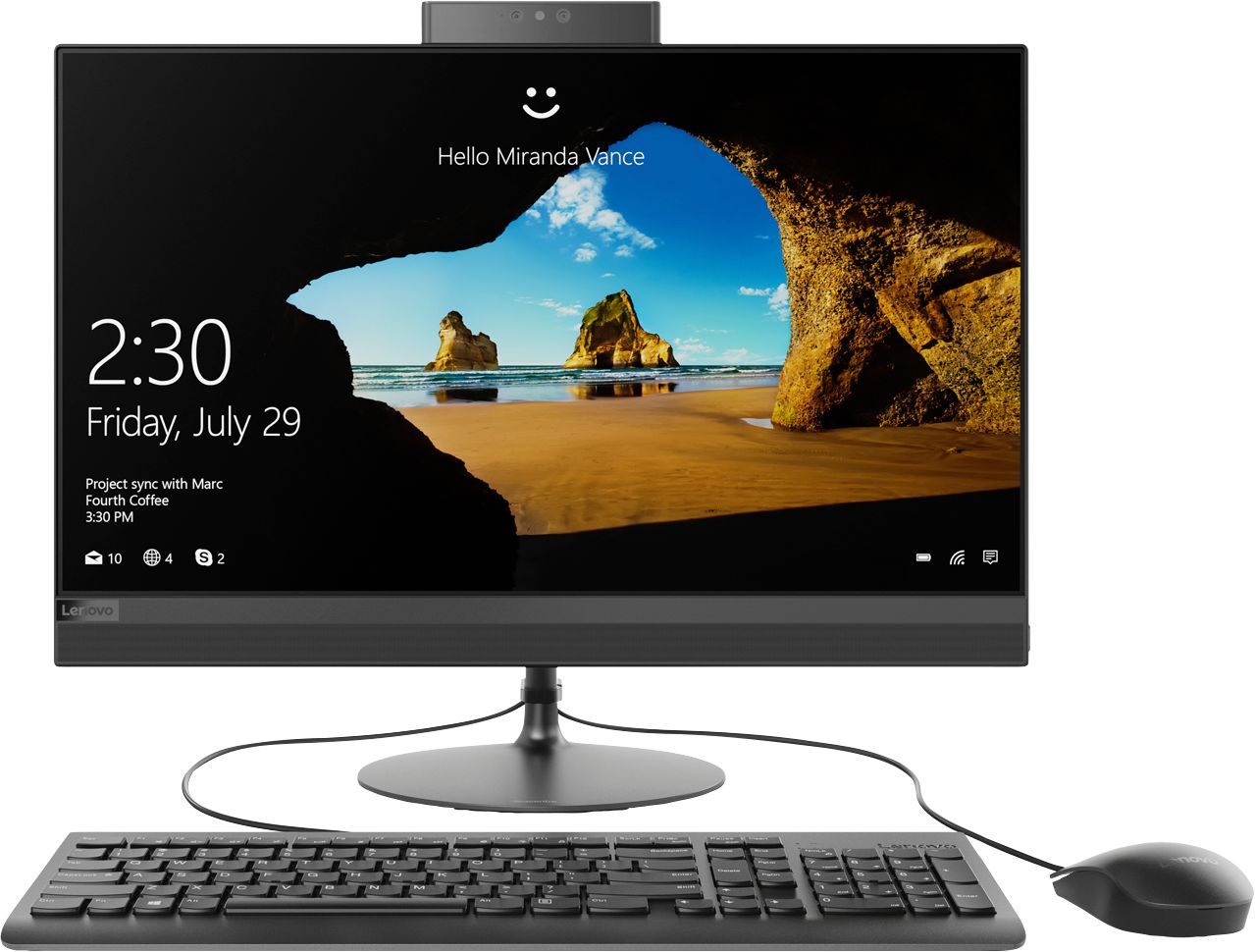
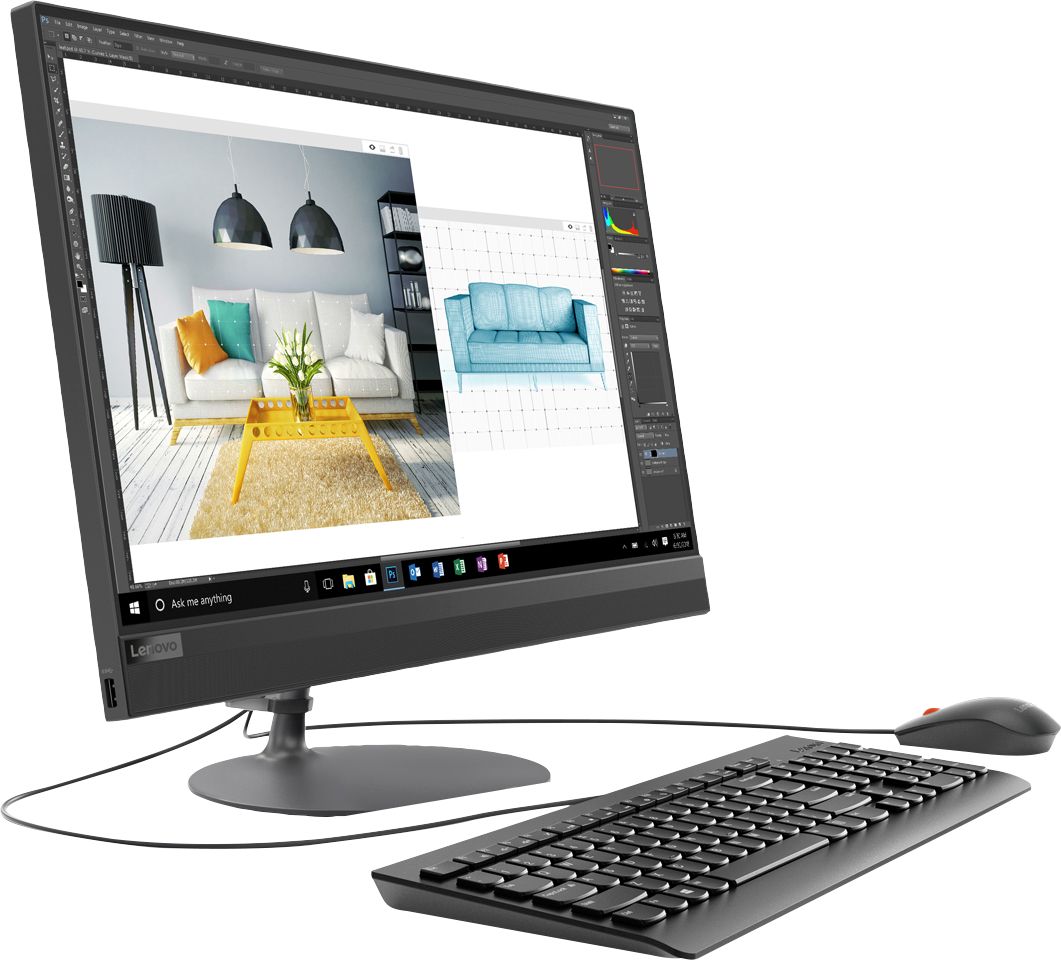
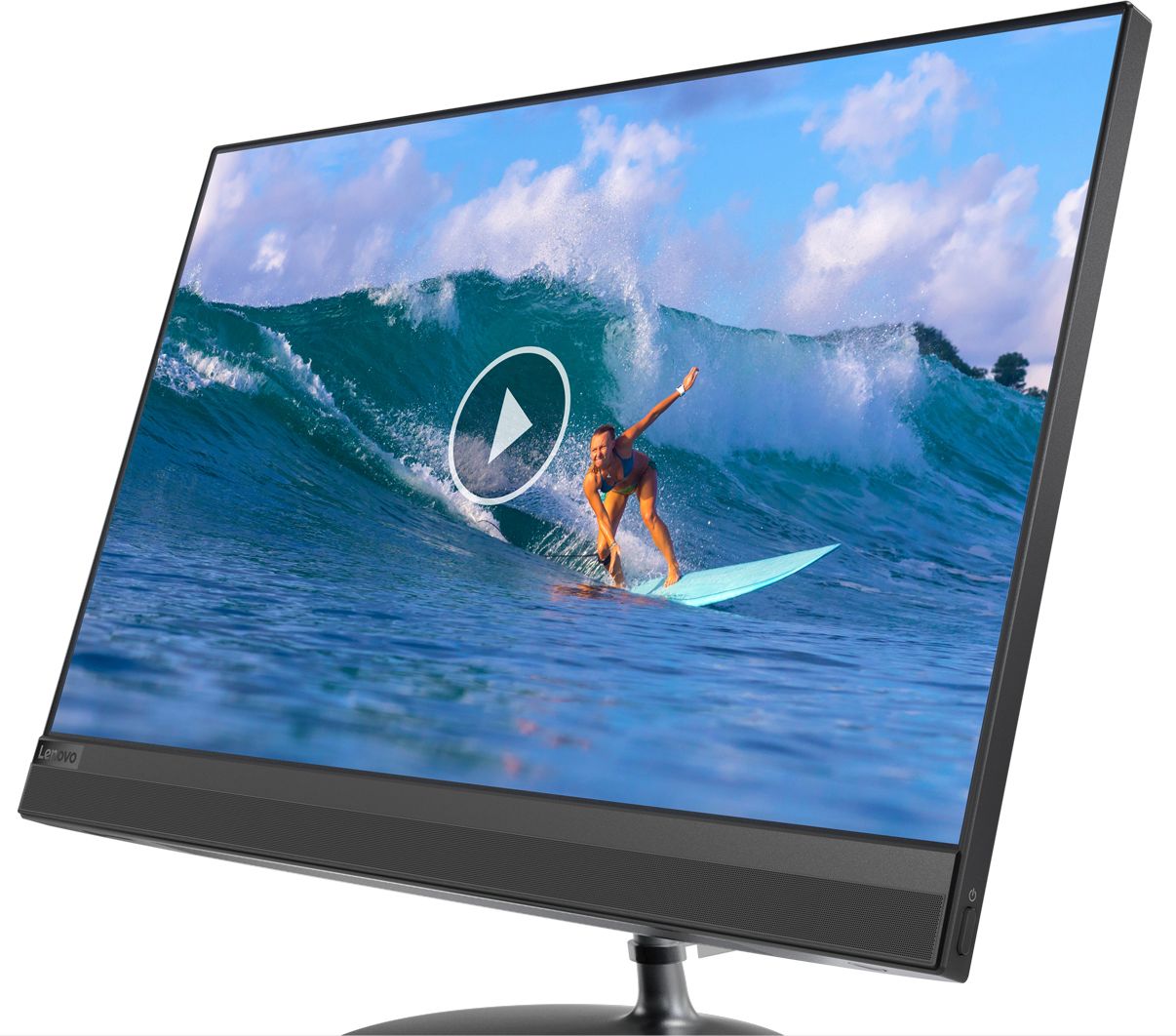
Posted .Thank you for choosing the Lenovo IdeaCentre 520-24 All-In-One system. The Lenovo IdeaCentre AIO 520 is as compact and lightweight as it is elegant. It features a widely adjustable, 24-inch borderless multi-touch display. Add to that improved processing power, lots of storage, and immersive stereo sound, and this all-in-one is the perfect solution for no-hassle entertainment.

Love the new computer and the new tablet.
||Posted . Owned for 1 month when reviewed.This reviewer received promo considerations or sweepstakes entry for writing a review.Am still learning how to use this one. I am not techno savvy and this will take some time. I was a bit disappointed there was no type of educator's discount. I have taught for 39 years and frequently get a discount at many places. I always have both my NPS and my TCC badges with me. I may not run into burning buildings nor chase down bad guys but I truly do believe that teachers provide a highly worthy public service as well.
I would recommend this to a friendDecent enough desktop for what I need.
||Posted . Owned for 1 month when reviewed.This reviewer received promo considerations or sweepstakes entry for writing a review.Would be a better review but right in the middle of setting everything up my Cortana just stopped helping me. At the point where I was doing the Virus protection. I had a Key Code and when I clicked on that (Bottom left of my screen) suddenly everything was gone and I was on my own. I still don't think it's set up completely. Now I want to figure out HOW TO PAY ON MY ACCOUNT. you could make that a bit easier too!
I would recommend this to a friendBrand response from Lenovo Product Expert
Posted .We are sorry to hear that you are having issues installing your virus protection software. There is a 30-day trial of McAfee virus protection software installed on this computer. You do not need to use McAfee. You can install any 3rd party virus protection you want, but first you must uninstall McAfee. Here is a link to information on uninstalling McAfee from Windows 10: https://service.mcafee.com/webcenter/portal/oracle/webcenter/page/scopedMD/s55728c97_466d_4ddb_952d_05484ea932c6/Page29.jspx?wc.contextURL=%2Fspaces%2Fcp&articleId=TS101331&_afrLoop=1355161020222084&leftWidth=0%25&showFooter=false&showHeader=false&rightWidth=0%25¢erWidth=100%25#!%40%40%3FshowFooter%3Dfalse%26_afrLoop%3D1355161020222084%26articleId%3DTS101331%26leftWidth%3D0%2525%26showHeader%3Dfalse%26wc.contextURL%3D%252Fspaces%252Fcp%26rightWidth%3D0%2525%26centerWidth%3D100%2525%26_adf.ctrl-state%3Dx25crirbo_9
- Pros mentioned:Performance
Great product for the average user
||Posted . Owned for 1 month when reviewed.This reviewer received promo considerations or sweepstakes entry for writing a review.Great product. Runs smoothly and operates efficiently.
I would recommend this to a friendBrand response from Lenovo Product Expert
Posted .Thank you for choosing the Lenovo IdeaCentre 520-24 All-In-One system. The Lenovo IdeaCentre AIO 520 is as compact and lightweight as it is elegant. It features a widely adjustable, 24-inch borderless multi-touch display. Add to that improved processing power, lots of storage, and immersive stereo sound, and this all-in-one is the perfect solution for no-hassle entertainment.
- Pros mentioned:Ease of use
Easy to navigate
||Posted . Owned for 3 weeks when reviewed.This reviewer received promo considerations or sweepstakes entry for writing a review.This computer has been a great purchase, easy to use.
I would recommend this to a friendBrand response from Lenovo Product Expert
Posted .Thank you for choosing the Lenovo IdeaCentre 520-24 All-In-One system. The Lenovo IdeaCentre AIO 520 is as compact and lightweight as it is elegant. It features a widely adjustable, 24-inch borderless multi-touch display. Add to that improved processing power, lots of storage, and immersive stereo sound, and this all-in-one is the perfect solution for no-hassle entertainment.
- Pros mentioned:Touch screen
Awesome!
||Posted . Owned for 1 month when reviewed.This reviewer received promo considerations or sweepstakes entry for writing a review.Love this! Just what I was needed for work and play.
I would recommend this to a friendBrand response from Lenovo Product Expert
Posted .Thank you for choosing the Lenovo IdeaCentre 520-24 All-In-One system. The Lenovo IdeaCentre AIO 520 is as compact and lightweight as it is elegant. It features a widely adjustable, 24-inch borderless multi-touch display. Add to that improved processing power, lots of storage, and immersive stereo sound, and this all-in-one is the perfect solution for no-hassle entertainment.
- Pros mentioned:Touch screen
Great all in one replacement
||Posted . Owned for 1 month when reviewed.This reviewer received promo considerations or sweepstakes entry for writing a review.Nice all in one system that replaced a very old system in our office. So far so good.
I would recommend this to a friendBrand response from Lenovo Product Expert
Posted .Thank you for choosing the Lenovo IdeaCentre 520-24 All-In-One system for your office. We are pleased to hear that the IdeaCentre 520-24 AIO meets your business computing needs so well. The Lenovo IdeaCentre AIO 520 is as compact and lightweight as it is elegant. It features a widely adjustable, 24-inch borderless multi-touch display. Add to that improved processing power, lots of storage, and immersive stereo sound, and this all-in-one is the perfect solution for no-hassle entertainment.
good computer
||Posted . Owned for 1 month when reviewed.This reviewer received promo considerations or sweepstakes entry for writing a review.This was a good computer for a really great price.
I would recommend this to a friendBrand response from Lenovo Product Expert
Posted .Thank you for choosing the Lenovo IdeaCentre 520-24 All-In-One system. We are pleased to hear that the value, features and performance of the IdeaCentre 520-24 AIO. The Lenovo IdeaCentre AIO 520 is as compact and lightweight as it is elegant. It features a widely adjustable, 24-inch borderless multi-touch display. Add to that improved processing power, lots of storage, and immersive stereo sound, and this all-in-one is the perfect solution for no-hassle entertainment.
- Pros mentioned:Ease of use
Great Computer!! Easy setup!
||Posted . Owned for 2 months when reviewed.This reviewer received promo considerations or sweepstakes entry for writing a review.Great Computer!! Easy setup! !!!!!!!!!!!!!!!!!!!!!
I would recommend this to a friendBrand response from Lenovo Product Expert
Posted .Thank you for choosing the Lenovo IdeaCentre 520-24 All-In-One system. The Lenovo IdeaCentre AIO 520 is as compact and lightweight as it is elegant. It features a widely adjustable, 24-inch borderless multi-touch display. Add to that improved processing power, lots of storage, and immersive stereo sound, and this all-in-one is the perfect solution for no-hassle entertainment.
Lenovo IdeaCentre 520
||Posted . Owned for 1 year when reviewed.This reviewer received promo considerations or sweepstakes entry for writing a review.I have enjoyed this computer more than any I have had so far. The screen is beautiful with rich colors. Touch screen was a must have.. I can't think of anything about it that I don't like. As a matter of fact I'm trying to get another one just like it for my husband.
I would recommend this to a friendcomputer good BUT cd rom broke off after 3 days
||Posted . Owned for 3 weeks when reviewed.This reviewer received promo considerations or sweepstakes entry for writing a review.continued....of install by geek squad installation! Gabriel came out but could not repair...I do NOT want to go through transfer & install, again! What happened was went to press eject button on side & it came off in my hand! This not good for a brand new desktop computer!! I am NOT a Happy customer. I have issues walking; so I don not want to back to the store.
No, I would not recommend this to a friendBrand response from Lenovo Product Expert
Posted .We are sorry to hear that you are having issues with your Lenovo IdeaCentre 520-24 All-In-One system. We recommend you call Lenovo Tech Support for help with your issue at: 877-453-6686.
Lenovo is the number #1 manufacturer of computers in the World:
https://venturebeat.com/2019/01/10/gartner-and-idc-hp-and-lenovo-shipped-the-most-pcs-in-2018-but-total-numbers-fell/
Decent System for a Tight Area
||Posted . Owned for 3 weeks when reviewed.This reviewer received promo considerations or sweepstakes entry for writing a review.Nice computer for every day activities. Fits well in tight areas.
I would recommend this to a friendBrand response from Lenovo Product Expert
Posted .Thank you for choosing the Lenovo IdeaCentre 520-24 All-In-One system. The Lenovo IdeaCentre AIO 520 is as compact and lightweight as it is elegant. It features a widely adjustable, 24-inch borderless multi-touch display. Add to that improved processing power, lots of storage, and immersive stereo sound, and this all-in-one is the perfect solution for no-hassle entertainment.
- Pros mentioned:Touch screen
Seems very good.
||Posted . Owned for 3 weeks when reviewed.This reviewer received promo considerations or sweepstakes entry for writing a review.Not as fast as I was hoping it would be. I like the big screen.
I would recommend this to a friendBrand response from Lenovo Product Expert
Posted .The Lenovo IdeaCentre 520-24 All-In-One system ships with the Quad-Core AMD Ryzen 3 2200GE processor, with a base speed of 3.2GHz and a boost speed of up to 3.6GHz. This processor is supported by 8GB DDR4-2666MHz RAM and a 256GB solid state hard drive. If you are not getting the anticipated performance, be sure any software you installed is compatible with Windows 10. There is no need to install Microsoft Office software. The software is already part of the operating system, you just need to activate the software with a purchased product key. If you have installed a copy of Microsoft Office, this is conflicting with the existing copy on the system and this will slow your system down. If you have installed a 3rd party anti-virus program, be sure that Windows Defender is turned off and that the trial version of McAfee Anti-Virus software is uninstalled. There can only be one anti-virus program on the system. You may need to restore your system to original factory default settings if any of the programing errors have occurred. You can do that by typing "restore" in the Cortana search window. Just click on the magnifying glass icon at the bottom left of your Windows 10 Desktop. Click on "Reset This PC" Then click on "Get Started" and follow the on screen directions to restore to factory defaults. If the problem persists, we recommend you contact Lenovo Tech Support at: 877-453-6686.
- Pros mentioned:Ease of use
camera is not always active
||Posted .This reviewer received promo considerations or sweepstakes entry for writing a review.Computer is easy to use but is every different from my laptop
I would recommend this to a friendBrand response from Lenovo Product Expert
Posted .Thank you for choosing the Lenovo IdeaCentre 520-24 All-In-One system. Model number F0DN005UUS ships with a hide-away web cam. It will only operate when the popup camera is in the "up" position. If when the camera is in the up position, you have the camera APP turned on and the camera still does not work, first, be sure you have the latest version of Windows 10 installed on the computer. Then update all of the BIOS files and drivers. You can easily accomplish this by scanning the computer with the Lenovo Utility software installed on the computer. This system has Lenovo utilities installed to help maintain the health of the device and keep the operating system software up to date. Type "Lenovo Vantage" in the Cortana Search window (if Lenovo Vantage is not installed on your device, you can download the APP and install it now). Select Lenovo Vantage from the list. In the window that opens, click on "Health and Support". In the expanded menu, select "Hardware Scan" In the window that opens, select "Run Quick Tests". This will scan your entire system for errors. Follow any directions that may pop up. If the problem continues after this scan, now click on "System Update". First select Windows update from the menu. Scan your system to be sure you have the latest version of Windows 10. Once that scan is complete, select "Additional Updates". This will scan your device to be sure there are no new BIOS/Driver updates needed. Follow any instructions that may pop up. If the issue still continues after these updates, we recommend you call Lenovo Tech Support at: 877-453-6686 for additional help.
- Pros mentioned:Ease of use
Great all in one
||Posted . Owned for less than 1 week when reviewed.This reviewer received promo considerations or sweepstakes entry for writing a review.Easy setup and was using with little effort love it so far
I would recommend this to a friend - Pros mentioned:Ease of use
Great for space saving
||Posted . Owned for 1 month when reviewed.This reviewer received promo considerations or sweepstakes entry for writing a review.Good quality, easy to use, good clarity, space saver
I would recommend this to a friendBrand response from Lenovo Product Expert
Posted .Thank you for choosing the Lenovo IdeaCentre 520-24 All-In-One system. The Lenovo IdeaCentre AIO 520 is as compact and lightweight as it is elegant. It features a widely adjustable, 24-inch borderless multi-touch display. Add to that improved processing power, lots of storage, and immersive stereo sound, and this all-in-one is the perfect solution for no-hassle entertainment.
- Pros mentioned:Ease of use
Great computer
||Posted . Owned for 3 weeks when reviewed.This reviewer received promo considerations or sweepstakes entry for writing a review.Great computer user friendly my wife uses it dayle.
I would recommend this to a friend - Pros mentioned:Performance
working good so far
||Posted . Owned for 1 month when reviewed.This reviewer received promo considerations or sweepstakes entry for writing a review.hopefully it will work good for school in the fall.
I would recommend this to a friendBrand response from Lenovo Product Expert
Posted .Thank you for choosing the Lenovo IdeaCentre 520-24 All-In-One system. This is a mid-level, moderate use configuration, with its AMD Ryzen 3 2200GE processor. This Quad-Core processor has a base speed of 3.2GHz and a boost speed of up to 3.6GHz. This configuration has 8GB of DDR4-2666MHz RAM. It is good with Microsoft Office type programs, internet browsing and other moderate work. If this describes your computing needs, the IdeaCentre 520-24 AIO would be a good choice for you.
Nice desktop
||Posted . Owned for 9 months when reviewed.This reviewer received promo considerations or sweepstakes entry for writing a review.We purchased this for my daughter but end up using it myself because I'm working from home now since the situation of the virus started. I can say that it works great in terms of my work computer requirements. I replaced the keyboard and mouse with wireless Logitech so it's much better.
I would recommend this to a friendGreat choice for the basics!
||Posted . Owned for 1 month when reviewed.This reviewer received promo considerations or sweepstakes entry for writing a review.Purchased for my disabled husband to use voice activation software. Having some issues but its mostly software questions. Also re-acquainting ourselves to windows again since we've had Apple for 5 years. Happy so far!
I would recommend this to a friendBrand response from Lenovo Product Expert
Posted .Thank you for choosing the Lenovo IdeaCentre 520-24 All-In-One system. With regard to learning your way around Windows 10, you may want to try YouTube.com (just type that address in your browser address window). There are hundreds for free instructional videos there about Windows 10. Just type Windows 10 Introduction in to the YouTube search window. You can watch free videos there that will show you the basics all the way up to tips and tricks videos and they're all free.