Customer Ratings & Reviews

- Model:
- F0DN005UUS
- SKU:
- 6325580
to a friend
Customers are saying
Customers frequently mention the ease of use and the responsive touch screen as significant advantages. The fast solid state drive and the space-saving design are also frequently praised. While some users noted pre-installed software, the overall experience is largely positive due to its performance and reasonable price.
This summary was generated by AI based on customer reviews.
I love my computer!
||Posted . Owned for 1 month when reviewed.This reviewer received promo considerations or sweepstakes entry for writing a review.I am really glad that i purchased this computer, it is just what was needed! though it was a floor model, it is is good condition.....EXCEPT that my keyboard is faulty because I am supposed to be able to mute sound from the keyboard, but, those keys don't work!
I would recommend this to a friendBrand response from Lenovo Product Expert
Posted .Thank you for choosing the Lenovo IdeaCentre 520-24 All-In-One system. Regarding using the keyboard HotKeys to mute system audio, try holding down the Fn key then tapping the appropriate HotKey to Mute system audio.

Great for not wanting big modem
||Posted . Owned for 1 month when reviewed.This reviewer received promo considerations or sweepstakes entry for writing a review.New computer is awesome to have if you don’t want a big modem next to you. Picture on computer is nice and very clear. All the new files wanted were put on computer by Geek Squad they are very amazing at their job
I would recommend this to a friendBrand response from Lenovo Product Expert
Posted .Thank you for choosing the Lenovo IdeaCentre 520-24 All-In-One system. We are pleased to hear that the features and performance of the IdeaCentre 520-24 AIO meets your computing needs so well.
- Pros mentioned:Ease of use
Not impressed
||Posted . Owned for 1 month when reviewed.This reviewer received promo considerations or sweepstakes entry for writing a review.Didn’t need a computer with a bunch of gaming or bells and whistles..and this one “seemed” to fit the bill. I am older so...Little bit of YouTube, emails, reading news pages, using word or some mahjong. Spent a good deal of time visiting various stores and on line searches and was confident it should be the best for me. Set up has been a nightmare and so frustrating. Everyone at Best Buy has been very nice and believe me I have spent way more time than what I feel necessary between remote help , which takes hours, and taking it physically in to the store. One thing is fixed/works and then 3 more that were working then don’t work and have to be reloaded. Doesn’t seem to be computer malfunction but the assistance I receive... once again they are nice just not competent...Geek Squad..I was clear I needed something easy to operate. Loading not loading on and on problems. Printer working then not. Going to BB again tomorrow for more one in one help. Good thing we spent all the money for the extra help for a year or we would have really been in a mess. Not at all thrilled with this “all in one”. I am not a pro but have used computers for over 30 some years and never trouble like this. Previous have been Dell. Hope it will work out with all the money spent...and more help sessions. Would not buy again.
No, I would not recommend this to a friendBrand response from Lenovo Product Expert
Posted .We are sorry to hear that you are having issues with the setup of your Lenovo IdeaCentre 520-24 All-In-One system. Windows 10 ships with both audio and onscreen setup instructions for the initial activation of Windows 10. Be sure any software you installed is compatible with Windows 10. There is no need to install Microsoft Office software. The software is already part of the operating system, you just need to activate the software with a purchased product key. If you have installed a copy of Microsoft Office, this is conflicting with the existing copy on the system and this will slow your system down. If you have installed a 3rd party anti-virus program, be sure that Windows Defender is turned off and that the trial version of McAfee Anti-Virus software is uninstalled. There can only be one anti-virus program on the system. You may need to restore your system to original factory default settings if any of the programing errors have occurred. You can do that by typing "restore" in the Cortana search window. Just click on the magnifying glass icon at the bottom left of your Windows 10 Desktop. Click on "Reset This PC" Then click on "Get Started" and follow the on screen directions to restore to factory defaults. If the problem persists, we recommend you contact Lenovo Tech Support at: 877-453-6686.
Good all-in-one computer for seniors
||Posted . Owned for 3 weeks when reviewed.This reviewer received promo considerations or sweepstakes entry for writing a review.Lenovo computer is working great. Had to replace a Dell all-in-one that failed after less than three years. The mother board failed. The salesman at Kenosha Best Buy was a great help.
I would recommend this to a friendBrand response from Lenovo Product Expert
Posted .Thank you for choosing the Lenovo IdeaCentre 520-24 All-In-One system. We are pleased to hear that the IdeaCentre 520-24 AIO meets your computing needs so well. Lenovo is the number #1 manufacturer of computers in the World:
https://venturebeat.com/2019/01/10/gartner-and-idc-hp-and-lenovo-shipped-the-most-pcs-in-2018-but-total-numbers-fell/
So far this is a great system.
||Posted . Owned for 3 weeks when reviewed.This reviewer received promo considerations or sweepstakes entry for writing a review.There are a lot of features I don't understand, as soon as I get used to Google, chrome and microsoft 10 I will be a lot more comfortable using it. I am very satisfied so far.
I would recommend this to a friendBrand response from Lenovo Product Expert
Posted .Thank you for choosing the Lenovo IdeaCentre 520-24 All-In-One system. Here is a link to tips for getting the most out of Chrome Browser: https://www.pcmag.com/feature/323996/20-hidden-chrome-features-that-will-make-your-life-easier. With regard to learning your way around Windows 10, you may want to try YouTube.com (just type that address in your browser address window). There are hundreds for free instructional videos there about Windows 10. Just type Windows 10 Introduction in to the YouTube search window. You can watch free videos there that will show you the basics all the way up to tips and tricks videos and they're all free. Lenovo is the number #1 manufacturer of computers in the World:
https://venturebeat.com/2019/01/10/gartner-and-idc-hp-and-lenovo-shipped-the-most-pcs-in-2018-but-total-numbers-fell/
Great CP for me. It has all i need.
||Posted . Owned for 3 weeks when reviewed.This reviewer received promo considerations or sweepstakes entry for writing a review.I am getting to know all about it. I have never use one with all the programs on it. I am learning all about it. I am gettting it one stepe at a time.
I would recommend this to a friendBrand response from Lenovo Product Expert
Posted .Thank you for choosing the Lenovo IdeaCentre 520-24 All-In-One system. The heart of the IdeaCentre 520-24 AIO is the Windows 10 Operating System. With regard to learning your way around Windows 10, you may want to try YouTube.com (just type that address in your browser address window). There are hundreds for free instructional videos there about Windows 10. Just type Windows 10 Introduction in to the YouTube search window. You can watch free videos there that will show you the basics all the way up to tips and tricks videos and they're all free.
Works as expected
||Posted . Owned for 3 weeks when reviewed.This reviewer received promo considerations or sweepstakes entry for writing a review.Like the pop-up webcam which ensures (video) privacy. Wish that included keyboard and mouse were wireless, but otherwise the computer is working well without major issues so far (<30 days since purchase).
I would recommend this to a friendBrand response from Lenovo Product Expert
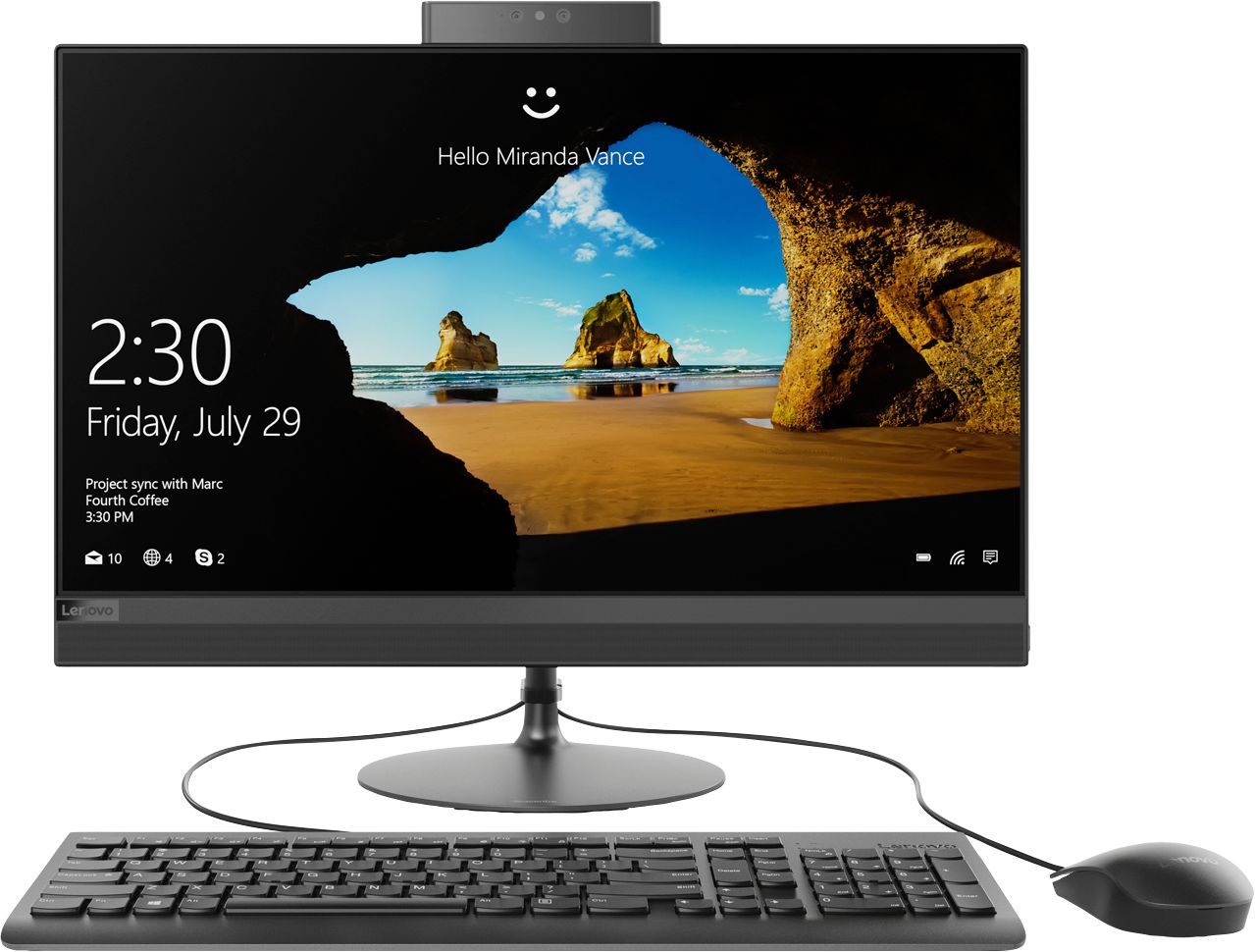
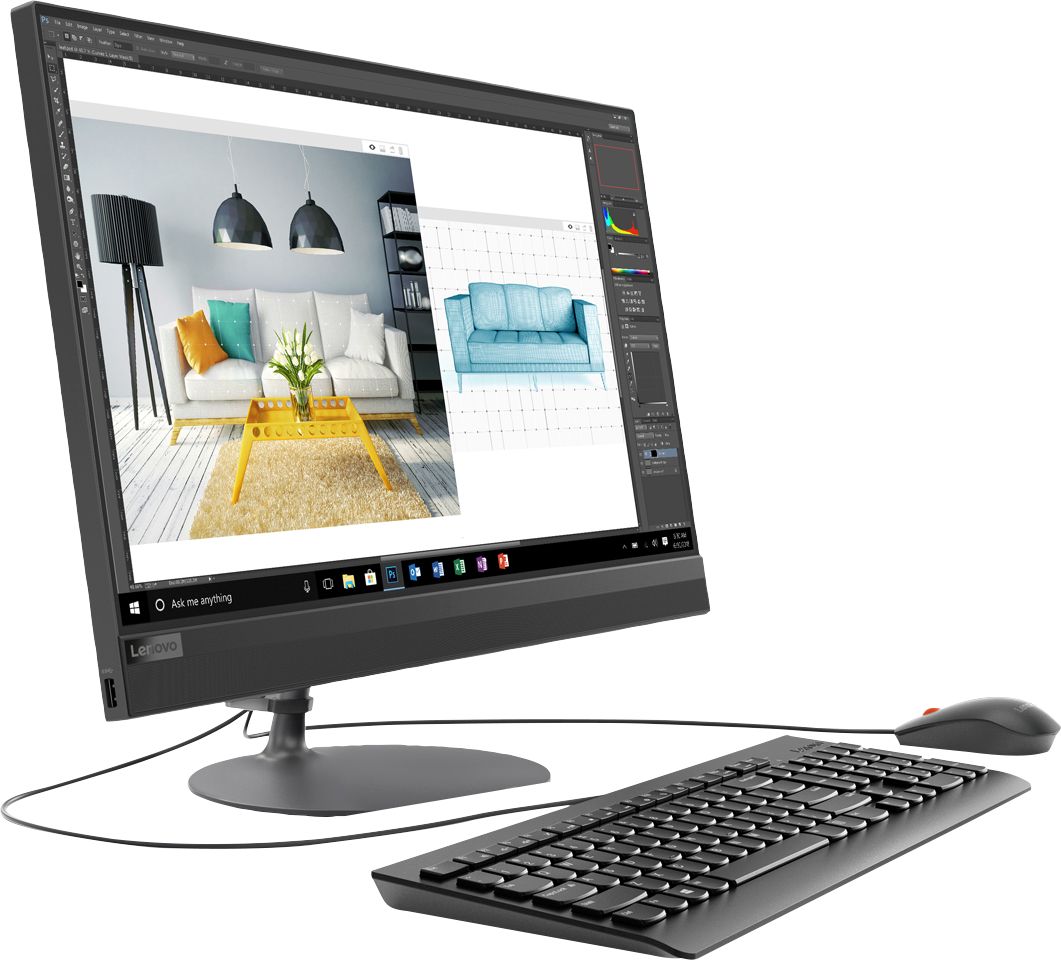
Posted .Thank you for choosing the Lenovo IdeaCentre 520-24 All-In-One system. This system ships with a wired keyboard and mouse. The Lenovo IdeaCentre AIO 520 is as compact and lightweight as it is elegant. It features a widely adjustable, 24-inch borderless multi-touch display. Add to that improved processing power, lots of storage, and immersive stereo sound, and this all-in-one is the perfect solution for no-hassle entertainment. Lenovo is the number #1 manufacturer of computers in the World:
https://venturebeat.com/2019/01/10/gartner-and-idc-hp-and-lenovo-shipped-the-most-pcs-in-2018-but-total-numbers-fell/
Not a good computer
Posted .This reviewer received promo considerations or sweepstakes entry for writing a review.I bought this computer two months ago then the computer started flickering out of no where. Sent it in and Lenovo stated that I had to pay to get it fix.
No, I would not recommend this to a friendBrand response from Lenovo Product Expert
Posted .We are sorry to hear that you are having issues with your Lenovo IdeaCentre 520-24 All-In-One system. Restoring the device back to original factory settings, may correct the issue. You can do that by typing "restore" in the Cortana search window. Just click on the magnifying glass icon at the bottom left of your Windows 10 Desktop. Click on "Reset This PC" Then click on "Get Started" and follow the on screen directions to restore to factory defaults. Once you have restored the computer back to original factory settings, update Windows 10 to the latest version, then update all of the BIOS files and drivers. You can easily accomplish this by scanning the computer with the Lenovo Utility Software installed on the computer. This system has Lenovo utilities installed to help maintain the health of the device and keep the operating system software up to date. Type "Lenovo Vantage" in the Cortana Search window (if Lenovo Vantage is not installed on your device, you can download the APP and install it now). Select Lenovo Vantage from the list. In the window that opens, click on "Health and Support". In the expanded menu, select "Hardware Scan" In the window that opens, select "Run Quick Tests". This will scan your entire system for errors. Follow any directions that may pop up. If the problem continues after this scan, now click on "System Update". First select Windows update from the menu. Scan your system to be sure you have the latest version of Windows 10. Once that scan is complete, select "Additional Updates". This will scan your device to be sure there are no new BIOS/Driver updates needed. Follow any instructions that may pop up. If the issue still continues after these updates, we recommend you call Lenovo Tech Support at: 877-453-6686 for additional help. If the problem persists, we recommend you contact Lenovo Tech Support at: 877-453-6686
Very Good for the price
||Posted . Owned for 3 weeks when reviewed.This reviewer received promo considerations or sweepstakes entry for writing a review.Got this PC for a client who was not looking to break the bank on a desktop. Excellent specs for the sale price-$599. Easy set up plus I've had good experiences with Lenovo's reliability
I would recommend this to a friendBrand response from Lenovo Product Expert
Posted .Thank you for choosing the Lenovo IdeaCentre 520-24 All-In-One system. We are pleased to hear that the value, features and performance of the IdeaCentre 520-24 AIO is working out so well. The Lenovo IdeaCentre AIO 520 is as compact and lightweight as it is elegant. It features a widely adjustable, 24-inch borderless multi-touch display. Add to that improved processing power, lots of storage, and immersive stereo sound, and this all-in-one is the perfect solution for no-hassle entertainment.
Computer is great,but
||Posted . Owned for 2 weeks when reviewed.This reviewer received promo considerations or sweepstakes entry for writing a review.Iplayed my first CD today and I must say the sound sucks! It is all scratchy sounding. I can't figure out how to burn a cd. Why don't anything come with instructions anymore? Thank you
I would recommend this to a friendBrand response from Lenovo Product Expert
Posted .We are sorry to hear that you are having issues with audio quality within your Lenovo IdeaCentre 520-24 All-In-One system. First, you might check to see if a different CD has the same issue. If it does, try streaming some online music from YouTube or another music streaming source. See if the issue happens when not using the CD player. Be sure you have the latest version of Windows 10 on the computer and that all of the BIOS files and drivers are updated to that new version. You can easily accomplish this by scanning the computer with the Lenovo Utility software installed on the computer. This system has Lenovo utilities installed to help maintain the health of the device and keep the operating system software up to date. Type "Lenovo Vantage" in the Cortana Search window (if Lenovo Vantage is not installed on your device, you can download the APP and install it now). Select Lenovo Vantage from the list. In the window that opens, click on "Health and Support". In the expanded menu, select "Hardware Scan" In the window that opens, select "Run Quick Tests". This will scan your entire system for errors. Follow any directions that may pop up. If the problem continues after this scan, now click on "System Update". First select Windows update from the menu. Scan your system to be sure you have the latest version of Windows 10. Once that scan is complete, select "Additional Updates". This will scan your device to be sure there are no new BIOS/Driver updates needed. Follow any instructions that may pop up. If the issue still continues after these updates, we recommend you call Lenovo Tech Support at: 877-453-6686 for additional help. Regarding burning files to a CD, Here is a link to a YouTube video showing how to copy files on your computer to a CD: https://www.youtube.com/watch?v=SWkk8xGavxk&app=desktop. Here is a link to instructions for burning CD/DVD media content: https://www.easytechguides.com/burn-a-cd-or-dvd-in-windows-10.html
Great for our needs.
||Posted . Owned for 11 months when reviewed.This reviewer received promo considerations or sweepstakes entry for writing a review.This was our first experience with an All-In-One and we like it. I wanted to buy a second one, but they are sold out.
I would recommend this to a friendOffice computer
||Posted . Owned for 11 months when reviewed.This reviewer received promo considerations or sweepstakes entry for writing a review.I would recommend for anyone who has a main task of word processing. I would buy this computer again!
I would recommend this to a friendLove the screen
||Posted . Owned for 1 month when reviewed.This reviewer received promo considerations or sweepstakes entry for writing a review.Love that I can do both the touchscreen and regular keyboard it I wanted to. All the amenities wrapped up into one computer
I would recommend this to a friendBrand response from Lenovo Product Expert
Posted .Thank you for choosing the Lenovo IdeaCentre 520-24 All-In-One system. We are pleased to hear that the features and performance of the IdeaCentre 520-24 AIO meets your computing needs so well.
Great
||Posted .This reviewer received promo considerations or sweepstakes entry for writing a review.This computer is really working out so far. It update the sound is great and it is fast. I would recommend this computer.
I would recommend this to a friendBrand response from Lenovo Product Expert
Posted .Thank you for choosing the Lenovo IdeaCentre 520-24 All-In-One system. This model ships with stereo 3W speakers. Lenovo is the number #1 manufacturer of computers in the World:
https://venturebeat.com/2019/01/10/gartner-and-idc-hp-and-lenovo-shipped-the-most-pcs-in-2018-but-total-numbers-fell/
Great Desktop for at Home
||Posted . Owned for 9 months when reviewed.This reviewer received promo considerations or sweepstakes entry for writing a review.This desktop is fast and reasonably priced! It has everything I needed in a desktop. I really cant complain.
I would recommend this to a friendWorks great and easy to use.
||Posted . Owned for 3 weeks when reviewed.This reviewer received promo considerations or sweepstakes entry for writing a review.Great product. I was scammed a short time after it was installed. Not sure what I can do if I continue having problems.
I would recommend this to a friendGreat buy
||Posted . Owned for 3 weeks when reviewed.This reviewer received promo considerations or sweepstakes entry for writing a review.More than what I expected and the price was major factor along with the sound
I would recommend this to a friendBrand response from Lenovo Product Expert
Posted .Thank you for choosing the Lenovo IdeaCentre 520-24 All-In-One system. We are pleased to hear that the value, features and performance of the IdeaCentre 520-24 AIO meets your computing needs so well.
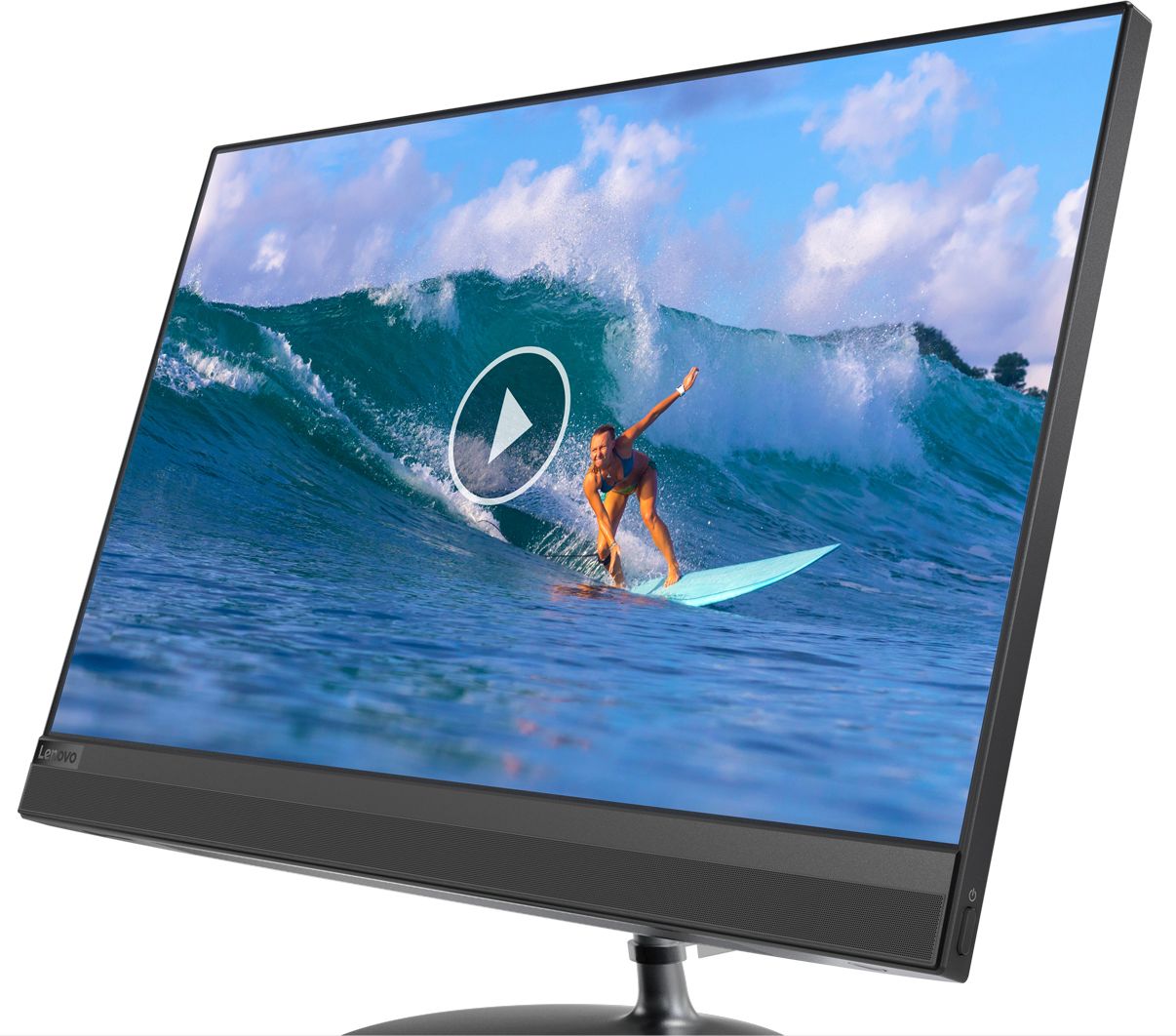
The IdeaCentre AIO 520 has been redesigned with a slim monitor with a razor-thin border, and matching elegant looking stand. This modern profile is a perfect accent for your home or workspace.
Great computer for the price
||Posted . Owned for 1 month when reviewed.This reviewer received promo considerations or sweepstakes entry for writing a review.This computer was affordable and works great for my writing and cartooning.
I would recommend this to a friendBrand response from Lenovo Product Expert
Posted .Thank you for choosing the Lenovo IdeaCentre 520-24 All-In-One system. We are pleased to hear that the value, features and performance of the IdeaCentre 520-24 AIO meets your computing needs so well.
Love the all in one computer
||Posted . Owned for 3 weeks when reviewed.This reviewer received promo considerations or sweepstakes entry for writing a review.Very easy on the eyes. I have very dry eyes and the lighting on here is very easy on them. Only thing I found I don't care for is turning volume up or down.
I would recommend this to a friendBrand response from Lenovo Product Expert
Posted .Thank you for choosing the Lenovo IdeaCentre 520-24 All-In-One system. With regard to raising/lowering the system volume within Windows 10, a quick shortcut is to just use the audio icon at the bottom right of your Windows 10 screen. Here is a link to more information about using the keyboard to adjust system volume within Windows 10: https://windowsreport.com/adjust-volume-levels-windows-8/
Decent, but not enough video memory
||Posted . Owned for 1 month when reviewed.This reviewer received promo considerations or sweepstakes entry for writing a review.This is a decent quality All-in-one, but the screen isn't as bright as it could be, and it only has 256mb of video memory. A lot of computers out there nowadays with shared GPU's also share the systems memory, but this doesn't. So, you might have have the best experience streaming HDR videos or doing anything that relies on GPU power... so don't expect to use Photoshop on this.
No, I would not recommend this to a friendBrand response from Lenovo Product Expert
Posted .The Lenovo IdeaCentre 520-24 All-In-One system ships with integrated video processing, within the AMD Ryzen 3 2200GE processor. It is the AMD Radeon RX Vega 8 Graphics version. The screen on this configuration is a IPS WVA Borderless screen, with a 1920x1080 (FHD) resolution and a brightness level of 250 nits. We always recommend you check the requirements and compatibility of any software you will be using on your new computer, before you invest. Be sure your new computer will do the work you want to do.