Customer Ratings & Reviews
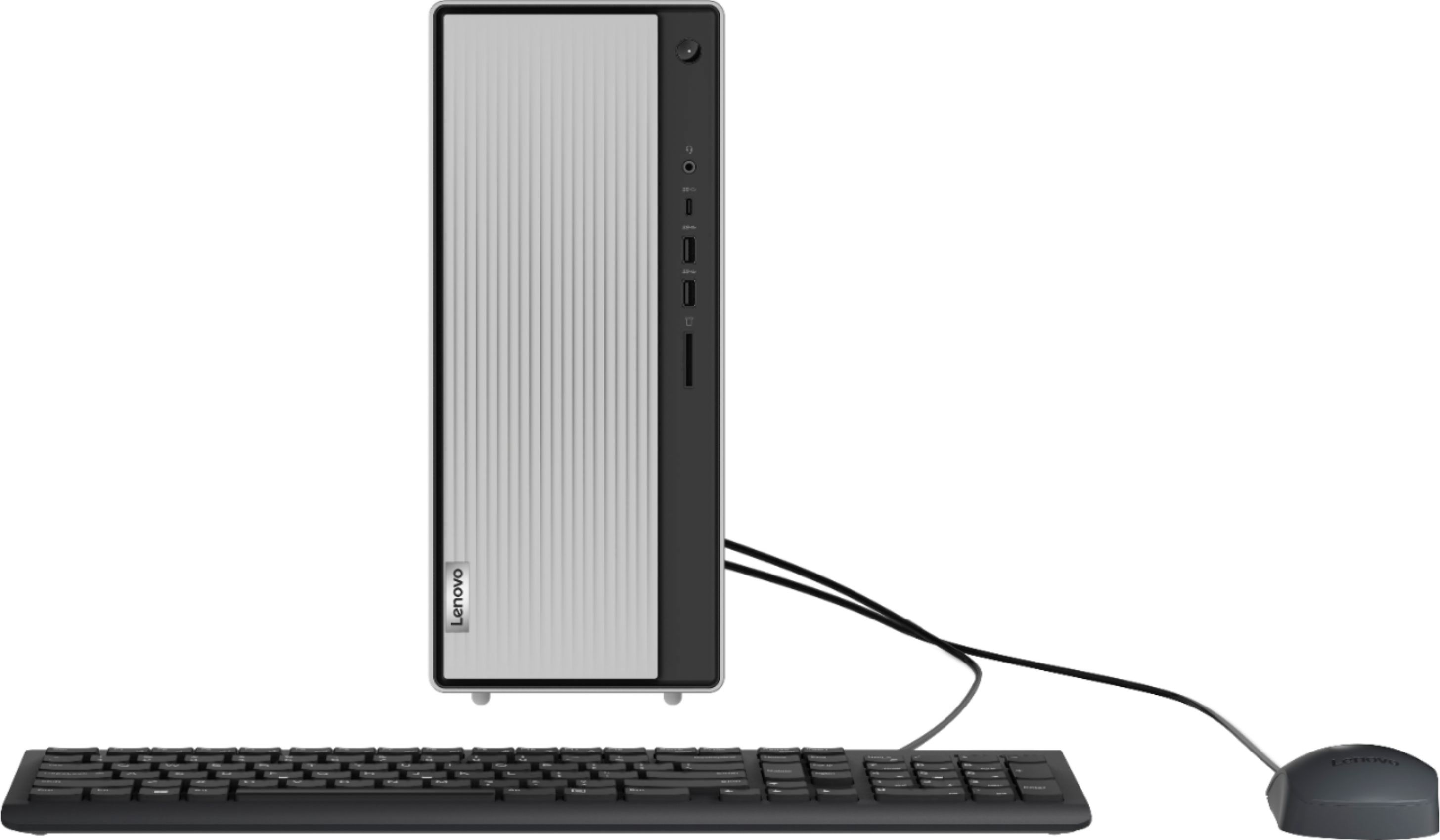

- Model:
- 90NA0000US
- SKU:
- 6424479
Rating by feature
- Value
Rating 4.4 out of 5 stars
- Quality
Rating 4.5 out of 5 stars
- Ease of Use
Rating 4.5 out of 5 stars
Customers are saying
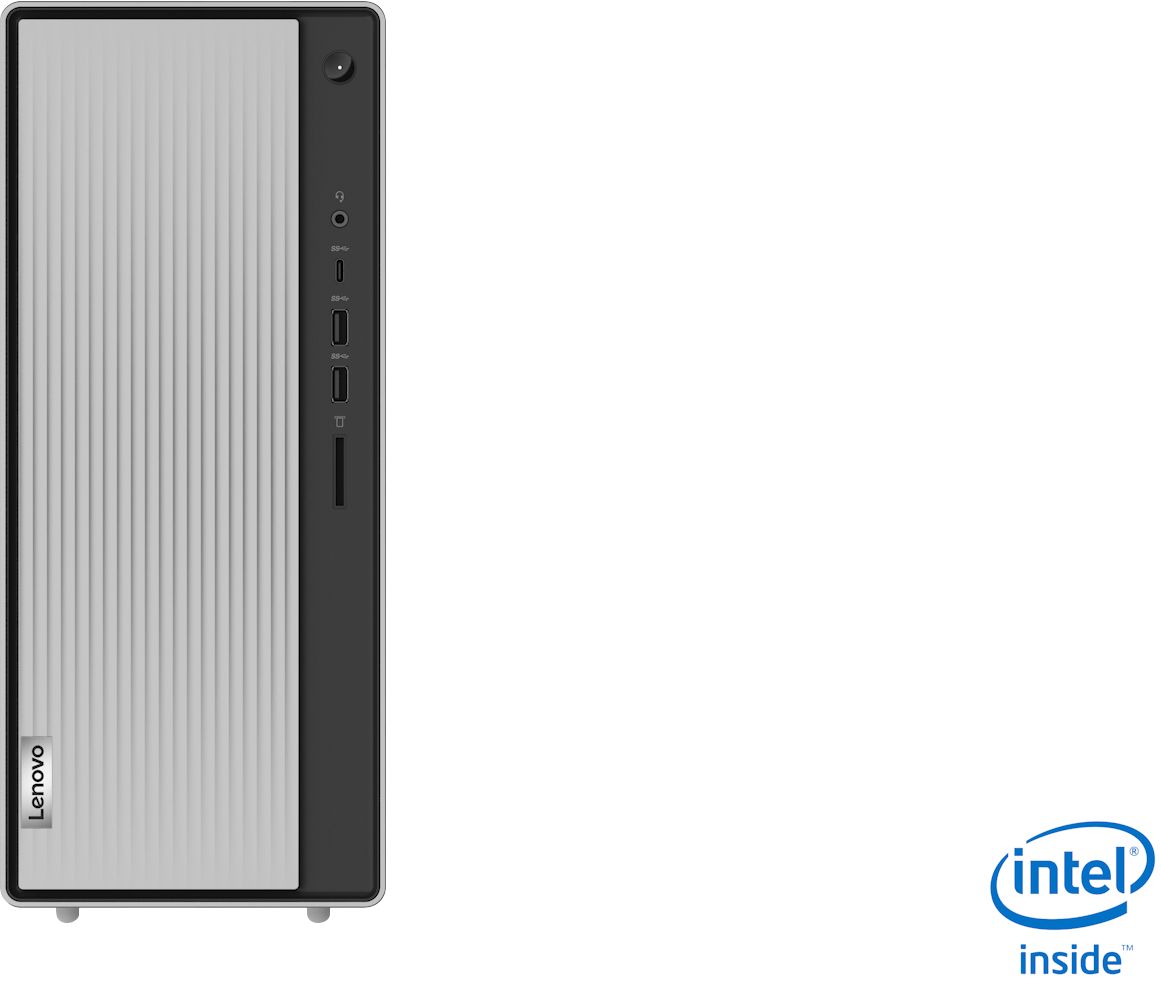
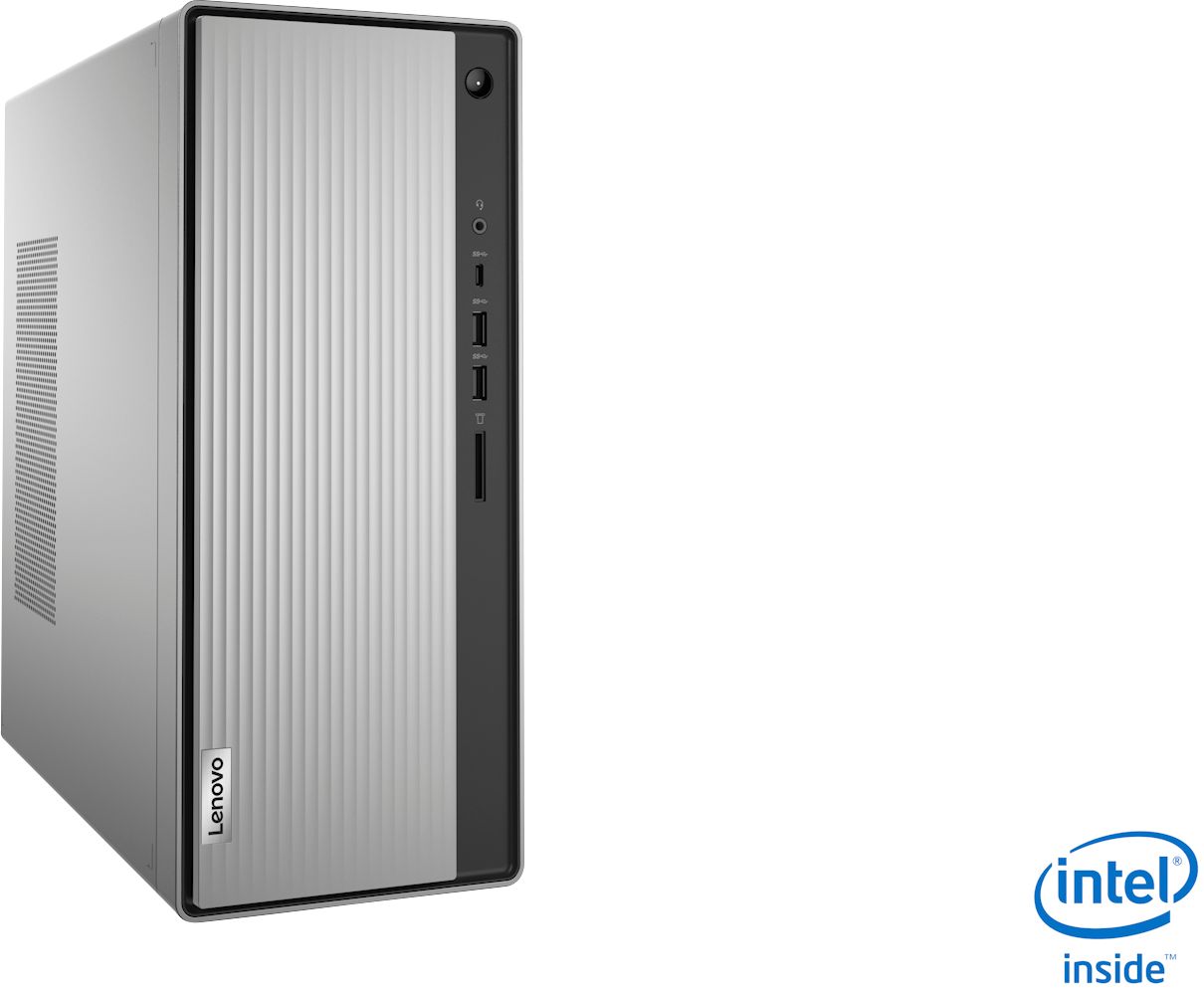
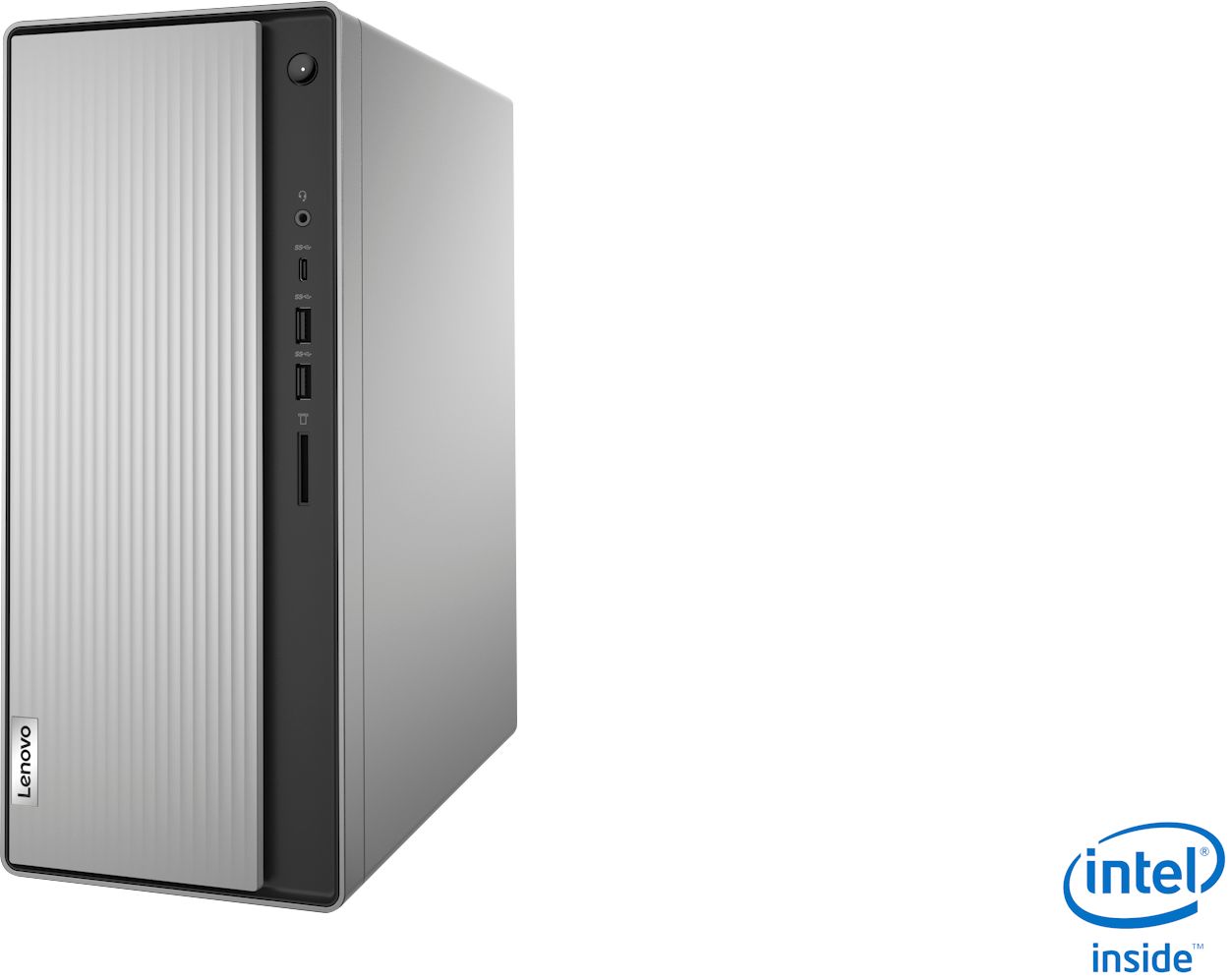
Customers appreciate the Lenovo IdeaCentre 5i Desktop's performance, ease of use, and affordable price. Many also highlight its compact size and quiet operation during use. While some users experienced issues with the hard drive and found the design of the front panel inconvenient, the positive feedback on performance and ease of use outweighs these concerns. The machine's storage capacity also receives positive comments.
This summary was generated by AI based on customer reviews.
As advertised
||Posted . Owned for 1 month when reviewed.This reviewer received promo considerations or sweepstakes entry for writing a review.as advertised, purchased two for my office and staff
I would recommend this to a friendBrand response from Lenovo Product Expert
Posted .Thank you for choosing the Lenovo IdeaCentre 5i Desktop Computers for your office. We are pleased to hear that the IdeaCentre 5i meets your business computing needs so well.

Gift
||Posted . Owned for 1 month when reviewed.This reviewer received promo considerations or sweepstakes entry for writing a review.Seeing how this gift is for Christmas it hasn't been opened yet
I would recommend this to a friend- Cons mentioned:Hard drive
garbage
||Posted . Owned for 2 months when reviewed.This reviewer received promo considerations or sweepstakes entry for writing a review.Was defective upon purchase. Took me a couple weeks to set it up and find out it didn't work so the store wasn't able to take it back. Lenovo had me send it back and they kept it for a month. Disappointed. Paid full price for new and ended up with a refurbished computer and no refund or amendment to what I paid.
No, I would not recommend this to a friend MS
||Posted .This reviewer received promo considerations or sweepstakes entry for writing a review.THE COMPUTER IS VERY GOOD. YOUR TECH SERVICE IS NOT!!!!!!!!!!!!!! I BOUGHT MY COMPUTER AND PAID YOU $150 EXTRA TO HAVE YOUR GEEK SQUAD COME OVER AND TRANSFER STUFF FROM MY OLD COMPUTER..... THAT WAS 5 WEEKS AGO... THEY ARE SCHEDULED FOR THE 19TH OF MAY.... IF THEY DON'T MAKE IT, I WILL SPREAD THE NEWS FAR AND WIDE ON THE MEDIA CIRCUIT I WAS TOLD THAT YOU COULD NOT RETURN MY MONEY.
No, I would not recommend this to a friend- Cons mentioned:Hard drive
A Passable Desktop
||Posted . Owned for 1 month when reviewed.This reviewer received promo considerations or sweepstakes entry for writing a review.The system comes with limited memory and it was difficult to get a 1TB hard drive. System is difficult to expand as the drives must be SSD (space wise). A good computer for a base model that will work well with someone who uses it for basic use, web browsing, email, word processing.
No, I would not recommend this to a friend great computer
||Posted .This reviewer received promo considerations or sweepstakes entry for writing a review.Works great, Brought it for my sister, and she really loves it
I would recommend this to a friendDon't waste your money or time
||Posted . Owned for 3 weeks when reviewed.This reviewer received promo considerations or sweepstakes entry for writing a review.Window 10 sucks can't do anything for a bunch of stupid ads. Some of the apps don't open sometimes Bill Gates and microsoft sucks. Microsoft app store sucks also, it really is poor excuse for software
No, I would not recommend this to a friendBeware the Antivirus!!!
||Posted . Owned for 1.5 years when reviewed.This reviewer received promo considerations or sweepstakes entry for writing a review.Not lovin' this machine!!! It takes forever to load stuff, it Hangs, Avast and McAfee pip uo All the time telling me if I don't get their virus protection extraordinaire Immediately every electronic I have, do or ever will own will be Immediately and forever overtaken by the newest, most advanced and dangerous viruses ever and I'll never be able to get rid of said viruses without their service. I click no and for the next 2+ hours I get their pop upsevery 5 seconds and I want to take the computer and drown it in a tub full of water!!! And,,,somehow I think That wouldn't stop thise darn pop ups!!!
No, I would not recommend this to a friendBrand response from Lenovo Product Expert
Posted .We are sorry to hear that you are having issues with your Lenovo IdeaCentre 5i Desktop Computer, model number 90NA0000US. This Lenovo IdeaCentre 5i Desktop Computer ships with a 30-day trial of McAfee Virus Protection Software installed. It will activate automatically with the initial activation of Windows 10 and protect your computer for the 30-day trial period. You do not need to use McAfee VPS. You can uninstall McAfee and use the free Windows Defender VPS that comes with Windows 10 or you can uninstall McAfee and then install your choice of any compatible 3rd party VPS. The key is to uninstall McAfee if you will not be using it, as there can only be one active VPS on the computer at a time. Here is a link to information on uninstalling McAfee from Windows 10: https://service.mcafee.com/?locale=en-us&articleId=TS100162&page=shell&shell=article-view. If you have questions about your Lenovo IdeaCentre 5i Desktop Computer, we recommend you contact lenovo Tech Support for additional information at: 866-426-0911.
Not for me.. Very slow
||Posted . Owned for 1 week when reviewed.This reviewer received promo considerations or sweepstakes entry for writing a review.I was very unhappy with the result of this computer. The i3 processor was slow, lagged a lot in my opinion. I do a lot of multitasking, as well as fast typing, and this thing could not keep up. I was surprised because of all of the great reviews. So many people said this was a good computer. The look of it is very nice, the sliding piece on the front is a nice touch. Optical drive is extremely flimsy. I took this back for something faster unfortunately. If you are a heavy user, do not buy this or any computer with an i3 processor.
No, I would not recommend this to a friendPoor quality
||Posted . Owned for 3 weeks when reviewed.This reviewer received promo considerations or sweepstakes entry for writing a review.Not of good quality. The CD player popped out, and would not work. I would never buy another Lenovo product.
No, I would not recommend this to a friendBrand response from Lenovo Product Expert
Posted .We are sorry to hear that you are having issues with the CD/DVD tray within your Lenovo IdeaCentre 5i Desktop Computer. We recommend you contact Lenovo Tech Support for help reattaching the CD/DVD tray to your system at: 866-426-0911.
My old computer was much better!
||Posted .This reviewer received promo considerations or sweepstakes entry for writing a review.I concur with the other people who were disappointed in this computer. It constantly hangs up, won't scroll & many other issues. M old computer was better than this one & it was 10 yrs old. I deeply regret that I purchased d this one.
No, I would not recommend this to a friendBrand response from Lenovo Product Expert
Posted .We are sorry to hear that you are having issues with your Lenovo IdeaCentre 5i Desktop Computer, model number 90NA0000US. This model ships with Windows 10 Home 64-bit Operating System and should not hang or freeze. Be sure any software you installed is compatible with Windows 10. There is no need to install Microsoft Office software. The software is already part of the operating system, you just need to activate the software with a purchased product key. If you have installed a copy of Microsoft Office, this is conflicting with the existing copy on the system and this will slow your system down. If you have installed a 3rd party anti-virus program, be sure that Windows Defender is turned off and that the trial version of McAfee Anti-Virus software is uninstalled. There can only be one anti-virus program on the system. You may need to restore your system to original factory default settings if any of the programming errors have occurred. You can do that by typing "restore" in the Cortana search window. Just click on the magnifying glass icon at the bottom left of your Windows 10 Desktop. Click on "Reset This PC" Then click on "Get Started" and follow the on screen directions to restore to factory defaults. If the problem persists, we recommend you contact Lenovo Tech Support at: 877-453-6686.
Returned after a few days!!
||Posted . Owned for 3 weeks when reviewed.This reviewer received promo considerations or sweepstakes entry for writing a review.I returned this PC. Had trouble from the beginning. On accounts that we never had problems with before kept getting knocked off. Other sites were slow to load. Bought a Dell from another competitor and have not had any of the problems we had with the Lenovo.
No, I would not recommend this to a friendBrand response from Lenovo Product Expert
Posted .We are sorry to hear that you had issues with your Lenovo IdeaCentre 5i Desktop Computer, model number 90NA0000US. Be sure any software you installed is compatible with Windows 10. There is no need to install Microsoft Office software. The software is already part of the operating system, you just need to activate the software with a purchased product key. If you have installed a copy of Microsoft Office, this is conflicting with the existing copy on the system and this will slow your system down. If you have installed a 3rd party anti-virus program, be sure that Windows Defender is turned off and that the trial version of McAfee Anti-Virus software is uninstalled. There can only be one anti-virus program on the system. You may need to restore your system to original factory default settings if any of the programming errors have occurred. You can do that by typing "restore" in the Cortana search window. Just click on the magnifying glass icon at the bottom left of your Windows 10 Desktop. Click on "Reset This PC" Then click on "Get Started" and follow the on screen directions to restore to factory defaults. If the problem persists, we recommend you contact Lenovo Tech Support at: 877-453-6686.
Bad experience
||Posted .This reviewer received promo considerations or sweepstakes entry for writing a review.I was threatened by Brian Sutton when my check was rejected , but it was never even presented to my bank. I had to get my check and take it to my bank myself where it was deemed a good check. Sutton said he would give me a receipt , but he never did. Sutton left my printer not working.
No, I would not recommend this to a friendUsed for a business and regret buying it.
||Posted . Owned for 10 months when reviewed.This reviewer received promo considerations or sweepstakes entry for writing a review.No desktop displayed on screen and the secondary hdmi Display port quit working after 10 months. No help from Best Buy, online chat says exchange at store, in-store tells me to buy an adapter and call Lenovo... MAYBE they can help me. Waste of money and time.
No, I would not recommend this to a friendBrand response from Lenovo Product Expert
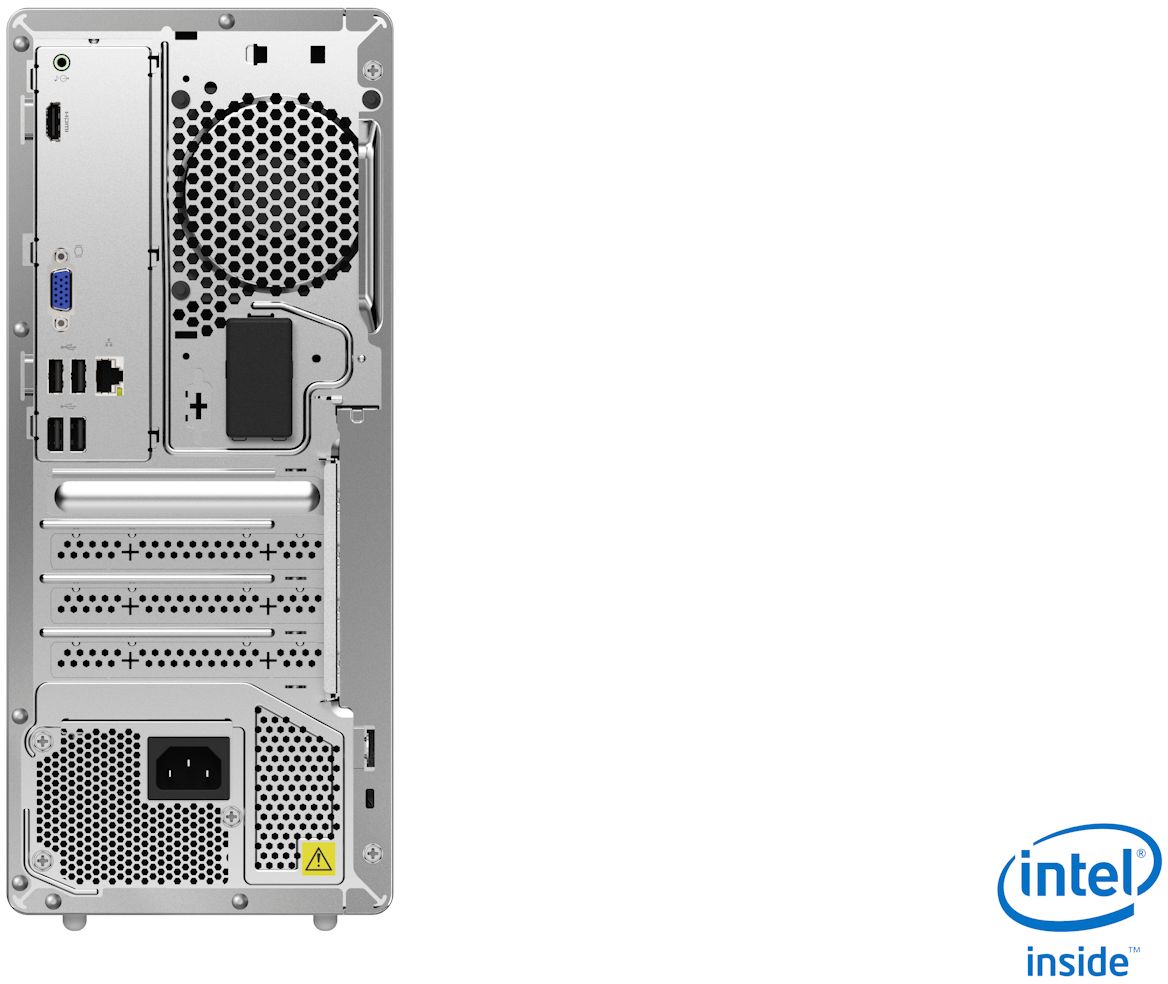
Posted .This Lenovo IdeaCentre 5i Desktop Computer, model number 90NA0000US, ships with 1x VGA
1x HDMI 1.4b port for video out to compatible external monitors. If you are having issues connecting a monitor to this IdeaCentre 5i, first, be sure your monitor is compatible with HDMI 1.4b port configuration. If your monitor was working but recently stopped working, here is a link to some troubleshooting tips to try to diagnose the problem: https://www.pcmag.com/how-to/what-to-do-when-your-computer-screen-wont-show-a-picture. If the issue continues, we recommend you contact Lenovo Tech Support for additional help at: 877-453-6686.
PC SUCKS
||Posted . Owned for 1 week when reviewed.This reviewer received promo considerations or sweepstakes entry for writing a review.Worst computer ever, it is sooooo slow. You can't even get on facebook without it having to wait to load. Have not watched a video yet without having to wait on it
No, I would not recommend this to a friendBrand response from Lenovo Product Expert
Posted .We are sorry to hear that you are having issues with your Lenovo IdeaCentre 5i Desktop Computer, model number 90NA0000US. This model will boot from off to the Windows 10 Desktop Screen in less than 40-seconds. If you are experiencing slower boot times and/or generally slower than expected performance, be sure any software you installed is compatible with Windows 10. There is no need to install Microsoft Office software. The software is already part of the operating system, you just need to activate the software with a purchased product key. If you have installed a copy of Microsoft Office, this is conflicting with the existing copy on the system and this will slow your system down. If you have installed a 3rd party anti-virus program, be sure that Windows Defender is turned off and that the trial version of McAfee Anti-Virus software is uninstalled. There can only be one anti-virus program on the system. You may need to restore your system to original factory default settings if any of the programming errors have occurred. You can do that by typing "restore" in the Cortana search window. Just click on the magnifying glass icon at the bottom left of your Windows 10 Desktop. Click on "Reset This PC" Then click on "Get Started" and follow the on screen directions to restore to factory defaults. If the problem persists, we recommend you contact Lenovo Tech Support at: 877-453-6686.
- Pros mentioned:Performance, Speed
Amazing computer
Posted .This reviewer received promo considerations or sweepstakes entry for writing a review.It’s a good fast computer. My son uses it for gaming, brought a Samsung curved 24 inch monitor with it and the set up is beautiful
I would recommend this to a friendBrand response from Lenovo Product Expert
Posted .Thank you for choosing the Lenovo IdeaCentre 5i Desktop computer for your son. We are pleased to hear that the IdeaCentre 5i is working out so well for your son.
SLOW, SLOW, SLOW
Posted .This reviewer received promo considerations or sweepstakes entry for writing a review.I bought this to replace my HP desktop that stopped working after about 5 years. I paid about the same price and expected this to be somehow even better (since technology has improved over the last 5 years) and the main difference I notice is how SLOOOOWWW this computer is. Not a happy customer. Would not recommend.
No, I would not recommend this to a friendBrand response from Lenovo Product Expert
Posted .This Lenovo IdeaCentre 5i Desktop Computer, model number 90NA0000US, will boot from off to the Windows 10 Desktop Screen in less than 40-seconds. If you are experiencing slower boot times, be sure any software you installed is compatible with Windows 10. There is no need to install Microsoft Office software. The software is already part of the operating system, you just need to activate the software with a purchased product key. If you have installed a copy of Microsoft Office, this is conflicting with the existing copy on the system and this will slow your system down. If you have installed a 3rd party anti-virus program, be sure that Windows Defender is turned off and that the trial version of McAfee Anti-Virus software is uninstalled. There can only be one anti-virus program on the system. You may need to restore your system to original factory default settings if any of the programming errors have occurred. You can do that by typing "restore" in the Cortana search window. Just click on the magnifying glass icon at the bottom left of your Windows 10 Desktop. Click on "Reset This PC" Then click on "Get Started" and follow the on screen directions to restore to factory defaults. If the problem persists, we recommend you contact Lenovo Tech Support at: 877-453-6686.