Customer Ratings & Reviews



- Model:
- F0EA000GUS
- SKU:
- 6362952
Rating by feature
- Value
Rating 4.4 out of 5 stars
- Quality
Rating 4.4 out of 5 stars
- Ease of Use
Rating 4.5 out of 5 stars
Customers are saying
Customers express satisfaction with the IdeaCentre A340-22IGM's ease of use, screen size and picture quality, and its overall performance. Many appreciate the affordable price and the convenience of the touchscreen and all-in-one design. While some experienced issues with the DVD drive, the majority of feedback highlights positive aspects of this computer.
This summary was generated by AI based on customer reviews.
I love it. Work on one of these for work!
||Posted . Owned for 3 weeks when reviewed.This reviewer received promo considerations or sweepstakes entry for writing a review.So many features and I'm still learning them. Love
I would recommend this to a friendBrand response from Lenovo Product Expert
Posted .Once again, thank you for choosing the Lenovo IdeaCentre A340-22 All-In-One system. You can keep your computer running at its best by keeping the Windows 10 Operating System and all supporting BIOS files and drivers up to date. You can easily accomplish this by scanning the computer with the Lenovo Utility software available on this computer. This system has Lenovo utilities installed to help maintain the health of the device and keep the operating system software up to date. Type "Lenovo Vantage" in the Cortana Search window (if Lenovo Vantage is not installed on your device, you can download the APP and install it now). Select Lenovo Vantage from the list. In the window that opens, click on "Health and Support". In the expanded menu, select "Hardware Scan" In the window that opens, select "Run Quick Tests". This will scan your entire system for errors. Follow any directions that may pop up. If the problem continues after this scan, now click on "System Update". First select Windows update from the menu. Scan your system to be sure you have the latest version of Windows 10. Once that scan is complete, select "Additional Updates". This will scan your device to be sure there are no new BIOS/Driver updates needed. Follow any instructions that may pop up. If you ever need additional help with your Lenovo computer, we recommend you call Lenovo Tech Support at: 877-453-6686 for additional help.

Good price, excellent value. Buuuut
||Posted . Owned for 5 months when reviewed.This reviewer received promo considerations or sweepstakes entry for writing a review.The optical drive wasn't operational at purchase unbeknownst to us. Geek squad couldn't fix it in house. It has to be sent back to Lenovo so we can't use it for who knows how long. Other that that it's awesome!
No, I would not recommend this to a friendBrand response from Lenovo Product Expert
Posted .Hello, we are sorry to hear you are experiencing this issue with your optical drive on your Lenovo IdeaCentre A340-22IGM Model:F0EA000GUS.We appreciate your patience while the issue is being resolved. If you need to reach out to our customer support team the number is 877-453-6686
I like it
||Posted . Owned for 3 weeks when reviewed.This reviewer received promo considerations or sweepstakes entry for writing a review.Did not know one could buy an all in one. Happy so far
I would recommend this to a friendBrand response from Lenovo Product Expert
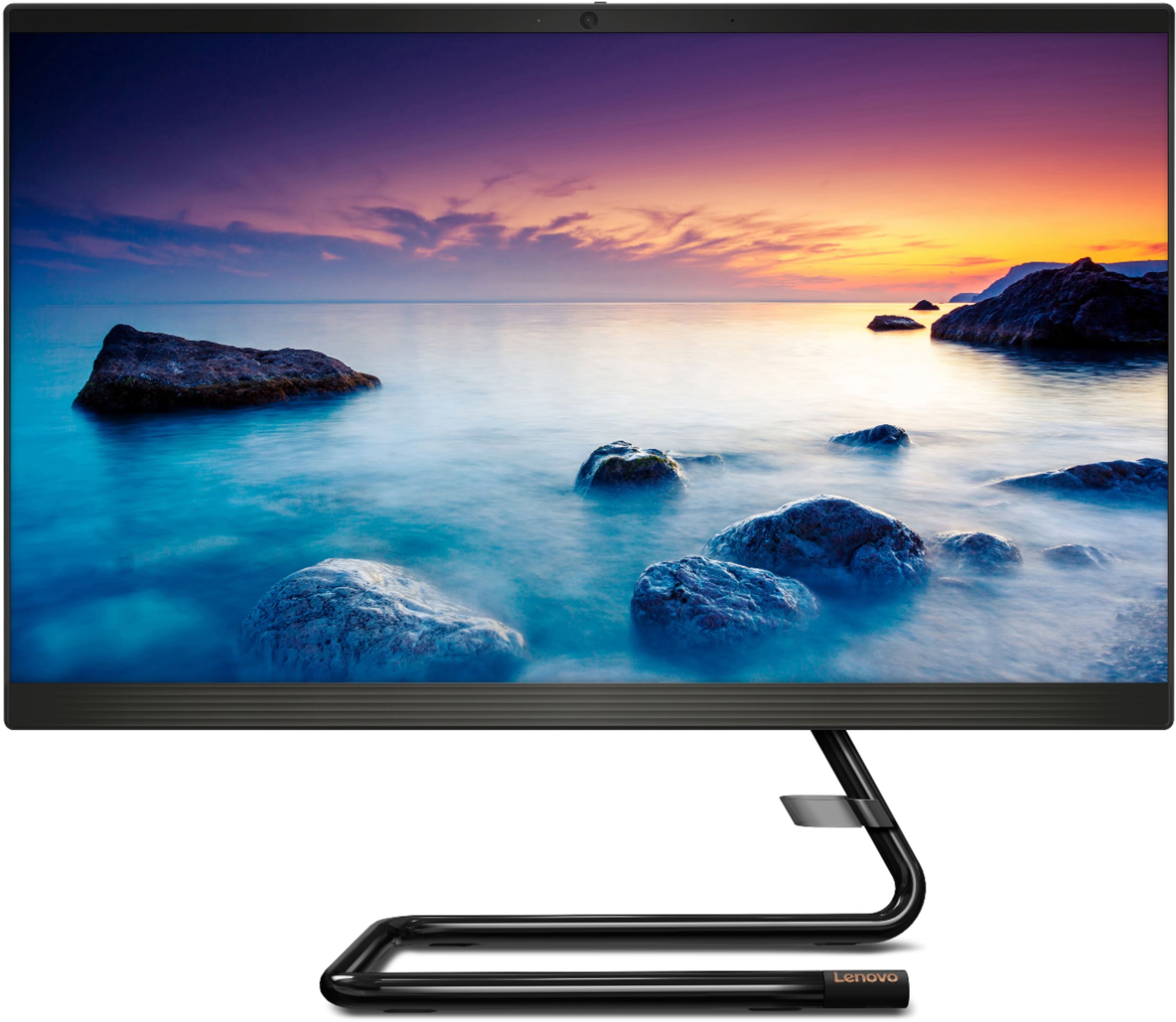
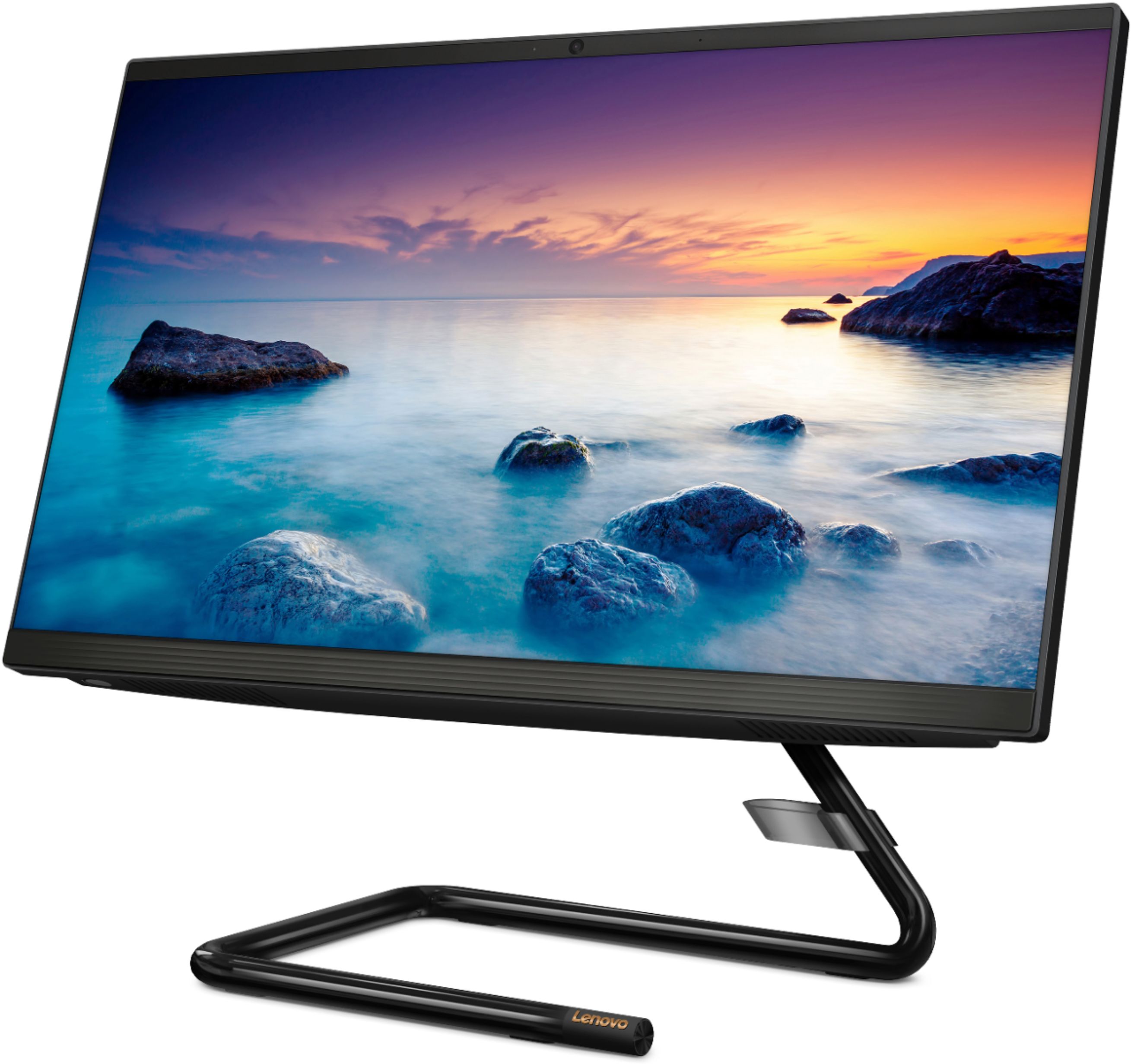
Posted .Thank you for choosing the Lenovo IdeaCentre A340-22 All-In-One system. Elegant yet simple, the stand and base of the IdeaCentre all-in-one A340 is sure to impress—and save on desk space. Whether it’s for work, entertainment, or family video-chats, this eye-catching PC will look great in any room in your home.
Meh
||Posted . Owned for 1 month when reviewed.This reviewer received promo considerations or sweepstakes entry for writing a review.So the cost was good. Set up was so/so. If you are a computer geek you probably just breathe and it’s set up. For those who are not I had to YouTube how to set it up. I don’t know why things can’t come with directions anymore. Anyway, that’s a different soapbox. Once set up it worked well until it didn’t. Now every single time it does updates it wipes everything that I have set like my icons and google home page shortcuts. Then I have to set everything up again until it wipes away again. I’m over it.
No, I would not recommend this to a friendBrand response from Lenovo Product Expert
Posted .The Lenovo IdeaCentre A340-22 All-In-One system ships with both audio as well as on-screen, step by step instructions to setup and activate Windows 10 for the first time. Windows 10 updates will not change your settings after installation. If you are having your settings changed after Windows 10 updates, be sure any software you installed is compatible with Windows 10. There is no need to install Microsoft Office software. The software is already part of the operating system, you just need to activate the software with a purchased product key. If you have installed a copy of Microsoft Office, this is conflicting with the existing copy on the system and this will slow your system down. If you have installed a 3rd party anti-virus program, be sure that Windows Defender is turned off and that the trial version of McAfee Anti-Virus software is uninstalled. There can only be one anti-virus program on the system. You may need to restore your system to original factory default settings if any of the programming errors have occurred. You can do that by typing "restore" in the Cortana search window. Just click on the magnifying glass icon at the bottom left of your Windows 10 Desktop. Click on "Reset This PC" Then click on "Get Started" and follow the on screen directions to restore to factory defaults. If the problem persists, we recommend you contact Lenovo Tech Support at: 877-453-6686.
Upgrade to the 23.4” Lenovo
||Posted . Owned for 1 month when reviewed.This reviewer received promo considerations or sweepstakes entry for writing a review.We bought this and returned it to upgrade to the 23.4” Lenovo all in one. Screen was too small and this computer felt tiny
No, I would not recommend this to a friendBrand response from Lenovo Product Expert
Posted .The Lenovo IdeaCentre A340-22 All-In-One system is an entry level, light use system with its Intel Pentium processor. It is not meant for multi-tasking or demanding programs. It is good for Microsoft Office and light internet browsing. If this describes your computing needs, the Lenovo IdeaCentre A340-22 All-In-One system would be a good choice.
Bad experience
||Posted .This reviewer received promo considerations or sweepstakes entry for writing a review.So, I purchased this computer as an open box item due to needing an emergency PC since my laptop stopped working. I purchased from Manhattan, NY and carried it all the way to Jersey on public transport, only to get home and find that the computer wasn't restored back to new and the previous owner's organization or school (I don't know) is an admin, which blocks me from doing anything. The only suggestion was to carry it all the way back so they can "fix" it or pay to have my issue escalated to better trained geek squad employees (who may still not be able to fix it). WOW! The item should have never been received, packaged and sold without it being checked. Now I have to pay for someone else's negligence. I don't know how the computer functions, but it looks nice.
No, I would not recommend this to a friendScreen goes dark or black
||Posted . Owned for 4 months when reviewed.This reviewer received promo considerations or sweepstakes entry for writing a review.Computer is fine for every day use, but slows down considerably if I try to run apps like Teams. After about a month, parts of the screen have turned dark and once shut off completely. Luckily I have a second monitor attached so I didn’t have to lose all of my work. Would not recommend.
No, I would not recommend this to a friendBrand response from Lenovo Product Expert
Posted .We are sorry to hear that you are having issues with your Lenovo IdeaCentre A340-22 All-In-One system. Be sure any software you installed is compatible with Windows 10. There is no need to install Microsoft Office software. The software is already part of the operating system, you just need to activate the software with a purchased product key. If you have installed a copy of Microsoft Office, this is conflicting with the existing copy on the system and this will slow your system down. If you have installed a 3rd party anti-virus program, be sure that Windows Defender is turned off and that the trial version of McAfee Anti-Virus software is uninstalled. There can only be one anti-virus program on the system. You may need to restore your system to original factory default settings if any of the programming errors have occurred. You can do that by typing "restore" in the Cortana search window. Just click on the magnifying glass icon at the bottom left of your Windows 10 Desktop. Click on "Reset This PC" Then click on "Get Started" and follow the on screen directions to restore to factory defaults. If the problem persists, we recommend you contact Lenovo Tech Support at: 877-453-6686.
average product
||Posted . Owned for 3 weeks when reviewed.This reviewer received promo considerations or sweepstakes entry for writing a review.good for my purpose. need very simple product. this meets requirement
I would recommend this to a friendBrand response from Lenovo Product Expert
Posted .Elegant yet simple, the stand and base of the IdeaCentre all-in-one A340-22 is sure to impress—and save on desk space. Whether it’s for work, entertainment, or family video-chats, this eye-catching PC will look great in any room in your home. This is an entry level, light use system with its Intel Pentium processor. It is not meant for multi-tasking or demanding programs. It is good for Microsoft Office and light internet browsing. If this describes your computing needs, the IdeaCentre all-in-one A340-22 would be a good choice.
fair
||Posted . Owned for 7 months when reviewed.This reviewer received promo considerations or sweepstakes entry for writing a review.purchased for small business. Ok for basic functions.
No, I would not recommend this to a friendBrand response from Lenovo Product Expert
Posted .Elegant yet simple, the stand and base of the IdeaCentre all in one A340 is sure to impress—and save on desk space. Whether it’s for work, entertainment, or family video-chats, this eye-catching PC will look great in any room in your home. This is an entry level, light use system with its Intel Pentium processor. It is not meant for multi-tasking or demanding programs. It is good for Microsoft Office and light internet browsing. If this describes your computing needs, the IdeaCentre A340-22 AIO would be a good choice.
It was just ok
||Posted . Owned for 3 weeks when reviewed.This reviewer received promo considerations or sweepstakes entry for writing a review.Computer was fairly slow and I wish I would've got another one. I had to search for an employee for a long time to get someone to help me. I am not satisfied.
No, I would not recommend this to a friendBrand response from Lenovo Product Expert
Posted .The Lenovo IdeaCentre A340-22 All-In-One system is an entry level, light use system with its Intel Pentium processor. It is not meant for multi-tasking or demanding programs. It is good for Microsoft Office and light internet browsing. If this describes your computing needs, the Lenovo IdeaCentre A340-22 All-In-One system would be a good choice.
If I could give zero stars I would
||Posted . Owned for less than 1 week when reviewed.This reviewer received promo considerations or sweepstakes entry for writing a review.I purchased this computer to replace my dad’s old laptop. He mostly used it for storing music. We installed it and transferred everything over with no problems, however after one day it completely stopped working. Wouldn’t turn on with no explanation as to why. Technical support couldn’t figure out why this was happening so we’re sending it back for a refund. Pretty poor quality for an expensive product. Didn’t even get to use it for a day. Wouldn’t recommend buying.
No, I would not recommend this to a friendBrand response from Lenovo Product Expert
Posted .We are sorry to hear that your father is having issues with the Lenovo IdeaCentre A340-22 All-In-One system. It sounds as though there is incompatible software installed on the computer. Be sure any software you installed is compatible with Windows 10. There is no need to install Microsoft Office software. The software is already part of the operating system, you just need to activate the software with a purchased product key. If you have installed a copy of Microsoft Office, this is conflicting with the existing copy on the system and this will slow your system down. If you have installed a 3rd party anti-virus program, be sure that Windows Defender is turned off and that the trial version of McAfee Anti-Virus software is uninstalled. There can only be one anti-virus program on the system. You may need to restore your system to original factory default settings if any of the programming errors have occurred. Since you can no longer boot the computer to the Windows 10 Desktop, the Lenovo IdeaCentre A340-22 AIO has an Automatic Windows Recovery System. Ensure that your computer is connected to ac power during the recovery process.
The Windows recovery environment on your computer operates independently from the Windows 10 operating system. It enables you to recover or repair the operating system even if the Windows 10 operating system fails to start.
After two consecutive failed boot attempts, the Windows recovery environment starts automatically. Then, you can choose repair and recovery options by following the on-screen instructions.
https://support.lenovo.com/us/en/solutions/ht502826. If the issue continues, we recommend you call Lenovo Tech Support at: 877-453-6686.
This product sucks
||Posted . Owned for 1 month when reviewed.This reviewer received promo considerations or sweepstakes entry for writing a review.Bought this item 1 1/2 months ago. Had it for a week and it quit working. Return it back to the store. Ordered another one from you. It took 2 weeks to get to me. As I was setting it up I found it was broken. I contacted Lenovo and was instructed to send it to their repair center. After 2 weeks I’m now told they don’t have the part needed to fix it. So far I’ve spent almost $650 for nothing.
No, I would not recommend this to a friendCheap not relauble
||Posted . Owned for 3 weeks when reviewed.This reviewer received promo considerations or sweepstakes entry for writing a review.Looks nice, good size for a desktop but looks can be deceiving. It’s so typical of Best Buy to sell junk wrapped in a nice package.
No, I would not recommend this to a friendBrand response from Lenovo Product Expert
Posted .The Lenovo IdeaCentre A340-22 All-In-One system is an entry level, light use system with its Intel Pentium processor. It is not meant for multi-tasking or demanding programs. It is good for Microsoft Office and light internet browsing. If this describes your computing needs, the Lenovo IdeaCentre A340-22 All-In-One system would be a good choice.
its a lemon
||Posted . Owned for 9 months when reviewed.This reviewer received promo considerations or sweepstakes entry for writing a review.bought this in March, it is now at Geek squad yet again....have not used it for a whole hour combined since I have had it...guess I can say if you like wasting money and wasting money going back and forth for repairs...have not had a desktop since I bought it over 9 months ago and pd in full. It appears they have replaced 3 things, just don't buy it unless you have a spare. Running back and forth to the store for service defeats the purpose of online shopping,
No, I would not recommend this to a friendScreen didn't work out of the box
||Posted . Owned for less than 1 week when reviewed.This reviewer received promo considerations or sweepstakes entry for writing a review.Unsure of the quality or utility of the product as the screen was malfunctioning straight out of the box. Got a replacement and the keyboard didn't work. Attached an old keyboard and worked, but had to return to get a replacement keyboard. I question the quality of newer Lenovo products. Maybe just unlucky and all the rest are good.
No, I would not recommend this to a friendBrand response from Lenovo Product Expert
Posted .We are sorry to hear that you had issues with the initial setup and activation of Windows 10 on your Lenovo IdeaCentre A340-22 All-In-One system. We recommend you contact Lenovo Tech Support for help with your specific issue at: 877-453-6686.
Slowest computer that I ever owned
||Posted . Owned for 2 months when reviewed.This reviewer received promo considerations or sweepstakes entry for writing a review.Very very slow that it is useless. I wish I didn’t buy this. I had hoped that this desktop computer could replace a laptop that I had for 5 years. I went back to using the laptop because this computer is so slow and I don’t have the time to waste waiting for things to load.
No, I would not recommend this to a friendBrand response from Lenovo Product Expert
Posted .We are sorry to hear that you are having issues with your Lenovo IdeaCentre A340-22 All-In-One system. This model ships with a Quad-Core Intel Pentium J5005 processor, with a base speed of 1.5GH and a boost speed of up to 2.8GHz, this processor is supported by 8GB DDR4-2666MHz RAM. If you are getting slower than expected performance, be sure any software you installed is compatible with Windows 10. There is no need to install Microsoft Office software. The software is already part of the operating system, you just need to activate the software with a purchased product key. If you have installed a copy of Microsoft Office, this is conflicting with the existing copy on the system and this will slow your system down. If you have installed a 3rd party anti-virus program, be sure that Windows Defender is turned off and that the trial version of McAfee Anti-Virus software is uninstalled. There can only be one anti-virus program on the system. You may need to restore your system to original factory default settings if any of the programming errors have occurred. You can do that by typing "restore" in the Cortana search window. Just click on the magnifying glass icon at the bottom left of your Windows 10 Desktop. Click on "Reset This PC" Then click on "Get Started" and follow the on screen directions to restore to factory defaults. If the problem persists, we recommend you contact Lenovo Tech Support at: 877-453-6686.
Slow PC
||Posted . Owned for 1 month when reviewed.This reviewer received promo considerations or sweepstakes entry for writing a review.This computer is too slow. It’s also constantly freezing
No, I would not recommend this to a friendBrand response from Lenovo Product Expert
Posted .The Lenovo IdeaCentre A340-22 All-In-One system should not freeze. Be sure any software you installed is compatible with Windows 10. There is no need to install Microsoft Office software. The software is already part of the operating system, you just need to activate the software with a purchased product key. If you have installed a copy of Microsoft Office, this is conflicting with the existing copy on the system and this will slow your system down. If you have installed a 3rd party anti-virus program, be sure that Windows Defender is turned off and that the trial version of McAfee Anti-Virus software is uninstalled. There can only be one anti-virus program on the system. You may need to restore your system to original factory default settings if any of the programming errors have occurred. You can do that by typing "restore" in the Cortana search window. Just click on the magnifying glass icon at the bottom left of your Windows 10 Desktop. Click on "Reset This PC" Then click on "Get Started" and follow the on screen directions to restore to factory defaults. If the problem persists, we recommend you contact Lenovo Tech Support at: 877-453-6686.
Not that great.
||Posted . Owned for 10 months when reviewed.This reviewer received promo considerations or sweepstakes entry for writing a review.I have had this computer for less then a year and it just quit working, I turned it on and the screen goes black. I can’t do anything with it. For the money and the time I have had it I expected better quality. I wouldn’t recommend this product.
No, I would not recommend this to a friendBrand response from Lenovo Product Expert
Posted .Hello, we are sorry to hear you are experiencing an issue with the screen going blank on your Lenovo IdeaCentre A340 All-in-One model # F0EA000GUS. Your device should not be having this issue. We recommend reaching out to Lenovo Tech Support at 877-453-6686
Bought this computer. The built-in sound doesn't w
||Posted . Owned for 1 month when reviewed.This reviewer received promo considerations or sweepstakes entry for writing a review.Bought this computer on 3/18/20. The built-in sound doesn't work. Contacted the manufacturer. They couldn't fix it. Now I'm stuck with a broken computer. Tried to contact best buy also . Very disappointed with my experience.
No, I would not recommend this to a friendBrand response from Lenovo Product Expert
Posted .We are sorry to hear that you are having issues with the audio from the system speakers within the Lenovo IdeaCentre A340-22 All-In-One system, model number F0EA000GUS. Here is a link to some troubleshooting tips for audio issues within Windows 10: https://pcsupport.lenovo.com/us/en/products/desktops-and-all-in-ones/ideacentre-a-series-all-in-ones/a340-22igm/solutions/ht501860. If the issue continues, we recommend you call Lenovo Tech Support at: 877-453-6686.
total crash on 2nd day.
||Posted . Owned for 3 weeks when reviewed.This reviewer received promo considerations or sweepstakes entry for writing a review.Bought computer set it up next morning it could not find its operating system. Total crash had to return it 1 hour drive each way what a complete waste of my time.
No, I would not recommend this to a friendBrand response from Lenovo Product Expert
Posted .We are sorry to hear that you had issues with Windows 10 on your Lenovo IdeaCentre A340-22 All-In-One system. We recommend you call Lenovo Tech Support as your first option at: 877-453-6686.