Customer Ratings & Reviews



- Model:
- F0EA000GUS
- SKU:
- 6362952
Rating by feature
- Value
Rating 4.4 out of 5 stars
- Quality
Rating 4.4 out of 5 stars
- Ease of Use
Rating 4.5 out of 5 stars
Customers are saying
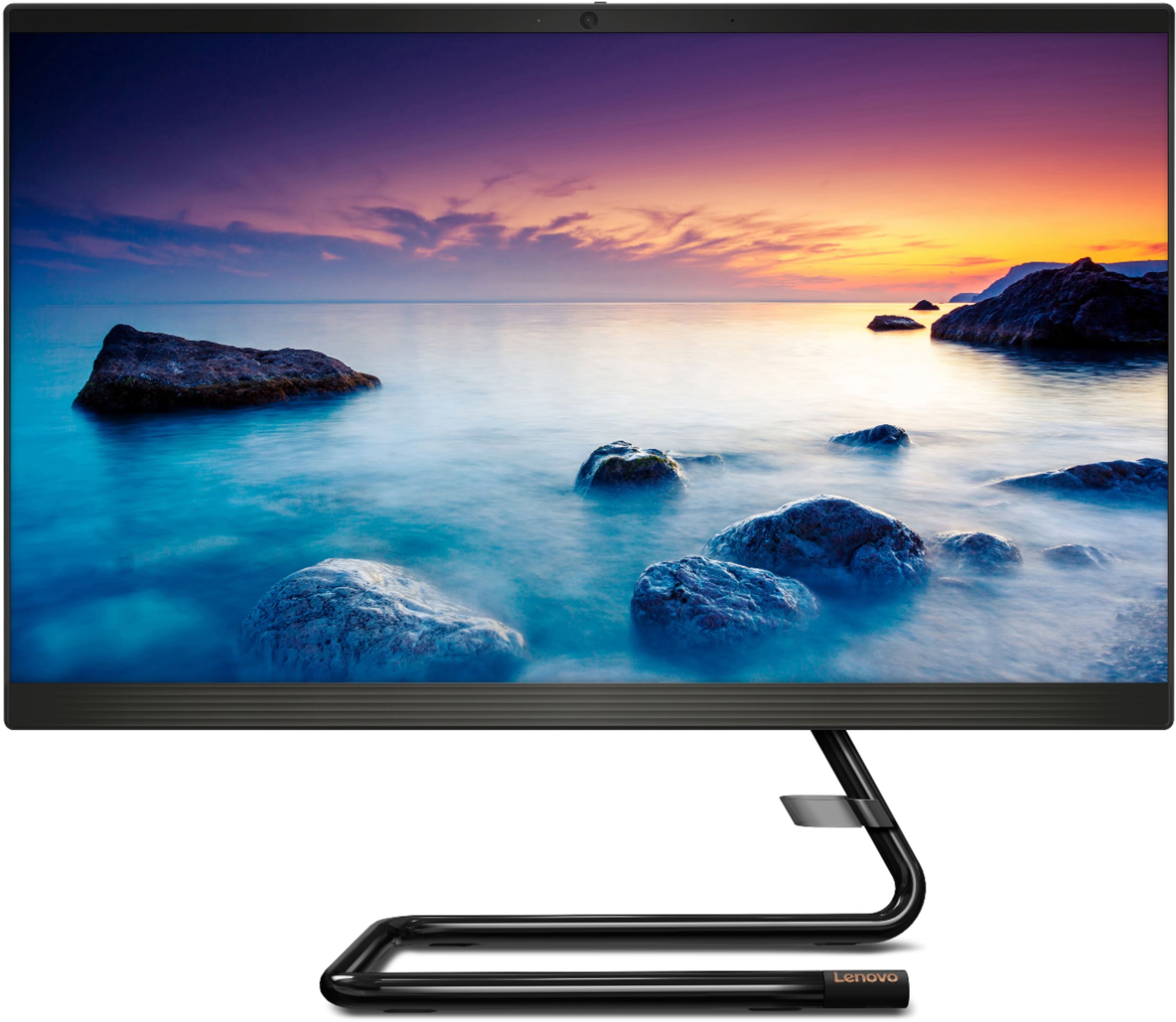
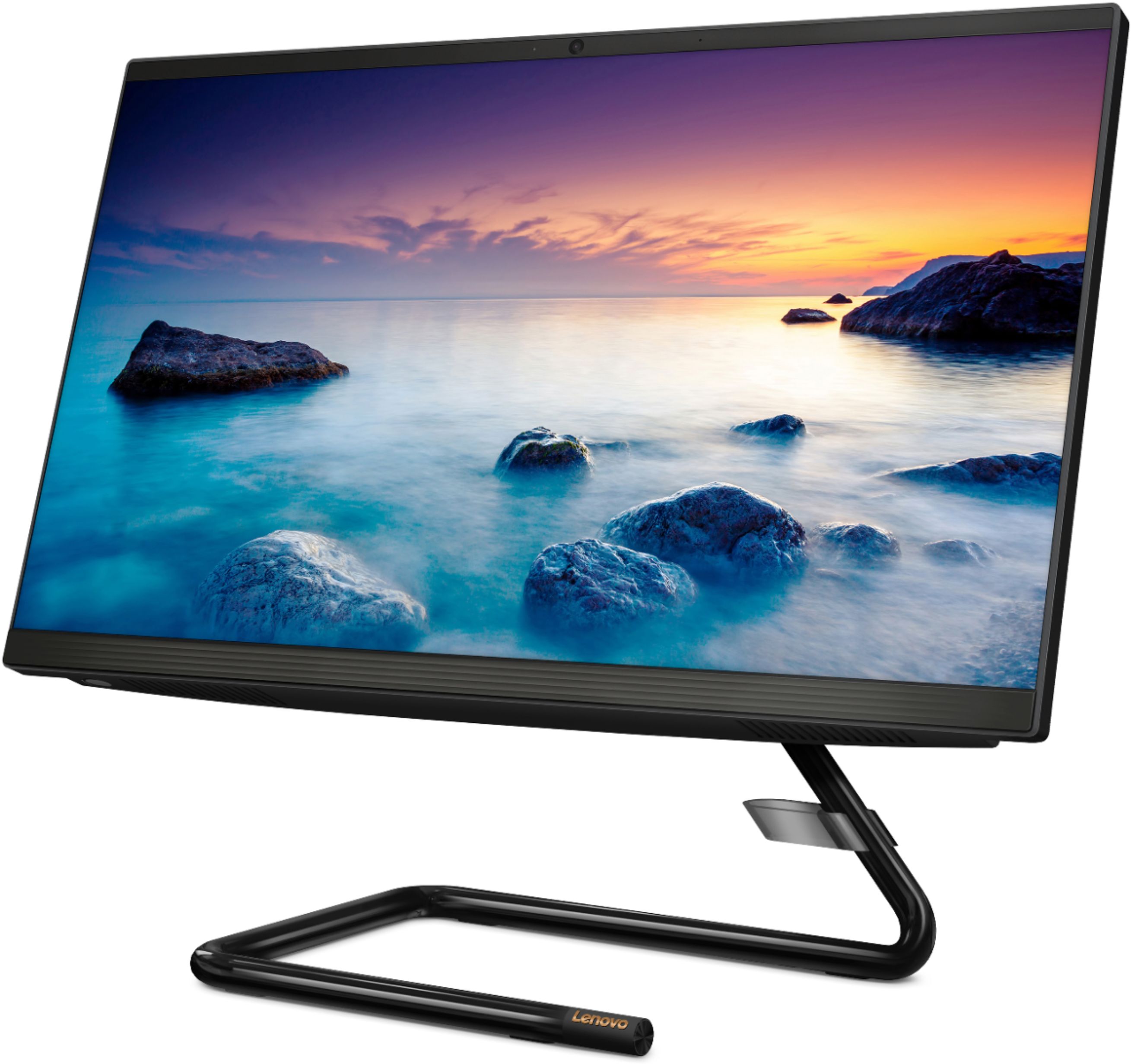
Customers express satisfaction with the IdeaCentre A340-22IGM's ease of use, screen size and picture quality, and its overall performance. Many appreciate the affordable price and the convenience of the touchscreen and all-in-one design. While some experienced issues with the DVD drive, the majority of feedback highlights positive aspects of this computer.
This summary was generated by AI based on customer reviews.
Can’t log in to the computer
||Posted .This reviewer received promo considerations or sweepstakes entry for writing a review.We bought the computer and can’t log in to the computer because it came with a password. We tried several times to get in touch with customer service but couldn’t.
No, I would not recommend this to a friendBrand response from Lenovo Product Expert
Posted .We recommend getting in touch with the Geek Squad from the Best Buy where you purchased this product.

Don’t waste your money
||Posted . Owned for 5 months when reviewed.This reviewer received promo considerations or sweepstakes entry for writing a review.Computer turned on once and died immediately. Not a quality all in one. Save your money and go old school tower and monitor.
No, I would not recommend this to a friendBrand response from Lenovo Product Expert
Posted .We are sorry to hear you experienced this issue with your Lenovo - IdeaCentre A340. We recommend reaching out to Lenovo Customer Support at 877-453-6686
Junk
||Posted . Owned for 7 months when reviewed.This reviewer received promo considerations or sweepstakes entry for writing a review.Screen died in three days of ownership. It is not a good product.
No, I would not recommend this to a friendBrand response from Lenovo Product Expert
Posted .We are sorry to hear that you are having issues with your Lenovo IdeaCentre A340-22 All-In-One system. Be sure any software you installed is compatible with Windows 10. There is no need to install Microsoft Office software. The software is already part of the operating system, you just need to activate the software with a purchased product key. If you have installed a copy of Microsoft Office, this is conflicting with the existing copy on the system and this will slow your system down. If you have installed a 3rd party anti-virus program, be sure that Windows Defender is turned off and that the trial version of McAfee Anti-Virus software is uninstalled. There can only be one anti-virus program on the system. You may need to restore your system to original factory default settings if any of the programming errors have occurred. You can do that by typing "restore" in the Cortana search window. Just click on the magnifying glass icon at the bottom left of your Windows 10 Desktop. Click on "Reset This PC" Then click on "Get Started" and follow the on screen directions to restore to factory defaults. If the problem persists, we recommend you contact Lenovo Tech Support at: 877-453-6686.
didn't like it
||Posted . Owned for 6 months when reviewed.This reviewer received promo considerations or sweepstakes entry for writing a review.I didn't care for this table top computer too much, so I returned it.
No, I would not recommend this to a friendBrand response from Lenovo Product Expert
Posted .Elegant yet simple, the stand and base of the IdeaCentre all in one A340 is sure to impress—and save on desk space. Whether it’s for work, entertainment, or family video-chats, this eye-catching PC will look great in any room in your home. This is an entry level, light use system with its Intel Pentium processor. It is not meant for multi-tasking or demanding programs. It is good for Microsoft Office and light internet browsing. If this describes your computing needs, the IdeaCentre all in one A340 would be a good choice.
- Pros mentioned:Speed
Work From Home Woes
Posted .This reviewer received promo considerations or sweepstakes entry for writing a review.For the past few years it has been great and super fast, but come year 3 it has slowed down quite a bit and not it has shut off twice now without warning and won't turn back on.
I would recommend this to a friend - Pros mentioned:Ease of use
Great choice
Posted .This reviewer received promo considerations or sweepstakes entry for writing a review.Great value, easy install. For what I do it is perfect. Social media, emails, web surfing, storing pictures and documents. Also it went on sale after Christmas, and I contacted Best Buy and was given a credit for the difference. Overall it was a great buying experience, was a little nervous but it pretty much installed its' self.
I would recommend this to a friendBrand response from Lenovo Product Expert
Posted .Thank you for choosing the Lenovo IdeaCentre A340-22 All-In-One system. We are pleased to hear that the features and performance of the IdeaCentre A340-22 AIO meets your computing needs so well. This is an entry level, light use system with its Intel Pentium processor. It is not meant for multi-tasking or demanding programs. It is good for Microsoft Office and light internet browsing. If this describes your computing needs, the Lenovo IdeaCentre A340-22 All-In-One system would be a good choice.
Best Desktop!
Posted .This reviewer received promo considerations or sweepstakes entry for writing a review.This desktop has been the best desktop I have purchased! I would love to buy another one for work but unfortunately they are out of stock.
I would recommend this to a friend- Cons mentioned:Dvd drive
Bad Harddrive
Posted .This reviewer received promo considerations or sweepstakes entry for writing a review.The hard drive went bad with minimal use. Would not recommend it.
No, I would not recommend this to a friend Hate it!
Posted .This reviewer received promo considerations or sweepstakes entry for writing a review.I hate this machine. It takes about 10 minutes to "wake up" if I haven't closed everything out the day before. This morning, I had one window open and the only way I could get it to respond was to shut it down completely. This happens on a regular basis. I replaced a ten-year-old Lenovo with this one. I loved my old machine & never had these problems. Had to trash the keyboard & mouse that came with it because the mouse stopped working completely. I am only using this computer for working from home - basic internet & email and it just doesn't perform well at all. Most days I want to throw it across the room. I don't want to hear all of the blah blah blah about it depends on what I have loaded on the machine because the only thing I have loaded was MS Office and if it can't run Outlook and multiple tabs in Chrome at the same time, then it is crap. I never review products but had to say something about how disappointed I am with this one from Lenovo.
No, I would not recommend this to a friendBrand response from Lenovo Product Expert
Posted .We are sorry to hear that you are having issues with your Lenovo IdeaCentre A340 22 All-In-One system. You mention that you have loaded Microsoft Office on to this computer. There is no need to install Microsoft Office software. The software is already part of the operating system, you just need to activate the software with a purchased product key. If you have installed a copy of Microsoft Office, this is conflicting with the existing copy on the system and this will slow your system down. Additionally, if you have installed a 3rd party anti-virus program, be sure that Windows Defender is turned off and that the trial version of McAfee Anti-Virus software is uninstalled. There can only be one anti-virus program on the system. You may need to restore your system to original factory default settings if any of the programming errors have occurred. You can do that by typing "restore" in the Cortana search window. Just click on the magnifying glass icon at the bottom left of your Windows 10/11 Desktop. Click on "Reset This PC" Then click on "Get Started" and follow the on screen directions to restore to factory defaults. If the problem persists, we recommend you contact Lenovo Tech Support at: 877-453-6686.
Buyer Beware
Posted .This reviewer received promo considerations or sweepstakes entry for writing a review.Piece of junk didn't even last 2 full years-- crapped out 11/2021. Last time I buy any Lenovo product
No, I would not recommend this to a friend