Customer Ratings & Reviews
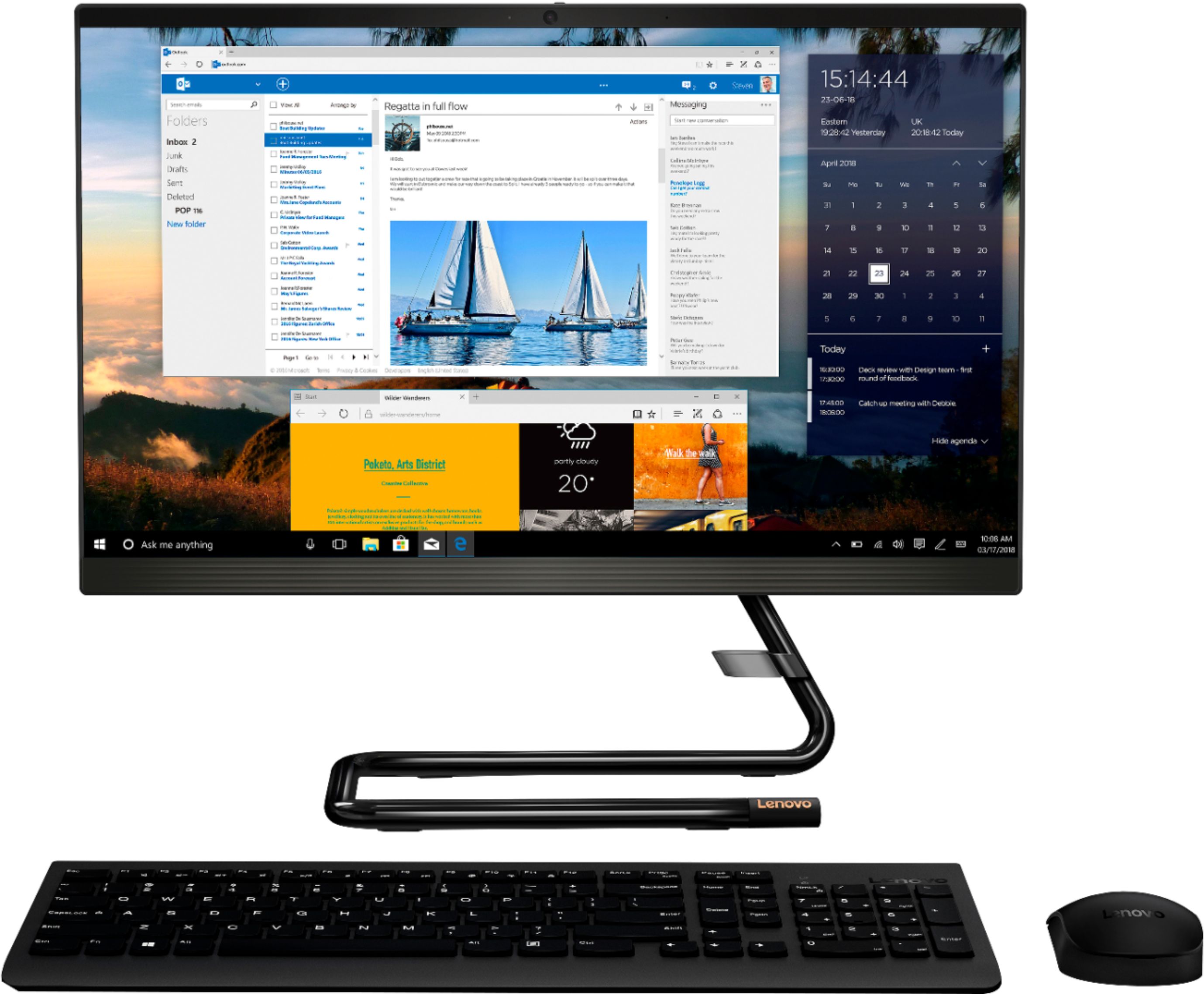
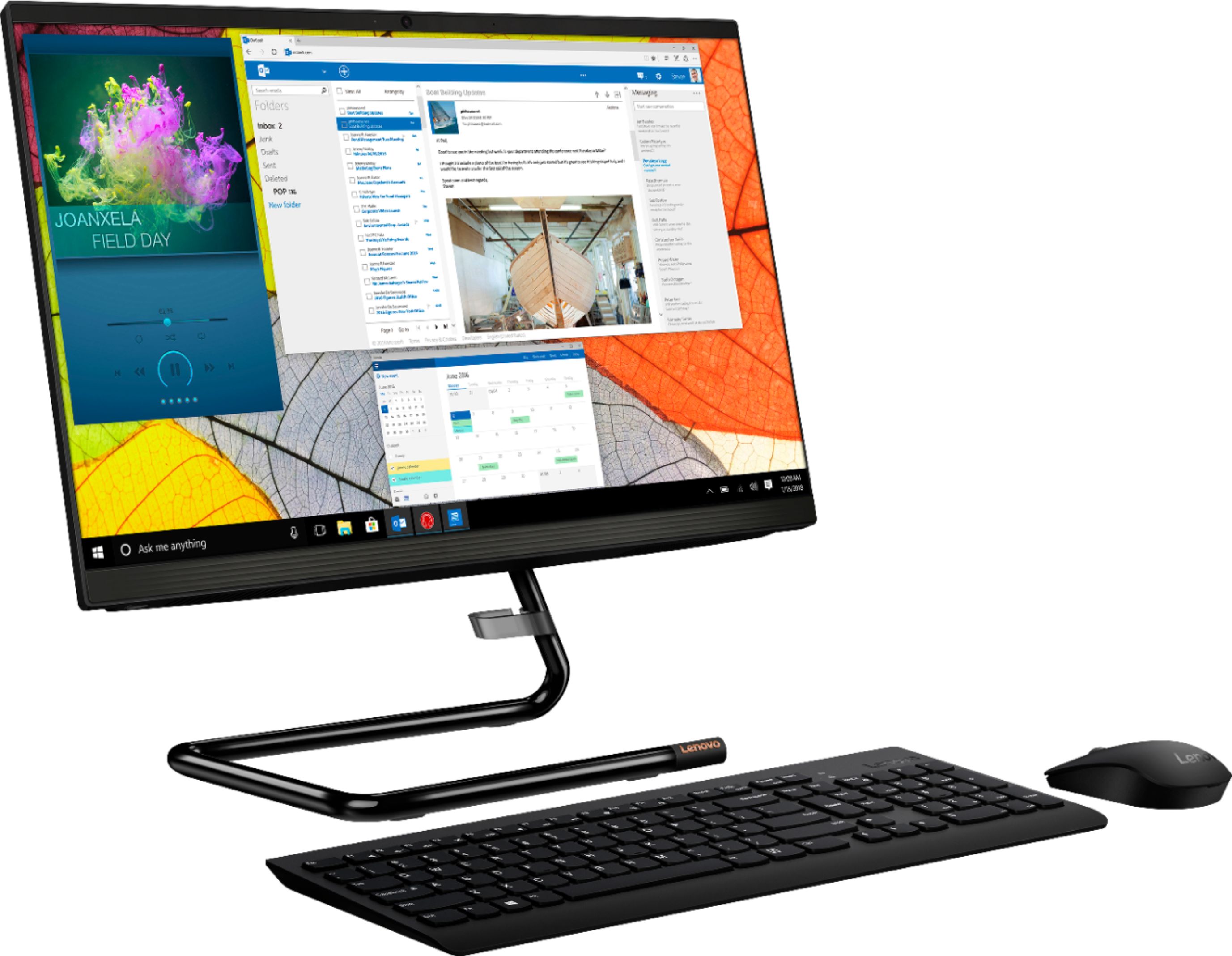
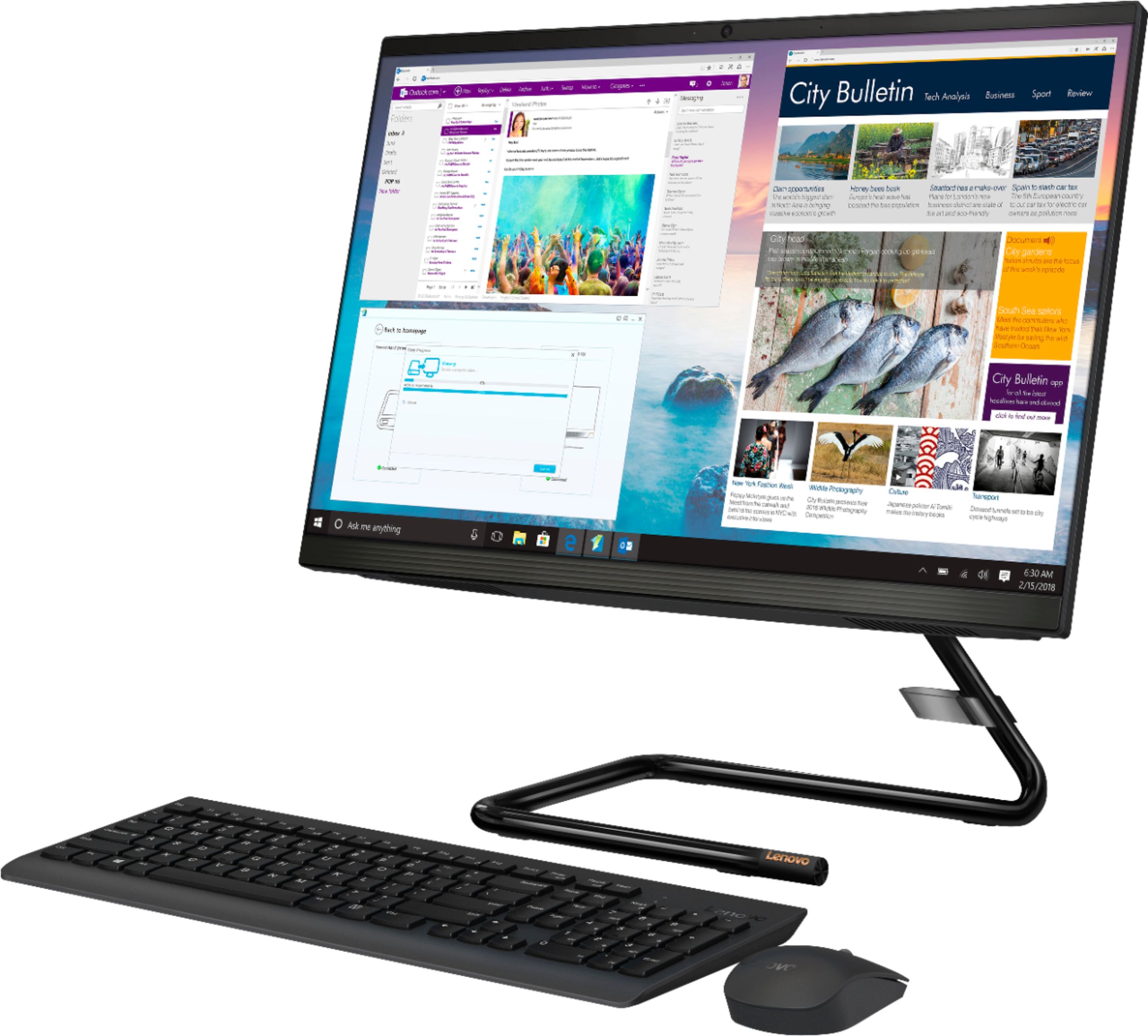
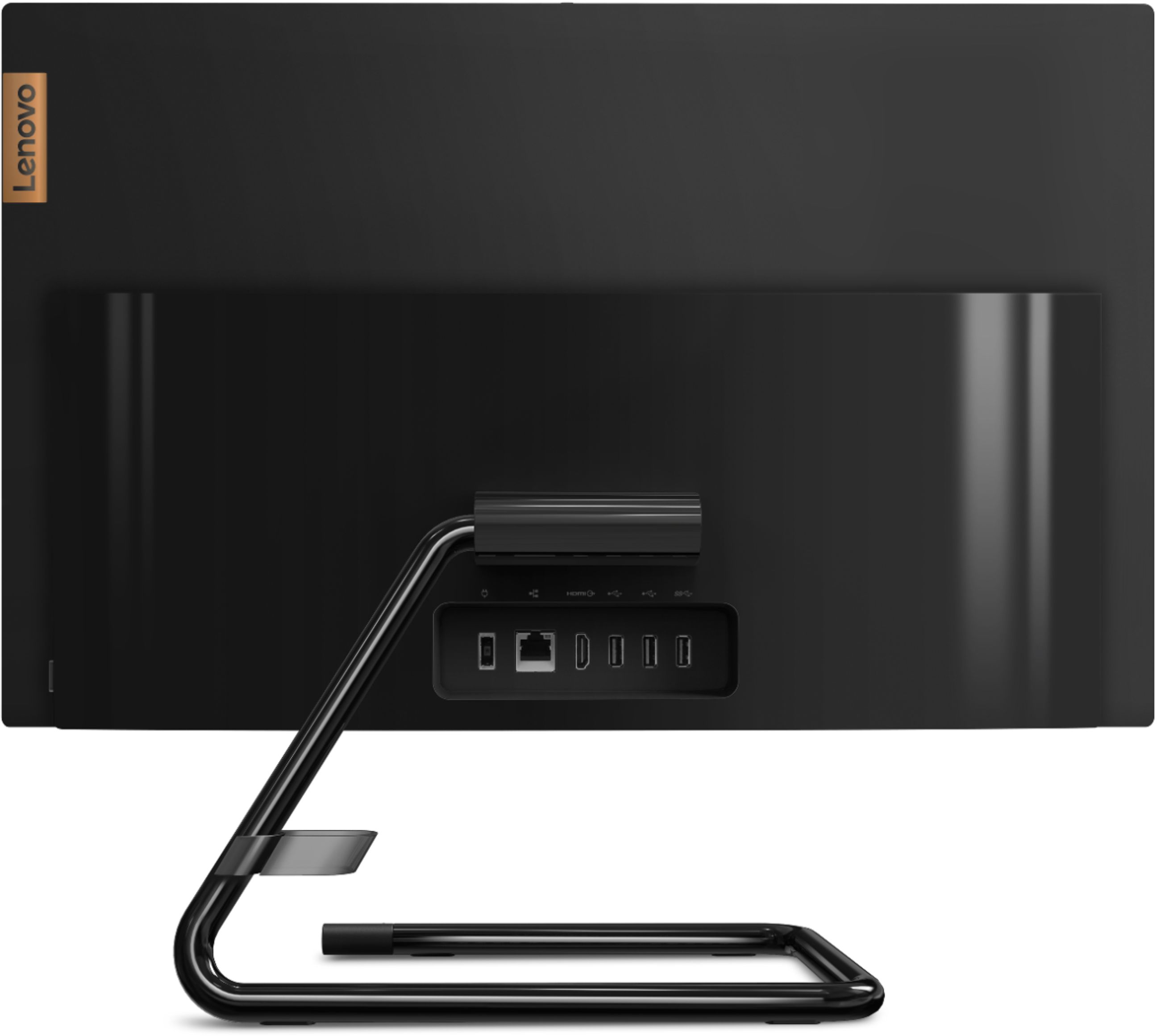
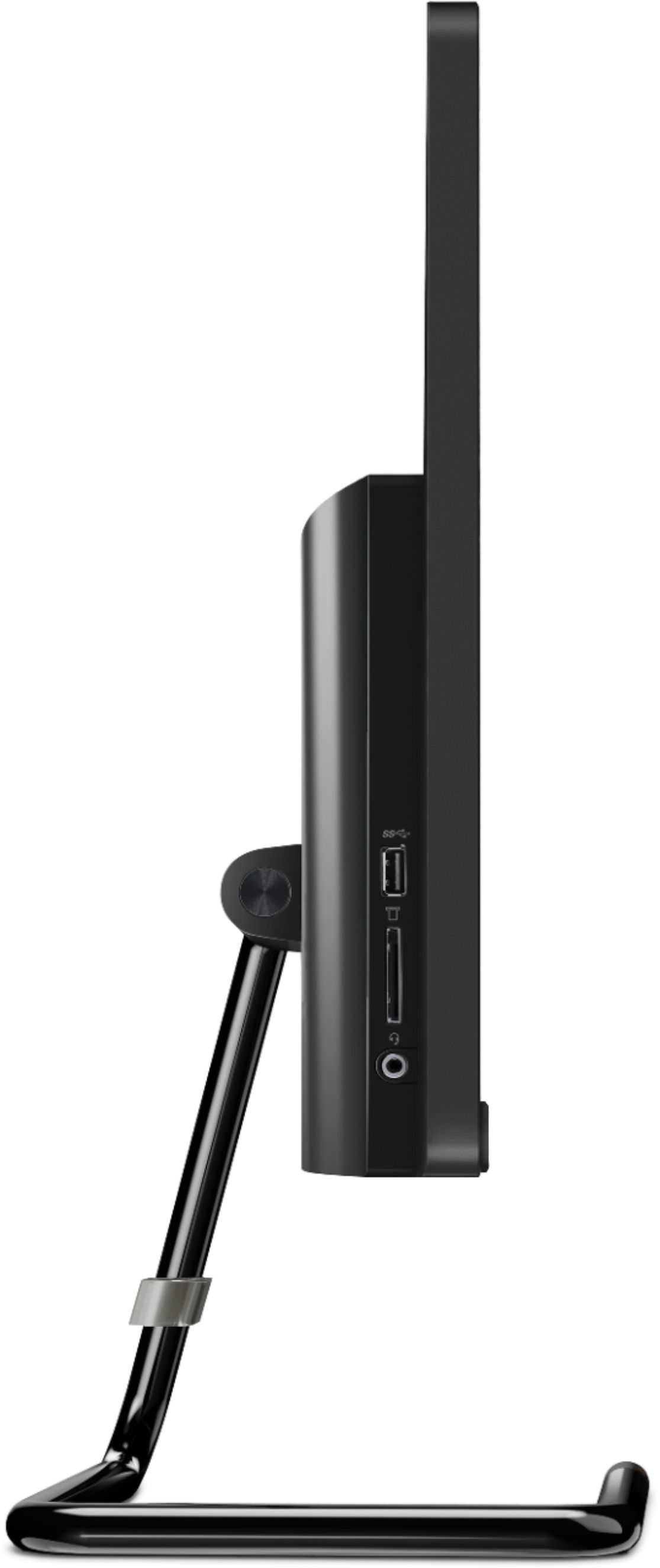
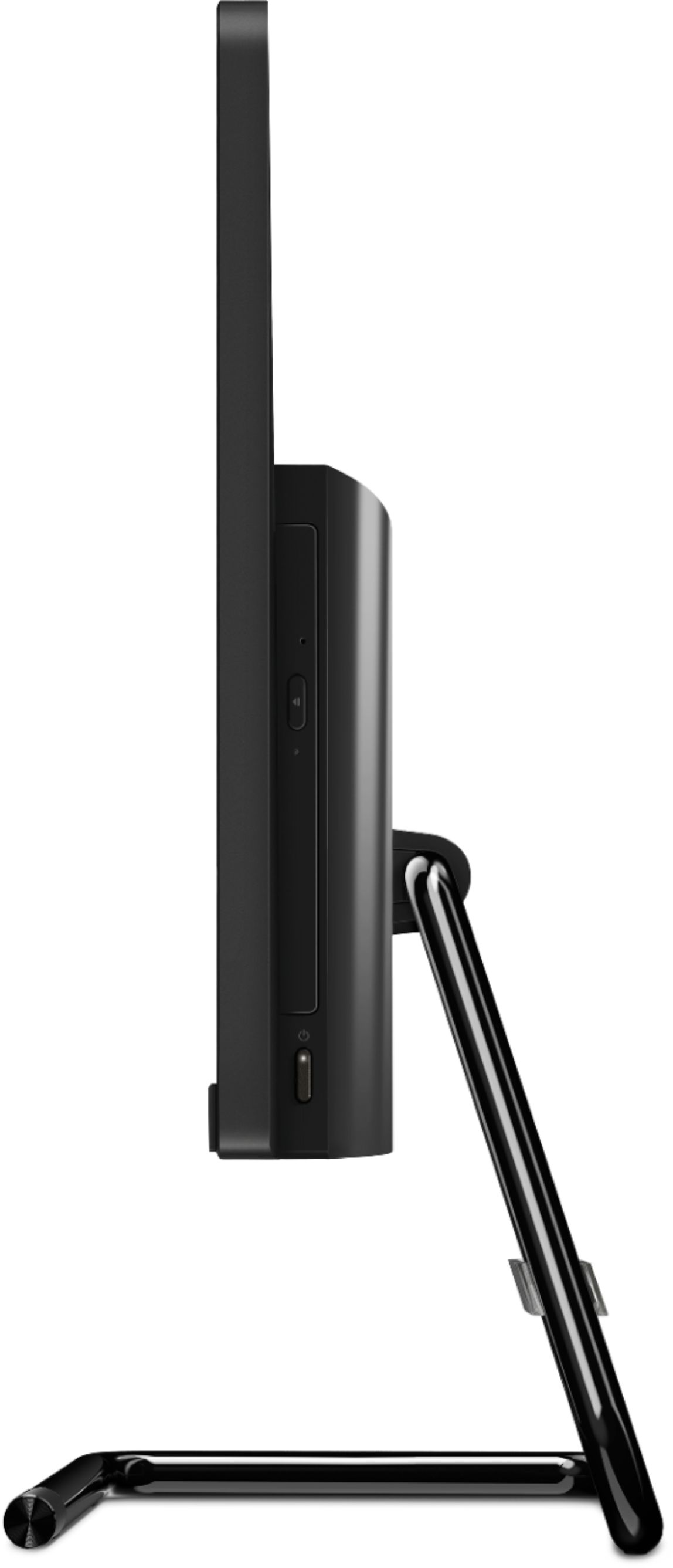

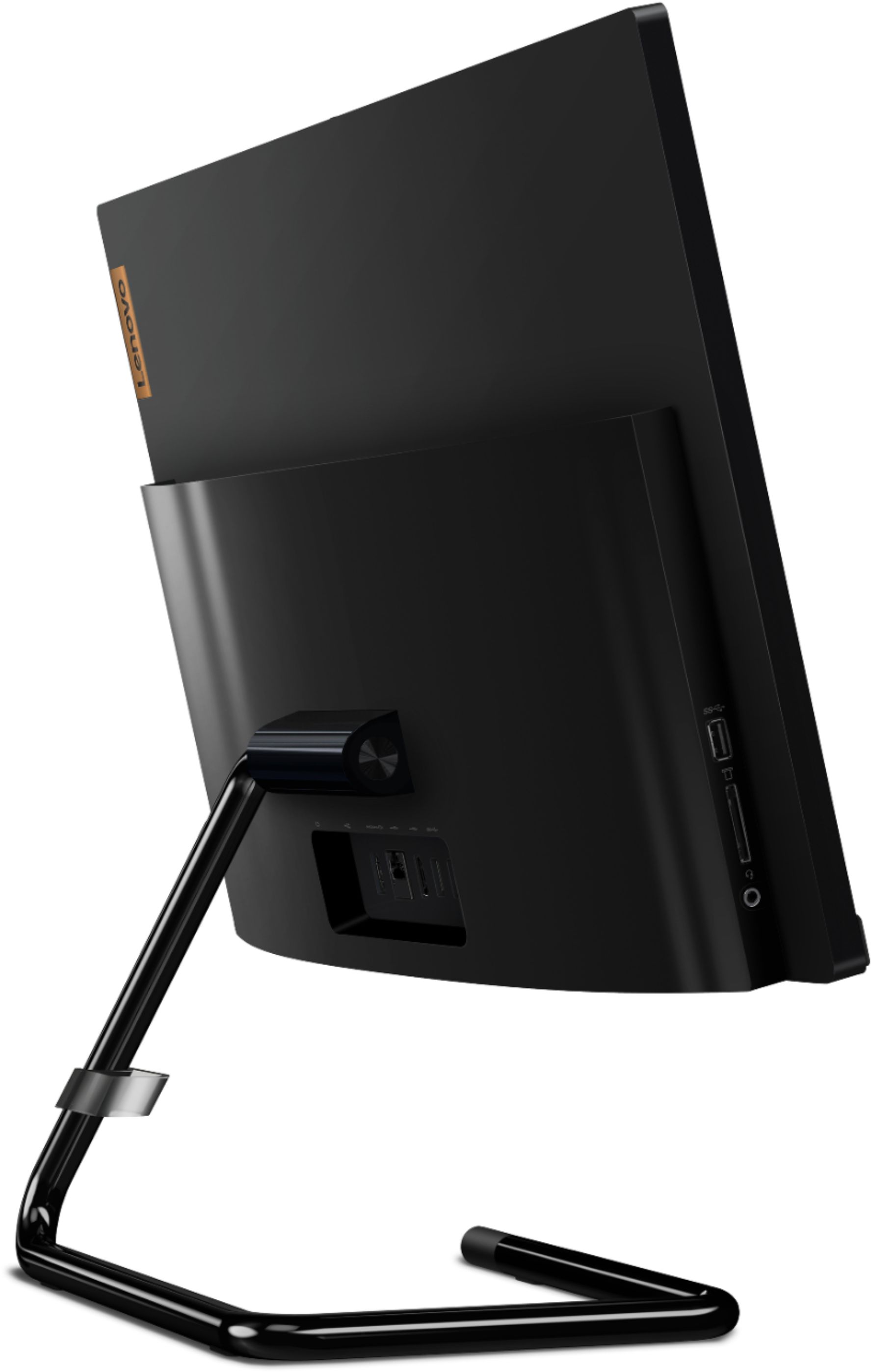
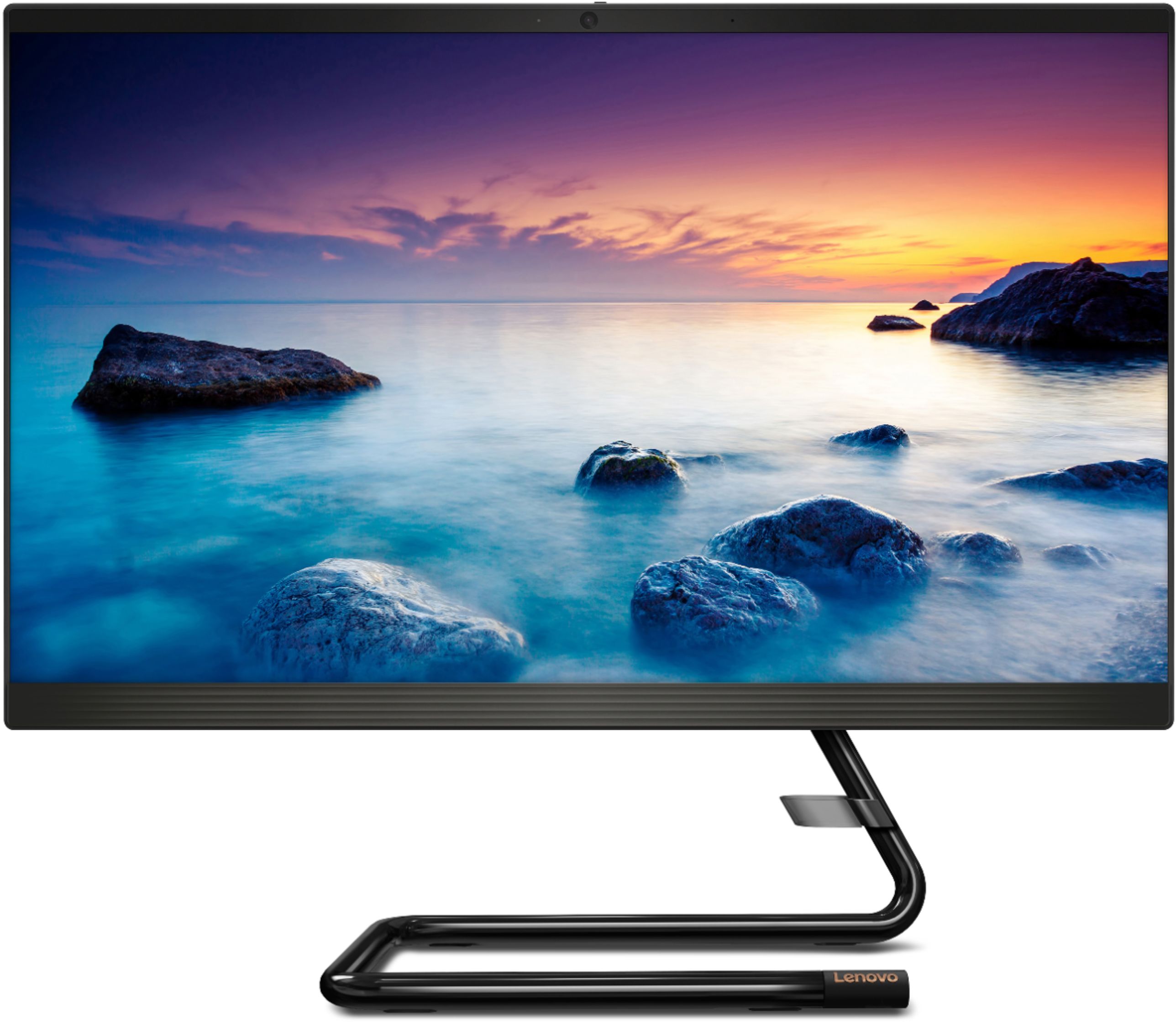
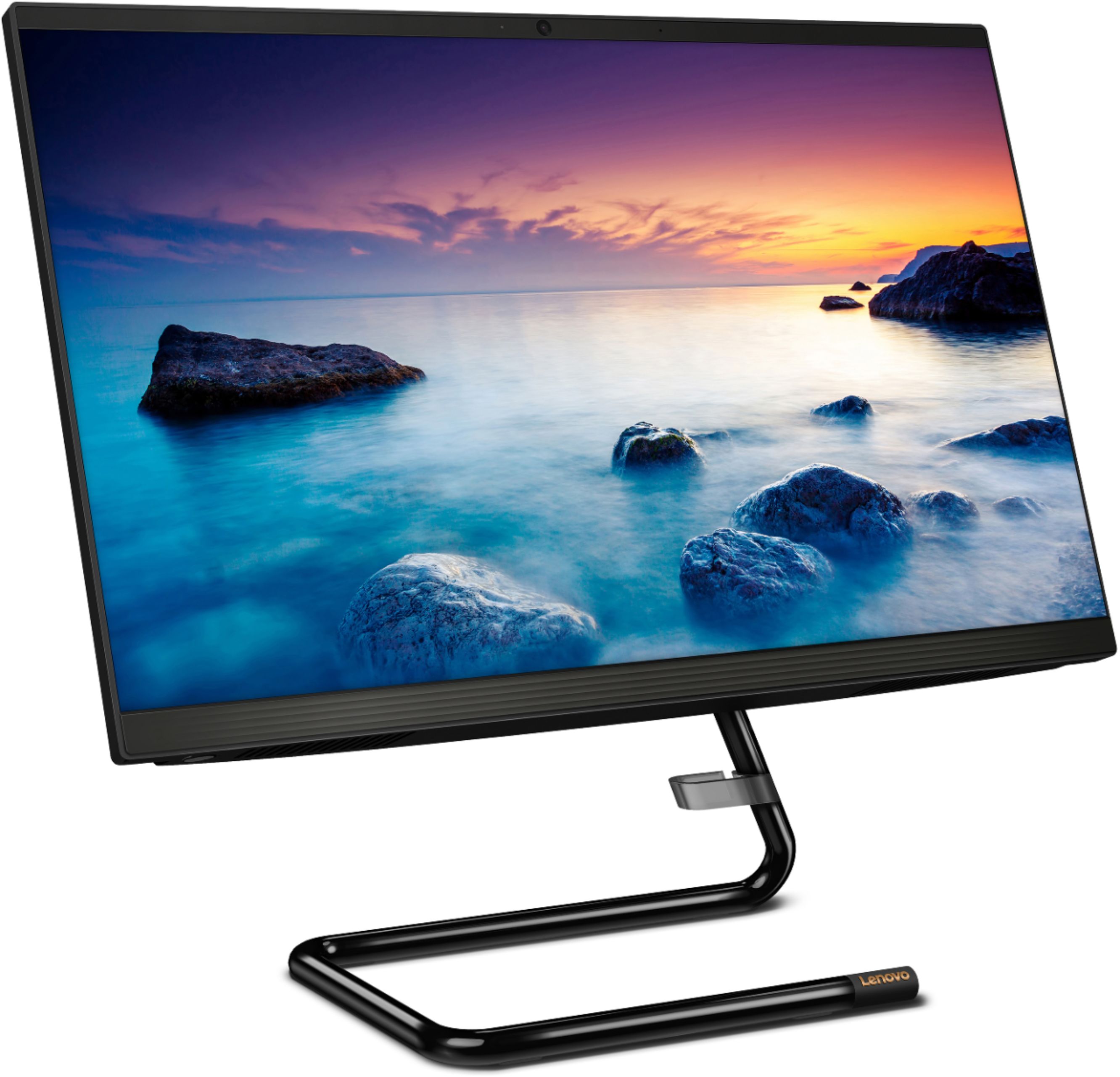
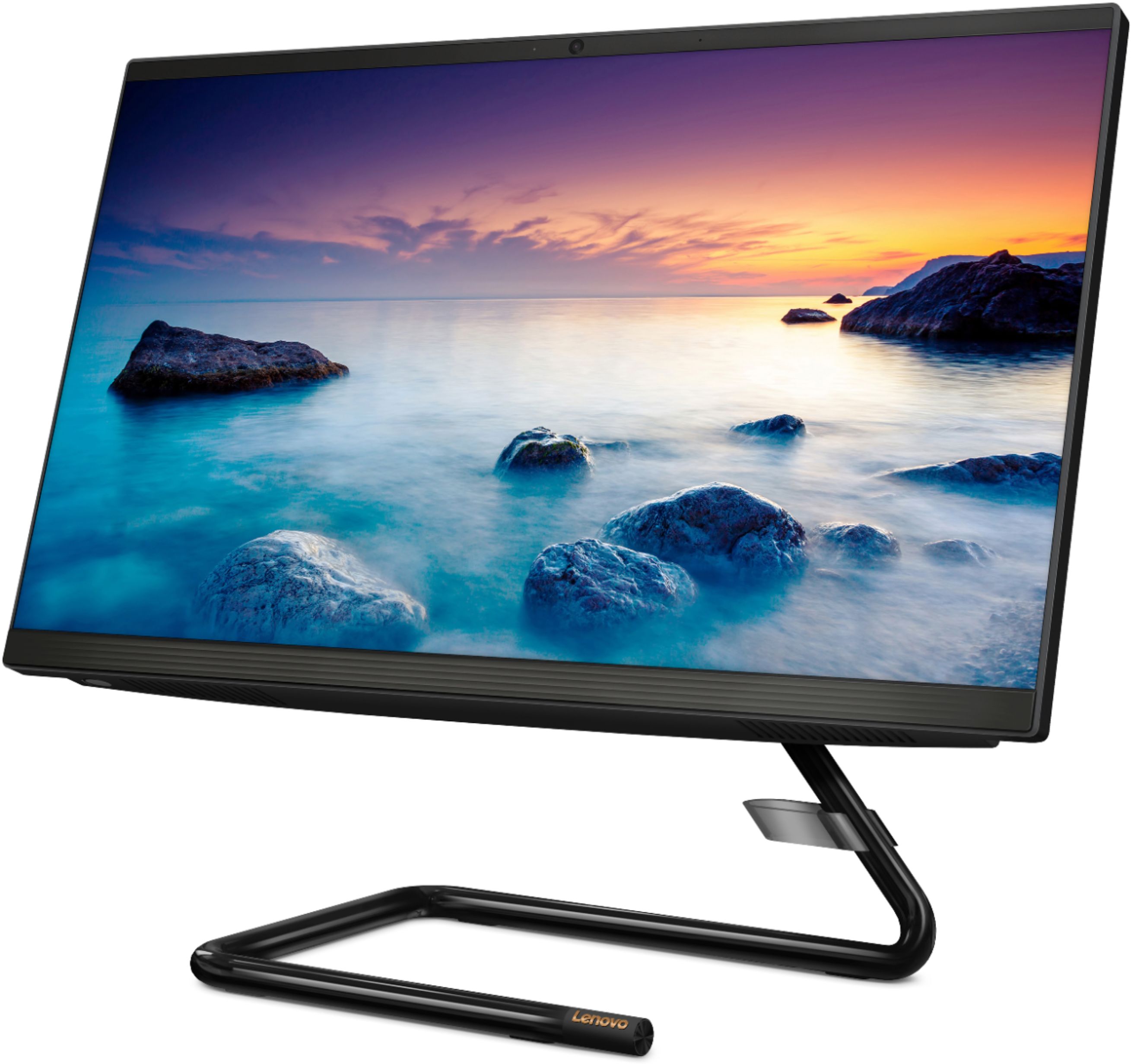

- Model:
- F0EA003RUS
- SKU:
- 6398131
Rating by feature
- Value
Rating 4.3 out of 5 stars
- Quality
Rating 4.2 out of 5 stars
- Ease of Use
Rating 4.3 out of 5 stars
Customers are saying
Customers highly value the IdeaCentre A340's ease of use and touchscreen functionality, frequently praising its performance and attractive price. Positive feedback also highlights the compact size and sleek design, making it a convenient and appealing option. While some users noted slow boot times and limitations with the processor and available USB ports, the overall experience appears positive for many buyers.
This summary was generated by AI based on customer reviews.
- Cons mentioned:Processor, Ram
Lenovo all in one
||Posted . Owned for 6 months when reviewed.This reviewer received promo considerations or sweepstakes entry for writing a review.A bit slow but I expected that due to the low ram and processor. Good for home use and checking emails.
I would recommend this to a friendBrand response from Lenovo Product Expert
Posted .The Lenovo IdeaCentre A340 22 All-In-One system, model number F0EA003RUS, will boot from off to the Windows Desktop Screen in less than 40-seconds. If you are experiencing slower boot times, be sure any software you installed is compatible with Windows 10. There is no need to install Microsoft Office software. The software is already part of the operating system, you just need to activate the software with a purchased product key. If you have installed a copy of Microsoft Office, this is conflicting with the existing copy on the system and this will slow your system down. If you have installed a 3rd party anti-virus program, be sure that Windows Defender is turned off and that the trial version of McAfee Anti-Virus software is uninstalled. There can only be one anti-virus program on the system. You may need to restore your system to original factory default settings if any of the programming errors have occurred. You can do that by typing "restore" in the Cortana search window. Just click on the magnifying glass icon at the bottom left of your Windows 10 Desktop. Click on "Reset This PC" Then click on "Get Started" and follow the on screen directions to restore to factory defaults. If the problem persists, we recommend you contact Lenovo Tech Support at: 877-453-6686.

- Pros mentioned:Ease of use
davlin1946
||Posted .This reviewer received promo considerations or sweepstakes entry for writing a review.Getting used to the All-in-one now. Some of my files didn't transfer from old laptop. Like all of my pics.(Dropbox) Other than that I like this very well.
I would recommend this to a friend - Cons mentioned:Speed
Good value - when on sale!
||Posted . Owned for 1 year when reviewed.This reviewer received promo considerations or sweepstakes entry for writing a review.Definitely worth the sale price, unfortunately I think it moves too slowly to have paid full price for it. My kids needed computers and this was a great starting place for them. I see an upgrade in a few years though!
I would recommend this to a friend - Pros mentioned:Size
Good deal
||Posted .This reviewer received promo considerations or sweepstakes entry for writing a review.Great and compact but wasn't what I needed after all. But I would recommend this to any business just starting up.
I would recommend this to a friend - Pros mentioned:Performance
Perfect machine
||Posted . Owned for less than 1 week when reviewed.This reviewer received promo considerations or sweepstakes entry for writing a review.We purchased this all-in-one, to run the point of sale program for the business we have just purchased. Very happy with it this far!
I would recommend this to a friendBrand response from Lenovo Product Expert
Posted .Thank you for choosing the lenovo IdeaCentre A340-22 All-In-One system for your business. We are pleased to hear that the IdeaCentre A340-22 AIO meets your business computing needs so well. This is an entry level, light use system with its Intel Pentium processor. It is not meant for multi-tasking or demanding programs. It is good for Microsoft Office and light internet browsing. If this describes your computing needs, the lenovo IdeaCentre A340-22 All-In-One system would be a good choice. We always recommend you check the requirements and compatibility of any software you will be installing on your new computer, before you invest in any computer. Be sure your new computer can support the software you will need to use.
- Cons mentioned:Speed
I want a refund!!
||Posted . Owned for 1.5 years when reviewed.This reviewer received promo considerations or sweepstakes entry for writing a review.This computer is the worst computer I’ve ever had! There’s no reason why I should be struggling to use the Internet with this computer because it’s so slow. It takes forever to load anything. The amount of money I spent on this computer I should not be having this issue.
No, I would not recommend this to a friend - Cons mentioned:Speed
Good solid machine
||Posted . Owned for less than 1 week when reviewed.This reviewer received promo considerations or sweepstakes entry for writing a review.This is a good all in one computer. Bought for our office worker. Not the fastest, but good enough for regular tasks. Will see how it runs 6 months from now.
I would recommend this to a friend - Pros mentioned:Touch screen
Just what I needed
||Posted . Owned for 1 month when reviewed.This reviewer received promo considerations or sweepstakes entry for writing a review.I have become a fan of Lenovo after buying their laptop for school and another for work. When I started looking for a desktop and saw this Ideacentre, I immediately knew it was the one. The design, the big monitor, webcam cover, wireless mouse and keyboard and so much more.
I would recommend this to a friendBrand response from Lenovo Product Expert
Posted .Thank you for choosing the Lenovo IdeaCentre A340-22 All-In-One system. We are pleased to hear that the features and performance of the IdeaCentre A340-22 AIO meets your computing needs so well.
- Pros mentioned:Touch screen
Lenovo Desktop All in one
||Posted . Owned for 1 month when reviewed.This reviewer received promo considerations or sweepstakes entry for writing a review.I can't say enough good things about this product. I changed over from laptops to a desktop because I don't take the laptops anywhere. The picture quality is amazing and the ability to use a mouse or the touch screen makes my online time so much easier.
I would recommend this to a friendBrand response from Lenovo Product Expert
Posted .Thank you for choosing the Lenovo IdeaCentre A340 22 All-In-One system. We are pleased to hear that the features and performance of the IdeaCentre A340 22 AIO meets your computing needs so well.
- Pros mentioned:Performance
DESK TOP
||Posted . Owned for 1 month when reviewed.This reviewer received promo considerations or sweepstakes entry for writing a review.i give this a 5 plus rating because it is that good never gave me a problem it is always ready to go and really fast much better than the hp and own thoses for years, you want wrong with this one i plan on getting another one if this one go bad
I would recommend this to a friendBrand response from Lenovo Product Expert
Posted .thank you for choosing the Lenovo IdeaCentre A340 22 All-In-One system. We are pleased to hear that the IdeaCentre A340 22 AIO meets your computing needs so well.
- Pros mentioned:Ease of use
Easy Setup
||Posted . Owned for 3 weeks when reviewed.This reviewer received promo considerations or sweepstakes entry for writing a review.I am pretty much an anti technology person but this was an easy setup. It walked you through and I downloaded the antivirus from my email and was ready to go
I would recommend this to a friendBrand response from Lenovo Product Expert
Posted .Thank you for choosing the Lenovo IdeaCentre A340-22 All-in-One system. We are pleased to hear that the easy setup and use of the IdeaCentre A340-22 AIO is working out so well for you. This is an entry level, light use system with its Intel Pentium processor. It is not meant for multi-tasking or demanding programs. It is good for Microsoft Office and light internet browsing. If this describes your computing needs, the Lenovo IdeaCentre A340-22 All-in-One system would be a good choice.
- Cons mentioned:Speed
Teetee
||Posted . Owned for 1 month when reviewed.This reviewer received promo considerations or sweepstakes entry for writing a review.Love the computer but when you first turn it on the help lady come on then it stops before it complete the installation & backup still learning it, runs slow I have the highest speed, don't know why it is running so slow, and when you turn it on it is really really slow.
No, I would not recommend this to a friendBrand response from Lenovo Product Expert
Posted .We are sorry to hear that you are having issues with your Lenovo IdeaCentre A340-22 All-In-One system with the initial setup and activation of Windows 10. We recommend you contact Lenovo Tech Support for additional help at: 877-453-6686.
- Pros mentioned:Touch screen
Pleasantly surprised
||Posted . Owned for 2 weeks when reviewed.This reviewer received promo considerations or sweepstakes entry for writing a review.I never thought I'd see the day when I returned to a desktop but I certainly don't regret this purchase. The size of the touchscreen alone is worth it. I can view and edit photos easily. Use the computer for business, interface with clients etc. The sale price was great!
I would recommend this to a friendBrand response from Lenovo Product Expert
Posted .Thank you for choosing the Lenovo IdeaCentre A340-22 All-In-One system. We are pleased to hear that the features and performance of the IdeaCentre A340-22 AIO meets your computing needs so well.
- Pros mentioned:Price
So far sogood
||Posted . Owned for 3 weeks when reviewed.This reviewer received promo considerations or sweepstakes entry for writing a review.We've only had these computers for a few weeks and so far we are happy. They are not the fastest at loading things, but overall great for the price.
I would recommend this to a friendBrand response from Lenovo Product Expert
Posted .Thank you for choosing the Lenovo IdeaCentre A340-22 All-In-One system. This is an entry level, light use system with its Intel Pentium processor. It is not meant for multi-tasking or demanding programs. It is good for Microsoft Office and light internet browsing. For the best performance with the IdeaCentre A340-22 AIO, be sure any software you installed is compatible with Windows 10. There is no need to install Microsoft Office software. The software is already part of the operating system, you just need to activate the software with a purchased product key. If you have installed a copy of Microsoft Office, this is conflicting with the existing copy on the system and this will slow your system down. If you have installed a 3rd party anti-virus program, be sure that Windows Defender is turned off and that the trial version of McAfee Anti-Virus software is uninstalled. There can only be one anti-virus program on the system. You may need to restore your system to original factory default settings if any of the programming errors have occurred. You can do that by typing "restore" in the Cortana search window. Just click on the magnifying glass icon at the bottom left of your Windows 10 Desktop. Click on "Reset This PC" Then click on "Get Started" and follow the on screen directions to restore to factory defaults. If the problem persists, we recommend you contact Lenovo Tech Support at: 877-453-6686.
- Pros mentioned:Touch screen
Great computer
||Posted . Owned for 1 month when reviewed.This reviewer received promo considerations or sweepstakes entry for writing a review.This is a great computer with a small footprint and wireless keyboard. Love the fact that it has a touchscreen. Easy to set up and I am definitely not a techie! Large screen is perfect for my “old” eyes. Shopped around and Best Buy had the best deal. Highly recommend.
I would recommend this to a friendBrand response from Lenovo Product Expert
Posted .Thank you for choosing the lenovo IdeaCentre A340-22 All-In-One system. This model ships with both a wireless keyboard and mouse. We are pleased to hear that the features and performance of the IdeaCentre A340-22 AIO meets your computing needs so well.
- Pros mentioned:Ease of use
Good Desktop
||Posted . Owned for 1 month when reviewed.This reviewer received promo considerations or sweepstakes entry for writing a review.Bought it for kid for online school. Very nice looking and easy of use. Use it primarily for Zoom, creating Word documents and simple surfing the internet. The wireless keyboard and mouse makes the desk clutter free. Overall a good desktop that hasn't brought any problems.
I would recommend this to a friend - Pros mentioned:Ease of use
highly recommend
||Posted . Owned for 1 month when reviewed.This reviewer received promo considerations or sweepstakes entry for writing a review.great purchase simple set up took 15 minutes including the hookup of external speakers addition and wireless printer the wireless mouse and keyboard too....the HP folks hit a Homerun with this system well packaged and great delivery thank you BEST BUY
I would recommend this to a friend - Pros mentioned:Price
Computer Review
||Posted . Owned for 3 weeks when reviewed.This reviewer received promo considerations or sweepstakes entry for writing a review.Found computer to be a good purchase at an excellent price. Meets my present computer needs.
I would recommend this to a friendBrand response from Lenovo Product Expert
Posted .Thank you for choosing the Lenovo IdeaCentre A340 22 All-In-One System. We are pleased to hear that the IdeaCentre A340 22 AIO is working out so well for you.
- Pros mentioned:Ease of use
Senior Citizen Friendly
||Posted . Owned for 3 weeks when reviewed.This reviewer received promo considerations or sweepstakes entry for writing a review.It was easier than i thought to set this computer up. I am a Senior Citizen who gets very frustrated with Technology sometimes. Not this time, i roll right through the setup. My son was very pleased, he didn't have to say "Google It or YouTube Video"
I would recommend this to a friendBrand response from Lenovo Product Expert
Posted .Thank you for choosing the Lenovo IdeaCentre A340-22 All-In-One system. We are pleased to hear that the easy setup and performance of the IdeaCentre A340-22 AIO meets your computing needs so well.
- Pros mentioned:Touch screen
Lenovo Touch screen all in one
||Posted . Owned for 3 weeks when reviewed.This reviewer received promo considerations or sweepstakes entry for writing a review.Using it for a home based business it's a little slow, but other than that it serves my purpose. I Love the screen size!
I would recommend this to a friend