Customer Ratings & Reviews

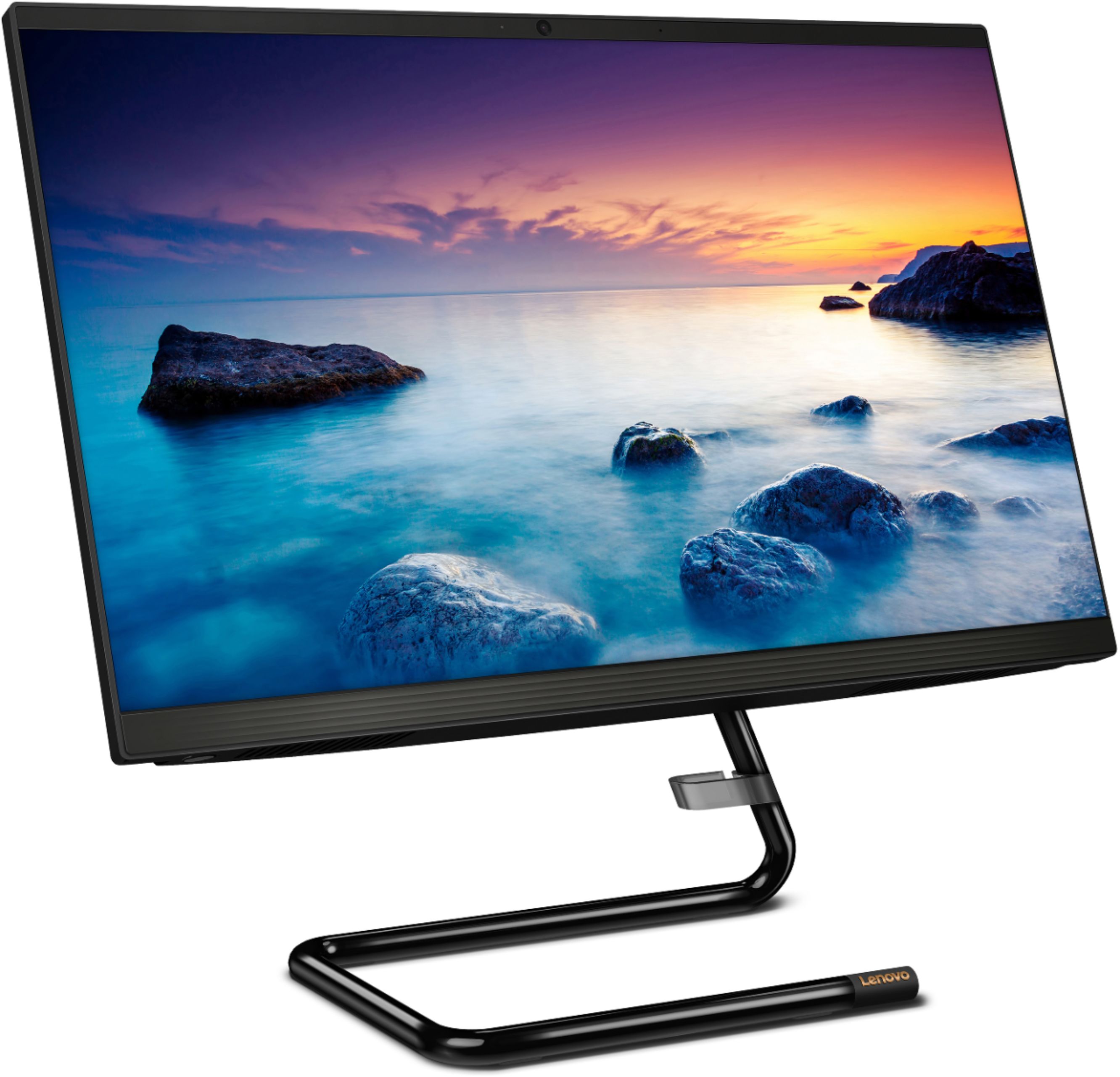
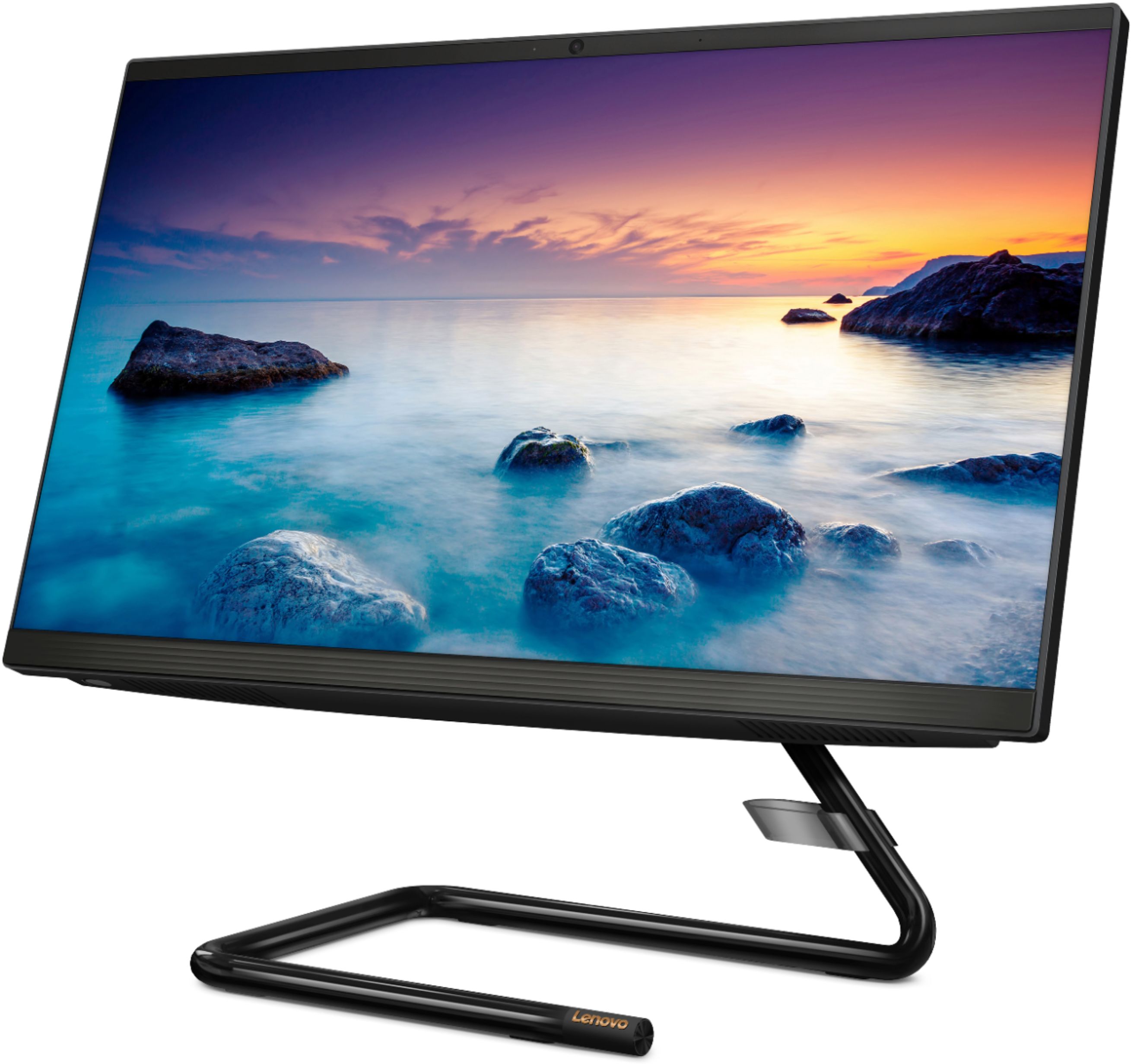

- Model:
- F0EA003RUS
- SKU:
- 6398131
Rating by feature
- Value
Rating 4.3 out of 5 stars
- Quality
Rating 4.2 out of 5 stars
- Ease of Use
Rating 4.3 out of 5 stars
Customers are saying
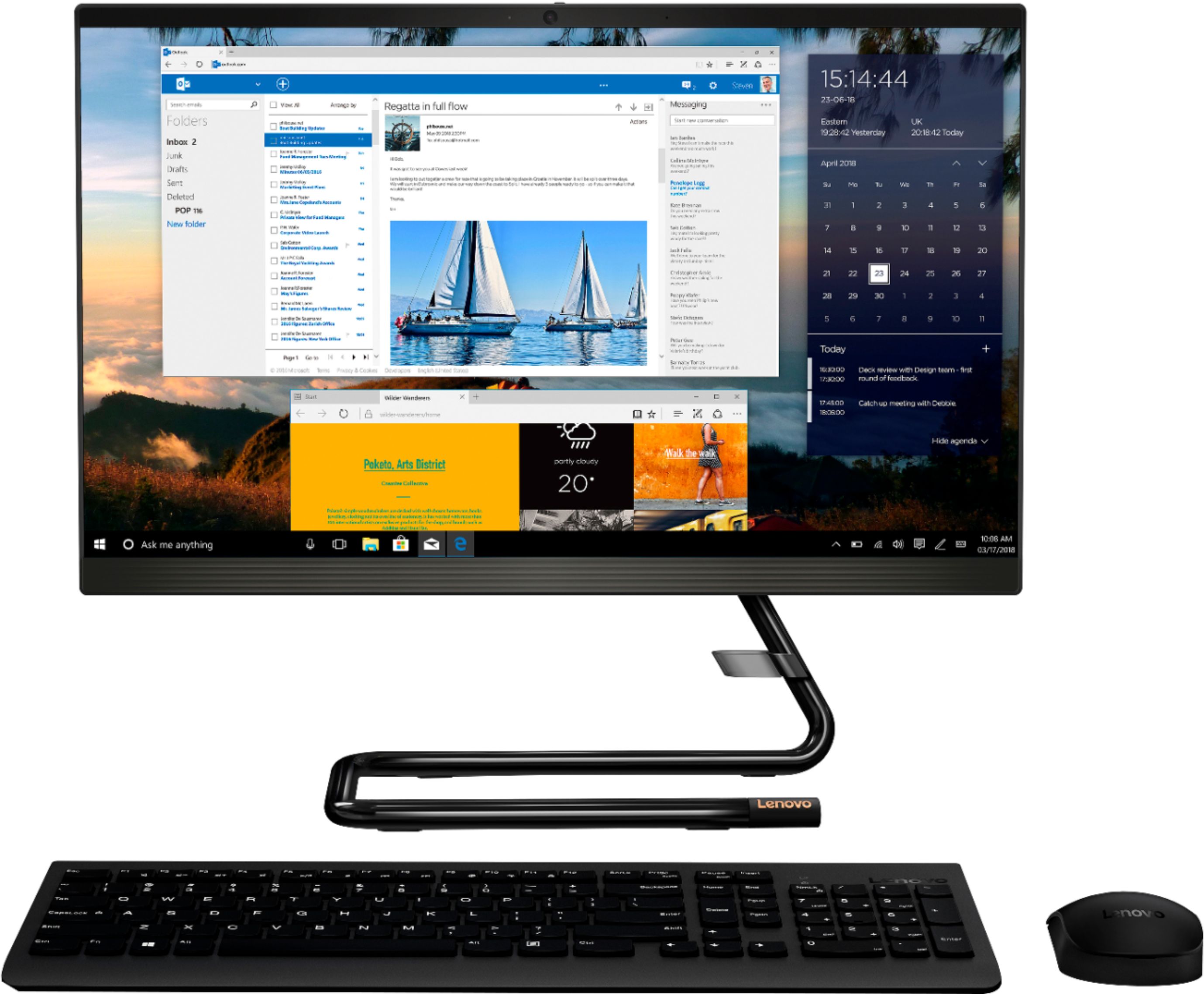
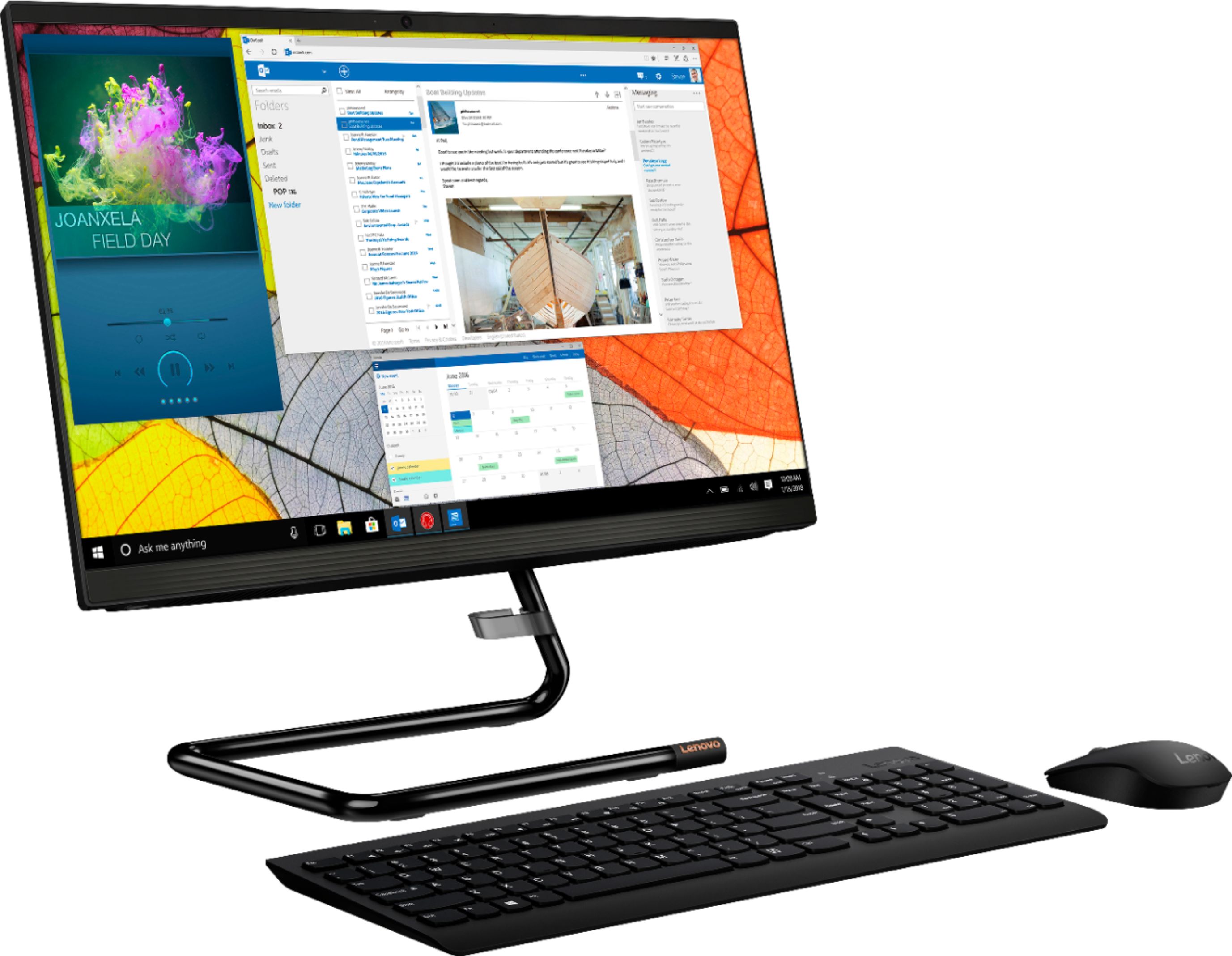
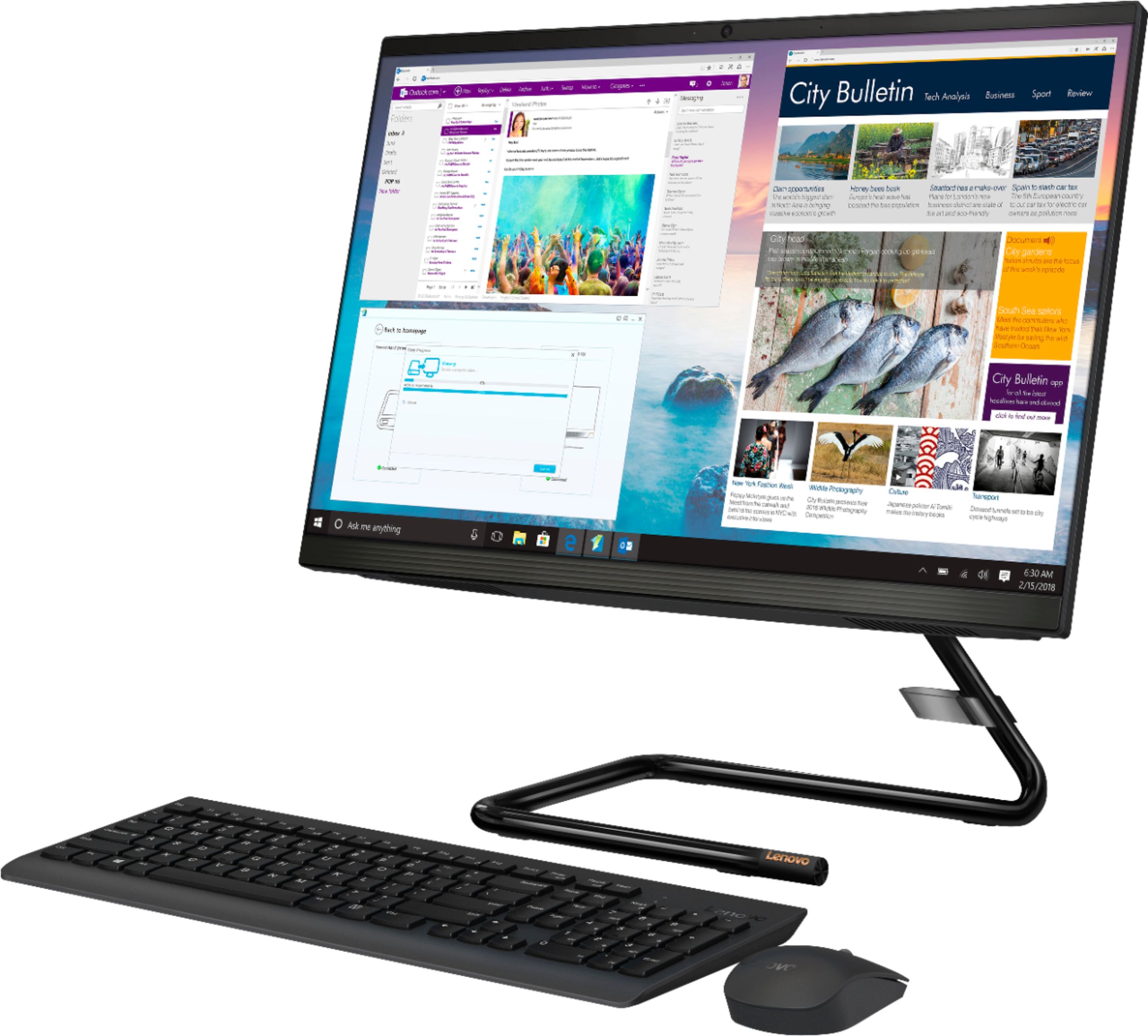
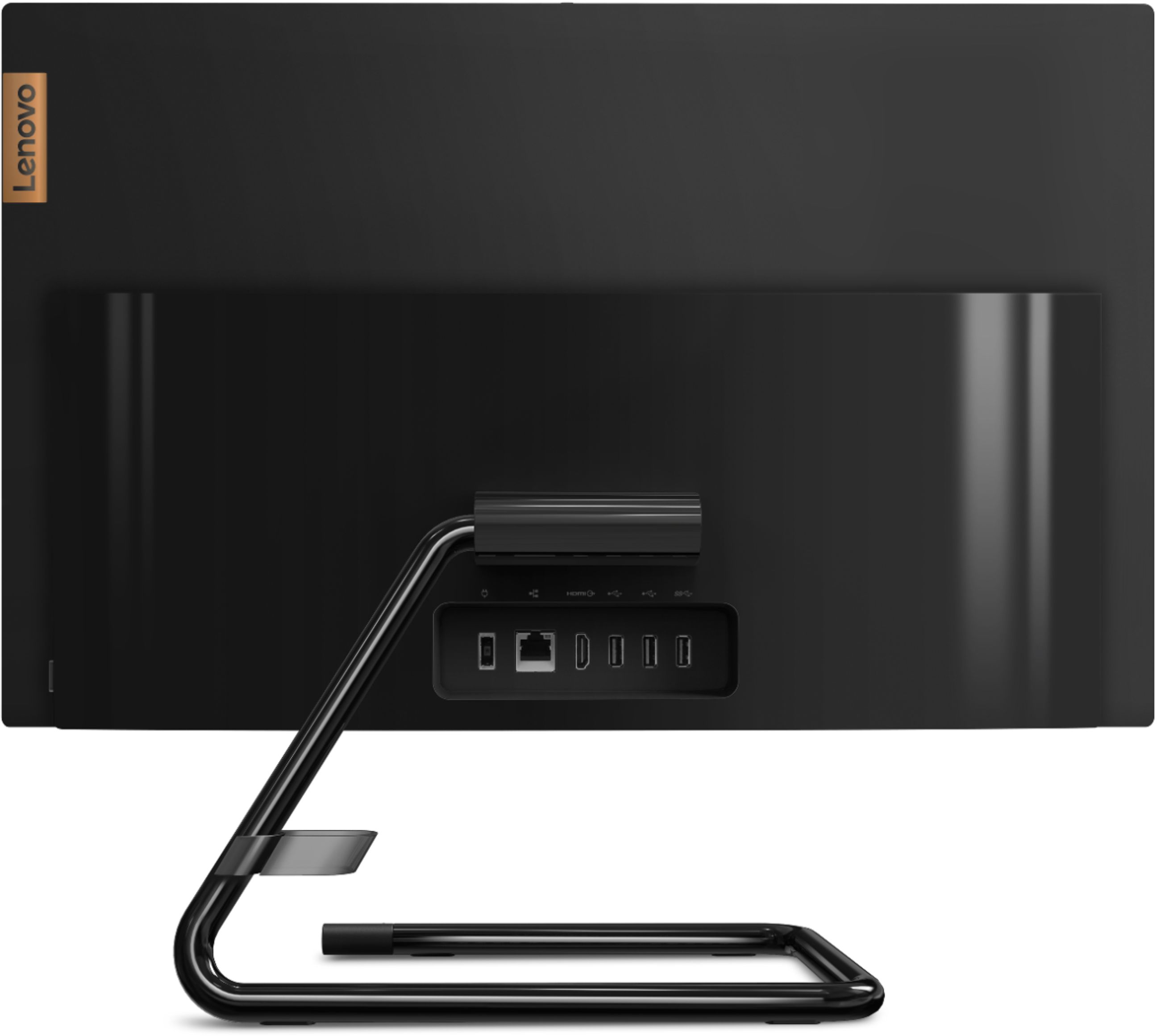
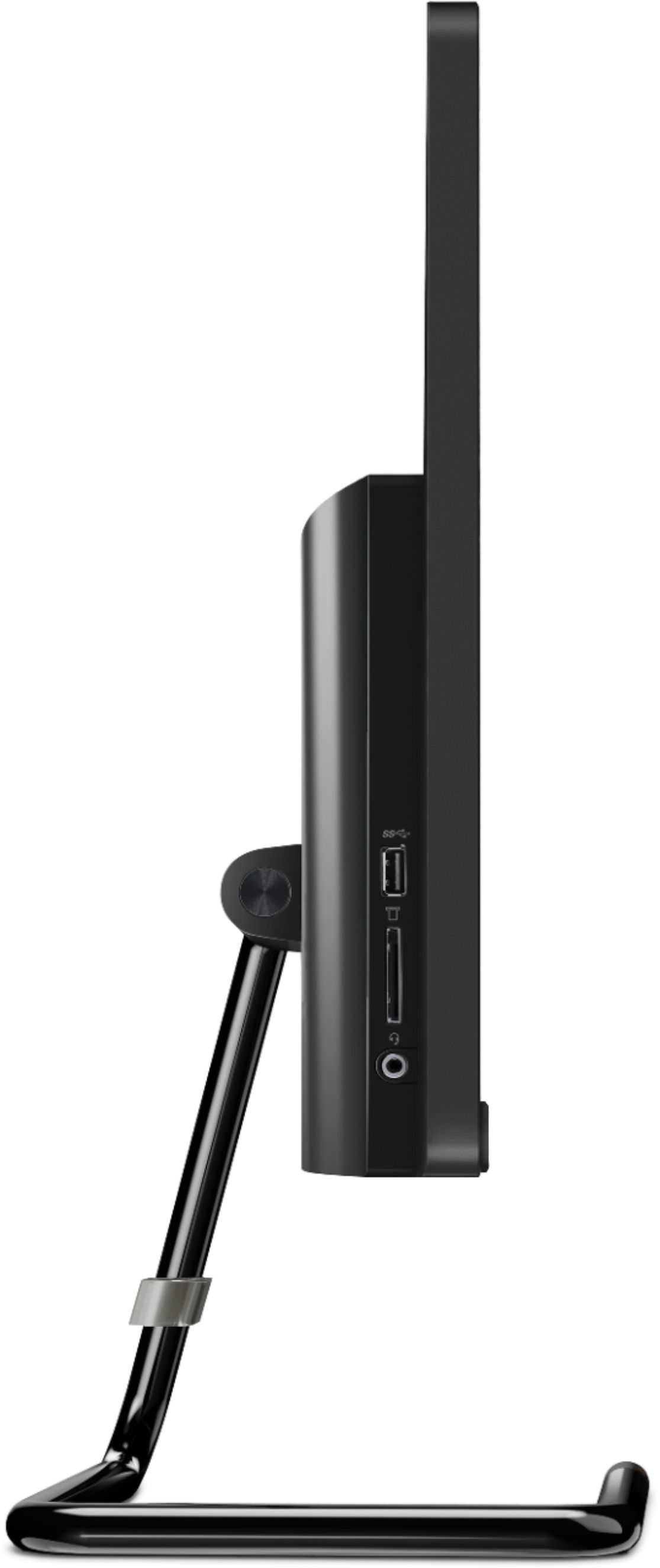
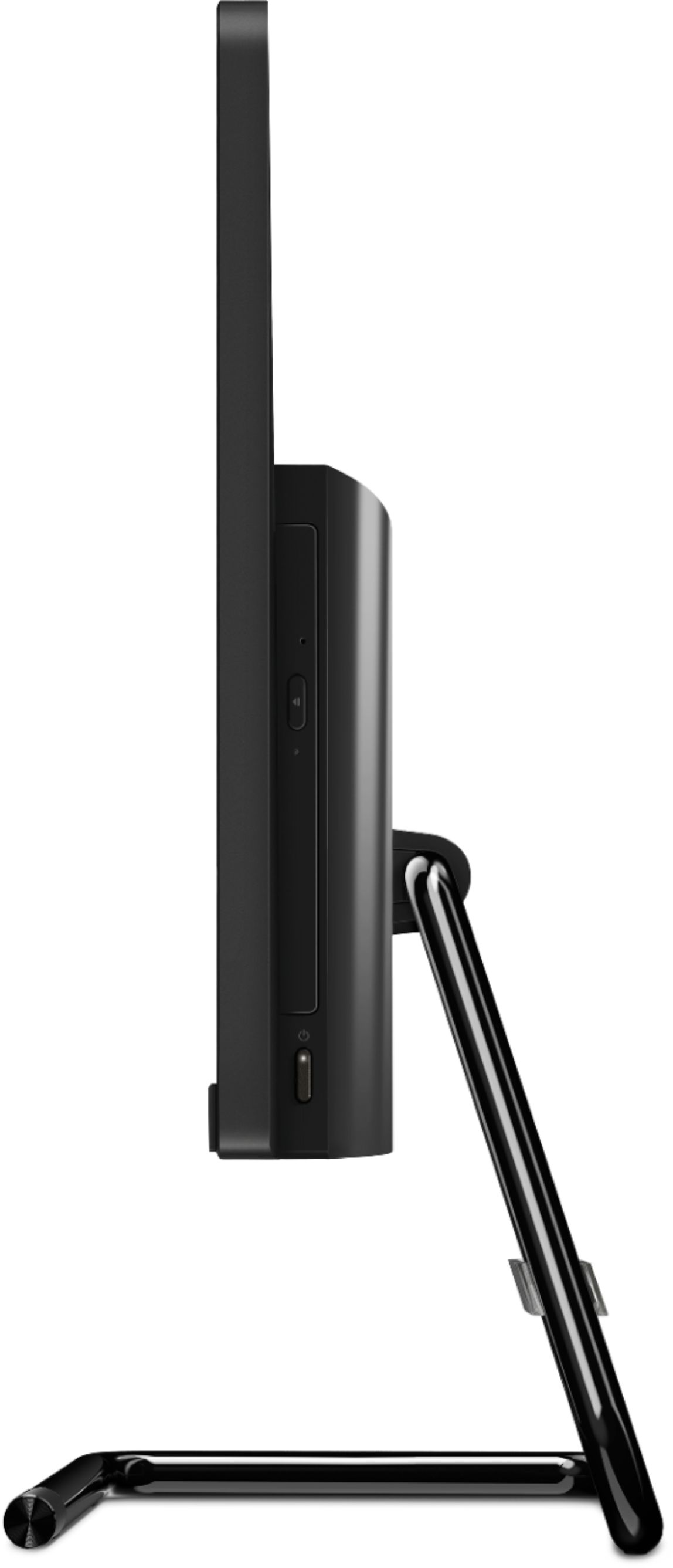
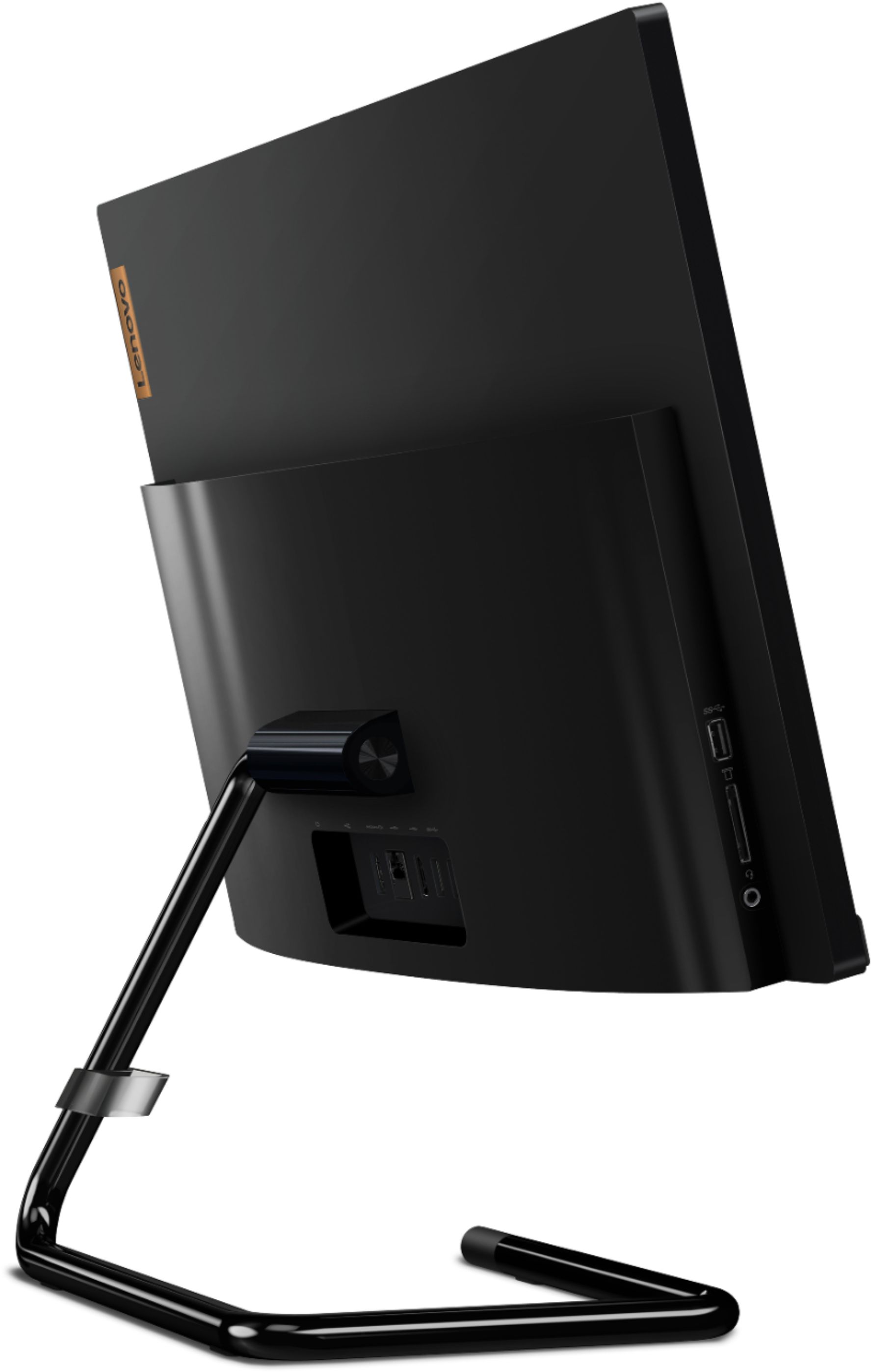
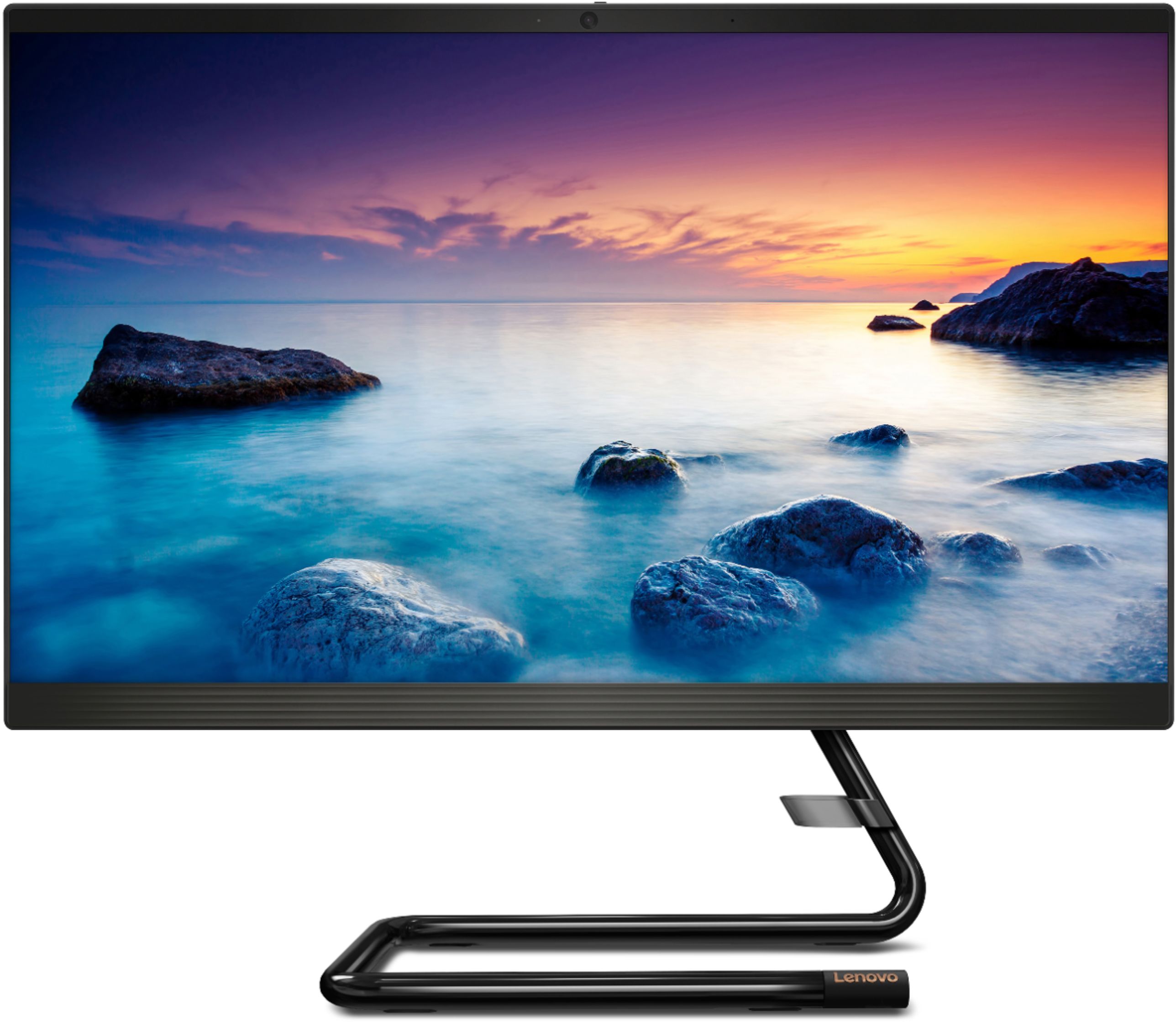
Customers highly value the IdeaCentre A340's ease of use and touchscreen functionality, frequently praising its performance and attractive price. Positive feedback also highlights the compact size and sleek design, making it a convenient and appealing option. While some users noted slow boot times and limitations with the processor and available USB ports, the overall experience appears positive for many buyers.
This summary was generated by AI based on customer reviews.
- Pros mentioned:Ease of use
Great computer
||Posted .This reviewer received promo considerations or sweepstakes entry for writing a review.The computer is great! Very easy to use, however after a few months I had some mouse issues but other than that it’s been great!
I would recommend this to a friendBrand response from Lenovo Product Expert
Posted .We are sorry to hear that you are having issues with the included wireless mouse. You can make adjustments to the mouse settings in your system settings. You can get there by clicking on the magnifying glass at the bottom left of your Windows 10 screen. Type "mouse" in the search window. Select "Mouse & touchpad settings" from the list of choices. You can make general adjustments to the mouse there. You can also select "Additional mouse options" for more detailed adjustments to the mouse sensitivity by increasing the delay of the mouse. If the issue continues, we recommend you contact Lenovo Tech Support at: 866-426-0911.

- Pros mentioned:Touch screen
Good price and well designed
||Posted . Owned for 1 month when reviewed.This reviewer received promo considerations or sweepstakes entry for writing a review.As an all-in-one computer it is nice and compact. Fast enough for daily use and basic computing and a very good screen.
I would recommend this to a friendBrand response from Lenovo Product Expert
Posted .Thank you for choosing the Lenovo IdeaCentre A340-22 All-In-One system. We are pleased to hear that the IdeaCentre A340-22 AIO meets your computing needs so well.
- Pros mentioned:Ease of use
GOOD REPL. FOR A 12 YEAR OLD DELL
||Posted . Owned for 3 weeks when reviewed.This reviewer received promo considerations or sweepstakes entry for writing a review.UP AND RUNNING 10 MIN.! SHIPPING WAS FAST. MY FIRST LENOVO AND ITS LIVING UP TO MY EXPECTIONS.
I would recommend this to a friendBrand response from Lenovo Product Expert
Posted .Thanks for choosing the Lenovo IdeaCentre A340 All-In-One. We are pleased to hear the features and performance of the A340 All-In-One are meeting your computing needs so well!
- Pros mentioned:Touch screen
Computer with disk drive!
||Posted . Owned for 3 weeks when reviewed.This reviewer received promo considerations or sweepstakes entry for writing a review.I absolutely love this computer. It saves space by not needing a tower and it has a disk drive in the monitor. I use it for my Mary Kay work and if you dont want to use the mouse it is a touch screen. I enjoy the many benefits of this computer.
I would recommend this to a friendBrand response from Lenovo Product Expert
Posted .Thank you for choosing the Lenovo IdeaCentre A340-22 All-In-One system. We are pleased to hear that the features and performance of the IdeaCentre A340-22 AIO meets your computing needs so well.
- Pros mentioned:Touch screen
Great touch screen.
||Posted . Owned for 3 weeks when reviewed.This reviewer received promo considerations or sweepstakes entry for writing a review.Pleased with the quality of the touch screen and the graphics. Requires much less desk space while giving the quality of a desktop. Pleased.
I would recommend this to a friendBrand response from Lenovo Product Expert
Posted .Thank you for choosing the Lenovo IdeaCentre A340-22 All;-In-One system. We are pleased to hear that the features and performance of the IdeaCentre A340-22 AIO meets your computing needs so well. This is an entry level, light use system with its Intel Pentium processor. It is not meant for multi-tasking or demanding programs. It is good for Microsoft Office and light internet browsing. If this describes your computing needs, the Lenovo IdeaCentre A340-22 All;-In-One system would be a good choice.
- Cons mentioned:Processor, Speed
very disappointed
||Posted . Owned for 1 month when reviewed.This reviewer received promo considerations or sweepstakes entry for writing a review.After owning Lenovo computers and laptops I was highly disappointed with this one it was the slowest I have ever had, then I returned it and was told the processor wasn't a good one. I traded it for a Dell and it is much better because of the processor
No, I would not recommend this to a friendBrand response from Lenovo Product Expert
Posted .The Lenovo IdeaCentre A340-22 All-In-One system, model number F0EA003RUS, ships with the 4-Core, Intel Pentium Silver J5040 processor. This system will boot from off to the Windows 10 Desktop Screen in less than 40-seconds.
Very nice computer
||Posted . Owned for 2 weeks when reviewed.This reviewer received promo considerations or sweepstakes entry for writing a review.I have been an HP person for years and when I got tired of waiting for my last computer to boot up, I decided to try something different. This Lenovo was recommended by someone who works in IT and I was not disappointed. This is my second all-in-one and I really like the convenience of needing less space, fewer cables and easy setup. I would recommend this to anyone working from home or schoolwork.
I would recommend this to a friendBrand response from Lenovo Product Expert
Posted .Thank you for choosing the Lenovo IdeaCentre A340-22 All-In-One system. We are pleased to hear that the features and performance of the IdeaCentre A340-22 AIO meets your computing needs so well.
- Cons mentioned:Speed
Price
||Posted . Owned for 8 months when reviewed.This reviewer received promo considerations or sweepstakes entry for writing a review.PC was originally purchased for at home school work and it has done this job perfectly fine. If your looking for something to accommodate gaming i would look else where. But for us school work or the occasional web browsing it does the job.
I would recommend this to a friendBrand response from Lenovo Product Expert
Posted .Thank you for choosing the Lenovo IdeaCentre A340-22 All-In-One system for your family. We are pleased to hear that the IdeaCentre A340-22 AIO meets your computing needs so well.
All-in-one Lenovo for seniors
||Posted .This reviewer received promo considerations or sweepstakes entry for writing a review.The Lenovo IdeaCentre is very user friendly. The large monitor is wonderful for those with vision difficulties. I love that it comes with a wireless mouse and keyboard! My only two dislikes are that the camera on/off switch makes it difficult to determine if the camera is on or off since it is only a red dot indicating "off". A light would be a better option. The power button is located on the back of the monitor and makes it difficult to tell when the computer has turned off.
I would recommend this to a friendBrand response from Lenovo Product Expert
Posted .Thank you for choosing the Lenovo IdeaCentre A340-22 All-In-One system. There is a manual Privacy Shutter for the built in webcam that places a red dot over the webcam lens when the Privacy Sutter on on. When the webcam is on and broadcasting video, there is a green LED light that will indicate the camera is broadcasting. Here is a link to the User Guide with illustrations of these features: https://download.lenovo.com/consumer/desktop_pub/ideacentre_a340series_ug_en_201909.pdf?linkTrack=PSP:ProductInfo:UserGuide
- Pros mentioned:Touch screen
Keep it simple…
||Posted . Owned for 3 weeks when reviewed.This reviewer received promo considerations or sweepstakes entry for writing a review.Nice computer for the price has good storage for editing photos and nice editing program like the screen size….
I would recommend this to a friendBrand response from Lenovo Product Expert
Posted .Thank you for choosing the Lenovo IdeaCentre A340-22 All-In-One system. We are pleased to hear that the IdeaCentre A340-22 AIO meets your computing needs so well.
- Pros mentioned:Ease of use
Perfect computer for my dad
||Posted . Owned for 1 month when reviewed.This reviewer received promo considerations or sweepstakes entry for writing a review.I bought this for my dad because he rarely uses computers for any besides MS Office and Chrome. Although, if you are an IT person like me and looking for a “real” computer, don’t choose this one.
I would recommend this to a friendBrand response from Lenovo Product Expert
Posted .Elegant yet simple, the stand and base of the IdeaCentre all in one A340 is sure to impress—and save on desk space. Whether it’s for work, entertainment, or family video-chats, this eye-catching PC will look great in any room in your home. This is an entry level, light use system with its Intel Pentium processor. It is not meant for multi-tasking or demanding programs. It is good for Microsoft Office and light internet browsing. If this describes your computing needs, the IdeaCentre A340-22 AIO would be a good choice.
- Pros mentioned:Ease of use
satisfied joe
||Posted . Owned for 3 weeks when reviewed.This reviewer received promo considerations or sweepstakes entry for writing a review.speed is decent. very stationary on desk. and easy to use and understand. good computer for the price.
I would recommend this to a friendBrand response from Lenovo Product Expert
Posted .Thank you for choosing the Lenovo IdeaCentre A340-22IGM 21.5in. Touch-Screen All-In-One. We are very pleased to hear that the specifications and features of the Lenovo IdeaCentre A340-22IGM 21.5in. Touch-Screen All-In-One meet your computing needs so well.
- Pros mentioned:Ease of use
My all in one computer
||Posted . Owned for 1 month when reviewed.This reviewer received promo considerations or sweepstakes entry for writing a review.I love it just one connection and that's it Pretty easy-to-use and to install i would recommended this computer
I would recommend this to a friendBrand response from Lenovo Product Expert
Posted .Thank you for choosing the Lenovo IdeaCentre A340-22 All-In-One system. We are pleased to hear that the ease of use and performance of the IdeaCentre A340-22 AIO meets your computing needs so well.
- Cons mentioned:Speed
A lil slow
||Posted . Owned for more than 2 years when reviewed.This reviewer received promo considerations or sweepstakes entry for writing a review.It is a lot slower than I would like. But overall it’s been good otherwise
I would recommend this to a friendBrand response from Lenovo Product Expert
Posted .Thank you for choosing the light to moderate workload configuration of the Lenovo IdeaCentre A340 22 All-In-One System, model number F0EA003RUS. This configuration is good with productivity software APPs like Microsoft Office, browsing the internet and other light to moderate workload APPs. This configuration is not meant for multi-tasking or working with heavy workload APPs. We always recommend you check the requirements and compatibility of any software/games you will be installing on your new computer, before you invest in any computer. Be sure your new computer can support the software/games you will need to use and your workload.
- Pros mentioned:Performance
Ok purchase
||Posted . Owned for 1 month when reviewed.This reviewer received promo considerations or sweepstakes entry for writing a review.Nice customer assistance. Good delivery time. Item operates fine. Matter of becoming familiar with updates
I would recommend this to a friendBrand response from Lenovo Product Expert
Posted .Thank you for choosing the Lenovo IdeaCentre A340-22 All-In-One system. The heart of the IdeaCentre A340-22 AIO is the Windows 10 Operating System. To learn your way around Windows 10, you may want to try YouTube.com (just type that address in your browser address window). There are hundreds for free instructional videos there about Windows 10. Just type Windows 10 Introduction in to the YouTube search window. You can watch free videos there that will show you the basics all the way up to tips and tricks videos and they're all free.
- Pros mentioned:Performance
Great for remote learning
||Posted . Owned for 1 year when reviewed.This reviewer received promo considerations or sweepstakes entry for writing a review.Works great for online schooling and the teen hasn’t destroyed it yet so it’s doing well
I would recommend this to a friendBrand response from Lenovo Product Expert
Posted .Thank you for choosing the Lenovo IdeaCentre A340 22 All-In-One System. We are pleased to hear that the IdeaCentre A340 22 AIO is working out so well for your student.
- Pros mentioned:Ease of use
Lenovo
||Posted . Owned for 3 weeks when reviewed.This reviewer received promo considerations or sweepstakes entry for writing a review.This is my second purchase of a Lenovo PC. After my first purchase, I decided to buy another Lenovo. So easy to use and I love how it’s all-in-one. When I need another I will most likely purchase a Lenovo.
I would recommend this to a friendBrand response from Lenovo Product Expert
Posted .Thank you for choosing the lenovo IdeaCentre A340 22 All-In-One system. We appreciate your loyalty to the Lenovo Brand. We are pleased to hear that this IdeaCentre A340 22 AIO meets your computing needs so well.
all-in-one and portable
||Posted . Owned for 1 month when reviewed.This reviewer received promo considerations or sweepstakes entry for writing a review.Love this PC. Couldn't deal with lack of laptop's performance any longer where the curser would travel to another place in my document I was working on and constantly having to edit my docs as I was typing. This PC was a good choice for me. It's ability to move it to another room because it's lightweight, sturdy and not having to deal with unplugging cables and towers is wonderful. It's got fast speed, and a clear picture. The screen is large with good resolution and has good speakers. I've zoomed several times while still in bed. Better alternative that a laptop for me and without the frustration I mentioned earlier.
I would recommend this to a friendBrand response from Lenovo Product Expert
Posted .Thank you for choosing the Lenovo IdeaCentre A340-22 All-In-One system. We are pleased to hear that the performance of the IdeaCentre A340-22 AIO meets your computing needs so well.
- Pros mentioned:Performance
Perfect
||Posted . Owned for 4 months when reviewed.This reviewer received promo considerations or sweepstakes entry for writing a review.The Lenova is a perfect computer for my needs. I'm very happy with the quality and performance.
I would recommend this to a friendBrand response from Lenovo Product Expert
Posted .Thank you for choosing the Lenovo IdeaCentre A340 22 All-In-One system. We are pleased to hear that the IdeaCentre A340 22 AIO is working out so well for you.
- Pros mentioned:Touch screen
Lenovo at its best
||Posted . Owned for 7 months when reviewed.This reviewer received promo considerations or sweepstakes entry for writing a review.Needed a faster processor then my HP had for WFH. I love the touch screen and the speed I have now.
I would recommend this to a friendBrand response from Lenovo Product Expert
Posted .Thank you for choosing the Lenovo IdeaCentre A340 22 All-In-One system. We are pleased to hear that the performance of the IdeaCentre A340 22 AIO meets your computing needs so well.