Customer Ratings & Reviews
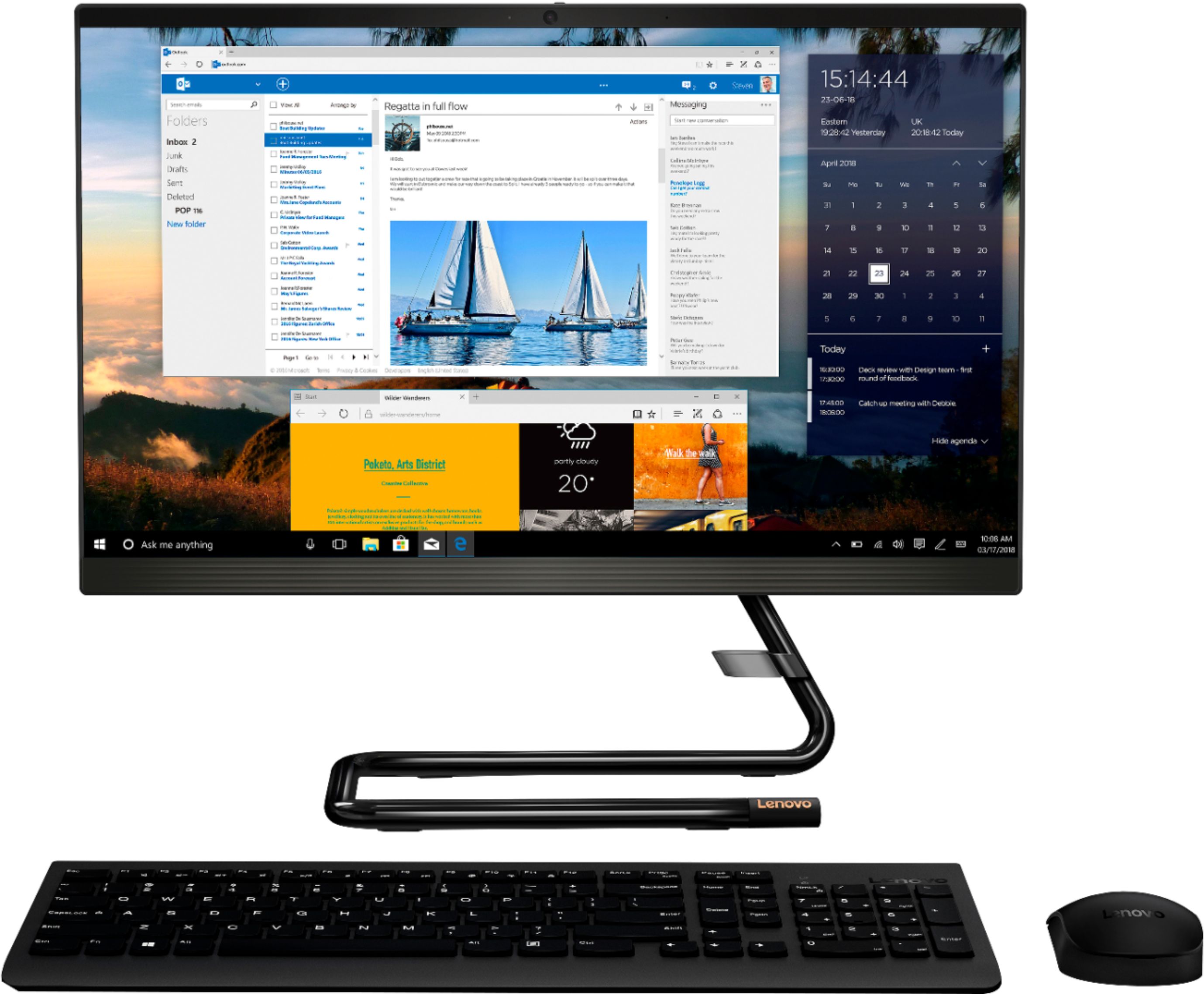
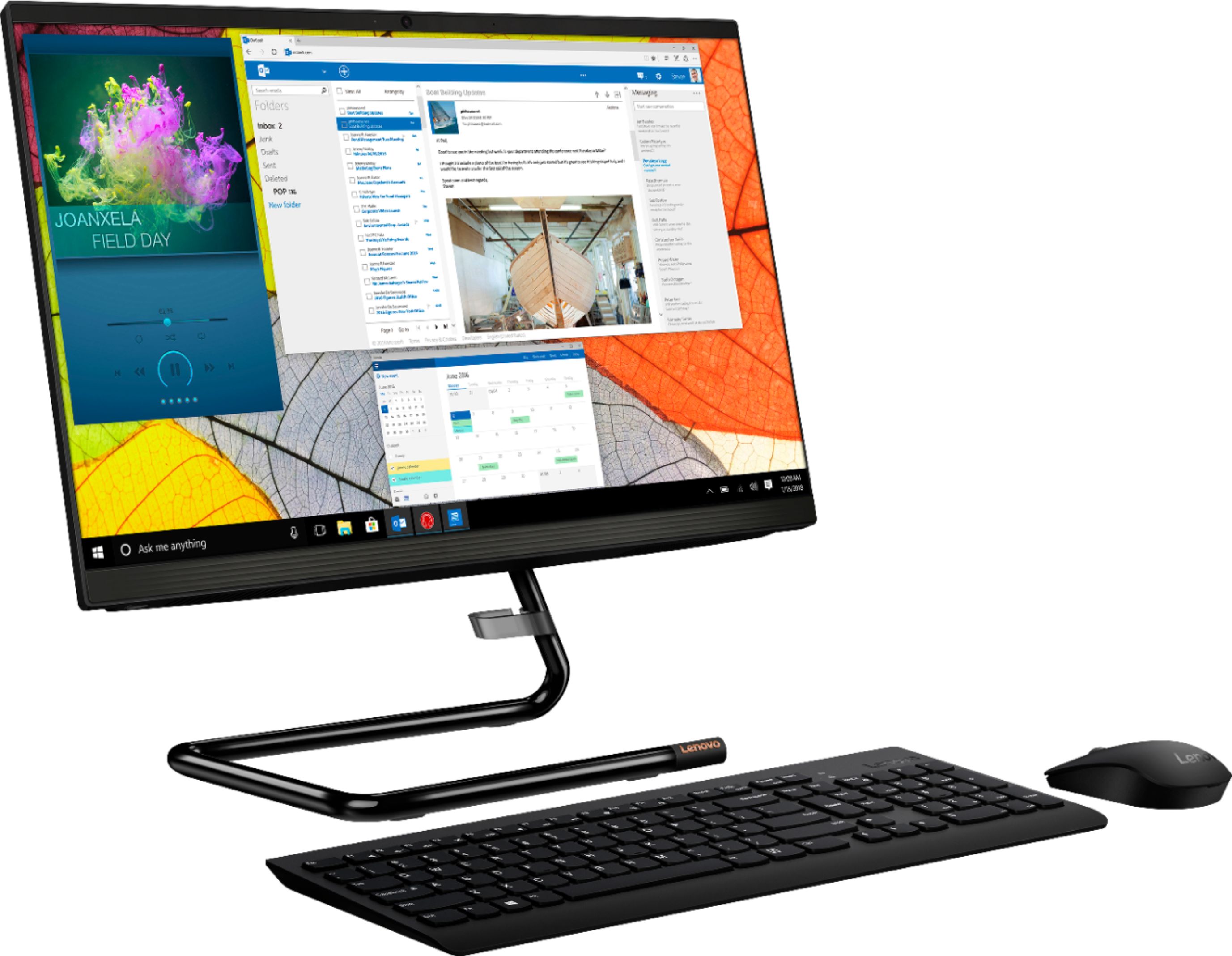
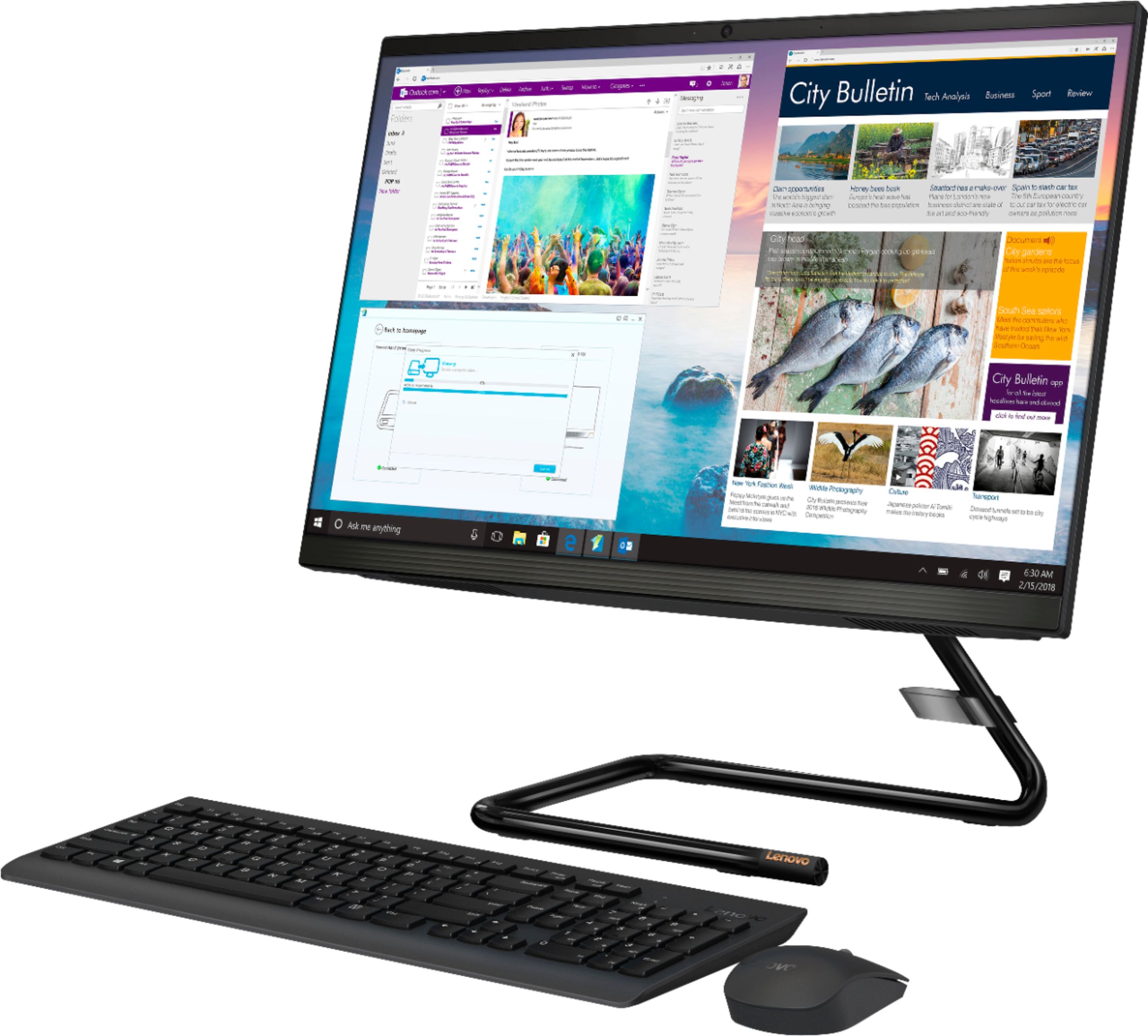
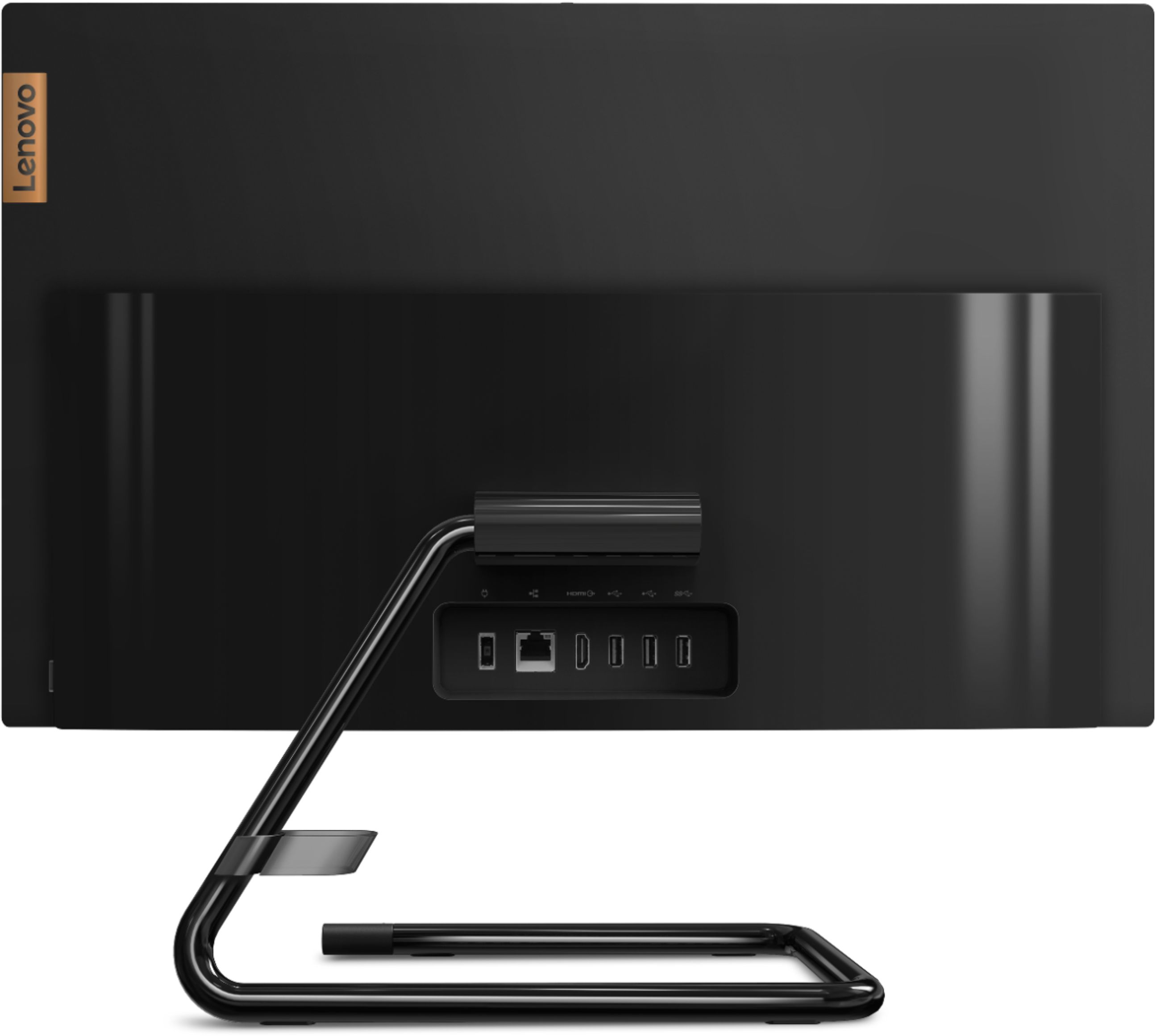

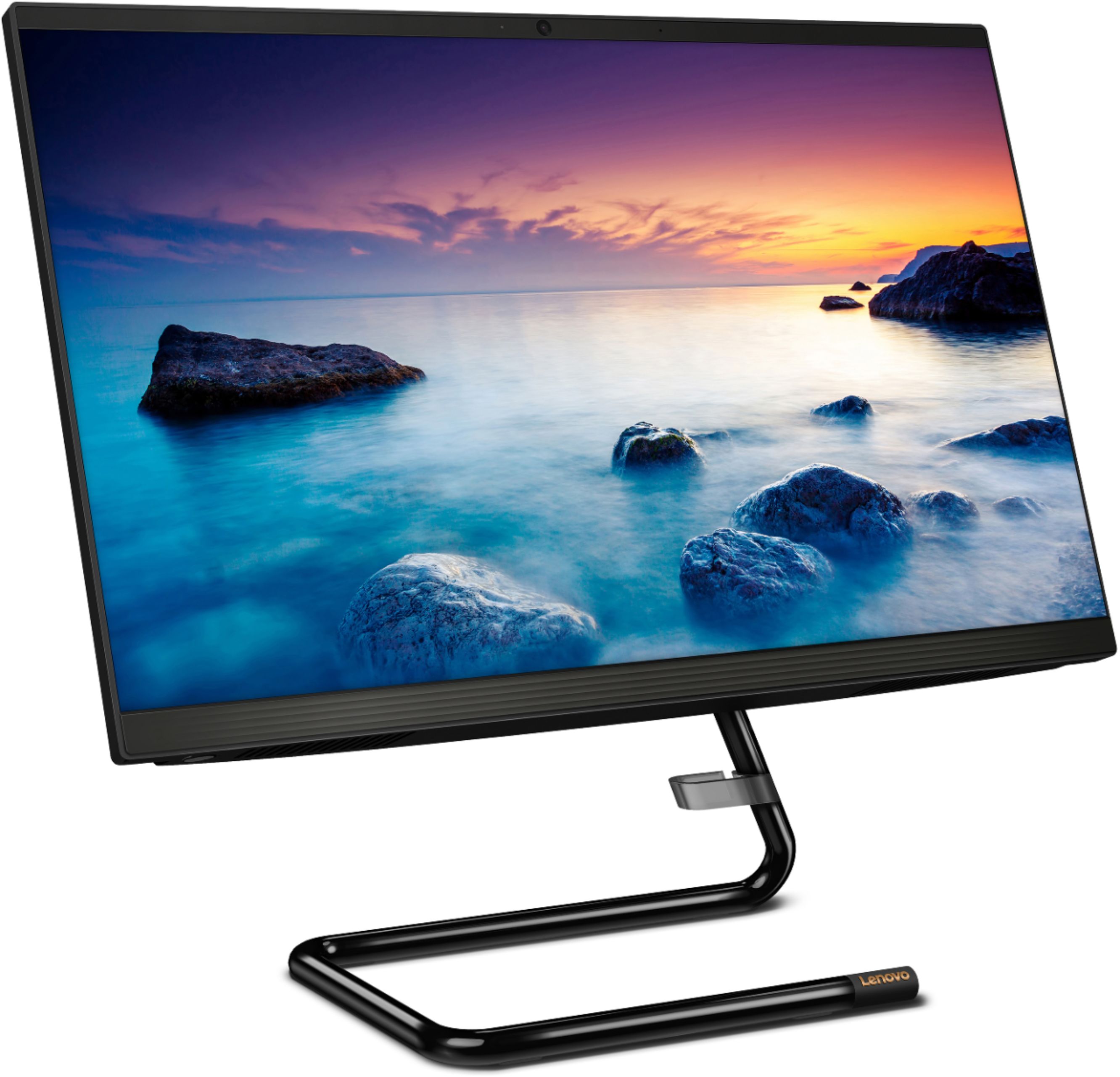
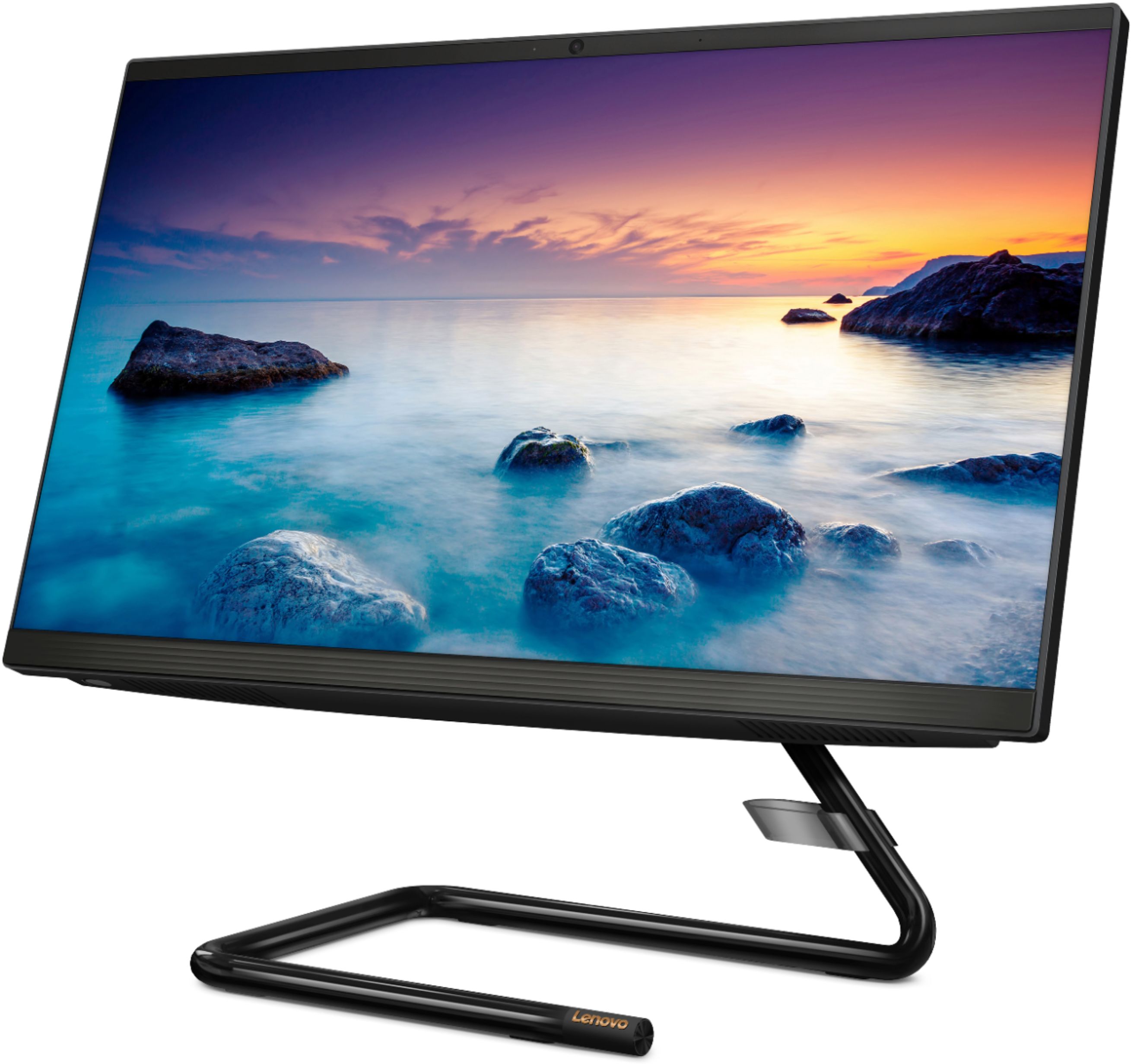

- Model:
- F0EA003RUS
- SKU:
- 6398131
Rating by feature
- Value
Rating 4.3 out of 5 stars
- Quality
Rating 4.2 out of 5 stars
- Ease of Use
Rating 4.3 out of 5 stars
Customers are saying
Customers highly value the IdeaCentre A340's ease of use and touchscreen functionality, frequently praising its performance and attractive price. Positive feedback also highlights the compact size and sleek design, making it a convenient and appealing option. While some users noted slow boot times and limitations with the processor and available USB ports, the overall experience appears positive for many buyers.
This summary was generated by AI based on customer reviews.
- Pros mentioned:Performance
Love it!
||Posted . Owned for 1 year when reviewed.This reviewer received promo considerations or sweepstakes entry for writing a review.I bought mine in July 2020 and have had no issues at all. It is a great computer and I highly recommend it.
I would recommend this to a friendBrand response from Lenovo Product Expert
Posted .Thank you for choosing the Lenovo IdeaCentre A340-22 All-In-One system. We are pleased to hear that the IdeaCentre A340-22 AIO is working out so well for you.

- Pros mentioned:Performance
Great pc
||Posted . Owned for 3 weeks when reviewed.This reviewer received promo considerations or sweepstakes entry for writing a review.Love it so far had nothing but laptops but would recommend this pc to anyone much better then a laptop
I would recommend this to a friendBrand response from Lenovo Product Expert
Posted .Thank you for choosing the Lenovo IdeaCentre A340 22 All-In-One system. We are pleased to hear that the IdeaCentre A340 22 AIO meets your computing needs so well.
- Pros mentioned:Ease of use
A Must Buy
||Posted . Owned for 1 month when reviewed.This reviewer received promo considerations or sweepstakes entry for writing a review.Very easy to navigate. The speed of changing from app to app is excellent. It is an all around great value for the price.
I would recommend this to a friend - Pros mentioned:Ease of use
Mr.
||Posted . Owned for 3 weeks when reviewed.This reviewer received promo considerations or sweepstakes entry for writing a review.New Lenovo All in one system was very simple to install and works great, very quiet and fast loading information.
I would recommend this to a friend like it, hope my daughter does too
||Posted . Owned for 3 weeks when reviewed.This reviewer received promo considerations or sweepstakes entry for writing a review.nice all in one, don't really like the stand but at least my daughter cannot put this on her bed and let it overheat to the point it won't work anymore. Nice spec, only downside was how they want you to link all your devices together which seems rather controlling rather than helpful.
I would recommend this to a friend- Pros mentioned:Performance
Love my new computer
||Posted . Owned for 1 month when reviewed.This reviewer received promo considerations or sweepstakes entry for writing a review.I love it ! Great performance, great computer.I got this computer to work from hole and it’s so nice and simple .
I would recommend this to a friendBrand response from Lenovo Product Expert
Posted .Hello! Thanks for choosing the Lenovo IdeaCentre A340 All-In-One. We are pleased to hear the features and performance of the A540 All-In-One are meeting your computing needs so well!
- Pros mentioned:Performance
Computer
||Posted . Owned for 1 month when reviewed.This reviewer received promo considerations or sweepstakes entry for writing a review.Love my purchase no regrets, the look how it runs good for want I bought it for. I hope it hold up over time
I would recommend this to a friendBrand response from Lenovo Product Expert
Posted .Thank you for choosing the Lenovo IdeaCentre A340-22 All-In-One system. We are pleased to hear that the IdeaCentre A340-22 AIO meets your computing needs so well.
- Pros mentioned:Touch screen
Great New Computer
||Posted . Owned for 1 month when reviewed.This reviewer received promo considerations or sweepstakes entry for writing a review.I love my new computer. With low vision, my life is so much better with the larger and touchable screen.
I would recommend this to a friendBrand response from Lenovo Product Expert
Posted .Thank you for choosing the Lenovo IdeaCentre A340-22 All-In-One system. We are pleased to hear that the features and performance of the IdeaCentre A340-22 AIO meets your computing needs so well.
- Pros mentioned:Ease of use
Buy me
||Posted . Owned for 1 month when reviewed.This reviewer received promo considerations or sweepstakes entry for writing a review.I'm in love with the computer but didn't get any points for it. However its easy to set up play sims on it is a lag.
I would recommend this to a friend - Pros mentioned:Touch screen
Touch it
||Posted .This reviewer received promo considerations or sweepstakes entry for writing a review.So far I really like my computer, the monitor is great ,I can look at my work with my readers. Touch screen is great.
I would recommend this to a friend - Pros mentioned:Touch screen
Great computer
||Posted . Owned for 4 months when reviewed.This reviewer received promo considerations or sweepstakes entry for writing a review.Great computer, The touch screen works great and the size of the screen is awesome. I really like the computer
I would recommend this to a friendBrand response from Lenovo Product Expert
Posted .Thank you for choosing the Lenovo IdeaCentre A340-22 All-In-One system. We are pleased to hear that the features and performance of the IdeaCentre A340-22 AIO meets your computing needs so well.
- Pros mentioned:Ease of use
Excellent Computer
||Posted . Owned for 1 month when reviewed.This reviewer received promo considerations or sweepstakes entry for writing a review.Excellent computer ~ easy to use and works great! Our whole family has easily been able to use this computer!
I would recommend this to a friendBrand response from Lenovo Product Expert
Posted .Thank you for choosing the Lenovo IdeaCentre A340-22 All-In-One system for your family. We are pleased to hear that the IdeaCentre A340-22 AIO is working out so well for your family.
- Pros mentioned:Touch screen
Works well for all of my business needs.
||Posted . Owned for 8 months when reviewed.This reviewer received promo considerations or sweepstakes entry for writing a review.This computer has exceeded my expectations. The touch screen and wireless keyboard was an upgrade for me.
I would recommend this to a friendBrand response from Lenovo Product Expert
Posted .Thank you for choosing the Lenovo IdeaCentre A340-22 All-In-One system for your business. We are pleased to hear that the IdeaCentre A340-22 AIO meets your business computing needs so well.
- Pros mentioned:Ease of use
Happy person
||Posted . Owned for 3 weeks when reviewed.This reviewer received promo considerations or sweepstakes entry for writing a review.I been using it on homework for college and it works perfectly It was easy to get it started.
I would recommend this to a friendBrand response from Lenovo Product Expert
Posted .Thank you for choosing the Lenovo IdeaCentre A340 22 All-In-One system. We are pleased to hear that the ease of use and performance of the IdeaCentre A340 22 AIO meets your computing needs so well.
- Pros mentioned:Touch screen
Great buy!
||Posted . Owned for 1 month when reviewed.This reviewer received promo considerations or sweepstakes entry for writing a review.built in camera, comes with wireless keyboard and mouse, sleek look and nice size screen, overall i am a happy customer!
I would recommend this to a friendBrand response from Lenovo Product Expert
Posted .Thank you for choosing the Lenovo IdeaCentre A340-22 All-In-One system. We are pleased to hear that the features and performance of the IdeaCentre A340-22 AIO meets your computing needs so well. Elegant yet simple, the stand and base of the IdeaCentre all-in-one A340 is sure to impress—and save on desk space. Whether it’s for work, entertainment, or family video-chats, this eye-catching PC will look great in any room in your home. This is an entry level, light use system with its Intel Celeron processor. It is not meant for multi-tasking or demanding programs. It is good for Microsoft Office and light internet browsing. If this describes your computing needs, the IdeaPad 330-15 would be a good choice.
- Pros mentioned:Price
A fantastic deal!
||Posted . Owned for 1 month when reviewed.This reviewer received promo considerations or sweepstakes entry for writing a review.Absolutely love everything about this desktop price, quality, functionality, space-saving ❤
I would recommend this to a friendBrand response from Lenovo Product Expert
Posted .Thank you for choosing the Lenovo IdeaCentre A340 22 All-In-One system. We are pleased to hear that the features and performance of the IdeaCentre A340 22 AIO meets your computing needs so well.
- Pros mentioned:Price
A Great Computor ate a Great Value !!
||Posted . Owned for 3 weeks when reviewed.This reviewer received promo considerations or sweepstakes entry for writing a review.Hi I brouth this Computor at a Great Price an Value!!! So Far It has been A Good Choice!!!
I would recommend this to a friendBrand response from Lenovo Product Expert
Posted .Thank you for choosing the Lenovo IdeaCentre A340 22 All-In-One system. We are pleased to hear that the value and performance of the IdeaCentre A340 22 AIO meets your computing needs so well.
Lenovo all in one
||Posted . Owned for 3 weeks when reviewed.This reviewer received promo considerations or sweepstakes entry for writing a review.Overall I feel a got a lot of value for what I paid for . Purchased online and wasn’t available at my local store . It was available at the Sugar Land store . It was busy and I never got a message that it was ready for pick up but was available. As it got closer to closing time I went ahead went to the store . I made the purchase thru Amex as it doubles the warranty . The first cashier I spoke to wasn’t very helpful . He said “corporate “ hadn’t approved the purchase and that it couldn’t be picked up until then . Even though the purchase had been approved about 3 hours earlier . He was rude and unprofessional. Fortunately I got someone else to get the pc and was on my happy way . Normally service is pretty good . Unfortunately your representative struck out with me that day .
I would recommend this to a friend- Pros mentioned:Performance
Great Computer, takes very little space on desk
||Posted . Owned for 1 month when reviewed.This reviewer received promo considerations or sweepstakes entry for writing a review.Started the computer up and ran all the updates, everything went well. Computer ran nice, installed Microsoft Office.
I would recommend this to a friendBrand response from Lenovo Product Expert
Posted .Thank you for choosing the Lenovo IdeaCentre A340-22 All-In-One system. We are pleased to hear that the easy setup and performance of the IdeaCentre A340-22 AIO meets your computing needs so well. Elegant yet simple, the stand and base of the IdeaCentre all in one A340 is sure to impress—and save on desk space. Whether it’s for work, entertainment, or family video-chats, this eye-catching PC will look great in any room in your home. This is an entry level, light use system with its Intel Pentium processor. It is not meant for multi-tasking or demanding programs. It is good for Microsoft Office and light internet browsing. If this describes your computing needs, the Lenovo IdeaCentre A340-22 All-In-One system would be a good choice.
Worth the price
||Posted . Owned for 3 months when reviewed.This reviewer received promo considerations or sweepstakes entry for writing a review.I spent a little extra and got this lenevo instead of purchasing an HP thinking it would be higher quality. Unfortunately I do not see much of a difference. The start up is painfully slow so I’d everything else. Beside the speed it’s a good product.
I would recommend this to a friendBrand response from Lenovo Product Expert
Posted .This Lenovo IdeaCentre A340-22 All-In-One system, model number F0EA003RUS, will boot from off to the Windows 10 Desktop Screen in less than 40-seconds. If you are experiencing slower boot times and/or slower than expected general performance, Be sure any software you installed is compatible with Windows 10. There is no need to install Microsoft Office software. The software is already part of the operating system, you just need to activate the software with a purchased product key. If you have installed a copy of Microsoft Office, this is conflicting with the existing copy on the system and this will slow your system down. If you have installed a 3rd party anti-virus program, be sure that Windows Defender is turned off and that the trial version of McAfee Anti-Virus software is uninstalled. There can only be one anti-virus program on the system. You may need to restore your system to original factory default settings if any of the programming errors have occurred. You can do that by typing "restore" in the Cortana search window. Just click on the magnifying glass icon at the bottom left of your Windows 10 Desktop. Click on "Reset This PC" Then click on "Get Started" and follow the on screen directions to restore to factory defaults. If there is no incompatible software installed but the issues persist, check to be sure you have the latest version of Windows 10 on the computer. Then update all BIOS files and drivers up to that latest version of Windows 10. You can easily accomplish this by scanning the computer with the Lenovo Utility software available on this computer. This system has Lenovo utilities installed to help maintain the health of the device and keep the operating system software up to date. Type "Lenovo Vantage" in the Cortana Search window (if Lenovo Vantage is not installed on your device, you can download the APP and install it now). Select Lenovo Vantage from the list. In the window that opens, click on "Health and Support". In the expanded menu, select "Hardware Scan" In the window that opens, select "Run Quick Tests". This will scan your entire system for errors. Follow any directions that may pop up. If the problem continues after this scan, now click on "System Update". First select Windows update from the menu. Scan your system to be sure you have the latest version of Windows 10. Once that scan is complete, select "Additional Updates". This will scan your device to be sure there are no new BIOS/Driver updates needed. Follow any instructions that may pop up. If the issue still continues after these updates, we recommend you call Lenovo Tech Support at: 877-453-6686 for additional help.