Customer Ratings & Reviews
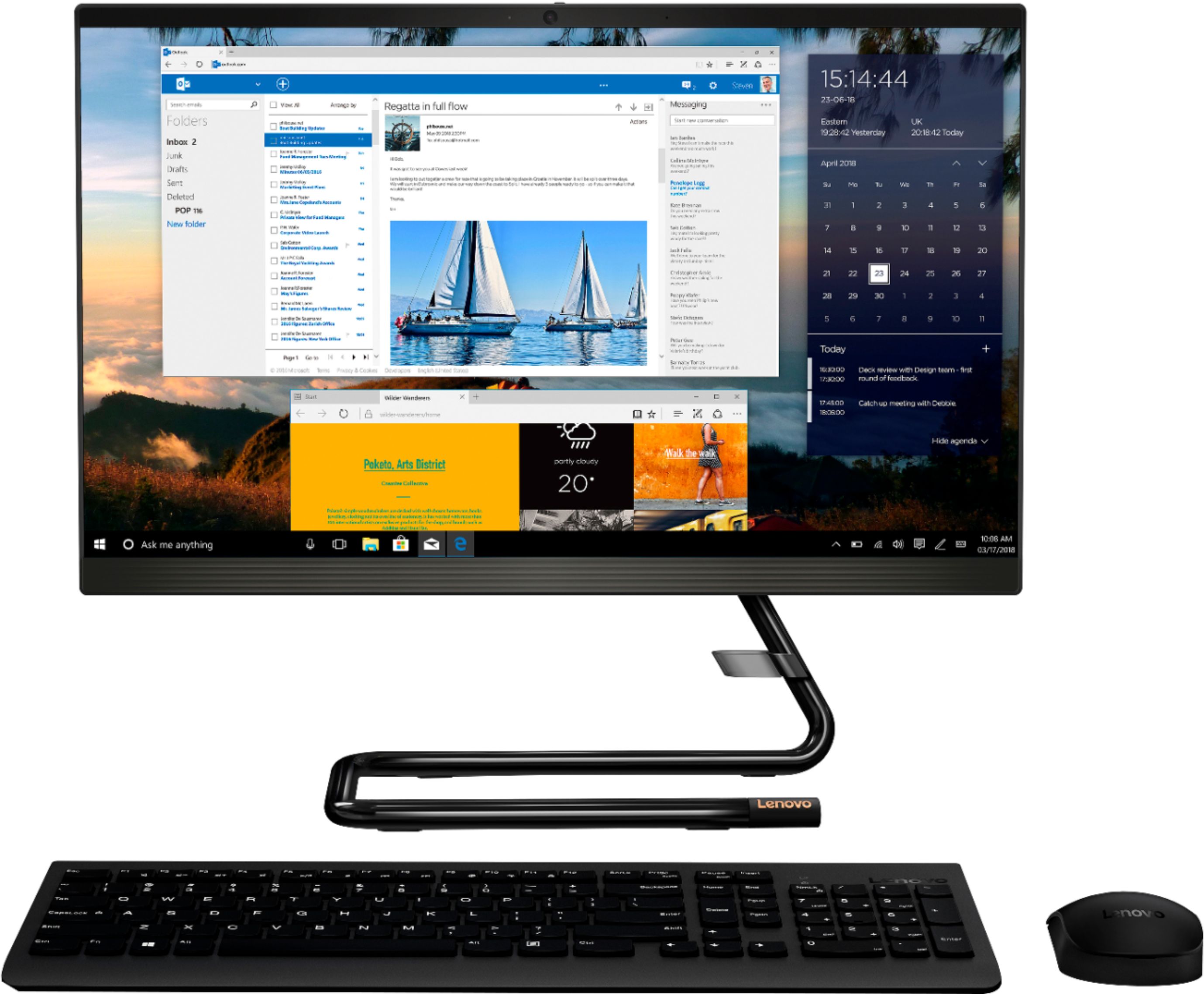
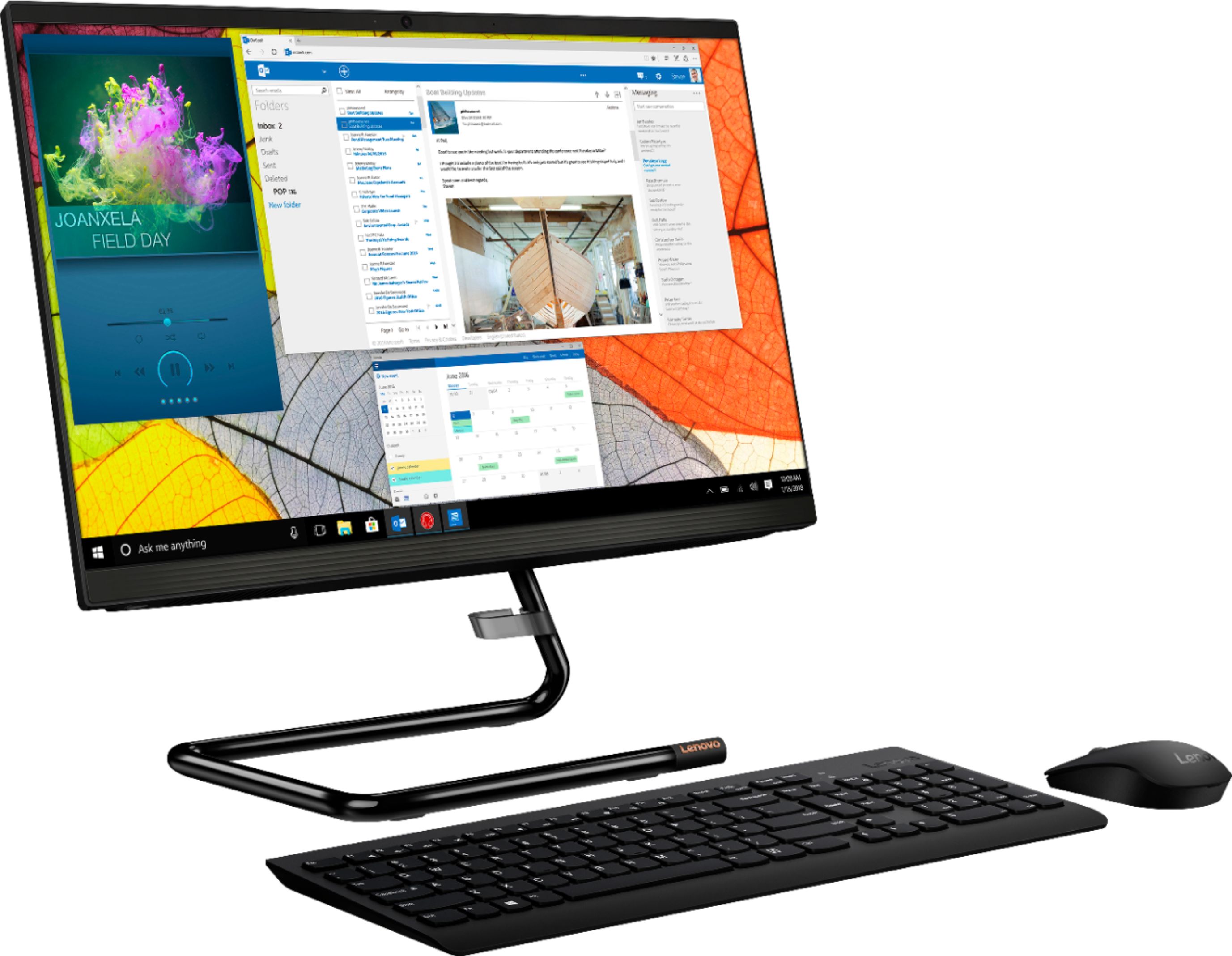
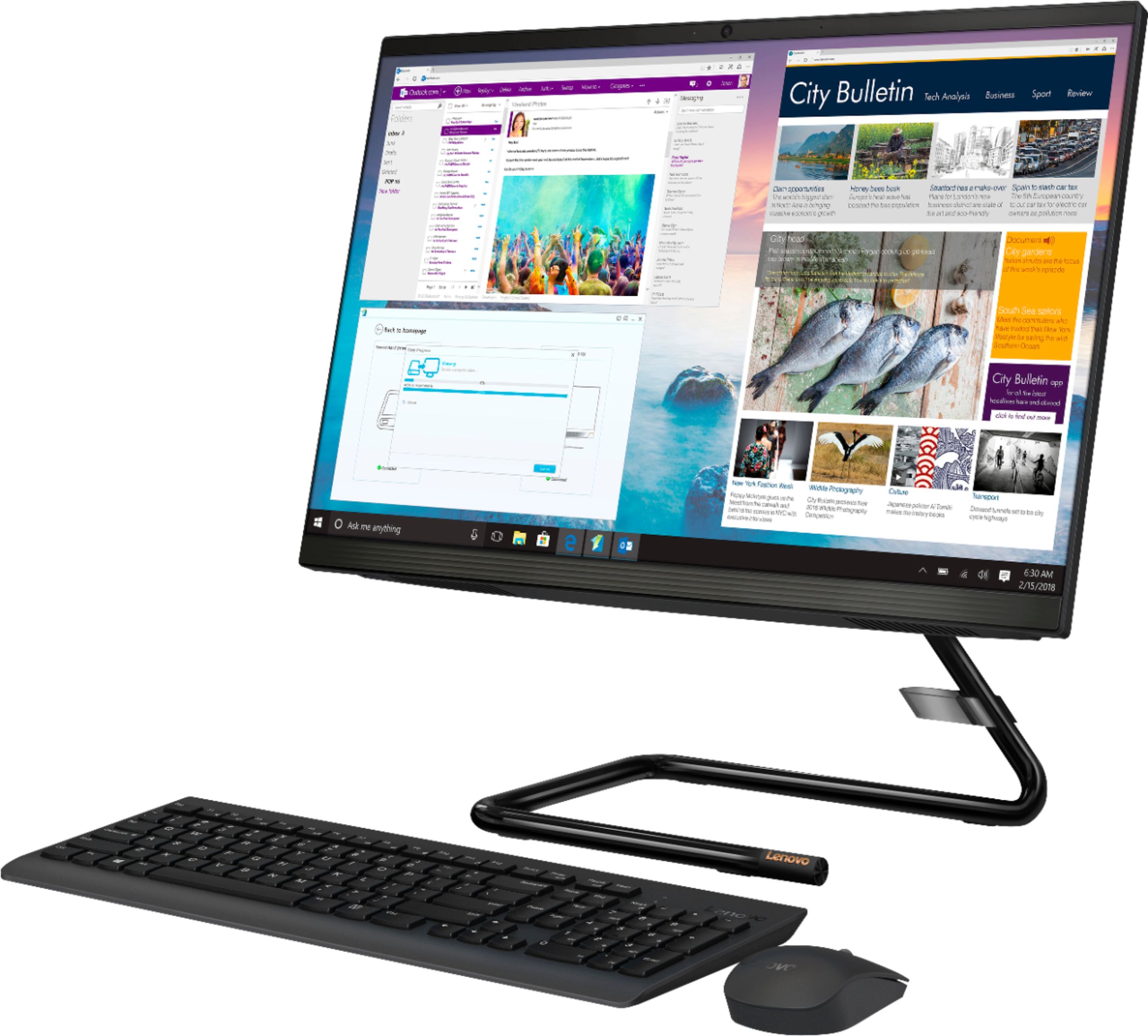
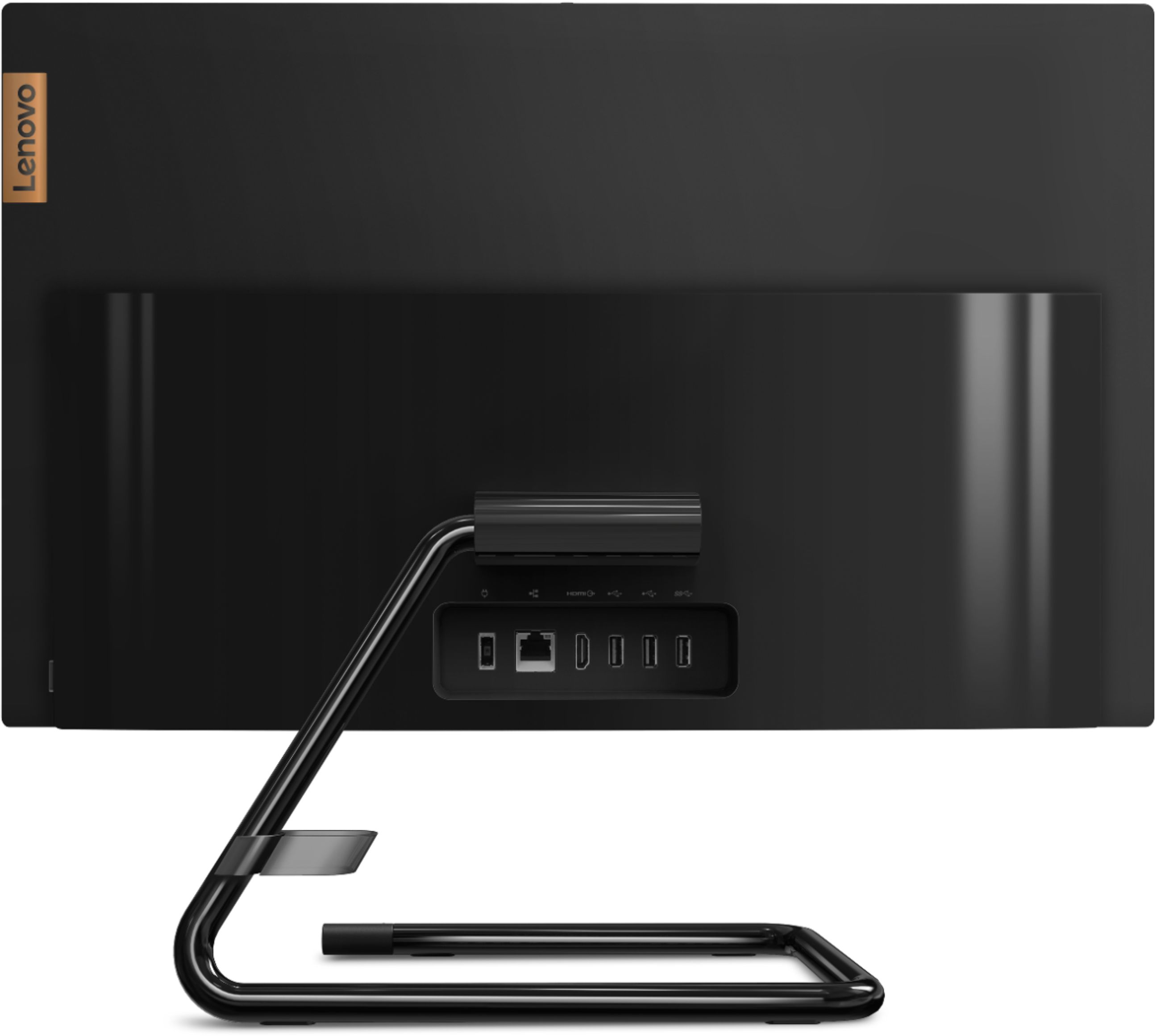
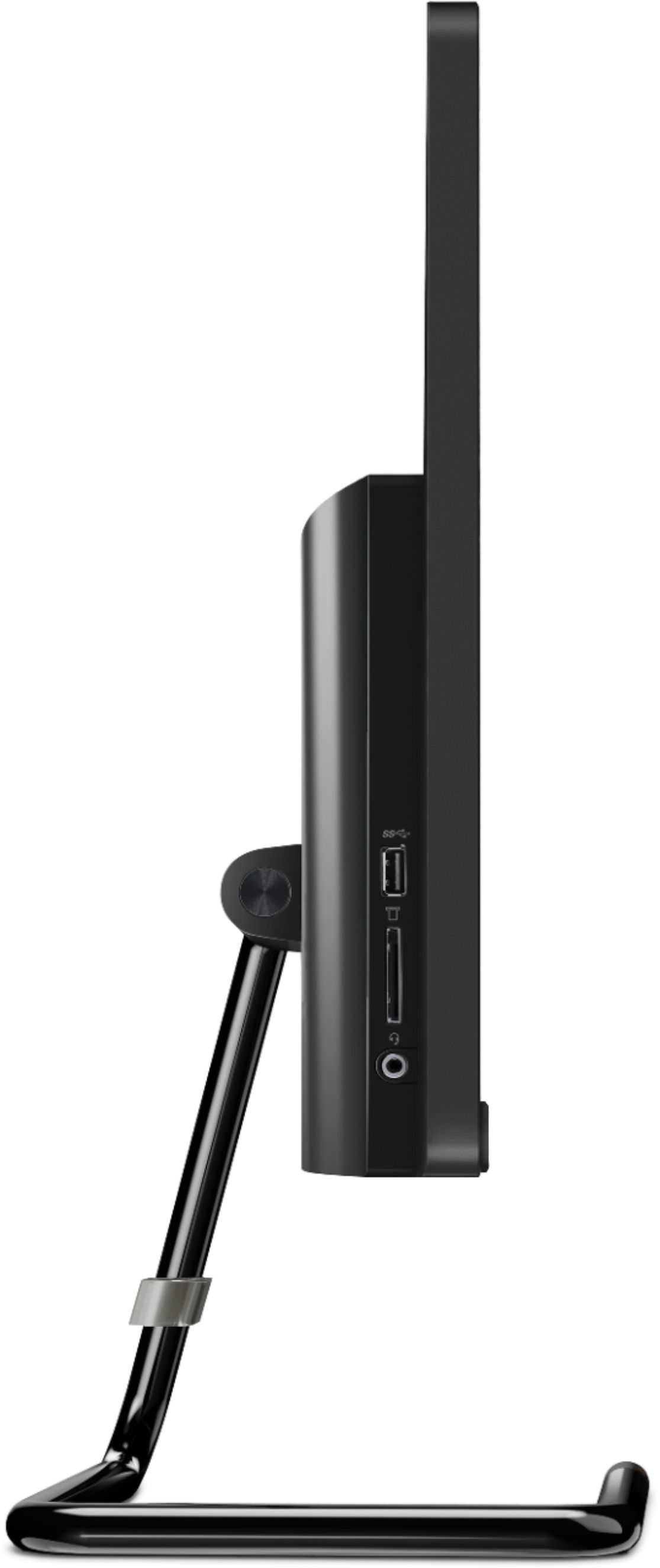
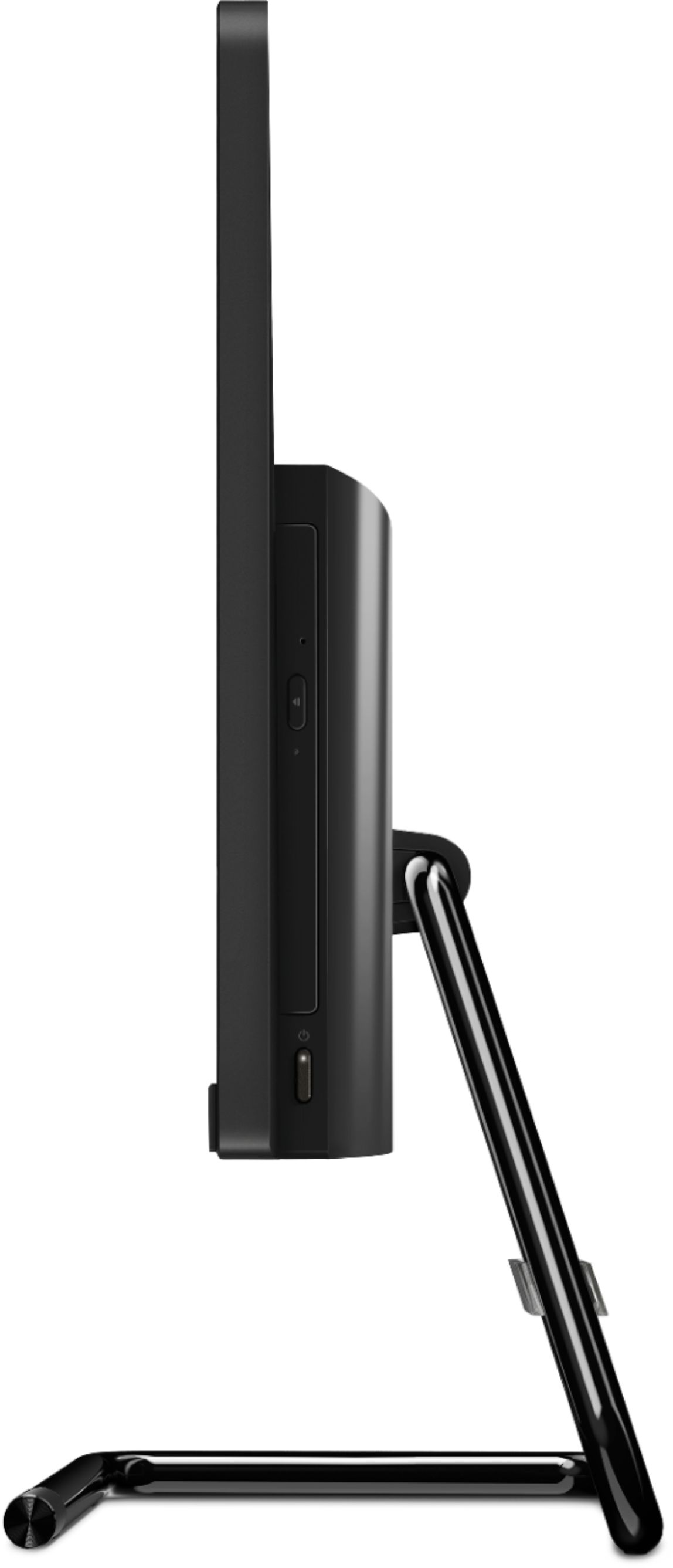

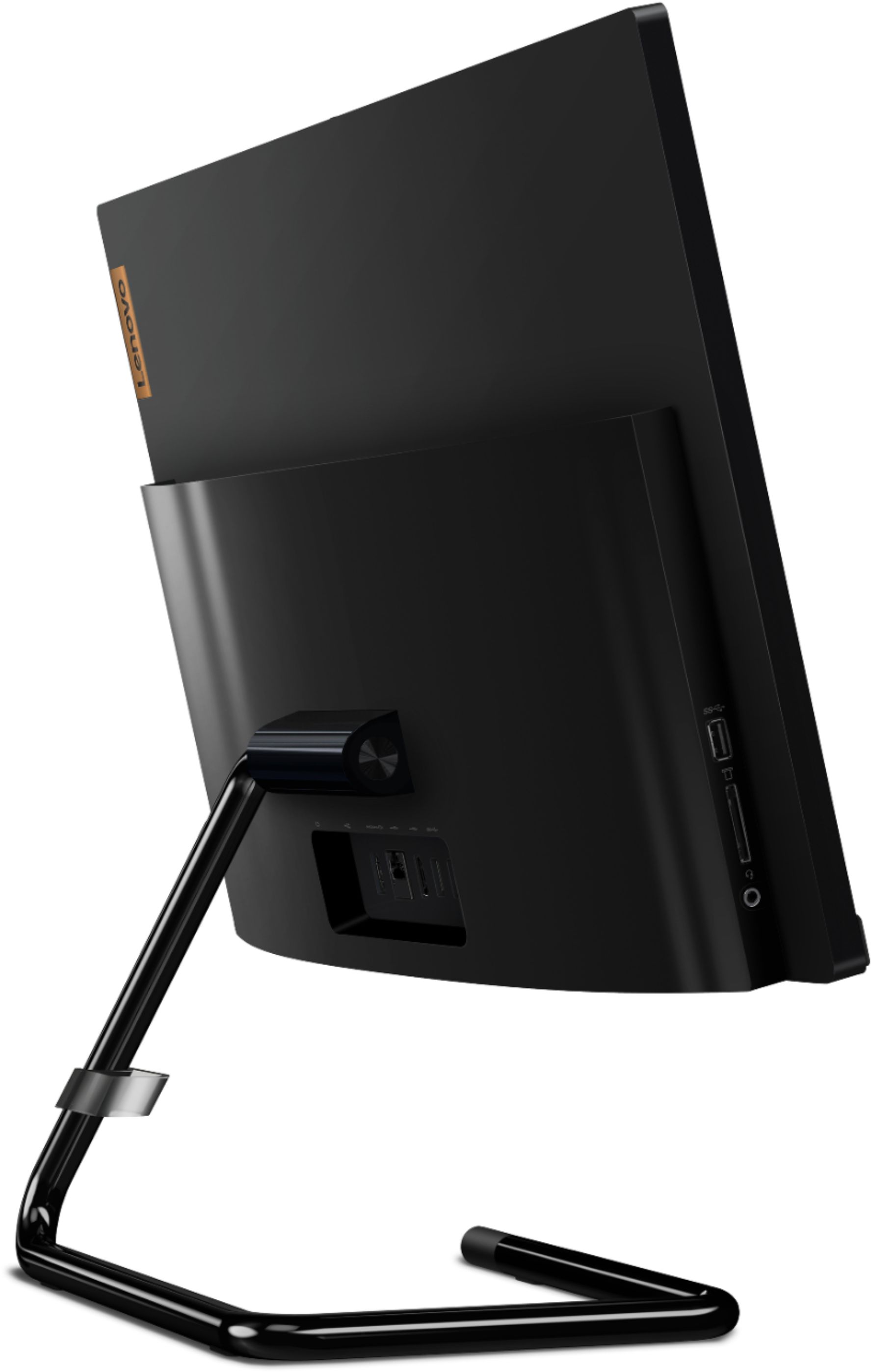
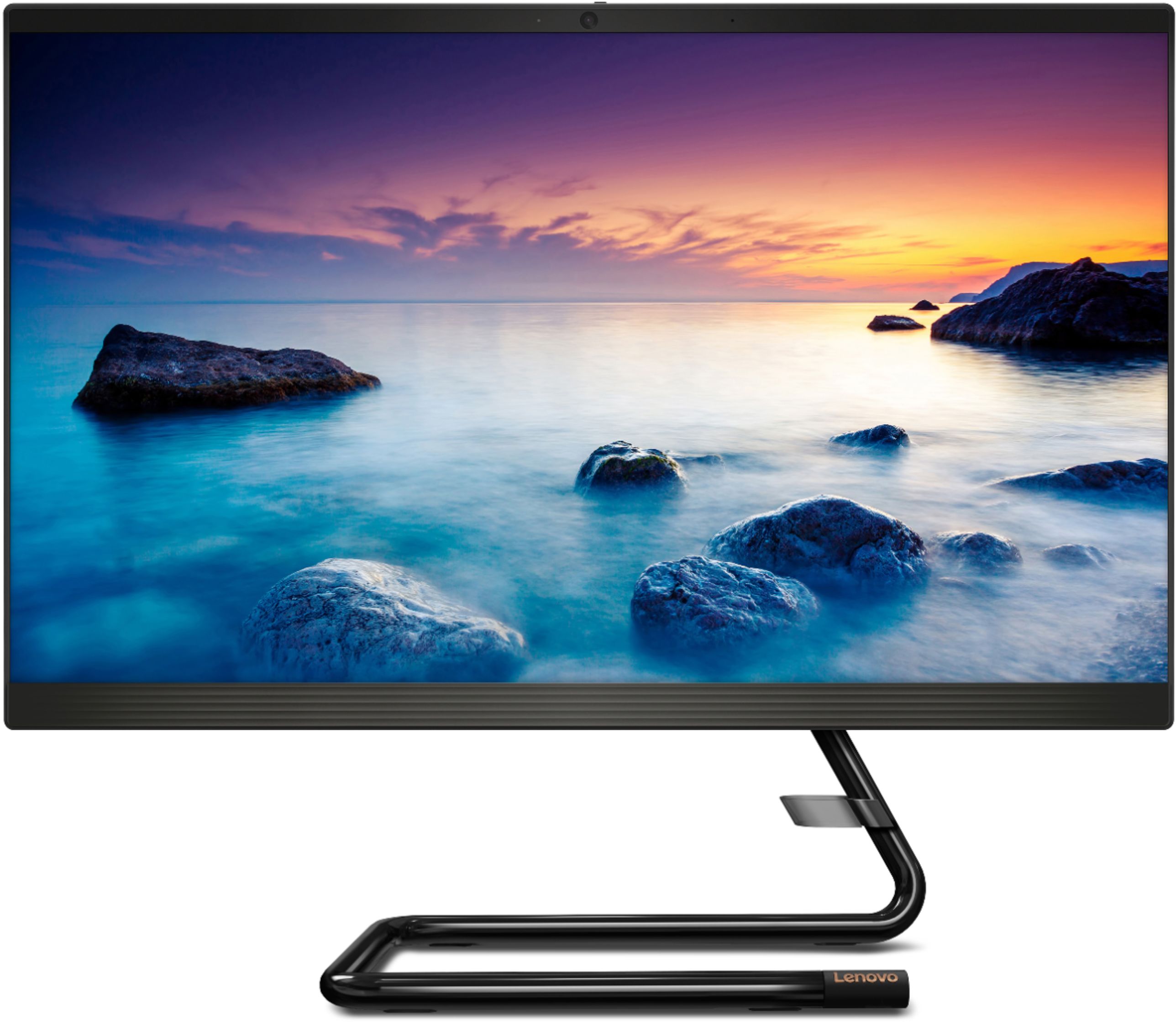
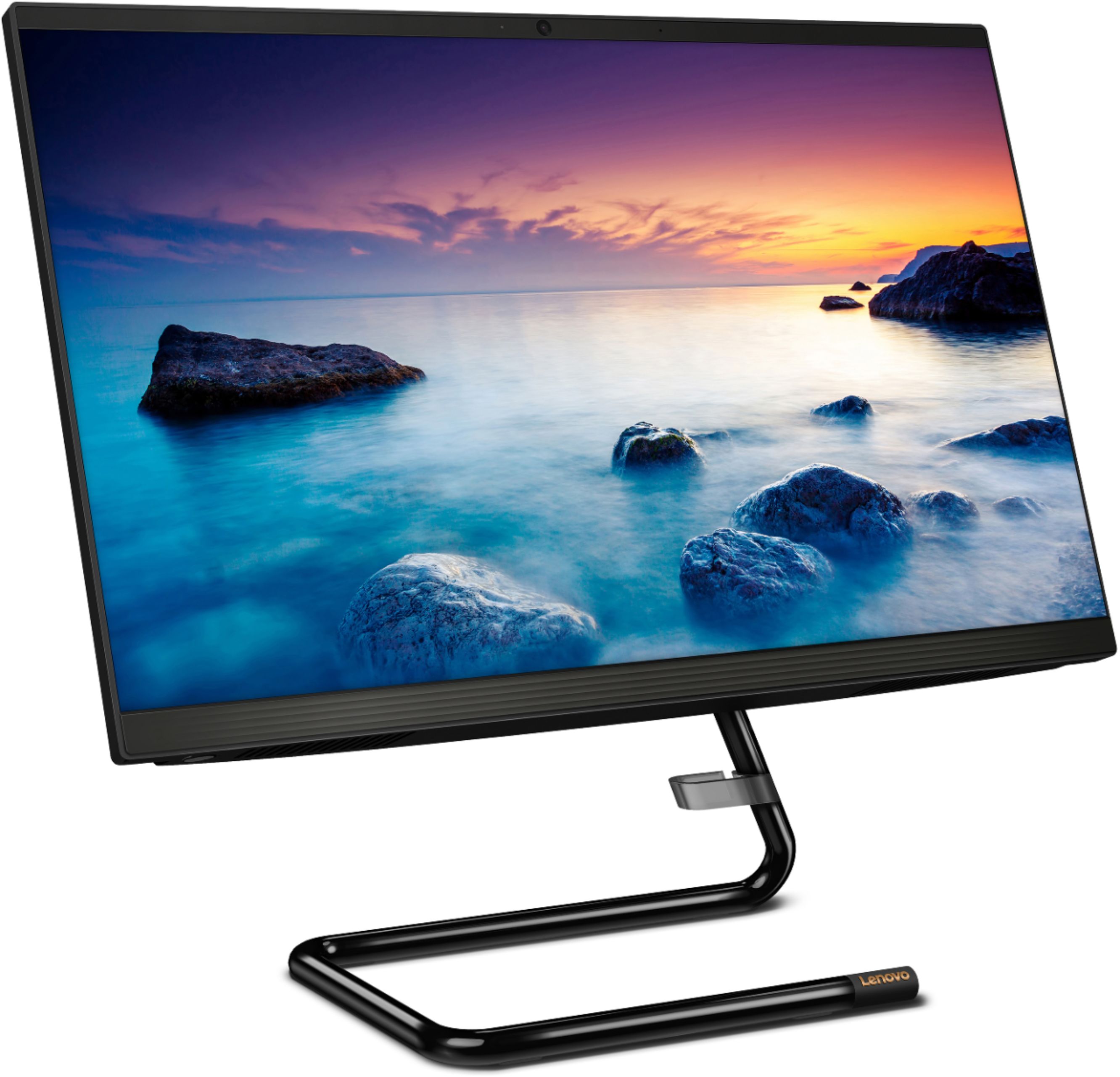
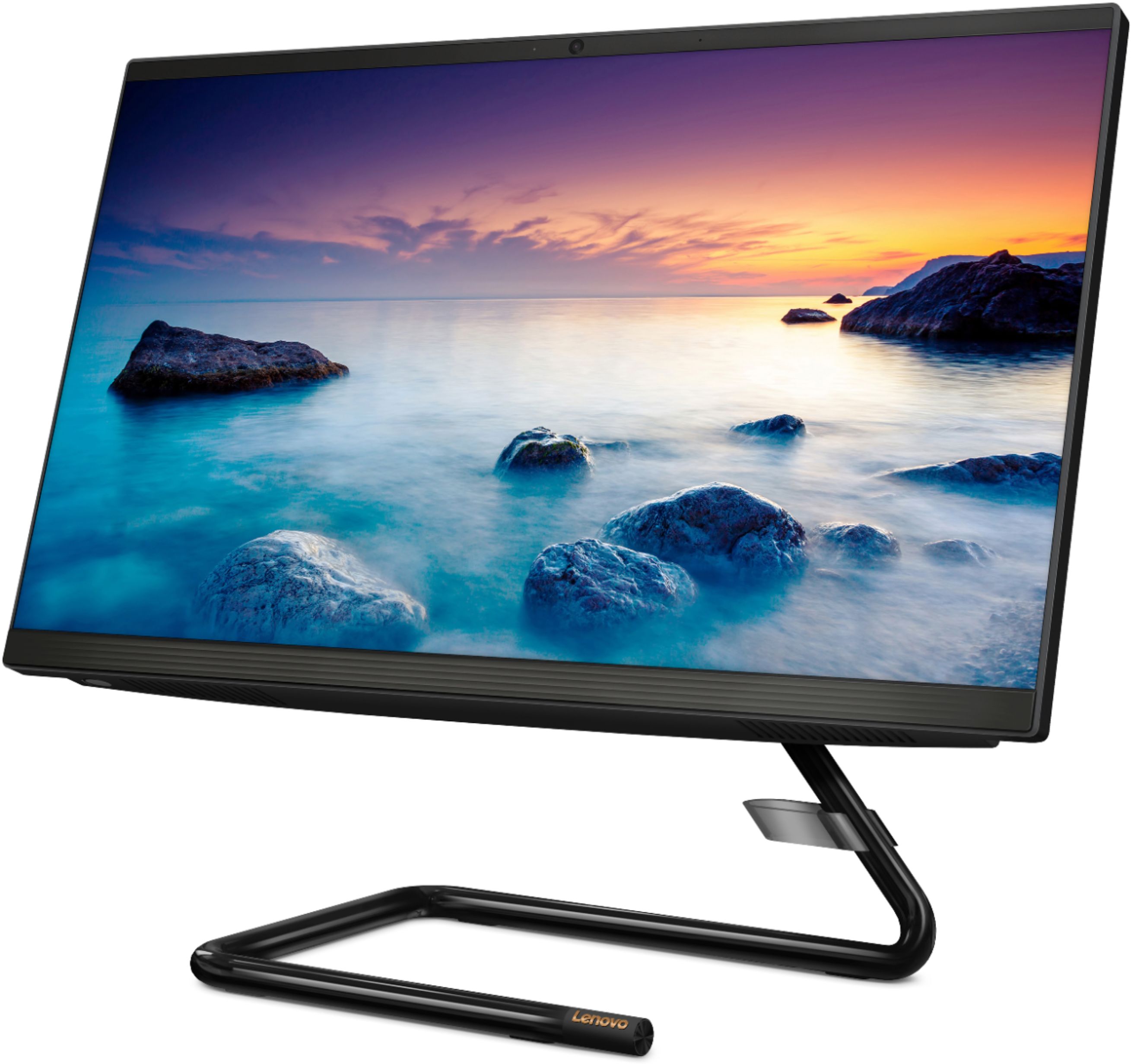

- Model:
- F0EA003RUS
- SKU:
- 6398131
Rating by feature
- Value
Rating 4.3 out of 5 stars
- Quality
Rating 4.2 out of 5 stars
- Ease of Use
Rating 4.3 out of 5 stars
Customers are saying
Customers highly value the IdeaCentre A340's ease of use and touchscreen functionality, frequently praising its performance and attractive price. Positive feedback also highlights the compact size and sleek design, making it a convenient and appealing option. While some users noted slow boot times and limitations with the processor and available USB ports, the overall experience appears positive for many buyers.
This summary was generated by AI based on customer reviews.
Great compact device
||Posted . Owned for 1 month when reviewed.This reviewer received promo considerations or sweepstakes entry for writing a review.This is a great compact device that doesn’t compromise on storage space. Far too many others like it only have 256GB SSDs compared to this 1TB Hard Disk. The built-in Optical drive is an added bonus, just wished it was Blu-Ray and not just A DVD-RW.
I would recommend this to a friendBrand response from Lenovo Product Expert
Posted .Hello! Thanks for choosing the Lenovo IdeaCentre A340 All-In-One. We are pleased to hear the features and performance of the A340 All-In-One are meeting your computing needs so well!

- Cons mentioned:Speed
All in one computer
||Posted .This reviewer received promo considerations or sweepstakes entry for writing a review.Floor model. Price was very good. Yet, very slow. Not plug and play. No on screen help, as far as set-up. Also, not wireless. Need's a little plugin device, sadly, can't get computer to open set up???? Probably goings to sell this crap and start over.
No, I would not recommend this to a friendBrand response from Lenovo Product Expert
Posted .The Lenovo IdeaCentre A340-22 All-In-One system will boot from off to the Windows 10 Desktop Screen in less than 40-seconds. The IdeaCentre A340-22 AIO model number F0EA003RUS, ships with a wireless keyboard and mouse. Be sure to plug in the wireless USB receiver into a USB port on the computer. You can find the USB wireless receiver stored in the battery compartment of the wireless mouse. Both the keyboard and mouse will work off of the one USB wireless receiver. Here is a link to Windows 10 Recovery Options, try restoring your computer back to original settings: https://support.microsoft.com/en-us/windows/recovery-options-in-windows-31ce2444-7de3-818c-d626-e3b5a3024da5#ID0EDD=Windows_10. If you continue to have issues, we recommend you contact lenovo Tech Support at: 866-426-0911.
- Cons mentioned:Speed
All right
||Posted . Owned for 3 weeks when reviewed.This reviewer received promo considerations or sweepstakes entry for writing a review.You can’t game in this desktop as it is very slow and not made for gaming. Good for working and etc.
I would recommend this to a friendBrand response from Lenovo Product Expert
Posted .The Lenovo IdeaCentre A340-22 All-In-One system, model number F0EA003RUS, is an entry level, light use system with its Intel Pentium processor. It is not meant for multi-tasking or demanding programs. It is good for Microsoft Office and light internet browsing. If this describes your computing needs, the Lenovo IdeaCentre A340-22 All-In-One system would be a good choice. We always recommend you check the requirements and compatibility of any software/games you will be installing on your new computer, before you invest in any computer. Be sure your new computer can support the software/games you will need to use.
- Cons mentioned:Ram
Do not recommend this computer to anyone
||Posted . Owned for 2 months when reviewed.This reviewer received promo considerations or sweepstakes entry for writing a review.This computer was not worth the money I spent. It's slower than the computer it replaced that was 8 years old with only 6 gig of ram. This has 8 gig and it can take five minutes or more for the computer to respond to an action as simple as clicking on the start menu. It's super slow and laggy and a total waste and disappointment. I wouldn't recommend this at all to anyone ever. I regret this purchase every time I turn on the computer. I turn it on, try to log in with my password even though it's set to no password needed, and I get just a blue screen with a mouse pointer, I turn it on and sometimes get nothing but a black screen. Sometimes it takes twenty minutes just to shut down. So disappointed with this but desperately needed a computer to replace the old when it died and the Dell's were sold out so I settled with this and it became an instant regret.
No, I would not recommend this to a friendBrand response from Lenovo Product Expert
Posted .The Lenovo IdeaCentre A340-22 All-In-One system will boot from off to the Windows 10 Desktop Screen in less than 40-seconds. If you are experiencing slower boot times and generally slower functionality of the computer when doing tasks, be sure any software you installed is compatible with Windows 10. There is no need to install Microsoft Office software. The software is already part of the operating system, you just need to activate the software with a purchased product key. If you have installed a copy of Microsoft Office, this is conflicting with the existing copy on the system and this will slow your system down. If you have installed a 3rd party anti-virus program, be sure that Windows Defender is turned off and that the trial version of McAfee Anti-Virus software is uninstalled. There can only be one anti-virus program on the system. You may need to restore your system to original factory default settings if any of the programming errors have occurred. You can do that by typing "restore" in the Cortana search window. Just click on the magnifying glass icon at the bottom left of your Windows 10 Desktop. Click on "Reset This PC" Then click on "Get Started" and follow the on screen directions to restore to factory defaults. If the problem persists, we recommend you contact Lenovo Tech Support at: 877-453-6686.
Great computer for my mother.
||Posted . Owned for 2 weeks when reviewed.This reviewer received promo considerations or sweepstakes entry for writing a review.My 90 year old mother’s computer died. This was a great replacement. Just wish the screen was larger as her vision is declining.
I would recommend this to a friend- Cons mentioned:Boot time, Speed
Horrible
||Posted . Owned for 9 months when reviewed.This reviewer received promo considerations or sweepstakes entry for writing a review.Terrible…I bought a Pentium but they forgot to tell me was a “lentium” because it’s VERY SLOW even with nothing inside! Take almost 15 minutes to completely turn on and to be able to use the internet!! I don’t recommend this item!!
No, I would not recommend this to a friendBrand response from Lenovo Product Expert
Posted .The Lenovo IdeaCentre A340 22 All-In-One system will boot from off to the Windows 10 Desktop Screen in less than 40-seconds. If you are getting slower boot times, be sure any software you installed is compatible with Windows 10. There is no need to install Microsoft Office software. The software is already part of the operating system, you just need to activate the software with a purchased product key. If you have installed a copy of Microsoft Office, this is conflicting with the existing copy on the system and this will slow your system down. If you have installed a 3rd party anti-virus program, be sure that Windows Defender is turned off and that the trial version of McAfee Anti-Virus software is uninstalled. There can only be one anti-virus program on the system. You may need to restore your system to original factory default settings if any of the programming errors have occurred. You can do that by typing "restore" in the Cortana search window. Just click on the magnifying glass icon at the bottom left of your Windows 10 Desktop. Click on "Reset This PC" Then click on "Get Started" and follow the on screen directions to restore to factory defaults. If the problem persists, we recommend you contact Lenovo Tech Support at: 877-453-6686.
- Cons mentioned:Speed
Nice but slow
||Posted . Owned for 2 months when reviewed.This reviewer received promo considerations or sweepstakes entry for writing a review.Nice computer with several options but moves very slow!
No, I would not recommend this to a friendBrand response from Lenovo Product Expert
Posted .The Lenovo IdeaCentre A340-22 All-In-One system model number F0EA003RUS, ships with the entry-level 4-Core Intel Pentium J5005 processor, with a base speed of 1.5GHz and a boost speed of up to 2.8GHz. This processor is supported by 8GB DDR4-2666MHz RAM. It is not meant for multi-tasking or demanding programs. It is good for Microsoft Office and light internet browsing. Elegant yet simple, the stand and base of the IdeaCentre all in one A340 is sure to impress—and save on desk space. Whether it’s for work, entertainment, or family video-chats, this eye-catching PC will look great in any room in your home. If this describes your computing needs, the Lenovo IdeaCentre A340-22 All-In-One system would be a good choice.
- Cons mentioned:Speed
Extremely slow and screen blackouts.
||Posted . Owned for 1.5 years when reviewed.This reviewer received promo considerations or sweepstakes entry for writing a review.Horrible computer. This computer right out of the box had trouble loading. I got it all set up and it was extremely slow and lagging and couldn’t function well. I tried opening up the internet browser and it took several minutes just to load google. The entire screen goes black often. I restarted the computer and nothing but the cursor would show up on a purely black screen. I researched that many Lenovo computers have this problem. After 20 minutes of doing nothing, the computer finally showed the regular screen it should. It continues to be so slow, however, that it’s not even functional. I feel like this was a complete waste of $400+ As it’s completely unusable due to these issues.
No, I would not recommend this to a friendBrand response from Lenovo Product Expert
Posted .We are sorry to hear that you are having issues with your Lenovo IdeaCentre A340 22 All-In-One System, model number F0EA003RUS. Be sure any software you installed is compatible with Windows 10. There is no need to install Microsoft Office software. The software is already part of the operating system, you just need to activate the software with a purchased product key. If you have installed a copy of Microsoft Office, this is conflicting with the existing copy on the system and this will slow your system down. If you have installed a 3rd party anti-virus program, be sure that Windows Defender is turned off and that the trial version of McAfee Anti-Virus software is uninstalled. There can only be one anti-virus program on the system. Here is a link to instructions for uninstalling McAfee from a Windows computer: https://service.mcafee.com/?articleId=TS101331&page=shell&shell=article-view You may need to restore your system to original factory default settings if any of the programming errors have occurred. You can do that by typing "restore" in the Cortana search window. Just click on the magnifying glass icon at the bottom of your Windows 10 Desktop. Click on "Reset This PC" Then click on "Get Started" and follow the on screen directions to restore to factory defaults. If the problem persists, we recommend you contact Lenovo Tech Support at: 877-453-6686.
Desktop
||Posted .This reviewer received promo considerations or sweepstakes entry for writing a review.The .......,,,,desktop ........computer........ is ........working .........great .........so ........far........
I would recommend this to a friendGood With a Few Issues
||Posted . Owned for 2 months when reviewed.This reviewer received promo considerations or sweepstakes entry for writing a review.This All in One Lenovo computer doesn't give me any problems and has worked perfectly. There are two issues I'm not happy with. The picture quality is very good, but there's a yellowish tint over the whole monitor. I guess it's the anti-glare feature. Also, the sound is very week. Seems more like one watt per channel. I have to use powered computer speakers most of the time.
No, I would not recommend this to a friendBrand response from Lenovo Product Expert
Posted .We are sorry to hear that you are having issues with your Lenovo IdeaCentre A340-22 All-In-One system model number F0EA003RUS. Concerning the yellow tint you are seeing from the screen image, be sure auto-brightness/adaptive brightness is turned off. Here is a link to instructions for turning off auto brightness/adaptive brightness within Windows 10: https://www.minitool.com/news/disable-adaptive-brightness-windows-10.html. This model ships with stereo, High Definition (HD) Audio 3W system speakers. If you are getting less than expected performance from the system audio, check to be sure you have the latest version of Windows 10 on the computer. Then update all BIOS files and drivers up to that latest version of Windows 10. You can easily accomplish this by scanning the computer with the Lenovo Utility software available on this computer. This system has Lenovo utilities installed to help maintain the health of the device and keep the operating system software up to date. Type "Lenovo Vantage" in the Cortana Search window (if Lenovo Vantage is not installed on your device, you can download the APP and install it now). Select Lenovo Vantage from the list. In the window that opens, click on "Health and Support". In the expanded menu, select "Hardware Scan" In the window that opens, select "Run Quick Tests". This will scan your entire system for errors. Follow any directions that may pop up. If the problem continues after this scan, now click on "System Update". First select Windows update from the menu. Scan your system to be sure you have the latest version of Windows 10. Once that scan is complete, select "Additional Updates". This will scan your device to be sure there are no new BIOS/Driver updates needed. Follow any instructions that may pop up. If the issue still continues after these updates, we recommend you call Lenovo Tech Support at: 877-453-6686 for additional help.
Great choice for value in a student desktop.
||Posted . Owned for 1 month when reviewed.This reviewer received promo considerations or sweepstakes entry for writing a review.Exceptional value desktop for high school student to do regular school work and also design projects, as well. Software included all he wanted and more. We’ve been really pleased - especially for the price.
I would recommend this to a friendBrand response from Lenovo Product Expert
Posted .Thank you for choosing the Lenovo IdeaCentre A340-22IGM 21.5 in. Touch Screen All-In-One. We are pleased to hear that the specifications and features of the Lenovo IdeaCentre A340-22IGM 21.5 in. Touch Screen All-In-One meet your computing needs so well.
Ok
||Posted . Owned for 3 weeks when reviewed.This reviewer received promo considerations or sweepstakes entry for writing a review.So far liking my all in one. Service was extremely slow both times there but friendly once you did get helped.
I would recommend this to a friendOnline Classes Approve
||Posted . Owned for 3 weeks when reviewed.This reviewer received promo considerations or sweepstakes entry for writing a review.Bought this computer for my 10 year old son for his online classes at first i was not sure because im not familiar with the brand but let's just say i do not regret this purchase.
I would recommend this to a friendCheyenne
||Posted . Owned for 1 month when reviewed.This reviewer received promo considerations or sweepstakes entry for writing a review.Product is fine. Good quality for the price. However product delivery was not as promised and transition delayed.
I would recommend this to a friendDisappointed
||Posted . Owned for 5 months when reviewed.This reviewer received promo considerations or sweepstakes entry for writing a review.The PC shuts down on its own. It just dies. Best Buy Geek Squad could not find any issues and Lenovo was absolutely no help whatsoever. Cant say I would recommend it. I will never ever buy Lenovo again. When it works it’s fine but the unwanted shutdowns make this a bad product. #Dissatisfaction #Disappointed
No, I would not recommend this to a friendBrand response from Lenovo Product Expert
Posted .We are sorry to hear that you are having issues with your Lenovo IdeaCentre A340-22 All-In-One system. This model ships with Windows 10 Operating System and should not automatically shut down. Be sure any software you installed is compatible with Windows 10. There is no need to install Microsoft Office software. The software is already part of the operating system, you just need to activate the software with a purchased product key. If you have installed a copy of Microsoft Office, this is conflicting with the existing copy on the system and this will slow your system down. If you have installed a 3rd party anti-virus program, be sure that Windows Defender is turned off and that the trial version of McAfee Anti-Virus software is uninstalled. There can only be one anti-virus program on the system. You may need to restore your system to original factory default settings if any of the programming errors have occurred. You can do that by typing "restore" in the Cortana search window. Just click on the magnifying glass icon at the bottom left of your Windows 10 Desktop. Click on "Reset This PC" Then click on "Get Started" and follow the on screen directions to restore to factory defaults. If the problem persists, we recommend you contact Lenovo Tech Support at: 877-453-6686.
Great Experience
||Posted . Owned for 1 month when reviewed.This reviewer received promo considerations or sweepstakes entry for writing a review.We purchased a new computer. The sales tech was so helpful and friendly. We also had someone from the geek squad come and set it up and move files over. Great experience. Thanks
I would recommend this to a friendBrand response from Lenovo Product Expert
Posted .Thank you for choosing the Lenovo IdeaCentre A340 22 All-In-One System. We are pleased to hear that the IdeaCentre A340 22 AIO is working out so well for you.
Lenovo is Worth It
||Posted . Owned for 3 weeks when reviewed.This reviewer received promo considerations or sweepstakes entry for writing a review.Easy to set up and working. Nice screen resolution and speed is good. Very happy with this purchase at this time.
I would recommend this to a friendBrand response from Lenovo Product Expert
Posted .Hello! Thanks for choosing the Lenovo IdeaCentre A340 All-In-One. We are pleased to hear the features and performance of the A340 All-In-One are meeting your computing needs so well
Lenovo Computer
||Posted . Owned for 1 month when reviewed.This reviewer received promo considerations or sweepstakes entry for writing a review.Nice computer, although I would've rather bought this from the brick and mortar store instead of online.
I would recommend this to a friend- Pros mentioned:Performance
Good for the money
||Posted . Owned for 1 month when reviewed.This reviewer received promo considerations or sweepstakes entry for writing a review.Good for the money. Works well for simple tasks. Not so much for complex one
I would recommend this to a friend - Cons mentioned:Speed
Wouldn’t purchase again
||Posted . Owned for 1 year when reviewed.This reviewer received promo considerations or sweepstakes entry for writing a review.It is ok. One year after purchasing I had to have tech to completely wipe it clean and reinstall office. It was completely slow. And I still have problems with it. If I could return it now I would definitely do it!
No, I would not recommend this to a friendBrand response from Lenovo Product Expert
Posted .We are sorry to hear that you have had a poor experience with our product. Be sure any software you installed is compatible with Windows 11. Incompatible software will cause the system to not perform properly and impair function. There is no need to install Microsoft Office software. The software is already part of the operating system, you just need to activate the software with a purchased product key. If you have installed a copy of Microsoft Office, this is conflicting with the existing copy on the system and this will slow your system down. If you have installed a 3rd party anti-virus program, be sure that Windows Defender is turned off and that the trial version of McAfee Anti-Virus software is uninstalled. There can only be one anti-virus program on the system. You may need to restore your system to original factory default settings if any of the programming errors have occurred. You can do that by typing "restore" in the search window. Just click on the magnifying glass icon at the bottom of your Windows 11 Desktop. Click on "Reset This PC" Then click on "Get Started" and follow the on screen directions to restore to factory defaults. If the problem persists, we recommend you contact Lenovo Tech Support for additional help at: 877-453-6686.