Customer Ratings & Reviews


- Model:
- F0EA003RUS
- SKU:
- 6398131
Rating by feature
- Value
Rating 4.3 out of 5 stars
- Quality
Rating 4.2 out of 5 stars
- Ease of Use
Rating 4.3 out of 5 stars
Customers are saying
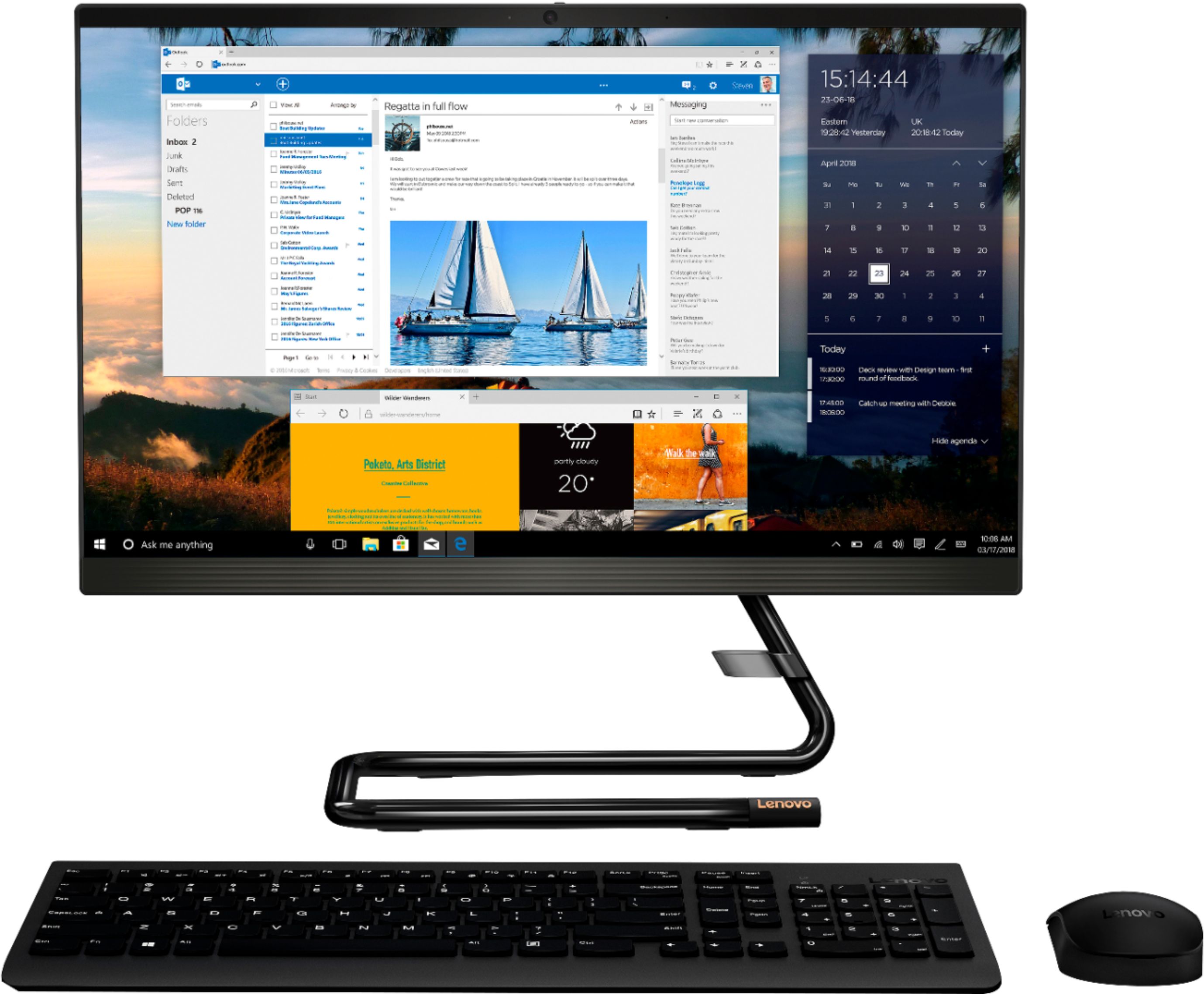
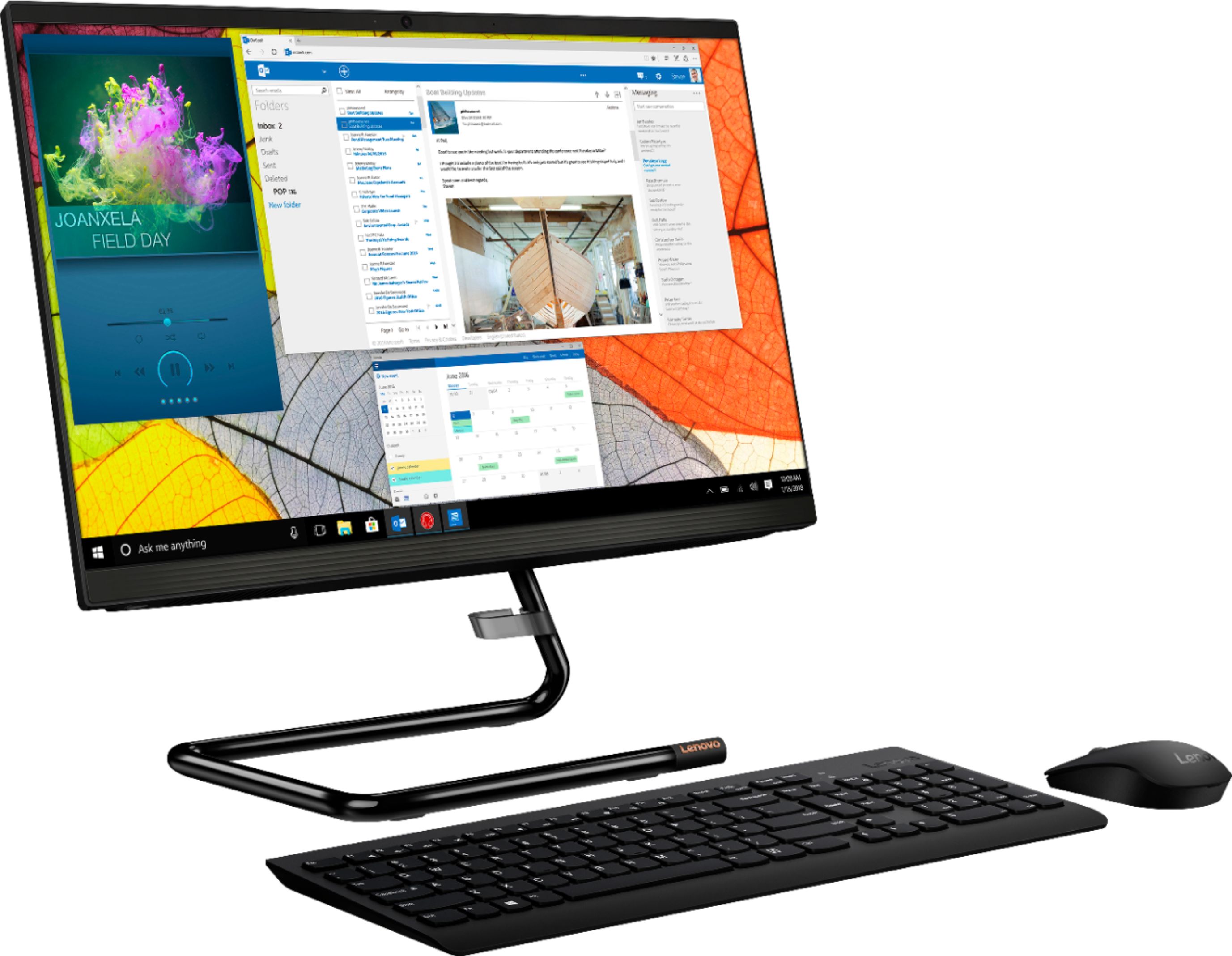
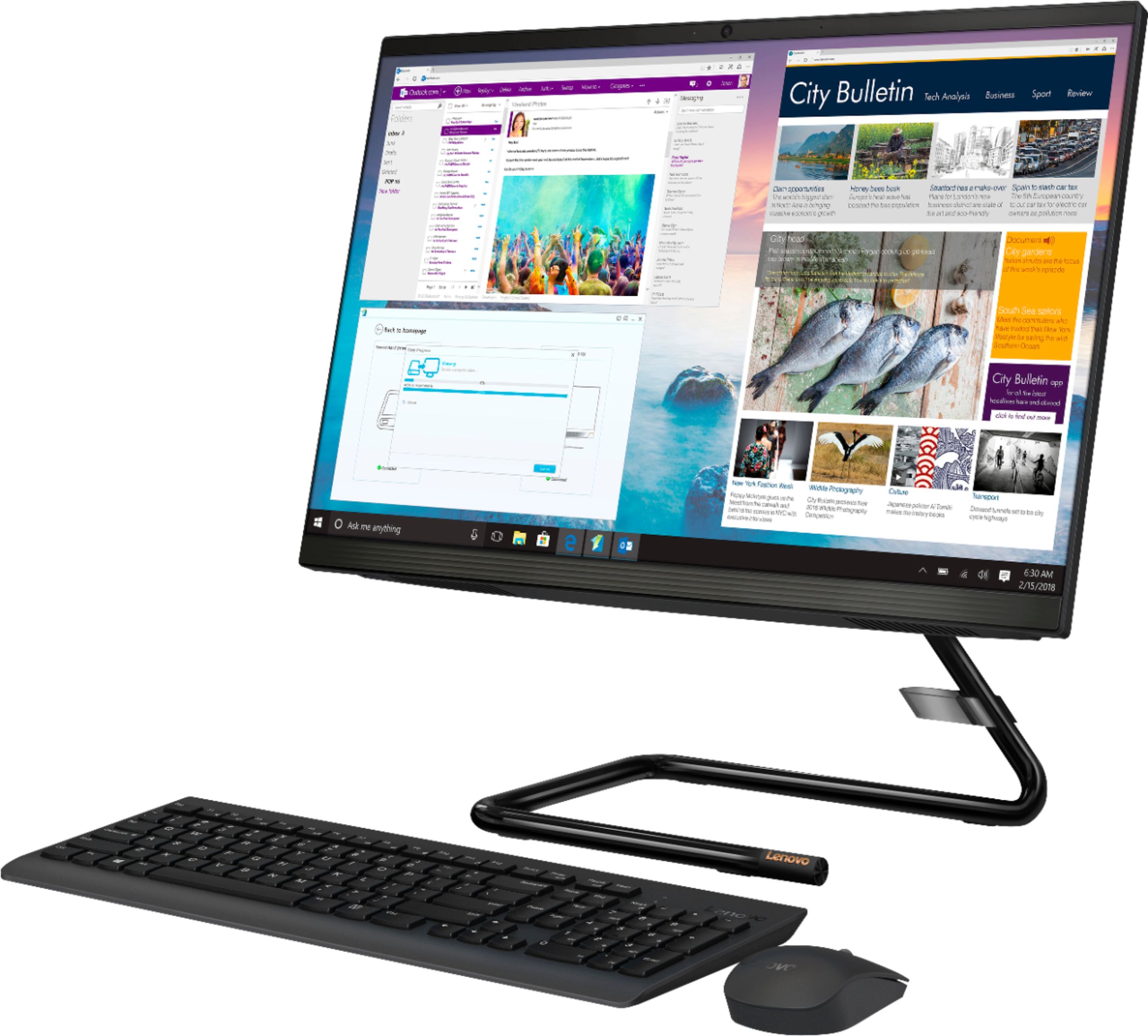
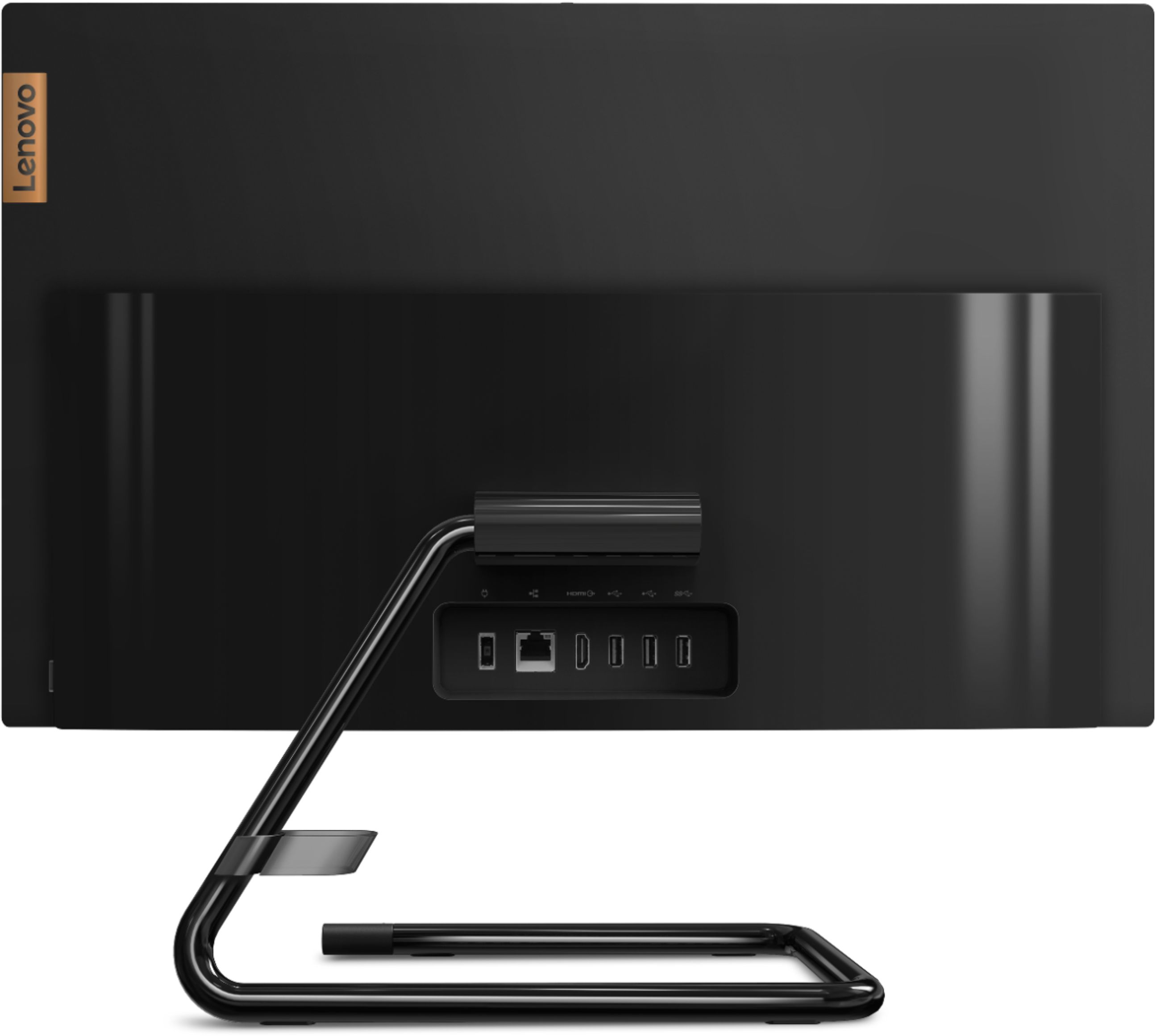
Customers highly value the IdeaCentre A340's ease of use and touchscreen functionality, frequently praising its performance and attractive price. Positive feedback also highlights the compact size and sleek design, making it a convenient and appealing option. While some users noted slow boot times and limitations with the processor and available USB ports, the overall experience appears positive for many buyers.
This summary was generated by AI based on customer reviews.
Space saver
||Posted . Owned for 1 month when reviewed.This reviewer received promo considerations or sweepstakes entry for writing a review.So far so good. I would have preferred a different base stand. The mouse included is okay. I bought another mouse that has a better comfort grip and not as loud when you click. Overall, I am satisfied. Great price!
I would recommend this to a friendBrand response from Lenovo Product Expert
Posted .Thank you for choosing the Lenovo IdeaCentre A340-22 All-In-One system. We are pleased to hear that the IdeaCentre A340-22 AIO meets your computing needs so well.

Overall great product for the price
||Posted . Owned for 1 month when reviewed.This reviewer received promo considerations or sweepstakes entry for writing a review.Easy setup, May need to upgrade keyboard and mouse it seems to have connection issues.
I would recommend this to a friendNice Touch screen
||Posted . Owned for 1 month when reviewed.This reviewer received promo considerations or sweepstakes entry for writing a review.The wife bought it on my card, she seems to like it. Good speed, a total upgrade from her old Gateway
I would recommend this to a friendBrand response from Lenovo Product Expert
Posted .We are pleased to hear that the Lenovo IdeaCentre A340-22 All-In-One system is working out so well for your wife.
Nice product
||Posted . Owned for less than 1 week when reviewed.This reviewer received promo considerations or sweepstakes entry for writing a review.This all in one computer is definitely worth it. I bought it for my mom and she absolutely loves it
I would recommend this to a friendBrand response from Lenovo Product Expert
Posted .Thank you for choosing the Lenovo IdeaCentre A340-22 All-In-One system for your mother. We are pleased to hear that the IdeaCentre A340-22 AIO is working out so well for your mother.
Great computer
||Posted . Owned for 3 weeks when reviewed.This reviewer received promo considerations or sweepstakes entry for writing a review.Great computer and has a lot of storage however does lag sometimes when too many tabs are open. definitely a good computer for school and work related things, anything else wouldn’t recommend
I would recommend this to a friendEasiest set up I've ever had. Love it!
||Posted . Owned for 3 weeks when reviewed.This reviewer received promo considerations or sweepstakes entry for writing a review.My first all in one computer. I LOVE IT! Plugged it in and it was ready to go. It has so many great features. Only had it a couple of weeks but so far it has been the best computer I've ever had. I highly recommend it to all.
I would recommend this to a friendBrand response from Lenovo Product Expert
Posted .Thank you for choosing the Lenovo IdeaCentre A340-22 All-In-One system. We are pleased to hear that the ease of setup, features and performance of the IdeaCentre A340-22 AIO meets your computing needs so well. This is an entry level, light use system with its Intel Pentium processor. It is not meant for multi-tasking or demanding programs. It is good for Microsoft Office and light internet browsing. If this describes your computing needs, the Lenovo IdeaCentre A340-22 All-In-One system would be a good choice.
Terrible career
||Posted . Owned for more than 2 years when reviewed.This reviewer received promo considerations or sweepstakes entry for writing a review.It has been trouble for me from the day I got it. It is the slowest PC I have ever owned. I have had to take it in to get checked out many times. I had to get the hard drive replaced.
No, I would not recommend this to a friendGood basic computer
||Posted . Owned for 3 months when reviewed.This reviewer received promo considerations or sweepstakes entry for writing a review.Purchased as an upgrade for my mother-in-law. Good basic computer for someone who is not a gamer
I would recommend this to a friendBrand response from Lenovo Product Expert
Posted .Thanks for choosing the Lenovo IdeaCentre A340 AIO. We are so happy to hear the features, performance, and user-friendly design of theIdeaCentre A340 AIO is meeting your computing needs so well!
Lenovo - IdeaCentre A340-22IGM 21.5" Touch-Screen
||Posted . Owned for 1 month when reviewed.This reviewer received promo considerations or sweepstakes entry for writing a review.Lenovo - IdeaCentre A340-22IGM 21.5" Touch-Screen All-In-One - Intel Pentium Silver - 8GB Memory - 1TB HDD - Business Black is a functional machine. The screen is bright. The storage is more than enough.
I would recommend this to a friendBrand response from Lenovo Product Expert
Posted .Thanks for choosing the Lenovo IdeaCentre A340 AIO. We are so happy to hear the features, performance, and user-friendly design of the IdeaCentre 340 AIO is meeting your computing needs so well!
Great price! Great quality
||Posted . Owned for 1 month when reviewed.This reviewer received promo considerations or sweepstakes entry for writing a review.This was a very nice machine for the price. It is hearty and sturdy. Because it was for an older person who does not use the computer, I traded the wireless keyboard and mouse for a wired version. Very smooth machine
I would recommend this to a friendBrand response from Lenovo Product Expert
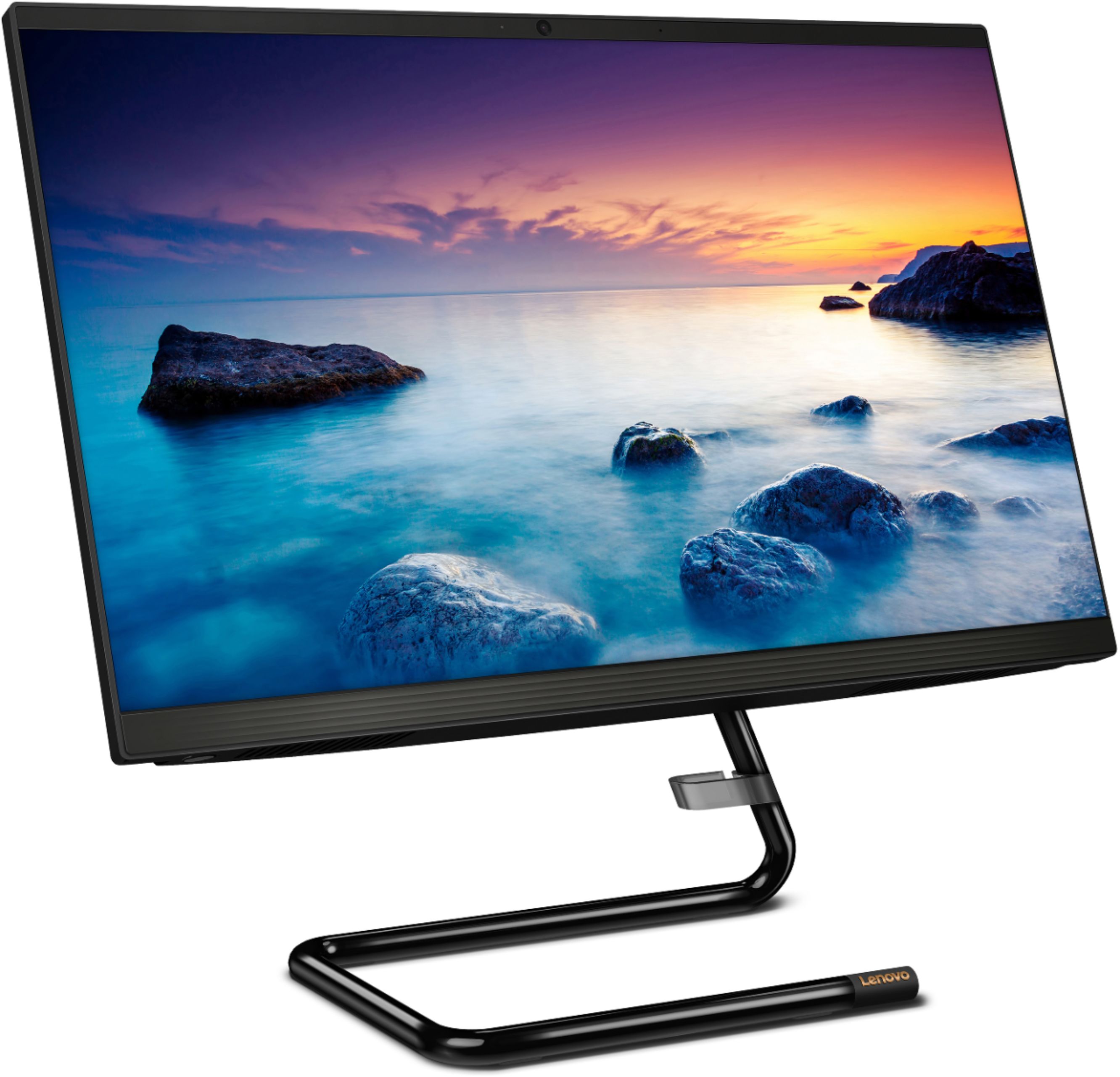
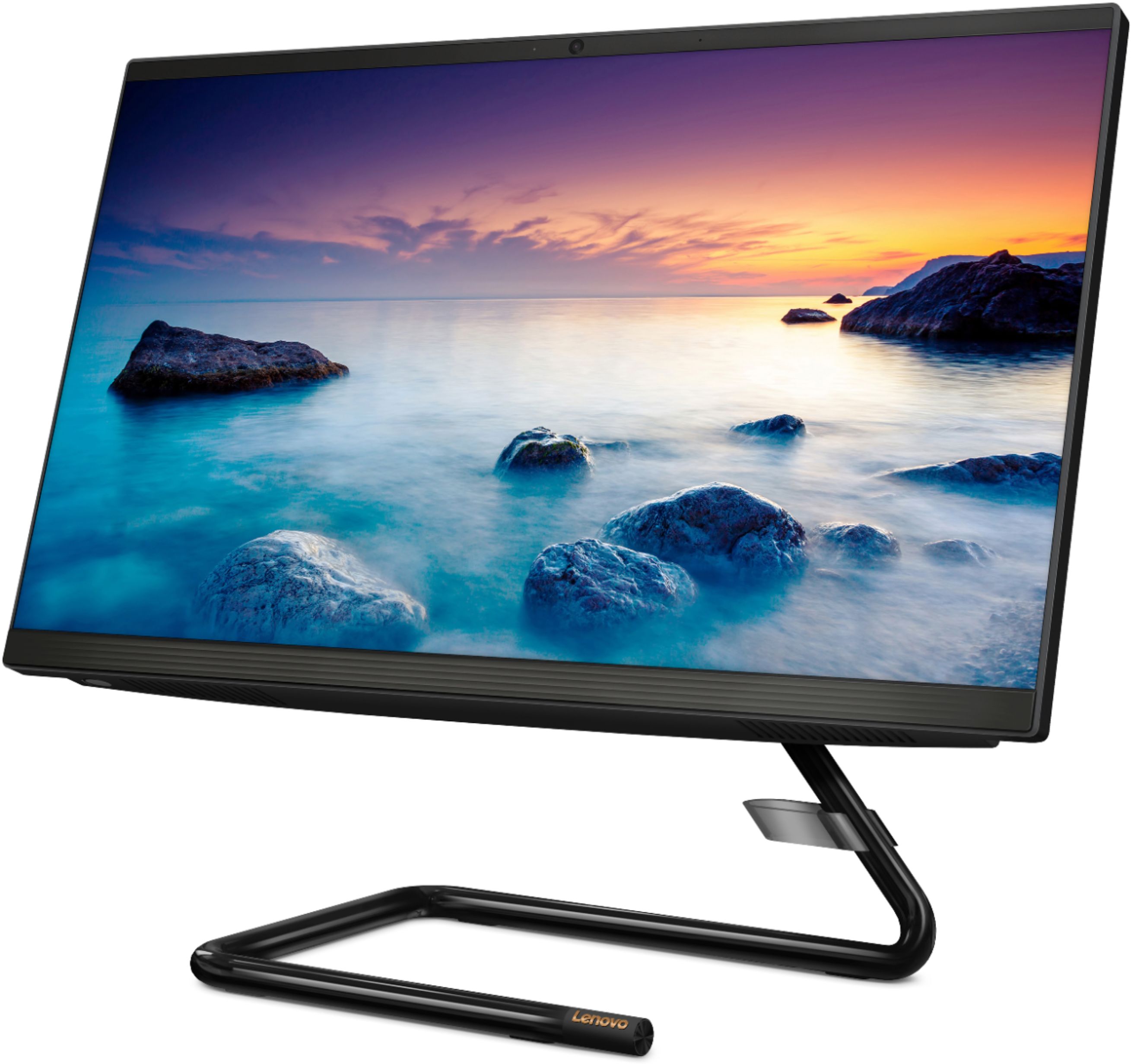
Posted .Thank you for choosing the Lenovo IdeaCentre A340-22 All-In-One system. Elegant yet simple, the stand and base of the IdeaCentre all in one A340 is sure to impress—and save on desk space. Whether it’s for work, entertainment, or family video-chats, this eye-catching PC will look great in any room in your home. This is an entry level, light use system with its Intel Pentium processor. It is not meant for multi-tasking or demanding programs. It is good for Microsoft Office and light internet browsing. If this describes your computing needs, the Lenovo IdeaCentre A340-22 All-In-One system would be a good choice.
None
||Posted . Owned for 1 month when reviewed.This reviewer received promo considerations or sweepstakes entry for writing a review.Always Purchase Best Buy , Like my Store Market Square Canton Georgia , All different products
I would recommend this to a friendLenovo all in One
||Posted . Owned for 1 month when reviewed.This reviewer received promo considerations or sweepstakes entry for writing a review.I love the all in one with one exception. It is slow to power up, slower than I would expect.
I would recommend this to a friendBrand response from Lenovo Product Expert
Posted .The Lenovo IdeaCentre A340-22 All-In-One system will boot from off to the Windows 10 Desktop in less than 40-seconds. If you are experiencing slower boot times, be sure any software you installed is compatible with Windows 10. There is no need to install Microsoft Office software. The software is already part of the operating system, you just need to activate the software with a purchased product key. If you have installed a copy of Microsoft Office, this is conflicting with the existing copy on the system and this will slow your system down. If you have installed a 3rd party anti-virus program, be sure that Windows Defender is turned off and that the trial version of McAfee Anti-Virus software is uninstalled. There can only be one anti-virus program on the system. You may need to restore your system to original factory default settings if any of the programming errors have occurred. You can do that by typing "restore" in the Cortana search window. Just click on the magnifying glass icon at the bottom left of your Windows 10 Desktop. Click on "Reset This PC" Then click on "Get Started" and follow the on screen directions to restore to factory defaults. If the problem persists, we recommend you contact Lenovo Tech Support at: 877-453-6686.
My Computer
||Posted . Owned for 1 month when reviewed.This reviewer received promo considerations or sweepstakes entry for writing a review.Pretty good work! Just an occasional slow start up after going to sleep mode
I would recommend this to a friendBrand response from Lenovo Product Expert
Posted .Thank you for choosing the Lenovo IdeaCentre A340 22 All-In-One System. If you find that your IdeaCentre A340 22 AIO is occasionally slow to wake from Sleep Mode, sometimes, it maybe the fast startup that makes Windows 10 stuck in sleep mode, so you can disable fast startup in “Power Options” to fix computer is slow to wake up. Uncheck the box in front of “Turn on fast startup” and save the changes. Here is a link to more information: https://www.bleepingcomputer.com/forums/t/695886/windows-10-sleep-mode-slow-wake-up/#:~:text=Sometimes%2C%20it%20maybe%20the%20fast,is%20slow%20to%20wake%20up.&text=Uncheck%20the%20box%20in%20front,startup%E2%80%9D%20and%20save%20the%20changes. If you continue to have issues, we recommend you contact Lenovo Tech Support for additional help at: 877-453-6686.
- Cons mentioned:Speed
Shockingly bad
||Posted .This reviewer received promo considerations or sweepstakes entry for writing a review.I bought two of these to use for demos of my company's software at a trade show. Out of the box, you'd expect a computer to perform basic tasks, like respond to clicks to open settings controls within the operating system, without lag. Not this computer. It operates like a 10 year old machine encumbered by spyware, etc –– out of the box. Plus, the setup was unbearably slow. Total waste of time. I thought it might be a "Windows is just terrible" issue, but I exchanged these computers for two HP touchscreen computers, which cost maybe $80 more each –– and was up and running smoothly within 15 mins. If your time is money, save your money by spending a little more on HP (or anything but Lenavo).
No, I would not recommend this to a friendBrand response from Lenovo Product Expert
Posted .The Lenovo IdeaCentre A340-22 All-In-One system, model number F0EA003RUS, will boot from off to the Windows Desktop Screen in less than 40-seconds. If you are getting slower boot times and/or generally slower than expected system performance, be sure any software you installed is compatible with Windows 10. There is no need to install Microsoft Office software. The software is already part of the operating system, you just need to activate the software with a purchased product key. If you have installed a copy of Microsoft Office, this is conflicting with the existing copy on the system and this will slow your system down. If you have installed a 3rd party anti-virus program, be sure that Windows Defender is turned off and that the trial version of McAfee Anti-Virus software is uninstalled. There can only be one anti-virus program on the system. You may need to restore your system to original factory default settings if any of the programming errors have occurred. You can do that by typing "restore" in the Cortana search window. Just click on the magnifying glass icon at the bottom left of your Windows 10 Desktop. Click on "Reset This PC" Then click on "Get Started" and follow the on screen directions to restore to factory defaults. If the problem persists, we recommend you contact Lenovo Tech Support at: 877-453-6686.
Good option for household usage
||Posted .This reviewer received promo considerations or sweepstakes entry for writing a review.This desktop turned out to be a good option for our household usage and for my kid's virtual learning.
I would recommend this to a friendTouch Screen
||Posted . Owned for 2 weeks when reviewed.This reviewer received promo considerations or sweepstakes entry for writing a review.Had to exchange first one. Had Windows install problem. 2nd Unit so far has been satisfactory
I would recommend this to a friendJUNK
||Posted . Owned for more than 2 years when reviewed.This reviewer received promo considerations or sweepstakes entry for writing a review.used it for about 18 months then it quit working ! Took it in to get repaired they said it was not getting power and wasn't worth fixing. I will never buy another Lenovo product again
No, I would not recommend this to a friendLenovo
||Posted . Owned for 1 month when reviewed.This reviewer received promo considerations or sweepstakes entry for writing a review.Love my new computer! It is so much faster than my old one and the picture quality is crisp and clear. The word processing program they installed allows access to my old documents.
I would recommend this to a friendBrand response from Lenovo Product Expert
Posted .Thank you for choosing the Lenovo IdeaCentre A340-22 All-In-One system. We are pleased to hear that the performance of the IdeaCentre A340-22 AIO meets your computing needs so well.
Great Value!!
||Posted . Owned for 3 weeks when reviewed.This reviewer received promo considerations or sweepstakes entry for writing a review.I love this little rig. It's perfect. Love the 20" monitor and it doesn't take up a bunch of room on my desk. Super great value for the money. Processor is quite fast. Excellent value!
I would recommend this to a friendBrand response from Lenovo Product Expert
Posted .Thank you for choosing the Lenovo IdeaCentre A340-22 All-In-ne system, model number F0EA003RUS, ships with a 21.5 Inch (screen size measured diagonally) IPS - FHD (1920x1080) 10-point Multi-touch screen, with a brightness level of 250 nits. We are pleased to hear that the IdeaCentre A340-22 AIO meets your computing needs so well.
All in one
||Posted . Owned for 1 month when reviewed.This reviewer received promo considerations or sweepstakes entry for writing a review.Slow loading upon turn on. The unite is nice and easy to start up.
I would recommend this to a friend