Customer Ratings & Reviews
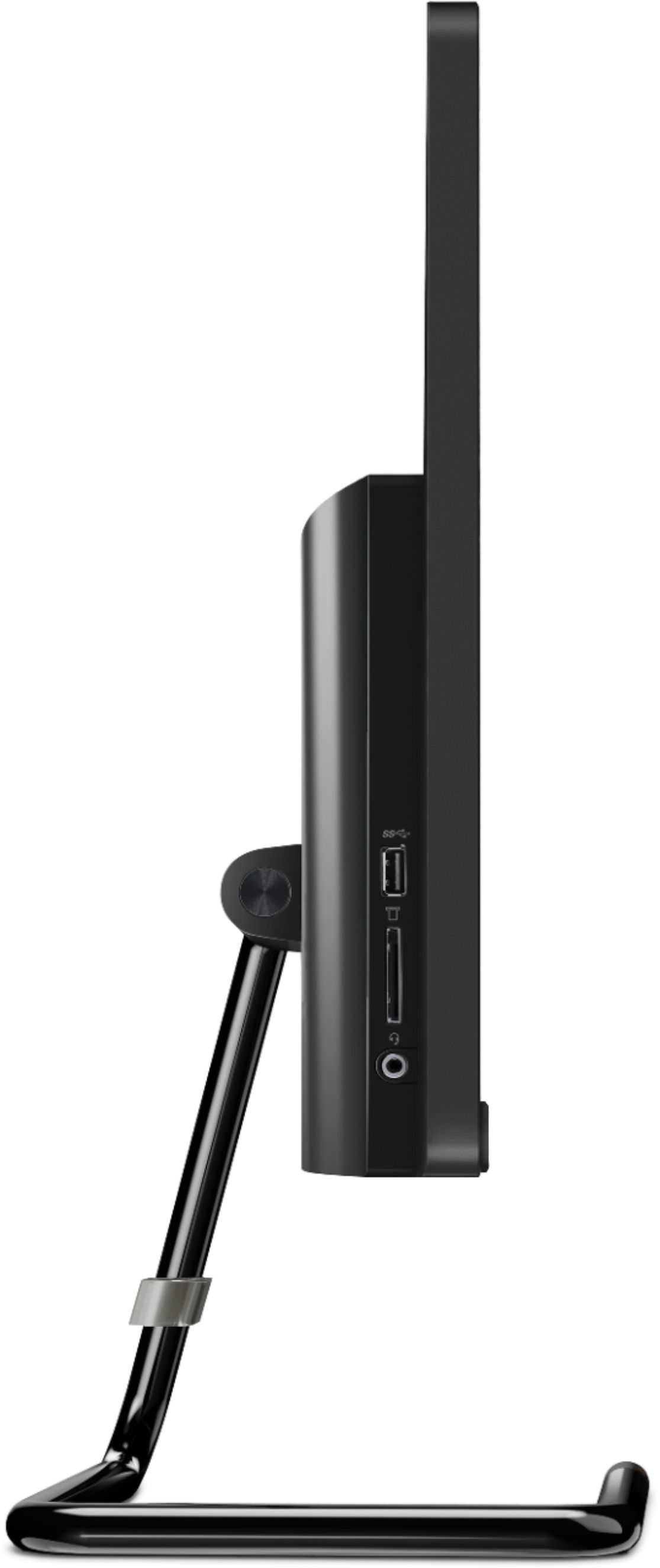
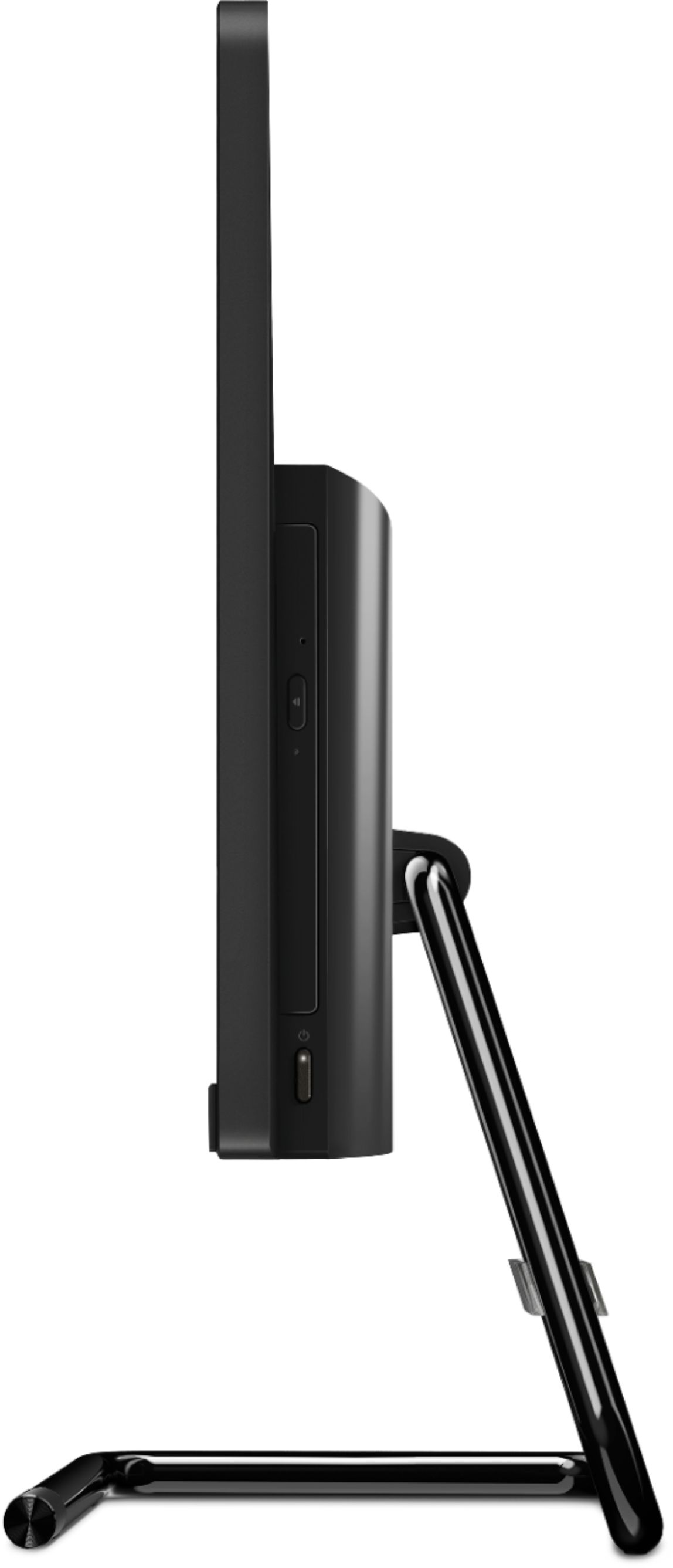

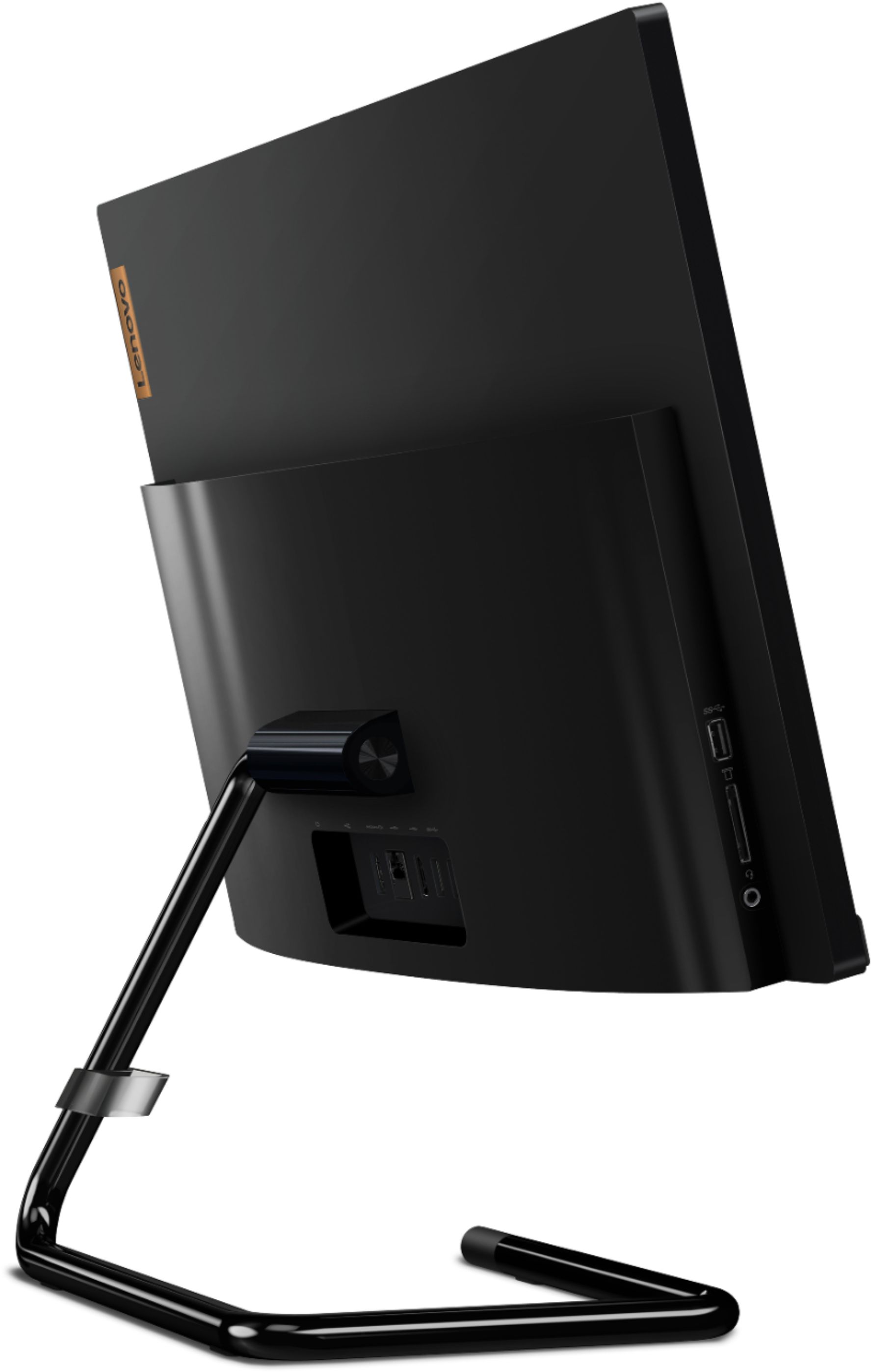
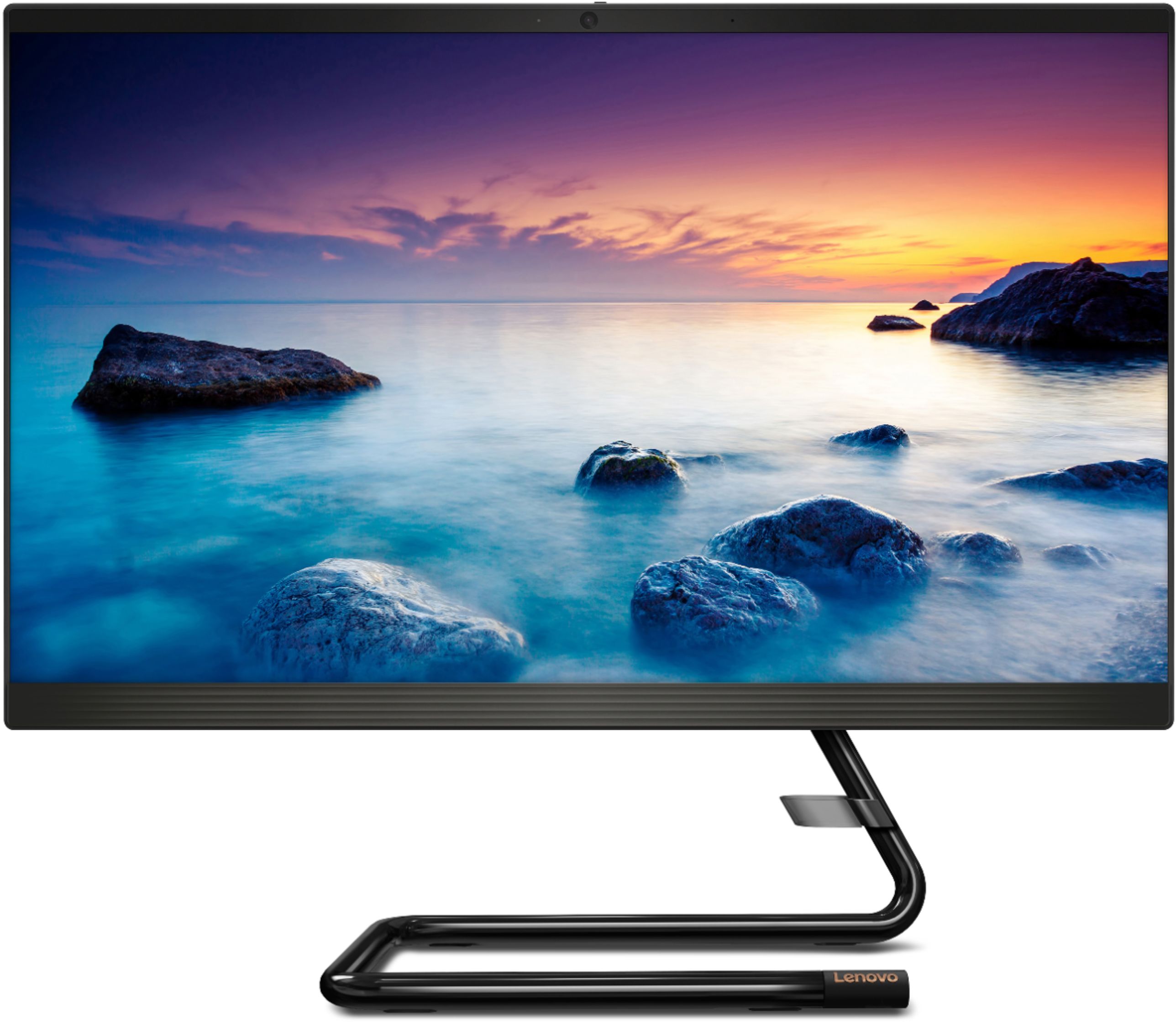
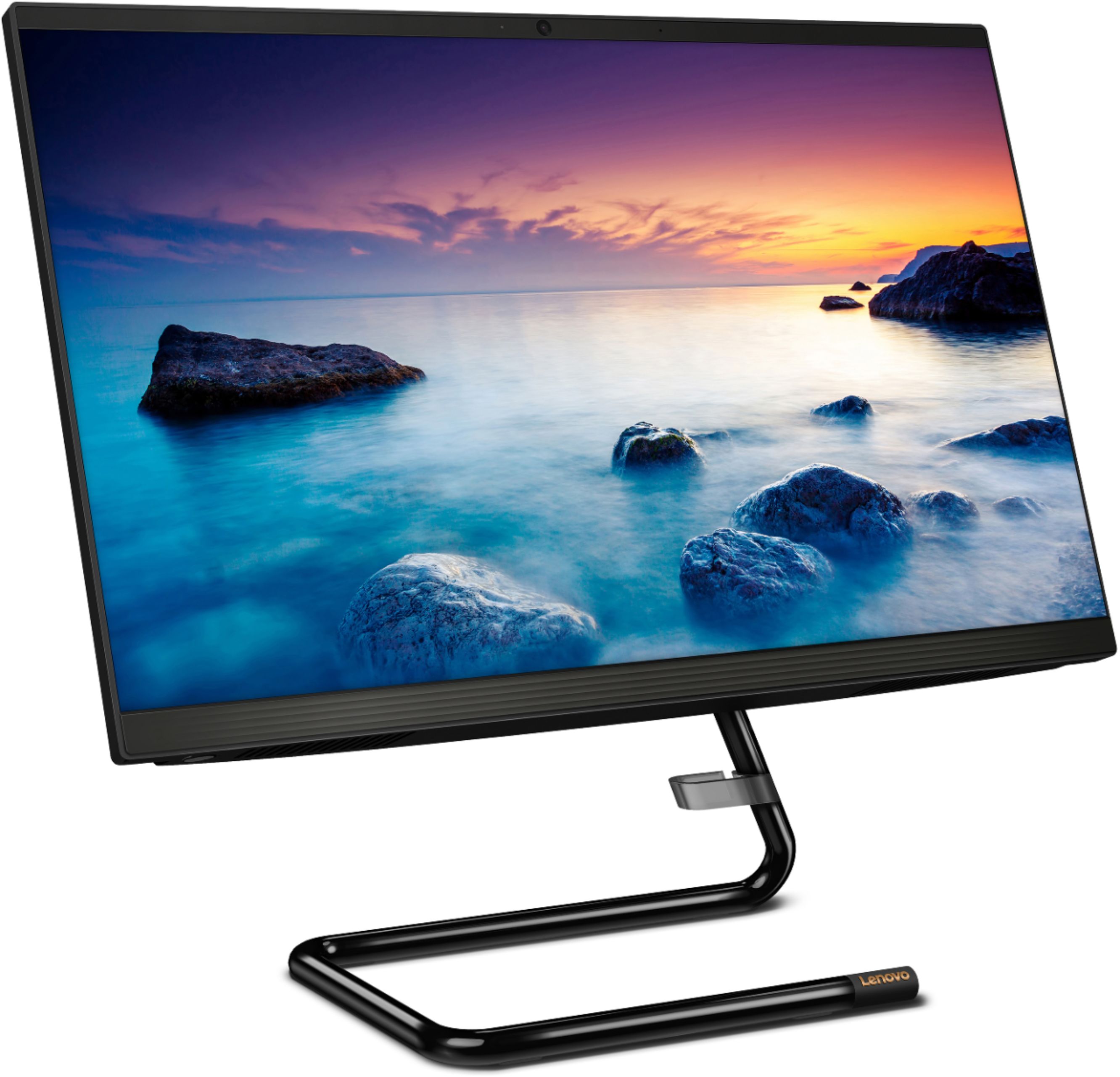
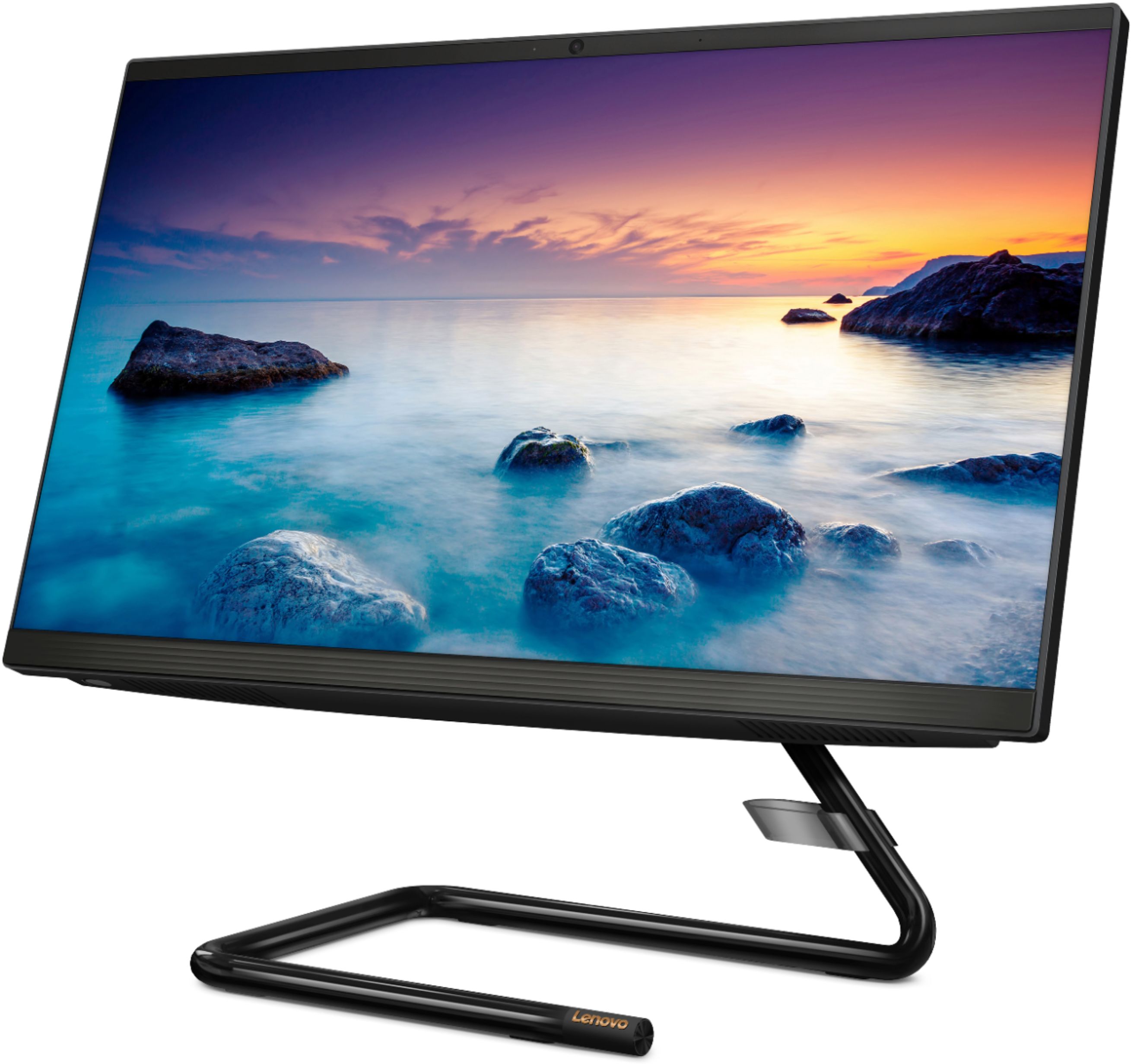

- Model:
- F0EA003RUS
- SKU:
- 6398131
Rating by feature
- Value
Rating 4.3 out of 5 stars
- Quality
Rating 4.2 out of 5 stars
- Ease of Use
Rating 4.3 out of 5 stars
Customers are saying
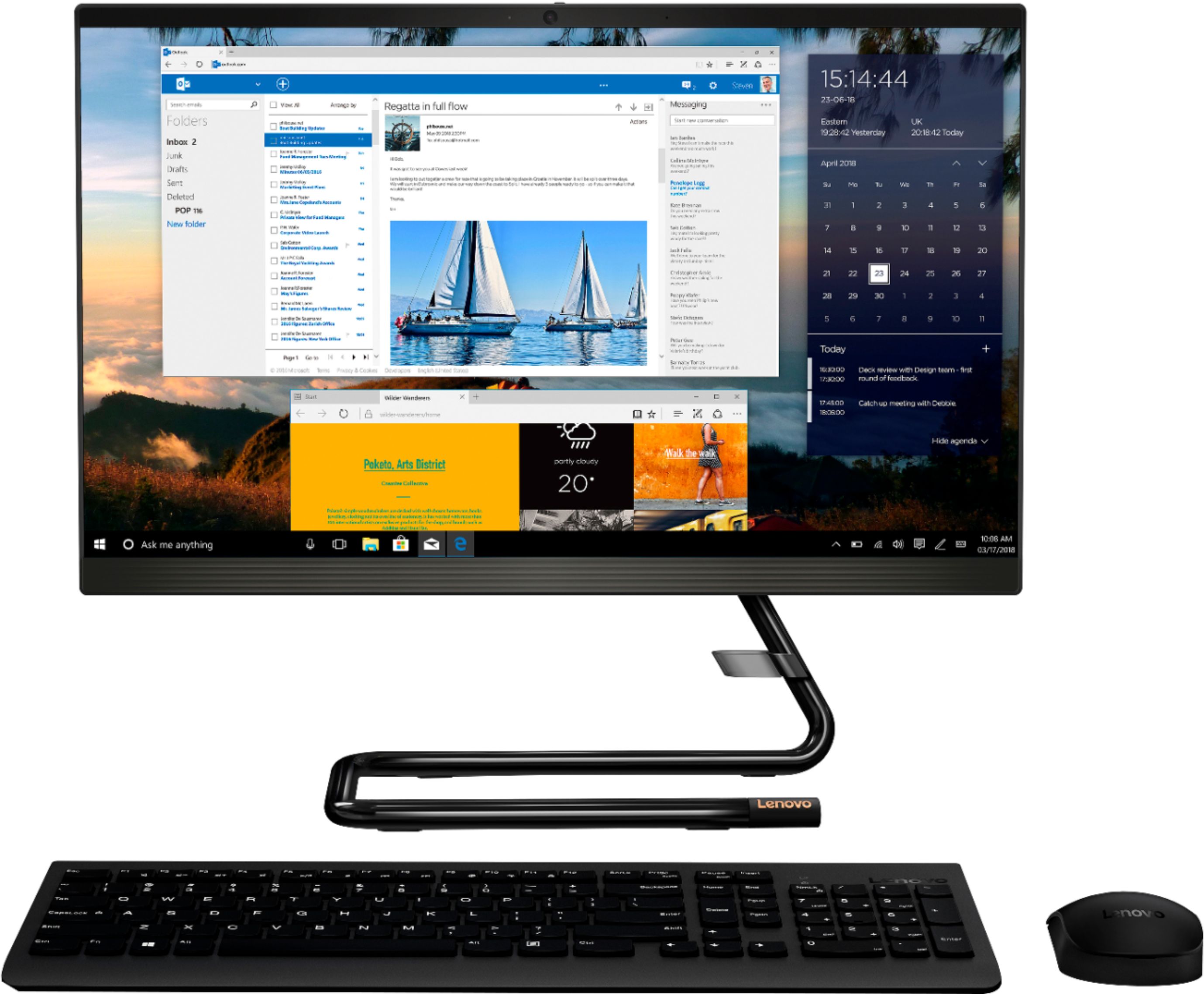
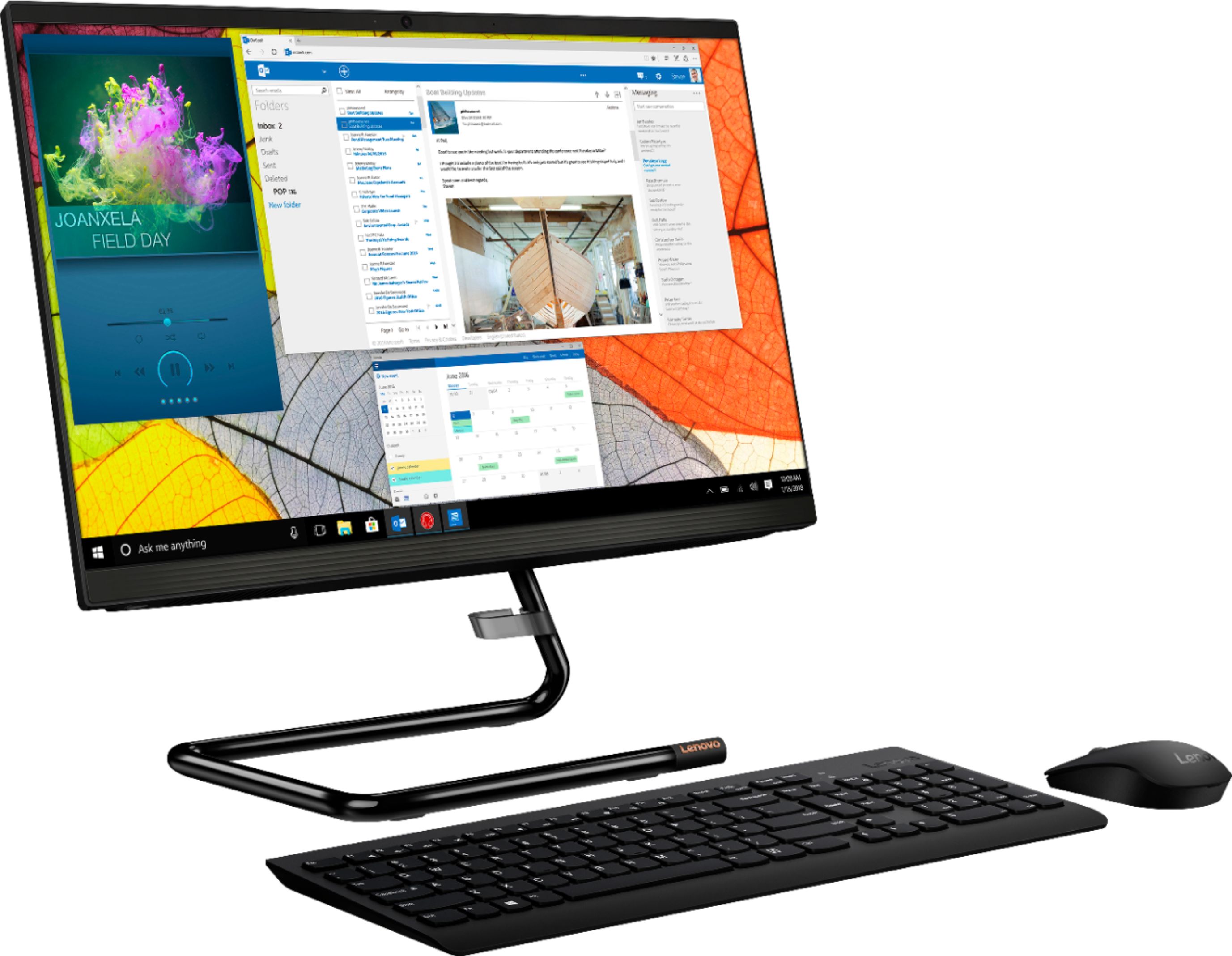
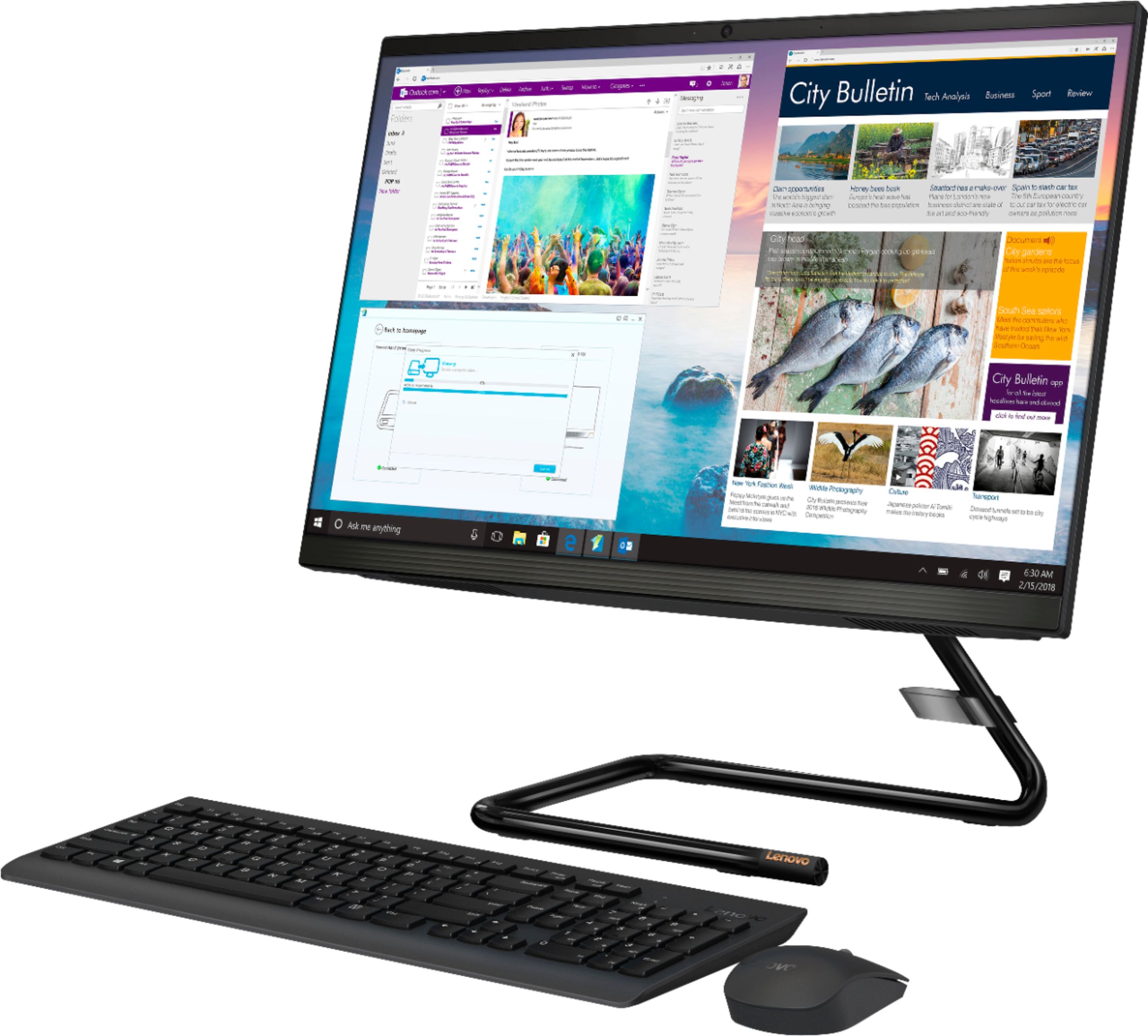
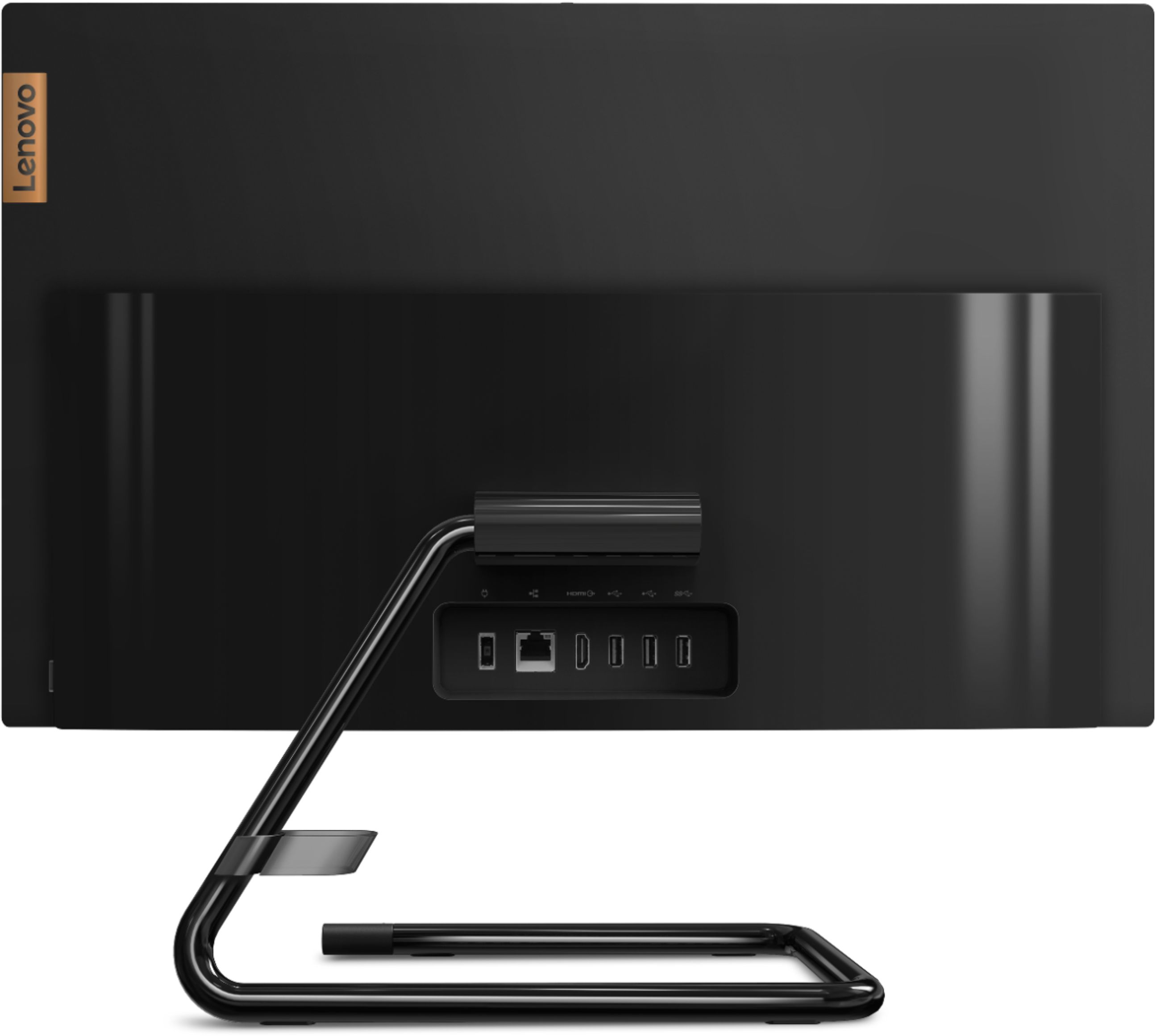
Customers highly value the IdeaCentre A340's ease of use and touchscreen functionality, frequently praising its performance and attractive price. Positive feedback also highlights the compact size and sleek design, making it a convenient and appealing option. While some users noted slow boot times and limitations with the processor and available USB ports, the overall experience appears positive for many buyers.
This summary was generated by AI based on customer reviews.
- Cons mentioned:Speed
SLOW!!!
||Posted .This reviewer received promo considerations or sweepstakes entry for writing a review.SLOW! Like others have mentioned this thing can barely handle having multiple programs open, boot up time and login time is ridiculously slow out of the box before installing any programs. Pretty disappointed especially at this price point. Returned.
No, I would not recommend this to a friendBrand response from Lenovo Product Expert
Posted .The Lenovo IdeaCentre A340-22 All-In-One system, model number F0EA003RUS, will boot from off to the Windows 10 Desktop Screen in less than 40-seconds. If you are experiencing slower boot times, be sure any software you installed is compatible with Windows 10. There is no need to install Microsoft Office software. The software is already part of the operating system, you just need to activate the software with a purchased product key. If you have installed a copy of Microsoft Office, this is conflicting with the existing copy on the system and this will slow your system down. If you have installed a 3rd party anti-virus program, be sure that Windows Defender is turned off and that the trial version of McAfee Anti-Virus software is uninstalled. There can only be one anti-virus program on the system. You may need to restore your system to original factory default settings if any of the programming errors have occurred. You can do that by typing "restore" in the Cortana search window. Just click on the magnifying glass icon at the bottom left of your Windows 10 Desktop. Click on "Reset This PC" Then click on "Get Started" and follow the on screen directions to restore to factory defaults. If the problem persists, we recommend you contact Lenovo Tech Support at: 877-453-6686.

lenovo all in one
||Posted . Owned for 1 month when reviewed.This reviewer received promo considerations or sweepstakes entry for writing a review.So far there have been no problems with this all in one. Nice to not need all of the wires and bulk taking up desk space.Still learning how to get the most out of it.
I would recommend this to a friendVery good computer
||Posted . Owned for 5 months when reviewed.This reviewer received promo considerations or sweepstakes entry for writing a review.The design and performance of this computer are great. Takes up very little space.
I would recommend this to a friendBrand response from Lenovo Product Expert
Posted .Thank you for choosing the Lenovo IdeaCentre A340-22 All-In-One system. We are pleased to hear that the IdeaCentre A340-22 AIO is working out so well for you.
Computer
||Posted . Owned for 3 weeks when reviewed.This reviewer received promo considerations or sweepstakes entry for writing a review.I have no problem with my new Lenovo computer. I enjoy doing things on it like paying bills, plus doing emails,and other stuff on my computer.
I would recommend this to a friendGreat buy!
||Posted . Owned for 1 month when reviewed.This reviewer received promo considerations or sweepstakes entry for writing a review.This was extremely easy to set up and works great for our family to use for various purposes. The camera and microphone quality are great compared to so many other models I've seen.
I would recommend this to a friendBrand response from Lenovo Product Expert
Posted .Hello! Thanks for choosing the Lenovo IdeaCentre A340 All-In-One. We are pleased to hear the features and performance of the A340 All-In-One are meeting your computing needs so well!
Computer
||Posted . Owned for 1 month when reviewed.This reviewer received promo considerations or sweepstakes entry for writing a review.Bought for my grandson to do school and game on. Easy set up. Takes up minimal space on his desk. Works fine No complaints from him except may have to get an external storage fir him
I would recommend this to a friendBrand response from Lenovo Product Expert
Posted .Thank you for choosing the Lenovo IdeaCentre A340-22 All-In-One system for your grandson. We are pleased to hear that the easy setup and performance of the IdeaCentre A340-22 AIO meets your grandson's computing needs so well.
Comp
||Posted . Owned for 1 month when reviewed.This reviewer received promo considerations or sweepstakes entry for writing a review.I purchased this for my daughter, it works as I expected for the price.
I would recommend this to a friendBrand response from Lenovo Product Expert
Posted .Thank you for choosing the Lenovo IdeaCentre A340-22 All-In-One system for your daughter. We are pleased to hear that the value and performance of the IdeaCentre A340-22 AIO meets the computing needs of your daughter so well.
Home Computer
||Posted . Owned for 1 month when reviewed.This reviewer received promo considerations or sweepstakes entry for writing a review.Its ok but windows 10 hard to get used to can not find thing on it very easy
I would recommend this to a friendBrand response from Lenovo Product Expert
Posted .Thank you for choosing the Lenovo IdeaCentre A340-22 All-In-One system. With regard to learning your way around Windows 10, you may want to try YouTube.com (just type that address in your browser address window). There are hundreds for free instructional videos there about Windows 10. Just type Windows 10 Introduction in to the YouTube search window. You can watch free videos there that will show you the basics all the way up to tips and tricks videos and they're all free.
Perfect for school work and light gaming
||Posted . Owned for 1 month when reviewed.This reviewer received promo considerations or sweepstakes entry for writing a review.I’ve had the computer a few weeks now and it’s doing a good job so far. I’m pretty satisfied with it currently and hopefully it lasts much longer than a laptop would have.
I would recommend this to a friendBrand response from Lenovo Product Expert
Posted .Thank you for choosing the Lenovo IdeaCentre A340-22 All-In-One system. We are pleased to hear that the IdeaCentre A340-22 AIO meets your computing needs so well.
my new computer needs more help
||Posted . Owned for 3 weeks when reviewed.This reviewer received promo considerations or sweepstakes entry for writing a review.I got e mail today that my best buy has expired, check it shoul;d be for another year
I would recommend this to a friendLENOVO IS THE BEST
||Posted . Owned for 1 month when reviewed.This reviewer received promo considerations or sweepstakes entry for writing a review.I LOVE THIS BRAND AND IT'S MY THIRD COMPUTER. I ONLY PLAN TO BUY LENOVO. THIS IS A PROBLEM FREE COMPUTER AND YOU CAN'T GO WRONG WITH THIS BRAND, I HAVE 1 LAPTOP AND 2 ALL-IN-ONE.
I would recommend this to a friendBrand response from Lenovo Product Expert
Posted .Thank you for choosing the Lenovo IdeaCentre A340-22 All-In-One system. We appreciate your loyalty to the Lenovo Brand and we are pleased to hear that this new IdeaCentre A340-22 AIO meets your computing needs so well.
MsPosey
||Posted . Owned for 3 months when reviewed.This reviewer received promo considerations or sweepstakes entry for writing a review.I love my computer. I'm so glad that I made this choice. The salesman was very helpful but I came home and ordered it. Thanks! I recommended to friend who purchased and loved it.
I would recommend this to a friendEasy to install
||Posted . Owned for 5 months when reviewed.This reviewer received promo considerations or sweepstakes entry for writing a review.Easy to install works on older vehicles as an optional accessory.
I would recommend this to a friendVery slow
||Posted . Owned for 2 months when reviewed.This reviewer received promo considerations or sweepstakes entry for writing a review.This is the slowest computer I've owned in a long time. I guess that's what you give up to get the all-in-1 feature. I've had 2 Lenovos in the past. My Yoga laptop is wonderful (save for the keyboard which could have been better designed). This thing--meh.
No, I would not recommend this to a friendBrand response from Lenovo Product Expert
Posted .The Lenovo IdeaCentre A340-22 All-In-One system, model number F0EA003RUS, ships with the entry-level, 4-Core Intel Pentium J5005 processor, with a base speed of 1.5GHz and a boost speed of up to 2.8GHz. This processor is supported by 8GB DDR4-2666MHz RAM. If you are getting less than expected performance, be sure any software you installed is compatible with Windows 10. There is no need to install Microsoft Office software. The software is already part of the operating system, you just need to activate the software with a purchased product key. If you have installed a copy of Microsoft Office, this is conflicting with the existing copy on the system and this will slow your system down. If you have installed a 3rd party anti-virus program, be sure that Windows Defender is turned off and that the trial version of McAfee Anti-Virus software is uninstalled. There can only be one anti-virus program on the system. You may need to restore your system to original factory default settings if any of the programming errors have occurred. You can do that by typing "restore" in the Cortana search window. Just click on the magnifying glass icon at the bottom left of your Windows 10 Desktop. Click on "Reset This PC" Then click on "Get Started" and follow the on screen directions to restore to factory defaults. If the problem persists, we recommend you contact Lenovo Tech Support at: 877-453-6686.
Stand alone computer
||Posted . Owned for 3 weeks when reviewed.This reviewer received promo considerations or sweepstakes entry for writing a review.Unit works well and doesn’t take up much space, great for closed spaces
I would recommend this to a friendBrand response from Lenovo Product Expert
Posted .Thank you for choosing the Lenovo IdeaCentre A340-22 All-In-One system. We are pleased to hear that the features and performance of the IdeaCentre A340-22 AIO meets your computing needs so well.
Lenovo workstation
||Posted . Owned for 1 month when reviewed.This reviewer received promo considerations or sweepstakes entry for writing a review.Fast set up, use daily for work at home office when my laptop needed repair. Intended for temp use only but works great it is what I use daily even after laptop repair
I would recommend this to a friendBrand response from Lenovo Product Expert
Posted .Thank you for choosing the Lenovo IdeaCentre A340-22 All-In-One system. We are pleased to hear that the IdeaCentre A340-22 AIO meets your computing needs so well.
- Cons mentioned:Speed
Extremely slow computer
||Posted . Owned for less than 1 week when reviewed.This reviewer received promo considerations or sweepstakes entry for writing a review.Slowest computer I've had since the 90s. It took me over 5 hours to set up this computer and HP printer. I'm extremely disappointed in this purchase. This computer is slower than the 10 year old computer it's replacing.
No, I would not recommend this to a friendBrand response from Lenovo Product Expert
Posted .We are very sorry to hear that you are having issues with your Lenovo IdeaCentre A340-22IGM 21.5 in. Touch Screen All-In-One. Please be sure any software you installed is compatible with your Windows operating system. There is no need to install Microsoft Office software. The software is already part of the operating system, you just need to activate the software with a purchased product key. If you have installed a copy of Microsoft Office, this is conflicting with the existing copy on the system and this will slow your system down. If you have installed a 3rd party anti-virus program, be sure that Windows Defender is turned off and that the trial version of McAfee Anti-Virus software is uninstalled. There can only be one anti-virus program on the system. You may need to restore your system to original factory default settings if any of the programming errors have occurred. You can do that by typing "restore" in the Windows search bar, which can be accessed through the Windows logo. Click on "Reset This PC" Then click on "Get Started" and follow the on-screen directions to restore to factory defaults. If the problem persists, we recommend you contact Lenovo Tech Support at: 877-453-6686.
Computer
||Posted . Owned for less than 1 week when reviewed.This reviewer received promo considerations or sweepstakes entry for writing a review.It’s works great use it for zoom meeting and picture and sound are clear
I would recommend this to a friendBrand response from Lenovo Product Expert
Posted .Thank you for choosing the Lenovo IdeaCentre A340-22 All-In-One system. We are pleased to hear that the IdeaCentre A340-22 AIO meets your computing needs so well.
Excellent customer service
||Posted . Owned for 3 weeks when reviewed.This reviewer received promo considerations or sweepstakes entry for writing a review.Very personal customer service from the Geek Squad. Top notch!
I would recommend this to a friendBrand response from Lenovo Product Expert
Posted .Thank you for choosing the Lenovo IdeaCentre A340-22 All-In-One system. We are pleased to hear that the IdeaCentre A340-22 AIO meets your computing needs so well.
- Cons mentioned:Speed
This this is slow
||Posted . Owned for 2 months when reviewed.This reviewer received promo considerations or sweepstakes entry for writing a review.I wanted to really like this all in 1. Unfortunately, it is so dang on slow. It actually got stuck and would not complete an update. Had to return it for a regular desktop pc.
No, I would not recommend this to a friendBrand response from Lenovo Product Expert
Posted .We are sorry to hear that you had issues with your Lenovo IdeaCentre A340-22 All-In-One system. This model ships with Windows 10 Home 64-bit Operating System and with its Intel Pentium Processor and 8GB RAM is an entry-level configuration capable of light to moderate workloads. Be sure any software you installed is compatible with Windows 10. There is no need to install Microsoft Office software. The software is already part of the operating system, you just need to activate the software with a purchased product key. If you have installed a copy of Microsoft Office, this is conflicting with the existing copy on the system and this will slow your system down. If you have installed a 3rd party anti-virus program, be sure that Windows Defender is turned off and that the trial version of McAfee Anti-Virus software is uninstalled. There can only be one anti-virus program on the system. You may need to restore your system to original factory default settings if any of the programming errors have occurred. You can do that by typing "restore" in the Cortana search window. Just click on the magnifying glass icon at the bottom left of your Windows 10 Desktop. Click on "Reset This PC" Then click on "Get Started" and follow the on screen directions to restore to factory defaults. If the problem persists, we recommend you contact Lenovo Tech Support at: 877-453-6686.