Customer Ratings & Reviews
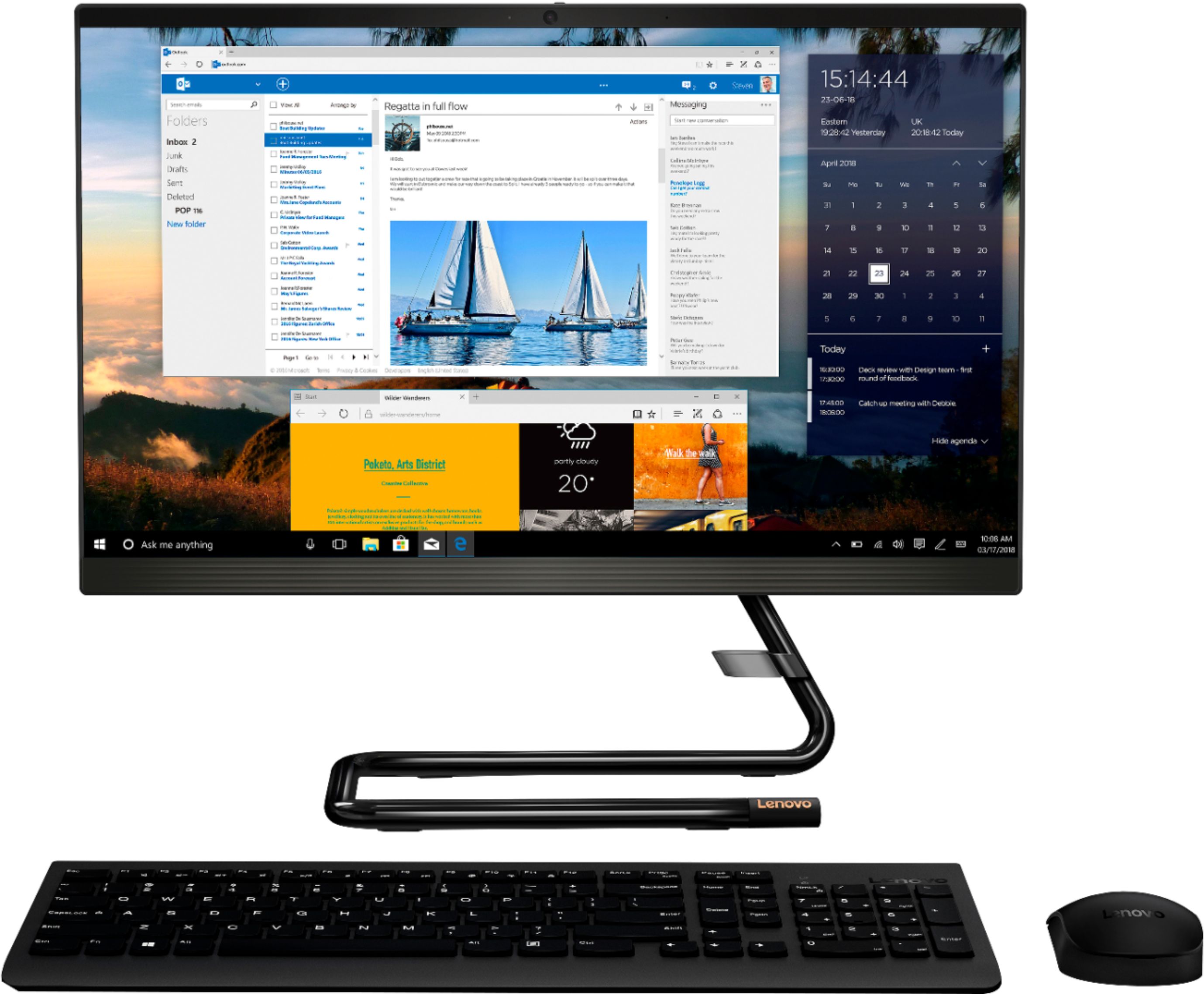
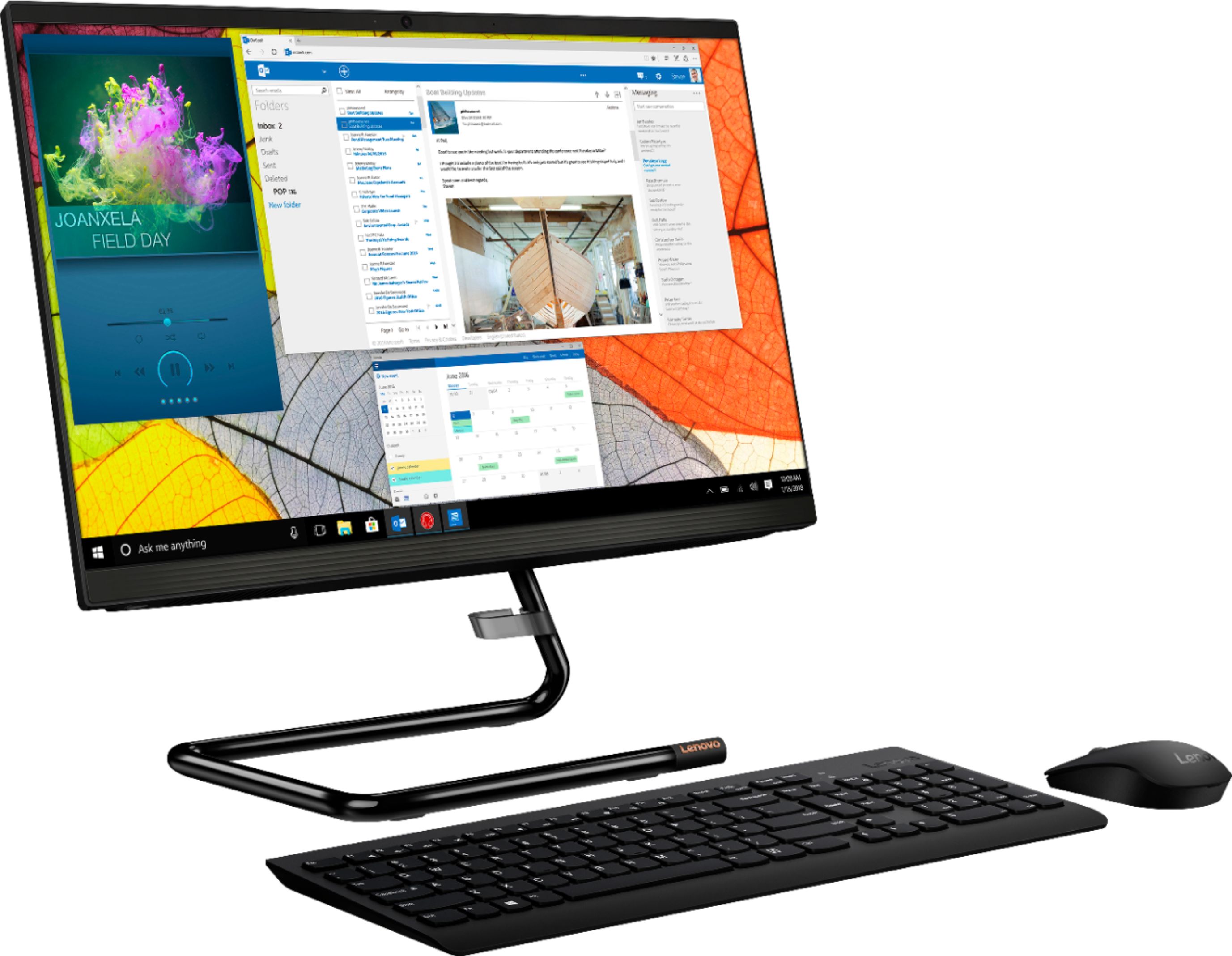
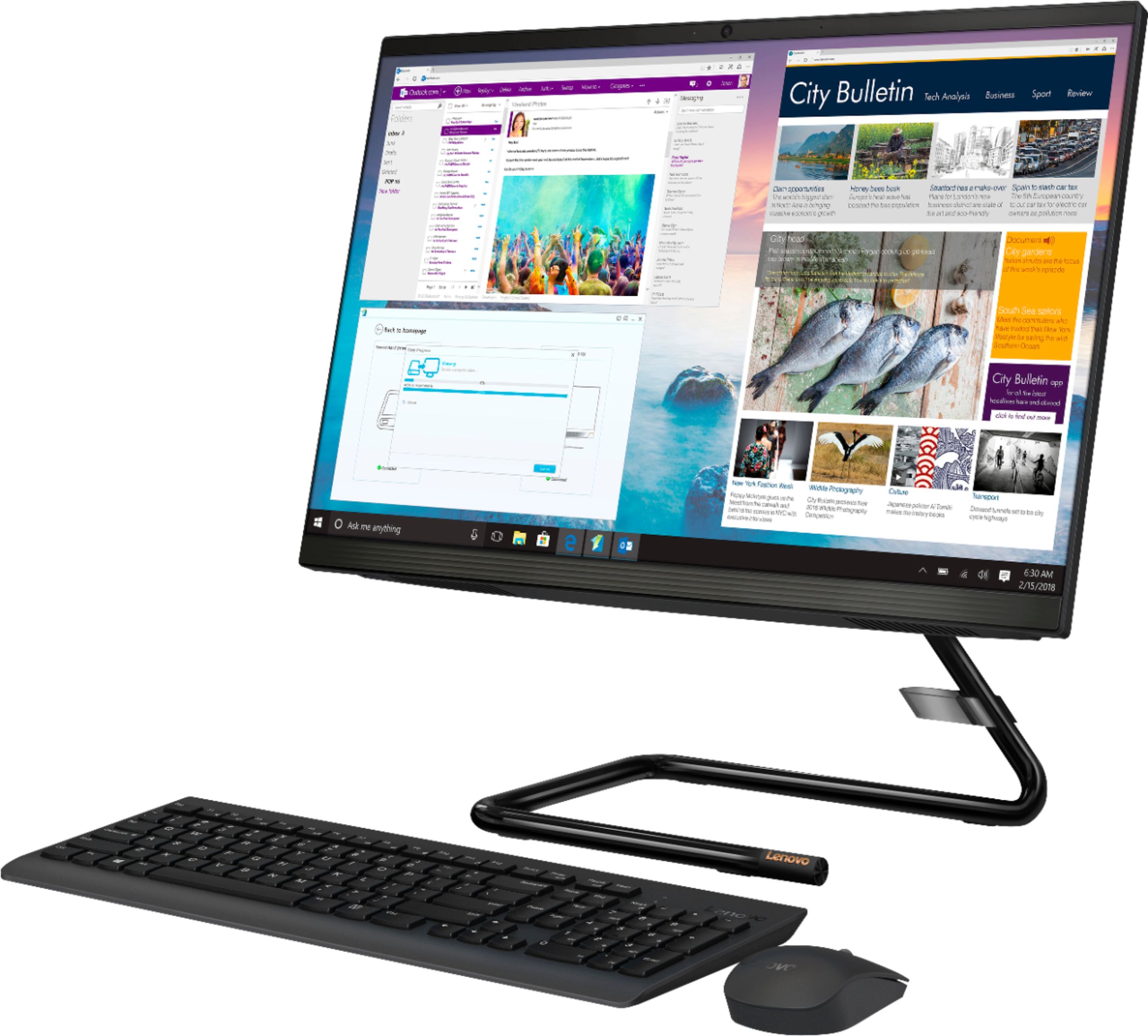
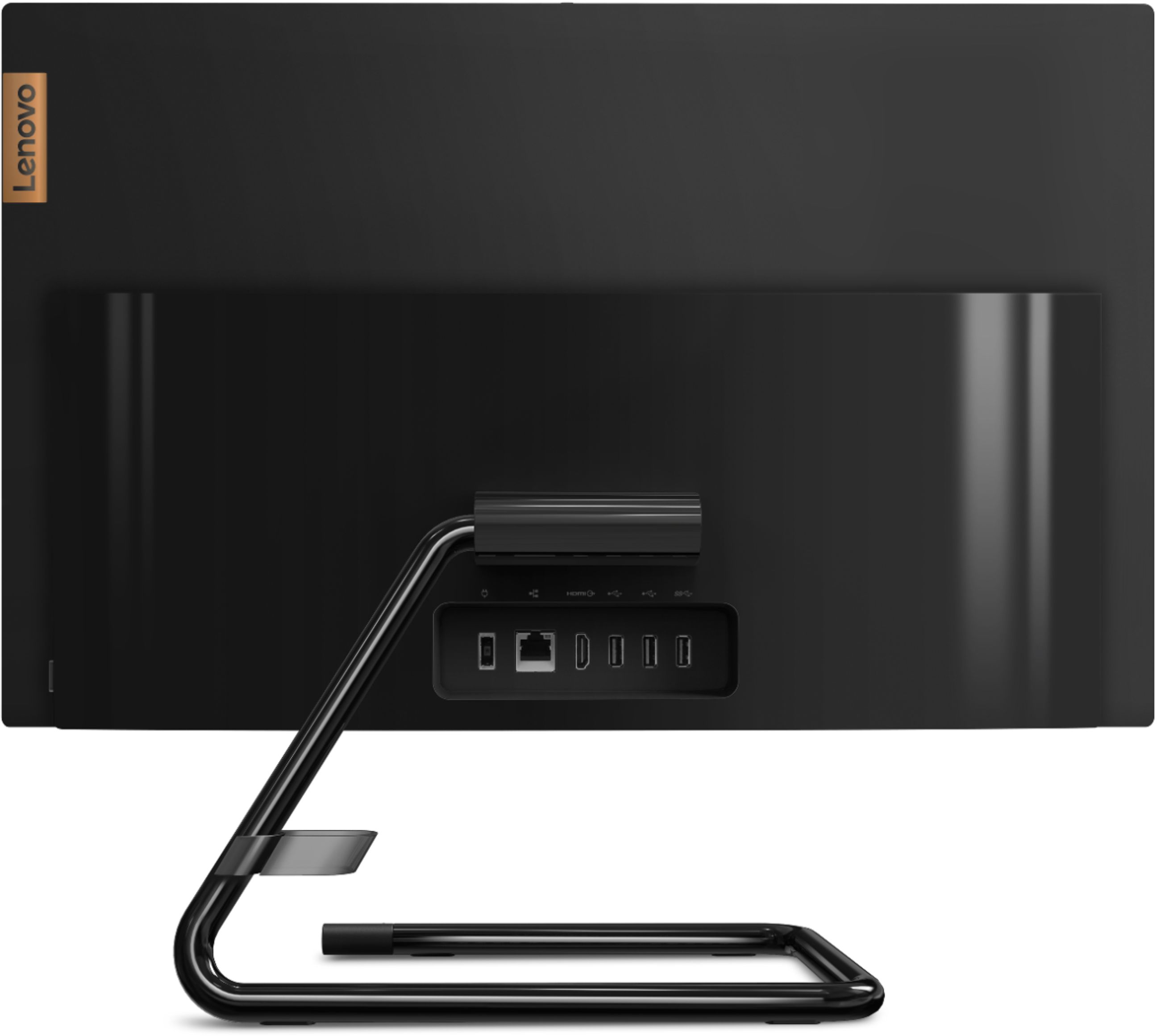
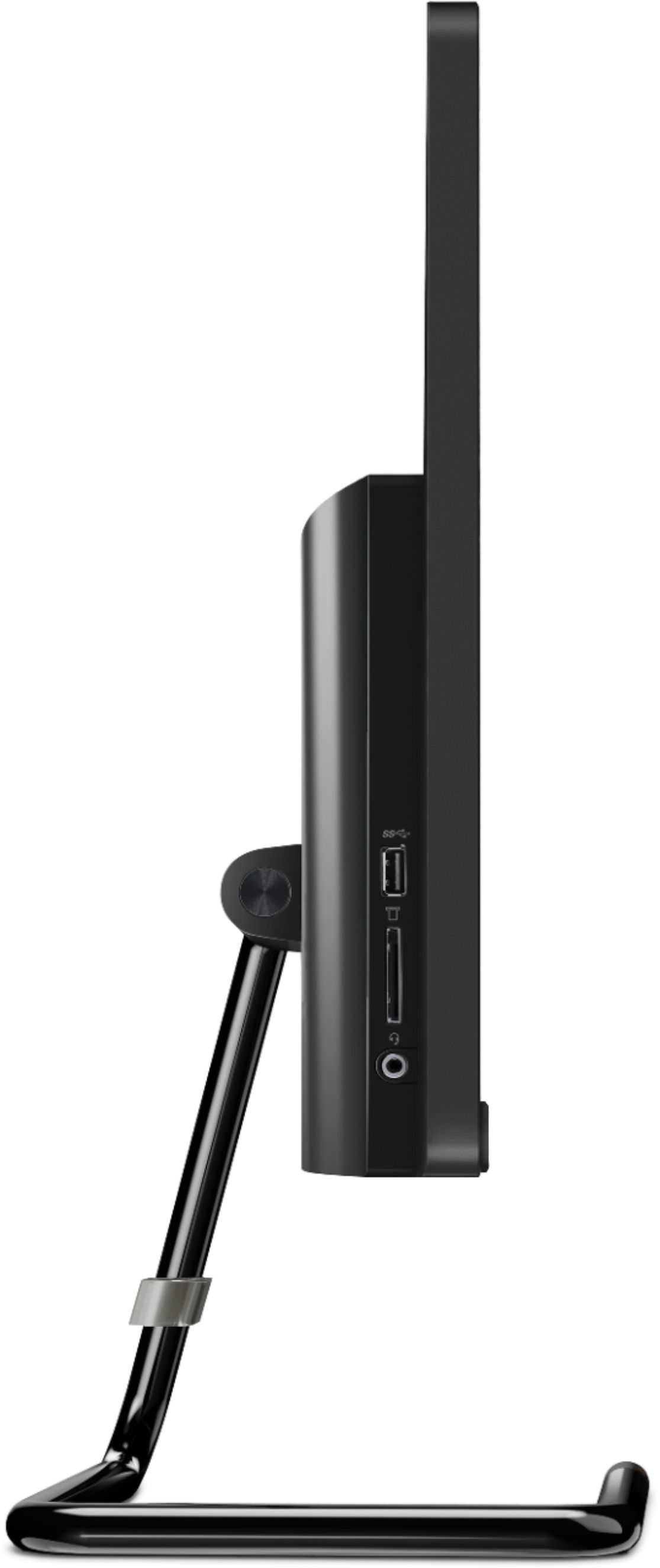
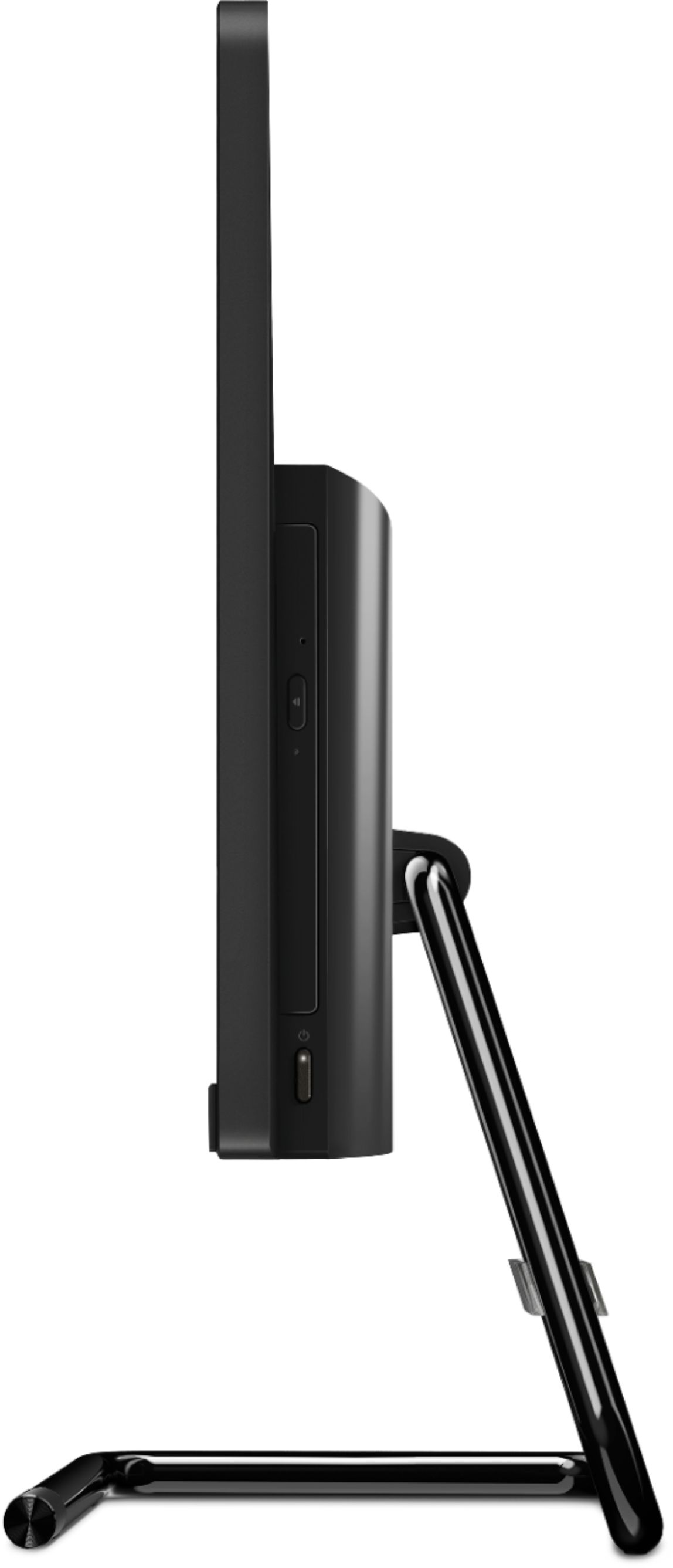

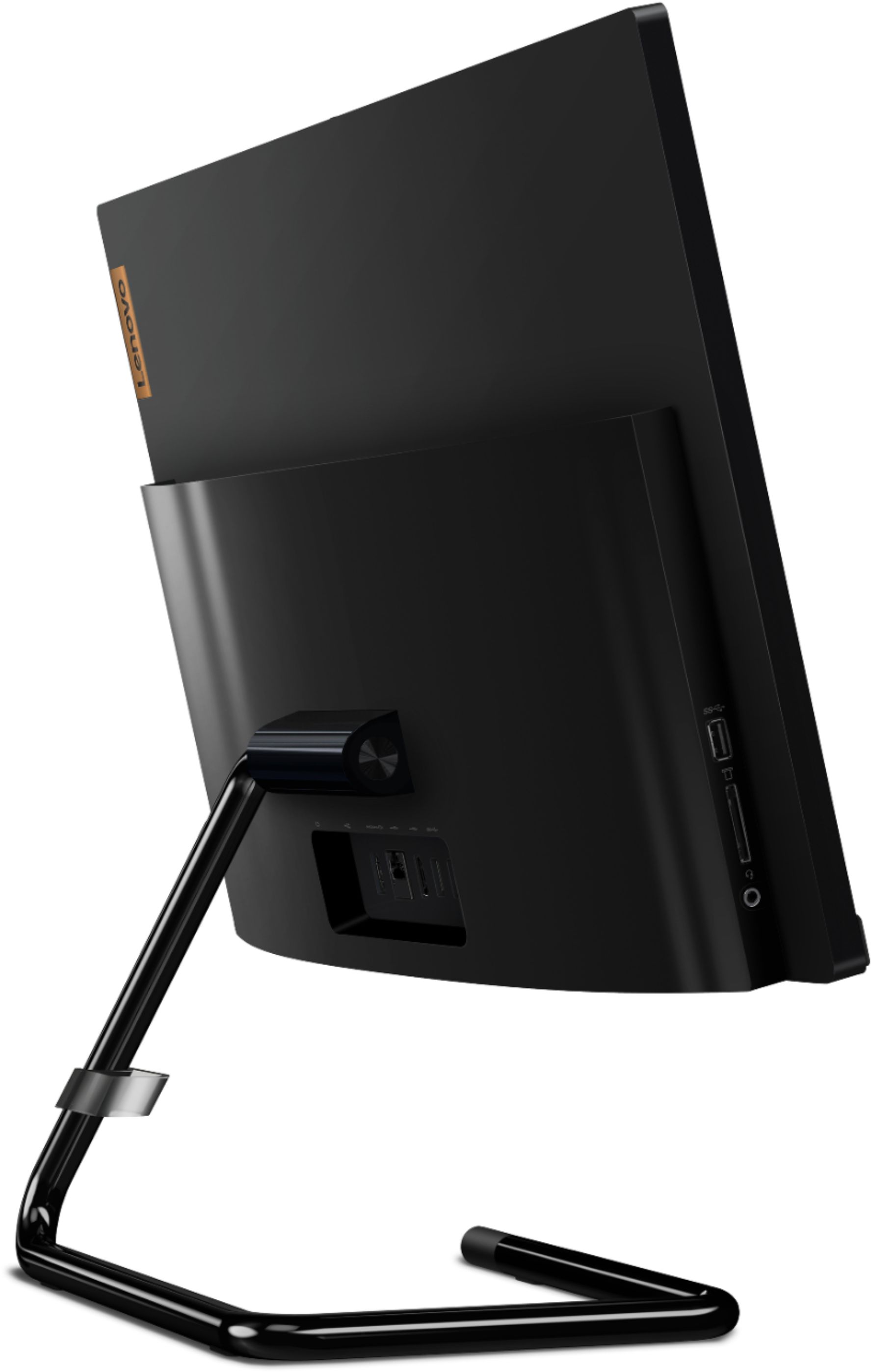
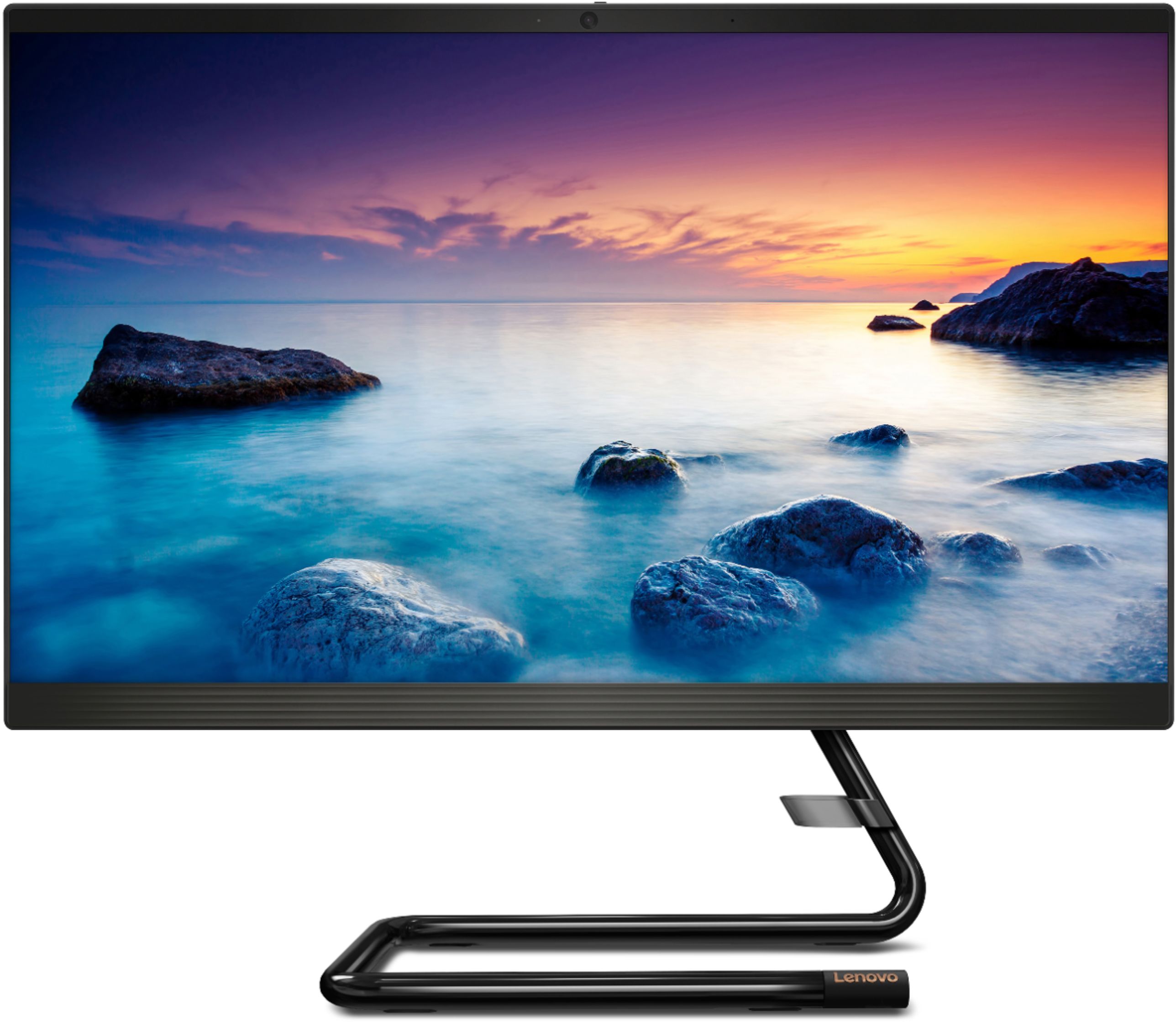
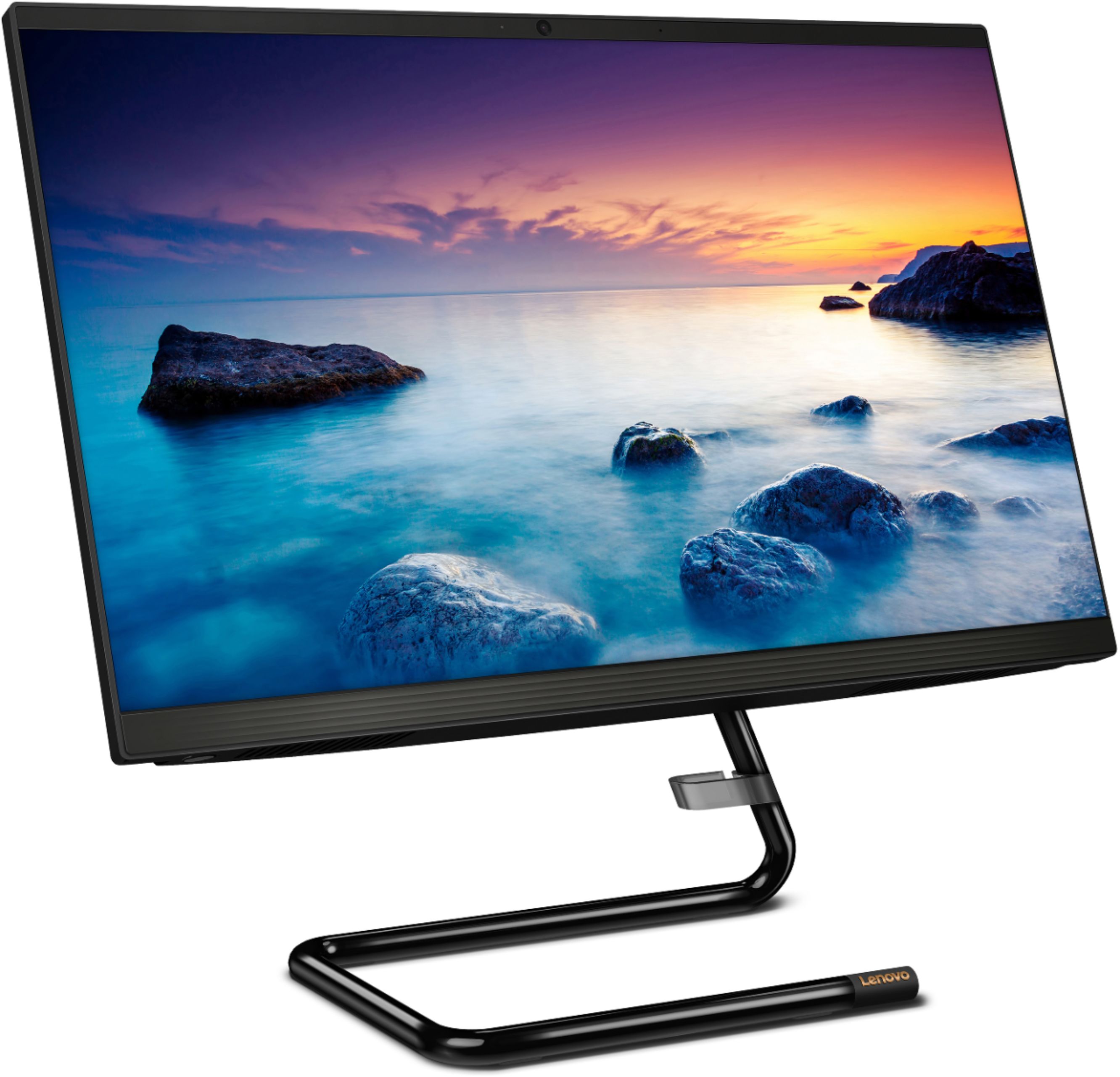
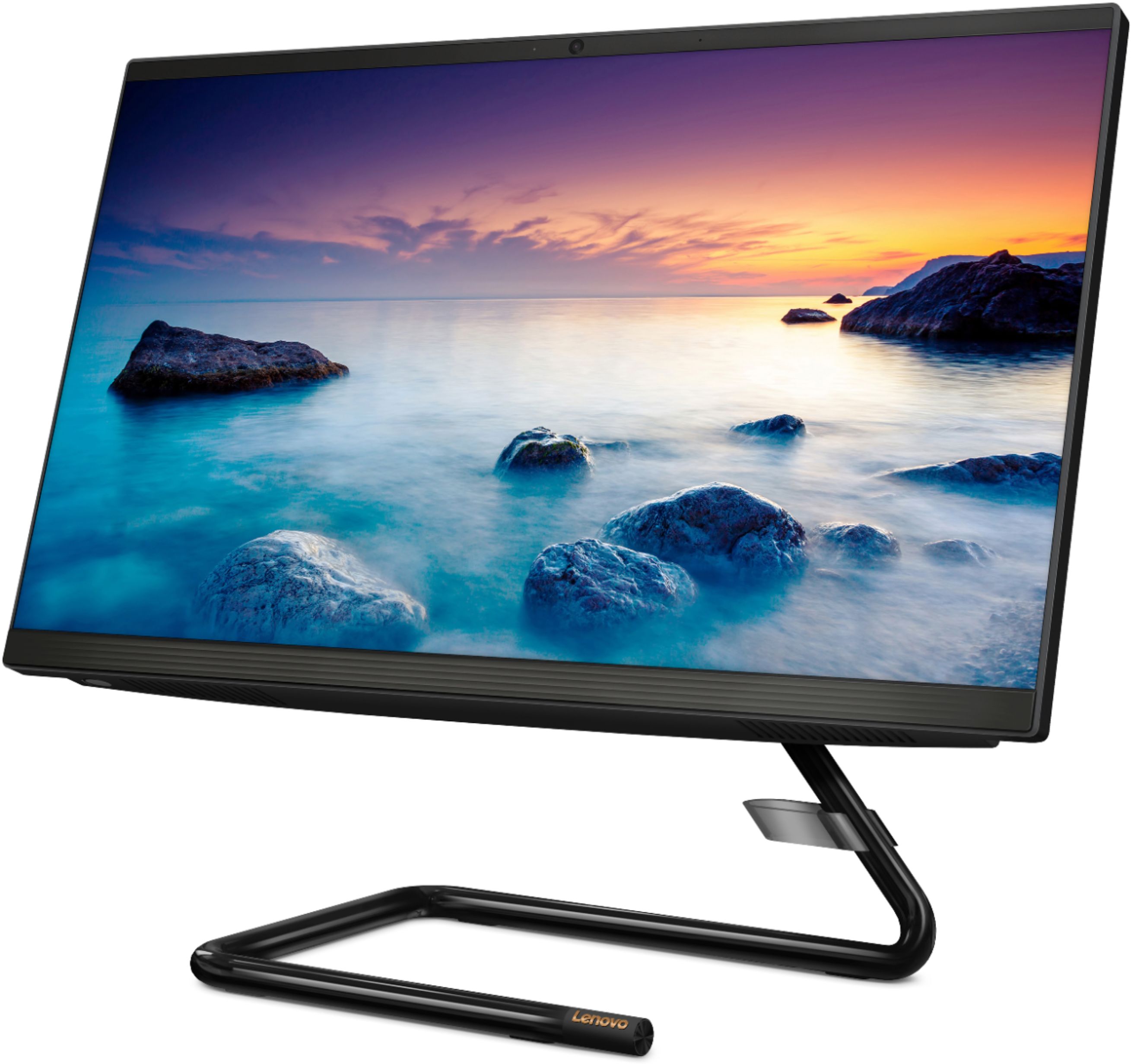

- Model:
- F0EA003RUS
- SKU:
- 6398131
Rating by feature
- Value
Rating 4.3 out of 5 stars
- Quality
Rating 4.2 out of 5 stars
- Ease of Use
Rating 4.3 out of 5 stars
Customers are saying
Customers highly value the IdeaCentre A340's ease of use and touchscreen functionality, frequently praising its performance and attractive price. Positive feedback also highlights the compact size and sleek design, making it a convenient and appealing option. While some users noted slow boot times and limitations with the processor and available USB ports, the overall experience appears positive for many buyers.
This summary was generated by AI based on customer reviews.
great computer
||Posted . Owned for 1 month when reviewed.This reviewer received promo considerations or sweepstakes entry for writing a review.bought for my grandsons birthday he is very happy
I would recommend this to a friendBrand response from Lenovo Product Expert
Posted .Thank you for choosing the Lenovo IdeaCentre A340-22 All-In-One system for your grandson. We are pleased to hear that the IdeaCentre A340-22 AIO is working out so well for your grandson. Elegant yet simple, the stand and base of the IdeaCentre all in one A340 is sure to impress—and save on desk space. Whether it’s for work, entertainment, or family video-chats, this eye-catching PC will look great in any room in your home. This is an entry level, light use system with its Intel Pentium processor. It is not meant for multi-tasking or demanding programs. It is good for Microsoft Office and light internet browsing. If this describes your computing needs, the Lenovo IdeaCentre A340-22 All-In-One system would be a good choice.

Perfect for what I needed!
||Posted . Owned for 3 weeks when reviewed.This reviewer received promo considerations or sweepstakes entry for writing a review.Wishing I had purchased sooner! I highly recommend.
I would recommend this to a friendBrand response from Lenovo Product Expert
Posted .Thank you for choosing the Lenovo IdeaCentre A340-22 All-In-One system. We are pleased to hear that the IdeaCentre A340-22 AIO is working out so well for you. Elegant yet simple, the stand and base of the IdeaCentre all in one A340 is sure to impress—and save on desk space. Whether it’s for work, entertainment, or family video-chats, this eye-catching PC will look great in any room in your home. This is an entry level, light use system with its Intel Pentium processor. It is not meant for multi-tasking or demanding programs. It is good for Microsoft Office and light internet browsing. If this describes your computing needs, the Lenovo IdeaCentre A340-22 All-In-One system would be a good choice.
- Pros mentioned:Touch screen
disappointment
||Posted . Owned for 3 weeks when reviewed.This reviewer received promo considerations or sweepstakes entry for writing a review.the machine itself had a nice screen/picture, but the CDR was flat and the back was curved . I couldn't get the disc drawer to open without using a tool to open it. What kind of design is that? Where is the QA on this product. It might have been a great machine, but that one flaw did me in. Don't bother unless they change this feature.
No, I would not recommend this to a friendBrand response from Lenovo Product Expert
Posted .The Lenovo IdeaCentre A340-22 All-In-One system has a powered CD/DVD drive slot built in. There is a button on the drawer face, that when pushed will pop the drawer open approximately 2-inches, so that the user can pull the drawer open for use. You can also right-click the icon for the disc drive that is stuck or hard to reach, and then click Eject. The disc tray should open this way as well.
Battery substandard
||Posted .This reviewer received promo considerations or sweepstakes entry for writing a review.Battery died quickly and wasn’t used very much. Costly to have it sent out for replacement of battery
No, I would not recommend this to a friendgreat computer for us
||Posted . Owned for 1 month when reviewed.This reviewer received promo considerations or sweepstakes entry for writing a review.good price nice monitor easy to use easy to set up
I would recommend this to a friendBrand response from Lenovo Product Expert
Posted .Thank you for choosing the Lenovo IdeaCentre A340-22 All-In-One system. We are pleased to hear that the easy setup, features and performance of the IdeaCentre A340-22 AIO meets your computing needs so well. Elegant yet simple, the stand and base of the IdeaCentre all in one A340 is sure to impress—and save on desk space. Whether it’s for work, entertainment, or family video-chats, this eye-catching PC will look great in any room in your home. This is an entry level, light use system with its Intel Pentium processor. It is not meant for multi-tasking or demanding programs. It is good for Microsoft Office and light internet browsing. If this describes your computing needs, the Lenovo IdeaCentre A340-22 All-In-One system would be a good choice.
- Cons mentioned:Speed
Slow
||Posted . Owned for 1 month when reviewed.This reviewer received promo considerations or sweepstakes entry for writing a review.Looks nice. Horribly slow running anything or opening up anything.
No, I would not recommend this to a friendBrand response from Lenovo Product Expert
Posted .The Lenovo IdeaCentre A340-22 All-In-One system will boot from off to the Windows 10 Desktop Screen in less than 40-seconds. Programs and files stored on the local hard drive should open quickly. If you are experiencing slower than expected performance, first we always recommend you check the requirements and compatibility of any software you will be installing on your new computer, before you invest in any computer. Be sure your new computer can support the software you will need to use. Then be sure any software you installed is compatible with Windows 10. There is no need to install Microsoft Office software. The software is already part of the operating system, you just need to activate the software with a purchased product key. If you have installed a copy of Microsoft Office, this is conflicting with the existing copy on the system and this will slow your system down. If you have installed a 3rd party anti-virus program, be sure that Windows Defender is turned off and that the trial version of McAfee Anti-Virus software is uninstalled. There can only be one anti-virus program on the system. You may need to restore your system to original factory default settings if any of the programming errors have occurred. You can do that by typing "restore" in the Cortana search window. Just click on the magnifying glass icon at the bottom left of your Windows 10 Desktop. Click on "Reset This PC" Then click on "Get Started" and follow the on screen directions to restore to factory defaults. If the problem persists, we recommend you contact Lenovo Tech Support at: 877-453-6686.
computer would crash in the middle of school work
||Posted . Owned for 2 months when reviewed.This reviewer received promo considerations or sweepstakes entry for writing a review.The computer would automatically update and crashed in the middle of my son’s school class. It creates stressed for my son.
No, I would not recommend this to a friendBrand response from Lenovo Product Expert
Posted .We are sorry to hear that you are having issues with your Lenovo IdeaCentre A340-22 All-In-One system. It is not normal for the Windows 10 Operating System to crash. Be sure any software you installed is compatible with Windows 10. There is no need to install Microsoft Office software. The software is already part of the operating system, you just need to activate the software with a purchased product key. If you have installed a copy of Microsoft Office, this is conflicting with the existing copy on the system and this will slow your system down. If you have installed a 3rd party anti-virus program, be sure that Windows Defender is turned off and that the trial version of McAfee Anti-Virus software is uninstalled. There can only be one anti-virus program on the system. You may need to restore your system to original factory default settings if any of the programming errors have occurred. You can do that by typing "restore" in the Cortana search window. Just click on the magnifying glass icon at the bottom left of your Windows 10 Desktop. Click on "Reset This PC" Then click on "Get Started" and follow the on screen directions to restore to factory defaults. If the problem persists, we recommend you contact Lenovo Tech Support at: 877-453-6686.
Good specs but zero quality control
||Posted . Owned for 2 weeks when reviewed.This reviewer received promo considerations or sweepstakes entry for writing a review.I spent 3 days trying to install software and get this piece of junk working. Microsoft updates took hours only to throw errors after restarts. I called Lenovo tech support (they were very capable by the way) and they gave me a process to reinitialize the system. Having done that we got yet more errors so I called Lenovo again. From the error messages they told us the system was faulty and should be sent in for service. They unofficially advised that we might want to take advantage of BestBuy's return policy and get a better system instead. Obviously even their tech support folks know this system is junk. Too bad because it had nice specs and a reasonable price.
No, I would not recommend this to a friendBeen annoyed since I bought it
||Posted . Owned for 2 months when reviewed.This reviewer received promo considerations or sweepstakes entry for writing a review.The sound is quiet and terrible, I had to buy a separate speaker just so I could listen to music or watch Netflix at any sort of decent volume. And the computer is plagued by constant popups for McAfee- I have tried so many things and cannot get them to stop. I’m probably going to sell this and buy something better. I’ve been annoyed since I bought it.
No, I would not recommend this to a friendBrand response from Lenovo Product Expert
Posted .We are sorry to hear that you are having issues with your Lenovo IdeaCentre A340-22 All-In-One system. This model ships with a 30-day trial of McAfee Virus Protection. If you are getting popup messages from McAfee, your 30-day subscription has ended and your computer is unprotected against virus and malware by McAfee. You do not need to use McAfee. You can uninstall McAfee and install any 3rd party virus protection you choose, just uninstall McAfee first, as there can only be one active virus protection software on the computer at a time. Regarding the volume of your system audio, The Lenovo IdeaCentre A340-22 All-In-One system model number F0EA003RUS, ships with Stereo, 3W HD Audio, system speakers with Dolby Audio certification. For the best audio experience, be sure Dolby Audio is turned on and adjusted to your personal preferences. The audio performance may improve once McAfee software has been removed if you have already installed another 3rd party virus protection software. Here is a link to information on uninstalling McAfee from Windows 10: https://service.mcafee.com/webcenter/portal/oracle/webcenter/page/scopedMD/s55728c97_466d_4ddb_952d_05484ea932c6/Page29.jspx?wc.contextURL=%2Fspaces%2Fcp&articleId=TS101331&_afrLoop=1355161020222084&leftWidth=0%25&showFooter=false&showHeader=false&rightWidth=0%25¢erWidth=100%25#!%40%40%3FshowFooter%3Dfalse%26_afrLoop%3D1355161020222084%26articleId%3DTS101331%26leftWidth%3D0%2525%26showHeader%3Dfalse%26wc.contextURL%3D%252Fspaces%252Fcp%26rightWidth%3D0%2525%26centerWidth%3D100%2525%26_adf.ctrl-state%3Dx25crirbo_9
Super slow
||Posted . Owned for less than 1 week when reviewed.This reviewer received promo considerations or sweepstakes entry for writing a review.It looks nice, fits in compact spaces and is lightweight, however, it’s super slow, opening apps, opening webpages, opening anything in general and takes forever to wake up. I considered using the monitor as a second screen but the connection kept dropping. Overall I wouldn’t buy this again and I wouldn’t recommend it to anyone.
No, I would not recommend this to a friendBrand response from Lenovo Product Expert
Posted .We are sorry to hear that you are having issues with your Lenovo IdeaCentre A340-22 All-In-One system. This system will boot from off to the Windows 10 desktop in less than 40-seconds. If you are getting slower than expected performance, be sure any software you installed is compatible with Windows 10. There is no need to install Microsoft Office software. The software is already part of the operating system, you just need to activate the software with a purchased product key. If you have installed a copy of Microsoft Office, this is conflicting with the existing copy on the system and this will slow your system down. If you have installed a 3rd party anti-virus program, be sure that Windows Defender is turned off and that the trial version of McAfee Anti-Virus software is uninstalled. There can only be one anti-virus program on the system. You may need to restore your system to original factory default settings if any of the programming errors have occurred. You can do that by typing "restore" in the Cortana search window. Just click on the magnifying glass icon at the bottom left of your Windows 10 Desktop. Click on "Reset This PC" Then click on "Get Started" and follow the on screen directions to restore to factory defaults. If the problem persists, we recommend you contact Lenovo Tech Support at: 877-453-6686.
Review
||Posted .This reviewer received promo considerations or sweepstakes entry for writing a review.Had to send it back wasn't working right. Was able to get a replacement.
I would recommend this to a friend- Cons mentioned:Speed
Terrible Load time
||Posted .This reviewer received promo considerations or sweepstakes entry for writing a review.This computer is super slow. takes about 15 min to load when turning on. and i have only used this pc like 10 times and i haven’t loaded anything on this computer. hopefully the manufacturer will replace, repair, or refund.
No, I would not recommend this to a friendBrand response from Lenovo Product Expert
Posted .We are sorry to hear that you are having issues with your Lenovo IdeaCentre A34- 22 All-In-One System, model number F0EA003RUS. This computer will boot from off to the Windows Login Screen in less than 40-seconds. If you are experiencing a longer boot time, it is possible that the computer is downloading/installing system updates. This should not occur regularly. If your A340 22 AIO consistently taking longer than 40-seconds to boot to the Windows Login Screen, be sure any software you installed is compatible with Windows 10/11. There is no need to install Microsoft Office software. The software is already part of the operating system, you just need to activate the software with a purchased product key. If you have installed a copy of Microsoft Office, this is conflicting with the existing copy on the system and this will slow your system down. If you have installed a 3rd party anti-virus program, be sure that Windows Defender is turned off and that the trial version of McAfee Anti-Virus software is uninstalled. There can only be one anti-virus program on the system. You may need to restore your system to original factory default settings if any of the programming errors have occurred. You can do that by typing "restore" in the Cortana search window. Just click on the magnifying glass icon at the bottom left of your Windows 10/11 Desktop. Click on "Reset This PC" Then click on "Get Started" and follow the on screen directions to restore to factory defaults. If the problem persists, we recommend you contact Lenovo Tech Support at: 877-453-6686.
- Cons mentioned:Speed
S....l....o...w
||Posted . Owned for 10 months when reviewed.This reviewer received promo considerations or sweepstakes entry for writing a review.This computer was so slow right out of the box. I painfully waited and used this computer for over a year and now it just won't load. I only need it for basic home use and it can't even do that. So disappointed in this.
No, I would not recommend this to a friendBrand response from Lenovo Product Expert
Posted .We are sorry to hear that you are having issues with your Lenovo IdeaCentre A340 22 All-In-One System. Since this issue has happened recently, be sure any software you installed is compatible with Windows 10/11. There is no need to install Microsoft Office software. The software is already part of the operating system, you just need to activate the software with a purchased product key. If you have installed a copy of Microsoft Office, this is conflicting with the existing copy on the system and this will slow your system down. If you have installed a 3rd party anti-virus program, be sure that Windows Defender is turned off and that the trial version of McAfee Anti-Virus software is uninstalled. There can only be one anti-virus program on the system. You may need to restore your system to original factory default settings if any of the programming errors have occurred. You can do that by typing "restore" in the Cortana search window. Just click on the magnifying glass icon at the bottom left of your Windows 10/11 Desktop. Click on "Reset This PC" Then click on "Get Started" and follow the on screen directions to restore to factory defaults. If there is no incompatible software installed but the issues persist, check to be sure you have the latest version of Windows 10 on the computer. Then update all BIOS files and drivers up to that latest version of Windows 10/11. You can easily accomplish this by scanning the computer with the Lenovo Utility software available on this computer. This system has Lenovo utilities installed to help maintain the health of the device and keep the operating system software up to date. Type "Lenovo Vantage" in the Cortana Search window (if Lenovo Vantage is not installed on your device, you can download the APP and install it now). Select Lenovo Vantage from the list. In the window that opens, click on "Health and Support". In the expanded menu, select "Hardware Scan" In the window that opens, select "Run Quick Tests". This will scan your entire system for errors. Follow any directions that may pop up. If the problem continues after this scan, now click on "System Update". First select Windows update from the menu. Scan your system to be sure you have the latest version of Windows 10/11. Once that scan is complete, select "Additional Updates". This will scan your device to be sure there are no new BIOS/Driver updates needed. Follow any instructions that may pop up. If the issue continues after these updates, we recommend you call Lenovo Tech Support at: 877-453-6686 for additional help.
Touch screen
||Posted . Owned for 1 month when reviewed.This reviewer received promo considerations or sweepstakes entry for writing a review.Can’t get the key board to hick up and the touch screen is not good
No, I would not recommend this to a friendDeal desktop
||Posted .This reviewer received promo considerations or sweepstakes entry for writing a review.This desk top is great the price was good I would recommend it
I would recommend this to a friend- Cons mentioned:Speed
Don’t waste money by “saving money” on this.
||Posted . Owned for 9 months when reviewed.This reviewer received promo considerations or sweepstakes entry for writing a review.Terrible, broke down to a black screen twice. Product never was dropped, misused or had random software downloaded on it. Was also slow as molasses in winter. Buy a new apple desktop, it’s awesome.
No, I would not recommend this to a friendBrand response from Lenovo Product Expert
Posted .We are sorry to hear that this Lenovo IdeaCentre A340 22 All-In-One System, model number F0EA003RUS, with Windows 10 Home 64-bit Operating System installed, does not meet your computing needs. This model configuration supports light to moderate workloads. We always recommend you check the requirements and compatibility of any software you will be installing on your new computer, before you invest in any computer. Be sure your new computer can support the software you will need to use and your workload.
- Cons mentioned:Speed
Dont do it
||Posted . Owned for 7 months when reviewed.This reviewer received promo considerations or sweepstakes entry for writing a review.This the worst computer Ive ever purchased. I regret it almost immediately and ended up gifting it to my 7 year old and purchasing the new iMac to replace it. So slow and clunky, my phone was faster at pulling up websites.
No, I would not recommend this to a friendBrand response from Lenovo Product Expert
Posted .The Lenovo IdeaCentre A340-22 All-In-One system, model number F0EA003RUS, is a light to moderate use system, with its 4-Core Intel Pentium Silver J5040 processor and 8GB DDR4-2666MHz RAM. This system is good with productivity software like Microsoft Office, browsing the internet and other moderate requirements software. This is not a multi-tasking configuration. We always recommend you check the requirements and compatibility of any software you will be installing on your new computer, before you invest in any computer. Be sure your new computer can support the software you will need to use.
ok produck
||Posted .This reviewer received promo considerations or sweepstakes entry for writing a review.not bad for the money but there r better alternatives
I would recommend this to a frienddesktop
||Posted .This reviewer received promo considerations or sweepstakes entry for writing a review.screen height was too high with no adjustment so not useful.
No, I would not recommend this to a friendDissatisfied with Computer
||Posted . Owned for 1 year when reviewed.This reviewer received promo considerations or sweepstakes entry for writing a review.Computer works semi-decently. It tends to freeze up a lot, and I constantly have issues with the computer using 100% CPU when I have no programs/applications running. I would not buy again, and I would dissuade anyone from purchasing this product.
No, I would not recommend this to a friendBrand response from Lenovo Product Expert
Posted .We are very sorry to hear that you are experiencing issues with the Lenovo IdeaCentre A340-22IGM Touch-Screen All-In-One. Please ensure any software you installed is compatible with Windows. There is no need to install Microsoft Office software. The software is already part of the operating system, you just need to activate the software with a purchased product key. If you have installed a copy of Microsoft Office, this is conflicting with the existing copy on the system and this will slow your system down. If you have installed a 3rd party anti-virus program, be sure that Windows Defender is turned off and that the trial version of McAfee Anti-Virus software is uninstalled. There can only be one anti-virus program on the system. You may need to restore your system to original factory default settings if any of the programming errors have occurred. You can do that by typing "restore" in the Cortana search window. Just click on the magnifying glass icon at the bottom left of your Windows Desktop. Click on "Reset This PC" Then click on "Get Started" and follow the on-screen directions to restore to factory defaults. If the problem persists, we recommend you contact Lenovo Tech Support at: 877-453-6686.