Customer Ratings & Reviews
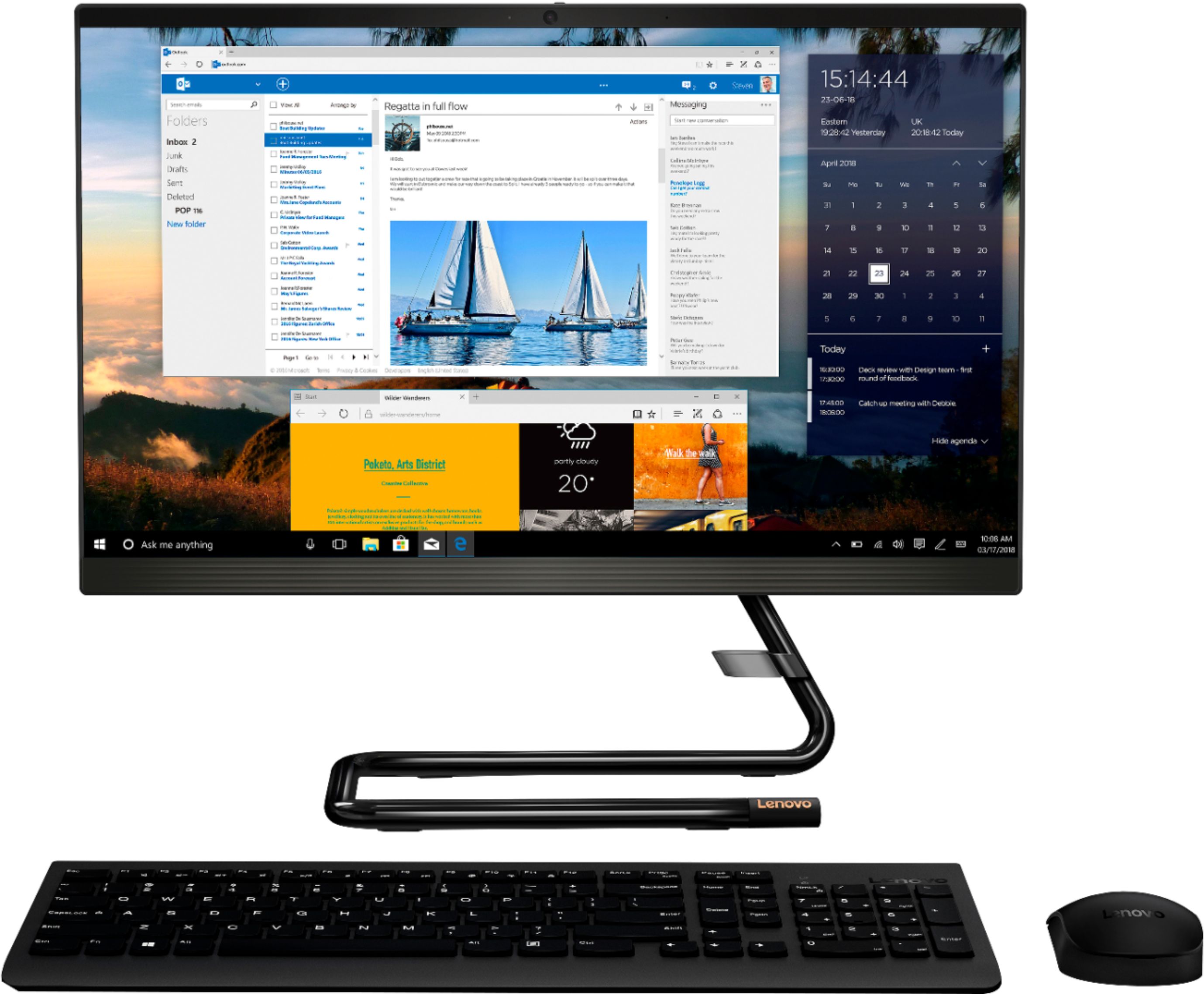
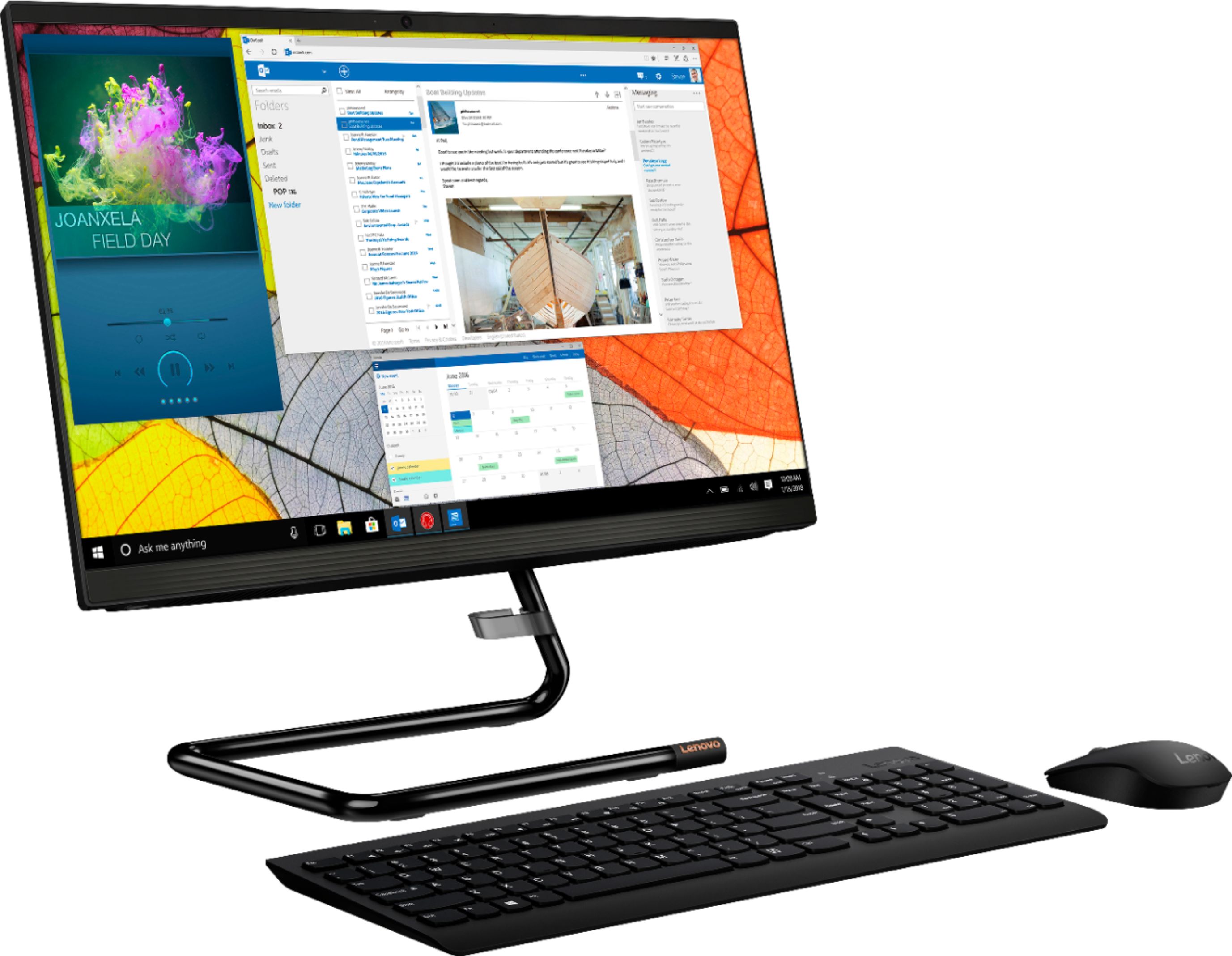
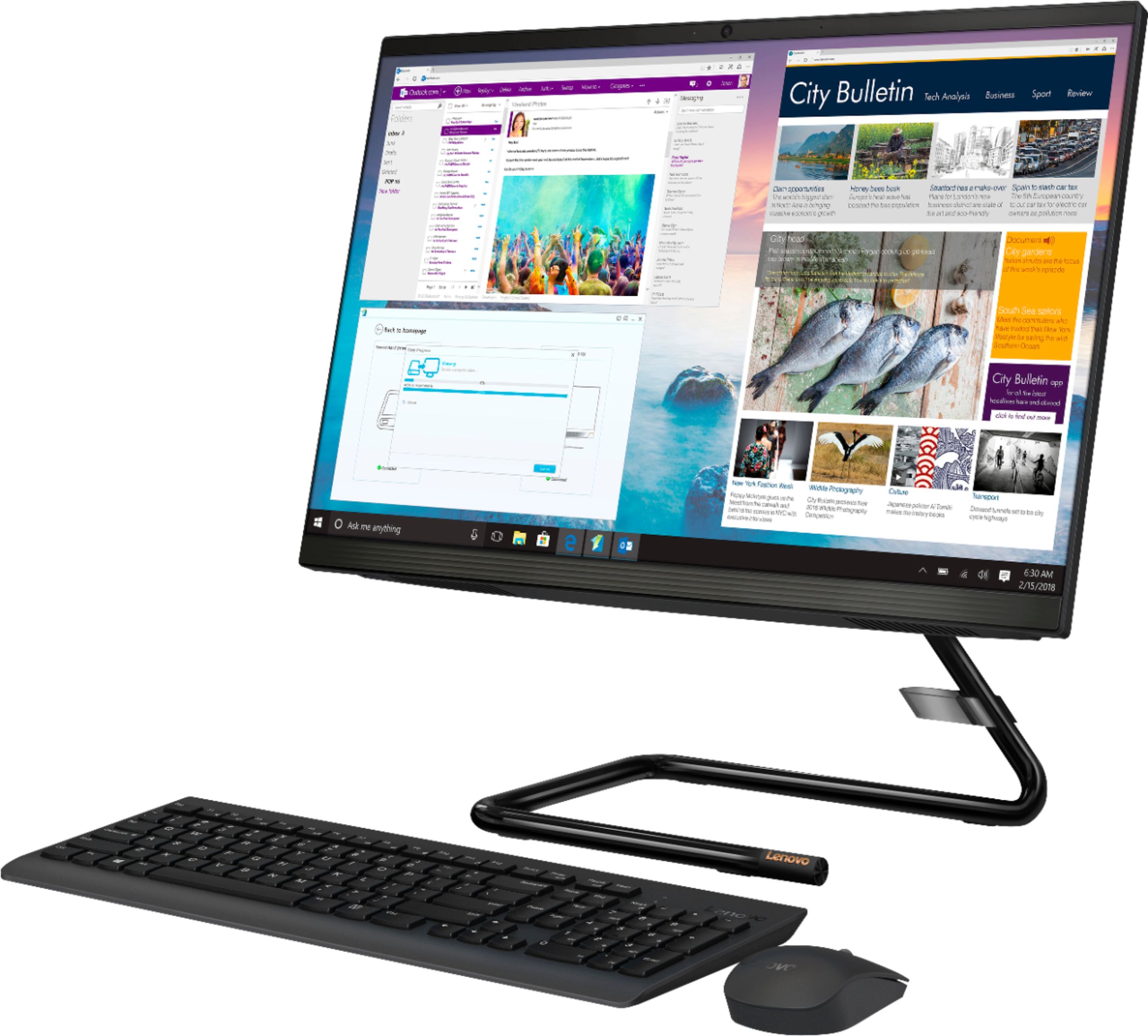
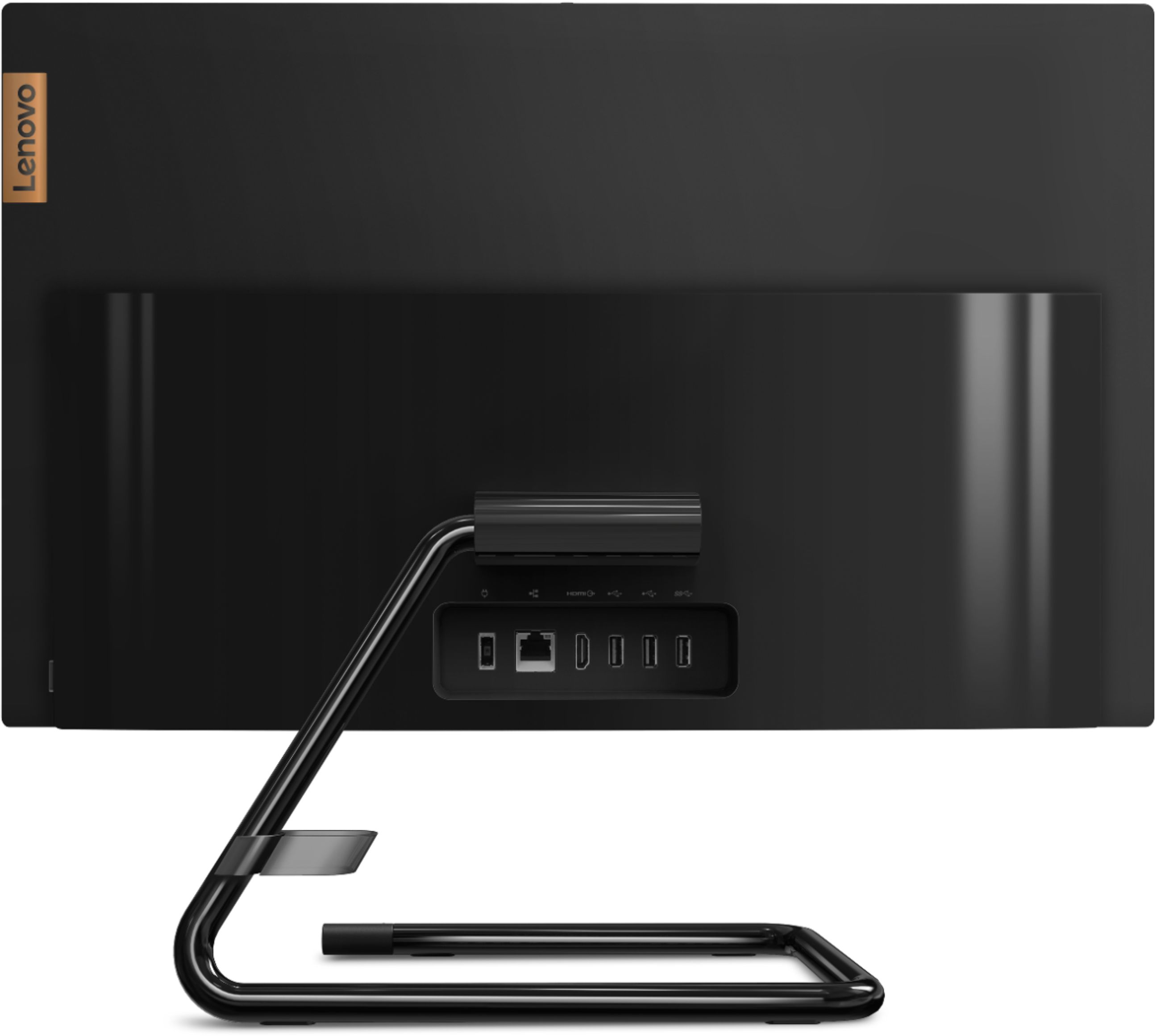

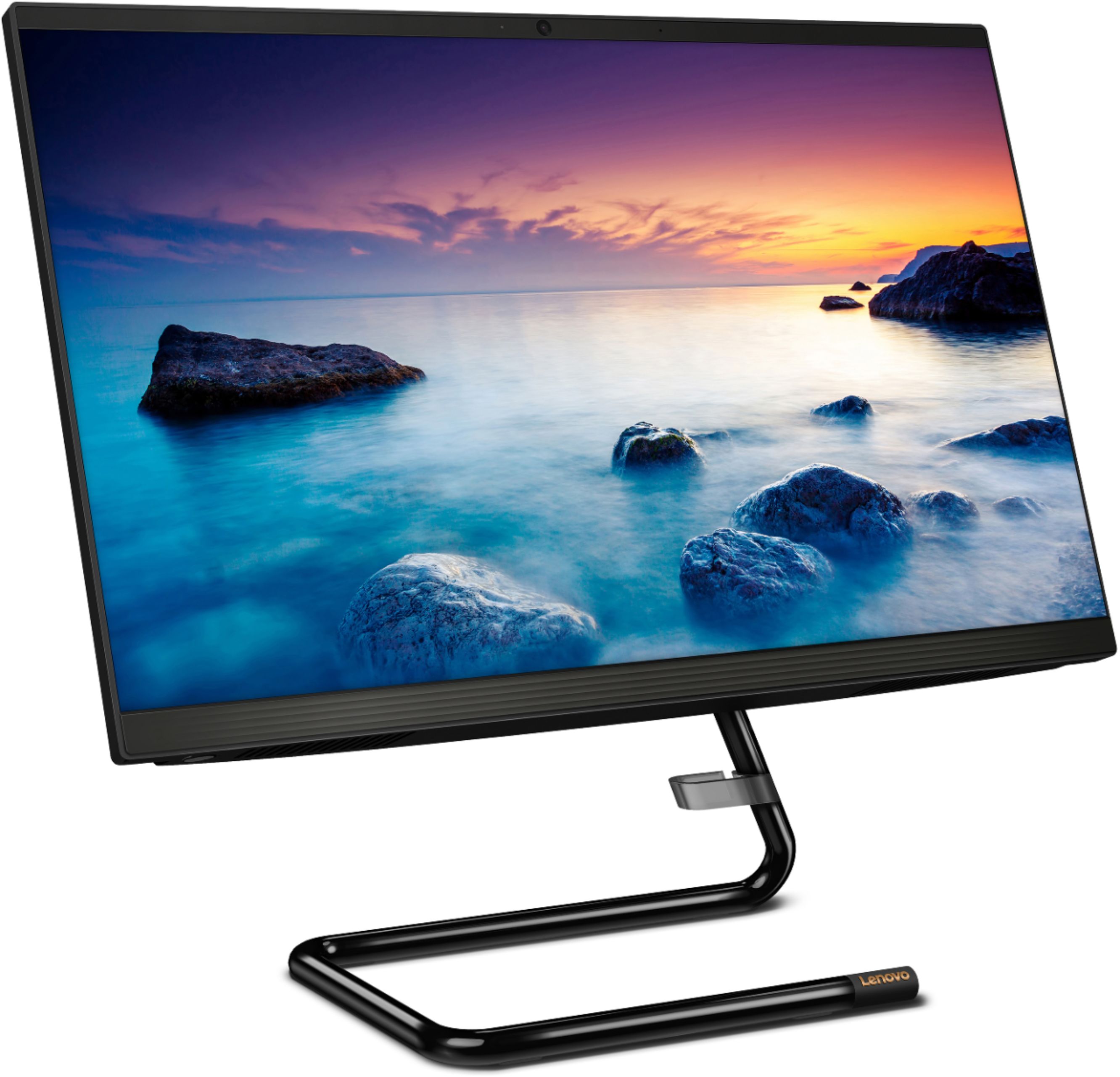
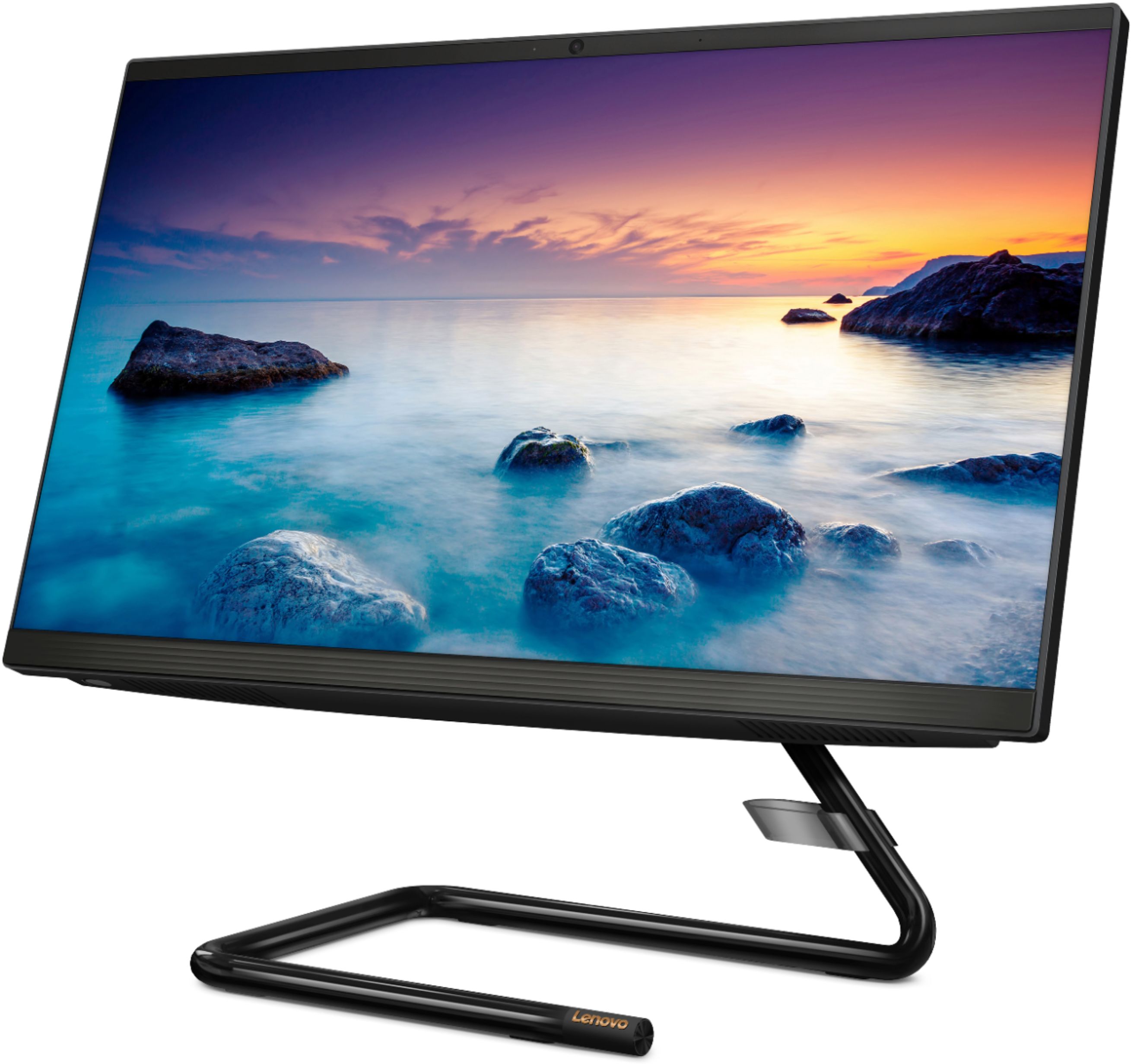

- Model:
- F0EA003RUS
- SKU:
- 6398131
Rating by feature
- Value
Rating 4.3 out of 5 stars
- Quality
Rating 4.2 out of 5 stars
- Ease of Use
Rating 4.3 out of 5 stars
Customers are saying
Customers highly value the IdeaCentre A340's ease of use and touchscreen functionality, frequently praising its performance and attractive price. Positive feedback also highlights the compact size and sleek design, making it a convenient and appealing option. While some users noted slow boot times and limitations with the processor and available USB ports, the overall experience appears positive for many buyers.
This summary was generated by AI based on customer reviews.
Bad product
||Posted . Owned for 5 months when reviewed.This reviewer received promo considerations or sweepstakes entry for writing a review.Definitely a bad purchase, send it twice to lenovo and problem still the same
No, I would not recommend this to a friendBrand response from Lenovo Product Expert
Posted .We are sorry to hear that you are having issues with your Lenovo IdeaCentre A340-22 All-In-One system. Be sure any software you installed is compatible with Windows 10. There is no need to install Microsoft Office software. The software is already part of the operating system, you just need to activate the software with a purchased product key. If you have installed a copy of Microsoft Office, this is conflicting with the existing copy on the system and this will slow your system down. If you have installed a 3rd party anti-virus program, be sure that Windows Defender is turned off and that the trial version of McAfee Anti-Virus software is uninstalled. There can only be one anti-virus program on the system. You may need to restore your system to original factory default settings if any of the programming errors have occurred. You can do that by typing "restore" in the Cortana search window. Just click on the magnifying glass icon at the bottom left of your Windows 10 Desktop. Click on "Reset This PC" Then click on "Get Started" and follow the on screen directions to restore to factory defaults. If the problem persists, we recommend you contact Lenovo Tech Support at: 877-453-6686.

Unhappy customer☹️
||Posted . Owned for 1 month when reviewed.This reviewer received promo considerations or sweepstakes entry for writing a review.Bought item for my son Christmas gift First time out of box WILL NOT power on!!!!
No, I would not recommend this to a friendBrand response from Lenovo Product Expert
Posted .Hello we are sorry to hear you are having a problem with power on your Lenovo IdeaCentre A340 AIO Model #F0EA003RUS. Please ensure that the included power cable is plugged in securely to the back of the AIO and that the included keyboard and mouse are connected. Next please ensure the power outlet you're connected to is functioning properly by trying a different power outlet. If you issue persists please reach out to Lenovo Tech Support at 877-453-6686 for the next steps in resolving your problem.
Would not buy for illustrations
||Posted . Owned for 1 month when reviewed.This reviewer received promo considerations or sweepstakes entry for writing a review.This computer is terrible with Adobe illustrator and that’s all i needed it for
No, I would not recommend this to a friendBrand response from Lenovo Product Expert
Posted .We always recommend you check the requirements and compatibility of any software you will be installing on your new computer, before you invest in any computer. Be sure your new computer can support the software you will need to use.
Not recommended for every day use
||Posted . Owned for less than 1 week when reviewed.This reviewer received promo considerations or sweepstakes entry for writing a review.Couldnt handle the performance after only 1 week the hard drive crashed .
I would recommend this to a friendBrand response from Lenovo Product Expert
Posted .We are sorry to hear that you are having issues with your Lenovo IdeaCentre A340-22 All-In-One system, model number F0EA003RUS. We recommend you contact Lenovo Tech Support for additional help at: 866-426-0911.
beware
||Posted . Owned for less than 1 week when reviewed.This reviewer received promo considerations or sweepstakes entry for writing a review.There is a good reason for so many open boxes of the product
No, I would not recommend this to a friendNot satisfied
||Posted .This reviewer received promo considerations or sweepstakes entry for writing a review.Got broken item . The peace come to attach in stand received broken
No, I would not recommend this to a friendComputer sucks
||Posted . Owned for 2 months when reviewed.This reviewer received promo considerations or sweepstakes entry for writing a review.Computer sucks started giving technical issues after a month
No, I would not recommend this to a friendBrand response from Lenovo Product Expert
Posted .We are sorry to hear that you are having issues with your Lenovo IdeaCentre A340-22 All-In-One system. First, Be sure any software you installed is compatible with Windows 10. There is no need to install Microsoft Office software. The software is already part of the operating system, you just need to activate the software with a purchased product key. If you have installed a copy of Microsoft Office, this is conflicting with the existing copy on the system and this will slow your system down. If you have installed a 3rd party anti-virus program, be sure that Windows Defender is turned off and that the trial version of McAfee Anti-Virus software is uninstalled. There can only be one anti-virus program on the system. You may need to restore your system to original factory default settings if any of the programming errors have occurred. You can do that by typing "restore" in the Cortana search window. Just click on the magnifying glass icon at the bottom left of your Windows 10 Desktop. Click on "Reset This PC" Then click on "Get Started" and follow the on screen directions to restore to factory defaults. If the problem persists, we recommend you contact Lenovo Tech Support at: 877-453-6686.
- Pros mentioned:Ease of use
Great buy
Posted .This reviewer received promo considerations or sweepstakes entry for writing a review.Great computer. It is easy to set up and aesthetically pleasing
I would recommend this to a friend - Cons mentioned:Speed
Great Value
Posted .This reviewer received promo considerations or sweepstakes entry for writing a review.Great computer, bit slow at times but still good!!
I would recommend this to a friend - Cons mentioned:Speed
good ish
Posted .This reviewer received promo considerations or sweepstakes entry for writing a review.i bought it like 2 years ago and its very slow and its always has been i thought it was like that but i cant even open chrome without it taking 30 mins to do it. its a good computer just very slow
No, I would not recommend this to a friend - Cons mentioned:Speed
Bad customer service
Posted .This reviewer received promo considerations or sweepstakes entry for writing a review.Had it for 1 year and a half was working good then started working slow I took it back to bestbuy they said they would take care of it and fix it and they just made it worse. I called back to tell them and they said they would call me and never called back. Long story short I just bought another one thanks to bestbuy.
No, I would not recommend this to a friend - Pros mentioned:Touch screen
Touch screen is awesome.
Posted .This reviewer received promo considerations or sweepstakes entry for writing a review.Absolutely love the touch screen!! Everything is wireless which makes it so nice not having all of the chords under the desk. I replaced my 10 year old computer with this one and couldn't be happier.
I would recommend this to a friendBrand response from Lenovo Product Expert
Posted .Thank you for choosing the Lenovo IdeaCentre A340 22 All-In-One System. We are pleased to hear that the features and performance of the IdeaCentre A340 22 AIO meets your computing needs so well.
- Cons mentioned:Speed
Run real slow
Posted .This reviewer received promo considerations or sweepstakes entry for writing a review.Runs slowly very disappointing I fell like it was a waste of money
No, I would not recommend this to a friend - Pros mentioned:Ease of use
Lenovo
Posted .This reviewer received promo considerations or sweepstakes entry for writing a review.This is the second one of these I have purchased. Meets all of my needs. A big fan of all in one computers
I would recommend this to a friendBrand response from Lenovo Product Expert
Posted .Thank you for choosing the Lenovo IdeaCentre A340-22IGM 21.5in. Touch Screen All-In-One. We are very pleased to hear that the specifications and features of the Lenovo IdeaCentre A340-22IGM AIO meet your computing needs so well.
Good computer with one disappointment
Posted .This reviewer received promo considerations or sweepstakes entry for writing a review.This is a good desktop computer with the features and quality anyone should expect. The (big) disappointment is the quality of the speakers which is not good at all. Low volume and tinny sound. I intended to use it for lectures and Zoom calls with colleagues in proximity. I expected better from Lenovo since I have an older Lenovo with quality speakers. There was no way to judge the speaker quality at purchase, I just expected more from Lenovo.
No, I would not recommend this to a friendBrand response from Lenovo Product Expert
Posted .Thank you for choosing the Lenovo IdeaCentre A340-22 All-In-One system, model number F0EA003RUS. This model ships with stereo, High Definition (HD) Audio with 3W system speakers. For the best audio experience, please be sure you have adjusted the audio features to your personal preference.
Lenovo is a good value.
Posted . Owned for 1 month when reviewed.This reviewer received promo considerations or sweepstakes entry for writing a review.I like the all in one set up. It takes up no space under the desk
I would recommend this to a friendBrand response from Lenovo Product Expert
Posted .Thank you for choosing the Lenovo IdeaCentre A340-22 All-In-One system. We are pleased to hear that the IdeaCentre A340-22 AIO is working out so well for you.
- Cons mentioned:Speed
Too Slow
Posted .This reviewer received promo considerations or sweepstakes entry for writing a review.Too slow. Doesn't load fast enough. i keep reading the reviews regarding the speed and they are all very similar. Lenovo's response is the same, but their fix doesn't work. I don't have anything installed other than what came factory installed, so I know it's nothing on my end. Trying to open Chrome takes 2-3 minutes and that is the only program generally used since the computer is for my 7-year old.
No, I would not recommend this to a friendBrand response from Lenovo Product Expert
Posted .This Lenovo IdeaCentre A340-22 All-In-One system will boot from off to the Windows Desktop Screen in less than 40-seconds. If it is taking more than a few seconds to load the Chrome Browser, and you are getting slower boot times, be sure any software you installed is compatible with Windows. There is no need to install Microsoft Office software. The software is already part of the operating system, you just need to activate the software with a purchased product key. If you have installed a copy of Microsoft Office, this is conflicting with the existing copy on the system and this will slow your system down. If you have installed a 3rd party anti-virus program, or even if you are using the Windows Defender Virus Protection Software, installed on the computer as part of the Windows Operating System, be sure the trial version of McAfee Anti-Virus software is uninstalled. There can only be one anti-virus program on the system. You may need to restore your system to original factory default settings if any of the programming errors have occurred. You can do that by typing "restore" in the Cortana search window. Just click on the magnifying glass icon at the bottom left of your Windows 10 Desktop. Click on "Reset This PC" Then click on "Get Started" and follow the on screen directions to restore to factory defaults. If the problem persists, and you continue to get slower than expected performance, we recommend you contact Lenovo Tech Support at: 877-453-6686.
- Cons mentioned:Speed
JUNK !!!!!!!
Posted .This reviewer received promo considerations or sweepstakes entry for writing a review.Junk Drops speakers and reverts to built in speaker. Drops printer/scanner Reverts to icon after editing photo. (from thumbnail) Super slow. Restarting fixes problems but they occur again right away.
No, I would not recommend this to a friendBrand response from Lenovo Product Expert
Posted .We are sorry to hear that you are having issues with your Lenovo IdeaCentre A340 22 All-In-One System, model number F0EA003RUS. First, be sure any software you installed is compatible with Windows 10, this includes the printer/scanner you have connected to this computer. Additionally, there is no need to install Microsoft Office software. The software is already part of the operating system, you just need to activate the software with a purchased product key. If you have installed a copy of Microsoft Office, this is conflicting with the existing copy on the system and this will slow your system down. If you have installed a 3rd party anti-virus program, be sure that Windows Defender is turned off and that the trial version of McAfee Anti-Virus software is uninstalled. There can only be one anti-virus program on the system. You may need to restore your system to original factory default settings if any of the programming errors have occurred. You can do that by typing "restore" in the Cortana search window. Just click on the magnifying glass icon at the bottom left of your Windows 10 Desktop. Click on "Reset This PC" Then click on "Get Started" and follow the on screen directions to restore to factory defaults. If there is no incompatible software installed and your printer/scanner is compatible with Windows 10 but the issues persist, check to be sure you have the latest version of Windows 10 on the computer. Then update all BIOS files and drivers up to that latest version of Windows 10. You can easily accomplish this by scanning the computer with the Lenovo Utility software available on this computer. This system has Lenovo utilities installed to help maintain the health of the device and keep the operating system software up to date. Type "Lenovo Vantage" in the Cortana Search window (if Lenovo Vantage is not installed on your device, you can download the APP and install it now). Select Lenovo Vantage from the list. In the window that opens, click on "Health and Support". In the expanded menu, select "Hardware Scan" In the window that opens, select "Run Quick Tests". This will scan your entire system for errors. Follow any directions that may pop up. If the problem continues after this scan, now click on "System Update". First select Windows update from the menu. Scan your system to be sure you have the latest version of Windows 10. Once that scan is complete, select "Additional Updates". This will scan your device to be sure there are no new BIOS/Driver updates needed. Follow any instructions that may pop up. If the issue continues after these updates, we recommend you call Lenovo Tech Support at: 877-453-6686 for additional help.
Slowest computer I've ever purchased in my life
Posted .This reviewer received promo considerations or sweepstakes entry for writing a review.This is the worst computer I have ever purchased. I would've returned it already, but I kept telling myself that it will get better, it just needs to be broken in. Not the case. It is about as slow as the computer I bought back in 1999. Dial up would likely be quicker. Maybe I got a lemon, I don't know, but as my main work computer at my office I feel like I was robbed blind by buying this beyond slow computer. Don't waste your money on this computer unless you have time traveled from the 1990's and would find this computer's speed acceptable.
No, I would not recommend this to a friendBrand response from Lenovo Product Expert
Posted .The Lenovo IdeaCentre A340-22 All-In-One system, model number F0EA003RUS, will boot from off to the Windows 10 Desktop in less than 40-seconds. If you are experiencing slower boot times and/or overall slower performance than expected, be sure any software you installed is compatible with Windows 10. There is no need to install Microsoft Office software. The software is already part of the operating system, you just need to activate the software with a purchased product key. If you have installed a copy of Microsoft Office, this is conflicting with the existing copy on the system and this will slow your system down. If you have installed a 3rd party anti-virus program, be sure that Windows Defender is turned off and that the trial version of McAfee Anti-Virus software is uninstalled. There can only be one anti-virus program on the system. You may need to restore your system to original factory default settings if any of the programming errors have occurred. You can do that by typing "restore" in the Cortana search window. Just click on the magnifying glass icon at the bottom left of your Windows 10 Desktop. Click on "Reset This PC" Then click on "Get Started" and follow the on screen directions to restore to factory defaults. If the problem persists, we recommend you contact Lenovo Tech Support at: 877-453-6686.
Brand new crappy computer that don't work
Posted .This reviewer received promo considerations or sweepstakes entry for writing a review.I took the computer out of the box set it up as I set it up they kept sending me different codes to put in now I can't get in the computer sent the computer back to the shop they say I put a code on it I haven't put no code on it Microsoft dead when it first come on and set up all I had to do was put my email address in there this computer do not work as of today it's sitting in my den in the box
No, I would not recommend this to a friend