Customer Ratings & Reviews
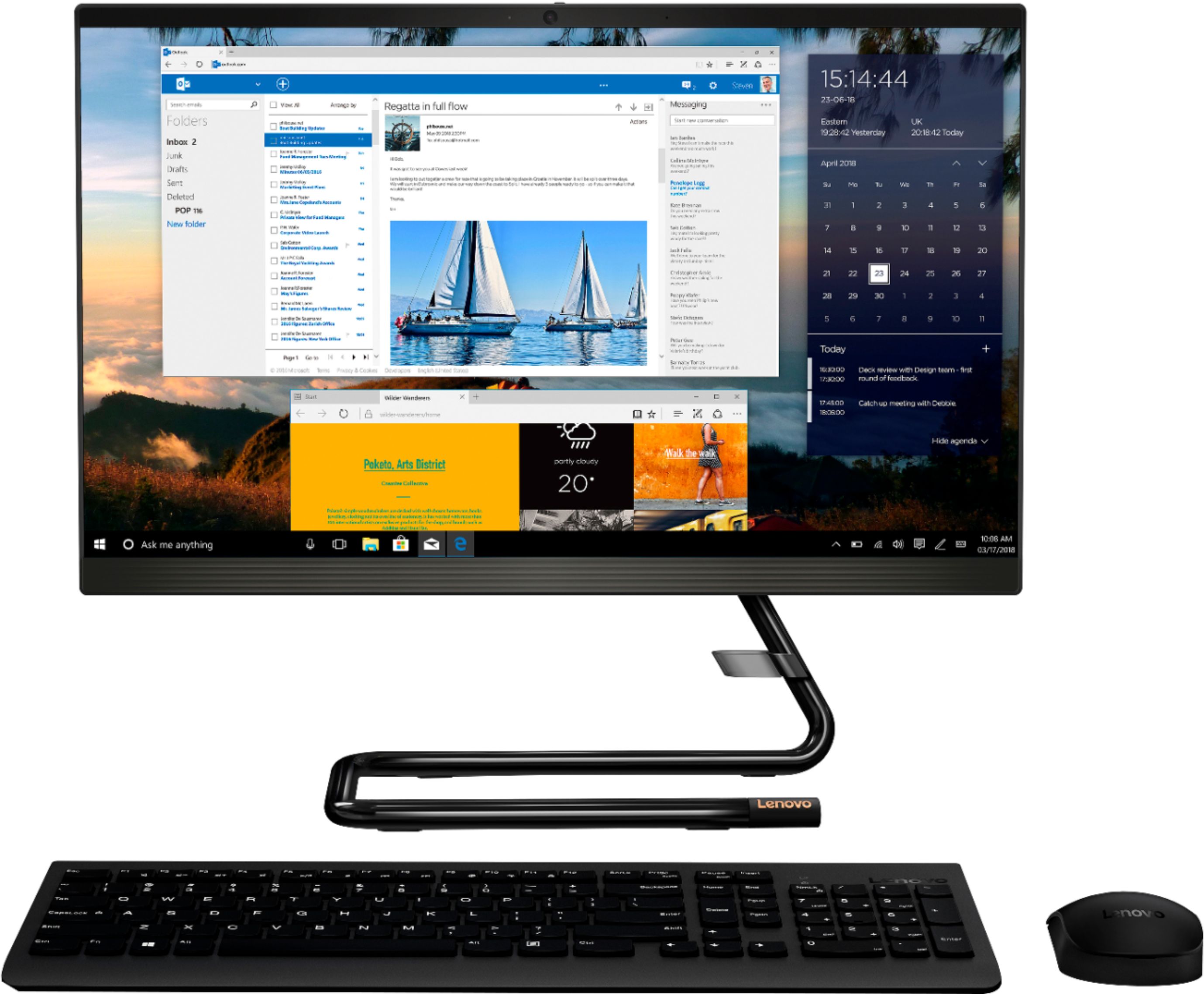
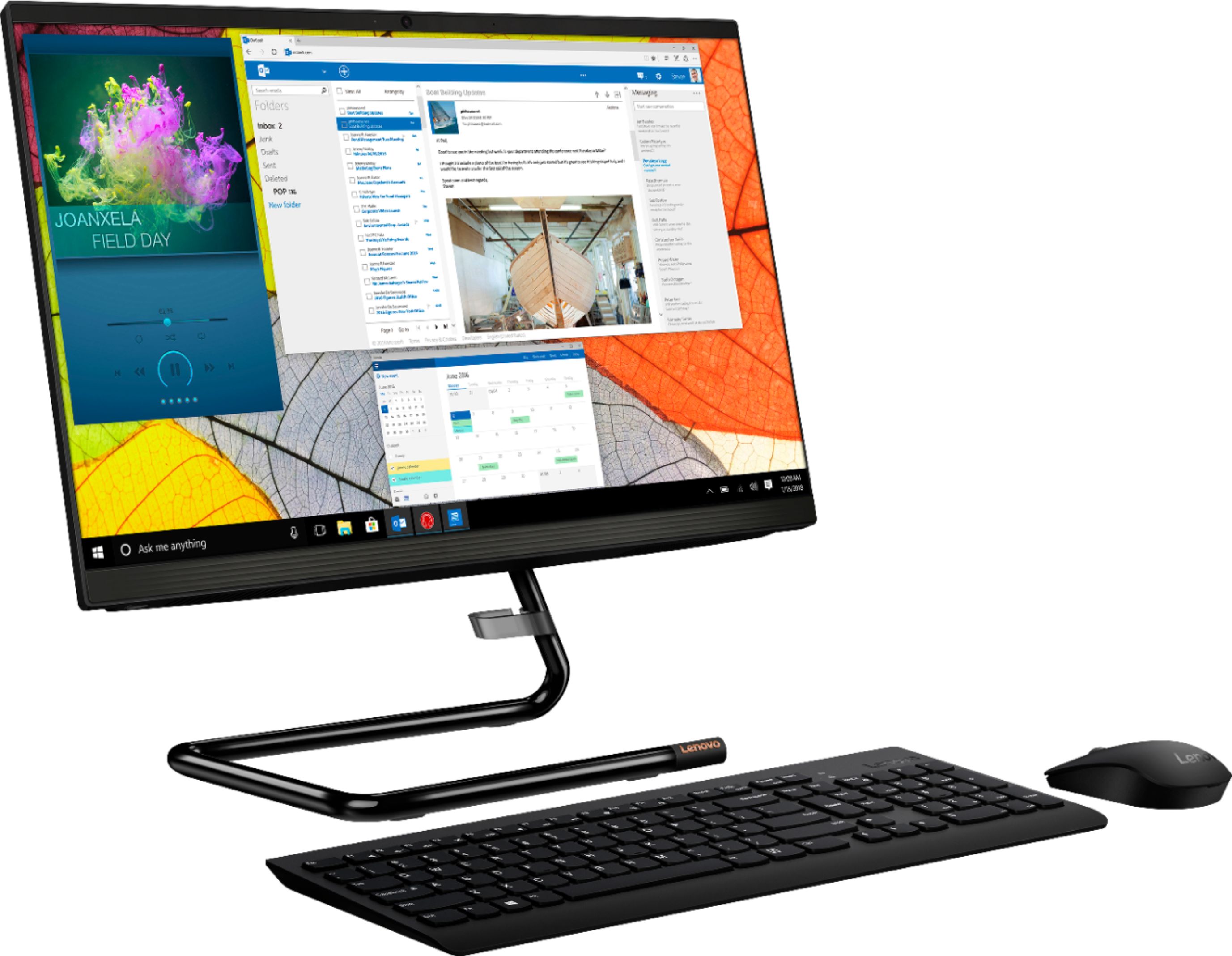
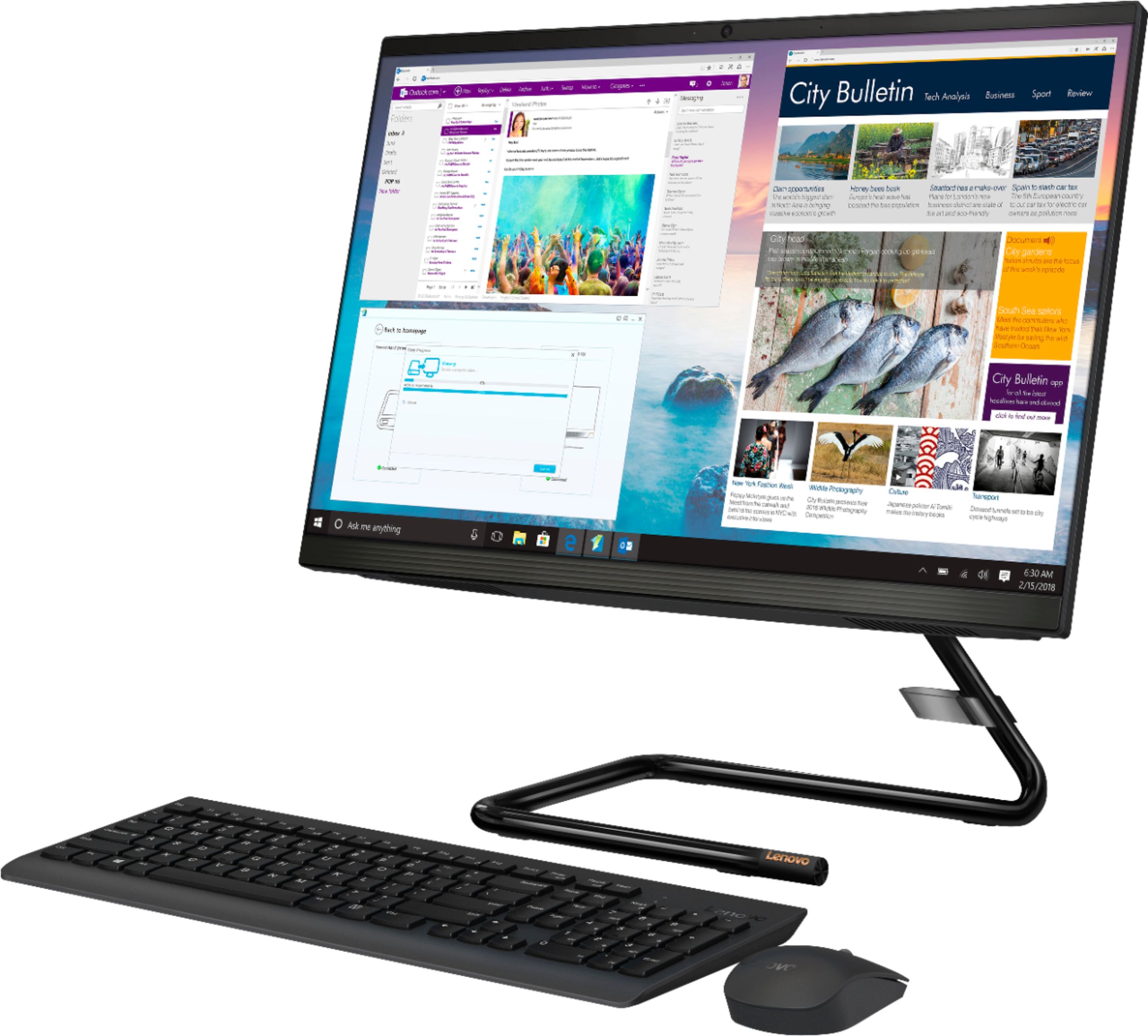
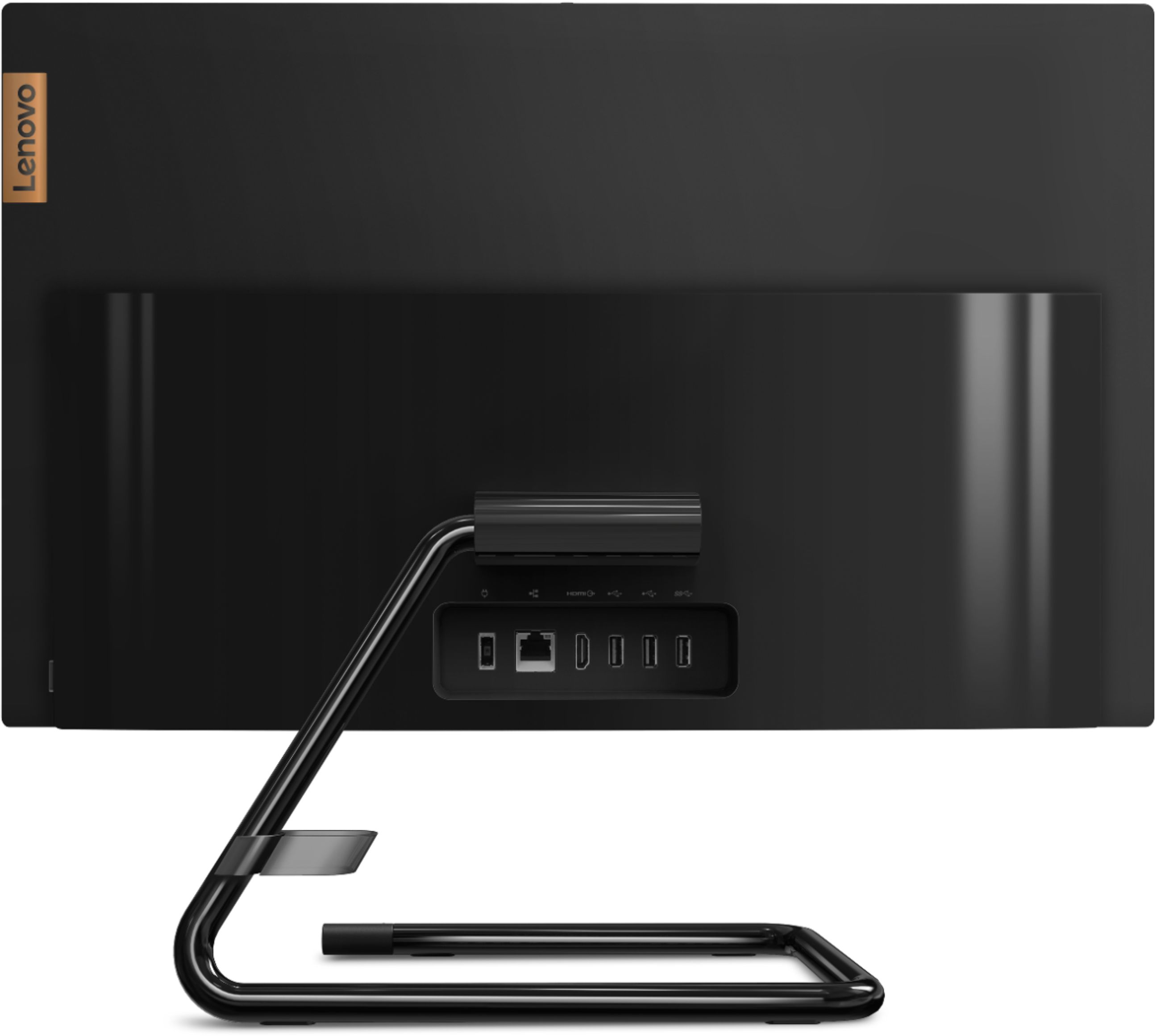
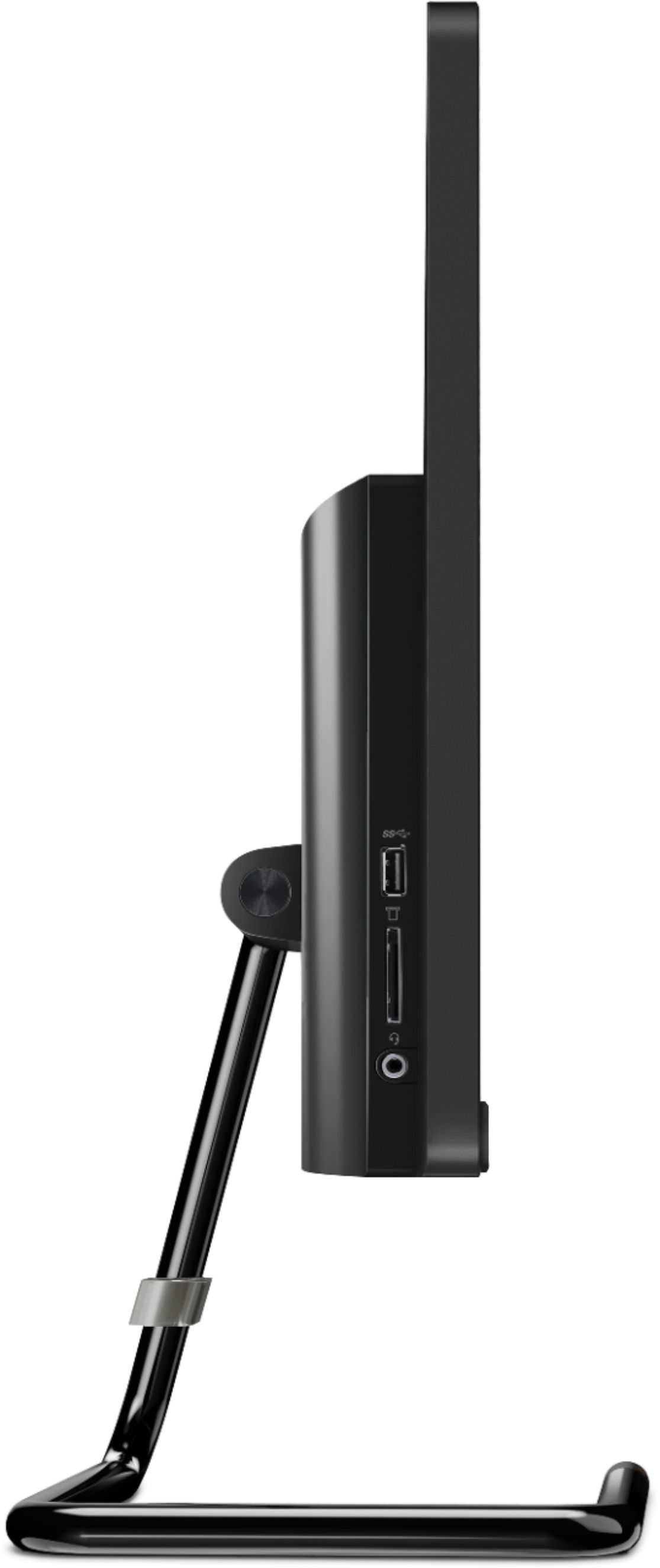
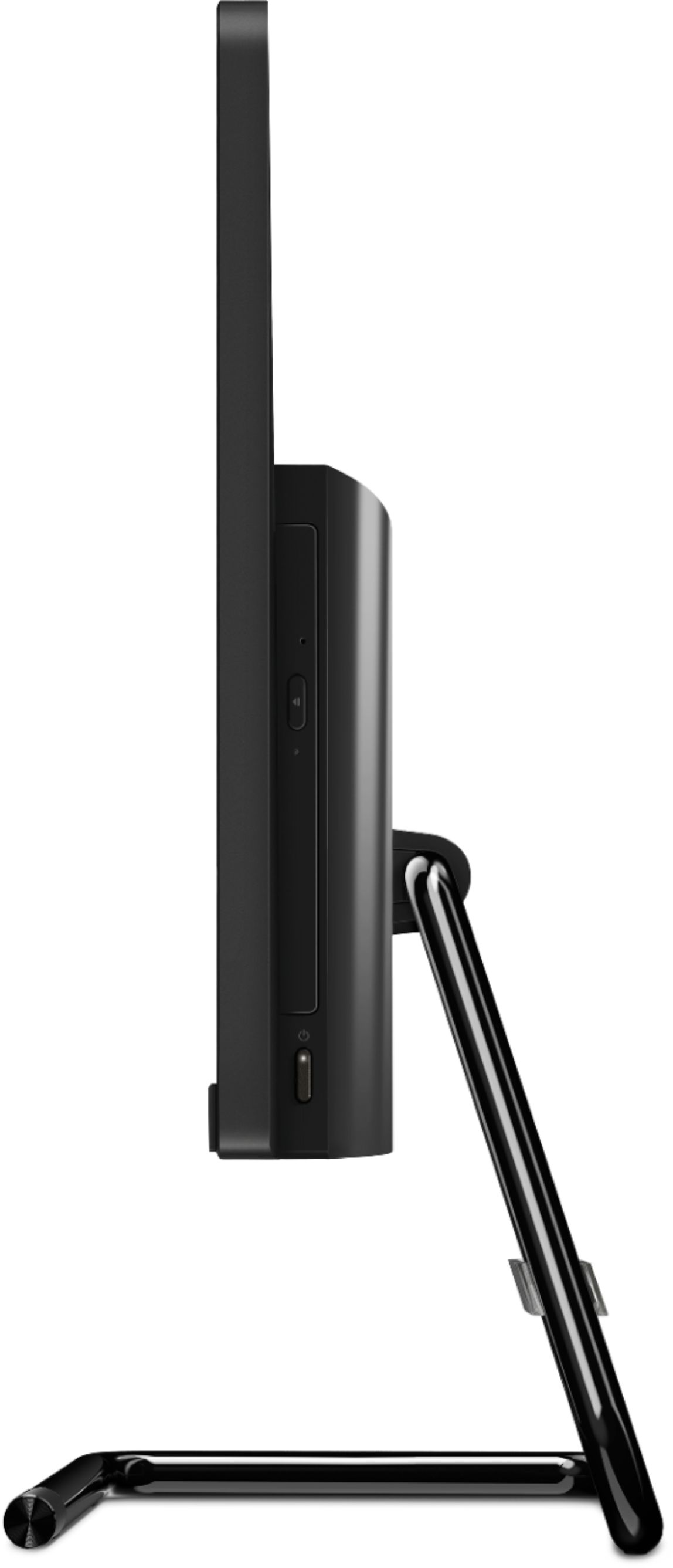

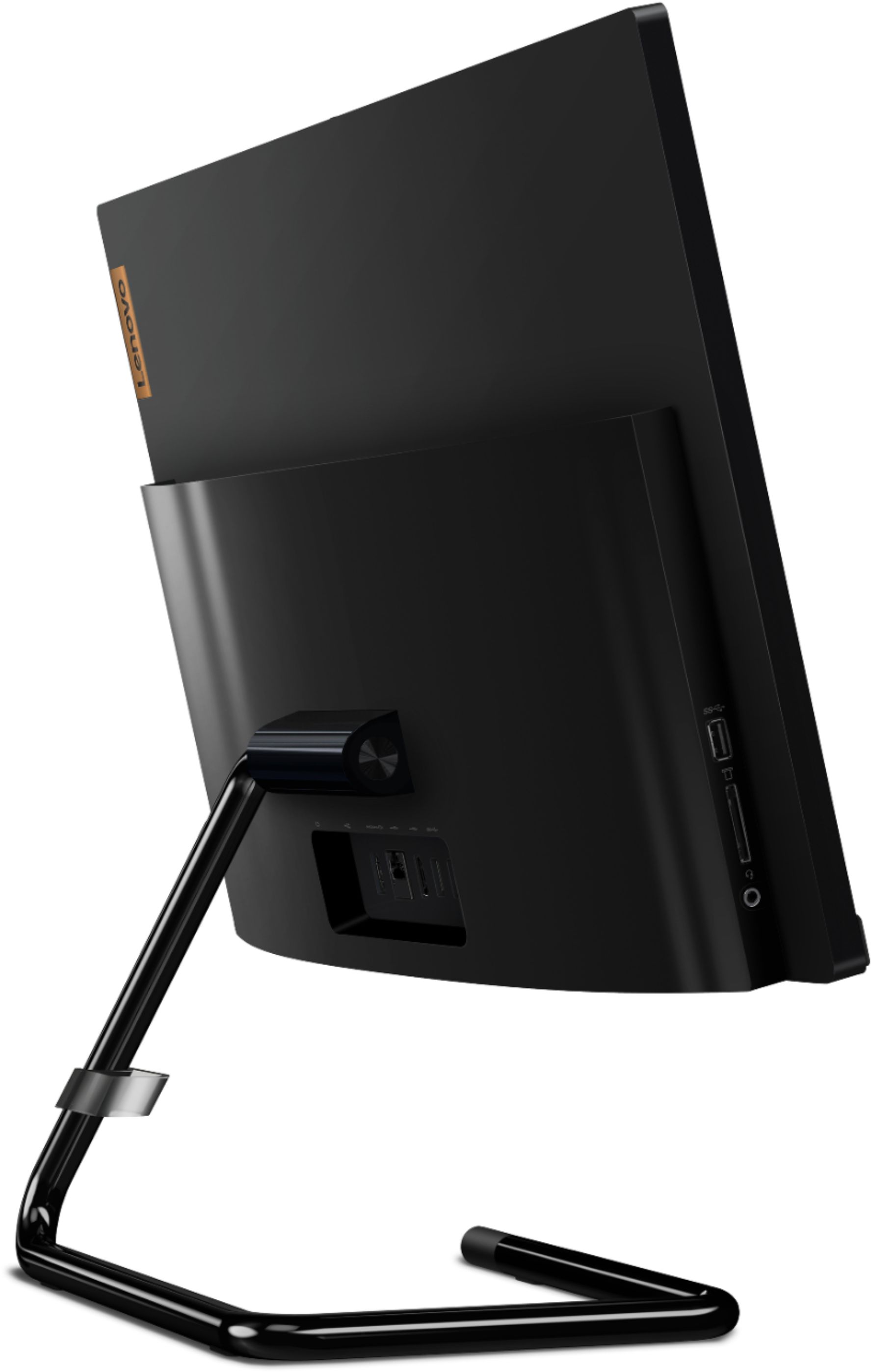
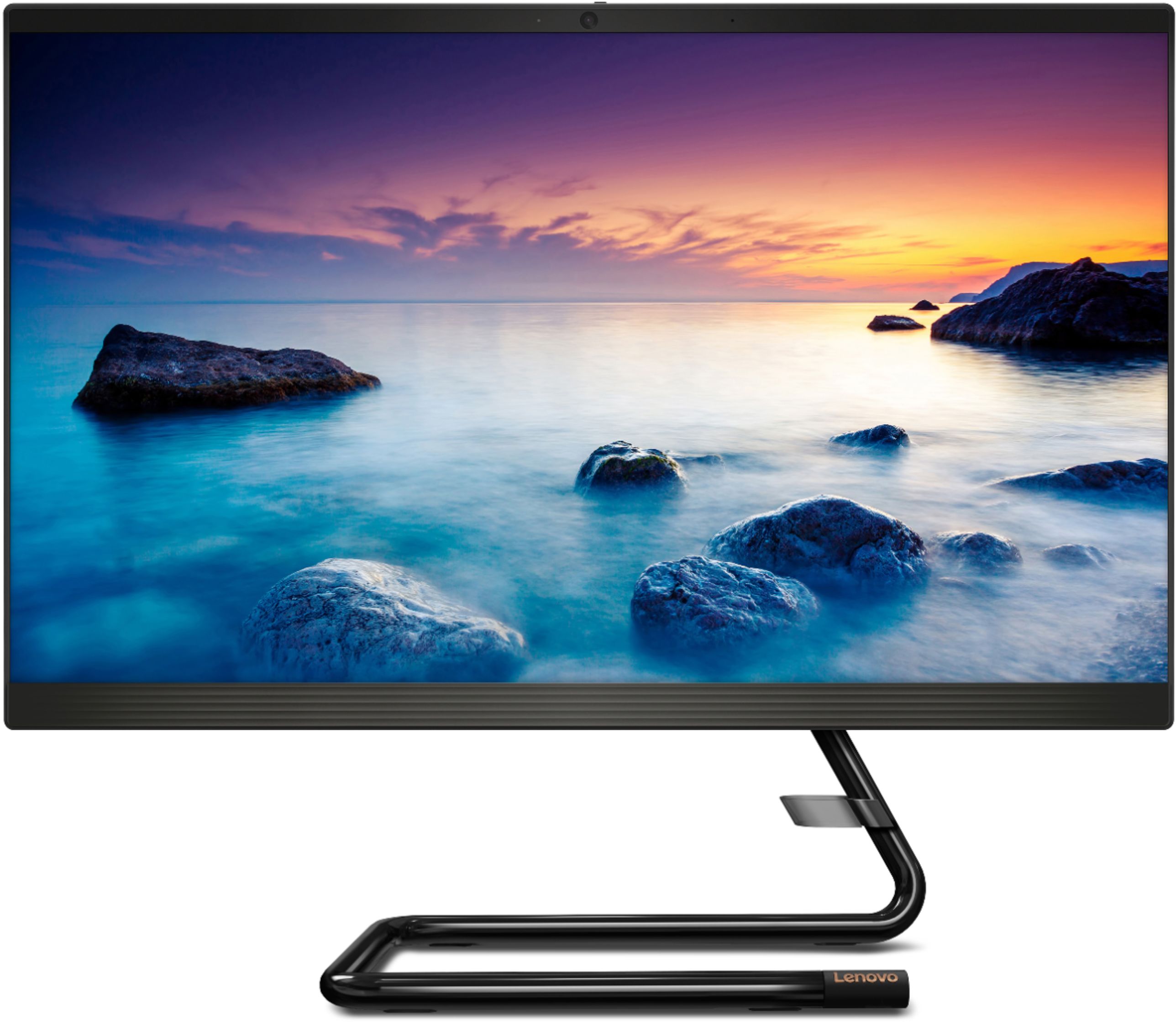
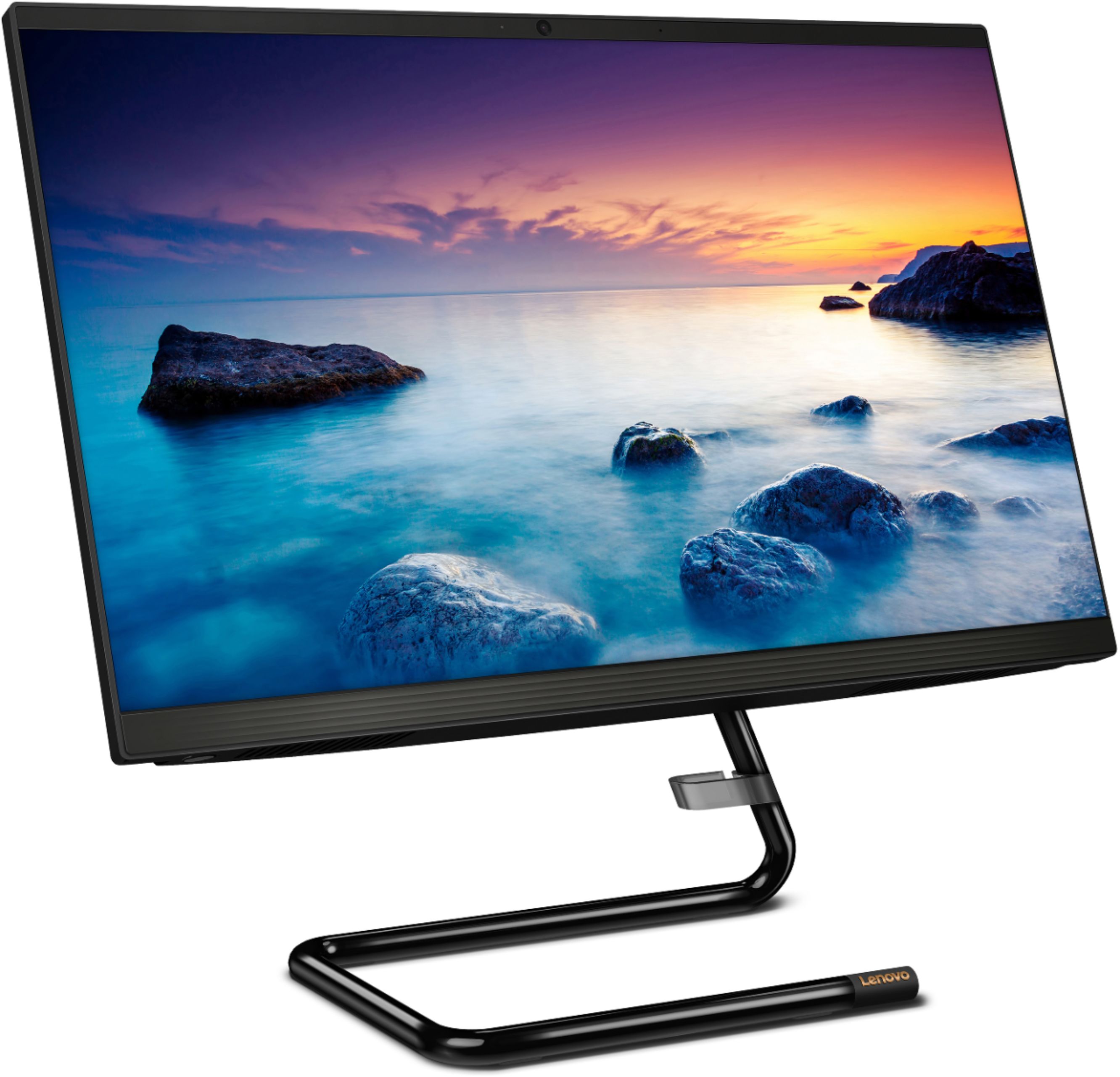
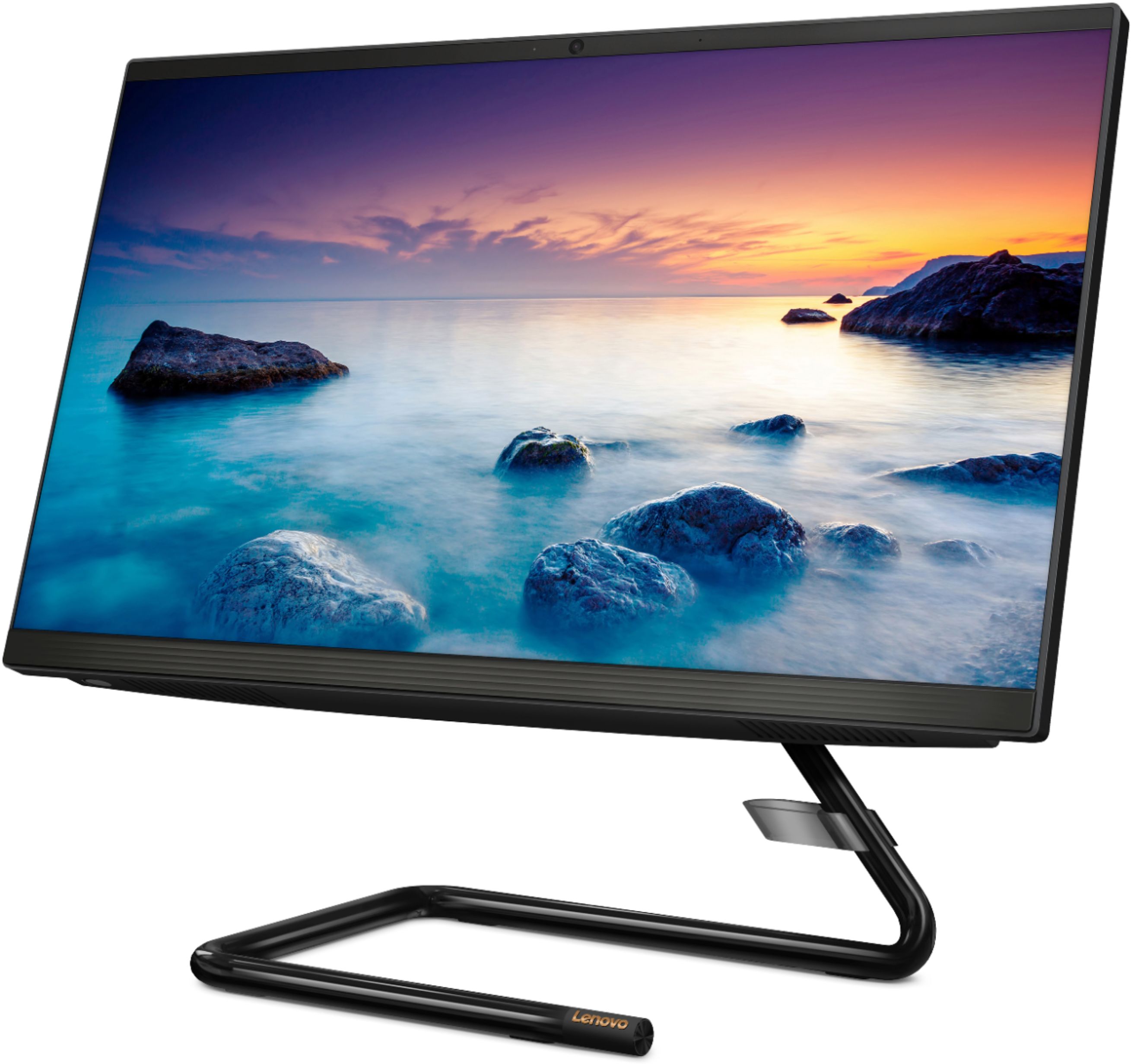

- Model:
- F0EA003RUS
- SKU:
- 6398131
Rating by feature
- Value
Rating 4.3 out of 5 stars
- Quality
Rating 4.2 out of 5 stars
- Ease of Use
Rating 4.3 out of 5 stars
Customers are saying
Customers highly value the IdeaCentre A340's ease of use and touchscreen functionality, frequently praising its performance and attractive price. Positive feedback also highlights the compact size and sleek design, making it a convenient and appealing option. While some users noted slow boot times and limitations with the processor and available USB ports, the overall experience appears positive for many buyers.
This summary was generated by AI based on customer reviews.
- Pros mentioned:Performance, Touch screen
Great Machine
||Posted . Owned for 3 weeks when reviewed.This reviewer received promo considerations or sweepstakes entry for writing a review.Great all in one. Typically more of an entry level product but this is great for office staff in our office. Will buy again.
I would recommend this to a friendBrand response from Lenovo Product Expert
Posted .Once again, thank you for choosing the Lenovo IdeaCentre A340-22 All-In-One system for your office. You can keep your computer running at its best by keeping the Windows 10 Operating System and all supporting BIOS files and drivers up to date. You can easily accomplish this by scanning the computer with the Lenovo Utility software available on this computer. Just type "Lenovo Vantage" in the Cortana Search window (if Lenovo Vantage is not installed on your device, you can download the APP and install it now). Select Lenovo Vantage from the list. In the window that opens, click on "Health and Support". In the expanded menu, select "Hardware Scan" In the window that opens, select "Run Quick Tests". This will scan your entire system for errors. Follow any directions that may pop up. If the problem continues after this scan, now click on "System Update". First select Windows update from the menu. Scan your system to be sure you have the latest version of Windows 10. Once that scan is complete, select "Additional Updates". This will scan your device to be sure there are no new BIOS/Driver updates needed. Follow any instructions that may pop up. If you ever need additional help with your Lenovo computer, we recommend you call Lenovo Tech Support at: 877-453-6686 for additional help.

- Pros mentioned:Ease of use, Touch screen
Nice!!
||Posted . Owned for 1 month when reviewed.This reviewer received promo considerations or sweepstakes entry for writing a review.So far, so good. It was super easy to setup and the touch screen is a nice touch. I'll update later if issues arise.
I would recommend this to a friendBrand response from Lenovo Product Expert
Posted .Hello! Thanks for choosing the Lenovo IdeaCentre A340 All-In-One. We are pleased to hear the features and performance of the A340 All-In-One are meeting your computing needs so well!
- Pros mentioned:Ease of use, Touch screen
Better than old laptop
||Posted . Owned for less than 1 week when reviewed.This reviewer received promo considerations or sweepstakes entry for writing a review.Bought this for our in home business and I have not been disappointed. Very easy to setup. Screen is beautiful.
I would recommend this to a friendBrand response from Lenovo Product Expert
Posted .Thank you for choosing the Lenovo IdeaCentre A340-22 All-In-One system. We are pleased to hear that the IdeaCentre A340-22 AIO meets your business computing needs so well.
Love this computer
||Posted . Owned for more than 2 years when reviewed.This reviewer received promo considerations or sweepstakes entry for writing a review.I love this computer I accidentally locked myself out it has all my music and food meemories until I can get back in it
I would recommend this to a friend- Pros mentioned:Ease of use, Touch screen
Good product.
||Posted . Owned for 1 month when reviewed.This reviewer received promo considerations or sweepstakes entry for writing a review.Excellent desktop computer,easy to install, good Size screen,does not take up to much room, would recommend to a friend.
I would recommend this to a friendBrand response from Lenovo Product Expert
Posted .Thank you for choosing the Lenovo IdeaCentre A340-22 All-in-One system. We are pleased to hear that the easy install, features and performance of the IdeaCentre A340-22 AIO meets your computing needs so well. Elegant yet simple, the stand and base of the IdeaCentre all in one A340 is sure to impress—and save on desk space. Whether it’s for work, entertainment, or family video-chats, this eye-catching PC will look great in any room in your home. This is an entry level, light use system with its Intel Pentium processor. It is not meant for multi-tasking or demanding programs. It is good for Microsoft Office and light internet browsing. If this describes your computing needs, the Lenovo IdeaCentre A340-22 All-in-One system would be a good choice.
- Pros mentioned:Ease of use
It's okay i guess?
||Posted . Owned for 1 month when reviewed.This reviewer received promo considerations or sweepstakes entry for writing a review.I tried to purchased this item from best buy but due to lack of communication(They took my money but failed to inform me that the item was out of stock for the foreseeable future.) I purchased from else where but it's a nice computer. I only use it for work but it's easy to navigate.
I would recommend this to a friendBrand response from Lenovo Product Expert
Posted .Thanks for choosing the Lenovo IdeaCentre A340 All-In-One. We are pleased to hear the features and performance of the A340 All-In-One are meeting your computing needs so well!
- Pros mentioned:Size
I love it :)
||Posted . Owned for 1 month when reviewed.This reviewer received promo considerations or sweepstakes entry for writing a review.I love it so far! It had everything I needed for my online classes and more. One feature I thought that was cool was that there is a sliding part to block the webcam from always being open. Super cool instead of putting tape to block it. Also I love how non bulky it is.
I would recommend this to a friend Love it
||Posted . Owned for 8 months when reviewed.This reviewer received promo considerations or sweepstakes entry for writing a review.I love this desk top. It is sleek and clean looking. The set up was very easy.
I would recommend this to a friendBrand response from Lenovo Product Expert
Posted .Thank you for choosing the Lenovo IdeaCentre A340 22 All-In-One System. We are pleased to hear that the easy setup, features and performance of the IdeaCentre A340 22 AIO meets your computing needs so well.
- Pros mentioned:Ease of use, Size
Love it
||Posted . Owned for 3 weeks when reviewed.This reviewer received promo considerations or sweepstakes entry for writing a review.I love my computer i love the style easy to use downloads all the software i need doesnt take up much space.
I would recommend this to a friendBrand response from Lenovo Product Expert
Posted .Thank you for choosing the Lenovo IdeaCentre A340-22 All-In-One system. We are pleased to hear that the IdeaCentre A340-22 AIO meets your computing needs so well.
- Pros mentioned:Touch screen
great computer
||Posted . Owned for 2 weeks when reviewed.This reviewer received promo considerations or sweepstakes entry for writing a review.Overall it is a wonderful computer I actually did my research on this one. for a work at home mom and starting my home business it is a nice computer to start off with for the price hopefully I can get a upgrade in the future of this products or a better one.
I would recommend this to a friendBrand response from Lenovo Product Expert
Posted .Thank you for choosing the Lenovo IdeaCentre A340-22 All-In-One system. We are pleased to hear that the value and performance of the IdeaCentre A340-22 AIO meets your business computing needs so well. This is an entry level, light use system with its Intel Pentium processor. It is not meant for multi-tasking or demanding programs. It is good for Microsoft Office and light internet browsing. If this describes your computing needs, the Lenovo IdeaCentre A340-22 All-In-One system would be a good choice.
- Pros mentioned:Ease of use, Touch screen
Computer Use
||Posted . Owned for 5 months when reviewed.This reviewer received promo considerations or sweepstakes entry for writing a review.Excellent! Easy to navigate and use computer. Wireless keyboard and mouse are a big plus.
I would recommend this to a friendBrand response from Lenovo Product Expert
Posted .Thank you for choosing the Lenovo IdeaCentre A340-22 All-In-One system. We are pleased to hear that the features and performance of the IdeaCentre A340-22 AIO meets your computing needs so well.
- Pros mentioned:Touch screen
LOVE IT!!!
||Posted . Owned for 9 months when reviewed.This reviewer received promo considerations or sweepstakes entry for writing a review.LOVE, LOVE, LOVE THIS COMPUTER.!!! It is so sleek and cute in design. Love the touchscreen.
I would recommend this to a friendBrand response from Lenovo Product Expert
Posted .Thank you for choosing the Lenovo IdeaCentre A340-22 All-In-One system. We are pleased to hear that the features and performance of the IdeaCentre A340-22 AIO meets your computing needs so well.
- Pros mentioned:Performance, Price
Love this PC
||Posted . Owned for 3 weeks when reviewed.This reviewer received promo considerations or sweepstakes entry for writing a review.sleek, high performance PC, perfect for daily home office use and well priced. Well done Lenovo !
I would recommend this to a friend - Pros mentioned:Size, Touch screen
Lenovo all in one
||Posted . Owned for 2 weeks when reviewed.This reviewer received promo considerations or sweepstakes entry for writing a review.Love Lenovo My all in one is fast and compact The wireless keyboard and mouse are huge Plus
I would recommend this to a friendBrand response from Lenovo Product Expert
Posted .Thank you for choosing the Lenovo IdeaCentre A340-22 All-In-One system. We are pleased to hear that the features and performance of the IdeaCentre A340-22 AIO meets your computing needs so well.
- Pros mentioned:Size, Touch screen
Good deal
||Posted . Owned for 3 weeks when reviewed.This reviewer received promo considerations or sweepstakes entry for writing a review.I like that this is an all in one that comes with a wireless mouse and keyboard.
I would recommend this to a friendBrand response from Lenovo Product Expert
Posted .Thank you for choosing the Lenovo IdeaCentre A340 22 All-In-One system. We are pleased to hear that the features and performance of the IdeaCentre A340 22 AIO meets your computing needs so well.
- Pros mentioned:Ease of use
My Best Buy Product
||Posted .This reviewer received promo considerations or sweepstakes entry for writing a review.I really enjoy this Lenova all in one because I never thought I would own one. This all in one computer makes me so happy, just like a best friend I can read write or whatever i like with my first desk top computer. Also the sales associates are so helpful. Whenever I needed help with choosing a product the salesperson is right there. The product is easy to set up and I really enjoy searching on it.
I would recommend this to a friendBrand response from Lenovo Product Expert
Posted .Thank you for choosing the Lenovo IdeaCentre A340-22 All-In-One system. We are pleased to hear that the IdeaCentre A340-22 AIO meets your computing needs so well.
- Pros mentioned:Touch screen
A much needed return to the basics
||Posted . Owned for less than 1 week when reviewed.This reviewer received promo considerations or sweepstakes entry for writing a review.In the past two years I've had three different $800-1k convertible touchscreen laptops fry themselves beyond repair, so I decided to return to a less flashy desktop machine in the hopes it will last longer. I ordered online, and pickup was a snap. Setup took five minutes, and I'm already confident that paying slightly less than usual for a larger screen and more storage space was the right decision.
I would recommend this to a friendBrand response from Lenovo Product Expert
Posted .Thank you for choosing the Lenovo IdeaCentre A340-22 All-In-One system. We are pleased to hear that the IdeaCentre A340-22 AIO meets your computing needs so well.
- Pros mentioned:Ease of use, Performance
Definitely recommend
||Posted . Owned for 1 month when reviewed.This reviewer received promo considerations or sweepstakes entry for writing a review.Easy set up. Perfect for home use and basic gaming (i.e. Minecraft and roblox)
I would recommend this to a friendBrand response from Lenovo Product Expert
Posted .Thank you for choosing the Lenovo IdeaCentre A340-22 All-In-One system. We are pleased to hear that the easy setup and performance of the IdeaCentre A340-22 AIO meets your computing needs so well. We always recommend you check the requirements and compatibility of any software/games you will be installing on your new computer, before you invest in any computer. Be sure your new computer can support the software/games you will need to use.
- Pros mentioned:Ease of use, Touch screen
Lenovo A340
||Posted .This reviewer received promo considerations or sweepstakes entry for writing a review.Very nice. Wasn't in stock so they had to ship it. Came in nicely packaged and all is good.
I would recommend this to a friend - Pros mentioned:Touch screenCons mentioned:Speed
Good screen and sound quality but slow processor.
||Posted . Owned for 1 month when reviewed.This reviewer received promo considerations or sweepstakes entry for writing a review.Looks very nice, the quality of the screen and the sound are nice. Have to return due to slow processor.
No, I would not recommend this to a friendBrand response from Lenovo Product Expert
Posted .The Lenovo IdeaCentre A340-22 All-In-One system model number F0EA003RUS, is an entry level, light use system with its 4-Core, Intel Pentium processor. This processor has a base speed of 1.5GHz and a boost speed of up to 2.8GHz through 4-Cores. The processor is supported by 8GB DDR4-2666MHz RAM. It is not meant for multi-tasking or demanding programs. It is good for Microsoft Office and light internet browsing. If this describes your computing needs, the Lenovo IdeaCentre A340-22 All-In-One system would be a good choice.