Customer Ratings & Reviews


- Model:
- F0EM006YUS
- SKU:
- 6424474
Rating by feature
- Value
Rating 4.6 out of 5 stars
- Quality
Rating 4.7 out of 5 stars
- Ease of Use
Rating 4.7 out of 5 stars
Customers are saying
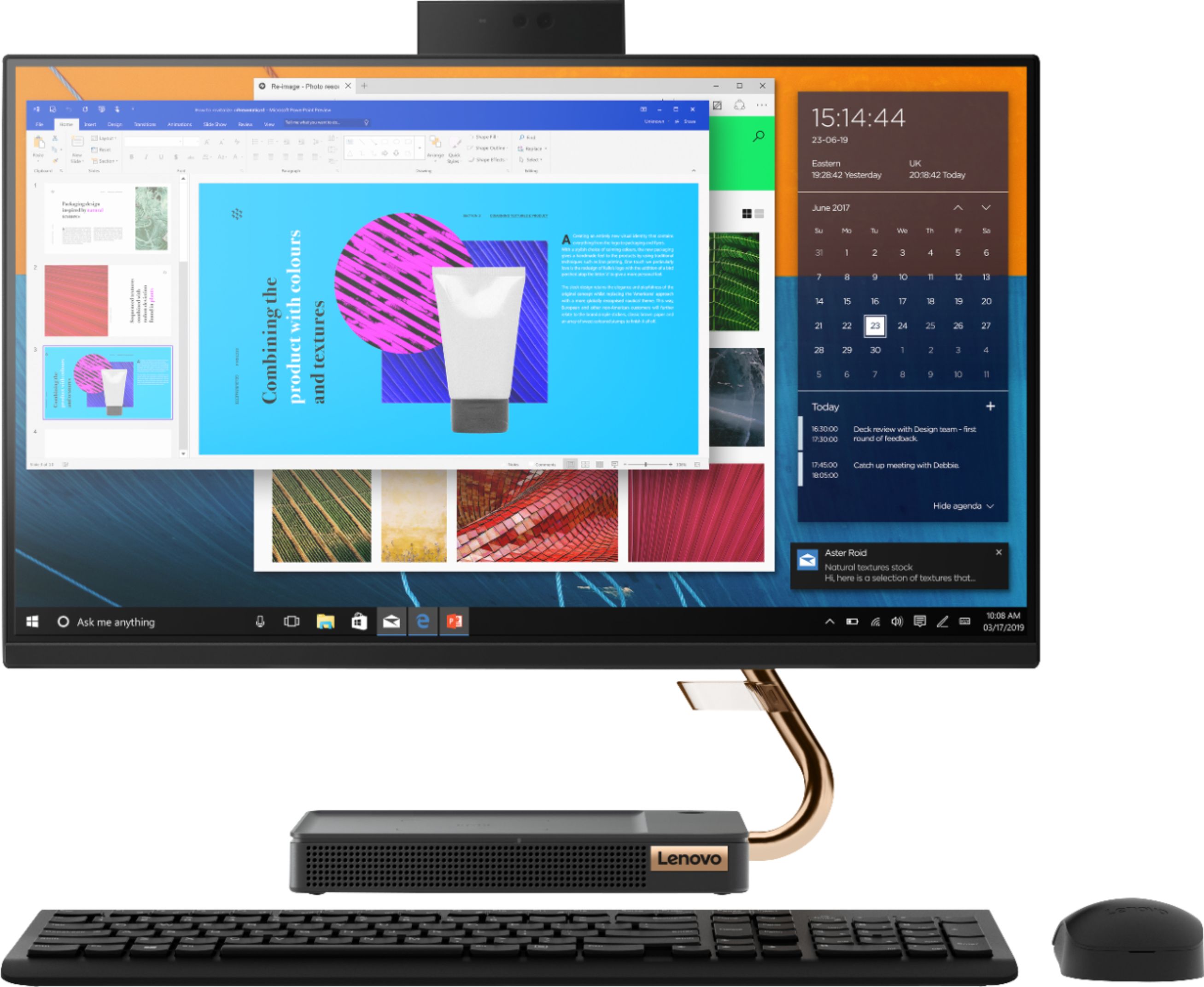
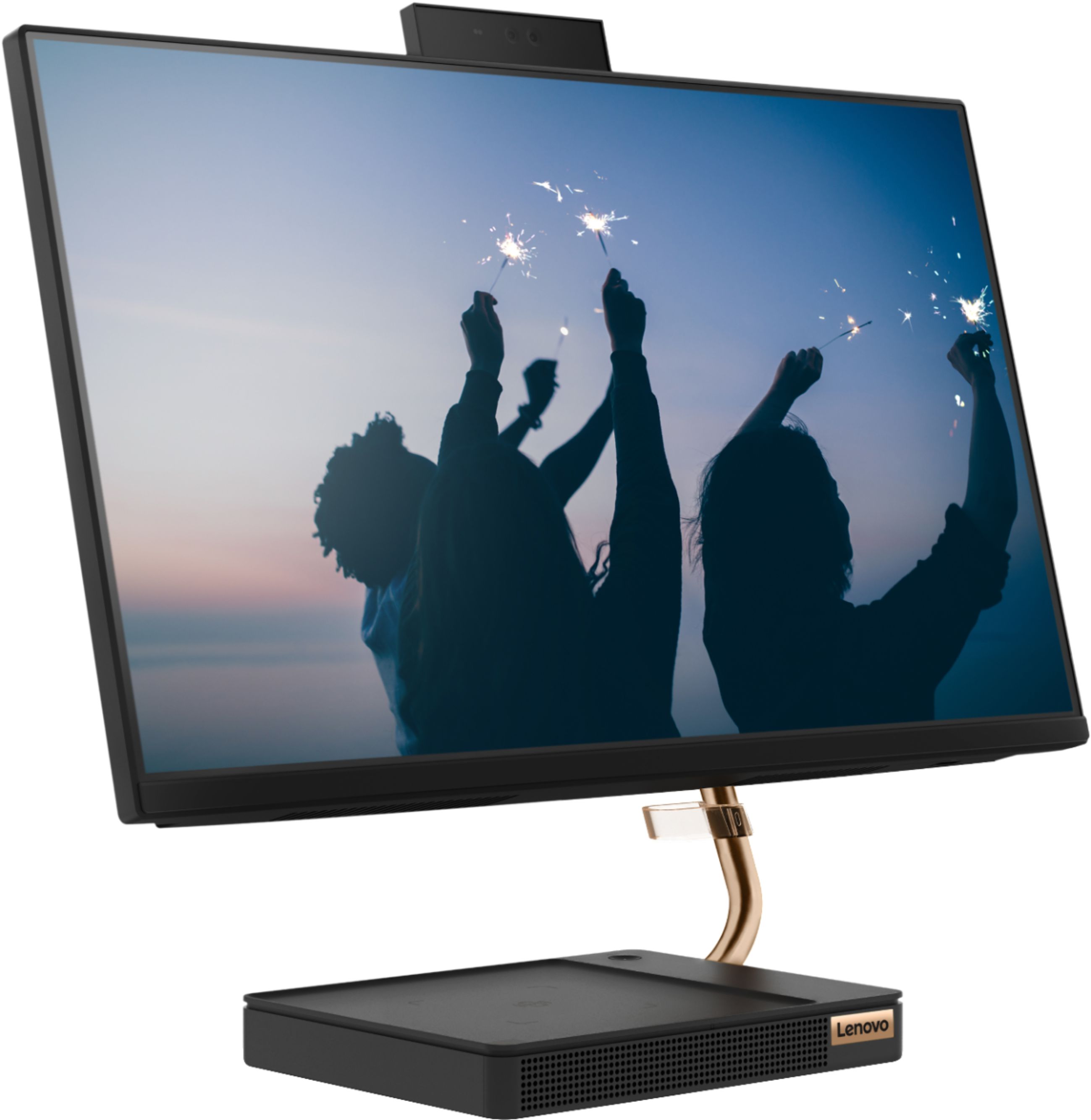
Customers are impressed with the IdeaCentre A540's ease of use, responsive touch screen, and smooth performance. Many appreciate its compact design and the convenience of wireless charging. While some users noted the hard drive could be larger and the fan can be noisy at times, the overall experience is positive. The positive feedback on setup and price further enhances the product's appeal.
This summary was generated by AI based on customer reviews.
- Pros mentioned:Design
Lenovo All-In-One Review
||Posted . Owned for 3 weeks when reviewed.This reviewer received promo considerations or sweepstakes entry for writing a review.Great graphics and fast internet browser. Great for daily use and watching movies.
I would recommend this to a friendBrand response from Lenovo Product Expert
Posted .Thank you for choosing the Lenovo IdeaCentre A540-24 All-In-One system. We are pleased to hear that the IdeaCentre A540-24 AIO meets your computing needs so well.

- Pros mentioned:Ease of use
Lenovo Review
||Posted . Owned for 3 weeks when reviewed.This reviewer received promo considerations or sweepstakes entry for writing a review.We are pleased with our purchase. I especially like the charging port and ease of use!
I would recommend this to a friendBrand response from Lenovo Product Expert
Posted .Thank you for choosing the Lenovo IdeaCentre A540-24 All-In-One system. We are pleased to hear that the IdeaCentre A540-24 AIO is working out so well for you.
- Cons mentioned:Fan noise
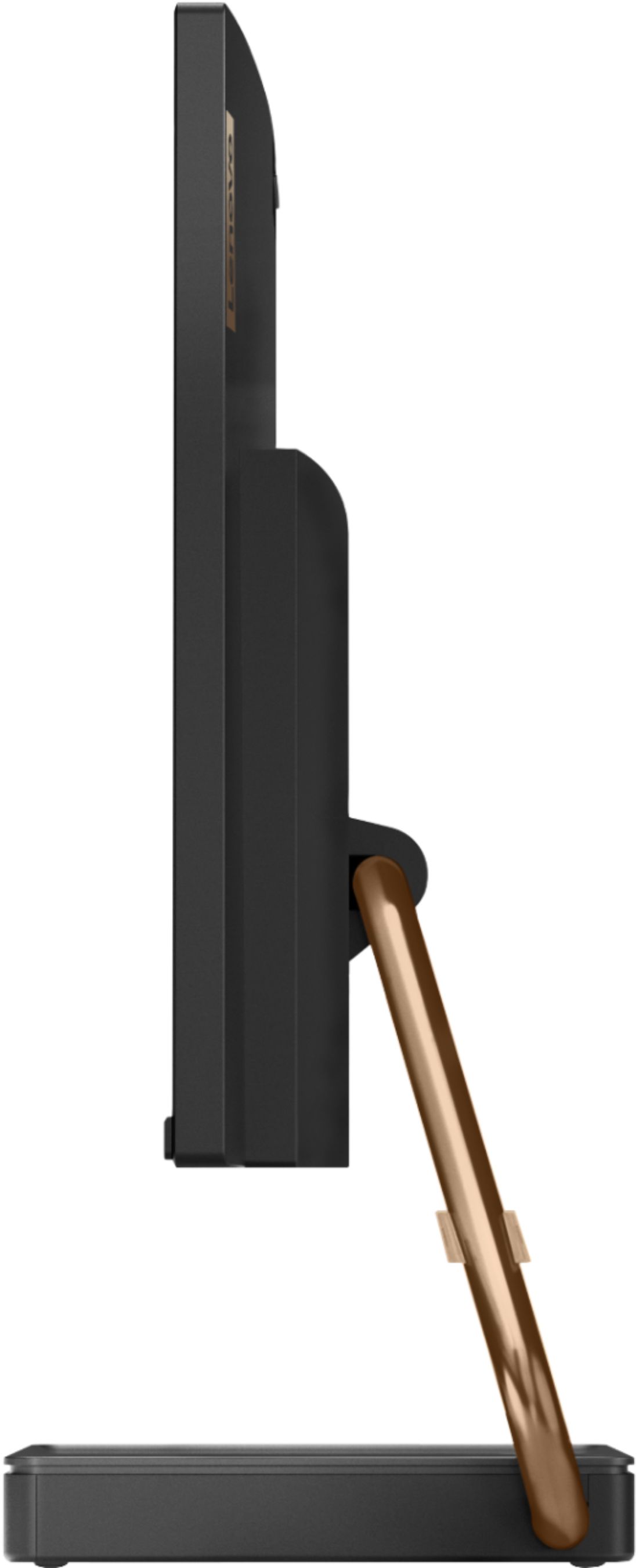
Non adjustable
||Posted .This reviewer received promo considerations or sweepstakes entry for writing a review.Good for the price but the monitor position isn’t adjustable and the fan is very loud.
I would recommend this to a friendBrand response from Lenovo Product Expert
Posted .Thank you for choosing the Lenovo IdeaCentre A540-24 All-In-One system. You can tilt the screen forward to a plus 5-degrees and backward to a minus 22-degrees. If your internal fan seems to be running more than the workload you are putting on the computer, you can check the system to be sure it is running properly. You can easily accomplish this by scanning the computer with the Lenovo Utility software available on this computer. This system has Lenovo utilities installed to help maintain the health of the device and keep the operating system software up to date. Type "Lenovo Vantage" in the Cortana Search window (if Lenovo Vantage is not installed on your device, you can download the APP and install it now). Select Lenovo Vantage from the list. In the window that opens, click on "Health and Support". In the expanded menu, select "Hardware Scan" In the window that opens, select "Run Quick Tests". This will scan your entire system for errors. Follow any directions that may pop up. If the problem continues after this scan, now click on "System Update". First select Windows update from the menu. Scan your system to be sure you have the latest version of Windows 10. Once that scan is complete, select "Additional Updates". This will scan your device to be sure there are no new BIOS/Driver updates needed. Follow any instructions that may pop up. If the issue still continues after these updates, we recommend you call Lenovo Tech Support at: 877-453-6686 for additional help.
Great and best
||Posted . Owned for 1 month when reviewed.This reviewer received promo considerations or sweepstakes entry for writing a review.Most amazing desktop I ever had. Unfortunately I’m little sad because my favorite desktop broke.Not even 45 days I bought this. Anyway it was great and I enjoyed my desktop. It was little time with me but I will remember my whole life.
I would recommend this to a friend- Pros mentioned:DesignCons mentioned:Fan noise
Noisy.
||Posted .This reviewer received promo considerations or sweepstakes entry for writing a review.Pros: Sturdy, sharp, glare-free screen, comfortable keyboard and mouse. Clean and streamlined design. Great computer except for... CON: Continuous loud, unbearable fan noise. Highly irritating and loud enough to be heard in other rooms. Returned.
No, I would not recommend this to a friendBrand response from Lenovo Product Expert
Posted .We are sorry to hear that you are having issues with the internal fan within your Lenovo IdeaCentre A540-24 All-In-One system, model number F0EM006YUS. First, be sure you have the latest version of Windows 10 on the computer. Then update all BIOS files and drivers up to that latest version of Windows 10. You can easily accomplish this by scanning the computer with the Lenovo Utility software available on this computer. This system has Lenovo utilities installed to help maintain the health of the device and keep the operating system software up to date. Type "Lenovo Vantage" in the Cortana Search window (if Lenovo Vantage is not installed on your device, you can download the APP and install it now). Select Lenovo Vantage from the list. In the window that opens, click on "Health and Support". In the expanded menu, select "Hardware Scan" In the window that opens, select "Run Quick Tests". This will scan your entire system for errors. Follow any directions that may pop up. If the problem continues after this scan, now click on "System Update". First select Windows update from the menu. Scan your system to be sure you have the latest version of Windows 10. Once that scan is complete, select "Additional Updates". This will scan your device to be sure there are no new BIOS/Driver updates needed. Follow any instructions that may pop up. If the issue still continues after these updates, we recommend you call Lenovo Tech Support at: 877-453-6686 for additional help.
- Pros mentioned:Ease of use
Touch screen
||Posted . Owned for 1 month when reviewed.This reviewer received promo considerations or sweepstakes entry for writing a review.I am very happy that I purchased this laptop my kids love it for school work
I would recommend this to a friend All in one
||Posted . Owned for 1 month when reviewed.This reviewer received promo considerations or sweepstakes entry for writing a review.Everything works fine so far. Wireless charger system is a very nice feature.
I would recommend this to a friendBrand response from Lenovo Product Expert
Posted .Thank you for choosing the Lenovo IdeaCentre A540-24 All-In-One system. We are pleased to hear that the features and performance of the IdeaCentre A540-24 AIO meets your computing needs so well.
good product
||Posted . Owned for 2 months when reviewed.This reviewer received promo considerations or sweepstakes entry for writing a review.purchased on sale, hopefully nothing goes wrong with it but so far so good
I would recommend this to a friend- Cons mentioned:Fan noise
Loud Fan Noise
||Posted . Owned for less than 1 week when reviewed.This reviewer received promo considerations or sweepstakes entry for writing a review.I love this computer! The only thing I didn't like is the constant fan noise, its always on and very noticeable, even when turning it on. I'm not sure if this is normal. The CPU usage is less than 5% and it's still making loud noise. I just bought this 5 days ago and I'm getting an Error Code 0135 Fan Failure.
No, I would not recommend this to a friendBrand response from Lenovo Product Expert
Posted .We are sorry to hear that you are having issues with the internal cooling fan within your Lenovo IdeaCentre A540-24 All-In-One system. First, Be sure any software you installed is compatible with Windows 10. There is no need to install Microsoft Office software. The software is already part of the operating system, you just need to activate the software with a purchased product key. If you have installed a copy of Microsoft Office, this is conflicting with the existing copy on the system and this will slow your system down. If you have installed a 3rd party anti-virus program, be sure that Windows Defender is turned off and that the trial version of McAfee Anti-Virus software is uninstalled. There can only be one anti-virus program on the system. You may need to restore your system to original factory default settings if any of the programming errors have occurred. You can do that by typing "restore" in the Cortana search window. Just click on the magnifying glass icon at the bottom left of your Windows 10 Desktop. Click on "Reset This PC" Then click on "Get Started" and follow the on screen directions to restore to factory defaults. If there is no incompatible software installed, then be sure you have the latest version of Windows 10 on the computer. Then update all of the BIOS files and drivers up to that latest version of Windows 10. You can easily accomplish this by scanning the computer with the Lenovo Utility software available on this computer. This system has Lenovo utilities installed to help maintain the health of the device and keep the operating system software up to date. Type "Lenovo Vantage" in the Cortana Search window (if Lenovo Vantage is not installed on your device, you can download the APP and install it now). Select Lenovo Vantage from the list. In the window that opens, click on "Health and Support". In the expanded menu, select "Hardware Scan" In the window that opens, select "Run Quick Tests". This will scan your entire system for errors. Follow any directions that may pop up. If the problem continues after this scan, now click on "System Update". First select Windows update from the menu. Scan your system to be sure you have the latest version of Windows 10. Once that scan is complete, select "Additional Updates". This will scan your device to be sure there are no new BIOS/Driver updates needed. Follow any instructions that may pop up. If the issue still continues after these updates, we recommend you call Lenovo Tech Support at: 877-453-6686 for additional help.
All In One Desktop
||Posted . Owned for 11 months when reviewed.This reviewer received promo considerations or sweepstakes entry for writing a review.The Lenovo IdeaCentre A540 is an excellent all-in-one desktop, compact, has a 24" touch-screen display with robust built-in sound bar, and great for a highschool student for school work and light online game power.
I would recommend this to a friendBrand response from Lenovo Product Expert
Posted .Thank you for choosing the Lenovo IdeaCentre A540 24 All-In-On System. We are pleased to hear that the features and performance of the IdeaCentre A540 24 AIO are working out so well.
Good Buy
||Posted . Owned for 1 month when reviewed.This reviewer received promo considerations or sweepstakes entry for writing a review.I'm not a huge computer guy by any means, I got this computer for basic needs and every day internet search's. Cant complain about it, does everything I need it to and more. The display is nice with some pretty surprising audio quality.
I would recommend this to a friendBrand response from Lenovo Product Expert
Posted .Thank you for choosing the Lenovo IdeaCentre A540-24 All-In-One system. We are pleased to hear that the features and performance of the IdeaCentre A540-24 AIO meets your computing needs so well.
Amazing!
||Posted . Owned for 3 weeks when reviewed.This reviewer received promo considerations or sweepstakes entry for writing a review.I'm using this computer for my business, it works great! The sound of this computer it's amazing. It's important to tell that im only using this computer for small proyects, I havent used any special software like photoshop or autocad
I would recommend this to a friendBrand response from Lenovo Product Expert
Posted .Thank you for choosing the Lenovo IdeaCentre A540-24 All-in-One system for your business. We are pleased to hear that the IdeaCentre A540-24 AIO meets your business computing needs so well.
LOOOOVE IIIIT
||Posted .This reviewer received promo considerations or sweepstakes entry for writing a review.I loooooove this computer! The system moves so quickly. I don't do much other than schoolwork and play sims on it but it moves very quickly. There is no freezing and the wireless mouse and keyboard are amazing to type on as well.
I would recommend this to a friendBrand response from Lenovo Product Expert
Posted .thank you for choosing the Lenovo IdeaCentre A540-24 All-In-One system. We are pleased to hear that the performance of the IdeaCentre A540-24 AIO meets your computing needs so well.
Excellent
||Posted .This reviewer received promo considerations or sweepstakes entry for writing a review.This is the 3rd Lenovo - IdeaCentre A540 24" Touch-Screen All-In-One that I have purchased this year and would highly recommend to anyone
I would recommend this to a friendBrand response from Lenovo Product Expert
Posted .Thank you for choosing the Lenovo IdeaCentre A540-24 All-In-One system. We appreciate your loyalty to the IdeaCentre A540-24 AIO and the Lenovo Brand.
- Pros mentioned:Ease of use
Lenvo
||Posted . Owned for 2 weeks when reviewed.This reviewer received promo considerations or sweepstakes entry for writing a review.I like this All In One PC and found it very easy to setup and use
I would recommend this to a friend Lenovo Ideacentre - Good Buy
||Posted . Owned for 3 weeks when reviewed.This reviewer received promo considerations or sweepstakes entry for writing a review.I had a Lenovo AIO before and loved it but like this one much much more. It is stylish and the tech people got everything transferred over in 2 days then gave me a demo and answered all of my questions.
I would recommend this to a friendBrand response from Lenovo Product Expert
Posted .Thank you for choosing the Lenovo IdeaCentre A540-24 All-In-One system. We are pleased to hear that the performance of the IdeaCentre A540-24 AIO meets your computing needs so well.
Great for the price!
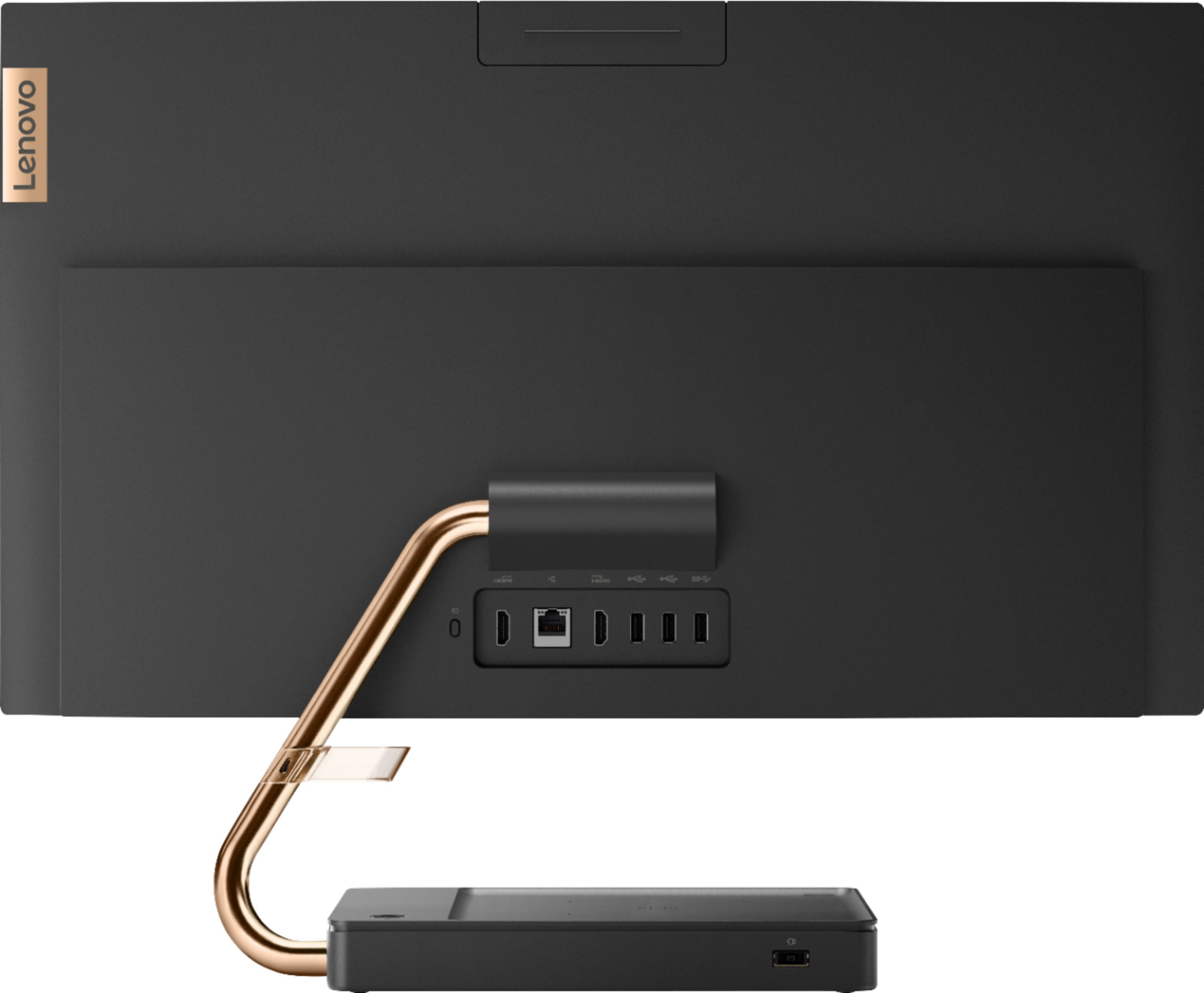
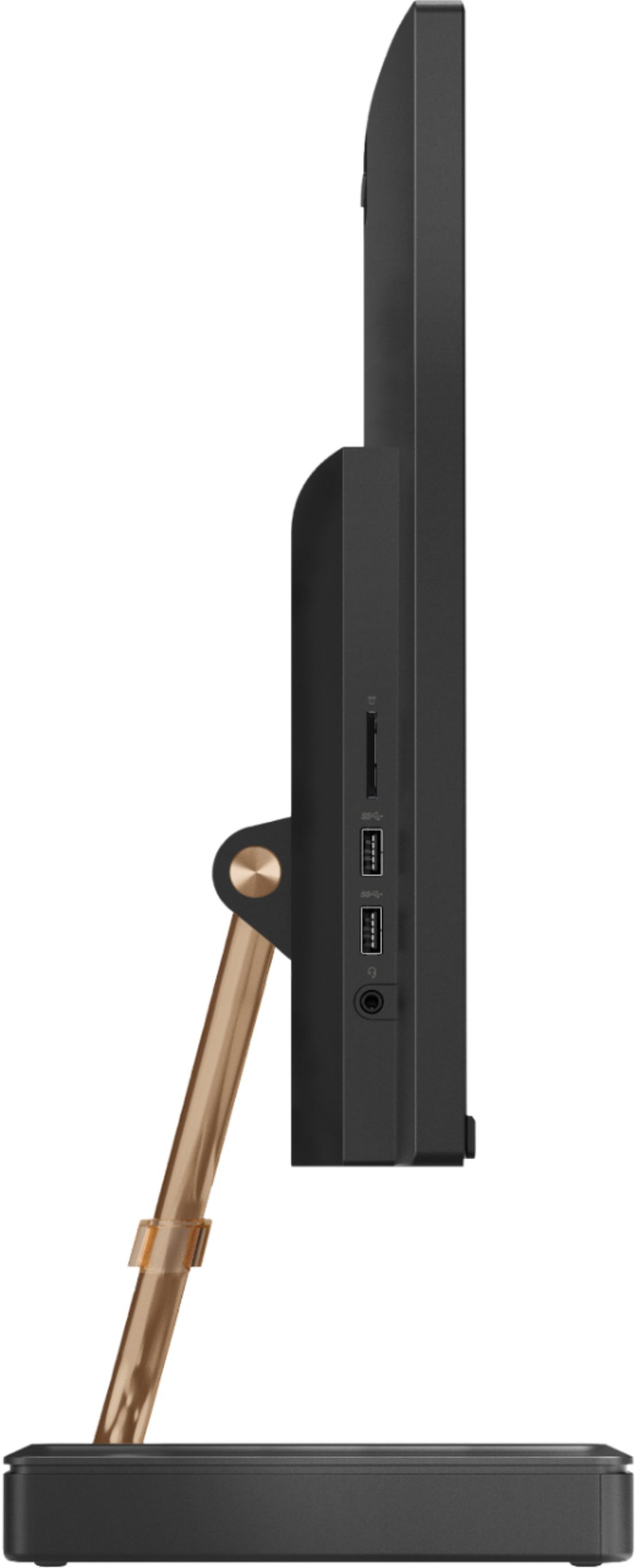
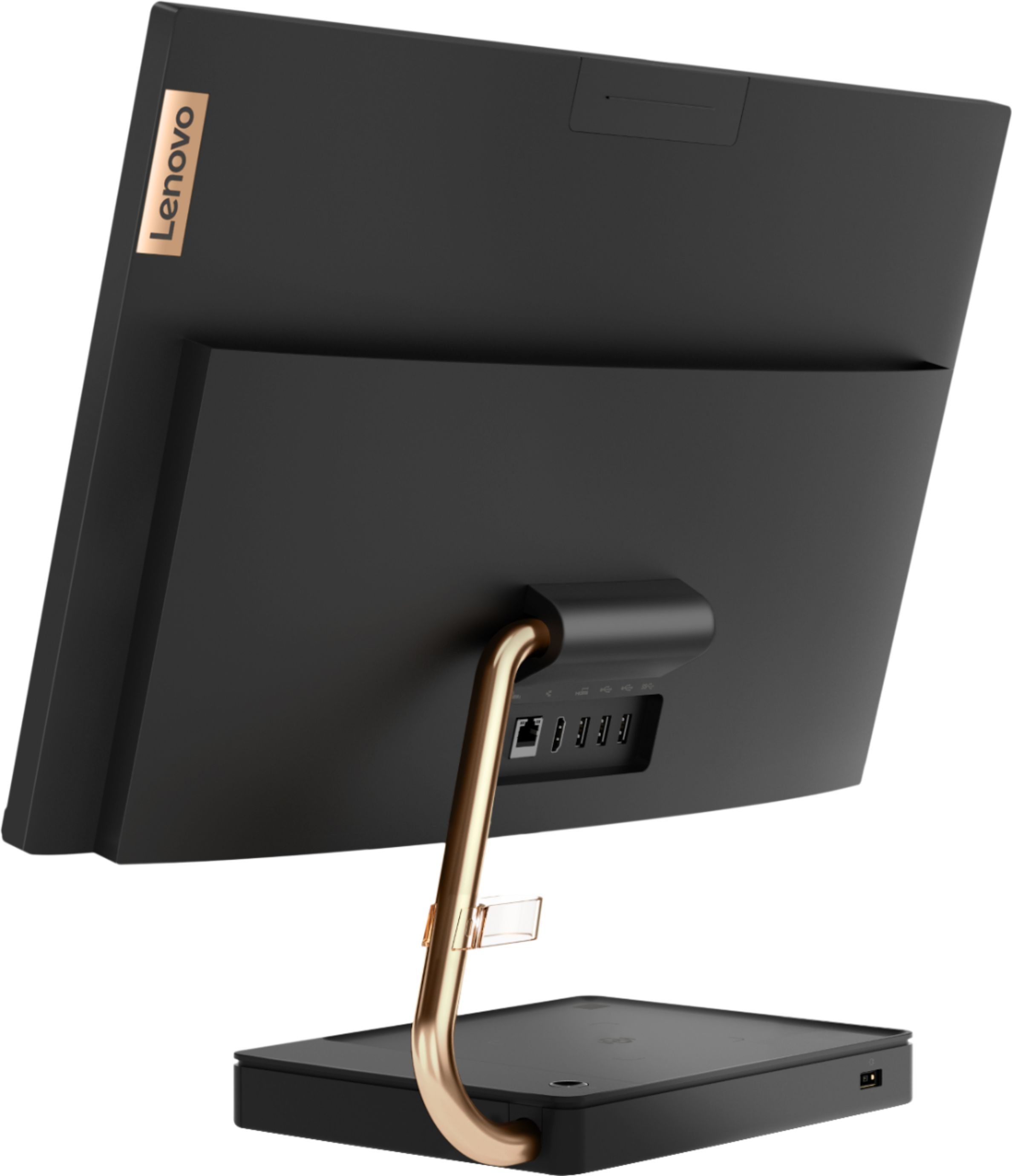
||Posted . Owned for 1 month when reviewed.This reviewer received promo considerations or sweepstakes entry for writing a review.This was a gift for my father, and it's everything I could hope for the price. The only problem is the smaller SSD, but using one of the 5! USB ports, you can easily hook up an external SSD/HDD so no problems.
I would recommend this to a friendBrand response from Lenovo Product Expert
Posted .Thank you for choosing the Lenovo IdeaCentre A540-24 All-In-One system for your father. We are pleased to hear that the IdeaCentre A540-24 AIO meets your father's computing needs so well.
- Pros mentioned:Ease of use
Students computer
||Posted . Owned for 3 weeks when reviewed.This reviewer received promo considerations or sweepstakes entry for writing a review.Easy to install, good starter computer for students
I would recommend this to a friend Nice Desktop All In One for the Price!
||Posted . Owned for 3 weeks when reviewed.This reviewer received promo considerations or sweepstakes entry for writing a review.Good All In One for a Business. An Optical drive would have been nice, but it is plainly stated in the Spec’s there is not one. Good value for the price.
I would recommend this to a friendVery Good Computer
||Posted . Owned for 1 month when reviewed.This reviewer received promo considerations or sweepstakes entry for writing a review.The computer was ready for pickup by the scheduled date. Installation was very easy. The computer looks and functions properly. The complimentary antivirus software for three devices is a plus.
I would recommend this to a friendBrand response from Lenovo Product Expert
Posted .Hello! Thanks for choosing the Lenovo IdeaCentre A540 All-In-One. We are pleased to hear the features and performance of the A540 All-In-One are meeting your computing needs so well!