Customer Ratings & Reviews


- Model:
- F0EM006YUS
- SKU:
- 6424474
Rating by feature
- Value
Rating 4.6 out of 5 stars
- Quality
Rating 4.7 out of 5 stars
- Ease of Use
Rating 4.7 out of 5 stars
Customers are saying
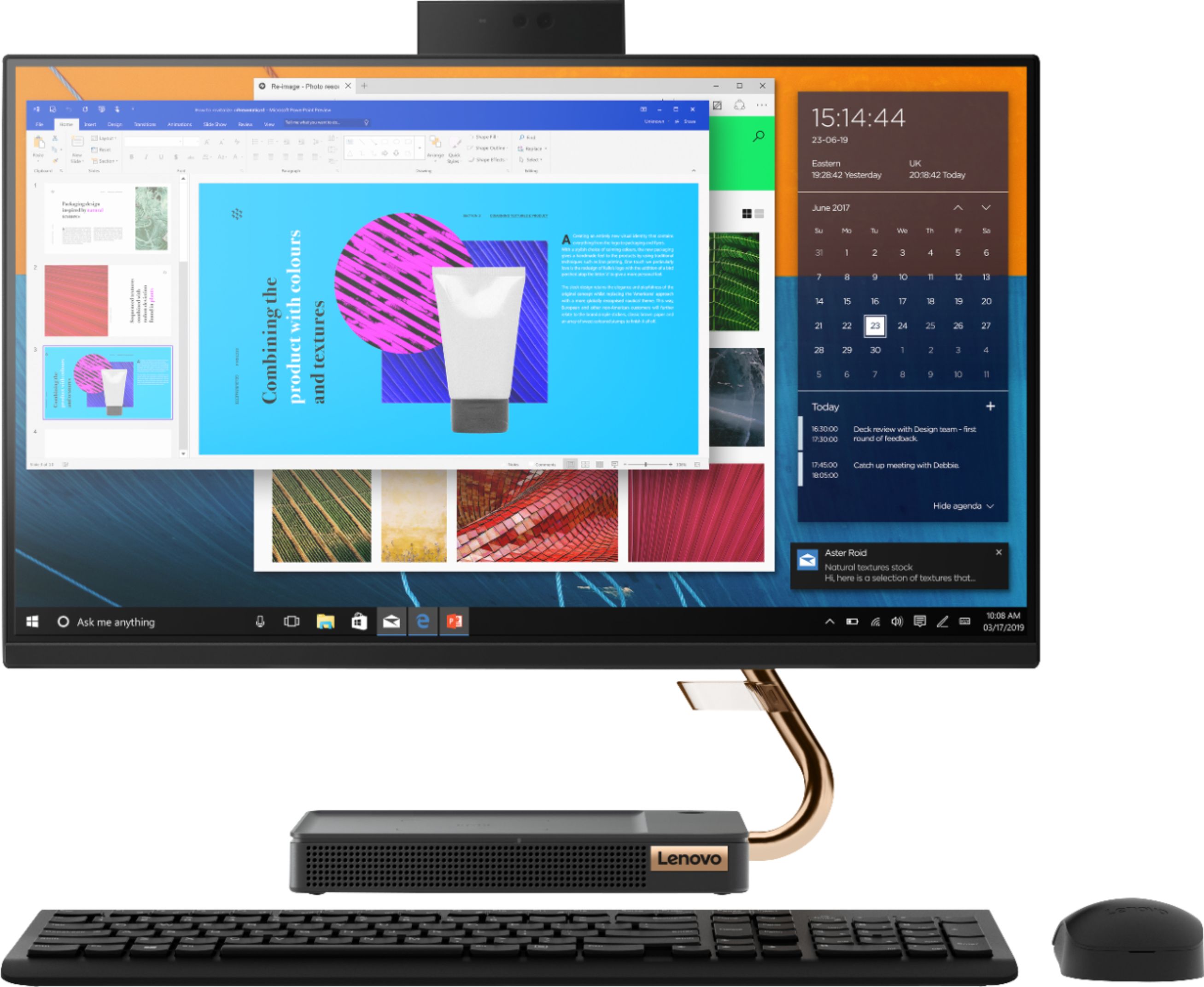
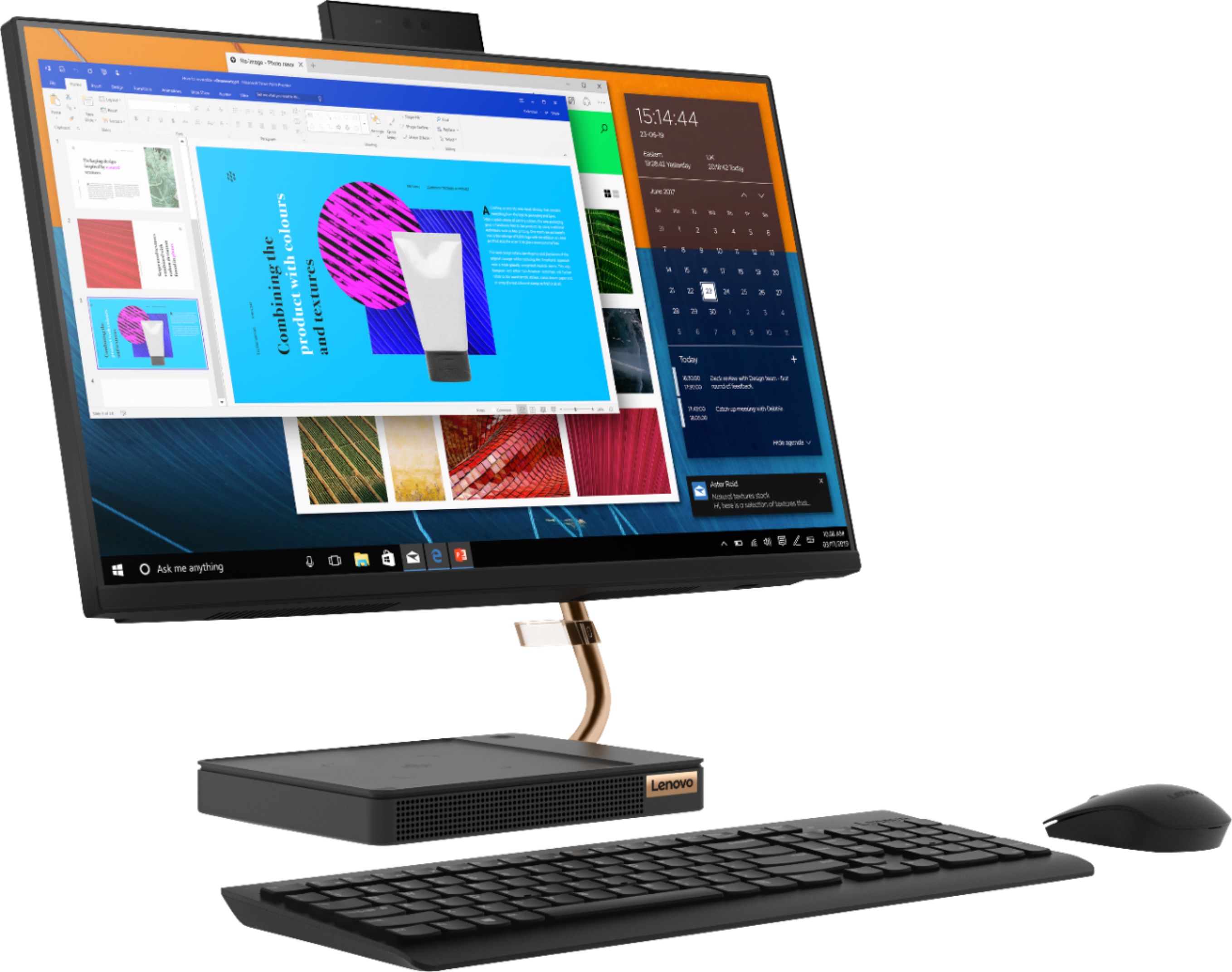
Customers are impressed with the IdeaCentre A540's ease of use, responsive touch screen, and smooth performance. Many appreciate its compact design and the convenience of wireless charging. While some users noted the hard drive could be larger and the fan can be noisy at times, the overall experience is positive. The positive feedback on setup and price further enhances the product's appeal.
This summary was generated by AI based on customer reviews.
Better to buy with sales person
||Posted . Owned for 1 month when reviewed.This reviewer received promo considerations or sweepstakes entry for writing a review.Order wrong one I wish it went flat. But only goes 90%
I would recommend this to a friendmessed HDMI port
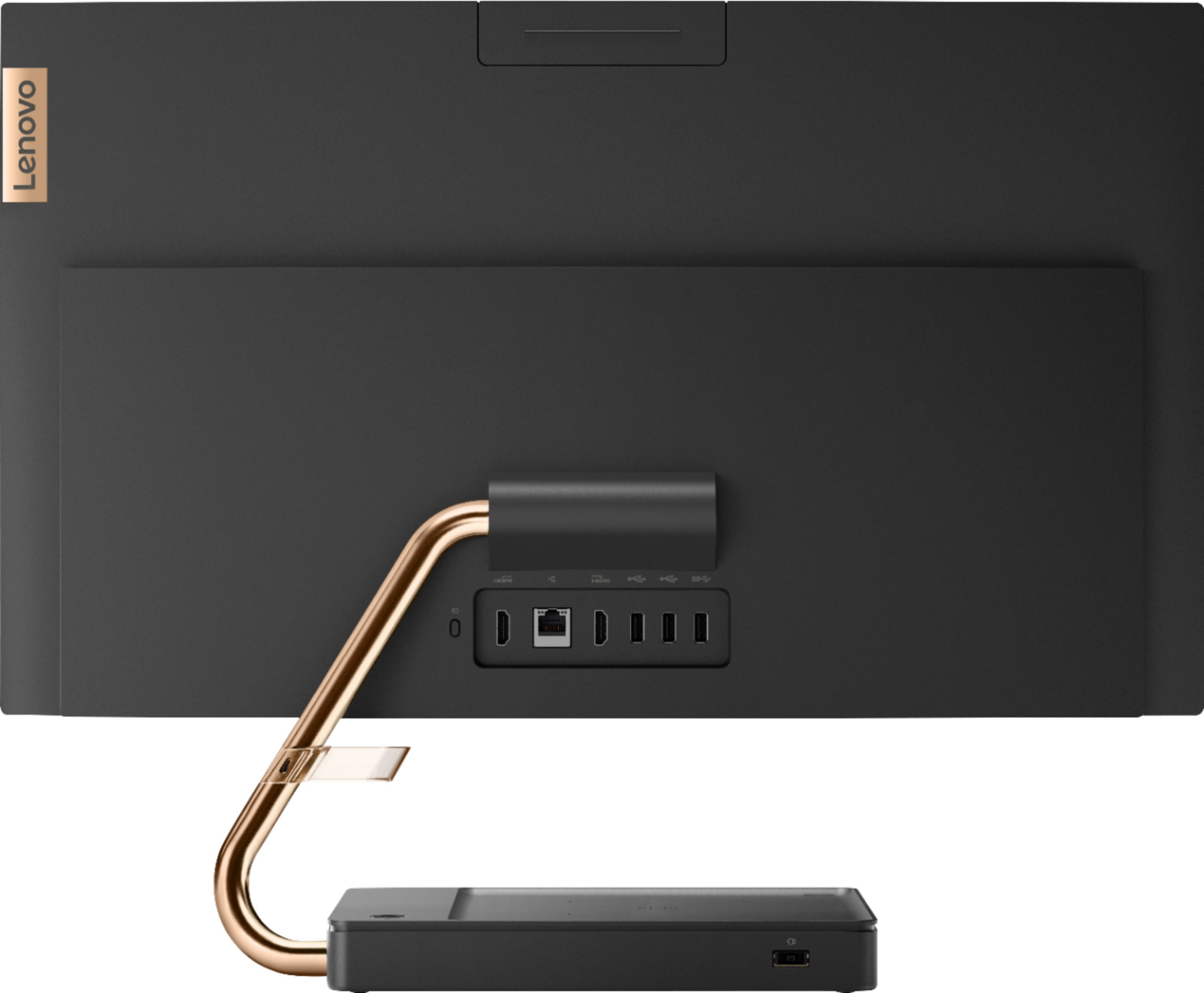
||Posted . Owned for 3 months when reviewed.This reviewer received promo considerations or sweepstakes entry for writing a review.I bought this and everything was fine but when I tried to connect another monitor to this computer I realized they sold me a computer that was messed. the HDMI port was pushed inside and i could not insert an HDMI cable and I realized it late now am stuck with this computer just got myself anew monitor that I wont be able to use because of this messed Lenovo product
No, I would not recommend this to a friendTerrible Computer
||Posted .This reviewer received promo considerations or sweepstakes entry for writing a review.Purchased the computer 2 months, Disand the picture program crashed. Can't upload pictures, the screen goes blank. This is the feature I needed the most. Also, the sound doesn't work. Terrible experience with this computer. Do Not recommend.
No, I would not recommend this to a friendBrand response from Lenovo Product Expert
Posted .Hello, we are sorry to hear you are experiencing system instability on your Lenovo IdeaCentre A540 AIO. Your PC should not be behaving in this manner. To determine if this is a software or hardware issue and potentially fix the problem please perform a hardware scan on your system and ensure the latest software, device driver, and bios updates are installed. You can easily accomplish this by scanning the computer with the Lenovo Utility software available on this computer. This system has Lenovo utilities installed to help maintain the health of the device and keep the operating system software up to date. Type "Lenovo Vantage" in the Cortana Search window (if Lenovo Vantage is not installed on your device, you can download the APP and install it now). Select Lenovo Vantage from the list. In the window that opens, click on "Health and Support". In the expanded menu, select "Hardware Scan” In the window that opens, select "Run Quick Tests". This will scan your entire system for errors. Follow any directions that may pop up. If the problem continues after this scan, now click on "System Update". First select Windows update from the menu. Scan your system to be sure you have the latest version of Windows 10. Once that scan is complete, select "Additional Updates". This will scan your device to be sure there are no new BIOS/Driver updates needed. Follow any instructions that may pop up. If the issue continues after these updates, we recommend you call Lenovo Tech Support at: 877-453-6686 for additional help.

arrived defectibe
||Posted . Owned for less than 1 week when reviewed.This reviewer received promo considerations or sweepstakes entry for writing a review.Computer arrived defective, stuck in a reboot cycle. Tried to call in to see if there was a fix and no one ever answered the phone at either BB location in town. The help chat was a joke too.
I would recommend this to a friendBrand response from Lenovo Product Expert
Posted .Hello, we are sorry to hear you are experiencing an issue setting up the Lenovo IdeaCentre A540 All-In-One Desktop. We recommend reaching out to Lenovo Tech Support at 877-453-6686 for the next steps in resolving this issue.
Bad PC
||Posted . Owned for 3 weeks when reviewed.This reviewer received promo considerations or sweepstakes entry for writing a review.This computer freezes up every single time I use. Absolutely would not recommend this computer. I called Best Buy so I could bring it back to return it ended up in the hospital with a little one and COVID and they will not take it back because I was past the 15 day return.
No, I would not recommend this to a friendBrand response from Lenovo Product Expert
Posted .We are sorry to hear that you are having issues with your Lenovo IdeaCentre A540-24 All-In-One system. This model ships with Windows 10 Home Operating System and should not freeze. Be sure any software you installed is compatible with Windows 10. There is no need to install Microsoft Office software. The software is already part of the operating system, you just need to activate the software with a purchased product key. If you have installed a copy of Microsoft Office, this is conflicting with the existing copy on the system and this will slow your system down. If you have installed a 3rd party anti-virus program, be sure that Windows Defender is turned off and that the trial version of McAfee Anti-Virus software is uninstalled. There can only be one anti-virus program on the system. You may need to restore your system to original factory default settings if any of the programming errors have occurred. You can do that by typing "restore" in the Cortana search window. Just click on the magnifying glass icon at the bottom left of your Windows 10 Desktop. Click on "Reset This PC" Then click on "Get Started" and follow the on screen directions to restore to factory defaults. If the problem persists, we recommend you contact Lenovo Tech Support at: 877-453-6686.
Not satified
||Posted .This reviewer received promo considerations or sweepstakes entry for writing a review.Runs slow not sure it's hooked up right. Also purchased.a printer that I cant get to work. Wish I could get some help without paying for someone to come out and pay even more money.
No, I would not recommend this to a friendBrand response from Lenovo Product Expert
Posted .We are sorry to hear that the IdeaCentre A540-24 All-In-One system is not meeting your computing needs. This system will boot from off to the Windows 10 Desktop Screen in less than 20-seconds. If you are getting slower boot times, be sure any software you installed is compatible with Windows 10. There is no need to install Microsoft Office software. The software is already part of the operating system, you just need to activate the software with a purchased product key. If you have installed a copy of Microsoft Office, this is conflicting with the existing copy on the system and this will slow your system down. If you have installed a 3rd party anti-virus program, be sure that Windows Defender is turned off and that the trial version of McAfee Anti-Virus software is uninstalled. There can only be one anti-virus program on the system. You may need to restore your system to original factory default settings if any of the programming errors have occurred. You can do that by typing "restore" in the Cortana search window. Just click on the magnifying glass icon at the bottom left of your Windows 10 Desktop. Click on "Reset This PC" Then click on "Get Started" and follow the on screen directions to restore to factory defaults. For setting up a new Windows 10 compatible printer with this computer, here is a link to instructions: https://support.microsoft.com/en-us/windows/install-a-printer-in-windows-10-cc0724cf-793e-3542-d1ff-727e4978638b#:~:text=Simply%20plug%20the%20USB%20cable,%3E%20Devices%20%3E%20Printers%20%26%20scanners.&text=Printers%20%26%20scanners%20settings-,Select%20Add%20a%20printer%20or%20scanner.,use%2C%20and%20select%20Add%20device. If you continue to have issues, we recommend you contact Lenovo Tech Support at: 866-426-0911.
Charging pad doesn’t work
||Posted . Owned for 1 month when reviewed.This reviewer received promo considerations or sweepstakes entry for writing a review.Everything is fine but the wireless charging bad doesn’t work
No, I would not recommend this to a friendBrand response from Lenovo Product Expert
Posted .The wireless charging feature will only work with devices that are wireless charging capable. Be sure the device you are trying to charge wirelessly is capable. If the issue continues, we recommend you contact Lenovo Tech Support at: 877-453-6686.
Worked for only 2 weeks
||Posted . Owned for 1 month when reviewed.This reviewer received promo considerations or sweepstakes entry for writing a review.Stopped working after 2 weeks of use. Freezes at the welcome screen.
No, I would not recommend this to a friendBrand response from Lenovo Product Expert
Posted .We are sorry to hear that you are having issues with your Lenovo IdeaCentre A540-24 All-In-One system. This system has an automatic recovery option. Ensure that your computer is connected to ac power during the recovery process. The Windows recovery environment on your computer operates independently from the Windows 10 operating system. It enables you to recover or repair the operating system even if the Windows 10 operating system fails to start. After two consecutive failed boot attempts, the Windows recovery environment starts automatically. Then, you can choose repair and recovery options by following the on-screen instructions. Once you have the computer restored, be sure any software you installed is compatible with Windows 10. There is no need to install Microsoft Office software. The software is already part of the operating system, you just need to activate the software with a purchased product key. If you have installed a copy of Microsoft Office, this is conflicting with the existing copy on the system and this will slow your system down. If you have installed a 3rd party anti-virus program, be sure that Windows Defender is turned off and that the trial version of McAfee Anti-Virus software is uninstalled. There can only be one anti-virus program on the system. You may need to restore your system to original factory default settings if any of the programming errors have occurred. You can do that by typing "restore" in the Cortana search window. Just click on the magnifying glass icon at the bottom left of your Windows 10 Desktop. Click on "Reset This PC" Then click on "Get Started" and follow the on screen directions to restore to factory defaults. If the problem persists, we recommend you contact Lenovo Tech Support at: 877-453-6686.
- Pros mentioned:Performance
Great product for kids
Posted .This reviewer received promo considerations or sweepstakes entry for writing a review.Bought for online schooling during Covid. Producr is amazing, its been 4 years and never faced any problem. It is still working. Phone charger is working too. Great product!
I would recommend this to a friend - Pros mentioned:Performance
My all in one review
Posted .This reviewer received promo considerations or sweepstakes entry for writing a review.My all in one computer has worked fantastic. It has work so much better than expected
I would recommend this to a friend Light weight durable speedy
Posted .This reviewer received promo considerations or sweepstakes entry for writing a review.Great computer. Hasn't slowed down, is light weight and durable.
I would recommend this to a friend- Pros mentioned:Ease of use
Love Lenovo
Posted .This reviewer received promo considerations or sweepstakes entry for writing a review.I love my computer its very smart and easy to use. I walked in loved it ordered it and it was at my door in 3 days. Easy to assemble.
I would recommend this to a friendBrand response from Lenovo Product Expert
Posted .Thank you for choosing the Lenovo IdeaCentre A540-24 All-In-One system. We are pleased to hear that the features easy setup and performance of the IdeaCentre A540-24 AIO meets your computing needs so well.
- Cons mentioned:Instructions
Dazed and Confused
Posted .This reviewer received promo considerations or sweepstakes entry for writing a review.Instructions are in Chinese. Can not operate keyboard or mouse, no instructions. Way harder than necessary. Going to return it soon if I can’t figure it out myself.
No, I would not recommend this to a friendBrand response from Lenovo Product Expert
Posted .We are sorry to hear that you are having issues with the wireless keyboard and mouse included with your Lenovo IdeaCentre A540-24 All-In-One system. The mouse will use a regular replaceable battery, which is included with your computer. Open the battery compartment on the mouse. You will see the USB WiFi wireless receiver that operates both the mouse and keyboard. Remove the USB receiver from the mouse battery compartment, install the provided battery into the mouse, close the battery compartment. Install the USB WiFi receiver into a USB port on the computer. Turn the mouse on and it should operate now. The wireless keyboard uses a rechargeable internal battery. There may be some charge left in the keyboard battery from the initial factory charge. There is a Micro-USB to USB cable included with your computer to charge the keyboard. Plug the Micro-USB side of the cable into the front of the keyboard (the side facing your computer screen when the keyboard is in use). Plug the USB side of the cable into a USB port on the computer. You will be able to use the keyboard while it charges. Depending on how heavy your usage of the keyboard is while it is charging, it can take up to 2 hours for the keyboard to charge while in use. If you have any further issues, please call Lenovo Tech Support at: 877-453-6686.
Nice but it didn’t last
Posted .This reviewer received promo considerations or sweepstakes entry for writing a review.I really liked this computer all in one. I had it for a year and two months. It doesn’t work. Geek Squad told me that it was the board and it would cost over 300.00
No, I would not recommend this to a friend