Customer Ratings & Reviews





- Model:
- F0HQ0008US
- SKU:
- 6574644
Rating by feature
- Value
Rating 4.7 out of 5 stars
- Quality
Rating 4.7 out of 5 stars
- Ease of Use
Rating 4.7 out of 5 stars
Customers are saying
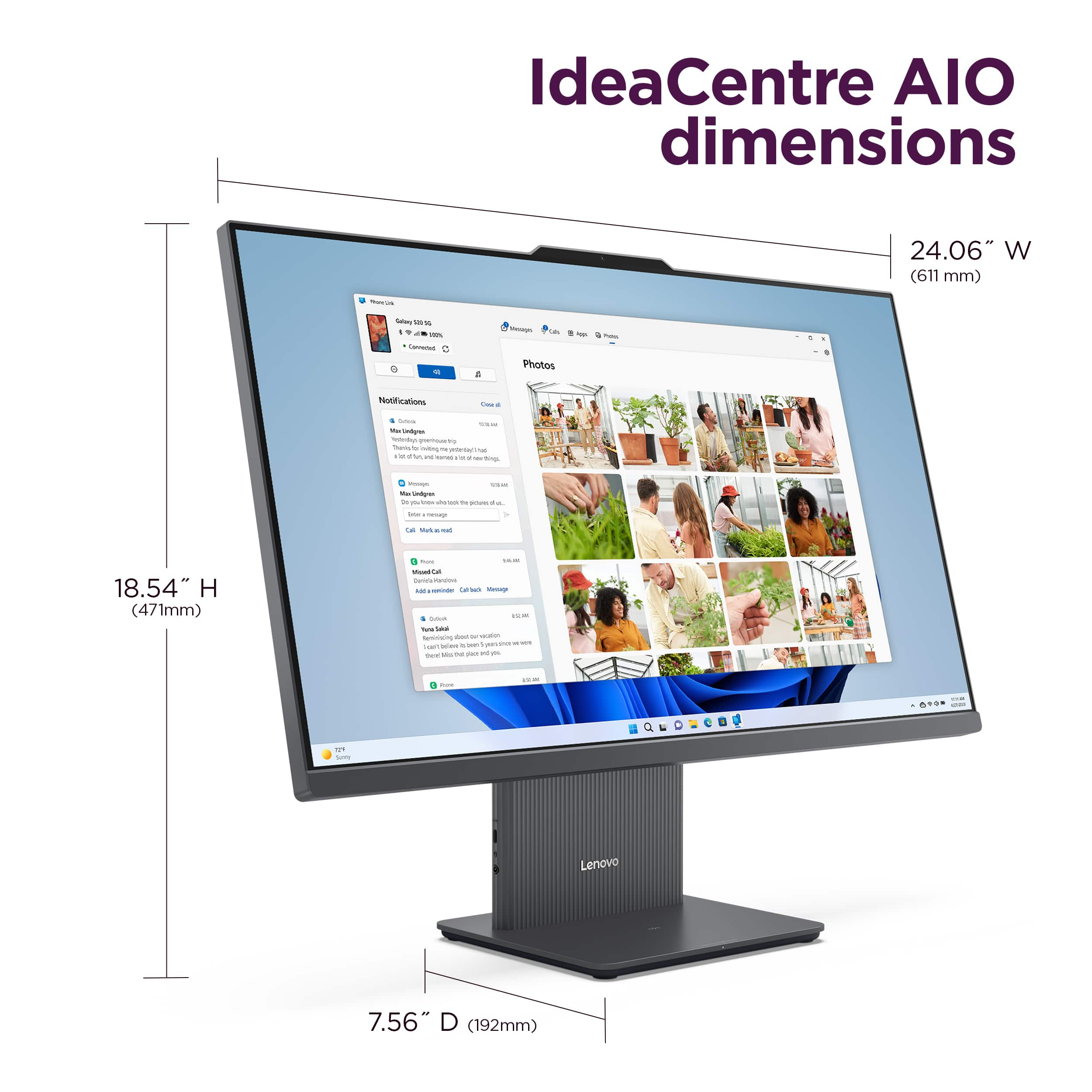
Customers commend the IdeaCentre AIO for its large screen size, overall performance, and ease of use. Many appreciate its speed and compact design. Some customers have expressed concerns regarding the RAM, connectivity, and webcam.
This summary was generated by AI based on customer reviews.
Great computer for the price
||Posted . Owned for 1 month when reviewed.This reviewer received promo considerations or sweepstakes entry for writing a review.Great computer for everyday use. I would recommend this computer to anyone.
I would recommend this to a friendBrand response from Lenovo Product Expert
Posted .Hi TheOneAndOnly, thanks for choosing Lenovo! We're thrilled to hear that your IdeaCentre AIO has been great for your use, and we really appreciate you sharing your experience and feedback with us.

My computer
||Posted . Owned for 4 months when reviewed.This reviewer received promo considerations or sweepstakes entry for writing a review.I love my new computer and the guys in the store were very helpful
I would recommend this to a friendBrand response from Lenovo Product Expert
Posted .Hi KimberlyR, thanks for choosing Lenovo! We're thrilled to hear that you love your IdeaCentre AIO, and we appreciate you sharing your experience and feedback with us.
Lenovo
||Posted . Owned for 1 week when reviewed.This reviewer received promo considerations or sweepstakes entry for writing a review.Great product everything came just the way it was advertised, charger is nice to have.
I would recommend this to a friendBrand response from Lenovo Product Expert
Posted .Hey, CarterR, thank you for choosing Lenovo! We are glad to hear that your IdeaCentre AIO has been great, and we appreciate you taking the time to share your perspective with us.
Lenovo AIO
||Posted .This reviewer received promo considerations or sweepstakes entry for writing a review.Found what I needed right a way. Checking out was slow with only one cashier.
I would recommend this to a friendBrand response from Lenovo Product Expert
Posted .Hi, JimN, thank you for choosing Lenovo! We are glad to hear that your IdeaCentre AIO is a good fit for your needs, and we appreciate you taking the time to share your perspective with us.
PC
||Posted . Owned for 2 months when reviewed.This reviewer received promo considerations or sweepstakes entry for writing a review.This is a good pc, I had to return because my work gave me one
I would recommend this to a friendComputer Love
||Posted . Owned for 1 week when reviewed.This reviewer received promo considerations or sweepstakes entry for writing a review.I love this computer. I purchased 2, one for myself and one for my 2 daughters.
I would recommend this to a friendBrand response from Lenovo Product Expert
Posted .Hey, DeeA, thank you for choosing Lenovo twice! We are glad to hear that you are loving your IdeaCentre AIO, and we appreciate you taking the time to share your perspective with us.
Great Computer
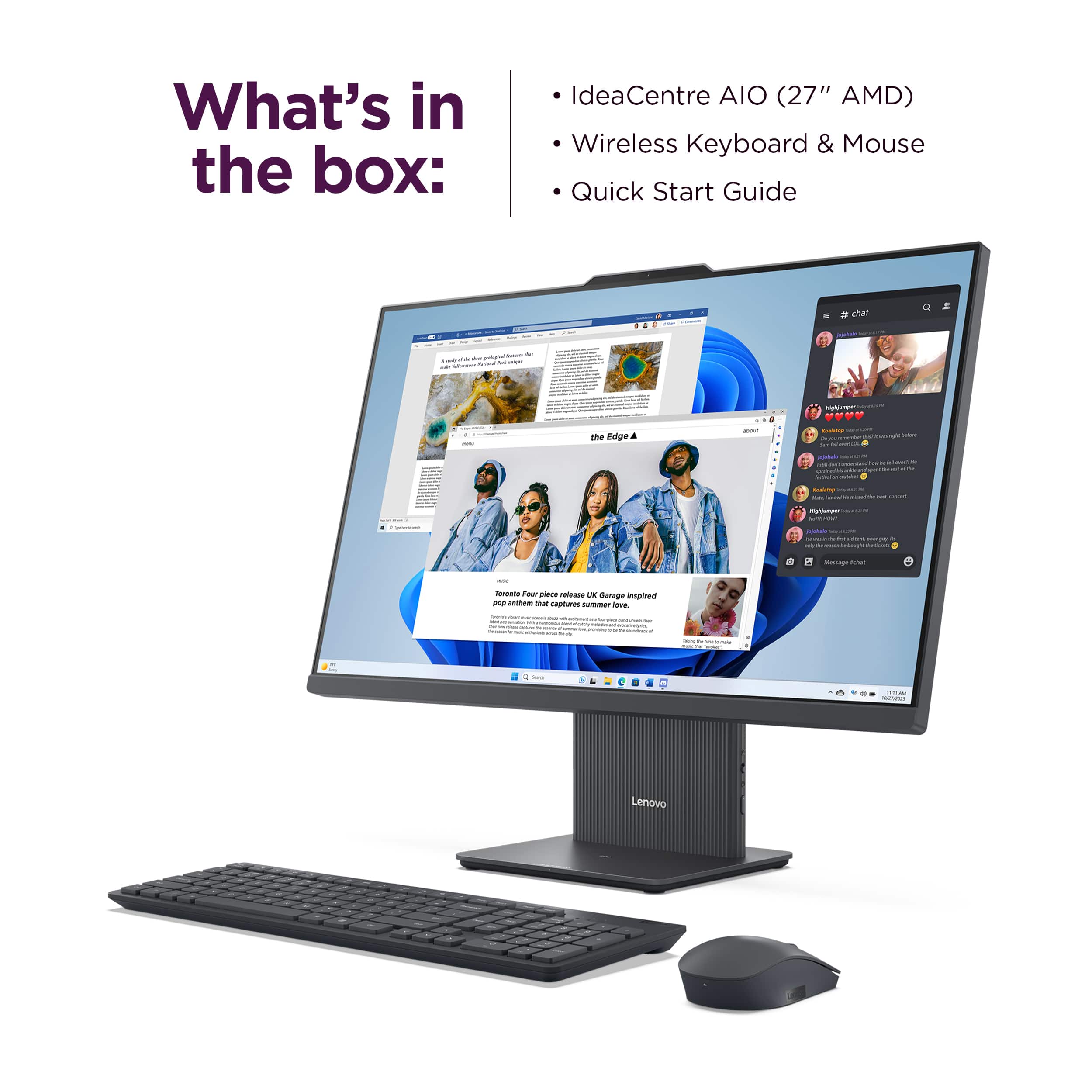
||Posted . Owned for 3 weeks when reviewed.This reviewer received promo considerations or sweepstakes entry for writing a review.Very nice computer! Easy to set up because everything is wireless.
I would recommend this to a friendBrand response from Lenovo Product Expert
Posted .Hi, DeboraE, thank you for choosing Lenovo! We are glad to hear that your IdeaCentre AIO is working out quite nicely for you, and we appreciate you taking the time to share your experience and feedback with us.
Great all in one
||Posted . Owned for 1 week when reviewed.This reviewer received promo considerations or sweepstakes entry for writing a review.Very good my daughter loves her new all in one computer
I would recommend this to a friendBrand response from Lenovo Product Expert
Posted .Hi SaulD, thanks for choosing Lenovo! We're glad to hear that your daughter loves it, and we appreciate you sharing your perspective and feedback with us.
Awsome computer
||Posted . Owned for 1 week when reviewed.This reviewer received promo considerations or sweepstakes entry for writing a review.Love it! Lenovo All in one is the best computer i had in a while
I would recommend this to a friendBrand response from Lenovo Product Expert
Posted .Hi, Joey, thank you for choosing Lenovo! We are pleased to hear that you love your IdeaCentre AIO, and we appreciate your time taken to share your experience and feedback with us.
queen
||Posted . Owned for 1 month when reviewed.This reviewer received promo considerations or sweepstakes entry for writing a review.love it, happyhappyuhsppykjgkyhfjghfugyktfuktliukj
I would recommend this to a friendBrand response from Lenovo Product Expert
Posted .Hi SandraS, thanks for choosing Lenovo! We're glad to hear that you love it, and we appreciate you sharing your perspective and feedback with us.
Great graphic PC
||Posted . Owned for 3 weeks when reviewed.This reviewer received promo considerations or sweepstakes entry for writing a review.Great graphics easy to set up navigation is simple over all great product
I would recommend this to a friendBrand response from Lenovo Product Expert
Posted .Hello, JamesJ, thank you for choosing Lenovo! We are pleased to hear that your IdeaCentre AIO has been great overall, and we appreciate you taking the time to share your perspective with us.
open box
||Posted . Owned for 3 weeks when reviewed.This reviewer received promo considerations or sweepstakes entry for writing a review.i returned this all in one the fan was so load i could hear it in another room. It also had a funky odor to it . it was an open box in excellent condition not so not even fair condition we returned it.
No, I would not recommend this to a friendComputer
||Posted . Owned for 1 week when reviewed.This reviewer received promo considerations or sweepstakes entry for writing a review.Very good price and product. The ease of the purchase and pick up
I would recommend this to a friendBrand response from Lenovo Product Expert
Posted .Hey, IsmaelP, thank you for choosing Lenovo! We are glad to hear that your IdeaCentre AIO has been very good, and we appreciate you taking the time to share your perspective with us.
New desktop
||Posted . Owned for 1 week when reviewed.This reviewer received promo considerations or sweepstakes entry for writing a review.Overall very satisfied. Would've been 5 stars but we've only had it for 5 days.
I would recommend this to a friendBrand response from Lenovo Product Expert
Posted .Hey RichardW, thanks for choosing Lenovo! We are glad to hear that you are satisfied with your IdeaCentre AIO overall, and we appreciate you taking the time to share your feedback with us.
Speed
||Posted . Owned for less than 1 week when reviewed.This reviewer received promo considerations or sweepstakes entry for writing a review.Good computer. Not enough storage nor speed for tasks I needed.
I would recommend this to a friendBrand response from Lenovo Product Expert
Posted .Hey, Nyaah. We're sorry to hear that your IdeaCentre AIO misses the mark in storage and performance for you. You could work with a Lenovo authorized technician to explore your options to improve system memory and/or storage to better meet your needs. We appreciate your time taken to share your feedback with us.
Lenovo 27" touchscreen AIO
||Posted . Owned for 1 month when reviewed.This reviewer received promo considerations or sweepstakes entry for writing a review.The Lenovo AIO 27" touchscreen has been a great success in our home.
I would recommend this to a friendBrand response from Lenovo Product Expert
Posted .Hey LarryB, thanks for choosing Lenovo! We're pleased to hear that your IdeaCentre AIO has been great for you, and we appreciate you taking the time to share your perspective with us.
Really big
||Posted . Owned for 2 weeks when reviewed.This reviewer received promo considerations or sweepstakes entry for writing a review.Seems to be working fine. Can't figure out how to transfer word files. But this really isn't a computer issue
I would recommend this to a friendBrand response from Lenovo Product Expert
Posted .Hi, ShirleyK, thank you for choosing Lenovo! We are glad to hear that your IdeaCentre AIO is working well for you, and we appreciate you taking the time to share your experience with us. Also, by backing up your Word documents to the same OneDrive tied to your Microsoft account that you use to sign in on your new AIO, your documents should be synced to the cloud and can be accessed on any device that can use OneDrive.
- Pros mentioned:Design, Overall performance, Screen size

Versatile all-ion-one!
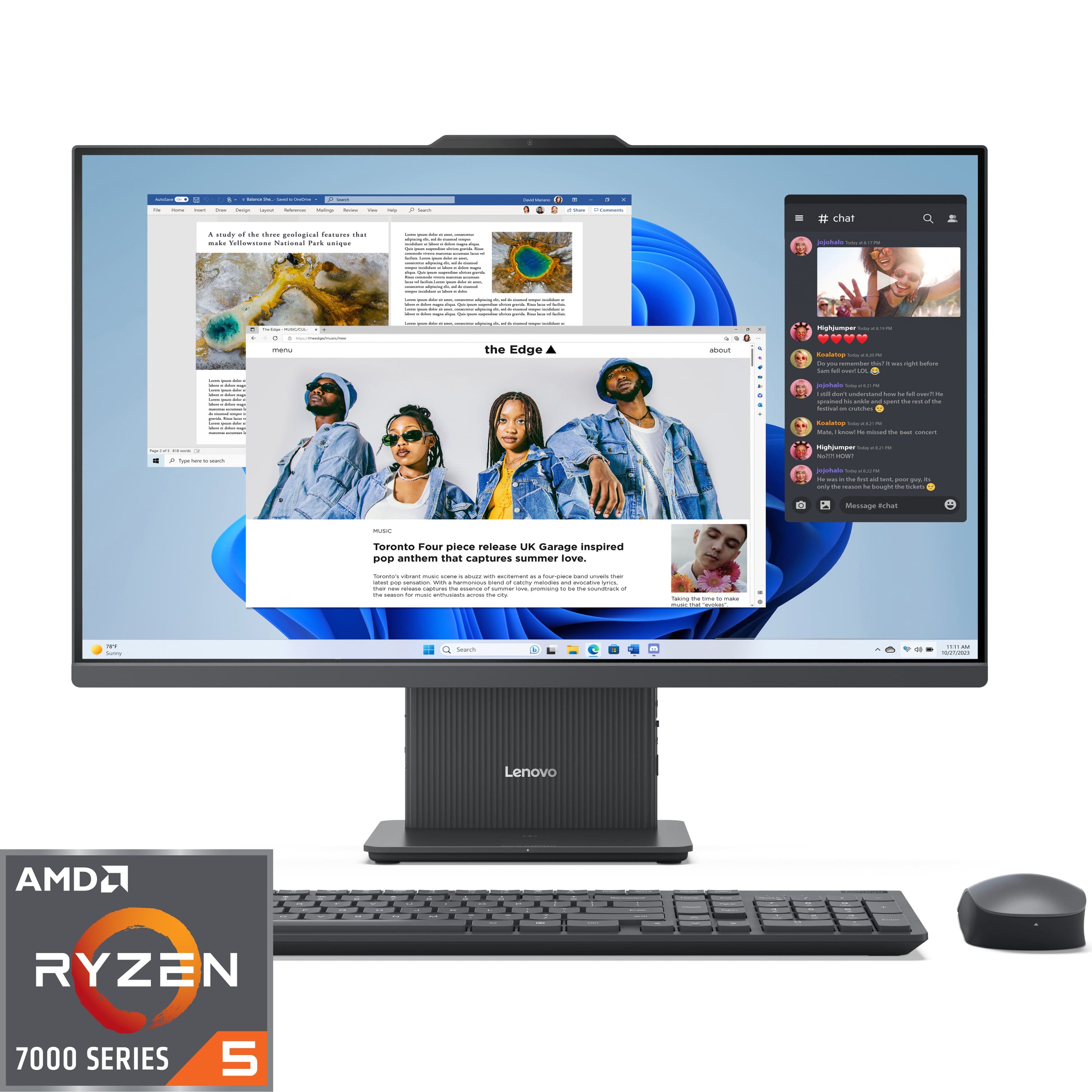
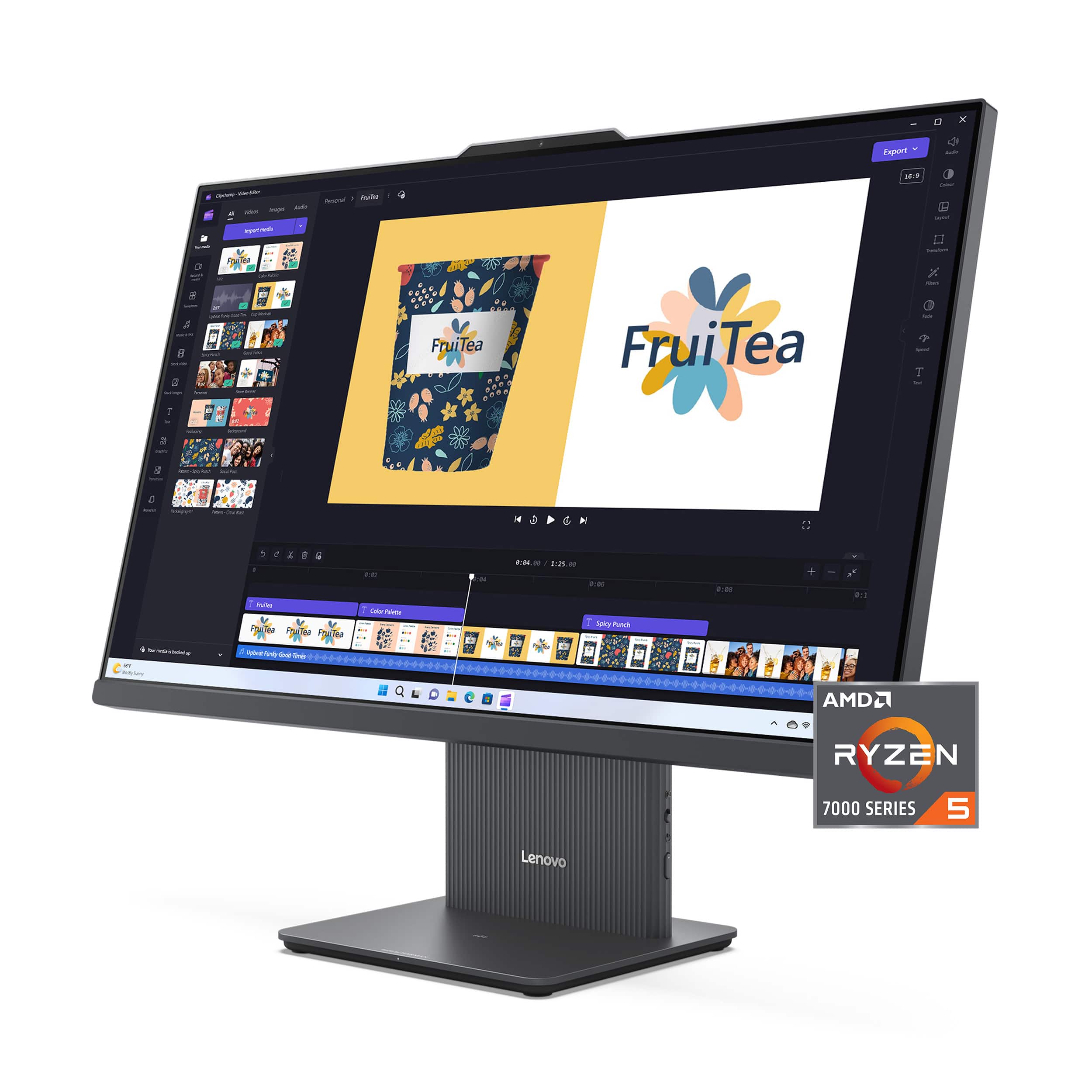
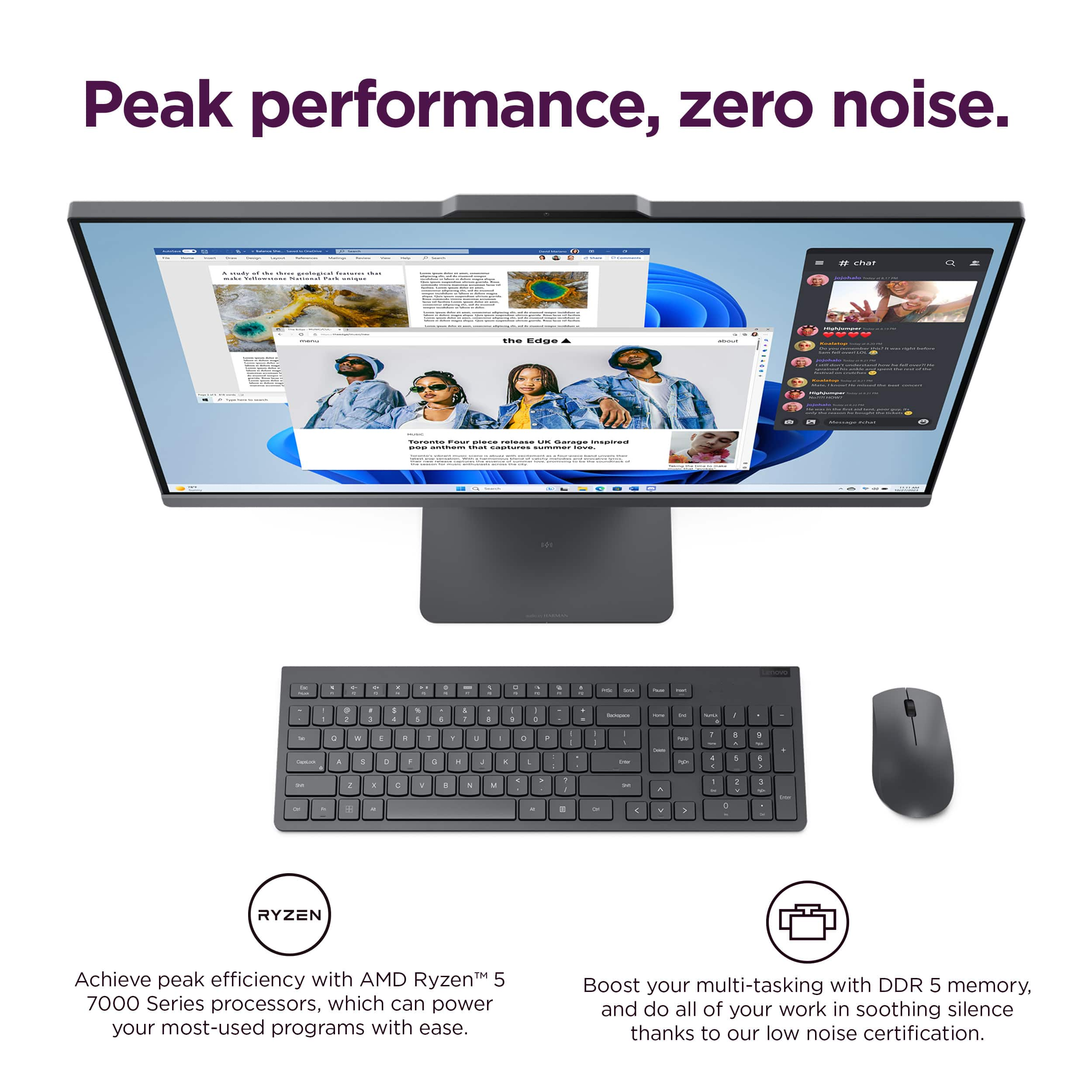
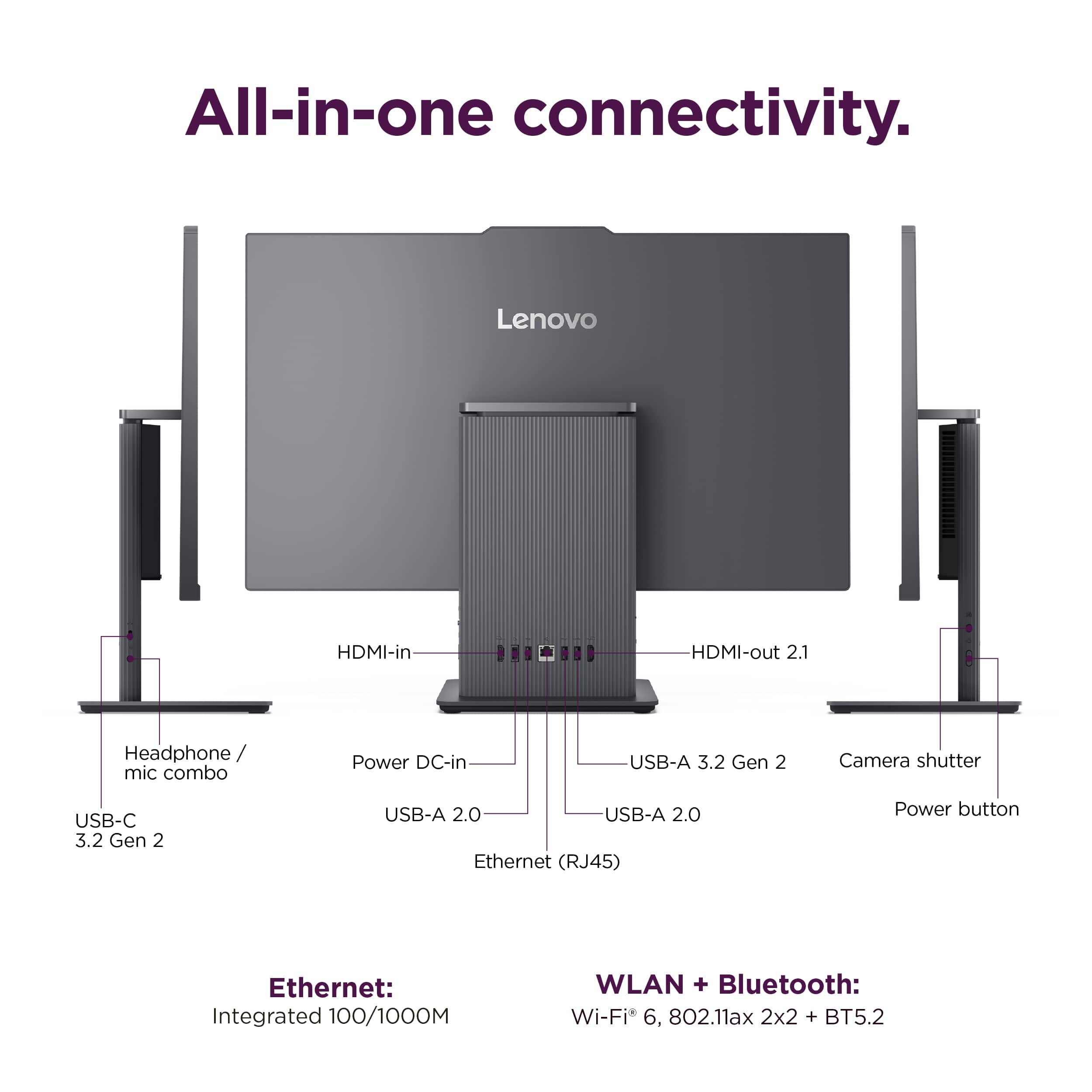
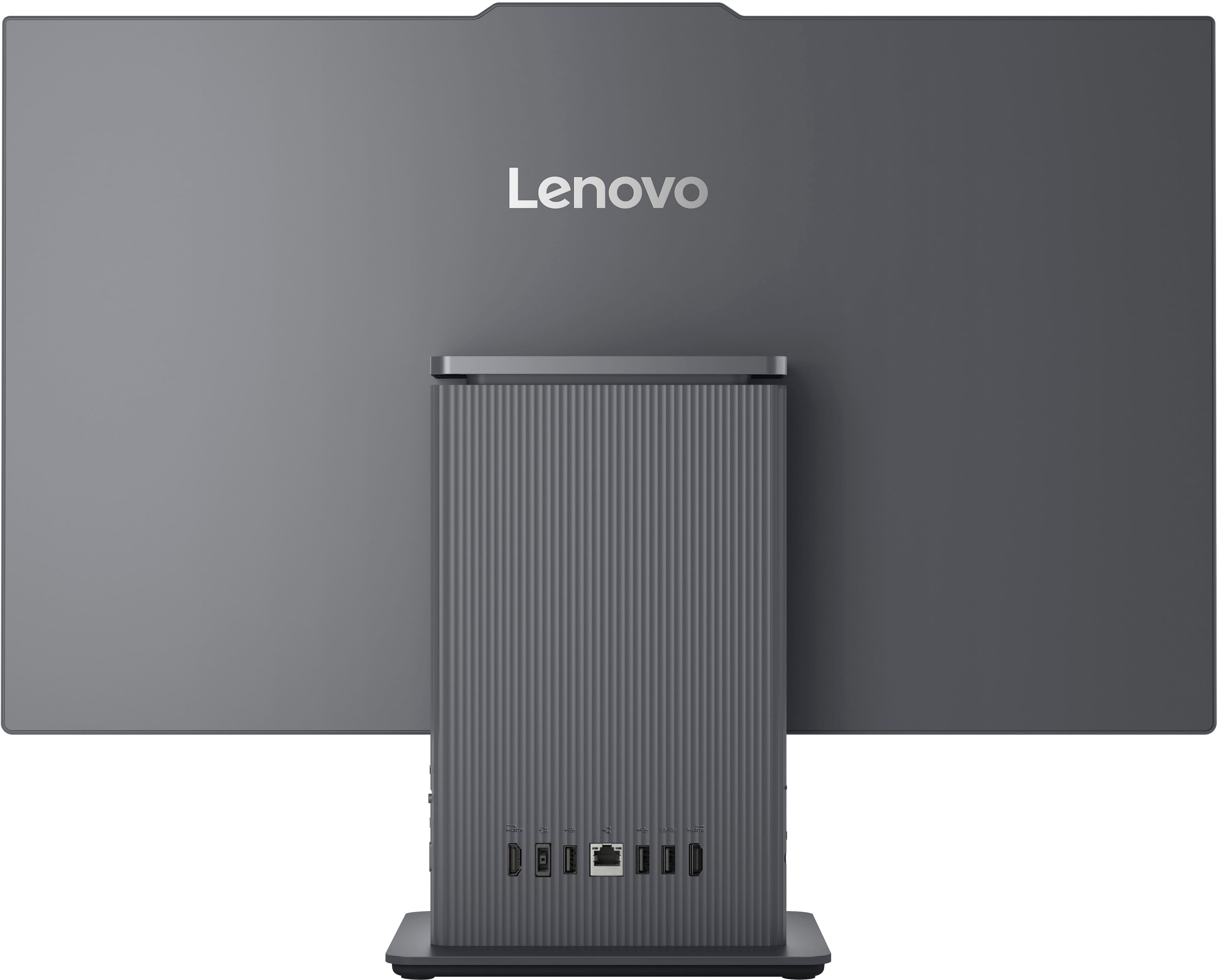
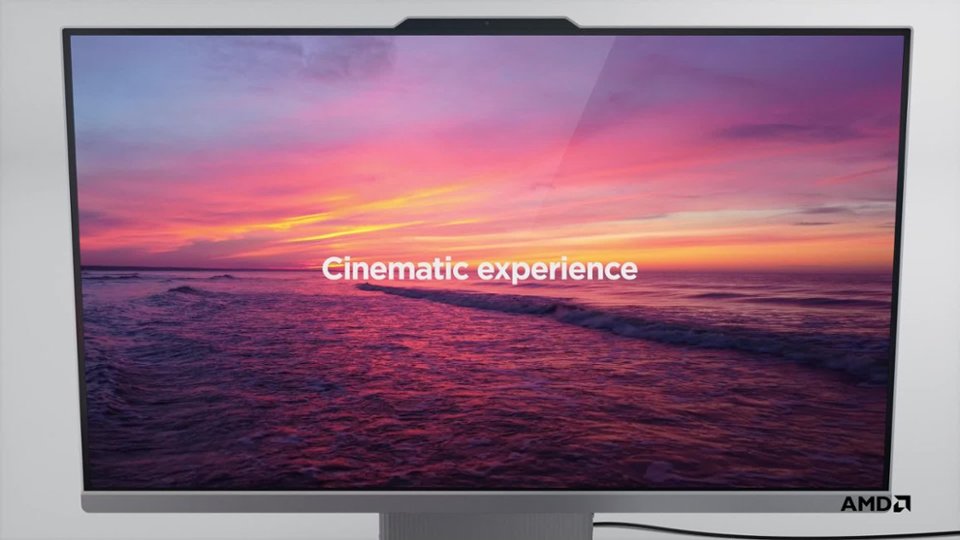
|Posted .This reviewer received promo considerations or sweepstakes entry for writing a review.The Lenovo IdeaCentre AIO 27" is a sleek and powerful all-in-one desktop that combines impressive performance with a modern design. Featuring an AMD Ryzen 5 7535HS processor, 8GB of memory, and a spacious 512GB SSD, this model aims to cater to both productivity and entertainment needs without compromising on style. The IdeaCentre AIO 27" boasts a minimalist yet elegant design. Its thin bezels and sleek profile contribute to a contemporary look that fits seamlessly into any workspace or home environment. The 27-inch Full HD IPS LCD touch-screen offers vibrant colors and wide viewing angles, making it ideal for both work tasks and multimedia consumption. The inclusion of a touch-screen adds versatility, allowing users to interact with applications and content more intuitively. Equipped with the AMD Ryzen 5 7535HS processor and 8GB of RAM, the IdeaCentre AIO 27" delivers smooth performance across a variety of tasks. Whether you're multitasking with office applications, browsing the web, or streaming videos, the system handles everyday computing tasks effortlessly. The 512GB SSD ensures fast boot times and responsive performance, although power users might find the storage space limiting if they work with large media files or extensive software installations. The Full HD (1920 x 1080) resolution of the IPS LCD display provides crisp visuals and vibrant colors, suitable for watching movies, viewing photos, or editing documents. While not aimed at hardcore gamers due to the integrated graphics, casual gamers can enjoy some gaming sessions with lower graphics demands. In terms of connectivity, the IdeaCentre AIO 27" offers a good selection of ports, including multiple USB ports (both Type-A and Type-C), HDMI input and output, a headphone/microphone combo jack, and an Ethernet port. This array of ports ensures compatibility with various peripherals and allows for easy connectivity to external displays or storage devices. Setup is straightforward out of the box, thanks to Lenovo's user-friendly approach. The inclusion of a wireless keyboard and mouse further enhances convenience, reducing cable clutter on your desk. The touch-screen functionality adds another layer of usability, making it easier to navigate through Windows 10 or Windows 11 with intuitive gestures. Audio quality is decent, with integrated stereo speakers delivering clear sound for everyday use. While not audiophile-grade, the speakers suffice for video calls, casual music listening, and watching movies. The Lenovo IdeaCentre AIO 27" FHD IPS LCD Touch-Screen All-In-One is a solid choice for users seeking a blend of performance, style, and functionality in a single package. Its sleek design, responsive touch-screen, and capable hardware make it suitable for home offices, family use, or even in educational environments. While it may not cater to intensive gaming or heavy video editing tasks, it excels in providing a reliable computing experience for everyday tasks and multimedia consumption. Overall, if you are in the market for an all-in-one computer, this is one you want to consider.
I would recommend this to a friend BAD MOTHERBOARD
||Posted . Owned for 9 months when reviewed.This reviewer received promo considerations or sweepstakes entry for writing a review.I was pleased with this pc from April till Oct 2025... then apprently the motherboard died. It took 5 weeks on the warrenty to return my pc to me and it was still not working properly. Now it it has been gone 2 weeks and I'm told its ANOTHER motherboard replacement!? Not even 6 months of use, very disappointing.
No, I would not recommend this to a friendNot bad
||Posted . Owned for 5 months when reviewed.This reviewer received promo considerations or sweepstakes entry for writing a review.It was 750$ and did not preform well with taking around 5 seconds to open web browser plz lower price to around $500 to 600
No, I would not recommend this to a friendBrand response from Lenovo Product Expert
Posted .Hi NaimatullahB,
Thank you for sharing your feedback with us. We are sorry to hear that you are having trouble with your IdeaCentre AIO. We apologize that your desktop fell short for you. We'd like to work with you to resolve this issue.
To start, we recommend ensuring you have the latest software by checking for updates, as this could correct the issue. To do so, first, open the Settings app > Select the Windows update tab > Select the Check for updates button. Next, open the Lenovo Vantage app > on the homepage, select the Check for updates button. Apply all available updates and ensure that the system restarts after this process.
Please update us when you can regarding this, and we appreciate you taking the time to share your feedback with us.
Best regards,
Lenovo