Customer Ratings & Reviews
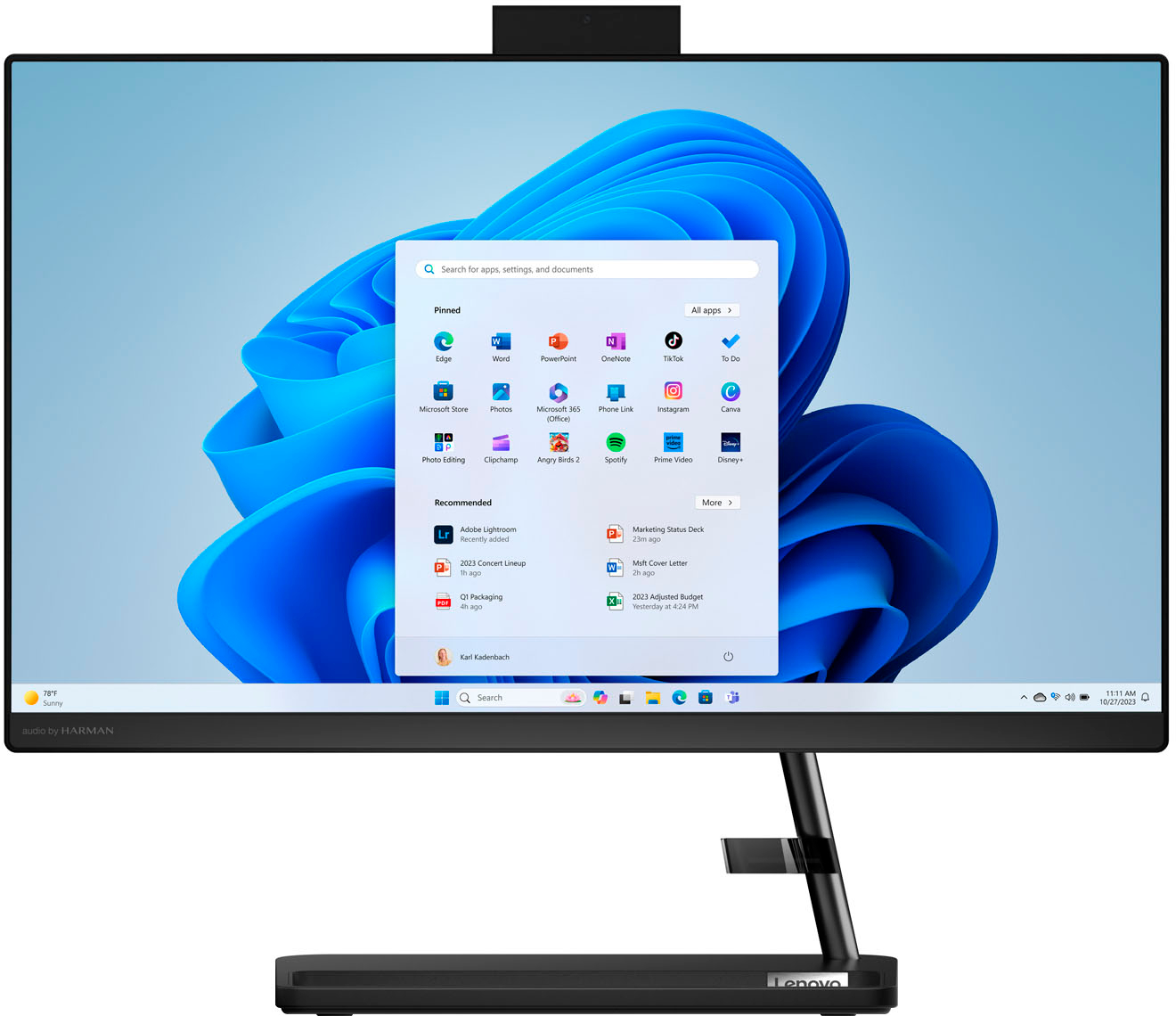
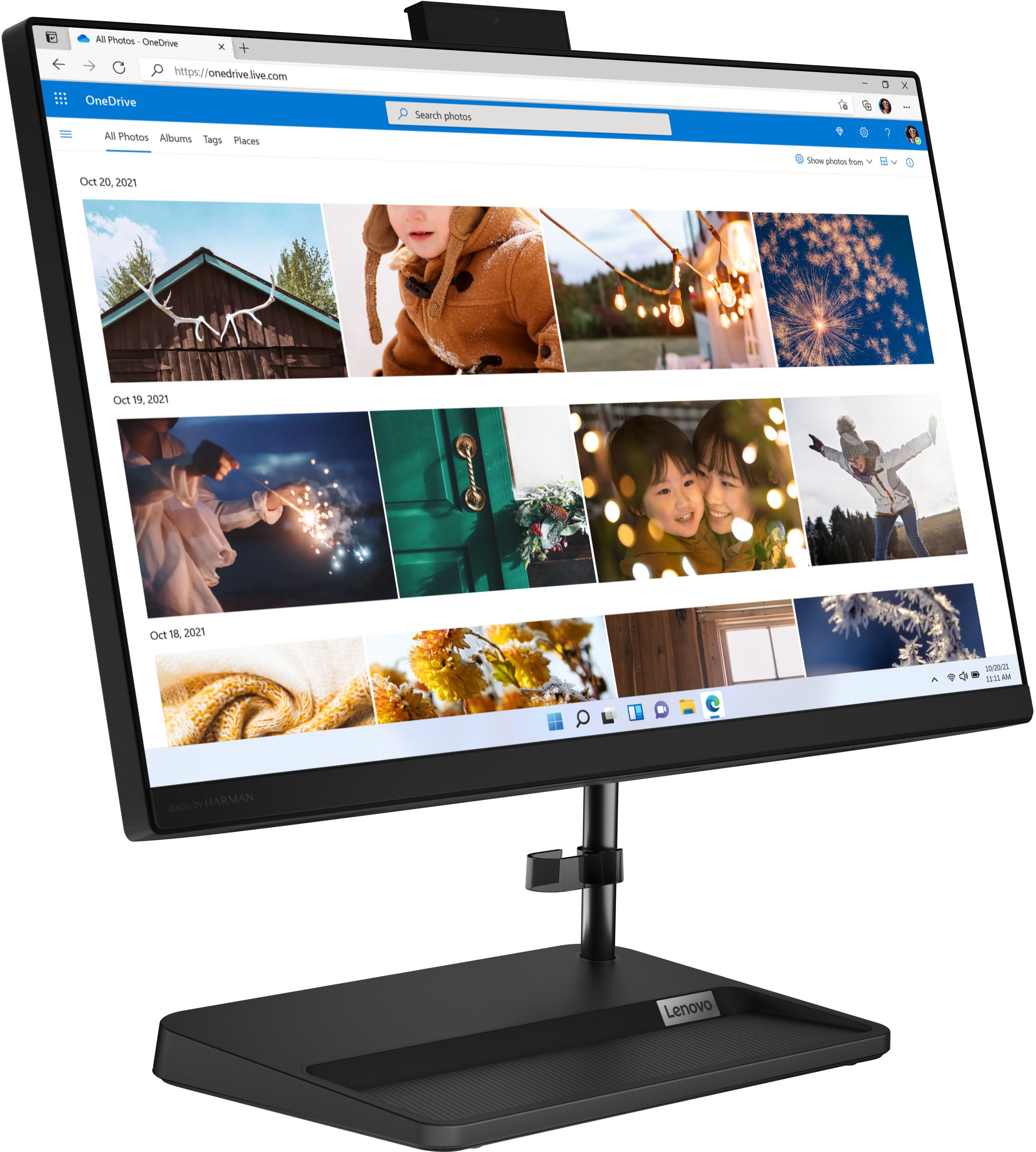
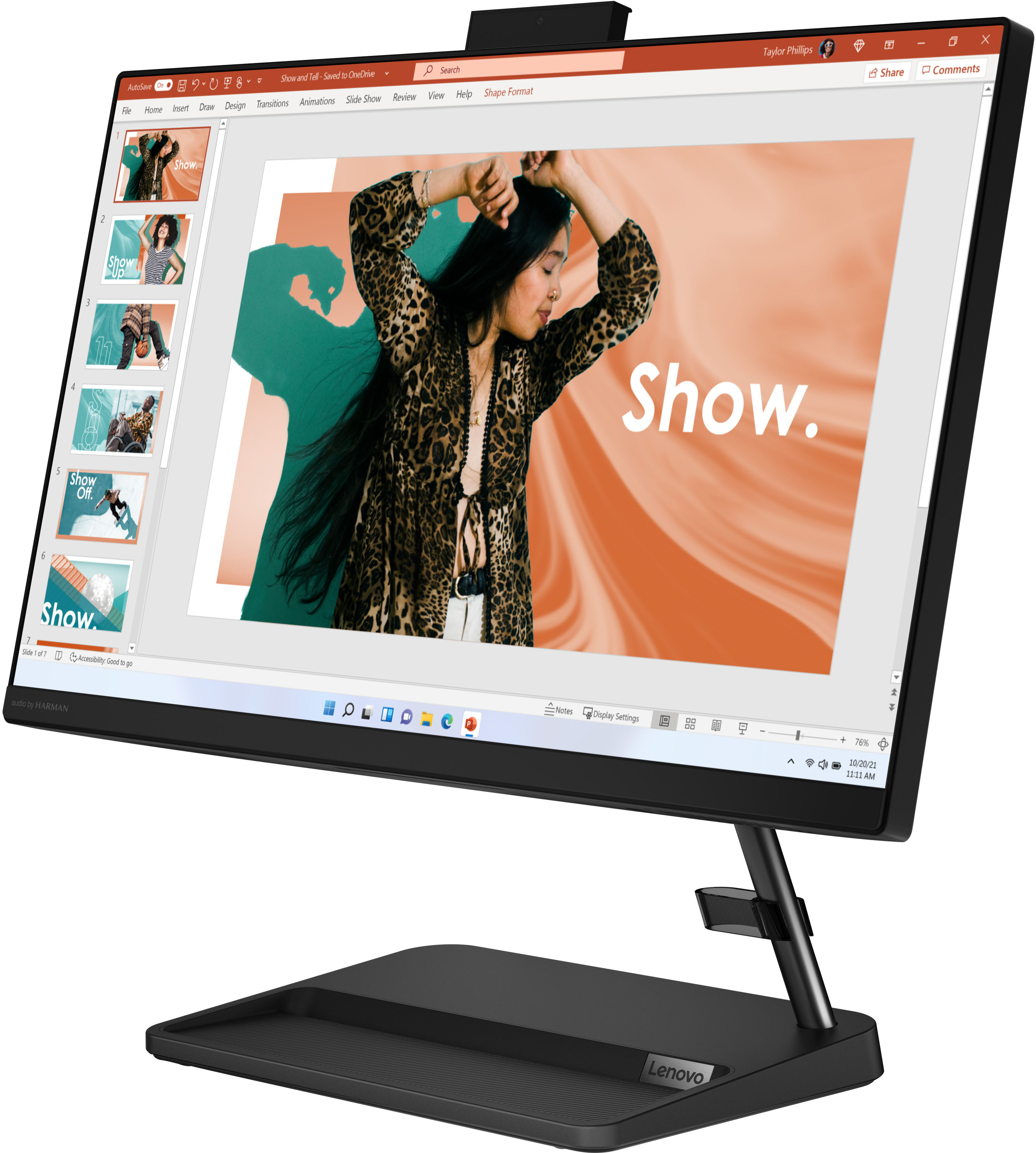
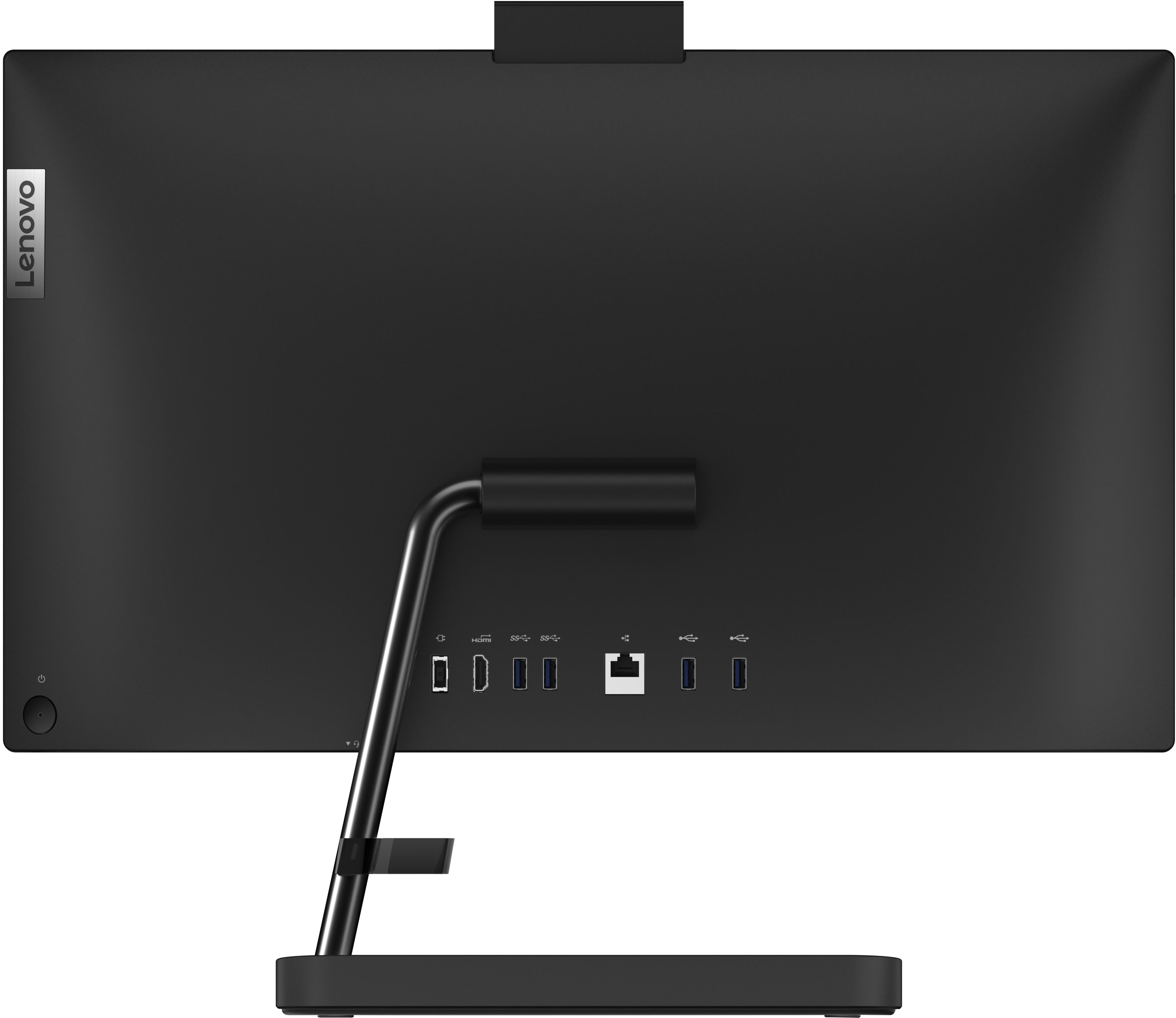



- Model:
- F0GG000PUS
- SKU:
- 6501859
Rating by feature
- Value
Rating 4.8 out of 5 stars
- Quality
Rating 4.7 out of 5 stars
- Ease of Use
Rating 4.8 out of 5 stars
Customers are saying
Customers enjoy the IdeaCentre AIO 3i's ease of use, large screen size, and overall performance. Many appreciate its affordable price and compact design, which saves space. Positive feedback also highlights its suitability for various tasks, including gaming. However, some users have reported issues with the speakers.
This summary was generated by AI based on customer reviews.
Great addition to daily needs.
||Posted .This reviewer received promo considerations or sweepstakes entry for writing a review.Use my computer many times per day and rely on it for use and information.
I would recommend this to a friendlenovo
||Posted . Owned for 1.5 years when reviewed.This reviewer received promo considerations or sweepstakes entry for writing a review.I wish that I had a bigger screen, and a touch screen.!!
No, I would not recommend this to a friendMR. AC
||Posted . Owned for 3 weeks when reviewed.This reviewer received promo considerations or sweepstakes entry for writing a review.STORE AGENT WAS VERY HELPFUL IN MAKING MY DECISION TO PURCHASE ITEM
I would recommend this to a friendBrand response from Lenovo Product Expert
Posted .Thank you for choosing the Lenovo IdeaCentre 3i 22 All-In-One System. We are pleased to hear that the IdeaCentre 3i 22 AIO meets your computing needs so well.

Good basic system
||Posted .This reviewer received promo considerations or sweepstakes entry for writing a review.Good basic all in one system. Purchased for basic use nothing more than surfing web, email, occasional social media acct use.
I would recommend this to a friendGood value product
||Posted . Owned for 3 weeks when reviewed.This reviewer received promo considerations or sweepstakes entry for writing a review.Very good computer for basic computing and streaming needs
I would recommend this to a friendBrand response from Lenovo Product Expert
Posted .Thank you for choosing the Lenovo IdeaCentre 3i 22 All-In-One System. We are pleased to hear that the IdeaCentre 3i 22 AIO meets your computing needs so well.
Not too happy right now.
||Posted .This reviewer received promo considerations or sweepstakes entry for writing a review.Not happy with my Speakers not working after having a month if even that. Have to get the Geek Squad out to see what is wrong. UGH...
I would recommend this to a friend- Cons mentioned:Speakers
Defective Microphone
||Posted . Owned for 1 month when reviewed.This reviewer received promo considerations or sweepstakes entry for writing a review.One day out of the box and all my files and data transferred, I discovered that the microphone was not working. I tried everything, including tech support. Called Lenovo, described the problem and was told I was sold a defective model and I should take it back. In reading more online about this particular model, it appears that this problem was not isolated just to the unit I purchased but has been experienced by many. DON'T BUY THIS COMPUTER.
No, I would not recommend this to a friendBrand response from Lenovo Product Expert
Posted .We are sorry to hear that you have had a poor experience with our product. We hope that you have been able to resolve this issue and complete an exchange, however if it still persists or you are outside the return policy return period, we recommend that you reach out to Lenovo Tech Support and work with them to facilitate the possibility fulfillment options under your 1 year Depot Support warranty that comes with this model IdeaCentre AIO 3i. Here is a number to contact Tech Support: 877-453-6686.
- Cons mentioned:Speakers
Hopefully good quality products will return
||Posted . Owned for 1 month when reviewed.This reviewer received promo considerations or sweepstakes entry for writing a review.The computer is great for what we use it for. The speakers on the monitor went out last week. This is disappointing, companies use to make great products. I purchased in last part of August.
No, I would not recommend this to a friendBrand response from Lenovo Product Expert
Posted .We are sorry to hear that you are having issues with the system audio within your Lenovo IdeaCentre 3i 22 All-In-One System, model number F0GG000PUS. It is possible that the system audio issue you are having is software-based. Here is a link to some troubleshooting tips for fixing audio problems that are software-based: https://support.microsoft.com/en-us/windows/fix-sound-or-audio-problems-in-windows-73025246-b61c-40fb-671a-2535c7cd56c8. If the issue continues, we recommend you contact lenovo Tech Support for additional help at: 877-453-6686.
Just junk
||Posted . Owned for 1 month when reviewed.This reviewer received promo considerations or sweepstakes entry for writing a review.Useless. Brand new out of the box. Keyboard and mouse won’t connect. Service says it will never work. All a tremendous waste of time.
No, I would not recommend this to a friendBrand response from Lenovo Product Expert
Posted .Hello, PatrickB. We are sorry to hear that you encountered an issue with your IdeaCentre. To help remedy this immediately, we recommend reaching out to Lenovo Tech Support at this number: 866-426-0911, and providing a representative with details of your issue, so that they may help by providing a solution for you. We appreciate you sharing your experience so that we may use it to continue to better our products and services for yourself and others.
Rather have a HP
||Posted . Owned for 1 month when reviewed.This reviewer received promo considerations or sweepstakes entry for writing a review.I bought this because it does not have that extra tower. I did like the stand it had, Others had metal legs
I would recommend this to a friendthisprocesssucks
||Posted . Owned for 1 month when reviewed.This reviewer received promo considerations or sweepstakes entry for writing a review.After owning this computer for about 2 weeks, it froze, making it impossible for my students to hear me during an online class. My wife spent about 3 hours speaking digitally to a microsoft specialist to no avail & I called the best buy helpline & they gave me the microsoft number. My wife finally solved the problem herself.
No, I would not recommend this to a friendBrand response from Lenovo Product Expert
Posted .We are sorry to hear that you are having issues with your Lenovo IdeaCentre 3i 22 All-In-One System, model number F0GG000PUS. First, check to be sure you have the latest version of Windows 11 on the computer. Then update all BIOS files and drivers up to that latest version of Windows 11. You can easily accomplish this by scanning the computer with the Lenovo Utility software available on this computer. This system has Lenovo utilities installed to help maintain the health of the device and keep the operating system software up to date. Type "Lenovo Vantage" in the Cortana Search window (if Lenovo Vantage is not installed on your device, you can download the APP and install it now). Select Lenovo Vantage from the list. In the window that opens, click on "Health and Support". In the expanded menu, select "Hardware Scan" In the window that opens, select "Run Quick Tests". This will scan your entire system for errors. Follow any directions that may pop up. If the problem continues after this scan, now click on "System Update". First select Windows update from the menu. Scan your system to be sure you have the latest version of Windows 11. Once that scan is complete, select "Additional Updates". This will scan your device to be sure there are no new BIOS/Driver updates needed. Follow any instructions that may pop up. If the issue continues after these updates, we recommend you call Lenovo Tech Support at: 877-453-6686 for additional help.
- Pros mentioned:Screen size, Speed
Love it!
Posted .This reviewer received promo considerations or sweepstakes entry for writing a review.Absolutely love this new Lenovo. Fast, great picture, great sound. So glad i scooped this! So so much better that my old desktop. Would definitely recommend this AiO!
I would recommend this to a friend Not happy
||Posted . Owned for 1 month when reviewed.This reviewer received promo considerations or sweepstakes entry for writing a review.very slow and I don't like windows 11 I had to return.
No, I would not recommend this to a friendBrand response from Lenovo Product Expert
Posted .We are sorry to hear that you have not had a good experience with our product. The Lenovo IdeaCentre All-In-One, model number F0GG000PUS, is an entry level, light use system with an Intel Celeron Pentium Gold 8505 processor, with a base speed of 1.2GHz and a boost speed of up to 4.4GHz for its single performance core, 8GB of RAM and a 256GB solid state drive, for quick access to files and programs. This model ships with Windows 11 Home Operating System. This Lenovo IdeaCentre AIO 3i is not meant for multi-tasking or demanding programs. It is good for utilizing built-in and compatible applications available in the Microsoft App store and light internet browsing. We recommend you check the requirements and compatibility of any software you will be installing on your computer or know what specifications and features you need to effectively complete various workflows and tasks if being use for work, education, or personal use before you invest in any computer.
- Pros mentioned:Screen size
Computer
Posted .This reviewer received promo considerations or sweepstakes entry for writing a review.The product I purchased was exactly what I was looking for. I am able to get all the programs I needed to work on the computer.
I would recommend this to a friend A great Uncle
Posted .This reviewer received promo considerations or sweepstakes entry for writing a review.Lenovo's 22 inches All in One Computer as a Christmas gift for mine youngest son Uncle. He needed a new computer and a new laptop/table in one. This was part of the gifts he receive from me as a thank you for being a caring/grateful uncle to mine youngest son.
I would recommend this to a friend- Pros mentioned:Ease of use
Great home use
Posted .This reviewer received promo considerations or sweepstakes entry for writing a review.This computer is perfect for at home use. Perfect for doing homework and browsing. I bought an open box one and it works great.
I would recommend this to a friend Meh
Posted .This reviewer received promo considerations or sweepstakes entry for writing a review.Major downgrade to the last Lenovo i had. Long story short, a huge dog trampled on my desk for a burger and destroyed my original computer (which was touchscreen, auto camera, better sound and a much better and bigger screen). Not only does it not include what i just said but it actually cost more money than my original. Not satisfied, however, have no choice but to keep it.
No, I would not recommend this to a friend- Pros mentioned:Ease of use
Not our first Lenovo
Posted .This reviewer received promo considerations or sweepstakes entry for writing a review.Works really well. Easy for my wife to use. Not our first Lenovo.
I would recommend this to a friend Bought it for web browsing
Posted .This reviewer received promo considerations or sweepstakes entry for writing a review.Its perfect for all the web browsing and you-tubing I do on a daily basis. I got a great Open Box deal. My only complaint would be that the monitor doesnt have a vertical adjustment. It sits a little higher than I’m comfortable with. All in all its a great computer.
I would recommend this to a friendBrand response from Lenovo Product Expert
Posted .Hi, scottcornelius. Thank you for choosing Lenovo! We are glad to hear that your IdeaCentre is a perfect fit for your needs, and we appreciate you taking the time to share your experience with us.
My Desk Top Computer
Posted .This reviewer received promo considerations or sweepstakes entry for writing a review.Love i use it everyday so glad we purchased it.The sales person was very nice and helpful.
I would recommend this to a friend