Customer Ratings & Reviews

- Model:
- F0G000FWUS
- SKU:
- 6481533
Rating by feature
- Value
Rating 4.7 out of 5 stars
- Quality
Rating 4.7 out of 5 stars
- Ease of Use
Rating 4.7 out of 5 stars
Customers are saying
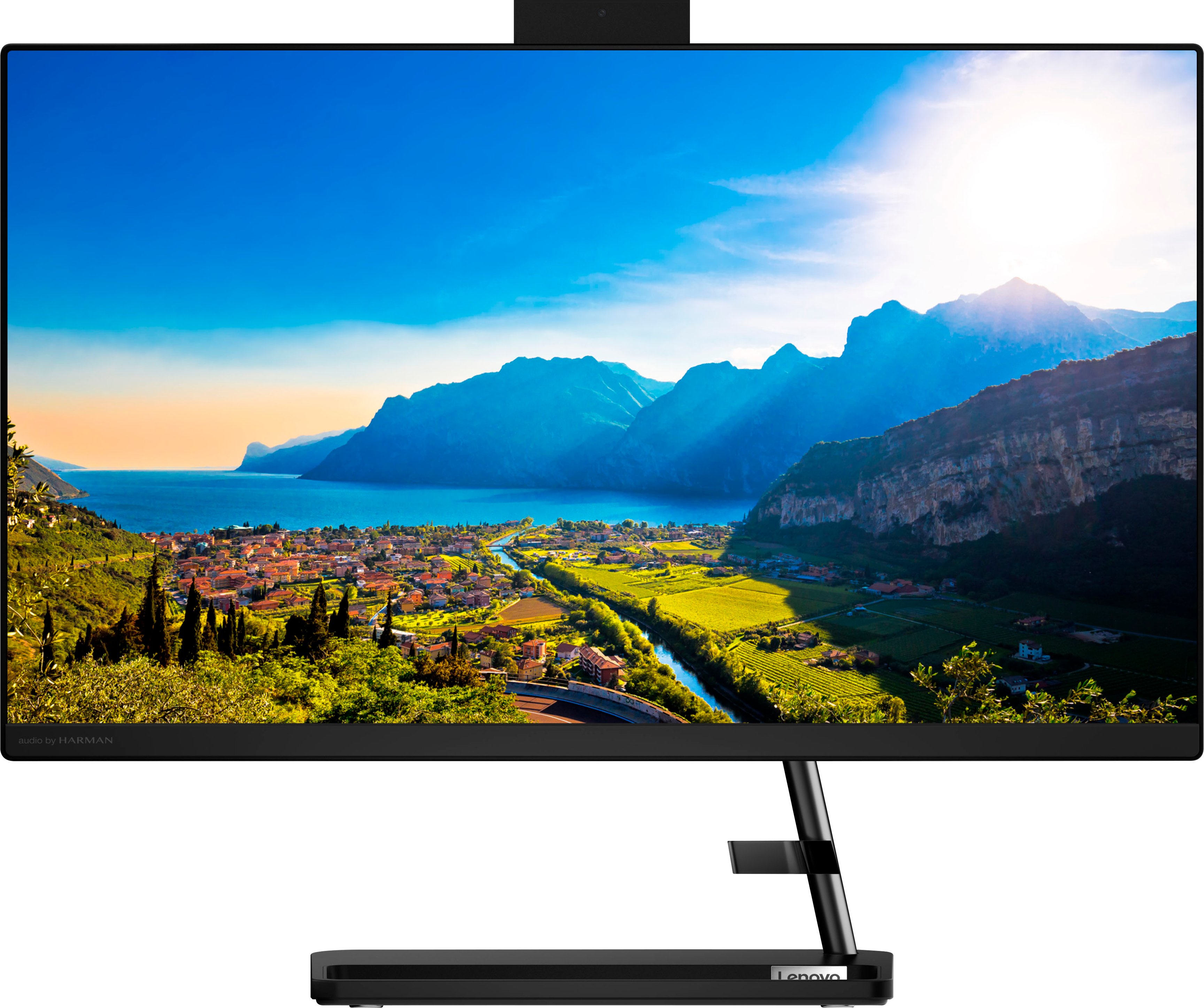
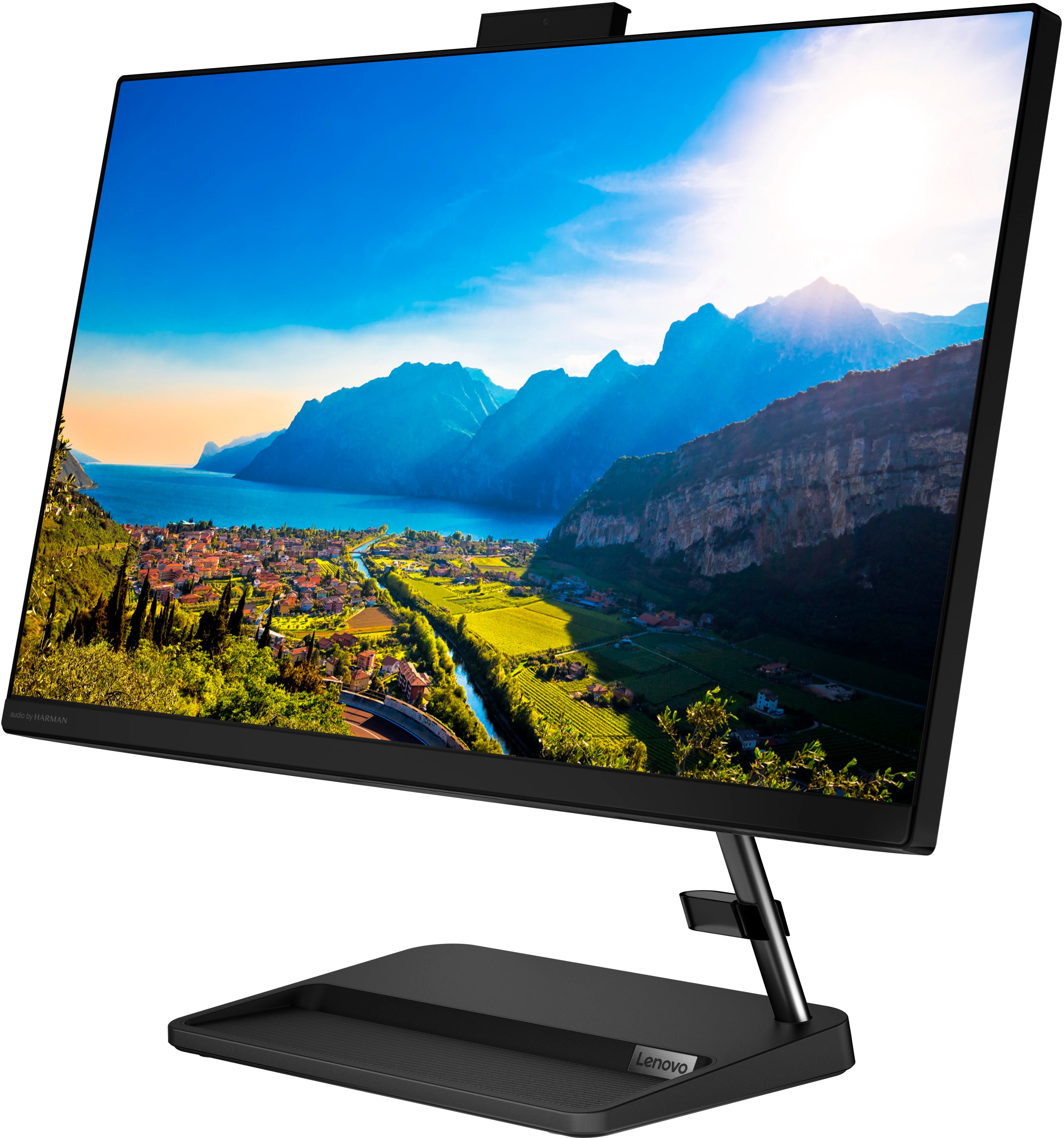
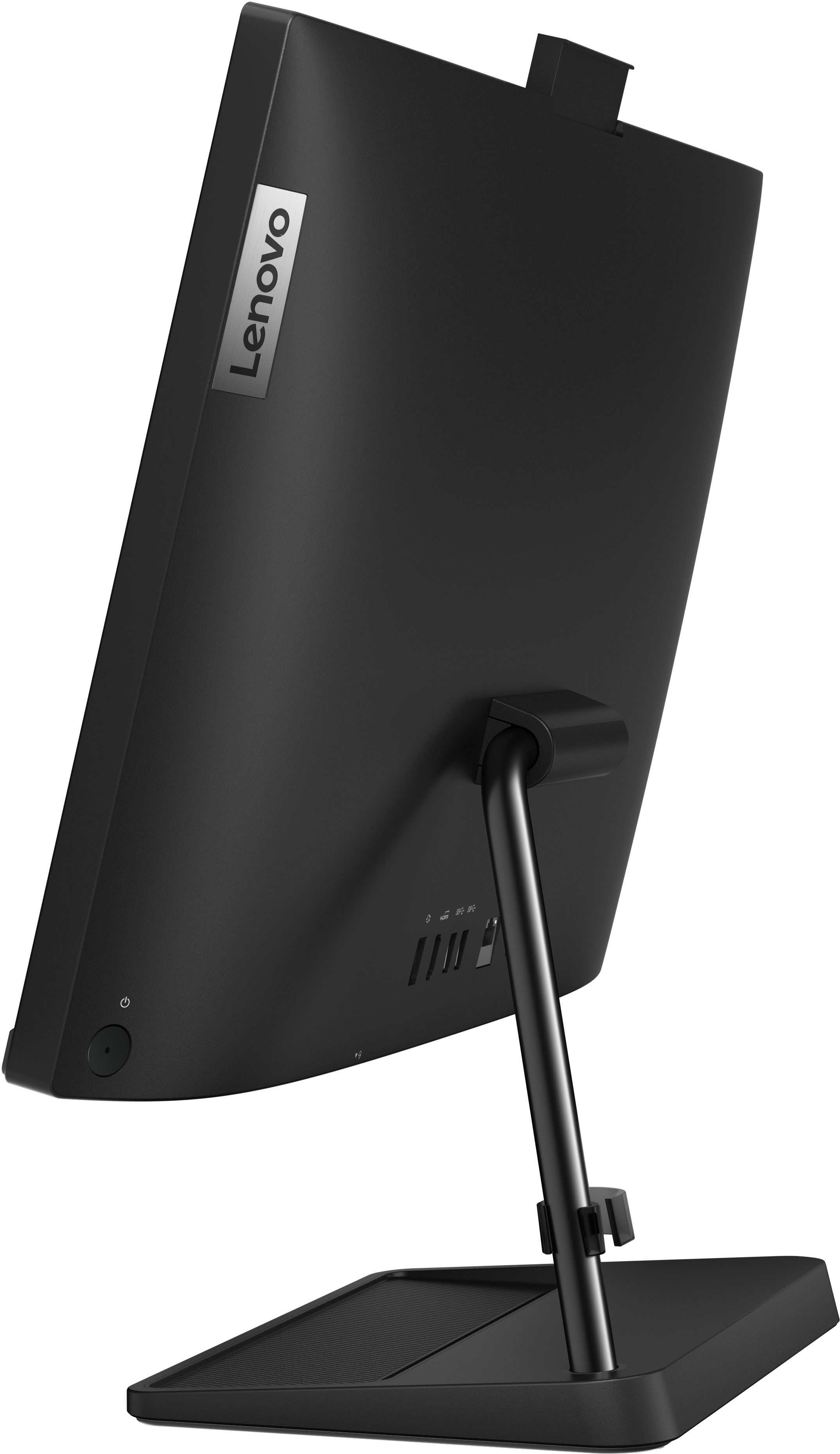
Customers enjoy the IdeaCentre AIO 3i's ease of use and large screen size, frequently praising its simple setup and impressive display. Many appreciate the computer's performance and consider it a good value for its price. Positive feedback also highlights the convenient touchscreen functionality and sleek design.
This summary was generated by AI based on customer reviews.
Big Bug
||Posted . Owned for 1 month when reviewed.This reviewer received promo considerations or sweepstakes entry for writing a review.Good viewing, but sound leaves much to be desired. It's tinny
I would recommend this to a friendNonglare Not for Me
||Posted . Owned for 3 weeks when reviewed.This reviewer received promo considerations or sweepstakes entry for writing a review.I like Lenovo computers, this one had a nonglare screen. It's not for me,
I would recommend this to a friendComputer
||Posted . Owned for 3 weeks when reviewed.This reviewer received promo considerations or sweepstakes entry for writing a review.As far as everyday use there are no problems at this point.
I would recommend this to a friendBrand response from Lenovo Product Expert
Posted .Thank you for choosing the Lenovo IdeaCentre 3i 24 All-In-One System. We are pleased to hear that the Ideacentre 3i 24 AIO meets your computing needs so well.

Disappouinted
||Posted . Owned for 3 months when reviewed.This reviewer received promo considerations or sweepstakes entry for writing a review.Do not Buy. Period. It is not user friendly. It is to slow. The operating system is not ideal. I have had more problems with this P.C. than any other system.
No, I would not recommend this to a friendBrand response from Lenovo Product Expert
Posted .Hello, RobertR, we are sorry to hear that you encountered an issue with your IdeaCentre AIO 3i 24. We recommend reaching out to Lenovo Tech Support and proving a representative with details of your issue so they can help provide a solution. Here is phone number to get in contact with tech support: 877-453-6686.
computer
||Posted . Owned for 5 months when reviewed.This reviewer received promo considerations or sweepstakes entry for writing a review.needed a new desk top that was reasonable in price. I am satisfied with this unit,
I would recommend this to a friendNot happy with overall experience
||Posted .This reviewer received promo considerations or sweepstakes entry for writing a review.Took 45 minutes to reschedule installation date due to emergency (this should be 10 min)- didn't get call re:time on day before, only morning of installation (making planning difficult)- current data files not brought forward from old PC- some of keys on new keyboard "stick"- will have to call again.
No, I would not recommend this to a friendNo basic manual
||Posted . Owned for 3 weeks when reviewed.This reviewer received promo considerations or sweepstakes entry for writing a review.Can't get rid of the Lenovo logo when moving between projects.
No, I would not recommend this to a friendBrand response from Lenovo Product Expert
Posted .Thank you for choosing the Lenovo IdeaCentre 3i 24 All-In-One System, model number F0G000FWUS. Here is a link to the online manual for this IdeaCentre 3i 24 AIO: https://download.lenovo.com/consumer/desktop_pub/aio_3_6_ug_en_202105.pdf. Here is a link to a quick YouTube Video that illustrates how your IdeaCentre 3i 24 AIO with Windows 11 will look with a program open on the Windows 11 Desktop screen in the background: https://www.youtube.com/watch?v=wrLY9LeT0a4. You can change the look and feel of your Windows 11 experience within the settings menu of Windows 11. Here is a link to more information about customizing the look and feel of Windows 11: https://www.windowscentral.com/how-change-look-and-feel-windows-11. If you have questions about your Lenovo IdeaCentre 3i 24 AIO, we recommend you contact Lenovo Tech Support at: 877- 453-6686.
Disk drive malfunction
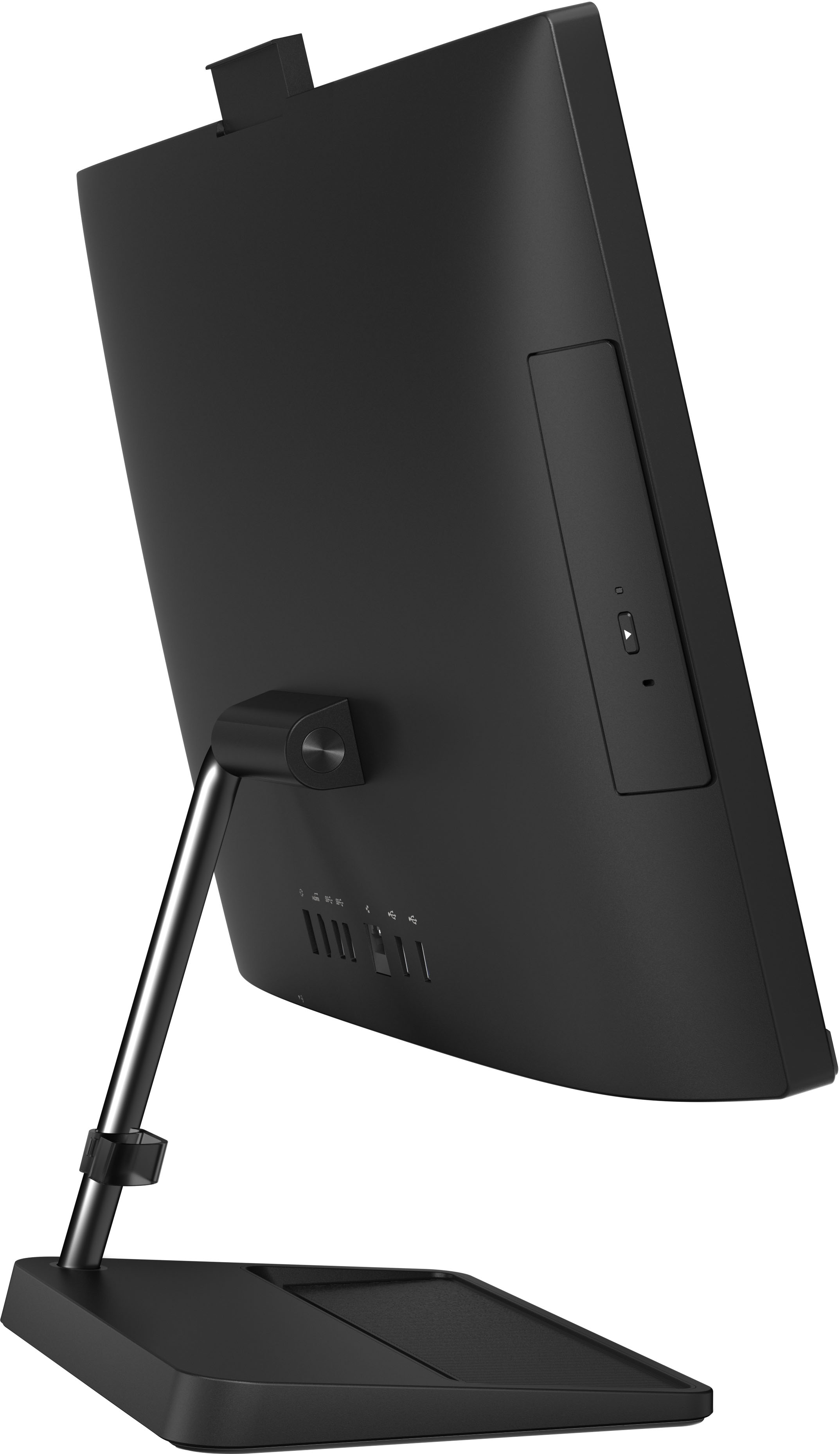
||Posted . Owned for 3 weeks when reviewed.This reviewer received promo considerations or sweepstakes entry for writing a review.Blacks out sometimes, cd drive malfunctions. Wont rip wont burn, which was the reason i got this computer. Cheap made disk drive.
No, I would not recommend this to a friendBrand response from Lenovo Product Expert
Posted .We are sorry to hear that you are having issues with the CD/DVD drive within your Lenovo IdeaCentre 3i 24 All-In-One System. First, check to be sure you have the latest version of Windows 11 on the computer. Then update all BIOS files and drivers up to that latest version of Windows 11, this would include the drivers running the CD/DVD drive. You can easily accomplish this by scanning the computer with the Lenovo Utility software available on this computer. This system has Lenovo utilities installed to help maintain the health of the device and keep the operating system software up to date. Type "Lenovo Vantage" in the Cortana Search window (if Lenovo Vantage is not installed on your device, you can download the APP and install it now). Select Lenovo Vantage from the list. In the window that opens, click on "Health and Support". In the expanded menu, select "Hardware Scan" In the window that opens, select "Run Quick Tests". This will scan your entire system for errors. Follow any directions that may pop up. If the problem continues after this scan, now click on "System Update". First select Windows update from the menu. Scan your system to be sure you have the latest version of Windows 11. Once that scan is complete, select "Additional Updates". This will scan your device to be sure there are no new BIOS/Driver updates needed. Follow any instructions that may pop up. After installing any Operating System files updates, now restart the computer and try the CD/DVD drive again. If the issue continues, here is a link to some troubleshooting tips for repairing a CD/DVD drive within Windows 11: https://thegeekpage.com/how-to-solve-dvd-cd-drive-is-not-detected-in-windows-10/. If the issue still continues after these updates, we recommend you call Lenovo Tech Support at: 877-453-6686 for additional help.
- Pros mentioned:Screen size
Small compact powerful computer
Posted .This reviewer received promo considerations or sweepstakes entry for writing a review.No one can believe that its a full PC. Excellent choive for a small media room like mine. Only downside is that yiu canr use the monitor as an external piece, its output only.
I would recommend this to a friend Malfunction
||Posted . Owned for 1 month when reviewed.This reviewer received promo considerations or sweepstakes entry for writing a review.The system was stated touch screen but it wasn’t, also the HDMI port not working.
No, I would not recommend this to a friendBrand response from Lenovo Product Expert
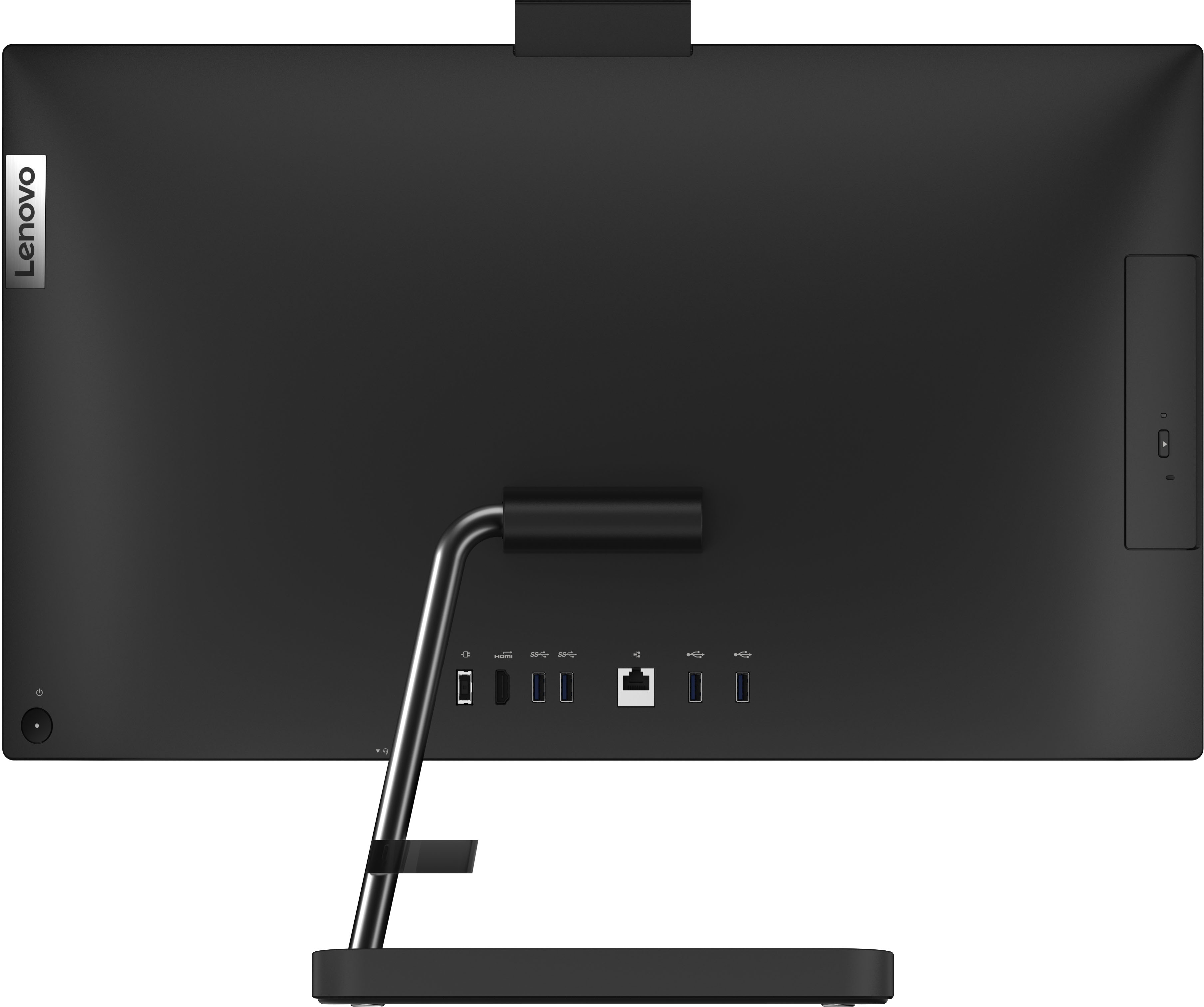
Posted .We are sorry to hear that you have experienced an issue with our product. The Lenovo IdeaCentre All-In-One 3i 24, model number F0G000FWUS, features a 23.8" FHD (1920x1080) resolution, IPS panel for better viewing angles and color accuracy, 250 nits brightness, anti-glare, touch display, and 1 HDMI 1.4 port for HDMI out. We recommend that you check for updates through Windows Settings and in Lenovo Vantage to ensure that the latest software and drivers are installed. If updates are completed and the issue persists, we also recommend that you reach out to Lenovo Tech Support for additional assistance: 866-426-0911.
Avoid
||Posted . Owned for 3 weeks when reviewed.This reviewer received promo considerations or sweepstakes entry for writing a review.Failed after only two weeks after purchase. Unacceptable qua
No, I would not recommend this to a friendBrand response from Lenovo Product Expert
Posted .We are sorry to hear that you are having issues with your Lenovo IdeaCentre 3i 24 All-In-One System, model number F0G000FWUS. We recommend you contact lenovo tech Support for help with your issue at: 866-426-0911.
- Pros mentioned:Ease of use
Lenovo touch screen
Posted .This reviewer received promo considerations or sweepstakes entry for writing a review.Easy to set up and easy to use. Love wireless mouse/keyboard
I would recommend this to a friend - Pros mentioned:Value
Good Service
Posted .This reviewer received promo considerations or sweepstakes entry for writing a review.Solid and a value for the money. Staff was very helpful in the transition.
I would recommend this to a friend - Pros mentioned:Performance, Screen size
Space saver
Posted .This reviewer received promo considerations or sweepstakes entry for writing a review.Takes up a small space, has worked well so far would recommend.
I would recommend this to a friend - Pros mentioned:Screen size
Very nice pc
Posted .This reviewer received promo considerations or sweepstakes entry for writing a review.Hreat product we have enjoyed it, very nice pc, I love how it came upgraded!
I would recommend this to a friendBrand response from Lenovo Product Expert
Posted .Thank you for choosing the Lenovo IdeaCentre 3i 24 All-In-One System. We are pleased to hear that the IdeaCentre 3i 24 AIO meets your computing needs so well.
Perfect purchase after many searches.
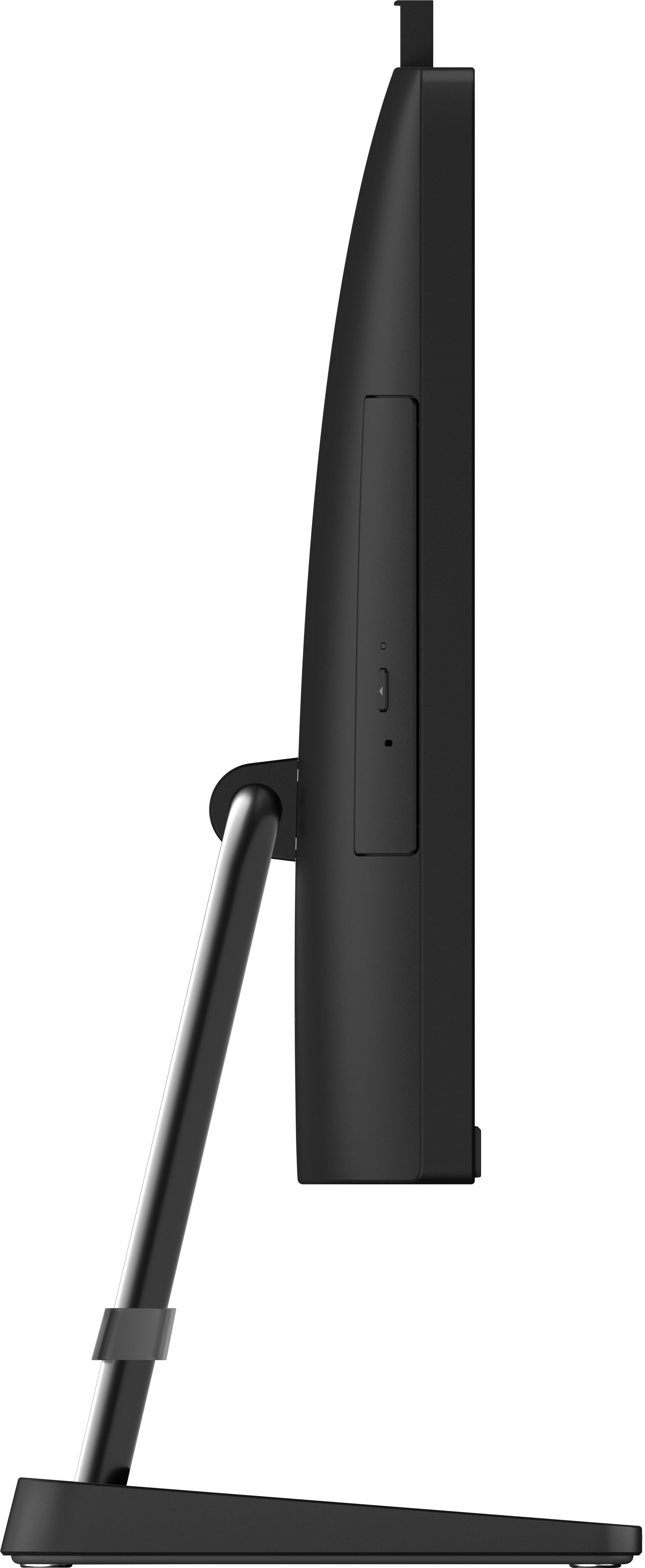
Posted .This reviewer received promo considerations or sweepstakes entry for writing a review.I had another Lenovo all in one for 10 years. This has a CD player and DVD. I like the all in one for many reasons. Quiet as can be. Meets my needs in many ways. I put mine on a nice large lazy Susan so it can spin from spot to spot easily.
I would recommend this to a friendBrand response from Lenovo Product Expert
Posted .Thank you for choosing the Lenovo IdeaCentre 3i 24 All-In-One system. We are pleased to hear that the IdeaCentre 3i 24 AIO meets your computing needs so well. We appreciate your loyalty to the Lenovo Brand.
Quality at its best!!!
Posted .This reviewer received promo considerations or sweepstakes entry for writing a review.The very best computer equipment ever! That sums it up!
I would recommend this to a friendBrand response from Lenovo Product Expert
Posted .Thank you for choosing the Lenovo IdeaCentre 3i 24 All-In-One system. We are pleased to hear that the features and performance of the IdeaCentre 3i 24 AIO meets your computing needs so well. We always recommend you check the requirements and compatibility of any software you will be installing on your new computer, before you invest in any computer. Be sure your new computer can support the software you will need to use.